
Hand-picked
All guides Editor’s picks
Buying Guides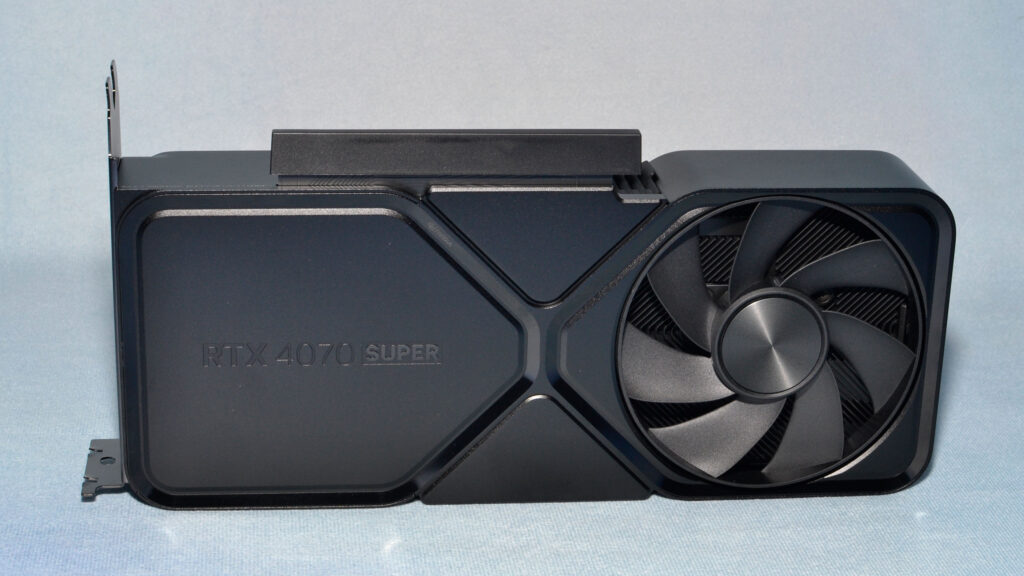
RTX 40 Super in 2026: Why We Stopped Selling Them
Read morePeripherals
Best Mouse for Work: Two Cost Under £20
Read morePC Help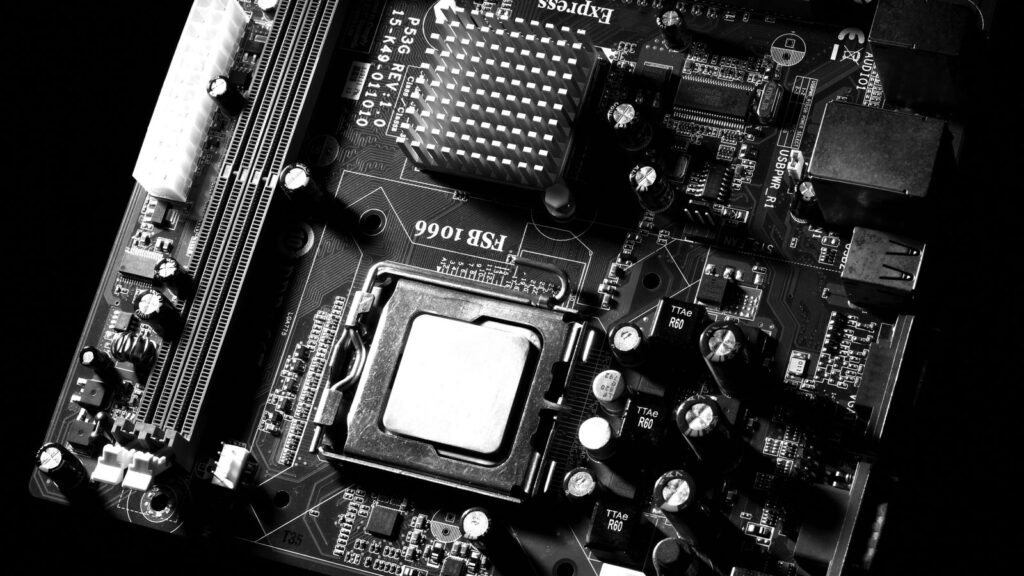
What Is a Motherboard? The Full Map
Read morePeripherals
Best Noise Cancelling Headphones in 2026
Read morePeripherals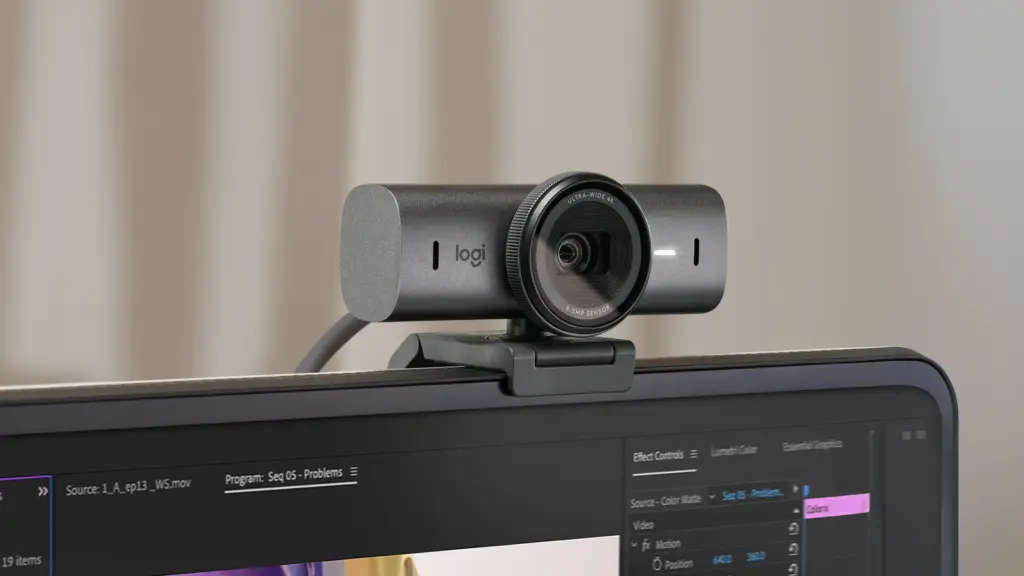
Best Webcams in 2026, For Every Budget
Read morePC Help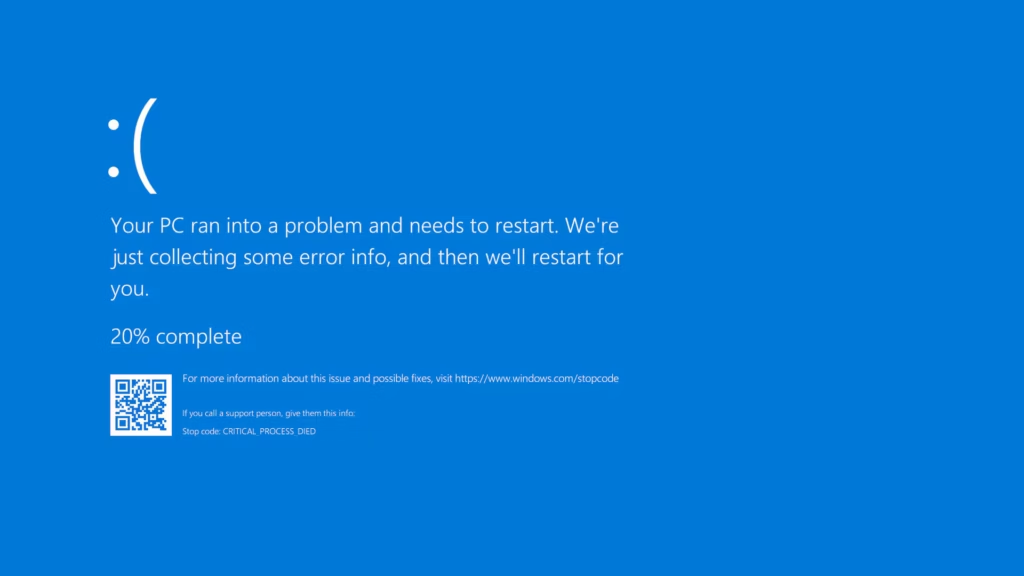
Blue Screen of Death: The Complete Fix Guide
Read more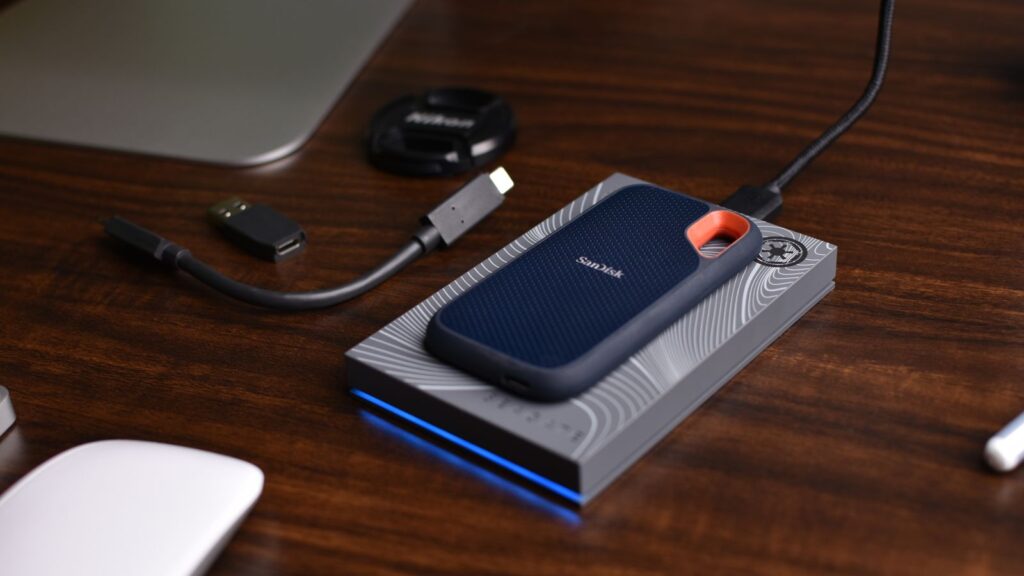
Check the BIOS First: SSD Not Detected Fixes for New, NVMe and SATA Drives
You fit a drive, boot the PC, and it is not there. No new storage in File Explorer, or a blunt no drive found when you
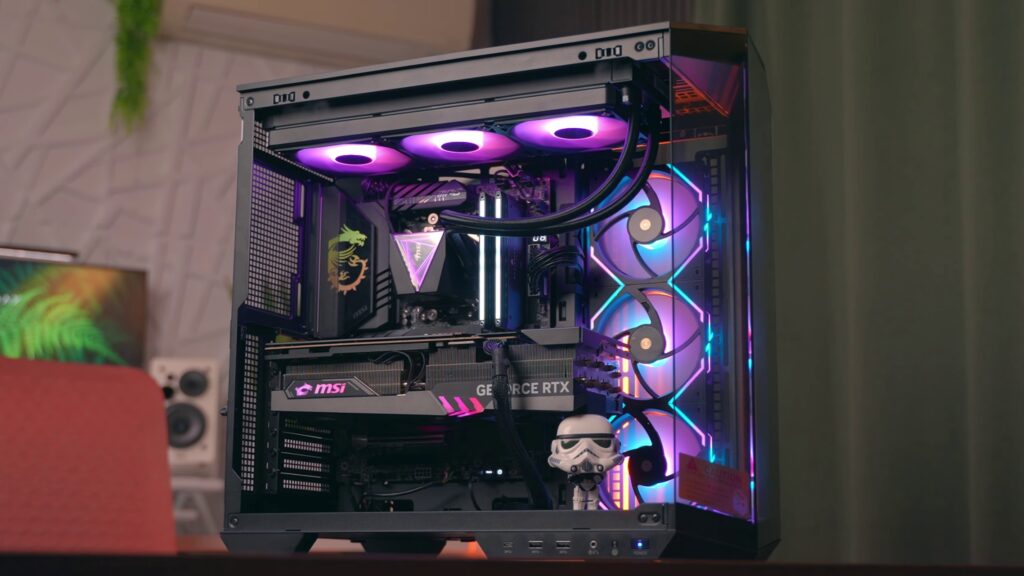
Spend £1,000 to £1,500: Buying a Gaming PC in 2026 and the Mistakes We See Every Week
How much to spend on a gaming PC in 2026, what to avoid, and the mistakes we see every week. An honest UK buying guide from the Hardvance bench.

16GB or Nothing: The Best Laptops Under £500 in 2026, New and Refurbished, Worth Buying
Five hundred pounds does not stretch as far as it did a year ago. Memory and SSD prices climbed through 2026, so laptops in this bracket

What 24 Universities Say About the Best Laptop for Students, and 7 Picks That Meet It
What 24 UK universities tell students to buy: 16GB of RAM, a Core i5 or Ryzen 5 class chip and 256GB to 512GB, not a Chromebook as your main laptop. Picks by course and budget.

Fixable at Home: Lenovo Laptop Screen Problems and Display Faults, From Black Screens to Lines
A Lenovo laptop screen acting up is alarming, but here is the reassuring part: the large majority of these faults are software or settings problems, and

The Extender Mistake: Mesh vs Powerline vs Access Points for Strong WiFi in Every Room
Almost every home has that one room. The bedroom at the far end where video calls stutter, the kitchen where a podcast keeps buffering, the garden

Stop Guessing: How to Fix a Slow Computer, From the 100% Disk to the Half-Speed RAM Trap
A slow computer is one of those problems that feels strangely personal, as if the machine has quietly decided to give up on you. It almost
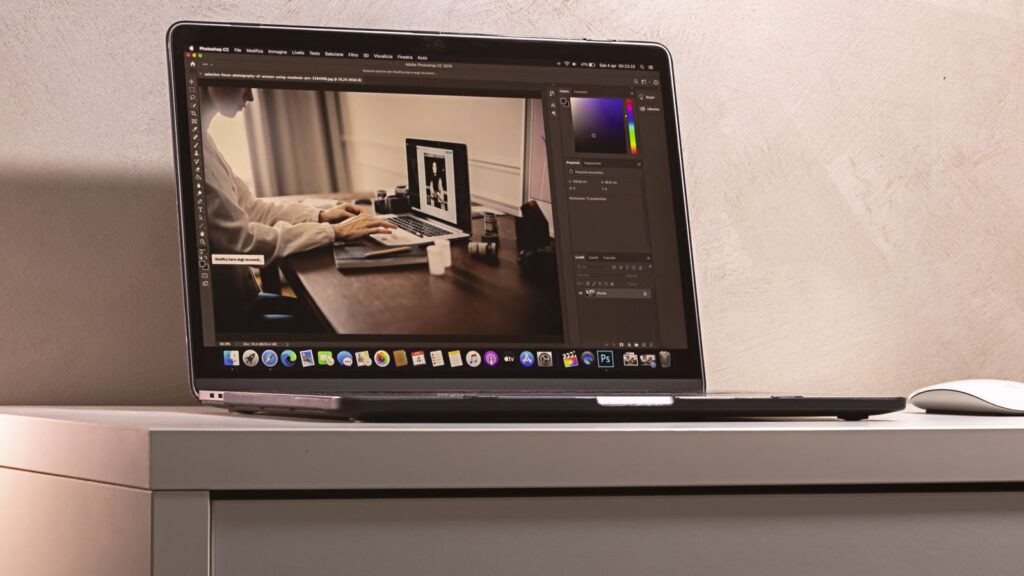
Cmd, Not Control: How to Copy and Paste on a Mac, Right-Click and Paste Without Formatting
Copy and paste on a Mac works much like any computer once you know that the Command (Cmd) key does the job, not Control. There are
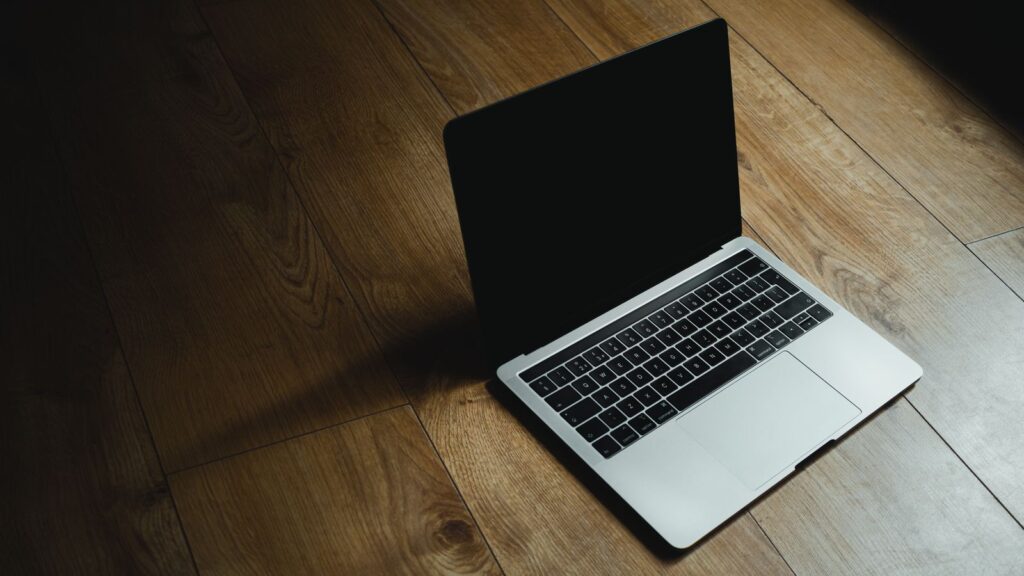
Cmd + Shift + 3, 4 or 5: How to Take a Screenshot on a Mac, and Where the Files Go
Taking a screenshot on a Mac is quick once you know the keys, and macOS gives you several ways to do it, from the whole screen
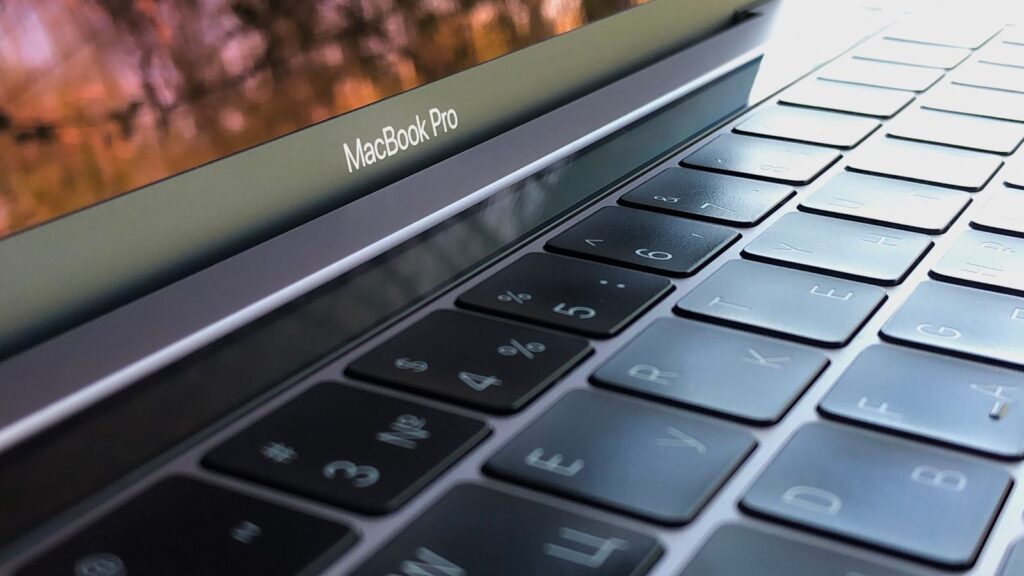
The Air Wins for Most People: Which MacBook to Buy in 2026, Air, Pro or the Cheaper MacBook Neo
Which MacBook should you buy in 2026? The Neo, Air and Pro compared, what each costs after Apple's June price rise, and whether to wait for the M6 MacBook Pro or the touchscreen model.

Two-Finger Tap: How to Copy and Paste on a Chromebook, Right-Click and Paste Without Formatting
Copy and paste on a Chromebook works just like any other laptop once you know the keys, and there are a few extra tricks, including how

The Rectangles Key: How to Take a Screenshot on a Chromebook, Full Screen or Part of It
Taking a screenshot on a Chromebook is quick once you know the keys, but ChromeOS hides them behind a button most people do not recognise. Here