

Which MacBook Should You Buy in 2026? Air, Pro and the New MacBook Neo

0
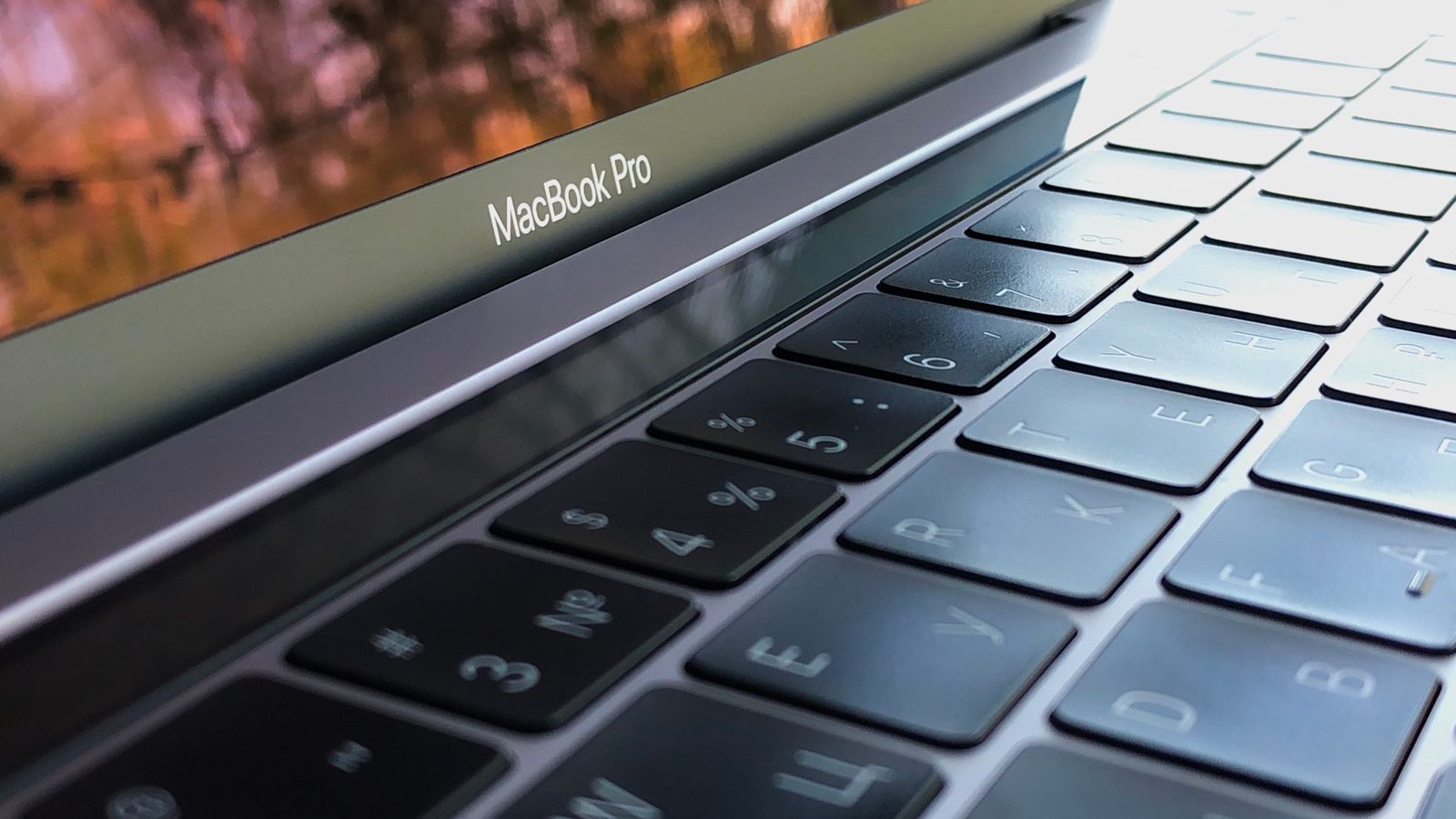
A MacBook Pro keyboard and screen bezel close-up in 2026

Buying a MacBook in 2026 is more interesting than it has been for years. Apple’s line-up now runs from a brand-new, really affordable model right up to seriously powerful pro machines, so the real question is not whether a MacBook is good, it is which one is right for you and your budget.

This guide breaks down the whole range in plain English: the new MacBook Neo, the MacBook Air, the MacBook Pro, which Apple chip you actually need, how much to spend, whether a refurbished Mac makes sense, and the everyday tips and shortcuts every new owner asks about.

Last updated: June 2026 · Hardvance hardware team

Which to buy, in short: for most people the MacBook Air is the best balance, light, silent and powerful enough for almost everything. On a tight budget, the new MacBook Neo brings real Mac quality from around $599. If you edit video, write code or work with big files for a living, step up to the MacBook Pro. Whichever you pick, 16GB of memory is the upgrade that matters most.

The 2026 MacBook line-up

Apple now sells three MacBook families, and for the first time in a long while they cover very different budgets:

  • MacBook Neo is the new entry point, a 13-inch laptop aimed at students and everyday users who want a real Mac without the usual price tag.
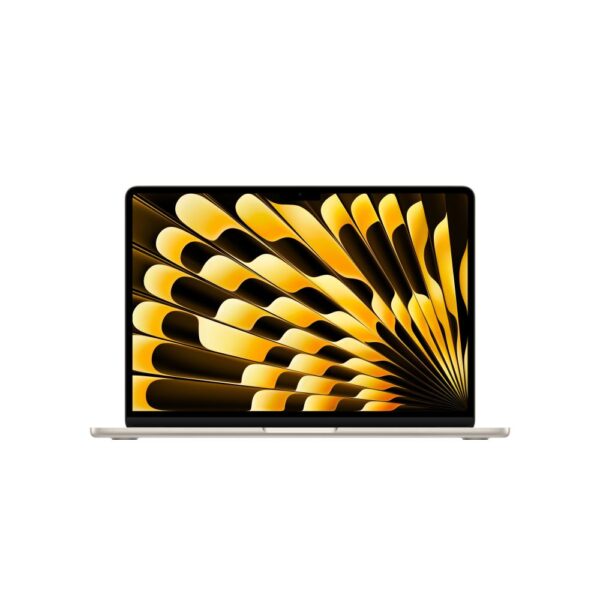
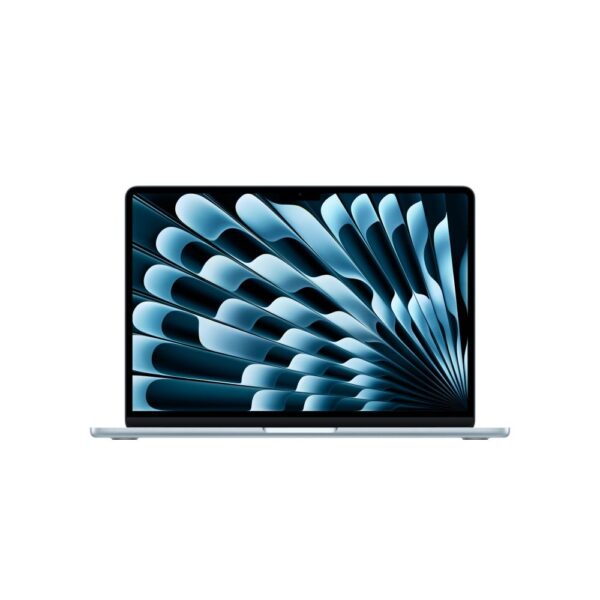
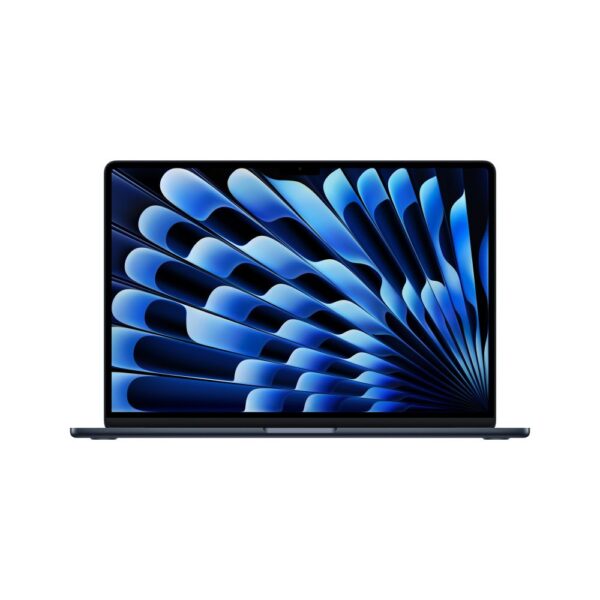
  • MacBook Air is the all-rounder most buyers should buy, thin, fanless and silent, in 13-inch and 15-inch sizes.
  • MacBook Pro is the powerhouse, with faster chips, active cooling, a brighter screen and more ports, in 14-inch and 16-inch sizes.

All of them run macOS and Apple’s own silicon, which is why even the cheapest feels quick and lasts a long time on battery. The differences come down to power, screen and price.

The new MacBook Neo: Apple’s most affordable Mac

The headline launch of 2026 is the MacBook Neo, and it has been one of the most talked-about laptops of the year. It is a 13-inch Mac that starts at around $599, with student pricing lower still, which makes it the cheapest MacBook Apple has ever sold.

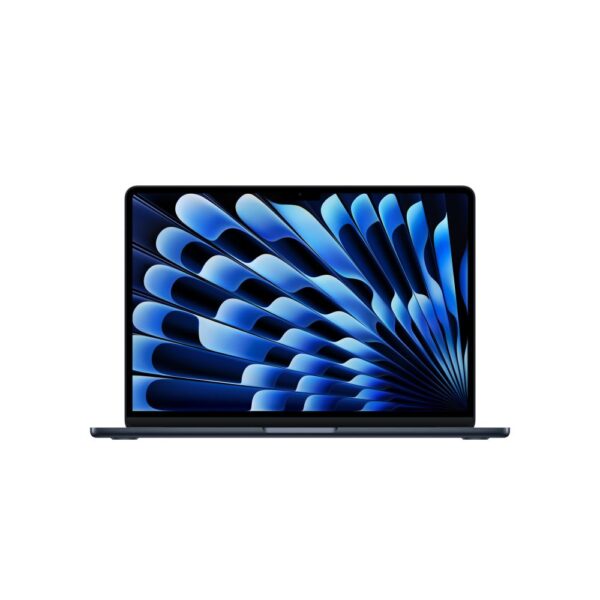
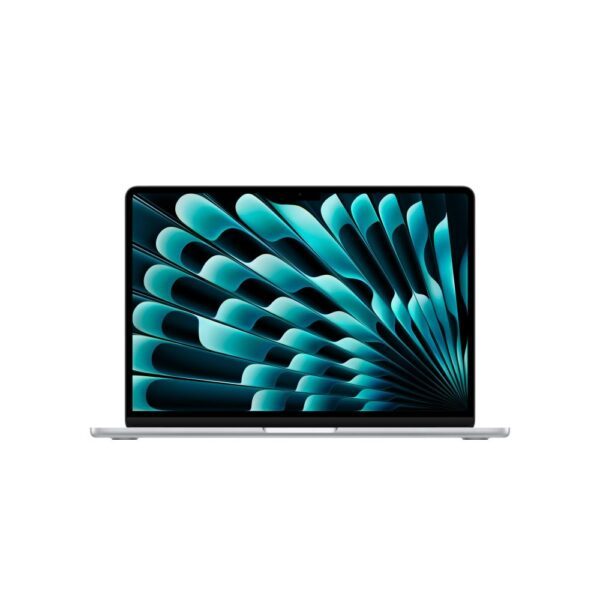
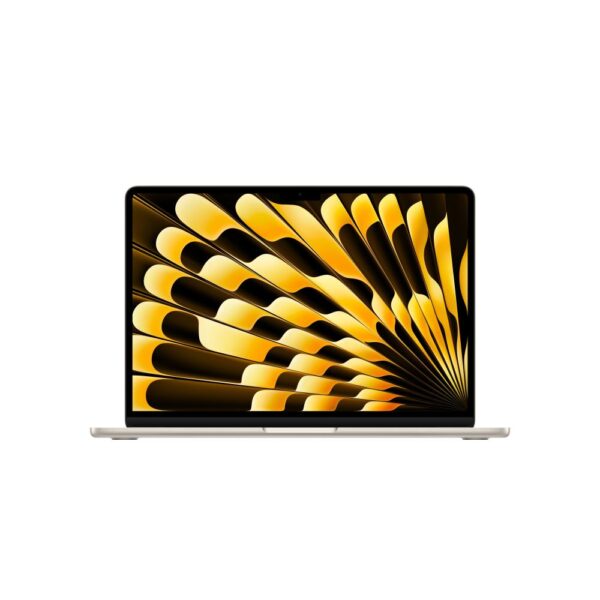
Instead of an M-series chip, the Neo uses the A18 Pro, the same processor as the iPhone 16 Pro. In everyday use that means performance close to an M1 MacBook Air, which is plenty for browsing, office work, study, streaming and video calls. It comes in fun aluminium colours (silver, indigo, blush and citrus), with 8GB of memory and storage up to 512GB.

The Neo is not built for heavy video editing or large coding projects, and supply has been tight because of how the chips are made. But as an affordable, premium-feeling laptop it competes directly with Chromebooks and budget Windows machines. If you have been weighing a Mac against a cheaper option, our guide to whether a Chromebook is worth it is a useful companion read.

A gold MacBook Air laptop on a wooden table
The MacBook Air remains the model the majority should buy: light, silent and powerful enough for almost everything.

MacBook Air vs MacBook Pro

This is the decision most buyers wrestle with. The simple version: the Air is for everyday life, the Pro is for demanding work. The Air is thinner, lighter, completely silent because it has no fan, and cheaper. The Pro has more powerful chips, a fan so it can run hard for hours, a brighter higher-refresh screen and extra ports like HDMI and an SD card slot.

If your day is browsing, email, Office, study, photos and the odd bit of light editing, the Air will not break a sweat and you will love how portable it is. If you edit 4K video, produce music, compile code or run heavy apps all day, the Pro’s cooling and power are worth it. Here is how the three compare.

MacBook NeoMacBook AirMacBook Pro
ChipA18 ProM4 (M5 in 2026)M5 / M5 Pro / M5 Max
Best forBudget, students, everydayEveryday users, everyday and light creativeCreative pros, developers, heavy work
Screen13 inch13 or 15 inch14 or 16 inch, brighter
CoolingFanlessFanlessActive fan
PortsLimitedTwo USB-C / ThunderboltMore ports, HDMI, SD
PriceLowestMiddleHighest

Two differences are easy to miss but matter every day. The Pro’s screen is far brighter, around 1000 nits against 500 on the Air, with ProMotion that runs at 120Hz for smoother scrolling, while the Air’s display is lovely but capped at 60Hz. Only the M5 Pro and Max models carry the new Thunderbolt 5 ports for the fastest external drives and displays. The Pro also lasts longer off the charger, up to around 24 hours against roughly 18 on the Air.

Which Apple chip: M1 to M5 (and the A18 Pro)

Apple silicon is the engine inside every modern Mac, and the numbers can be confusing. Here is what they mean in real terms:

  • M1 and M2: still excellent for everyday tasks. You will mostly find these in refurbished and older models, and they remain great value.
  • M3 and M4: the recent MacBook Air chips. Fast, efficient and more than enough for almost everyone, with the M5 Air arriving in 2026.
  • M5, M5 Pro and M5 Max: the latest MacBook Pro chips. Their headline upgrade is AI, not raw speed: a neural accelerator is now built into every GPU core, for up to four times the AI performance of M4, plus a new networking chip that adds Wi-Fi 7. General day-to-day speed is only modestly higher than M4.
  • A18 Pro: the iPhone-derived chip in the MacBook Neo, roughly M1-class for day-to-day use.

The honest takeaway: unless you do professional creative work, you do not need the most powerful chip. A current Air, or even an M1 or M2 model, will feel fast for a long time.

A MacBook Pro running creative apps with a coffee beside it
Only step up to the MacBook Pro if you genuinely need its power for video, music, code or large files.

How much memory and storage do you need?

This is where it pays to think ahead, because you cannot upgrade memory or storage on a Mac after you buy it. It is sealed in.

Memory: Apple’s unified memory is efficient, but 8GB now feels tight if you keep lots of tabs and apps open. For a machine that stays smooth for a good few years, 16GB is the practical pick, and it is the single upgrade we recommend most. Creative pros should consider 24GB or 32GB.

Storage: 256GB fills up fast once you add photos, apps and files. 512GB is a more comfortable starting point for plenty of people, and 1TB if you store a lot of media locally. You can always use iCloud or an external drive, but built-in storage is the most convenient.

How much is a MacBook, and is it worth it?

Prices now span a wide range. The MacBook Neo starts at around $599, the MacBook Air sits in the middle, and the MacBook Pro is the most expensive, climbing further with the Pro and Max chips. In the UK, expect prices broadly in line with those tiers.

Is a MacBook worth it? For a lot of people, yes. You get a beautifully built laptop, superb battery life, near-silent running on the Air and Neo, fast performance and software support that lasts many years, which protects the resale value too. The trade-off is the upfront cost and the fact that you pay extra for memory and storage upgrades. If your budget is tight and your needs are simple, the Neo or a refurbished Air gets you the Mac experience for much less.

One timing note for 2026: a global memory shortage has pushed component costs up across the whole industry, and Apple has confirmed that further price rises are on the way. It has already lifted base prices, though it doubled the entry storage to 512GB and, for now, kept the cost of memory upgrades unchanged. The practical takeaway is simple: this year, MacBook prices are more likely to rise than fall, so there is little to gain from waiting.

Are refurbished MacBooks worth it?

Often, yes. A professionally refurbished MacBook is checked, cleaned and restored to full working order, so you get the same macOS experience and years of remaining software support for a lot less than new. Because Macs hold up so well, a refurbished M1 or M2 Air can be a smarter buy than a brand-new budget Windows laptop.

The things to check are simple: buy from a seller that grades the condition clearly and includes a warranty, and confirm the memory and storage suit your needs, since those cannot be changed later. One expert check: look at which Apple chip it has. Macs receive new macOS versions for many years, so an M1, M2 or later machine still has plenty of supported life ahead, while much older Intel Macs are near the end of theirs. Because Macs hold their value better than most laptops, paying a little more for a newer chip often pays you back at resale. Browse our refurbished laptops to see what is in stock.

What most MacBook buyers get wrong in 2026

A few things we wish more shoppers knew before they spend:

  • The M5 leap is about AI, not everyday speed. The big change in M5 is a neural accelerator inside every GPU core, worth up to four times the AI performance of M4. For browsing, Office and the usual apps you will barely feel the difference, so do not pay for an M5 Pro unless you actually run local AI, heavy video or 3D work.
  • Memory prices are climbing, and Apple has said so. Because of the global memory shortage, Apple has confirmed price rises are coming and has already nudged base prices up. If you know you want a Mac, buying sooner rather than later may save money. We cover the wider squeeze in our guide to RAM and SSD prices in 2026.
  • Choose memory over storage. You can always add an external SSD or lean on iCloud, but you can never add memory to a Mac. 16GB of unified memory is the upgrade that keeps it fast well into the future.
  • The cheapest Pro is not always the Pro you want. The base 14-inch Pro shares its chip class with the Air. The real Pro advantages, Thunderbolt 5, the brightest XDR screen and the most GPU cores, live in the M5 Pro and Max models.

Essential MacBook tips and shortcuts

New to Mac, or switching from Windows? These are the shortcuts people search for most, with the exact keys to press.

  • 📸 Take a screenshot: Cmd + Shift + 3 for the whole screen, or Cmd + Shift + 4 to drag and select an area. They save to the Desktop.
  • 🎬 Screen capture toolbar and recording: Cmd + Shift + 5 opens options to grab part of the screen or record video.
  • 📋 Copy and paste: Cmd + C to copy, Cmd + V to paste, Cmd + X to cut. To paste plain text, use Shift + Cmd + V.
  • 🖱️ Right-click: tap the trackpad with two fingers, or hold Control and click.
  • #️⃣ Type a hashtag on a UK MacBook: press Option + 3. The # is not printed on UK Mac keyboards, but this shortcut always works.
  • ✖️ Force quit a frozen app: Cmd + Option + Esc, then pick the app.
  • 😀 Emoji and symbols: Control + Cmd + Space.
  • 🪟 Split the screen: hover over the green button at the top-left of a window, then choose to tile it left or right.
  • 🔄 Factory reset: open System Settings, then General, then Transfer or Reset, then Erase All Content and Settings.

Who should buy which MacBook

To make it simple:

  • Students and tight budgets: the MacBook Neo, or a refurbished MacBook Air.
  • Most people: the MacBook Air, ideally with 16GB of memory and 512GB of storage.
  • Creative pros and developers: the MacBook Pro with an M5 Pro or Max chip and plenty of memory.
  • Big-screen workers: the 15-inch Air or 16-inch Pro for more room without an external monitor.

Browse our current MacBook range below. Every listing shows the exact chip, memory, storage and a live price, all in UK stock with a full warranty.

Pro tip: spend your money on memory before chip. Jumping from 8GB to 16GB of unified memory keeps a MacBook smooth for far longer than paying for a faster chip you will rarely push. You cannot add memory later, so get it right at the checkout.

How we know, as a UK retailer: we stock, sell and support MacBooks and a wide range of laptops every day, and we handle the questions, returns and warranty claims that come with them. That gives us a practical view of which models suit which buyers, what people actually ask before they commit, and where the real value sits. We do not run a testing lab. Instead we cross-check the latest specs against Apple’s own information and trusted independent reviews, and we keep our advice honest whether or not it leads to a sale.

Which MacBook should I buy in 2026?

For most buyers the MacBook Air is the obvious pick. On a tight budget, the new MacBook Neo gives you a real Mac for less. For professional creative or developer work, choose the MacBook Pro. Aim for 16GB of memory whichever you pick.

What is the difference between MacBook Air and MacBook Pro?

The Air is thinner, lighter, silent because it has no fan, and cheaper, which suits everyday use. The Pro has more powerful chips, active cooling, a brighter screen and more ports, which suits heavy creative and developer work.

What is the MacBook Neo?

It is Apple's most affordable Mac, launched in 2026. A 13-inch laptop with the iPhone's A18 Pro chip, colourful aluminium and a starting price around $599. It performs roughly like an M1 MacBook Air for everyday tasks.

How much is a MacBook?

The MacBook Neo starts at around $599, the MacBook Air sits in the middle, and the MacBook Pro is the most expensive, especially with Pro and Max chips. Refurbished models cost noticeably less.

How do you take a screenshot on a MacBook?

Press Cmd + Shift + 3 for the whole screen, or Cmd + Shift + 4 to drag and select an area. Use Cmd + Shift + 5 for the capture toolbar and screen recording. Screenshots save to the Desktop.

How do you copy and paste on a MacBook?

Highlight the text, press Cmd + C to copy and Cmd + V to paste, and Cmd + X to cut. To right-click, tap the trackpad with two fingers or hold Control and click.

How do you type a hashtag on a UK MacBook?

Press Option (Alt) + 3. The hash symbol is not printed on UK Mac keyboards, but this shortcut always produces it.

Are refurbished MacBooks worth it?

Yes, if they are professionally refurbished, graded for condition and covered by a warranty. You get the full macOS experience and years of support for much less than new.

Leave a Reply

Your email address will not be published. Required fields are marked *