You Can Stop Here: The Best Mouse for Work, Plus Picks for Wrist Pain and Quiet Offices

0
Hand resting on a wireless mouse at an office desk with keyboard and monitor

Buy the Kensington MY430 EQ. Silent clicks, back and forward buttons for your thumb, and it pairs with three computers by Bluetooth or its own USB receiver. For normal office work, that is the whole answer. You can stop reading here and be fine.

Came for something more specific? Yours is here:

The picks, matched to you

One mouse per situation. Read the connection column if you use more than one computer.

Your situationPickClicksConnects byPower
All day at a deskKensington MY430 EQSilentBluetooth x2 + receiverRechargeable, up to 4 months
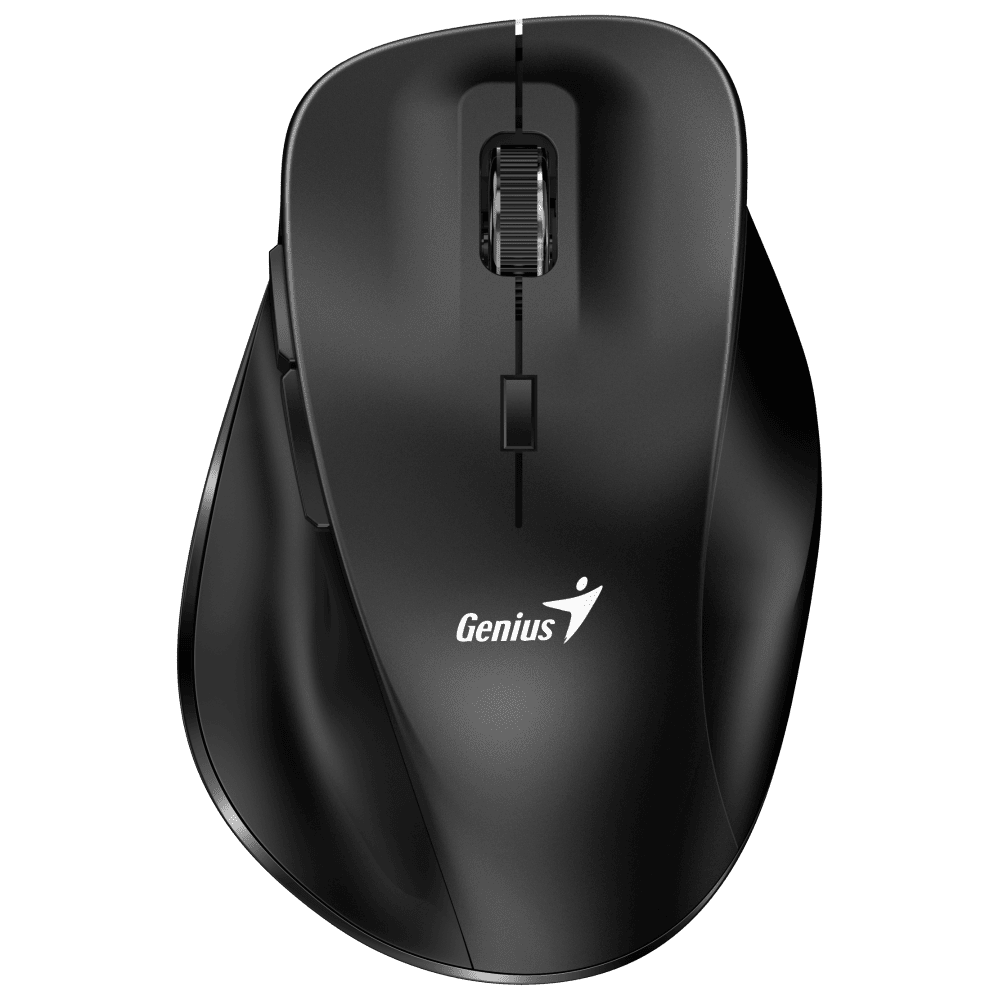
Wrist painGenius Ergo 8350SQuietBluetooth or receiverAA battery
Shoulder painKensington Expert trackballStandardBluetooth or receiverAA battery
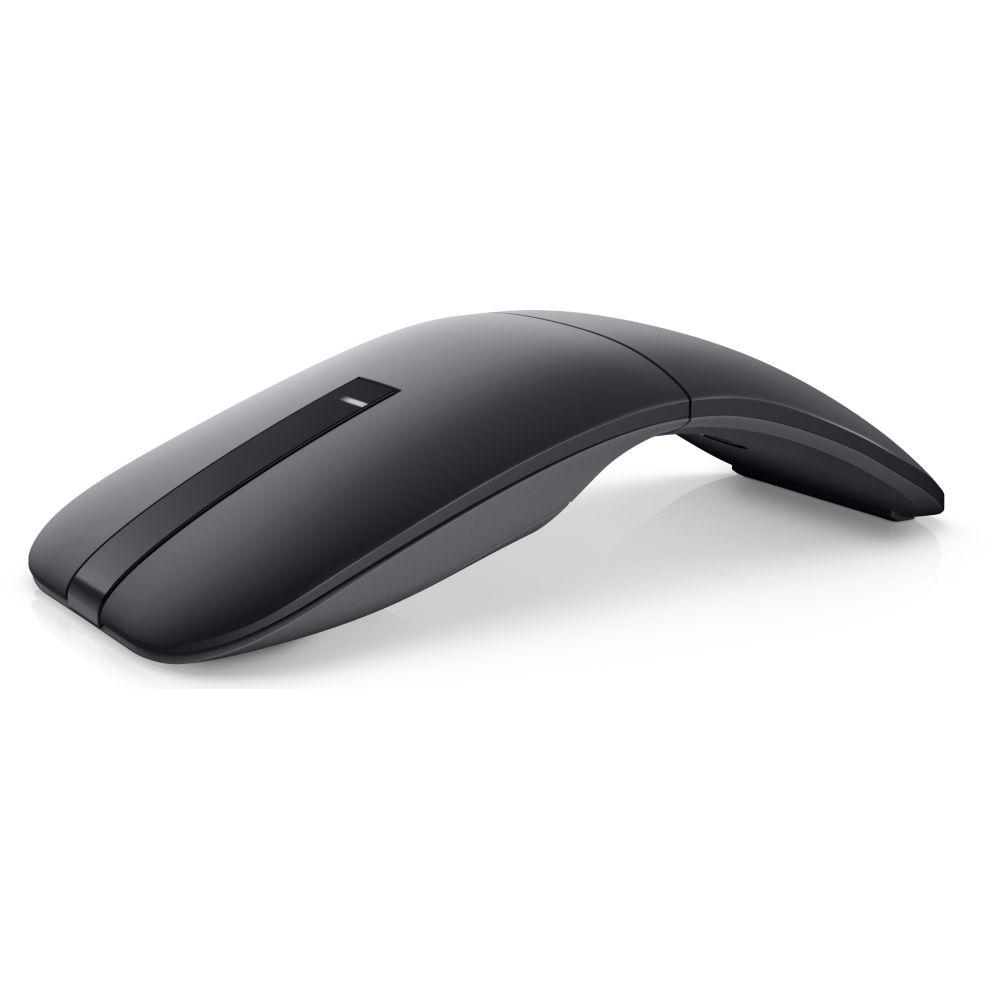
Shared officeDell MS355SilentBluetooth or receiverBattery
Laptop and travelDell MS700StandardBluetooth, 3 devices2 x AAA, up to 24 months
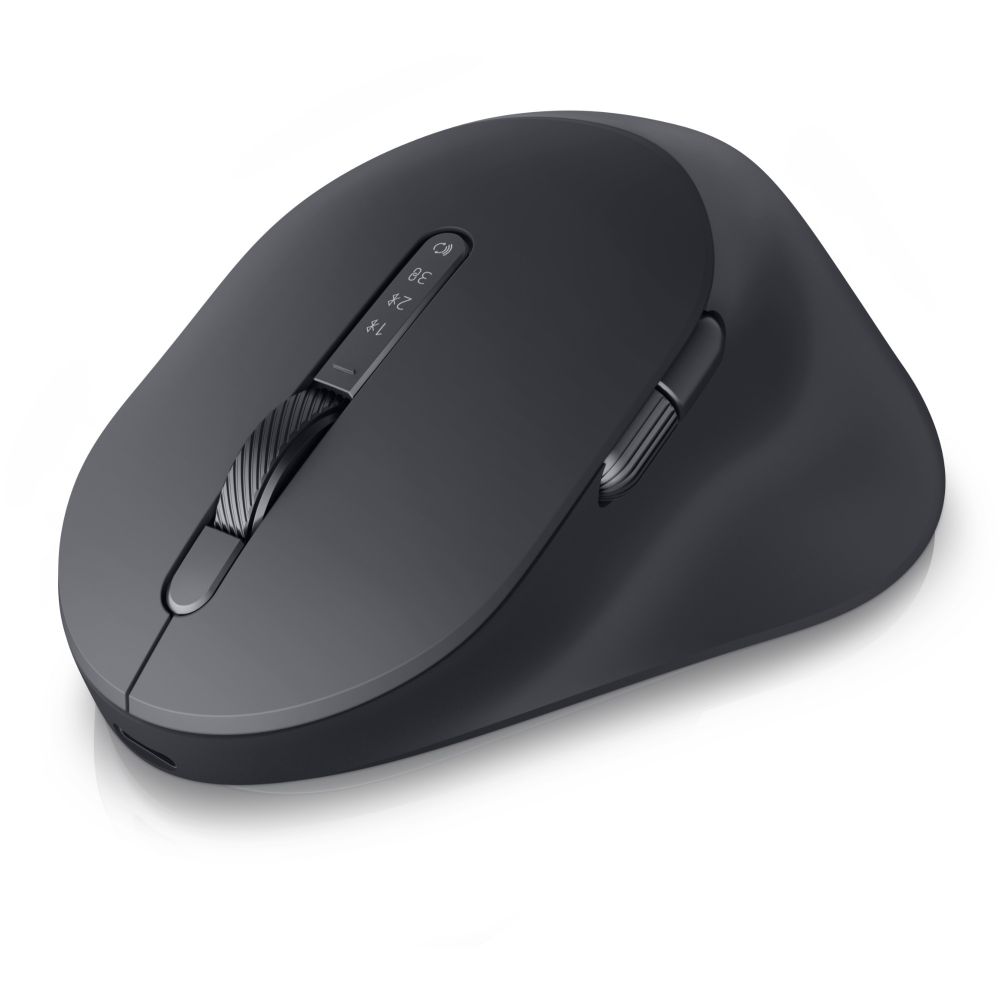
Several computersDell MS900StandardBluetooth x2 + receiverRechargeable, up to 3 months
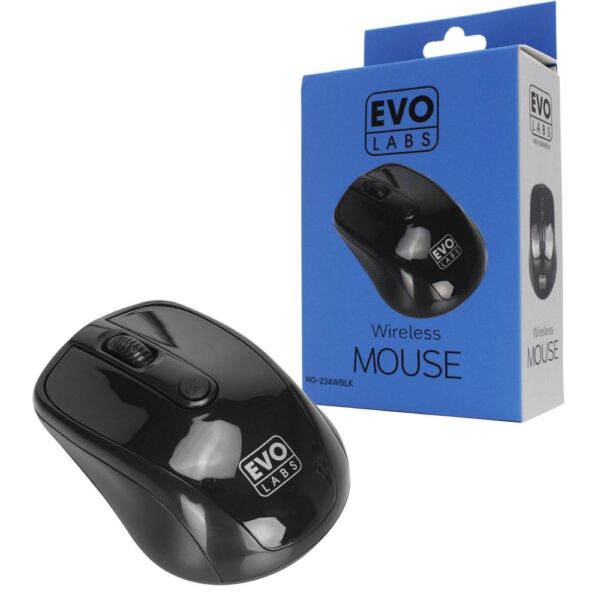
Tight budgetGenius Ergo 8230SQuietReceiver only2 x AAA

“Battery” means the maker does not give a battery life figure.

Most best-mouse lists are gaming reviews wearing a tie, ranked by sensor numbers nobody at a desk will ever notice. This guide is organised by why you are buying.

If you sit at a desk all day

Quiet clicks, thumb buttons and three-computer pairing, with a 3-year warranty.

  • ClicksSilent left and right
  • Connects2 x Bluetooth + USB receiver
  • Buttons6, incl. back and forward
  • BatteryRechargeable, up to 4 months
  • Warranty3 years

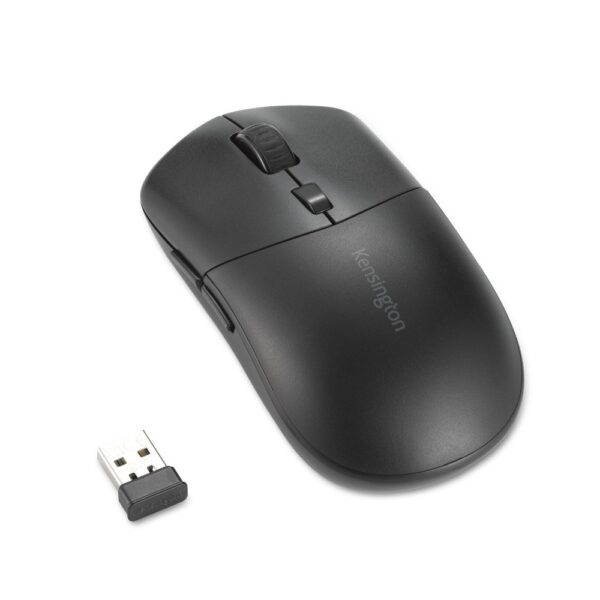
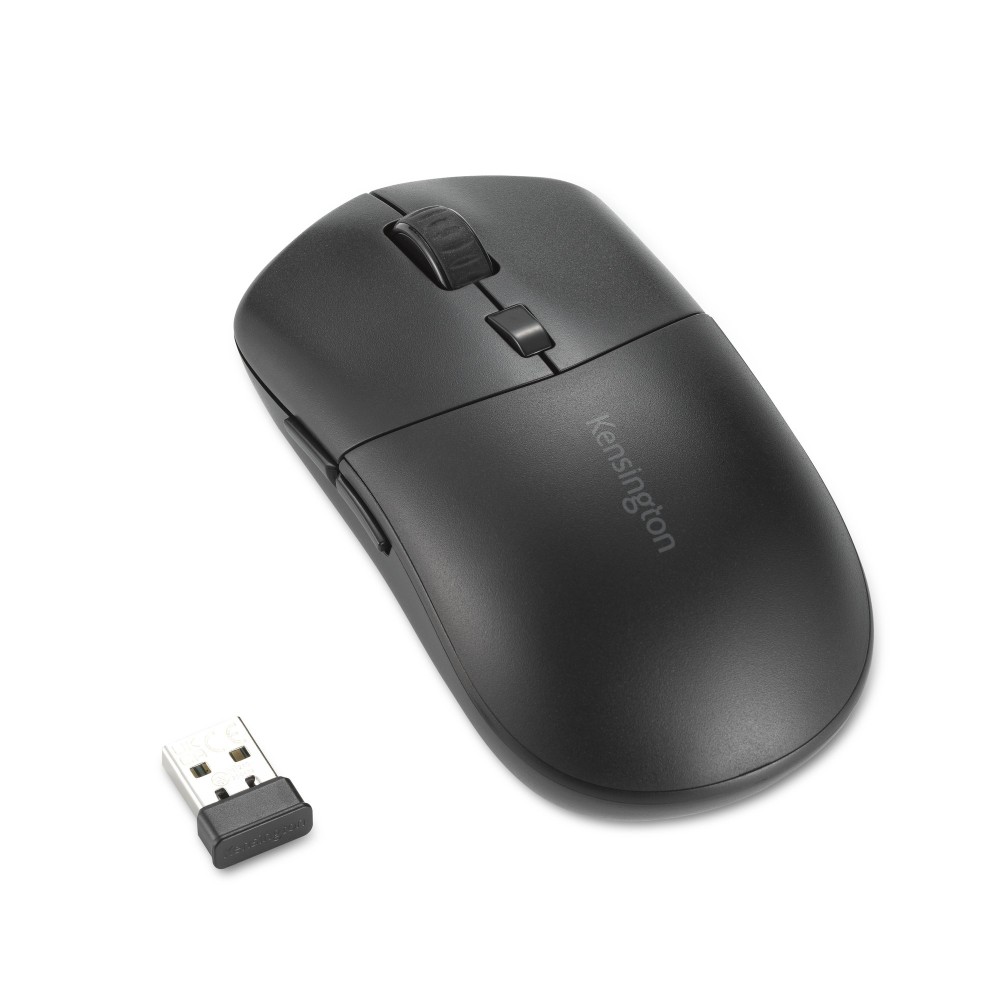
Kensington MY430 EQ Rechargeable Wireless Mouse, 2400 DPI, 6 Buttons, RF Wireless + Bluetooth, Black

  • 2400 DPI movement resolution for precise tracking
  • Wireless connectivity via RF Wireless and Bluetooth (BLE enabled)
  • 6 programmable buttons for enhanced productivity
  • Good for: office work all day on one or more computers
  • Good for: small to average hands: Kensington says that is who it is shaped for
  • Skip it if: your hand is over 19cm from palm to fingertip: go for a full-size mouse such as the Dell MS900
  • Skip it if: you are left-handed: Kensington lists it as a right-hand mouse

The MY430 EQ gets the boring things right: silent main buttons, back and forward buttons that quietly speed up office work, and both connection types, so it works with whatever laptop your job hands you next year. It charges over USB-C.

Hand size decides comfort more than any feature

Measure your hand from the base of your palm to the tip of your middle finger. Under 17cm, you will be happier on a compact mouse. Between 17 and 19cm, standard sizes fit fine. Over 19cm, buy a larger mouse; almost nobody tells buyers that big-hand versions exist. If every mouse feels like a pebble, that is the fix, not a more expensive mouse. Browse the full mice range if none of these shapes appeals. If you are kitting out a home office, our home printer guide works out what the ink really costs over three years.

For years the default office mouse was the Logitech Signature M650, with a larger M650 L for big hands, by Logitech’s sizing advice.

Logitech M650 Business Mouse

  • 10 million click durability for long-lasting office use
  • 4000 DPI optical tracking for precise cursor control
  • Bluetooth and USB receiver connectivity with 10 m wireless range

If your wrist or shoulder already hurts

Start with a vertical mouse. If the ache sits in your shoulder or upper arm, go straight to a trackball.

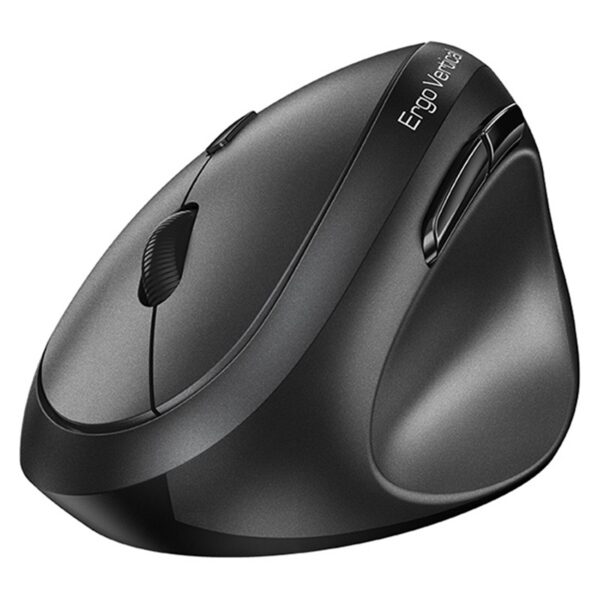
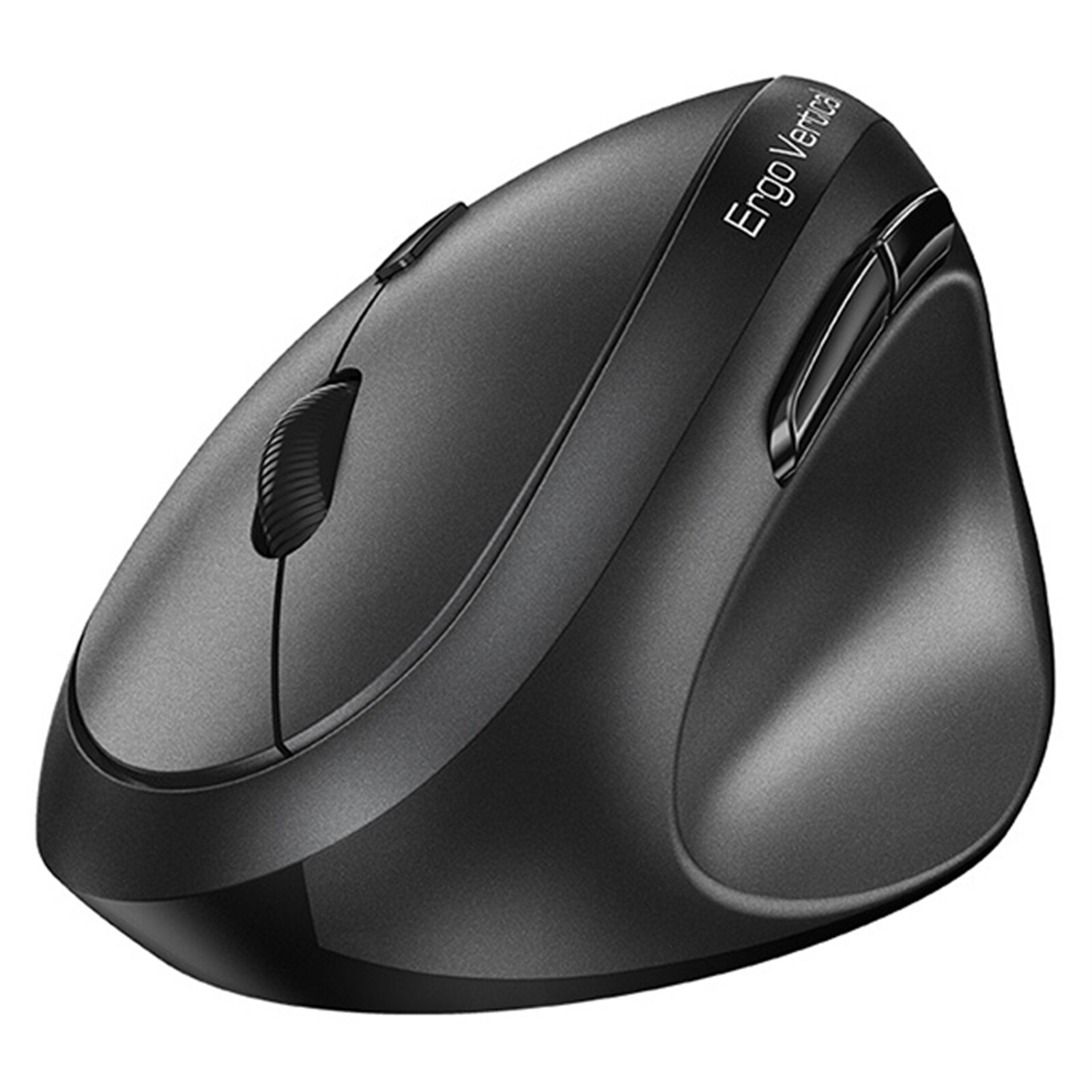
For the wrist: Genius Ergo 8350S

  • ShapeVertical, 55° palm angle
  • ClicksQuiet
  • ConnectsBluetooth 5.3 or receiver
  • Buttons6, incl. back and forward

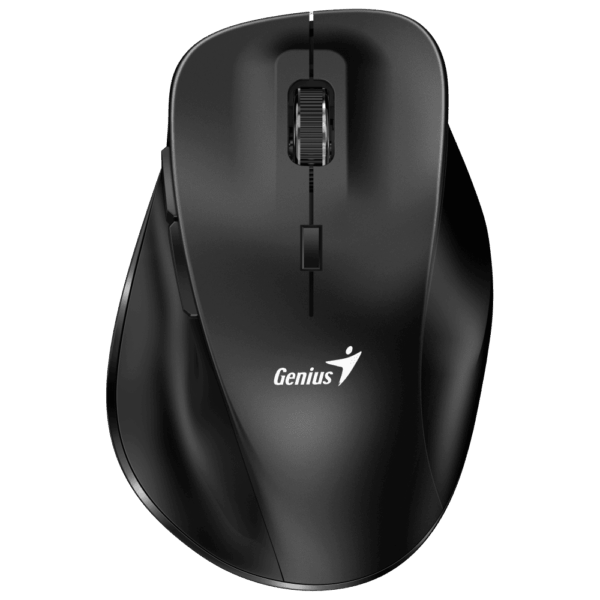
Genius Ergo 8350S Wireless Ergonomic Mouse

  • 55° palm inclination with thumb rest reduces stress and muscle strain
  • Bluetooth 5.3 + 2.4GHz dual mode with up to 10m working distance
  • Adjustable DPI: 1200 / 1600 (default) / 2400 for high sensitivity

The Genius Ergo 8350S holds your hand at 55° with a big thumb rest, so your forearm bones stop crossing. Genius notes that Bluetooth and the receiver cannot be used at the same time; you switch between them. Give any vertical mouse a full week; the first two days feel wrong for everyone.

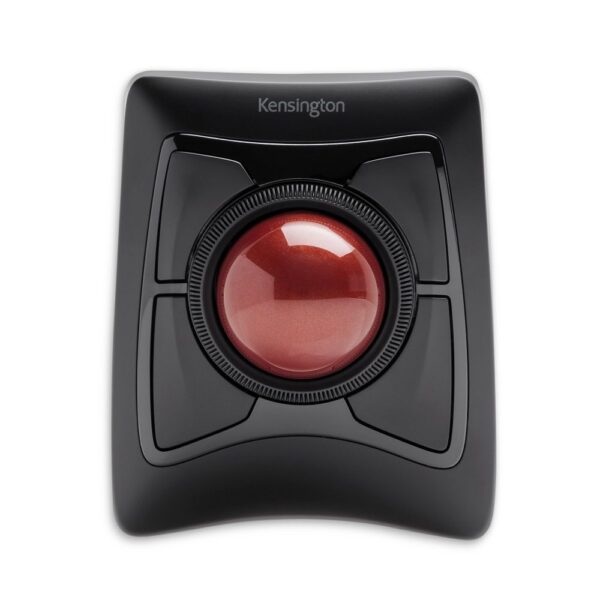
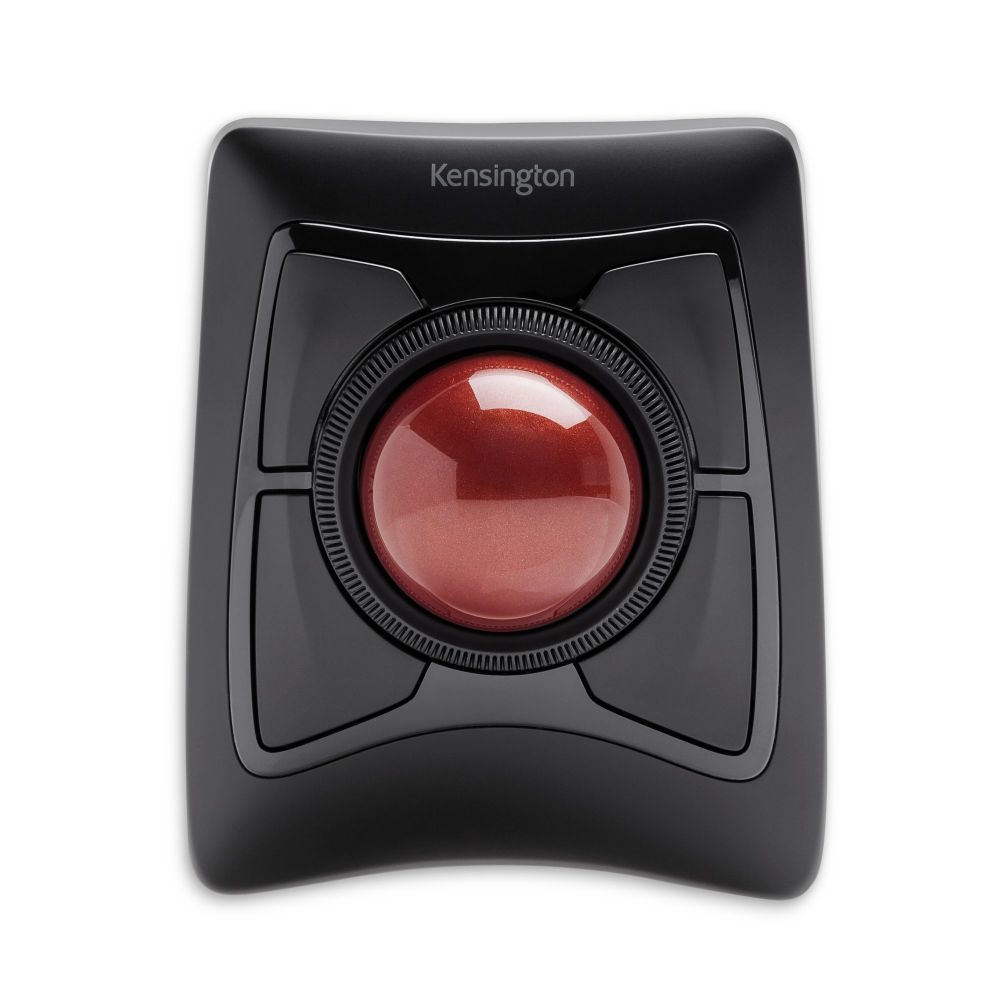
For the shoulder: Kensington Expert Mouse Wireless trackball

  • TypeTrackball, large ball
  • ScrollingScroll ring
  • ConnectsBluetooth LE or nano receiver
  • HandsLeft or right
  • PowerAA battery

Kensington Expert Wireless Trackball

  • Wireless trackball with Bluetooth 4.0 and USB nano receiver
  • 400 DPI optical tracking with programmable buttons and vertical scroll ring
  • Ambidextrous design with SmartFit technology for ergonomic comfort

With the Kensington Expert, the device never moves: you roll the ball with your fingertips, and your arm and shoulder retire from the job. It takes most people about a week to get used to.

The ladder of fixes, and what to do about each kind of ache

A flat mouse holds your palm face down, and to do that the two bones in your forearm cross over each other for every hour your hand is on the mouse. There is a ladder of fixes, from mild to committed:

  • A sculpted shape. An ergonomic mouse raises your hand a few degrees and gives your thumb somewhere to rest. No learning curve. The Genius Ergo 8230S does this for little money.
  • A vertical mouse. It rotates your hand towards a handshake position. The research is thinner than the marketing suggests, but many people with wrist ache do better on one.
  • A trackball. Your arm stops moving altogether. It tends to help most when the pain sits in the shoulder or upper arm.
Where it achesWhat usually helps
WristA sculpted or vertical shape, plus a wrist rest so the joint stops grinding on the desk edge
ForearmA vertical shape, and check the mouse sits close to your body rather than out wide
Shoulder or upper armA trackball, or simply bringing the mouse nearer so your elbow stays by your side
Clicking fingerLighter, dampened switches. See the silent mice below
Numbness or tinglingNot a shopping problem. See a doctor

We build PCs; we are not physiotherapists. Aches caused by a bad setup usually ease within days of changing the setup. Pain that carries on deserves a professional. The HSE guidance on desk setups is free and a good place to start.

A cheap mouse that fits your hand will treat you better than an expensive one that does not. Shape first, features second, brand last.

If you share an office, or work while others sleep

Silent clicks and silent scrolling: the person at the next desk stops hearing you.

  • ClicksSilent clicks and scroll
  • ConnectsBluetooth 5.1 or receiver
  • DevicesSwitches between two
  • Weight67g
  • Warranty3 years

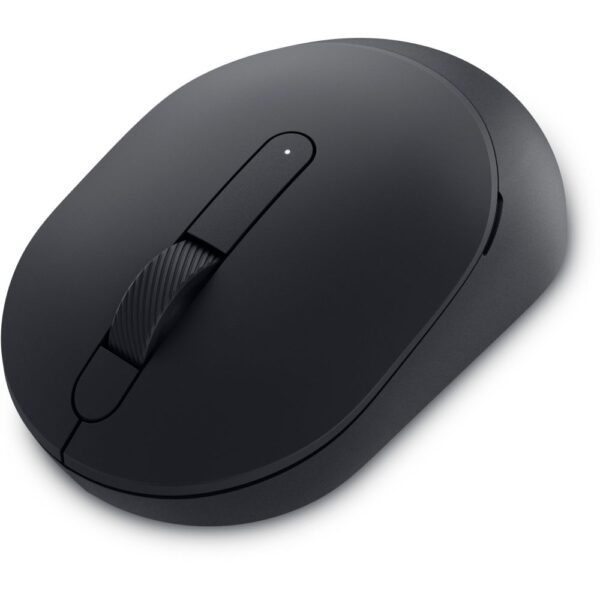
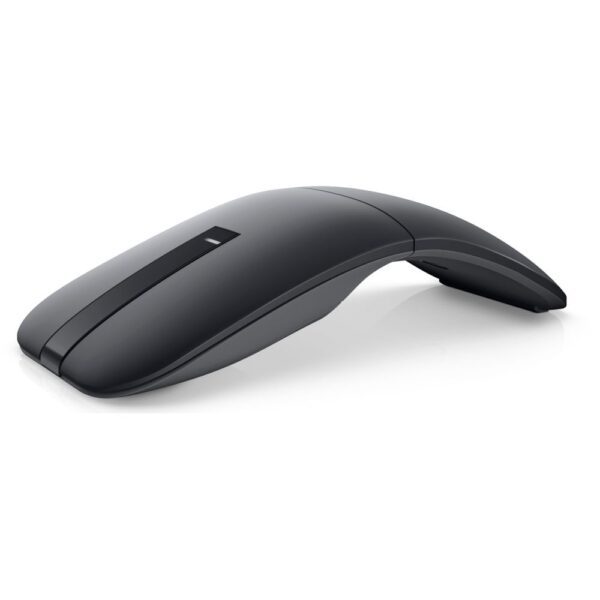
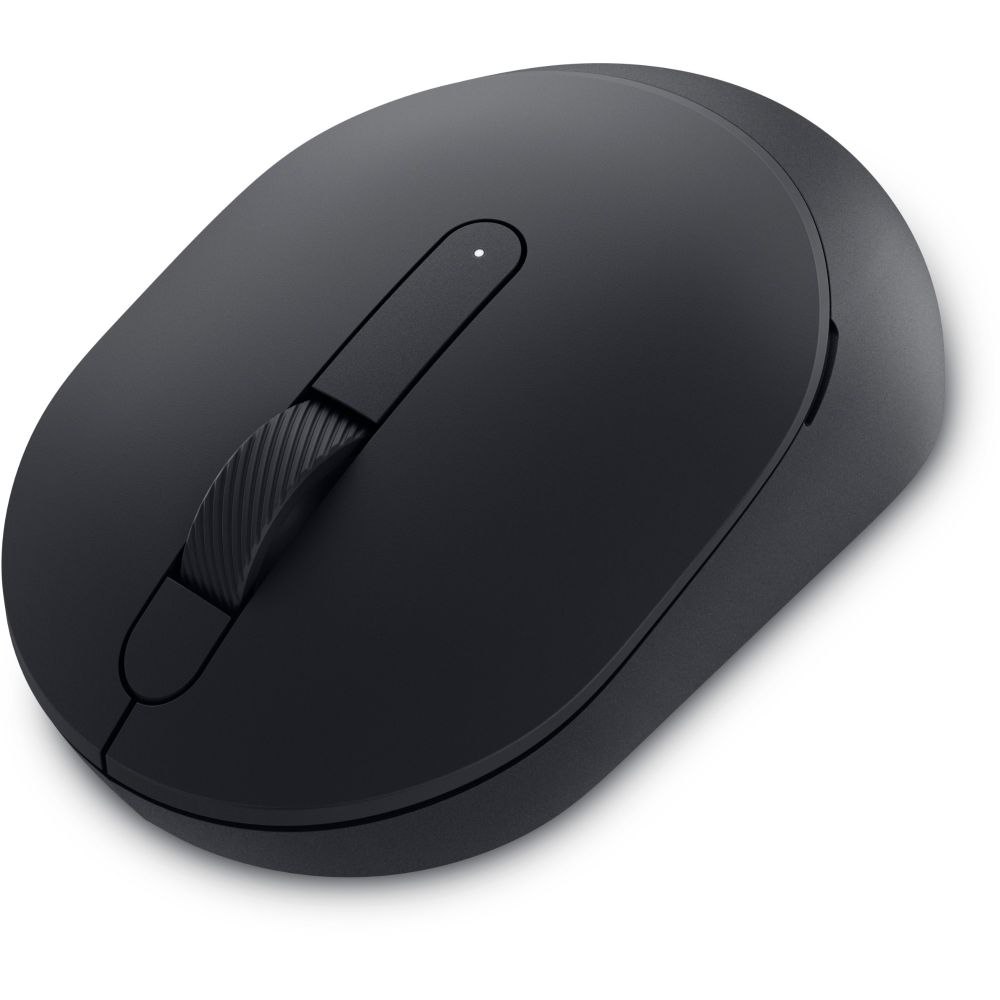
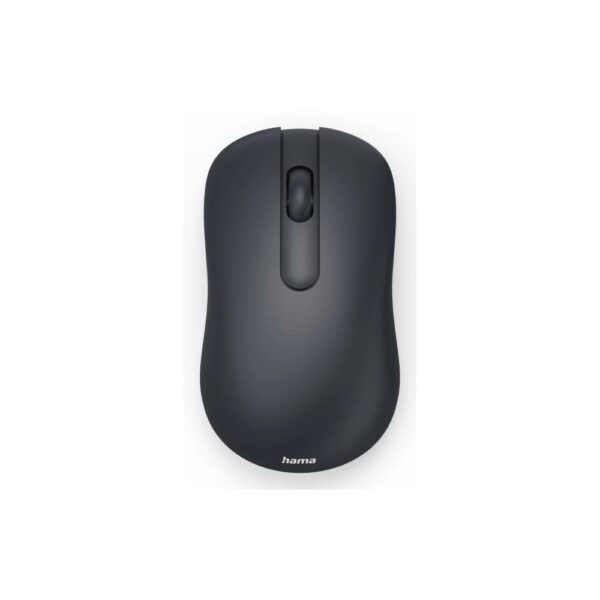
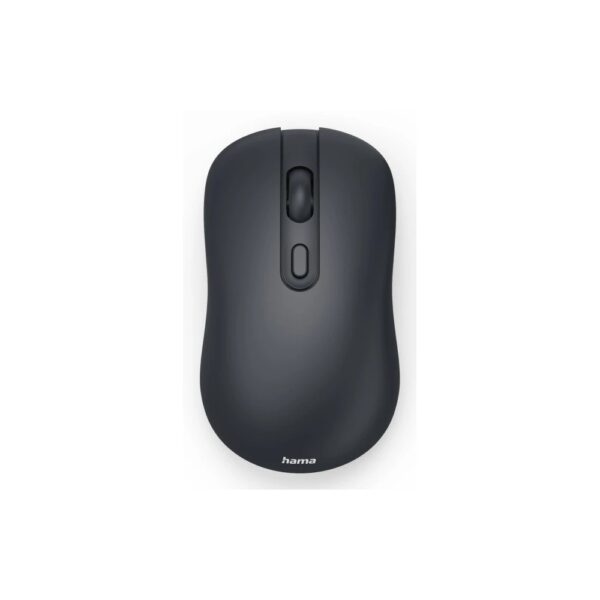
DELL Pro Compact Silent Mouse

  • 4020 DPI optical sensor for precise cursor control
  • Silent clicks and smooth scrolling for quiet operation
  • RF wireless + Bluetooth 5.1 dual connectivity options
  • Good for: open offices, night shifts and shared rooms
  • Good for: hot desks: it is compact and switches between two devices
  • Skip it if: you want back and forward thumb buttons: it has three buttons; the MY430 EQ has silent clicks and thumb buttons

Dell says the MS355 clicks, scrolls and glides silently. Silent switches feel softer: you still feel the click land, but the crisp snap is gone. Most people stop noticing within a day; try one before you buy ten for a team.

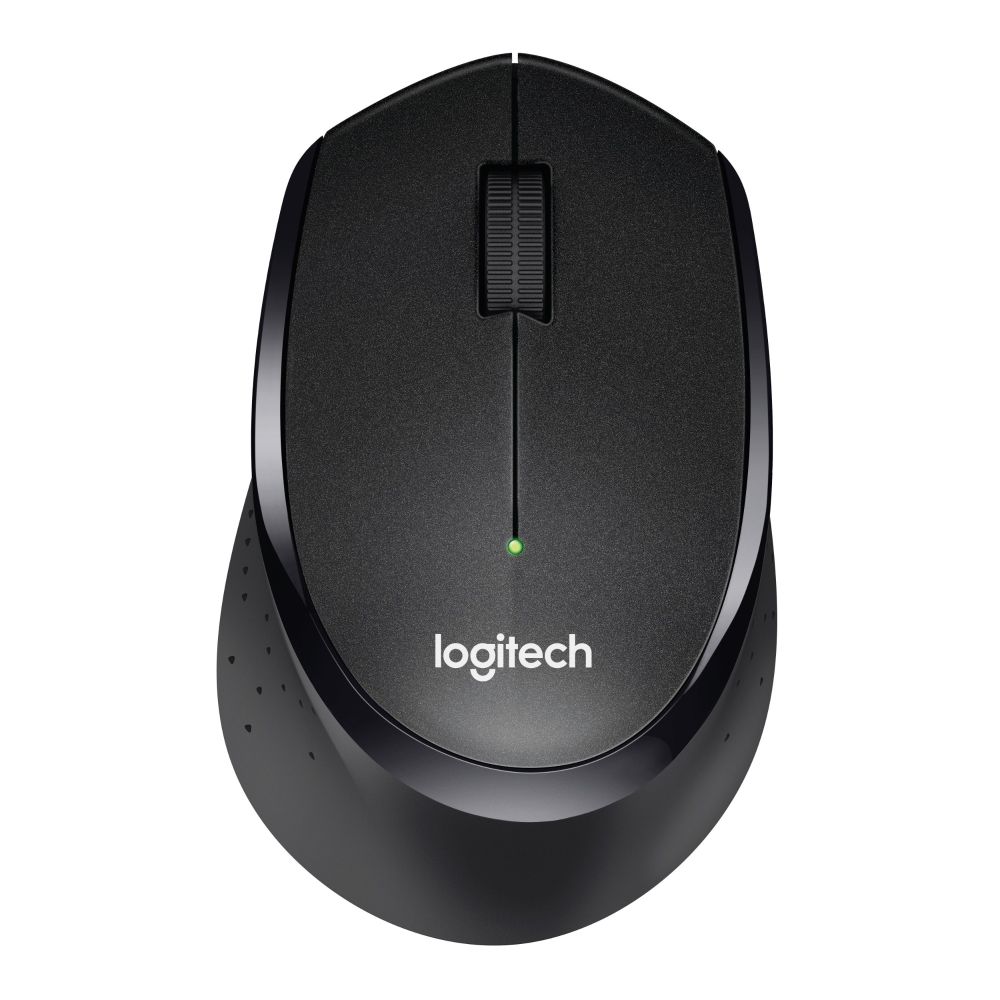
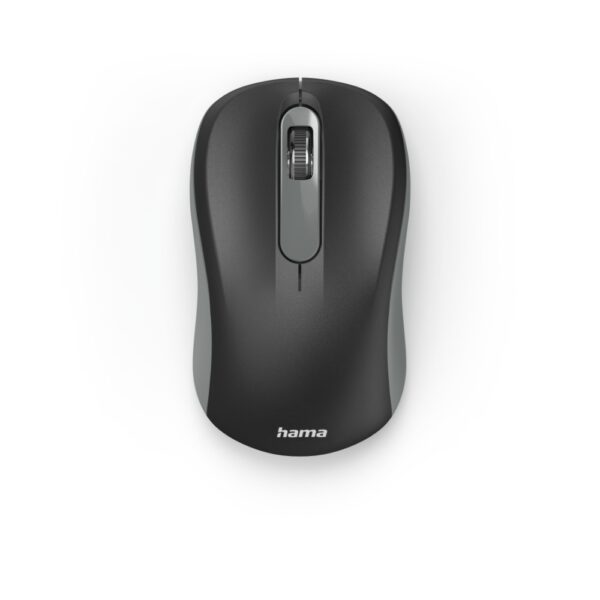
The Genius Ergo 8230S does the quiet job for less, and the Logitech B330 Silent Plus is the long-time silent classic.

Logitech B330 Silent Plus Wireless Mouse

  • Silent pressed buttons with over 90% noise reduction
  • 1000 DPI optical movement resolution
  • 2.4 GHz RF Wireless with 10 m range via Nano receiver

If you work from a laptop, at home and away

No dongle to lose: Bluetooth to three devices, on two AAA cells that last up to two years.

  • ConnectsBluetooth only, 3 devices
  • Battery2 x AAA, up to 24 months
  • Weight56.9g
  • Buttons2
  • Warranty3 years

Dell MS700 Bluetooth Travel Mouse – Black

  • 4000 DPI optical tracking for precise cursor control
  • Bluetooth 5.0 connectivity with 10 m wireless range
  • Ambidextrous design with 3-button layout and touch scroll
  • Good for: laptops with USB-C ports only
  • Good for: travel: it is the lightest mouse here
  • Skip it if: your desktop PC has no Bluetooth: there is no receiver in the box
  • Skip it if: you want thumb buttons

The Dell MS700 pairs with up to three devices and switches with a button. Dell bases the 24-month figure on its own usage model.

Bluetooth or a USB receiver?

A USB receiver connects instantly and never stutters, but modern laptops are losing their old rectangular ports. Bluetooth needs no dongle, but can take a moment to wake after sitting idle. A mouse that does both is the easiest choice: receiver at the desk, Bluetooth on the train. The MY430 EQ, the MS355, the MS900 and the Genius 8350S all do. More options on the Bluetooth and travel shelves.

The Logitech MX Anywhere 3S is the premium travel mouse: quiet clicks, tracking on any surface including glass, and three devices over Bluetooth. Logitech notes that it works with a Logi Bolt receiver, which is not included.

Logitech MX Anywhere 3S Mouse

  • 8000 DPI laser tracking for precise cursor control
  • Six-button design with silent clicks for quiet office use
  • Wireless connectivity via Bluetooth and USB dongle

If you switch between two or three computers

Three devices, a button to switch, and a sensor that tracks on glass.

  • Devices3: 2 x Bluetooth + receiver
  • SensorTracks on glass
  • BatteryRechargeable, up to 3 months
  • Buttons7, side button programmable
  • Warranty3 years

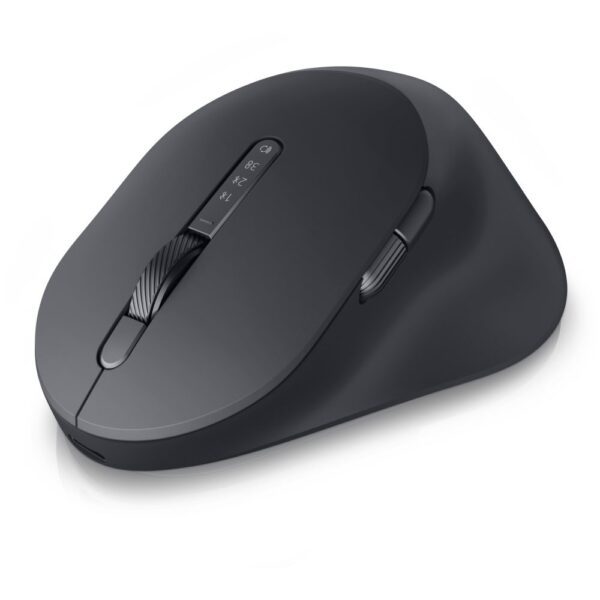
DELL MS900 Pro Mouse

  • 8000 DPI high-precision optical sensor for accurate tracking
  • RF wireless + Bluetooth dual connectivity with 10m range
  • Three programmable buttons and two scroll wheels for custom control
  • Good for: a laptop and a desktop on one desk
  • Good for: managed Dell fleets: it matches the rest of the estate
  • Skip it if: you want a light mouse: it weighs 128.4g

The Dell MS900 remembers three machines and hops between them with a button. Dell says its sensor works on glass, wood and café tables.

The free two-computer trick, and the software warning

Any dual-mode mouse can serve two computers: leave the receiver in the desktop, pair Bluetooth to the laptop, and switch with the connection button. The Genius Ergo 8350S does this, though it cannot use both connections at the same time. The cheaper Genius 8230S cannot: it has a receiver only.

Fancier tricks, such as moving the cursor from one screen to another, need the maker’s software, and locked-down company laptops often refuse it. A good work mouse must be excellent with zero software. If you are kitting out a whole office, the rest of the range sits on our Dell mice page.

If you just need something cheap that works

An affordable mouse with quiet clicks, a sculpted shape and thumb buttons.

  • ClicksQuiet
  • Buttons6, incl. back and forward
  • ConnectsUSB receiver only
  • Battery2 x AAA
  • Weight69g without batteries

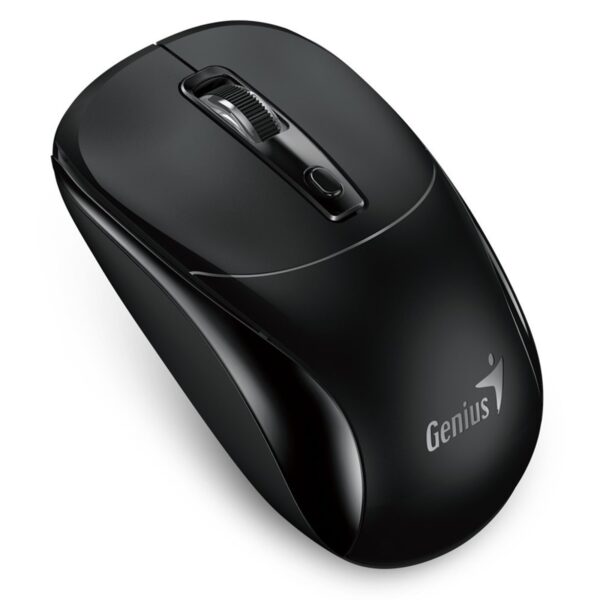
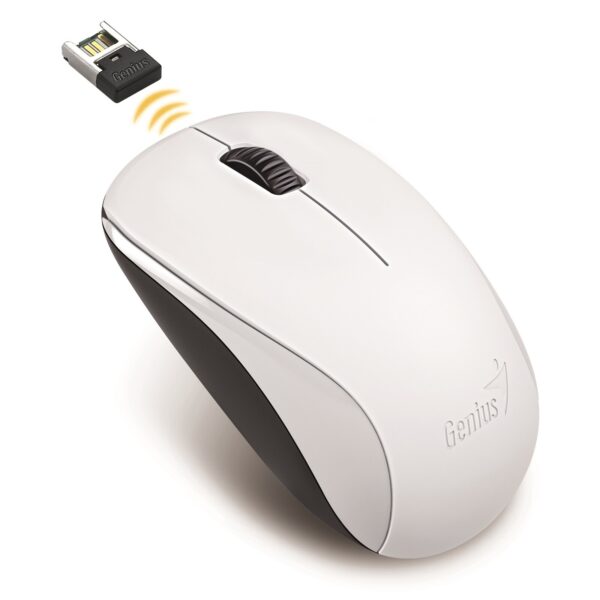
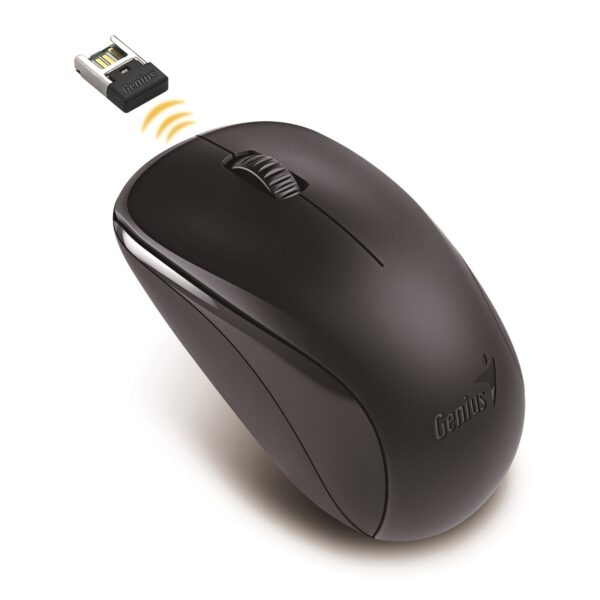
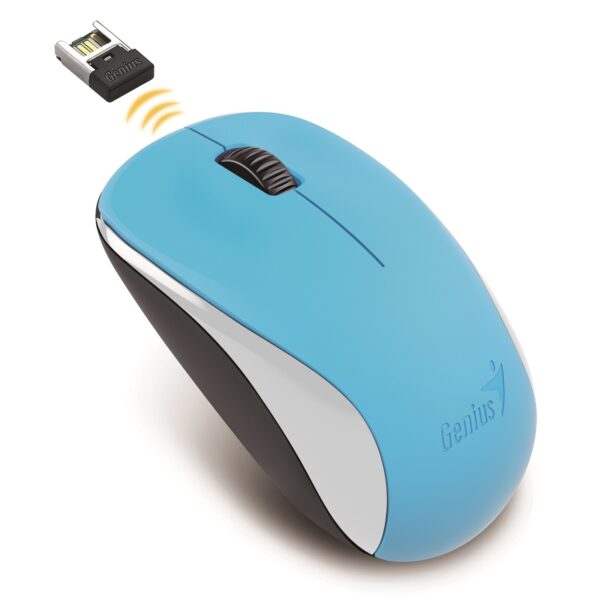
Genius Ergo 8230S Wireless Silent Mouse, 2.4 GHz, 6 Buttons, 800/1200/1600 DPI

  • Genius Ergo 8230S wireless silent mouse with ergonomic contoured design and thumb rests
  • 2.4 GHz wireless connectivity via USB-A or USB-C receiver with up to 10 m working distance
  • Six-button layout including AI Copilot shortcut, forward/back navigation and DPI switch
  • Good for: one computer, all day, on a budget
  • Good for: shared PCs: there is nothing to pair
  • Skip it if: you need Bluetooth: it has a receiver only

The step that changes your day is from the very cheapest mice to a decent budget one like the Genius Ergo 8230S. That is where mice stop feeling disposable. If a mouse never leaves the desk, a wired mouse never needs a battery and cannot wander off in a laptop bag.

The spec sheet, translated

Mouse marketing is written for gamers and copied onto office mice unchanged. Here is what the boxes actually mean for work.

The specWhat it meansShould you care?
DPIHow far the cursor travels when your hand moves an inch. 800 to 1600 covers office work perfectlyNo. Every mouse made in the last decade clears this. A 30,000 DPI number on the box is gaming marketing, nothing more
Polling rateHow many times per second the mouse reports its positionNo. It decides esports matches, not spreadsheets
Optical vs laserTwo kinds of sensor. Both track flawlessly on a desk or pad. Laser types cope better with gloss, but clear glass needs a sensor built for itOnly if you work on a glass table. Then buy a mouse sold as tracking on glass, such as the Dell MS900
"Ergonomic"Legally, nothing. Any shape can print it on the boxIgnore the word. Look at the shape, and at where your hand will actually sit
Extra buttonsUsually two thumb buttons mapped to back and forwardYes. This is the one spec that genuinely speeds up office work. Browser-back on your thumb saves hundreds of small trips a day

That last row is our favourite piece of advice in this guide. People pay for sensors they will never stress and ignore the two thumb buttons that would save them more time than every other spec combined.

Six things the big reviews barely mention

These are the things that decide how a mouse feels in year two, which is roughly when the review sites have stopped caring.

Switches wear out, and it looks like a software bug

The most common way a mouse dies is not dramatic. One day a single click starts registering as a double click, files open when you meant to select them, and you blame Windows. It is the switch wearing out. Heavy clickers can get there in two or three years. This is why warranty length is a more useful number than DPI. Kensington and Dell give three years on the MY430 EQ, MS355, MS700 and MS900.

Battery life matters more than battery type

Reviews treat rechargeable batteries as the premium option and disposable cells as old-fashioned. On a desk, what matters is how often you have to think about it. Dell rates the MS700 at up to 24 months on two AAA cells; Kensington rates the rechargeable MY430 EQ at up to four months per charge, and it charges over USB-C while you keep working. A rechargeable mouse that lasts a week between charges is the one to avoid.

Some features need an app your IT department will refuse

Button remapping, cursor tricks, profile syncing: on most premium mice these live in a companion app, and locked-down company laptops frequently will not allow it to be installed. The rule: a good work mouse must be excellent with zero software, straight out of the box. Every pick in this guide works without it. Treat app-only features as a bonus you might get, never as the reason you buy.

The surface matters as much as the sensor

Many tracking complaints are really surface complaints. Bare glass defeats ordinary sensors, high-gloss lacquer confuses them, and rough desks chew through the glide feet, which is why an ageing mouse starts to feel like it is dragging. A cloth mouse pad is cheap and fixes all three at once. It is the cheapest upgrade in this entire article.

Showroom feel lies to you

Every mouse feels fine for thirty seconds in a shop. The verdict that matters arrives in hour three of a working day, when a slightly wrong shape has become a pressure point. And any big change of shape, vertical or trackball especially, feels genuinely awkward for the first two days while your hand relearns. Give a new shape a full week before you judge it, and keep the box while you do.

Coatings age, and rubber ages worst

A mouse is handled for more hours a day than your phone. Soft-touch rubber coatings feel lovely in month one and turn sticky and grimy after a year or two of daily handling, and no amount of cleaning fully brings them back. Hard matte plastic looks less glamorous on day one, looks identical on day seven hundred, and wipes clean in seconds, which matters double on shared desks. Check what the mouse is actually made of before you buy. Almost no review will tell you.


Browse the full range

Every wireless mouse we sell, cheapest first. The category pages let you filter by silent, ergonomic, vertical, Bluetooth, or by brand if you already know you want Logitech mice.

Quick answers

What is the best mouse for work?

For most office work we recommend the Kensington MY430 EQ: silent clicks, back and forward buttons, and both Bluetooth and a USB receiver, so it pairs with three computers. The best answer depends on why you are shopping, though. Wrist pain, travel, shared offices and multi-computer setups each have a better specific answer, covered in the sections above.

Is a wireless mouse OK for office work, or should I go wired?

Wireless is completely fine for work. The lag worries you read about belong to competitive gaming, not documents and browsers. Wired still earns its place on hot desks and shared PCs: it costs very little, never needs a battery and cannot wander off in a laptop bag.

Are vertical mice really better for your wrist?

A vertical mouse holds your hand closer to a handshake position, which stops your forearm bones staying crossed all day. The scientific evidence is thinner than the marketing implies, but many people with wrist ache genuinely do better on one, and entry-level vertical mice now cost little. Give it a full week before judging. The first two days feel strange for everyone.

Is a trackball better than a mouse for wrist pain?

It helps a different problem. Because a trackball never moves, your arm and shoulder stop working, so it tends to help most when the ache is in the shoulder or upper arm rather than the wrist itself. Expect a few days to a week of learning curve, and a lifetime of it never sliding off a small desk.

What DPI do I need for office work?

Between 800 and 1600, and every mouse sold in the last decade covers that. DPI describes how far the cursor moves relative to your hand. The giant numbers on boxes are gaming marketing and change nothing about spreadsheets, email or browsing.

Bluetooth or a USB receiver, which is better?

The receiver is more dependable: it connects instantly and never hesitates after the mouse has been idle. Bluetooth frees up a USB port, which matters on modern laptops that only have USB-C. The best answer is a mouse that offers both, like the Kensington MY430 EQ or the Dell MS900, so you never have to choose. As a bonus, a dual-mode mouse can serve two computers.

How much should I spend on a work mouse?

Less than you might think. The big step is from the very cheapest mice, which feel disposable within weeks, to a decent budget one with a proper shape and thumb buttons. Premium prices buy travel features, glass tracking and multi-computer tricks, which are worth it only if you will use them.

Do silent mice feel worse to click?

They feel different: the sharp snap becomes a soft, damped bump. You still feel exactly when the click lands. Most people stop noticing within a day, a few never take to it, so try one before you equip a whole office. The difference in noise is obvious in a quiet room.

Sources and further reading

Leave a Reply

Your email address will not be published. Required fields are marked *