Buying a Gaming PC in 2026: How Much to Spend, What to Avoid, and the Mistakes We See Every Week

Buying a Gaming PC in 2026: How Much to Spend, What to Avoid, and the Mistakes We See Every Week

Walk into any conversation about gaming PCs and you will hear the same three questions: how much should I spend, should I buy one ready-made or build it, and will it actually run the games I want? Most guides answer those with a spec sheet and a shopping link. This one is different, because we sell these machines and the parts inside them every day, and we also see the ones that come back.

That second part matters. A returns desk teaches you things a benchmark never will: which corner a cheap build cuts first, why a powerful PC can still feel slow, and the single decision that quietly wastes more money than any other. So before you spend anything, read this. We will cover real 2026 UK prices, what to buy at each budget, and the mistakes we watch people make week after week, so you can skip them.

For most people in 2026, the best value gaming PC sits around £1,000 to £1,500. That money plays modern games beautifully at 1440p and lasts for years. Spend less and 1080p is still excellent; spend more only if you are set on 4K, or you stream and create. Choose your screen first, put the graphics card next, and never trust a spec sheet that hides the power supply, the motherboard or the exact RAM speed.

What actually makes a PC a “gaming PC”

There is no badge that turns a computer into a gaming PC. The term just means a desktop built around a dedicated graphics card, with enough processor, memory and cooling to feed it. A £400 office tower and a £1,500 gaming rig can look identical from the outside. The difference is almost entirely the graphics card and the parts chosen to support it.

That is worth knowing, because plenty of cheap “gaming PCs” are office machines with a budget graphics card dropped in and some RGB lighting added. They boot, they glow, and then they struggle the moment a modern game asks for real work. A good gaming PC is balanced instead: the graphics card does the heavy lifting, the processor keeps up, the RAM runs at full speed, the storage is fast, and the power supply and cooling are honest enough to keep all of it stable for years.

So when someone asks what makes a good gaming PC, the short version is balance and headroom, not a long spec list and a light show. Hold on to that idea and most of the buying traps below stop working on you.

How much does a gaming PC cost in 2026?

Here is the honest range. A capable gaming PC in the UK starts around £700, and a no-compromise machine can pass £3,000, but the majority of people are well served between £900 and £1,600. The number that matters is not the total, it is the resolution and frame rate you are buying.

One thing to know for 2026: memory and storage prices have climbed hard this year, and graphics card supply has been tight, so the same build costs a little more than it did twelve months ago. We track this closely, and you can read the full picture in our RAM and SSD price guide. The takeaway is simple. If you need a PC now, buy now and buy sensibly. Do not overspend on parts you will not use just because a bigger number feels safer.

BudgetWhat it is forWhat to expect
£700 to £900Entry 1080p gamingHigh frame rates at 1080p on most games at medium to high settings. A smart first PC.
£1,000 to £1,5001440p, best valueSmooth high-refresh 1440p with plenty of headroom that lasts several years. Where most people should aim.
£1,600 to £2,200High-refresh 1440p or entry 4KMaxed 1440p at high frame rates, or 4K with sensible settings and upscaling.
£2,500 and up4K and creationProper 4K gaming, heavy streaming and creative work. Diminishing returns begin here.

Those figures are for the machine itself. Build it from parts and you usually get more for your money than a big-brand prebuilt at the same price, which is the trade-off we unpack further down. Either way, decide the resolution first and let it set the budget, not the other way around.

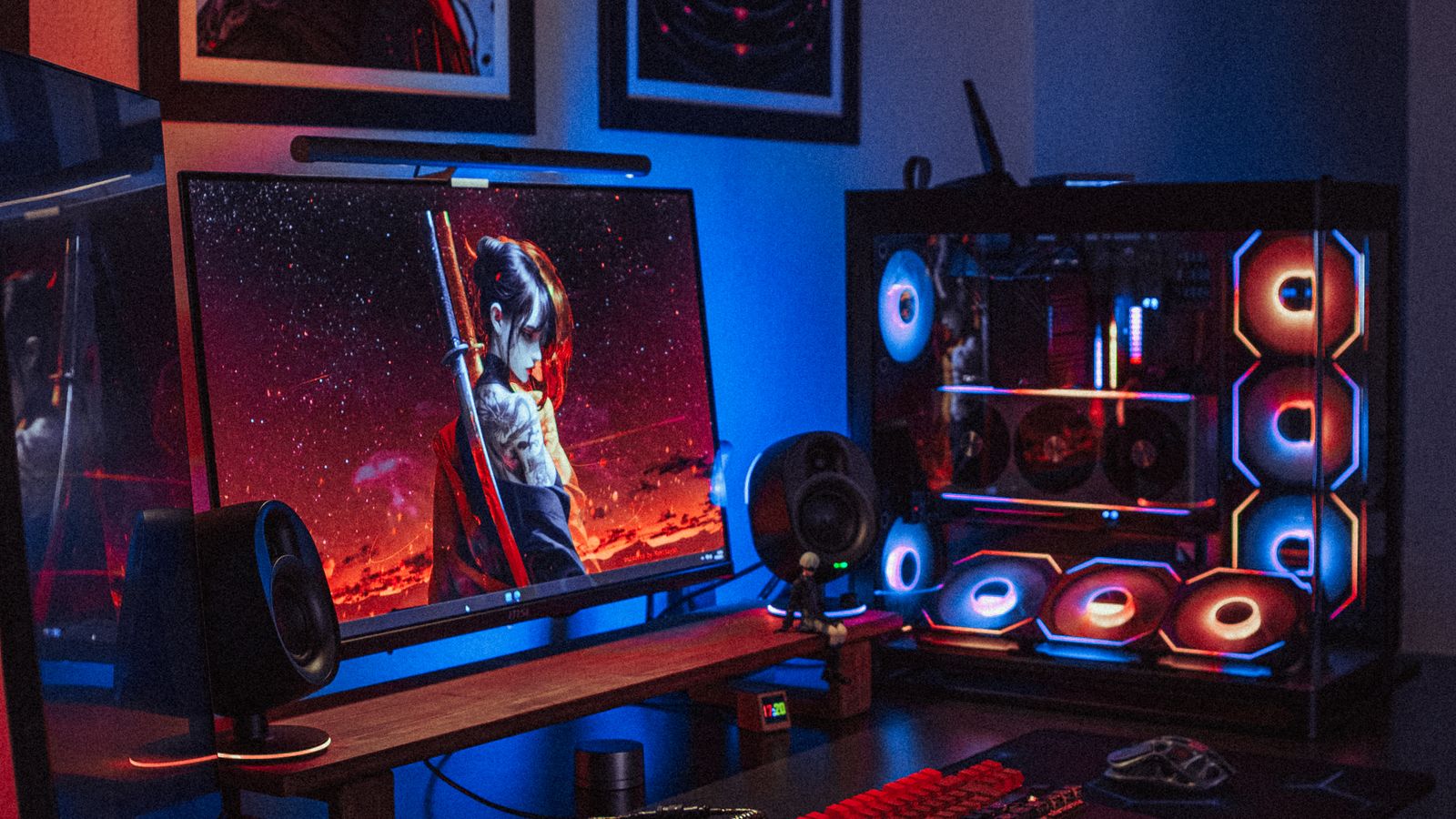
Gaming PC setup with an RGB tower and a gaming monitor on a desk
Around £1,000 to £1,500 buys a gaming PC that handles 1440p with room to spare. Pair it with the right monitor and the whole setup feels premium.

Start with the screen, not the graphics card

This is the most useful idea in the whole guide, and almost nobody follows it. Most people pick a graphics card first, talk about it for weeks, then grab whatever monitor is on offer. That is backwards, and it wastes money in both directions.

Your monitor decides how hard the rest of the PC has to work. Pixels are the load. A 1080p screen asks far less of a graphics card than 1440p, and 4K asks roughly four times as much as 1080p. So the sensible order is this: choose the resolution and refresh rate you want to play at, then buy the graphics card that drives it, then a processor that will not hold that card back. Get the order right and nothing in the box goes to waste.

Two expensive mistakes come from ignoring it. The first is bolting a £900 graphics card onto a tired 1080p 60Hz monitor, where most of that power has nowhere to go. The second is the opposite: a gorgeous 4K screen paired with a mid-range card that can only push 40 frames a second, so everything feels sluggish. A balanced 1440p setup beats both, and usually costs less than either.

If you are not sure which resolution suits you, our QHD versus 4K monitor guide walks through it in plain terms. For most people in 2026, 1440p at a high refresh rate is the one to beat.

Pick the graphics card first and buy whatever monitor is on offer, and you have it backwards.
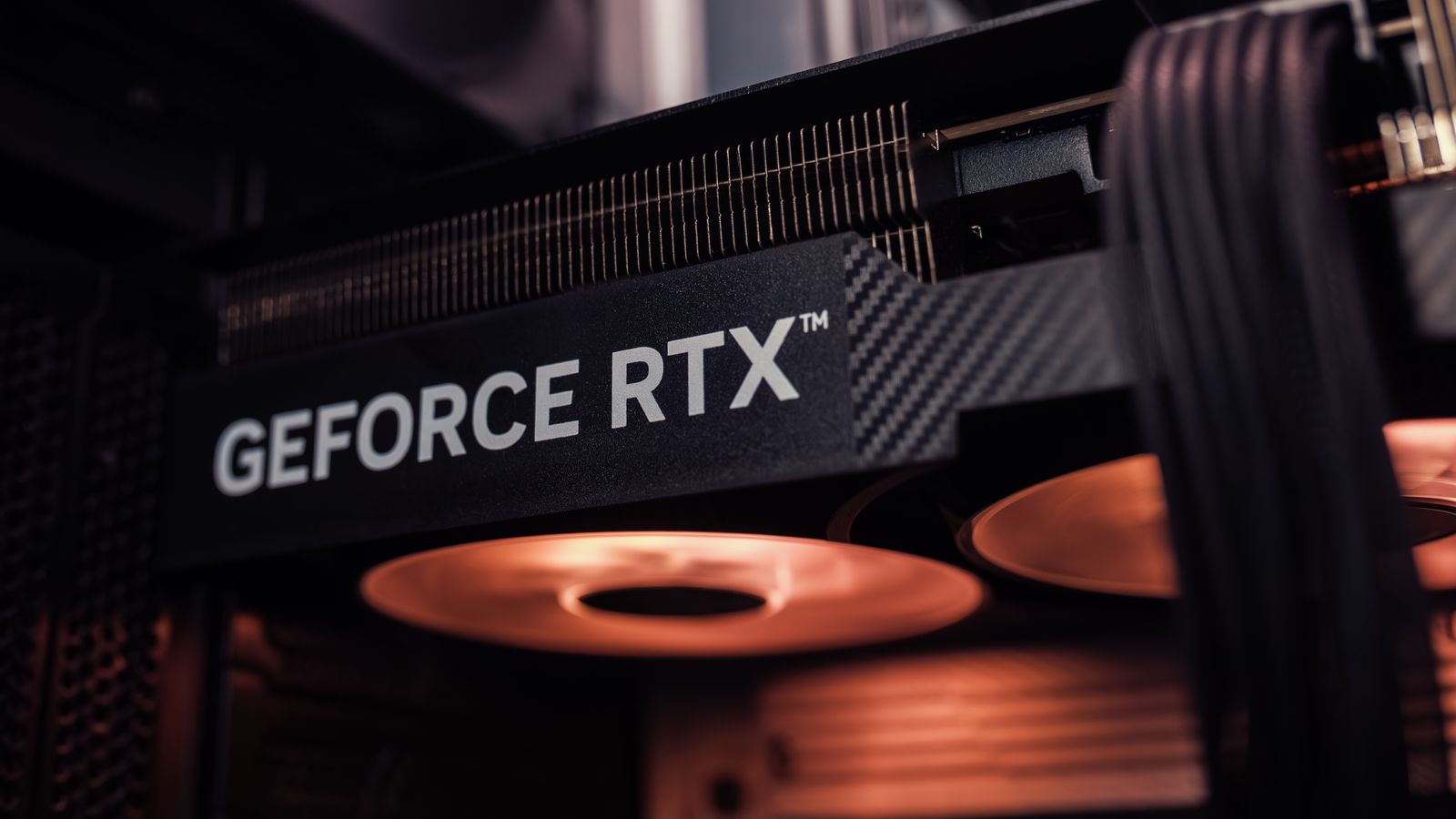
GeForce RTX graphics card glowing inside a gaming PC case
The graphics card sets the resolution you can play at. Buy it to match your monitor, not the other way round.

Prebuilt, custom or self-build: which is right for you?

There are three ways to end up with a gaming PC, and none of them is wrong. The right one depends on how much you want to learn and how much you value a single phone number to call when something goes wrong.

A prebuilt arrives ready to switch on, tested, with one warranty covering the whole machine. It is the easiest route and the safest if you never want to open the case. The trade-off is price and transparency: big-brand prebuilts carry a premium, and the cheapest ones save money on the parts you cannot see. More on that in the mistakes section.

A custom-built PC from a UK system integrator sits in the middle. You choose the parts from a list, they assemble and test it, and you still get one warranty. The well-known British builders, names like PCSpecialist, Scan, Overclockers and AWD-IT, are established and generally well regarded, with thousands of reviews between them. They are legitimate businesses, not fly-by-night sellers. As with any builder, experiences vary, so read recent reviews for the exact spec and check the warranty terms before you commit.

Building it yourself is the cheapest per pound of performance and gives you total control plus the easiest upgrades later. Modern parts are designed to fit together, and there are more good guides than ever, including our own complete component guide. The catch is that the warranty is per part, not for the whole machine, and you are your own tech support. If that sounds like fun rather than stress, it is the route we would pick.

One honest point from a shop that sells both parts and complete systems: a prebuilt is not a rip-off, and a self-build is not always cheaper once you value your time. Choose the path that matches the person who will use it.

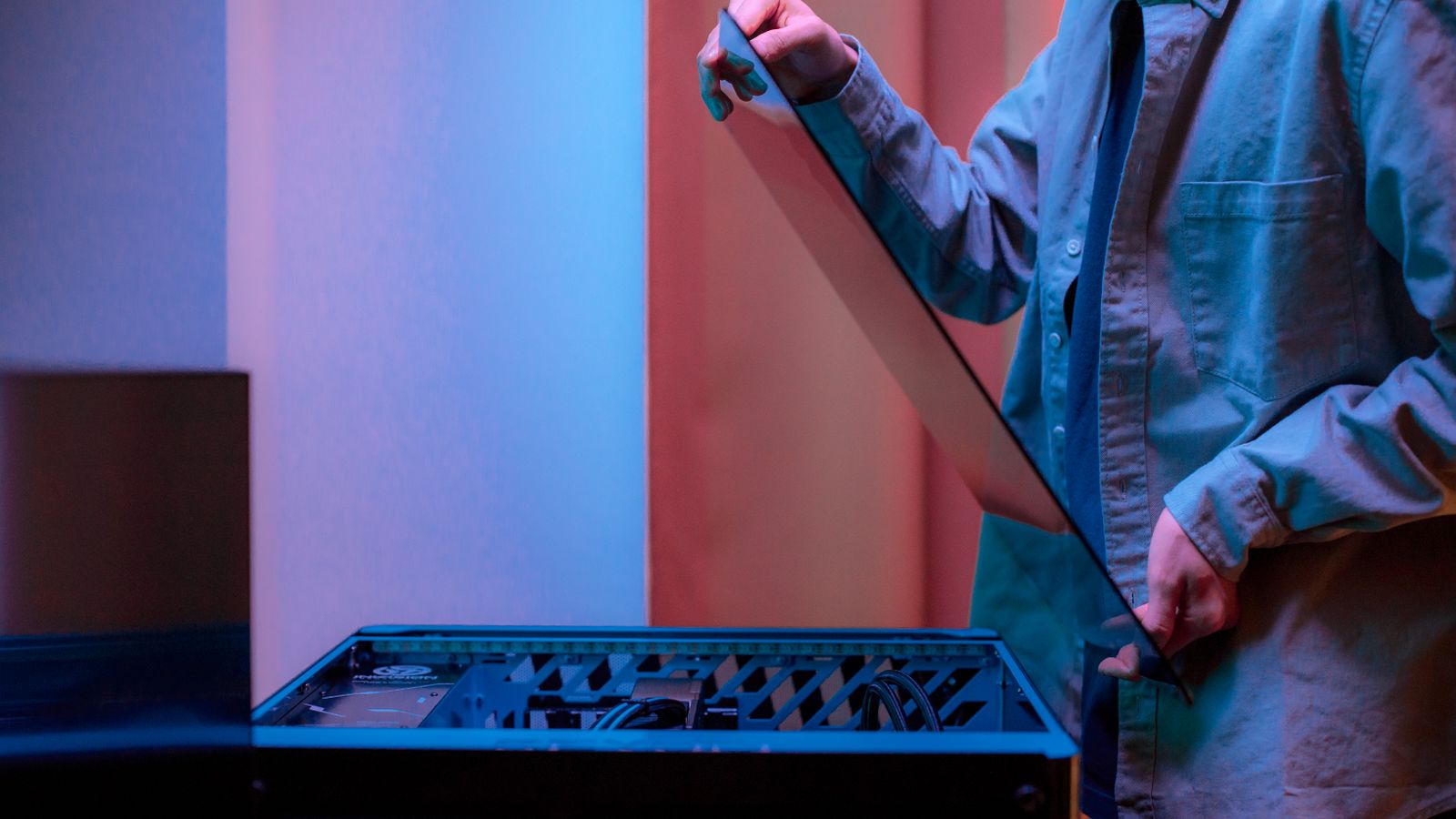
Person removing the glass side panel of a gaming PC case
Self-building is the cheapest route per frame and the easiest to upgrade later. A prebuilt trades some of that value for one warranty and zero assembly.

The mistakes we see every week

This is the part we wish every buyer read first. None of these are exotic. They are ordinary, repeated, and every one of them costs somebody money or performance. Most come straight from what crosses our returns desk and support inbox.

Trusting a power supply that only shows a wattage

The most common corner cut, by a mile. A listing says “750W” and nothing else: no brand, no model, no efficiency rating. That number alone tells you almost nothing. A cheap 750W unit with weak rails can fail to feed a modern graphics card, which draws short, sharp power spikes well above its average. The result is random shutdowns and crashes that get blamed on the game. Always ask for the exact PSU make and model. If a seller will not tell you, treat that as your answer. Our power supply guide explains what a good one looks like and why the ATX 3.1 standard matters for today’s cards.

Falling for the 8GB graphics card in 2026

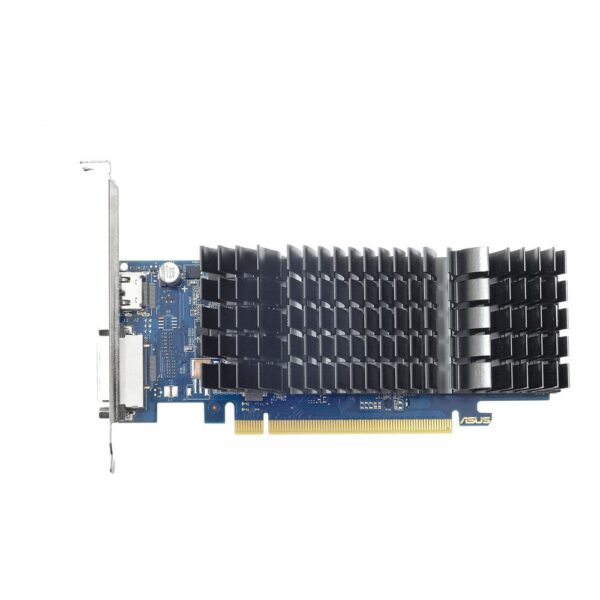
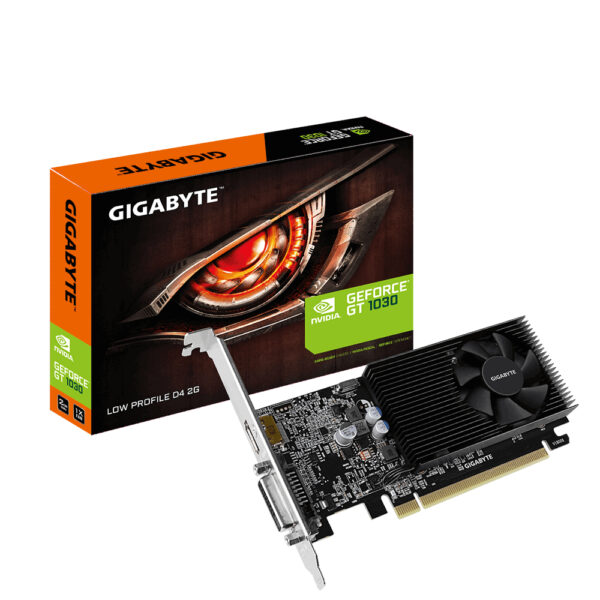
Plenty of cards still ship with 8GB of video memory, and for modern games at high settings that is now the floor rather than a comfort. Run out of video memory and you get stutters and textures that load in late, even when the card is otherwise fast enough. For 1080p aim for at least 10 to 12GB, and for 1440p treat 12GB as the minimum and 16GB as the target. It is one of the few specs worth paying up for. Our graphics card guide breaks down how much you really need by resolution.

Buying the parts nobody lists

Prebuilt pages love to shout about the processor and graphics card, then go quiet about the motherboard, the RAM speed, the storage and the power supply. That silence is usually where the savings are hidden: a basic board with no upgrade room, memory running at its slow default speed, a small or slow drive, and the cheapest power supply that fits. Before you buy, get the full parts list. A great CPU and GPU on a weak supporting cast is a machine that ages badly.

A flagship card choking on the rest of the PC

Pair a top-tier graphics card with a budget processor, or with RAM stuck at a slow speed, and you throttle the very thing you paid for. This is called a bottleneck, and it is real. The fix is not to spend evenly on everything, it is to spend in proportion to your resolution. At 1440p and 4K the graphics card matters most; at 1080p the processor has more say. Match the parts and the money goes further.

RAM running on one stick, or at half speed

Two things bite here. Cheap machines sometimes ship with a single memory stick, which roughly halves memory bandwidth and quietly costs you frames, especially on systems leaning on built-in graphics. And many PCs leave their fast memory profile switched off, so a DDR5-6000 kit crawls along at a slow default until you turn on EXPO or XMP in the BIOS. Always run two sticks, and switch the profile on. It is free performance most people leave on the table. Our RAM guide covers the details.

Paying for the light show instead of the airflow

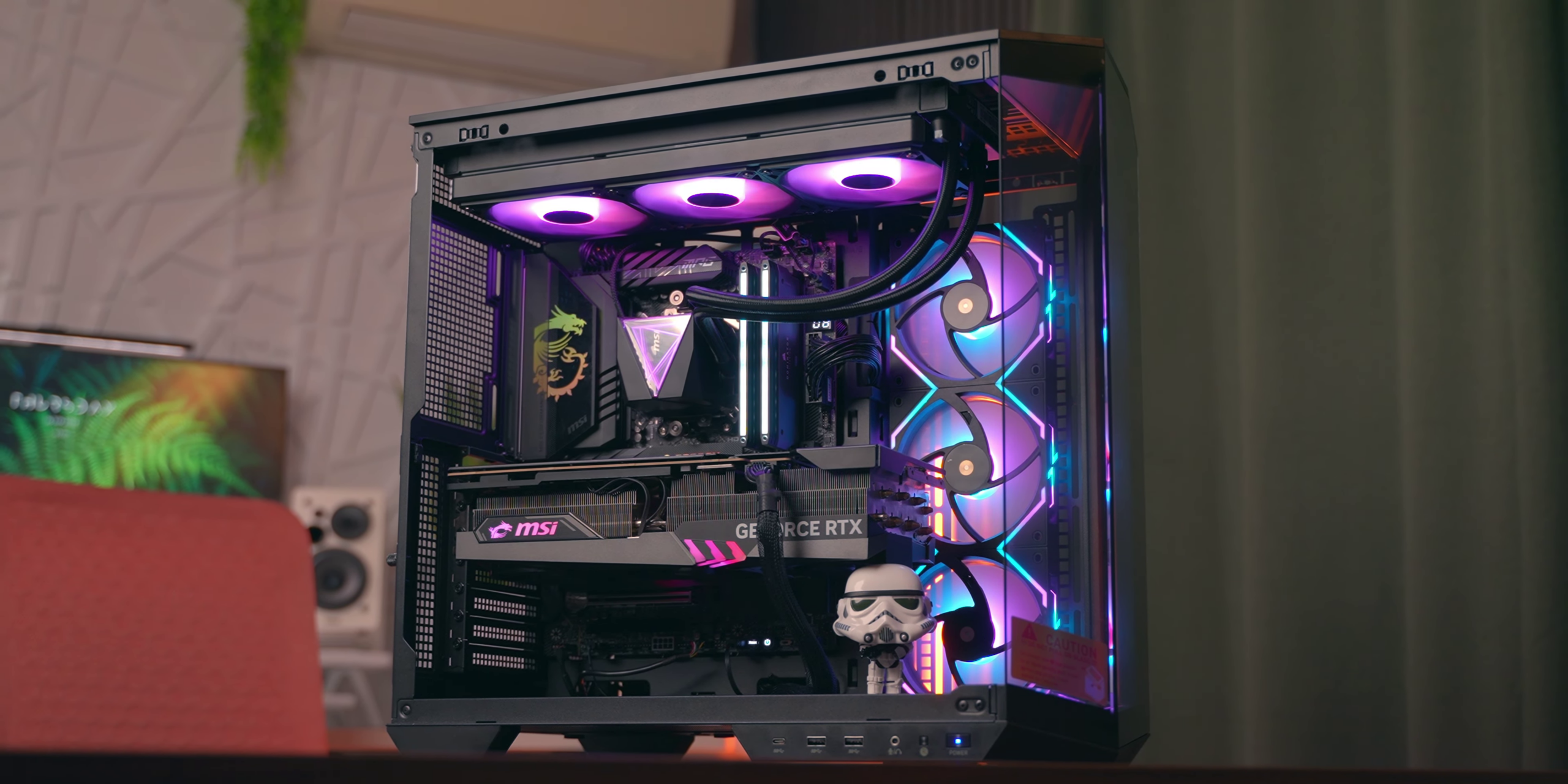
A case full of RGB looks great in photos and tells you nothing about how well it keeps parts cool. We have seen plenty of beautiful builds that run hot and loud because the case looks better than it breathes. Cooling comes first: good airflow, sensible fans, a cooler that suits the processor. The lights are the easy part to add later. Our case guide and cooling guide go deeper.

A dead-end you cannot upgrade

The cheapest prebuilts often use parts that lock you in: a slim power supply with no spare capacity, an own-brand motherboard with no room to grow, sometimes even non-standard connectors that fit only that machine. A year later you want a bigger graphics card and find you must replace half the PC to fit it. If you ever plan to upgrade, check that the power supply has headroom and that the parts are standard before you buy.

Forgetting the screen, the desk and the rest

The tower is only part of the spend. A good monitor, a decent chair, a mechanical keyboard and a proper mouse change the experience as much as a faster card does. Budget for the whole setup, not just the box. Spending every penny on the PC and then gaming on a tired old monitor is just the hidden-parts mistake in a different shape, the one where the screen is the bottleneck.

What to actually buy at each budget in 2026

Here is where the money goes if you are choosing parts, or checking that a prebuilt has the right ones. These are the picks that give the most game per pound right now.

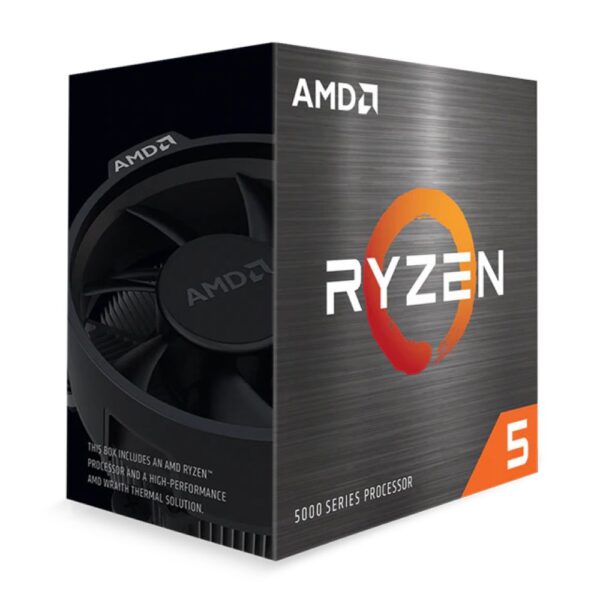
Entry, around £700 to £900 (great 1080p): a current six-core processor, 16GB of fast DDR5, a 1TB NVMe drive, and a graphics card such as the Intel Arc B580 or an RTX 5060-class card. This plays almost everything at 1080p on high settings.

Best value, around £1,000 to £1,500 (high-refresh 1440p): the one to beat. A graphics card with 16GB of memory, like the AMD Radeon RX 9070 XT or an RTX 5070-class card, paired with a strong gaming processor and 32GB of RAM. It is fast now and has the headroom to stay fast.

High-end, £1,600 and up (maxed 1440p or 4K): an RTX 5070 Ti or RTX 5080, 32GB of RAM, a quick Gen4 NVMe drive, and a generous power supply with ATX 3.1. For pure gaming, an AMD X3D processor is the one to want, because its extra cache is the closest thing to free frames.

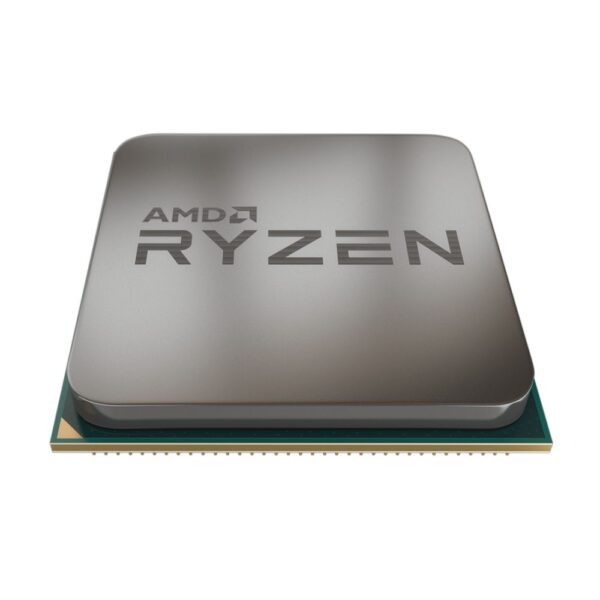
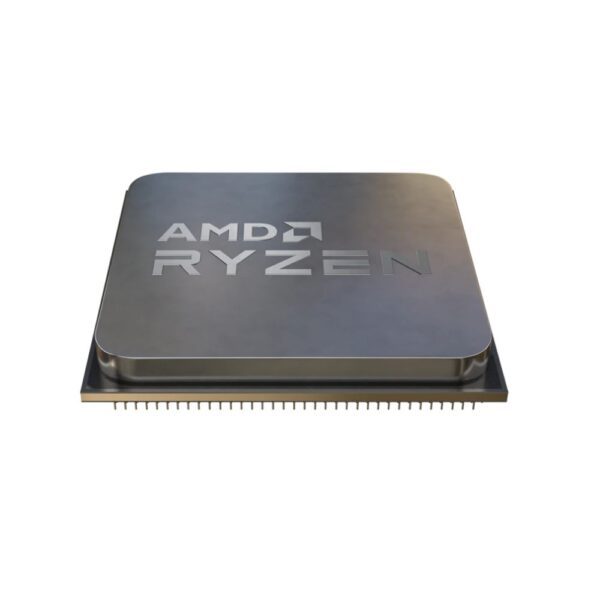
Two parts deserve extra care, because they are the ones people regret most. The graphics card and its memory set what you can play, and the processor decides whether that card ever stretches its legs. For the full reasoning we keep two guides up to date: the best graphics card guide and the best gaming CPU guide. If you want one machine for gaming above all else, an AMD Ryzen X3D chip is still the answer in 2026.

A quick 2026 tip on storage: do not overpay for the very newest drives. A fast PCIe 4.0 NVMe drive feels identical to a pricier Gen5 one in games, and with prices high this year, Gen4 is the value pick. Our SSD guide explains why.

Browse current graphics cards and processors below, sorted with the best value first.

Ready-to-go gaming PCs we stock

If you would rather skip the build and just switch it on, here are complete gaming PCs we stock, grouped by what they are for. Prices are live, so they always reflect what is in the basket today. One honesty note: brand-name prebuilts carry a premium over the same parts bought separately. You are paying for assembly, testing and one warranty, which is a fair trade for a lot of people. If value is everything, build it yourself or have it built from a parts list instead.

Best entry-level gaming PC: TARGET RGB Ryzen 5 with RTX 5050

TARGET RGB Gaming PC: Ryzen 5 5500, 16GB RAM, RTX5050, 1TB NVMe

In stock

£769.20 inc VAT
  • AMD Ryzen 5 5500 6-core processor with 12 threads and boost speeds up to 4.2GHz
  • 16GB ADATA DDR4 RAM at 3200MHz for responsive multitasking performance
  • 1TB NVMe M.2 SSD with read speeds up to 5000MB/s for rapid storage access
  • Gigabyte RTX 5050 graphics card with 8GB GDDR6 memory and 2560 CUDA cores
  • DeepCool AG400 ARGB CPU cooler with 4 direct-touch heat pipes and 120mm PWM fan
  • 500W DeepCool PSU with 80 PLUS White efficiency and non-modular flat black cables

A sensible first gaming PC. A six-core Ryzen, 16GB of memory, a fast 1TB drive and an RTX 5050 add up to strong 1080p gaming without a silly price. This is the machine we point first-timers towards when they want to play this weekend, not next month.

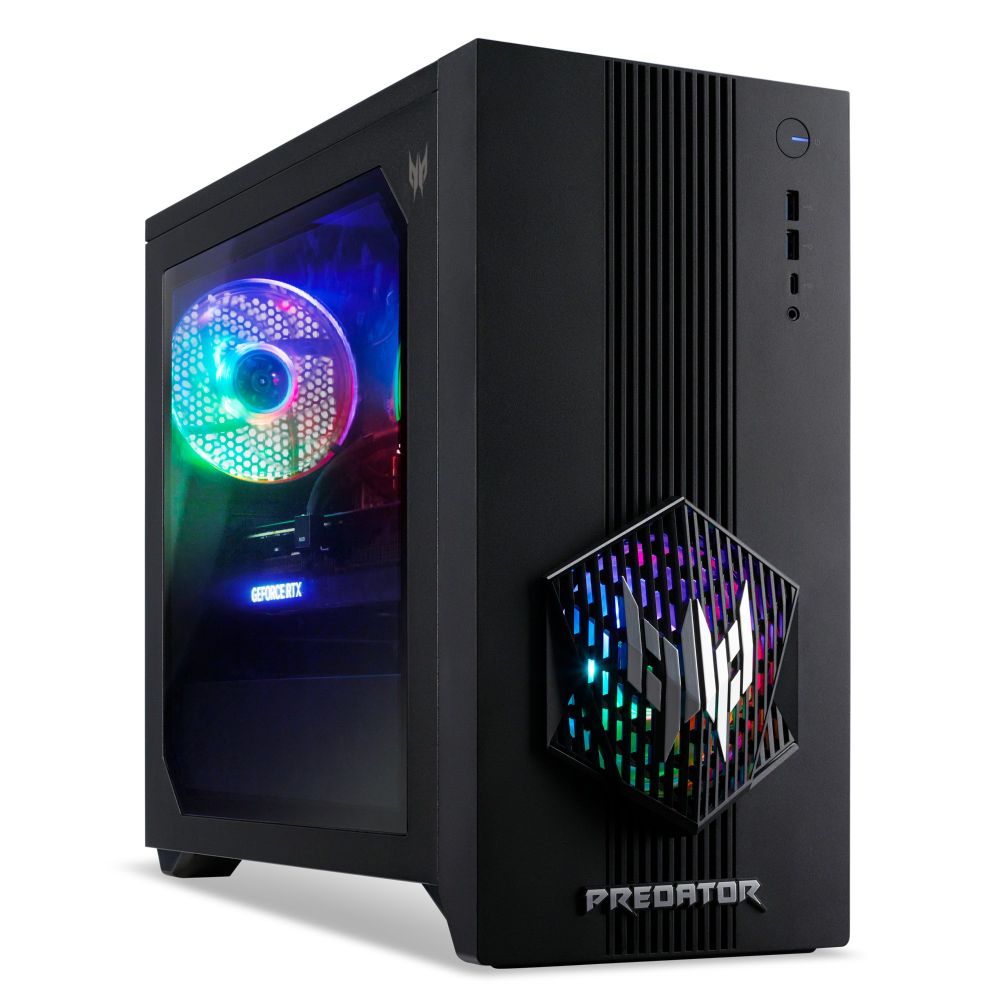
Best 1080p all-rounder: Acer Predator with RTX 5060

Acer Predator PO3-665 – Intel Core i5-14400F, 16GB RAM, 512GB SSD, RTX 5060, Windows 11

In stock

£1,682.99 inc VAT
  • NVIDIA GeForce RTX 5060 graphics with 8 GB VRAM
  • Intel Core i5-14400F processor (14th gen, 6 performance cores)
  • 16 GB RAM, expandable to 32 GB
  • 512 GB SSD storage
  • Wi-Fi 6E and Bluetooth 5.3 connectivity
  • 850 W power supply
  • Windows 11 Home

A tidy, well-cooled machine for high-refresh 1080p and casual 1440p. The RTX 5060 is capable, though it carries 8GB of memory, so treat 1440p as a “high settings, not ultra” target and you will be happy. If you want real 1440p headroom, step up to the RTX 5070 machine below.

Best 1440p gaming PC: Acer Predator with RTX 5070

Acer Predator Gaming Desktop: i5-14400F, 16GB RAM, RTX 5070

In stock

£2,474.99 inc VAT
  • 14th Gen Intel Core i5-14400F processor with 6 performance cores and 4 efficient cores
  • NVIDIA GeForce RTX 5070 graphics with 12GB dedicated memory
  • 16GB RAM expandable up to 32GB for smooth multitasking
  • 512GB SSD storage for fast boot and load times
  • Wi-Fi 6E and Bluetooth 5.3 for wireless connectivity
  • Multiple USB ports including 4x USB 3.2 Gen 1 Type-A and 1x Type-C
  • 850W power supply for reliable high-performance operation
The RTX 5070 is a proper 1440p card, and here it sits in a cooled, tested Predator chassis ready to run. It costs a premium over a self-build with the same card, the prebuilt tax in action, but you get a complete machine and one warranty. For smooth high-refresh 1440p with no fuss, it delivers.

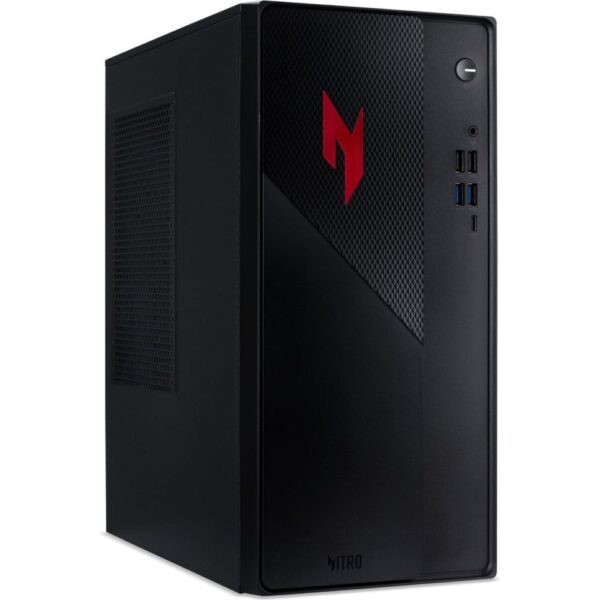
Best high-end gaming PC: Acer Nitro with Ryzen 7 9800X3D

Acer Nitro 70 N70X3D-100_B850 – AMD Ryzen 7 9800X3D, 32GB DDR5, 2TB NVMe PCIe 4.0 SSD

In stock

£3,662.99 inc VAT
  • AMD Ryzen 7 9800X3D processor for high-performance gaming
  • 32 GB DDR5 memory for demanding multitasking
  • 2 TB NVMe PCIe 4.0 SSD for rapid storage
  • Nitro 70 desktop form factor
  • Check motherboard chipset compatibility
  • Verify dedicated graphics card specification
  • Confirm operating system pre-installed

This is the gaming pick at the top end, and the reason is the processor. The Ryzen 7 9800X3D is the best gaming CPU you can buy in 2026, with 32GB of DDR5 and a roomy 2TB drive alongside it. If you play at 4K or chase the highest frame rates, this is the no-excuses machine.

Where to buy a gaming PC without getting burned

Wherever you buy, the protections matter as much as the price. A gaming PC is a big purchase, so spend two minutes on the boring bits before you commit.

Check the warranty length and what it actually covers, including who pays return postage if something fails. Buy from a UK seller so your consumer rights apply and a return is not a transatlantic ordeal. Read recent reviews for the specific machine or seller, not just the star rating on the homepage. And keep the full parts list, because you will want it the day you upgrade or troubleshoot.

If you are buying parts to build, the same logic applies: a UK supplier with clear stock, real support and a sensible returns policy is worth more than shaving a few pounds off a grey-import card with no cover. We stock both complete gaming PCs and the parts to build your own, and we are here for the questions before and after the sale, which is the part a faceless marketplace listing cannot offer.

“Can my PC run it?” How to check before you buy

One of the most searched questions in PC gaming is simply whether a machine will run a particular game. The good news is you rarely have to guess.

Every game lists minimum and recommended system requirements. Minimum means it will start and run, often at low settings. Recommended is the spec for a good experience at 1080p, so treat that as your real target, not the floor. The parts that decide it are almost always the graphics card and its memory, then the processor and the amount of RAM.

To check an existing PC, free tools like the popular “Can You Run It” system requirements checker scan your machine and compare it against a game in seconds. If you are buying new, work the other way around: pick your resolution, then make sure the graphics card clears the recommended spec of the games you care about with room to spare. As a rough guide for 2026, a 12 to 16GB card handles 1440p comfortably, while 8GB is increasingly a 1080p part. Build with a little headroom and “will it run” stops being a worry for years.

Gaming PC questions, answered

How much does a good gaming PC cost in the UK in 2026?

A good gaming PC costs about £1,000 to £1,500 for high-refresh 1440p, which is the best-value range for most people. You can get strong 1080p gaming from £700 to £900, while 4K machines start around £2,000 and climb from there. Memory and storage prices are high this year, so the same build costs a little more than it did last year.

Is a prebuilt gaming PC worth it, or should I build my own?

Both are valid. A prebuilt, or a custom build from a UK system integrator, gives you one warranty and zero assembly, which is worth the premium for many buyers. Building it yourself is the cheapest per frame and the easiest to upgrade later, but the warranty is per part and you are your own support. Pick the one that matches how hands-on you want to be.

What is a good gaming PC for a beginner?

A first gaming PC around £700 to £900 with a current six-core processor, 16GB of DDR5, a 1TB NVMe drive and an RTX 5060-class or Intel Arc B580 graphics card will play almost everything at 1080p on high settings. Make sure it has a named, decent power supply and runs its memory at full speed.

Is 8GB of VRAM enough for gaming in 2026?

For 1080p it is now the floor rather than comfortable, and for 1440p it is not enough for high settings in many modern games, which shows up as stutter and late-loading textures. Aim for 12GB at 1440p and 16GB if you want headroom. It is one of the specs most worth paying up for.

Do I need an AMD X3D processor for gaming?

You do not need one, but if gaming is your priority it is the best choice in 2026. The extra cache on X3D chips lifts frame rates in many games more than a higher clock speed would. For mixed work and gaming, a standard Ryzen or Intel chip is perfectly fine.

How can I tell if my PC will run a game?

Compare the game's recommended system requirements against your graphics card, its memory, your processor and your RAM. Free tools like the "Can You Run It" checker scan your PC and tell you in seconds. Treat the recommended spec as your target, not the minimum.

Are UK gaming PC builders like PCSpecialist any good?

The established UK builders, including PCSpecialist, Scan, Overclockers and AWD-IT, are legitimate and generally well reviewed, with strong build quality and proper warranties. Experiences vary as with any company, so read recent reviews for the exact spec you want and check the warranty terms before buying.

How do I make my gaming PC run faster?

Start with the free wins: turn on your memory's EXPO or XMP profile in the BIOS, keep your graphics drivers current, leave 10 to 20 percent of your drive free, and make sure the case has decent airflow so nothing overheats. These usually matter more than any paid "booster" software.

Leave a Reply

Your email address will not be published. Required fields are marked *