Best PC Case in 2026: Airflow vs Looks, and Do Fishtank Cases Really Run Hot?
Few PC topics start more arguments than cases. Should you buy a mesh-fronted airflow case or a slick glass showpiece? Do the new fishtank and panoramic-glass cases cook your components? And do you really need a special case for the latest back-connect motherboards?
This guide settles the airflow-versus-looks debate with practical answers, and shows what to buy in 2026.
By Hardvance Team · Last updated June 2026
Quick verdict: Airflow comes first. A case with a mesh front and a couple of good fans keeps temperatures and noise down, and modern airflow cases look great too, so you rarely have to choose. Fishtank and full-glass cases can run warmer, but the good ones manage it with extra fans and clever venting. Match the case to your motherboard size, and check that your graphics card and cooler actually fit before you buy.
Airflow vs aesthetics: does it actually matter?
It matters, but less than the forums sometimes suggest. A restrictive front panel can add several degrees to your graphics card and processor, which means louder fans and, in a hot room, some throttling. A mesh front lets the fans pull in cool air freely, so the whole system runs cooler and quieter for the same parts.
The good news is that you no longer have to give up looks for it. Plenty of current cases pair a clean design with a mesh or well-vented front, so the honest answer is to favour airflow and pick a good-looking airflow case rather than treating the two as opposites.
Do fishtank and panoramic-glass cases run hot?
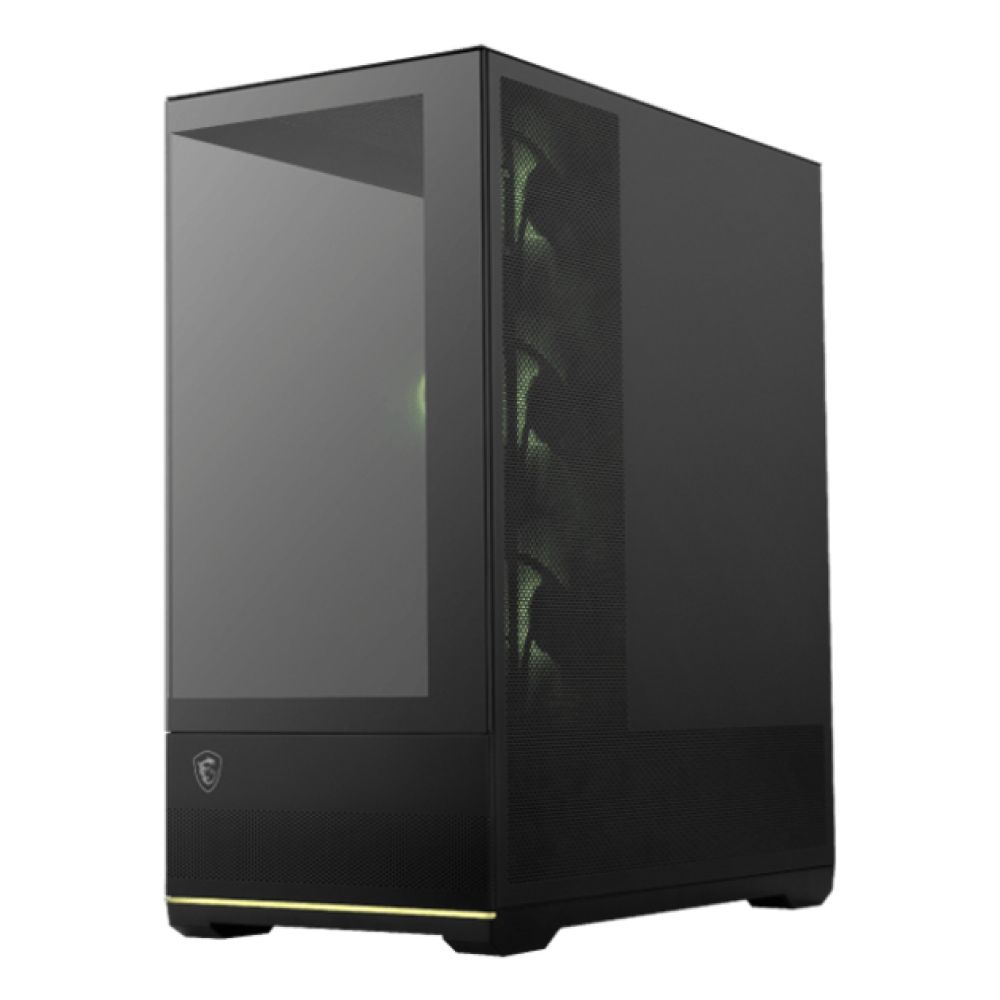
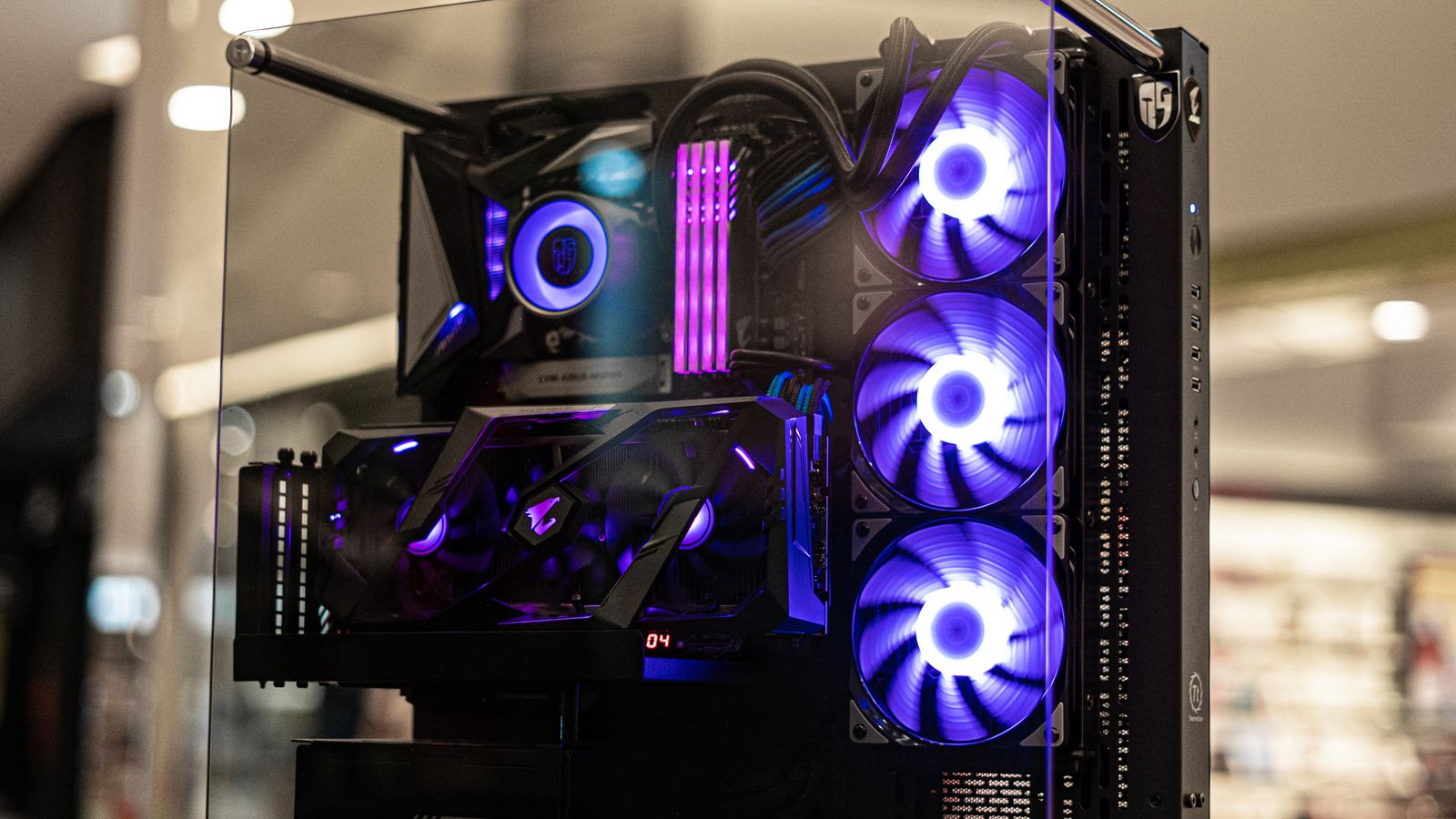
Fishtank and wraparound-glass cases put a sheet of glass across the front and side, which looks stunning but blocks the most natural path for cool air. On their own they can run several degrees warmer than a mesh case.
The better designs get around this by moving the intake fans to the side or bottom and giving them a clear path, so a well-designed fishtank case with enough fans cools fine for a mainstream build. The ones to avoid are cheap glass cases with one small exhaust fan and nowhere for fresh air to enter. If you love the look, buy a fishtank case that is reviewed for cooling and budget for a full set of fans.
Cases compared
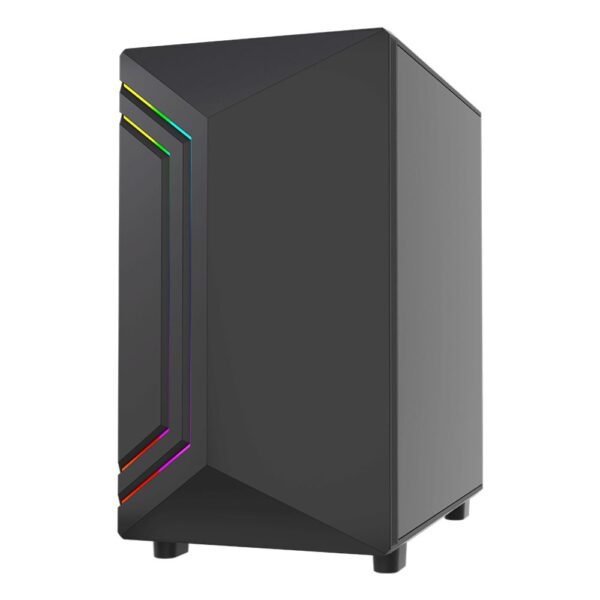
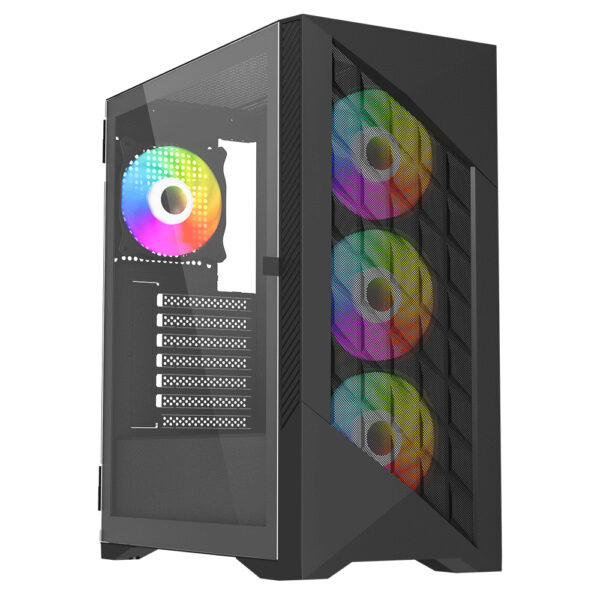
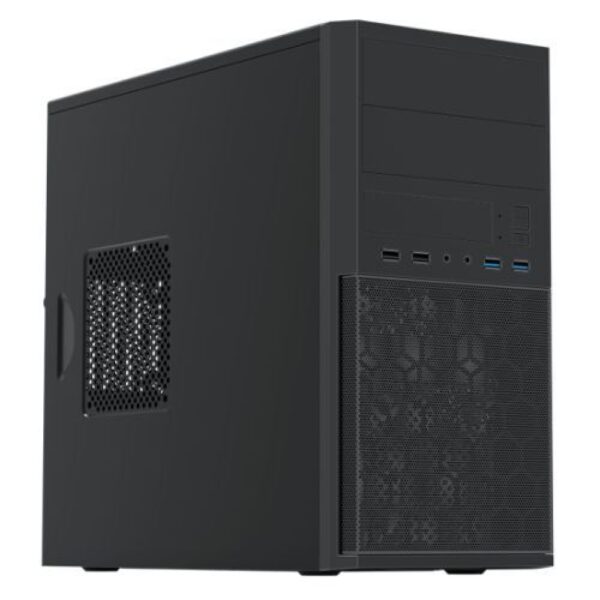
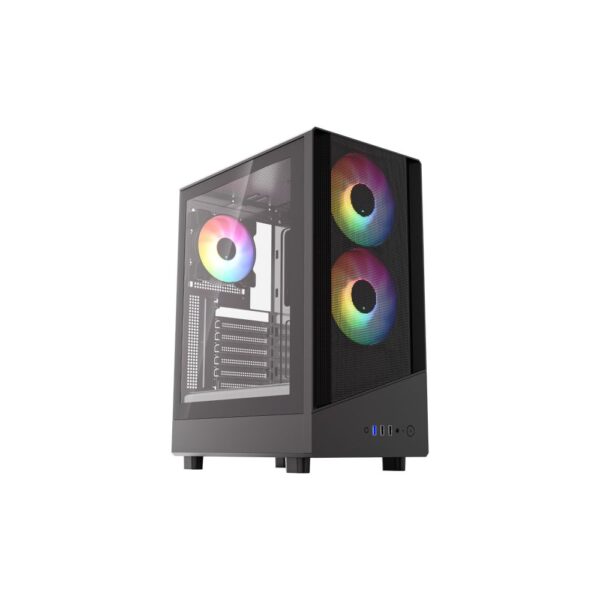
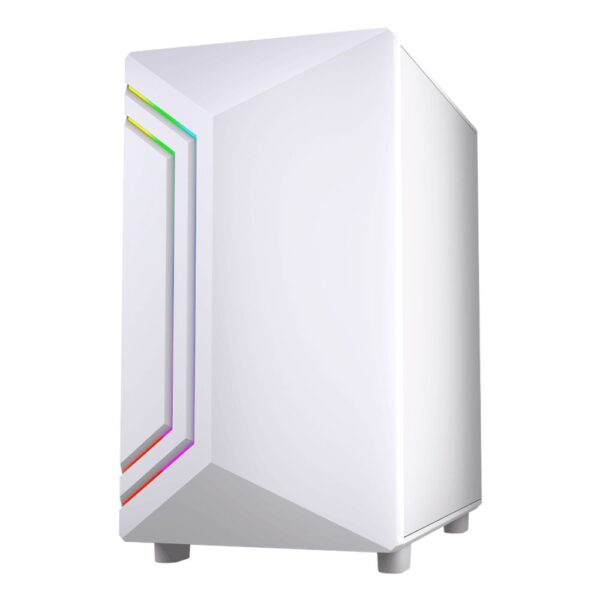
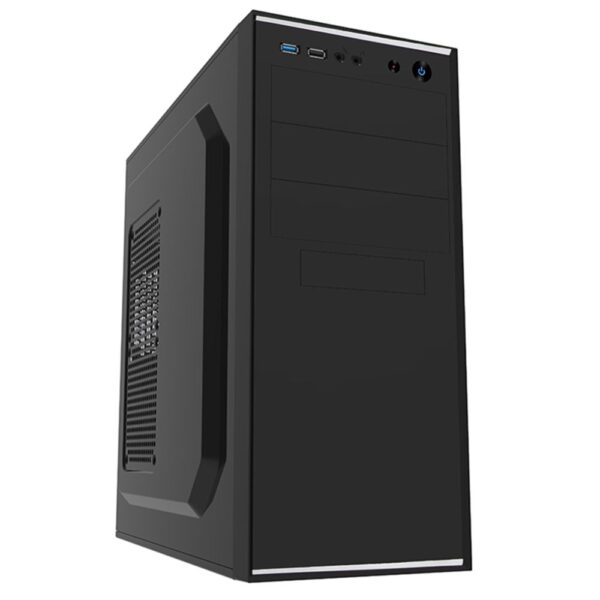
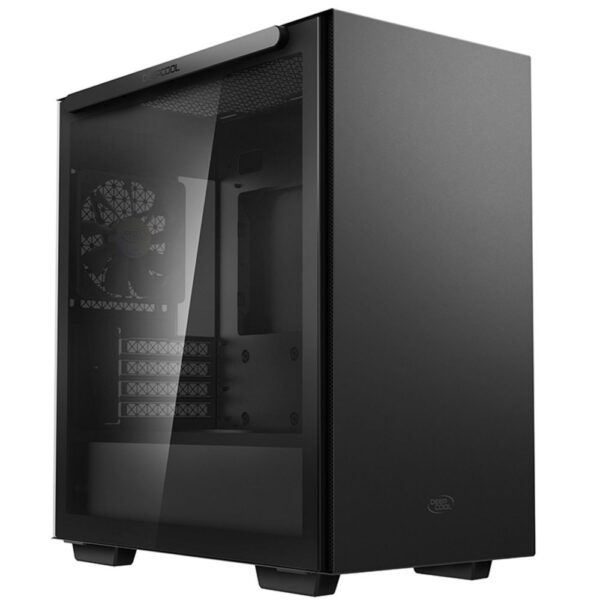
A spread of cases we stock, from budget airflow to a glass showpiece and a cooling flagship, with prices pulled live from our store.
| Case | Form factor | Style | Best for | Price |
|---|---|---|---|---|
| Antec P30 AIR | ATX mid-tower | Mesh airflow | Budget airflow | £61.92 inc VAT |
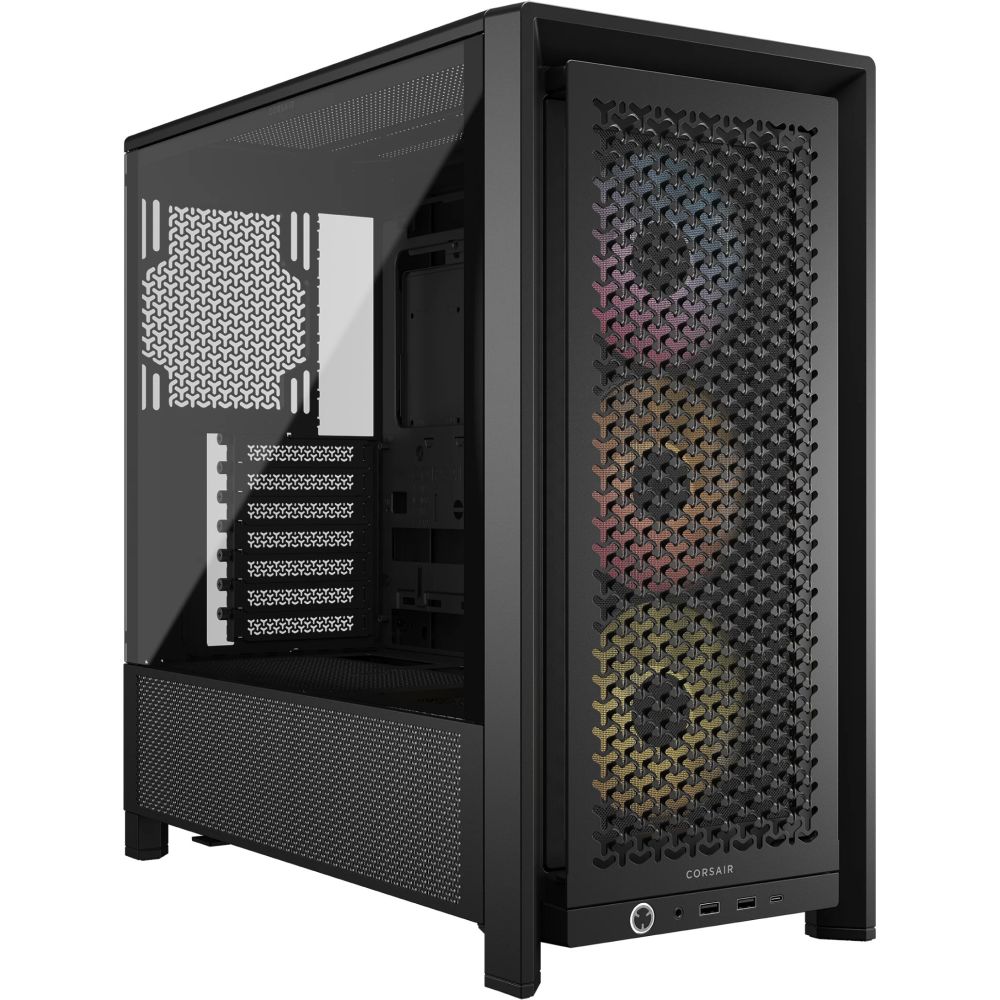
| Corsair 4000D ARGB | ATX mid-tower | Mesh airflow | Mainstream all-rounder | £95.64 inc VAT |
| MSI MAG PANO 110R PZ | ATX mid-tower | Panoramic glass | Showpiece builds | £85.07 inc VAT |
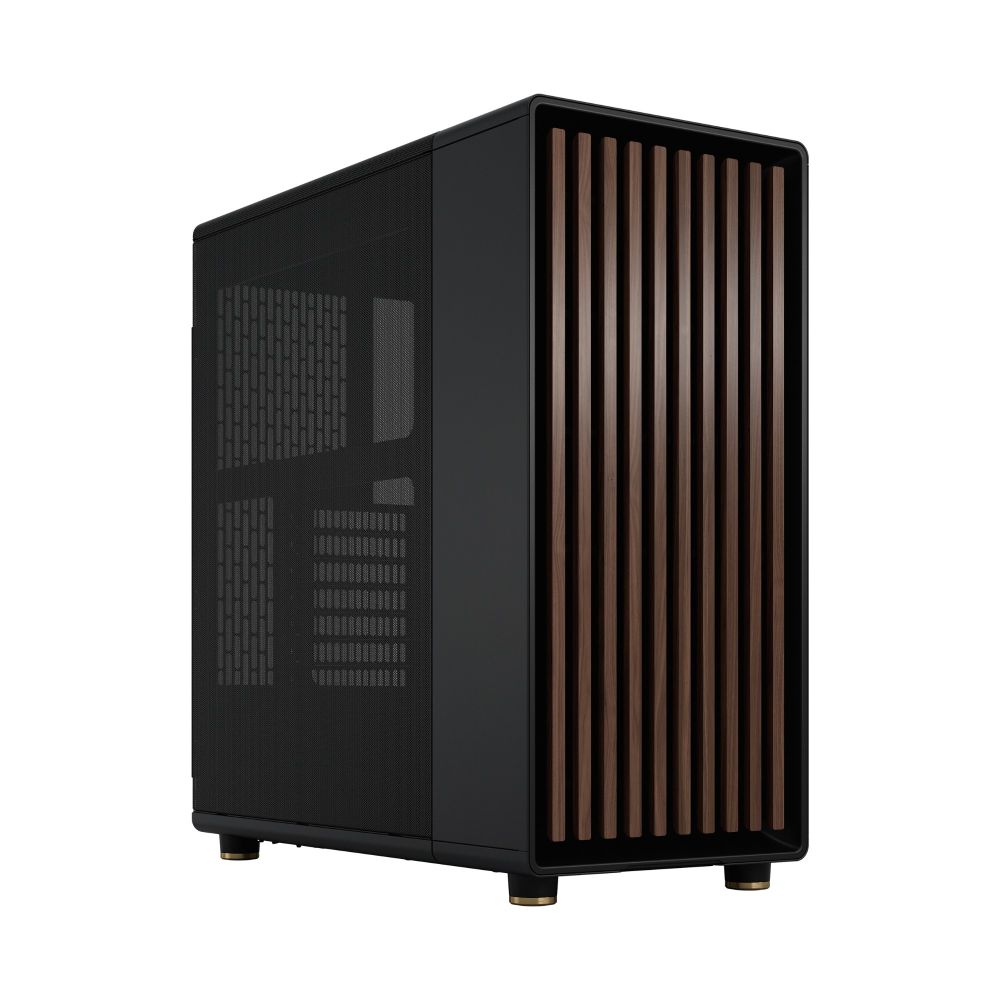
| Fractal Design Torrent | ATX / E-ATX | High airflow | Maximum cooling | £173.60 inc VAT |
Prices and availability above are pulled live from our store, so they always reflect the current figure.
How many fans do you actually need?
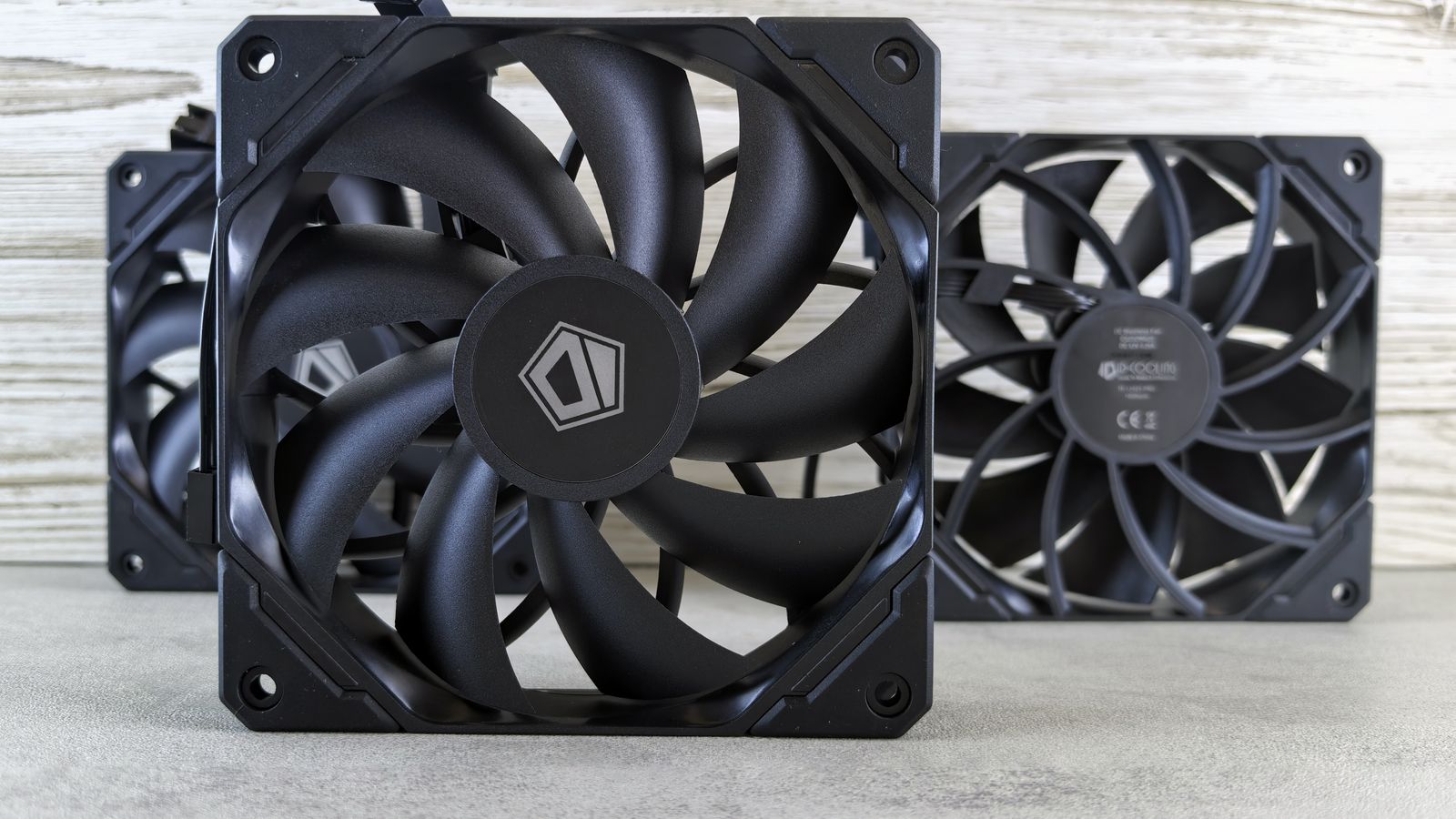
You need fewer than the RGB photos suggest. For most builds, two intake fans at the front and one exhaust at the rear is enough to keep a steady flow of cool air through the case. Aim for slightly more air coming in than going out, which keeps positive pressure and stops dust settling through every gap.
Add a top exhaust or extra front intake only if your parts run hot or you fit a radiator. Many cases include a fan or two, but budget ones often ship with just one, so check and budget accordingly.
Clearances: the boring checks that save a return
Most case returns come down to something not fitting. Before you buy, check three numbers against the case specification: your graphics card length, your CPU cooler height, and the radiator size if you use a liquid cooler. Modern graphics cards are long and thick, and a tall air cooler can foul the side panel. It is also worth checking the power supply length in a smaller case, and how many drives the case takes if you still use them.
Form factor and the back-connect trend
Start with the size your motherboard needs: ATX for most builds, micro-ATX for something smaller, and Mini-ITX for a compact machine that asks for more careful part choices. A newer option to be aware of is the back-connect motherboard, which moves the power connectors to the rear so the cables hide behind the tray. They look exceptionally clean, but they need a case designed with the matching cut-outs, so check for back-connect support if that style appeals to you.
Before you buy: quick case checklist
- Airflow: a mesh or well-vented front beats a sealed glass one for temperatures and noise.
- Form factor: match the case to your motherboard size before anything else.
- Clearances: check graphics card length, cooler height, and radiator support.
- Fans included: see how many come in the box, since budget cases often ship with one.
- Back-connect: only buy a back-connect case if you have a matching motherboard.
Pro tip: a clean mid-tower with a mesh front, two front fans and one rear fan will cool almost any mainstream build quietly. Spend on airflow and fit first, then on looks.
Frequently asked questions
Airflow, but you rarely have to choose. A mesh-fronted case keeps parts cooler and quieter, and many modern airflow cases also look great. Favour airflow and pick a good-looking airflow case.
They can run a few degrees warmer than a mesh case because the glass blocks the natural air intake. Well-designed fishtank cases manage it with side or bottom intake fans, so they cool fine for a mainstream build if you fit enough fans.
Two intake fans at the front and one exhaust at the rear suit most builds. Aim for slightly more intake than exhaust to keep positive pressure and reduce dust.
A back-connect board hides its power cables behind the motherboard tray for a clean look. It does need a case with matching cut-outs, so check for back-connect support before buying.
Match it to your motherboard: ATX for most builds, micro-ATX for smaller ones, and Mini-ITX for a compact machine. Always check graphics card and cooler clearance for the case you choose.
A mesh front pulls in cool air freely and keeps the build quieter, so it is the safer choice for temperatures. A glass front looks cleaner but restricts airflow, so only pick one that has good side or bottom intake and room for plenty of fans.
Not directly, but a case with good airflow keeps your parts cooler, which stops them throttling under load and lets them hold their boost speeds for longer. A good case protects the performance you already paid for rather than adding any of its own.
How we know: Hardvance is a UK PC parts retailer. We handle, sell, and support these components every day, and stand behind them with our returns and warranty service. Our picks come from that hands-on familiarity and from tracking which parts prove reliable and good value for our customers. We update this guide as new hardware and prices land.
About Hardvance Team
The Hardvance hardware team builds, upgrades and troubleshoots custom PCs every day. Our buying guides are practical and free of hype, drawn from hands-on experience across AMD and Intel platforms, and focused on the parts that genuinely matter for your build and your budget.
View all posts by Hardvance Team