Why You Should Own an OLED Monitor in 2026

0

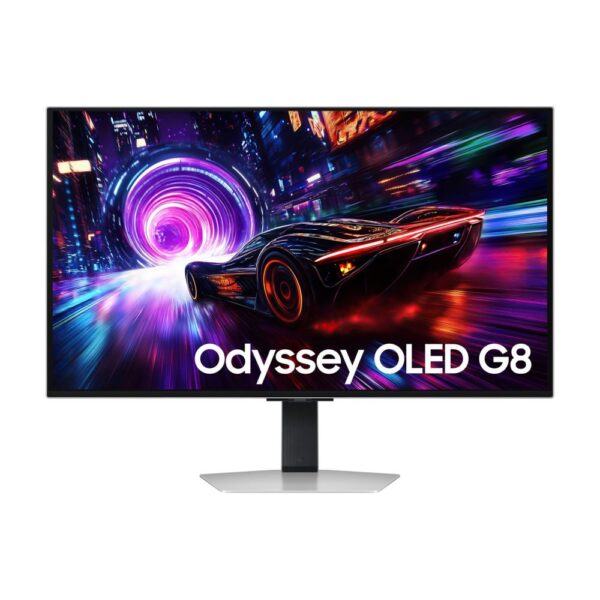
An OLED monitor is one of the most noticeable upgrades you can make to a modern gaming or creative setup in 2026. It does not just make the picture look brighter. It changes how your screen feels by improving contrast, motion clarity, black levels and HDR depth at the same time.

If you are still using an older LCD monitor, a basic 1080p display or a slow office screen, OLED can feel like a real step forward. Games look more immersive, dark scenes look cleaner, fast movement feels sharper and premium PC hardware finally has a display that can show what it is capable of.

Is an OLED Monitor Worth It in 2026?

Yes, an OLED monitor is worth it in 2026 if you care about gaming, HDR, fast response, deep contrast or premium image quality. It is especially strong for competitive gaming, cinematic single-player games, console gaming, video editing, streaming and entertainment.

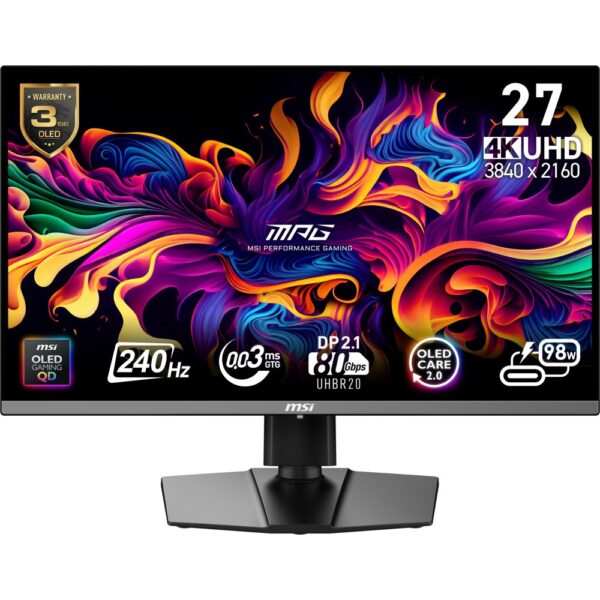
For most PC gamers, a QHD OLED monitor is the best balance because it gives sharp visuals and smoother frame rates without demanding as much from your graphics card as 4K. A 4K OLED monitor is better if you want maximum detail, premium HDR and have a powerful enough PC or console setup.

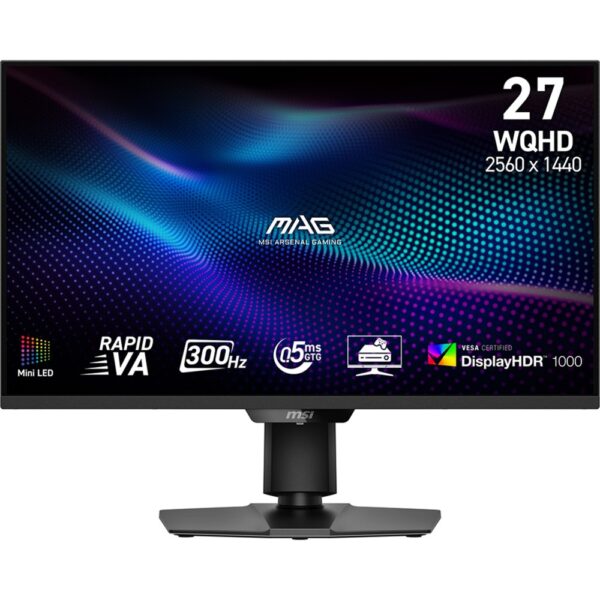
Important note: OLED is not the best choice for everyone. If your screen shows static dashboards, spreadsheets or the same office layout for many hours every day, a high-quality IPS or Mini LED monitor may still be safer.

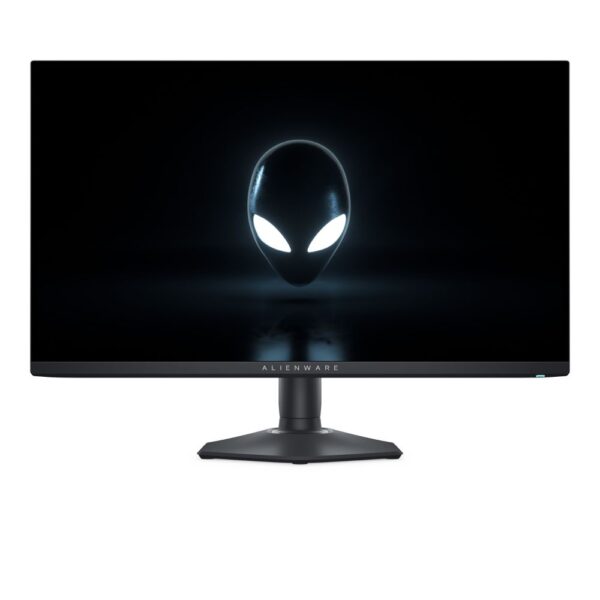
Alienware AW2725D 27″ 2560×1440 QHD QD-OLED Monitor

In stock

£501.90 inc VAT
  • 27-inch QD-OLED flat panel with Quad HD 2560 x 1440 resolution and 111 ppi pixel density
  • Ultra-fast 280 Hz refresh rate with 0.03 ms GTG response time for smooth gaming
  • AMD FreeSync Premium Pro and NVIDIA G-SYNC compatibility with DisplayHDR 400 True Black
  • 178° wide viewing angles with 99.3% DCI-P3 colour coverage and peak brightness 1000 cd/m²
  • Built-in USB hub with 1x USB-A, 1x USB-C downstream and 2x HDMI 2.1 plus DisplayPort 1.4
  • Height, tilt, swivel and pivot adjustments with VESA 100 x 100 mm mounting and cable management

Should You Buy an OLED Monitor?

The easiest way to decide is to match OLED with how you actually use your screen. OLED is excellent for many people, but it should solve a real problem in your setup.

User Type OLED Recommendation Best Choice
Competitive gamer Yes QHD OLED with 240Hz or higher refresh rate
Story-driven gamer Yes 4K OLED or QD-OLED for HDR and visual depth
Console gamer Yes, with the right ports 4K OLED with modern HDMI support
Streamer or creator Often yes OLED, 4K or UltraWide depending on workflow
Office-only user Maybe not IPS or Mini LED may be safer for static work
Budget buyer Depends Compare OLED with strong QHD gaming monitors

What Makes OLED Different?

OLED pixels can turn on and off individually. This gives OLED monitors true black levels, stronger contrast and cleaner dark scenes than most standard LCD monitors.

On a normal LCD monitor, a backlight is always working behind the panel. That can make dark scenes look grey or washed out. On OLED, black areas can be truly dark because the pixels can switch off completely.

OLED does not only improve image quality. It improves the feeling of depth, speed and realism on your screen.

If you want to compare panel types, start with OLED Monitors and QD-OLED Monitors.

Why OLED Is So Good for Gaming

Gaming is where OLED usually feels most impressive. The fast pixel response helps motion look cleaner, while the deep contrast makes dark scenes, bright highlights and HDR effects more dramatic.

Cleaner Motion

Fast-moving objects can look sharper on OLED because pixels respond very quickly. This helps in shooters, racing games, action games and esports titles where tracking movement matters.

Better HDR and Dark Scenes

OLED can show bright highlights next to deep shadows without the same glow you may see on some backlit displays. This makes explosions, neon lights, stars, reflections and dark rooms look more natural.

A Better Match for Powerful PCs

Many gamers upgrade their graphics card, processor and memory but keep an old monitor. That limits the experience. If your PC can already produce high frame rates, an OLED gaming monitor can make those upgrades easier to see and feel.

For fast gameplay, compare 240Hz Monitors and 360Hz Monitors.

QHD vs 4K OLED: Which One Should You Choose?

The most important decision is not only OLED or non-OLED. You also need to choose the right resolution. QHD is usually better for smoother PC gaming. 4K is better for maximum detail and premium visual quality.

Goal Best OLED Choice Why
High FPS gaming QHD OLED Easier to drive than 4K and still sharp
Competitive esports QHD OLED high refresh rate Prioritises speed, response and smoothness
Premium visual gaming 4K OLED or QD-OLED Sharper image and stronger cinematic feel
Console gaming 4K OLED Better match for modern console output
Immersive racing or RPGs UltraWide OLED Wider field of view and more cinematic layout

You can browse by resolution through QHD Monitors, 4K Monitors and UltraWide Monitors.

OLED Is Not Only for Gaming

OLED monitors can also be excellent for creators, streamers and entertainment users. Rich colour, strong contrast and deep blacks help when editing video, watching films, managing visual projects or enjoying HDR content.

For creators, the right OLED monitor can make dark scenes and contrast easier to judge. For streamers, OLED can work well as the main gaming screen while a second LCD monitor handles chat, dashboards and static tools.

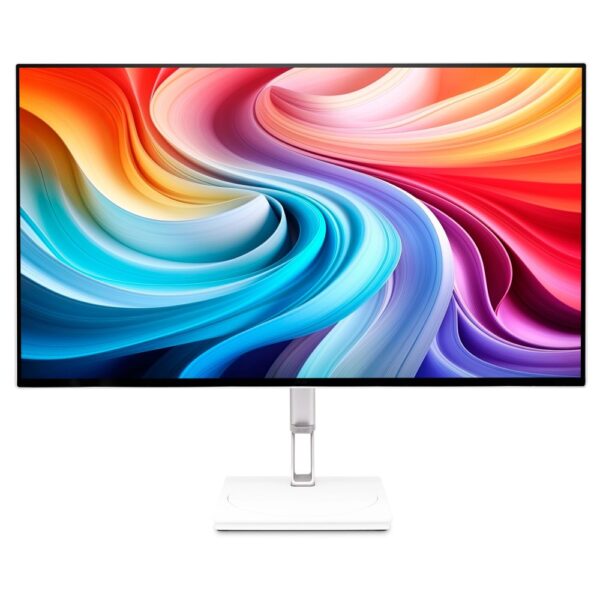
If you want a screen for both work and entertainment, compare screen size, resolution, colour support, brightness, warranty and comfort before choosing.

The Honest Downsides of OLED

OLED is excellent, but it is not perfect. The main risk is burn-in, which can happen when static elements stay on screen for long periods over time. Modern OLED monitors include protection features, but sensible habits still matter.

  • Use screen sleep when you leave your desk.
  • Hide the taskbar if possible.
  • Do not leave static dashboards open all day.
  • Use panel care features recommended by the manufacturer.
  • Check warranty terms before buying.

Warning: If your daily work is mostly static spreadsheets, dashboards, trading screens or fixed app layouts, OLED may not be the safest monitor type for your main display.

OLED Monitor Buying Checklist for 2026

Before buying, do not focus only on the word OLED. Compare the full specification and make sure the monitor fits your setup.

  • Resolution: Choose QHD for balance or 4K for maximum detail.
  • Refresh rate: 240Hz is already very smooth; 360Hz or higher is for serious competitive players.
  • Screen size: 27 inches is great for QHD; 32 inches often suits 4K better.
  • Ports: Check HDMI and DisplayPort support for your PC or console.
  • GPU power: Make sure your graphics card can handle the resolution and refresh rate.
  • Warranty: Check whether burn-in coverage is included.
  • Room lighting: OLED looks best in controlled lighting, not very bright rooms.

Who Should Not Buy an OLED Monitor?

You should think twice before buying OLED if your monitor is mainly for static office work, long spreadsheet sessions, fixed dashboards or bright-room productivity. OLED can still work, but the value may not be as strong as it is for gaming or visual content.

You should also avoid buying a 4K OLED monitor if your graphics card cannot run your favourite games smoothly at 4K. In that case, a QHD OLED or high-quality QHD gaming monitor may be the smarter upgrade.

Final Recommendation: Should You Own an OLED Monitor in 2026?

You should own an OLED monitor in 2026 if you want your display to feel like a real upgrade. For gaming, OLED gives you faster motion, deeper contrast and a more immersive image. For entertainment, it makes films and HDR content look more cinematic. For creative work, it can help with colour-rich and contrast-heavy projects.

The best choice for most PC gamers is a QHD OLED monitor because it balances sharpness, speed and GPU demand. A 4K OLED monitor is the better choice for premium setups, console gaming and users who want the sharpest possible image.

Buy OLED if its strengths match your daily use. Choose carefully, check your hardware, understand the burn-in risk and compare the right category before you order.

FAQ

Is an OLED monitor good for gaming?

Yes. OLED monitors are excellent for gaming because they offer deep contrast, fast response and strong motion clarity. They are especially good for shooters, racing games, RPGs, horror games and HDR titles.

Is OLED better than IPS?

 OLED is better for black levels, contrast, HDR and motion response. IPS can still be better for bright office environments, heavy static work and lower budgets.

Should I choose QHD or 4K OLED?

Choose QHD OLED if you want smoother gaming and easier GPU performance. Choose 4K OLED if you want maximum detail and have a powerful enough PC or console setup.

Can OLED monitors suffer from burn-in?

Yes, burn-in is still possible, especially with static content over long periods. Modern OLED monitors include protection features, but you should still use good habits such as screen sleep, hiding static elements and following panel care guidance.

Is OLED worth it for everyday use?

OLED can be excellent for mixed use, entertainment, and creative work. If your everyday use is mostly static office work, an IPS or Mini LED monitor may be a safer long-term choice.

Do I need a new graphics card for an OLED monitor?

Not always. You may need a more powerful graphics card if you choose a high-refresh-rate QHD OLED or 4K OLED monitor and want to play modern games at high settings.

Leave a Reply

Your email address will not be published. Required fields are marked *