



-
 Buy now, pay later with Klarna
-
 Pay in 3 interest-free payments with PayPal



You may also like
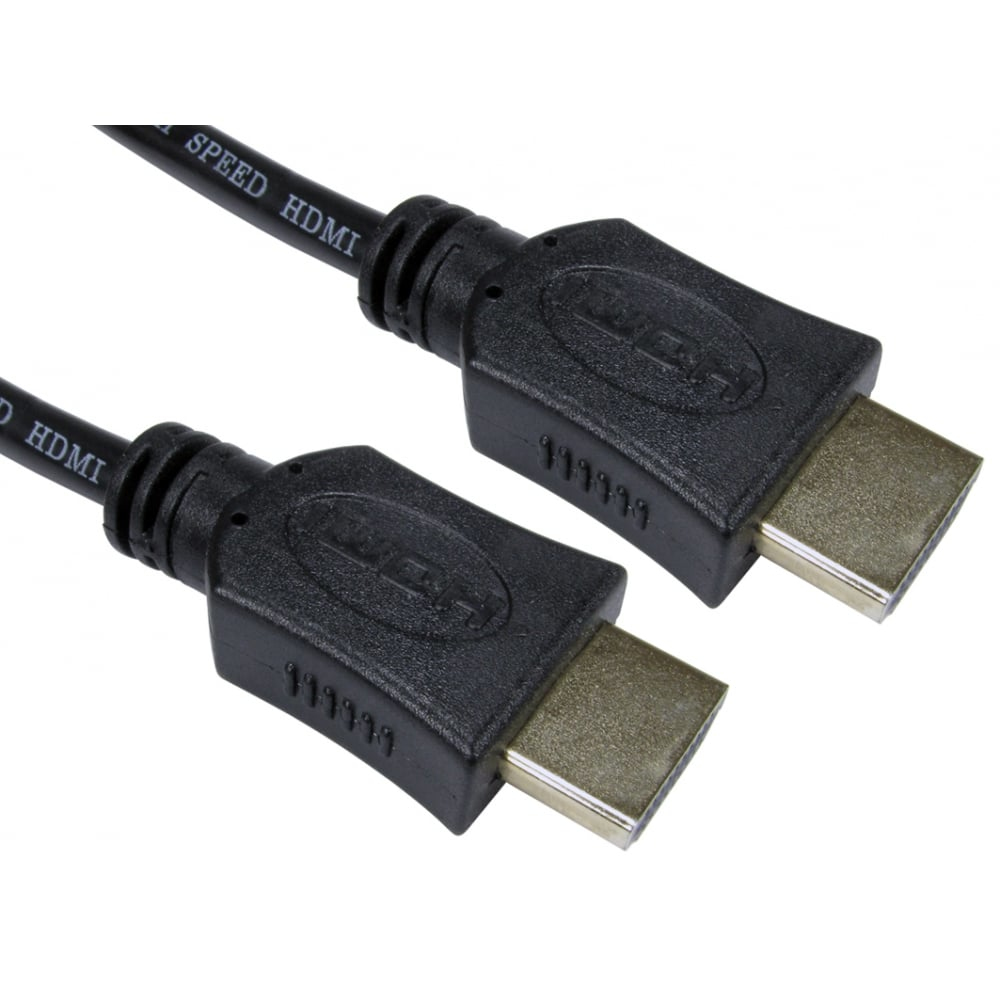
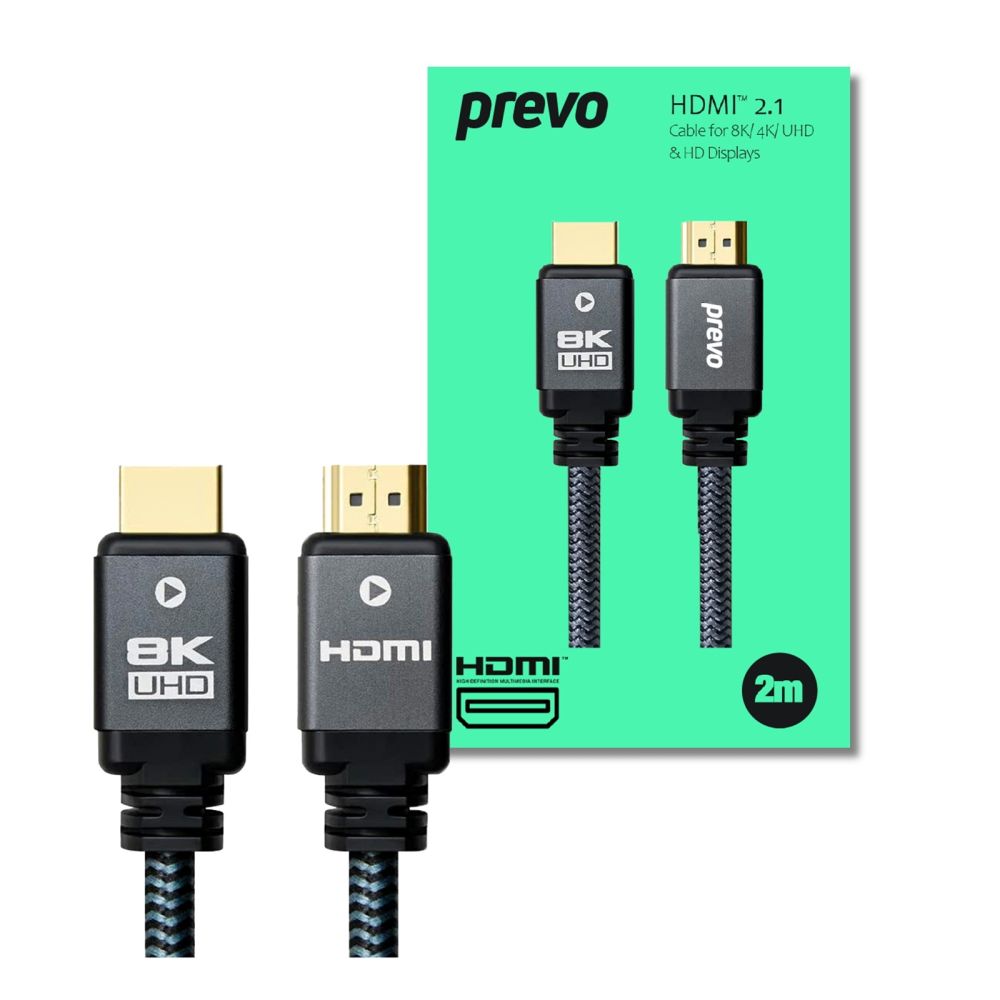
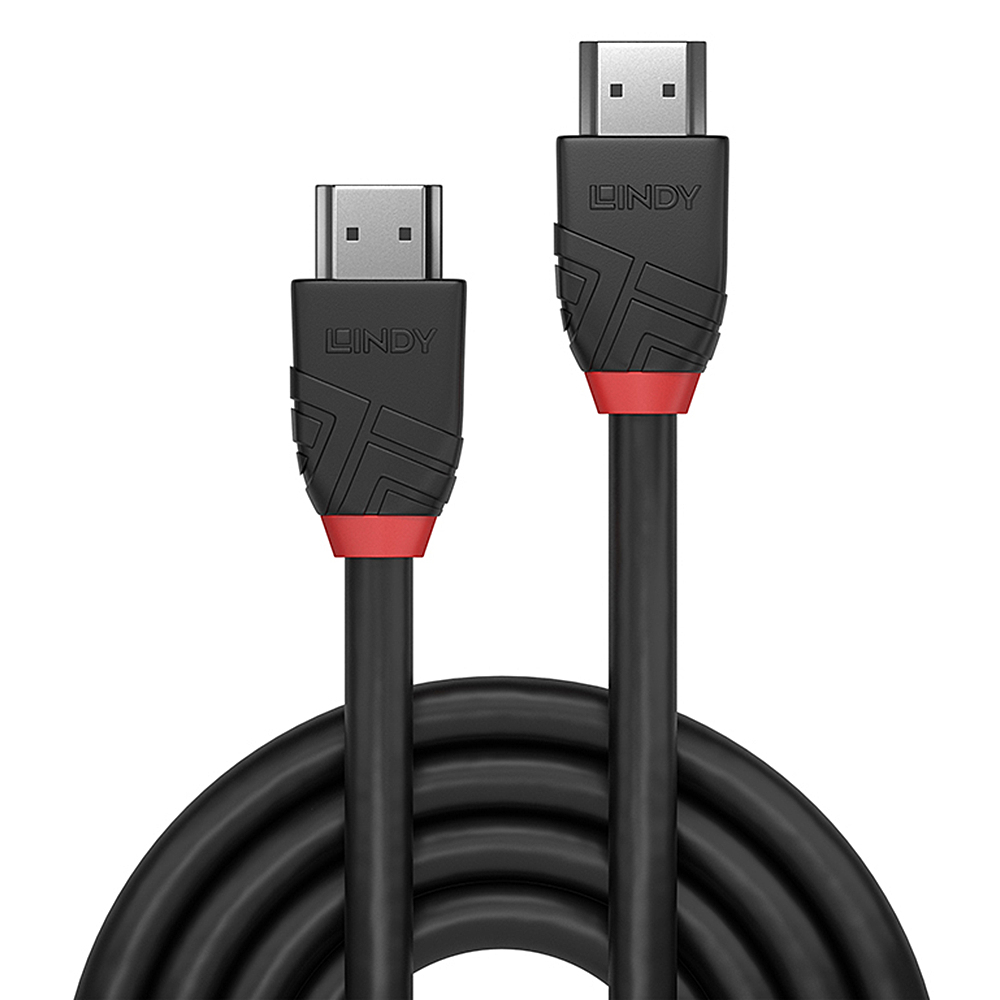
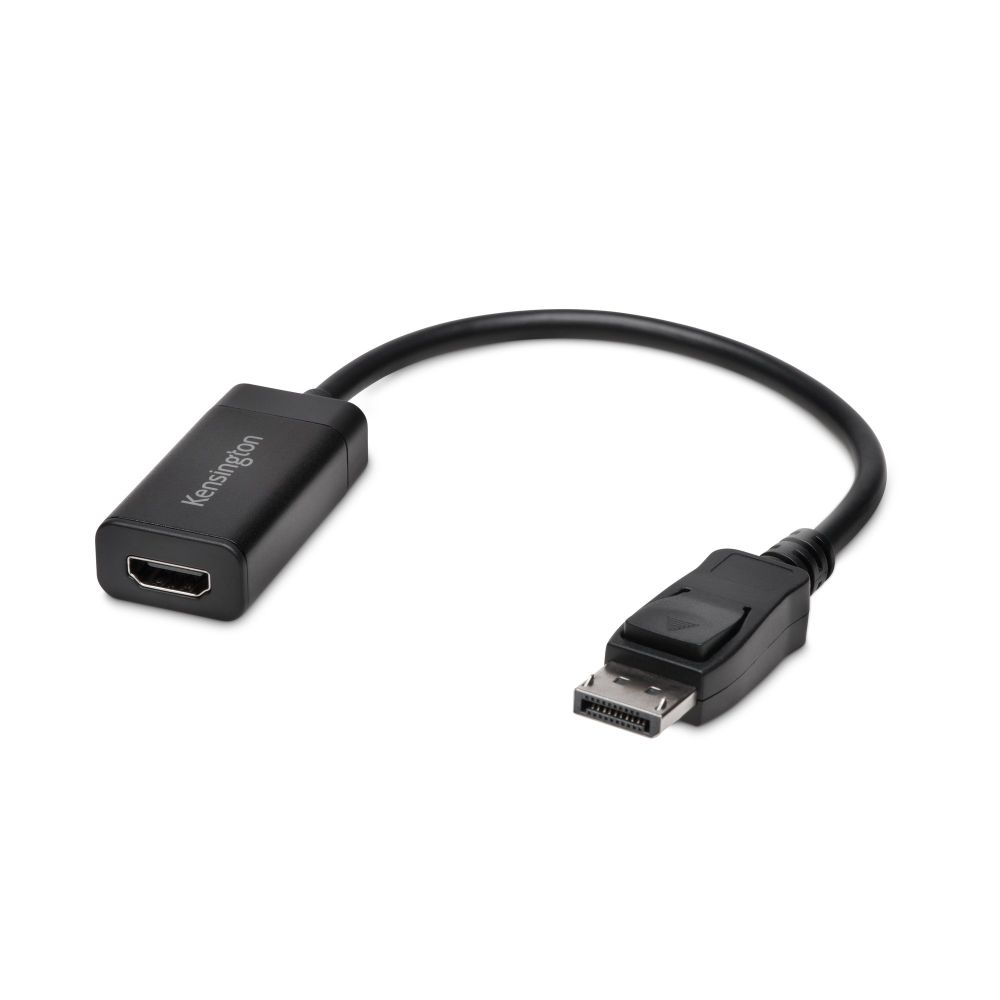
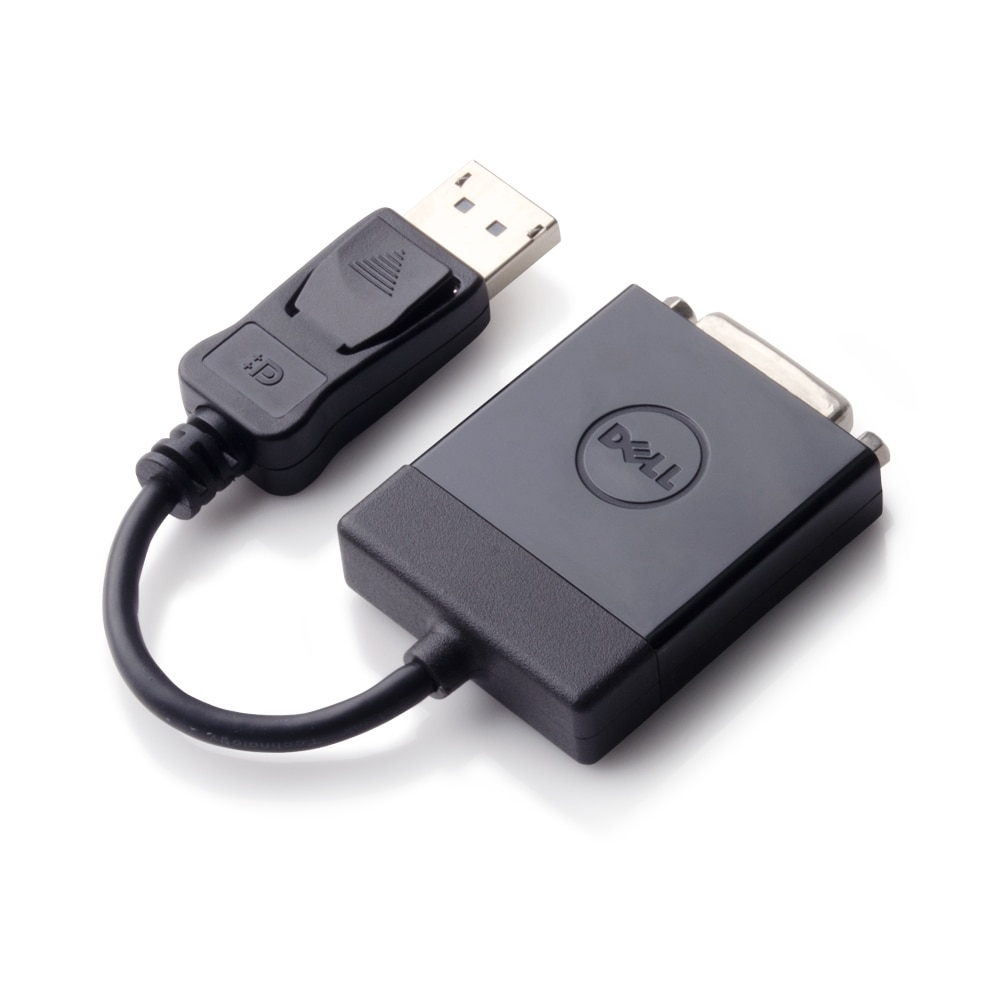
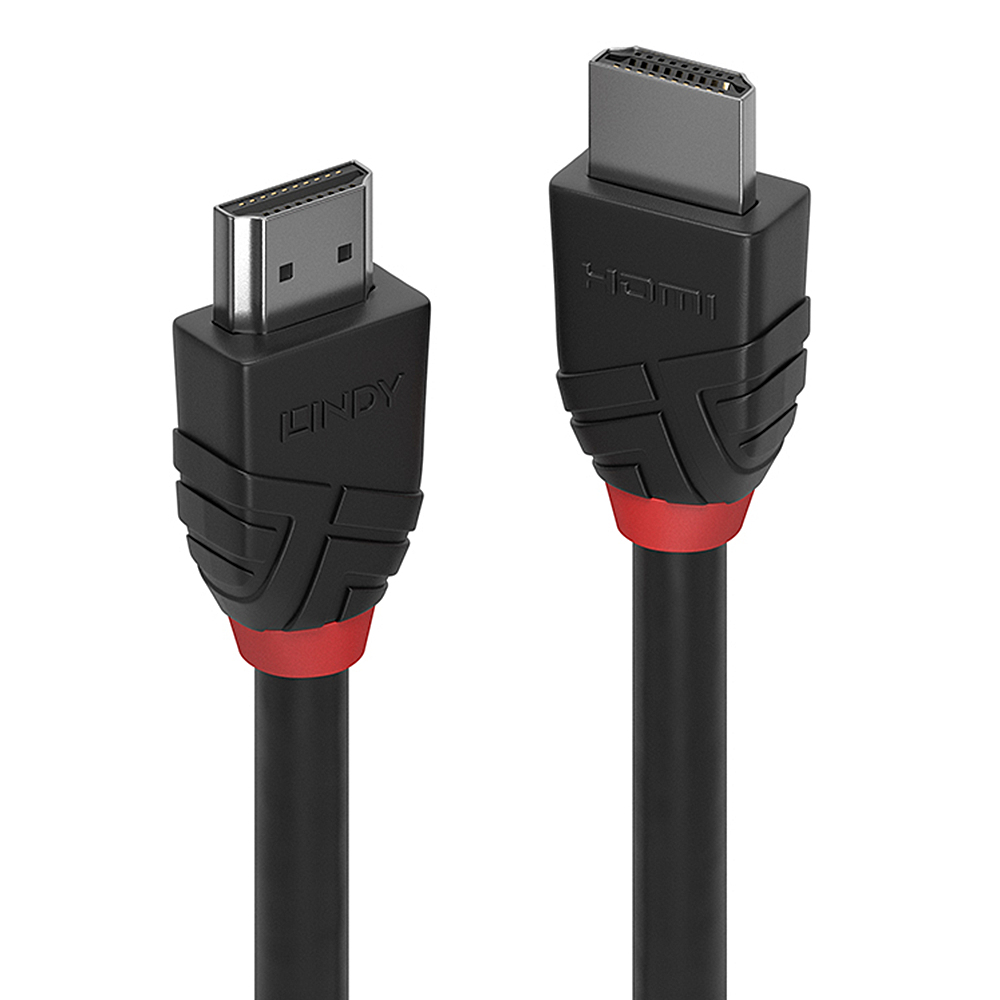
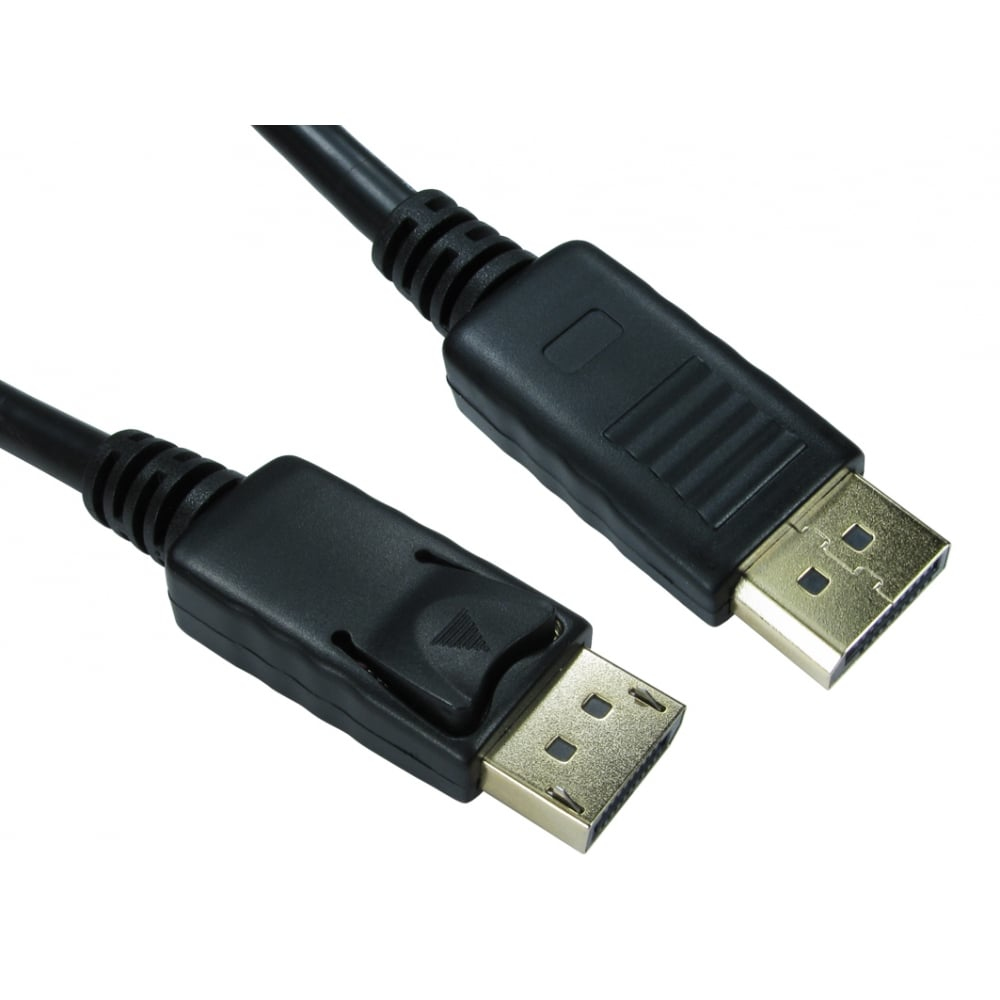
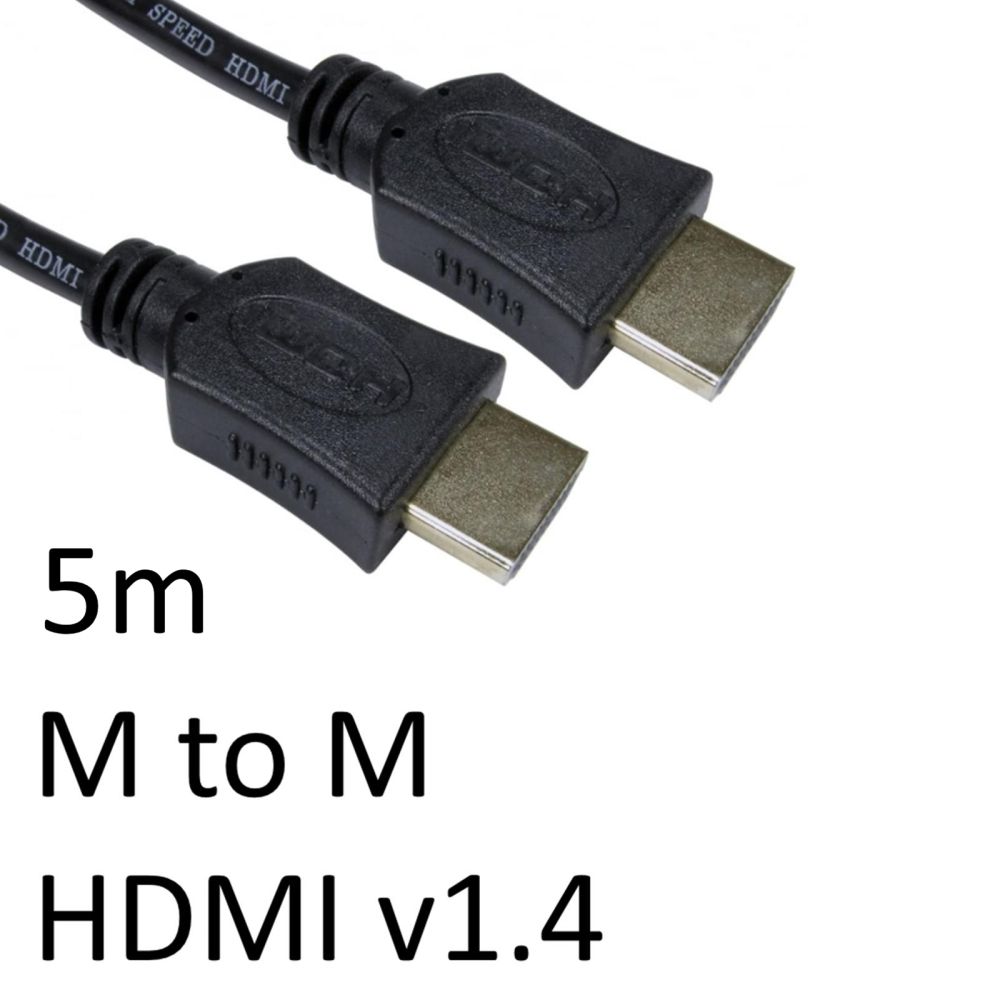
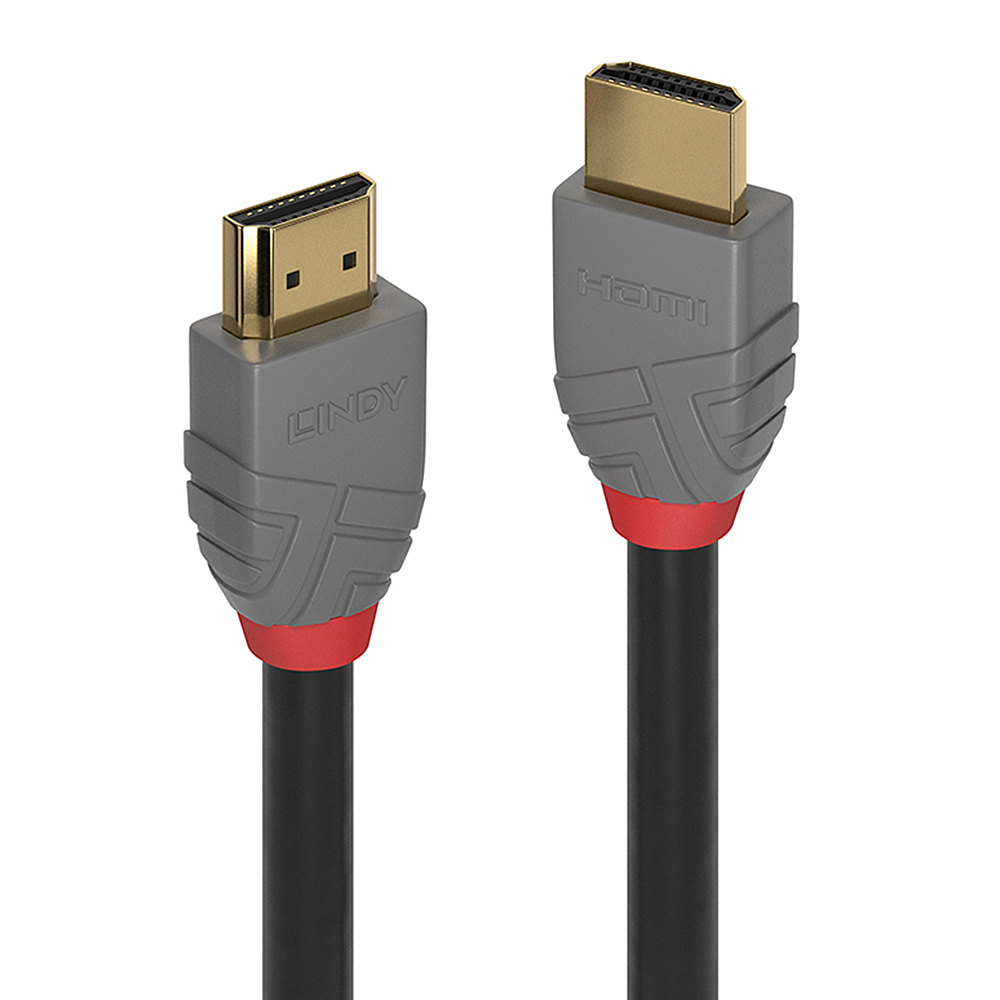
£21.69 inc VAT
Out of stock
Out of stock
Buy now, pay later with Klarna
Pay in 3 interest-free payments with PayPal
Payment Methods:
The Cables Direct AVMULTI-METALBOX-7P is a metal interface box designed for AV installations. This unit suits integrators needing a tidy termination point for multi-core cables. Because it uses a metal chassis, it offers robust protection for internal connections. Also, the compact form factor helps in tight spaces.
| Metric | Spec. |
|---|---|
| Product Type | Metal Interface Box |
| Brand | Cables Direct |
| Model | AVMULTI-METALBOX-7P |
| Material | Metal |
| Application | AV Termination |
The metal housing provides physical protection for your cable terminations. This helps prevent accidental damage during busy installations. So, your connections remain secure in demanding environments.
This box aids in organising multi-core AV cables. It reduces clutter at the connection point. However, the exact cable types supported are not specified. You should verify compatibility with your specific cable diameter and connector types before purchase.
The compact design allows for flexible placement in tight spaces. This is useful for wall-mounted or rack-mounted setups. Because dimensions are not provided, confirm the available space in your installation area.
This interface box is suited for various AV setups. It can serve as a central termination point. However, the specific input or output ports are not detailed. Always check that the interface matches your source and display equipment.
Using a dedicated box provides a clean, professional look. It hides cable joins and reduces visual clutter. This contributes to a tidy installation for clients or office environments.
A: The input does not specify an IP rating. Confirm weatherproofing suitability with the manufacturer if outdoor installation is intended.
A: The maximum cable diameter or gauge is not specified. Please verify this with your cable supplier before purchasing.
A: The box contents list only the unit itself. Check if screws or brackets are required for your specific installation.
A: The product is described as a multi-core AV box. Confirm pin-out compatibility for balanced audio applications separately.
A: The warranty length is not specified. Covered by the standard Manufacturer Warranty.
This box is best for AV integrators needing a robust termination point for multi-core cables. It suits installations where a metal enclosure is preferred for durability. Because specifications are limited, verify all physical and interface details before ordering. Covered by the standard Manufacturer Warranty.
No account yet?
Create an Account
Reviews
Clear filtersThere are no reviews yet.