Best Motherboard in 2026: How to Choose the Right Board for Your CPU

0
Best Motherboard in 2026: How to Choose the Right Board for Your CPU

Choosing a motherboard is the part of a PC build where a lot of people stall. It will not add frames per second the way a graphics card does, so it feels like the dull decision, but it quietly sets the rules for everything else. It decides which processor you can fit, how much memory you can run, how many drives you bolt on, and whether the board still has room for an upgrade in two years. Get it right and the rest of the build slots into place. Get it wrong and you are shopping for a second board.

This guide skips the model-number soup and gives you a simple order to think in: socket first, then chipset, then power delivery, form factor and the handful of features that genuinely matter in 2026.

Last updated: June 2026 · Hardvance hardware team

Quick verdict: Match the socket to your CPU before anything else (AM5 for current Ryzen, LGA1851 for Intel Core Ultra). For most gaming and work builds a B-series board hits the sweet spot: B650 or B850 on AMD, B860 on Intel. Step up to an X670E or Z890 board only if you need maximum PCIe 5.0 lanes, a stack of fast drives or serious overclocking. Buy the features you will actually use, not the longest spec sheet.

2026 motherboards compared

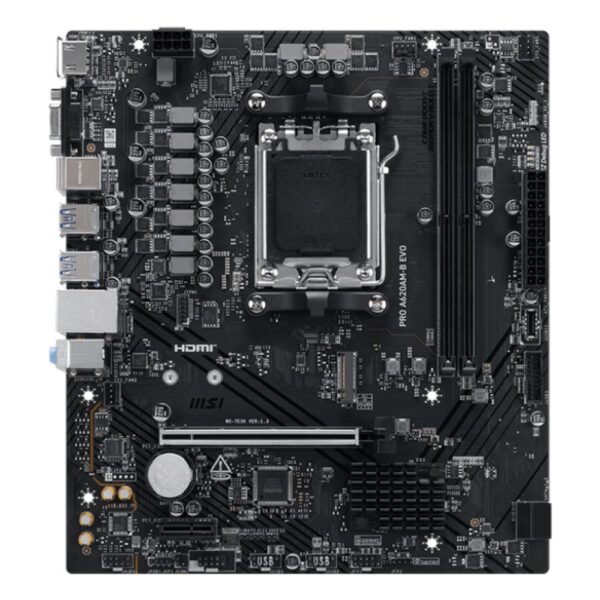
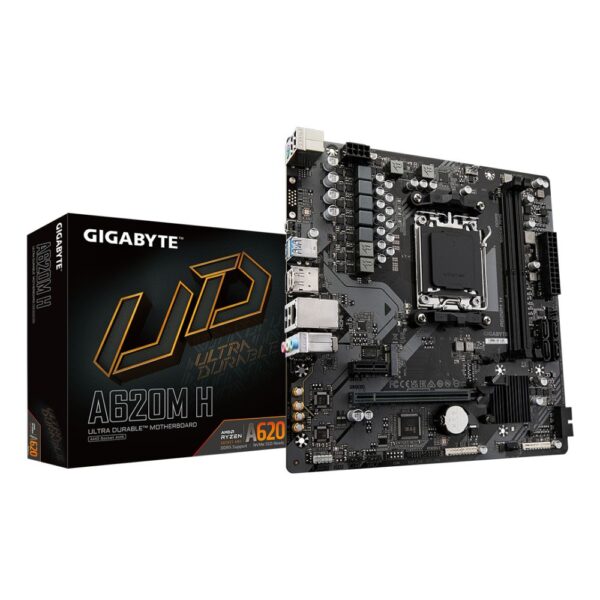
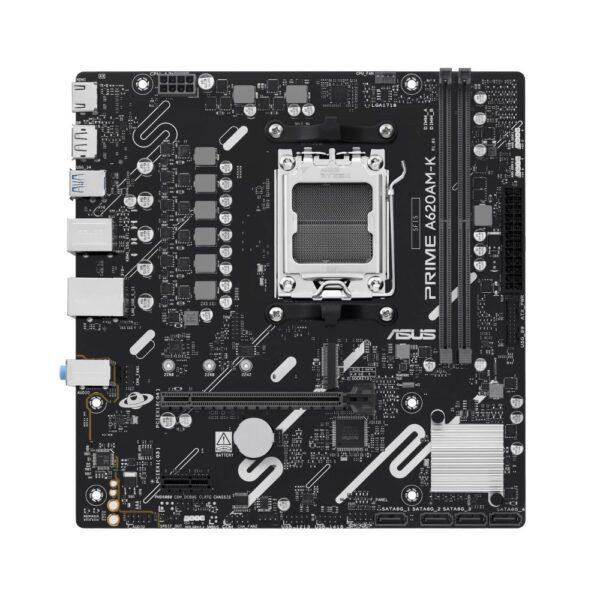
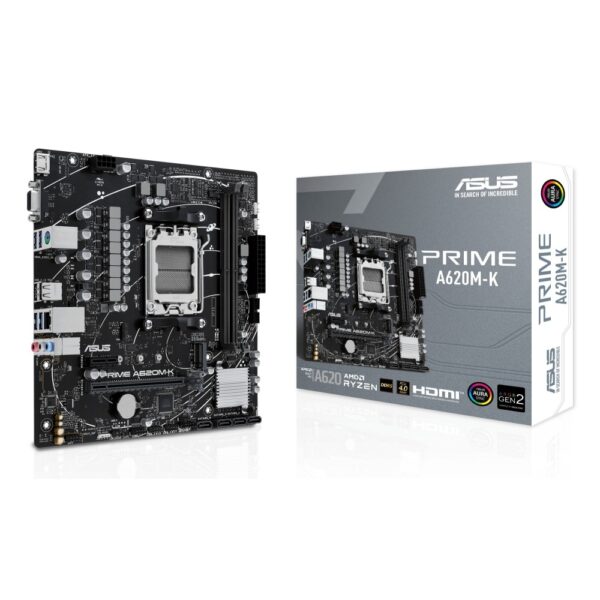
A spread of AMD and Intel boards we stock, from budget to feature-rich, with prices pulled live from our store.

MotherboardChipset / socketForm factorBest forPrice
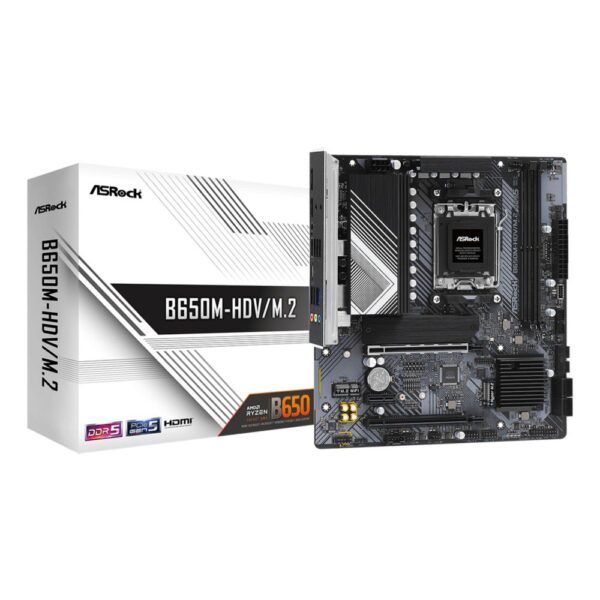
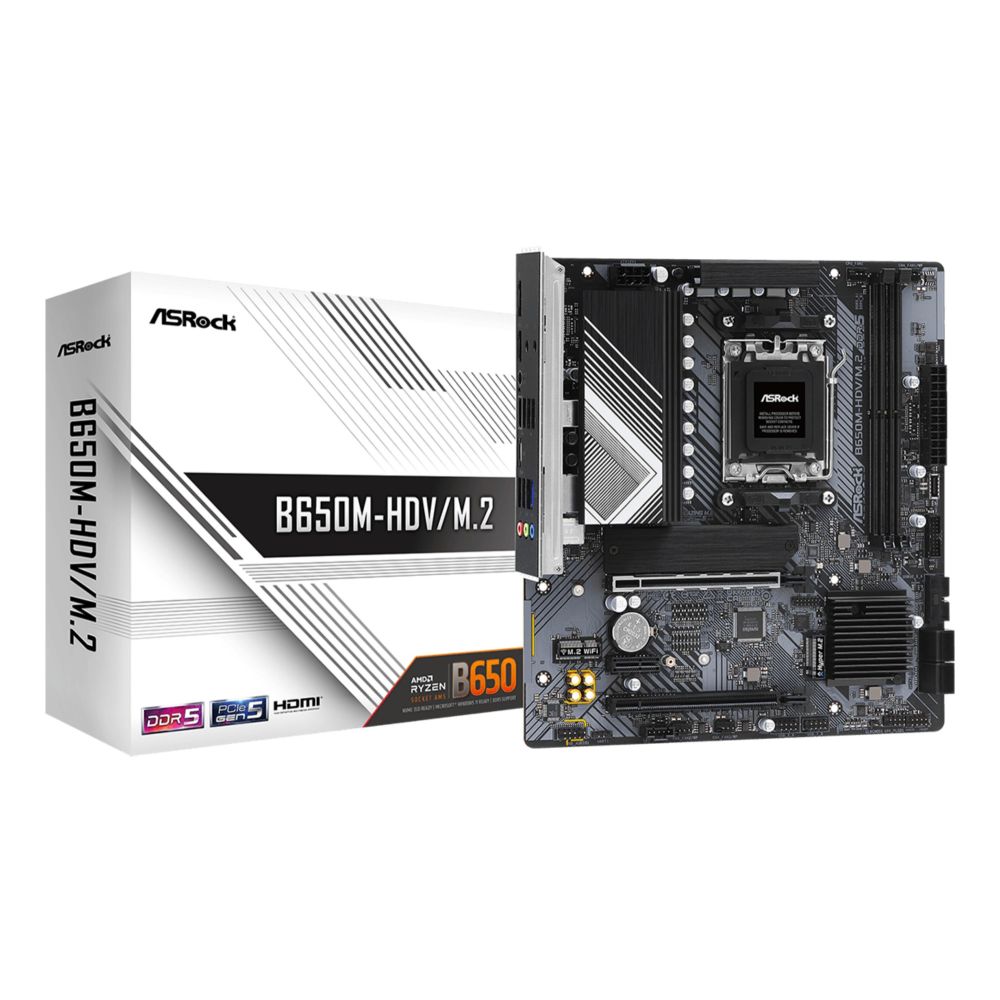
ASRock B650M-HDVB650 / AM5micro-ATXBudget AMD builds£93.30 inc VAT
ASUS TUF Gaming B650-Plus WiFiB650 / AM5ATXMainstream AMD£151.00 inc VAT
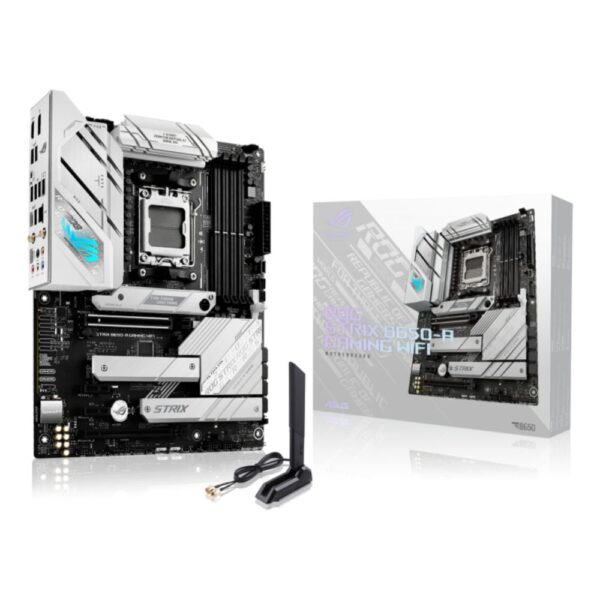
ASUS ROG STRIX B650-A WiFiB650 / AM5ATXFeature-rich AMD£162.11 inc VAT
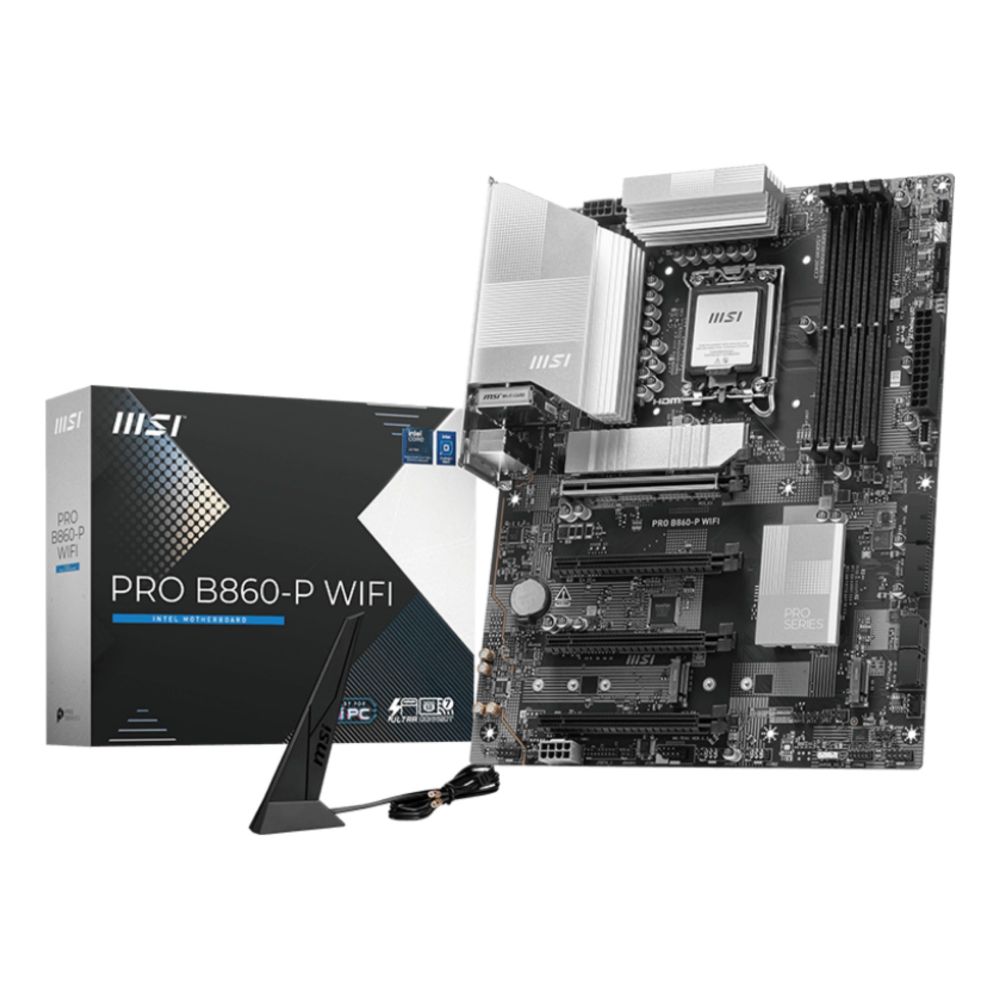
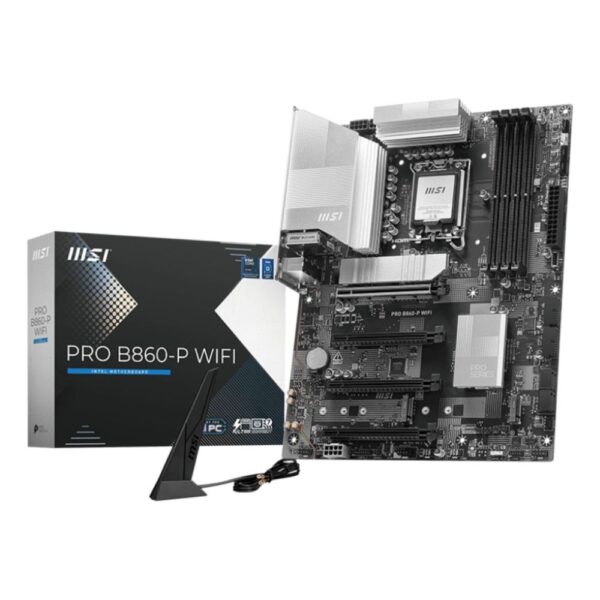
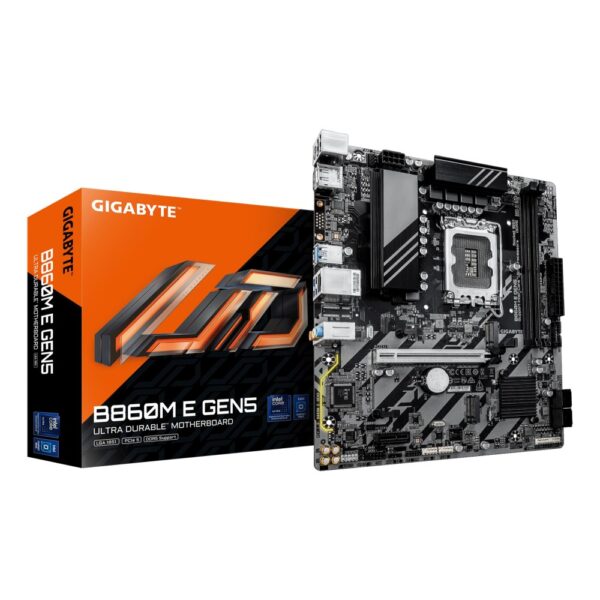
MSI PRO B860-P WiFiB860 / LGA 1851ATXMainstream Intel£168.26 inc VAT

Prices and availability above are pulled live from our store, so they always reflect the current figure.

Start with the socket, not the brand

The socket is the physical and electrical connection between the CPU and the board, and the two have to match. A board built for one socket will never take a chip from another, so the smart move is to choose your processor first and let it pick the socket for you. Have a look at our best gaming CPU guide if you have not settled on a chip yet.

Here is where the current chips land:

  • AMD AM5: every current Ryzen, including the 7800X3D and 9800X3D gaming favourites. DDR5 only, and AMD has promised support into 2027 and beyond, so it is the upgrade-friendly platform.
  • AMD AM4: the older socket, still brilliant value. The 5700X3D and 5800X3D remain superb budget gaming chips on cheaper DDR4.
  • Intel LGA1851: the home of current Core Ultra (Arrow Lake) processors, also DDR5.
  • Intel LGA1700: the previous 12th, 13th and 14th generation Core chips, still widely on sale.

If you are building around a Ryzen X3D chip for gaming, you want AM5. If you already have an AM4 system, a BIOS update and a 5700X3D can buy you a couple more years for very little money.

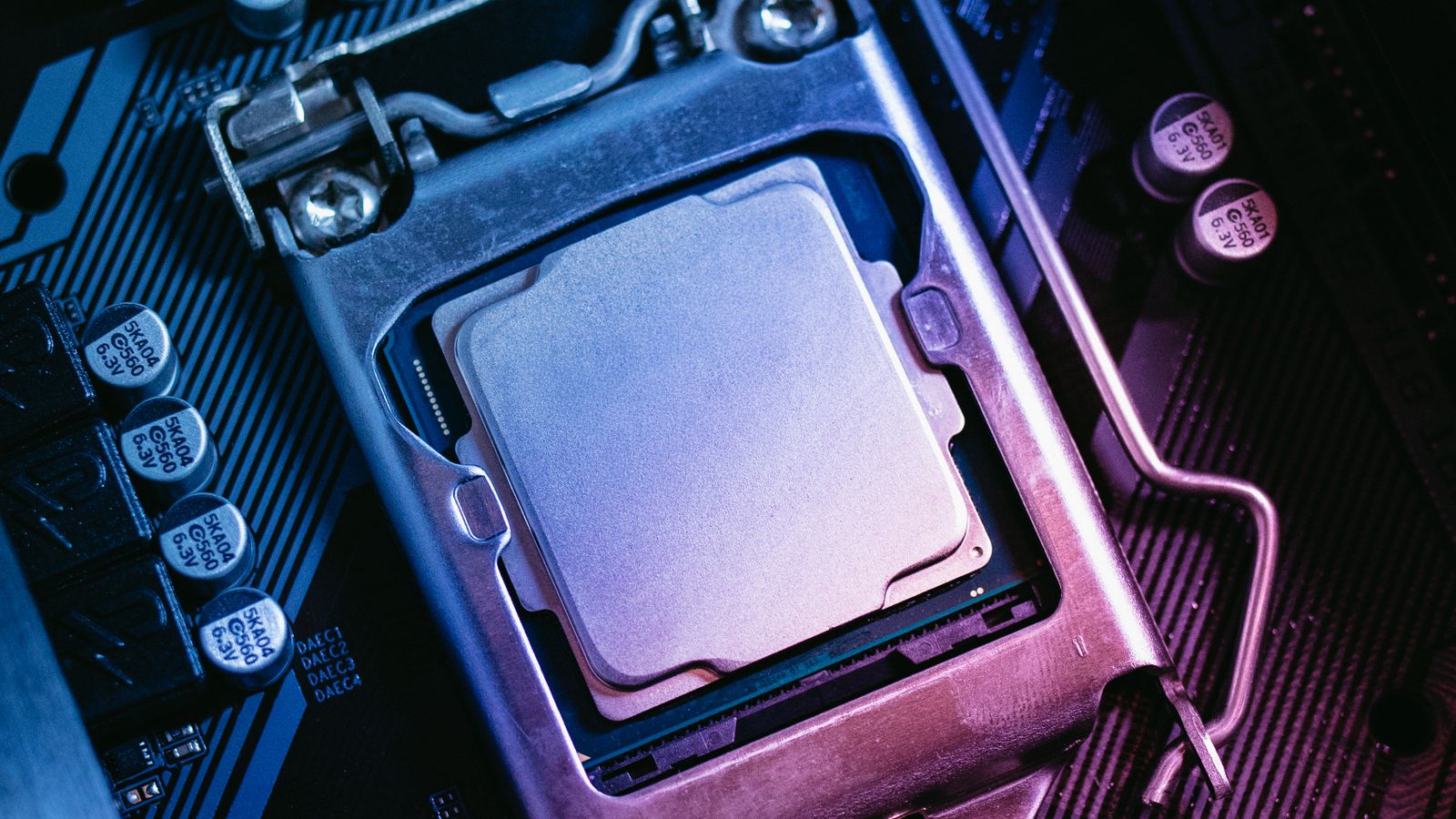
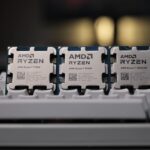
Processor seated in a motherboard CPU socket with the retention bracket closed
A processor seated in the CPU socket. Match the socket to your chip before you compare anything else.

Chipsets explained: A620 vs B650 vs X670E (and Intel B860 vs Z890)

Two boards with the same socket can be very different, and that difference is the chipset. It sets the feature ceiling: how many lanes you get, whether you can overclock, and how much fast storage and how many USB ports the board can offer.

ChipsetPlatformBest forCPU overclockTypical price
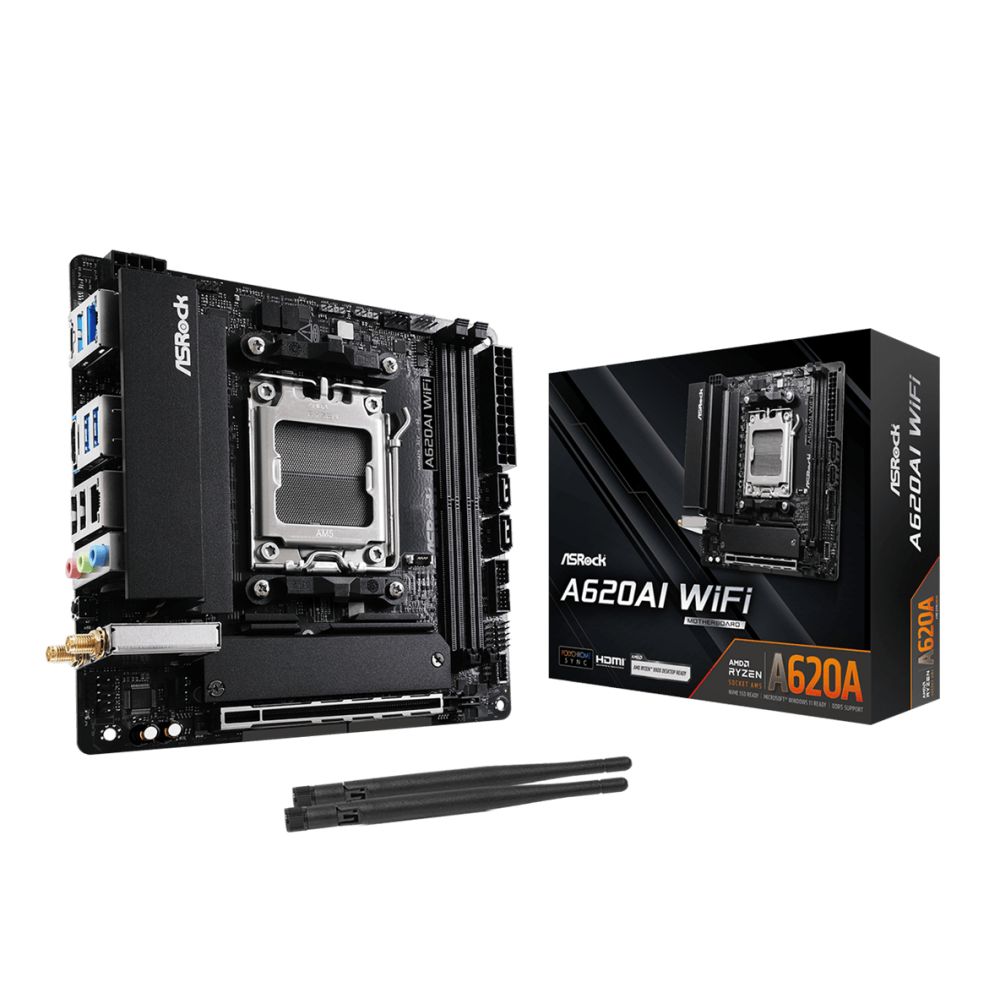
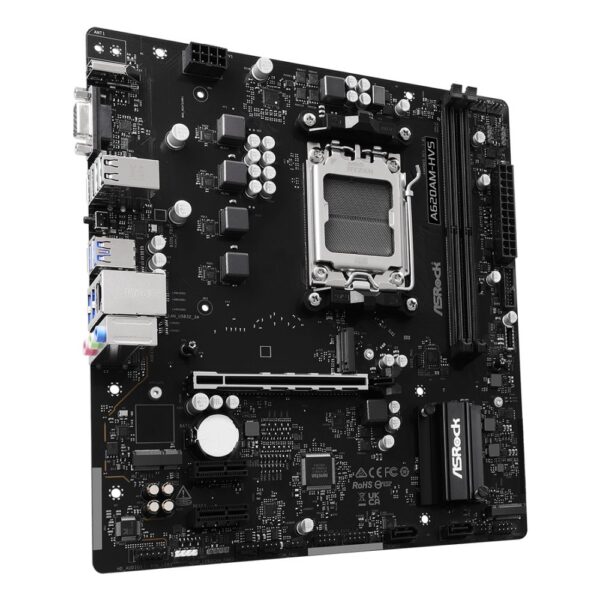
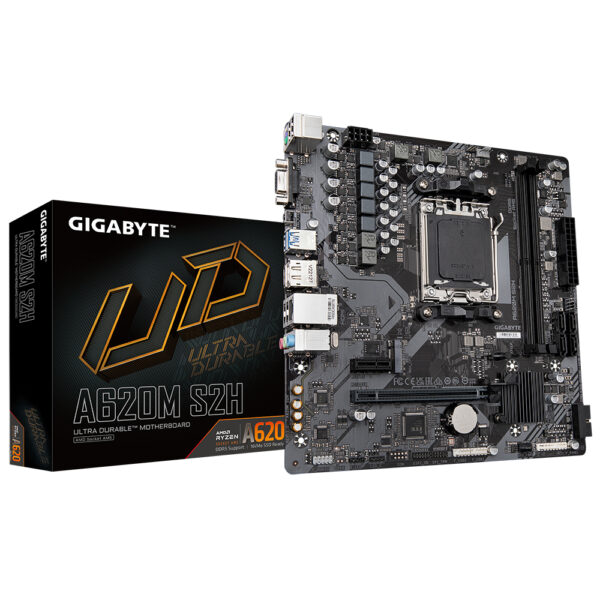
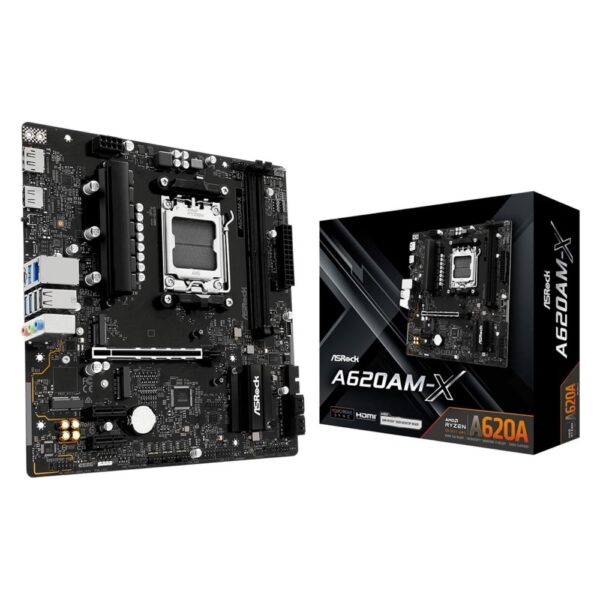
AMD A620AM5Budget buildsNo£80–110
AMD B650 / B850AM5Most gamers and creatorsYes£130–190
AMD B650E / X670EAM5Full PCIe 5.0, heavy storageYes£200–350
Intel B860LGA1851Mainstream Core UltraMemory only£140–200
Intel Z890LGA1851Overclocking, more lanesYes£220–400

For the vast majority of builds, the B tier is the answer. A B650 or B850 board gives you memory overclocking with EXPO, at least one PCIe 5.0 M.2 slot and a VRM that can feed a fast gaming CPU, without the X670E price tag. Save the difference for a better graphics card or a larger SSD. Only reach for B650E, X670E or Z890 if you genuinely need full PCIe 5.0 on both the graphics slot and storage, or you plan to push an all-core overclock.

Editor’s Choice: ASUS TUF Gaming B650-Plus WiFi

If we had to point at one board for most people, it is this one. The ASUS TUF Gaming B650-Plus WiFi keeps turning up in our own builds because it gets the basics right and skips the fluff. The VRM feeds a Ryzen 7 9800X3D without breaking a sweat, you get DDR5 with EXPO, PCIe 5.0 storage, built-in Wi-Fi and BIOS Flashback so you can update the firmware with no CPU fitted. It is not the flashiest board on the shelf, and that is rather the point.

ASUS TUF GAMING B650-PLUS WIFI

In stock

£151.00 inc VAT
  • AMD B650 chipset with Socket AM5 for Ryzen 7000 Series CPUs
  • Supports DDR5 memory up to 128 GB with speeds to 7600 MHz
  • Three M.2 slots with PCIe 5.0 and NVMe RAID support
  • 2.5 Gb Ethernet and Wi-Fi 6 for fast networking
  • ATX form factor with 7.1-channel audio and RGB lighting

VRM and power delivery: the part nobody photographs

The VRM, short for voltage regulator module, is the cluster of chokes, capacitors and power stages around the socket that turns the messy power from your supply into the clean, steady voltage a CPU needs. A weak VRM on a cheap board runs hot and throttles a high-core or X3D chip under sustained load, which quietly robs you of the performance you paid for.

You do not need a twenty-phase monster. You need a board rated for your CPU. A mid-range B650 or B850 has plenty of headroom for a 7800X3D or 9800X3D. If you are running a 16-core 9950X or doing heavy all-core work like rendering, step up to a board with a stronger VRM and proper heatsinks. The motherboard is only one link in the power chain, so pair it with a quality unit from our best power supply guide.

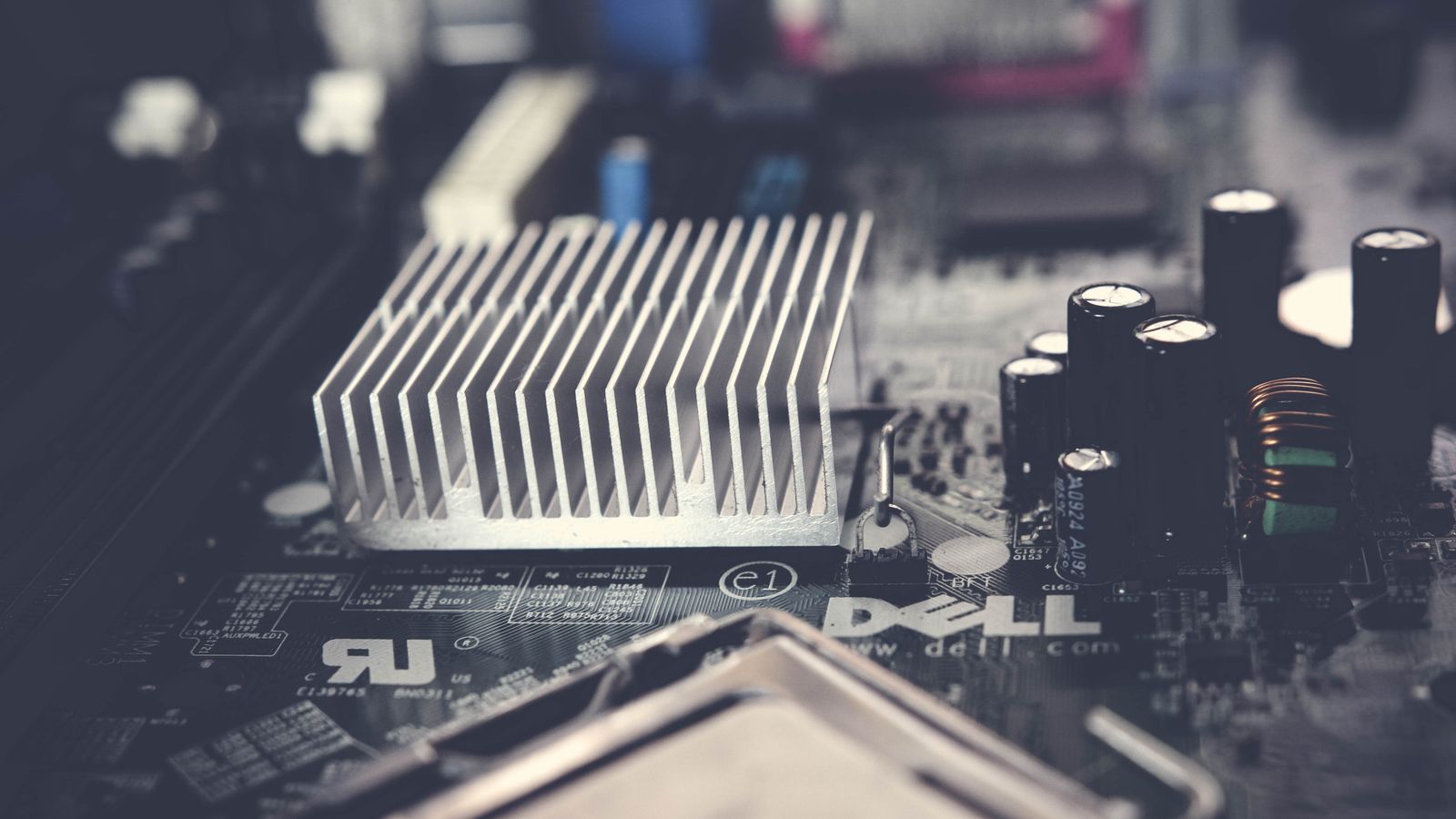
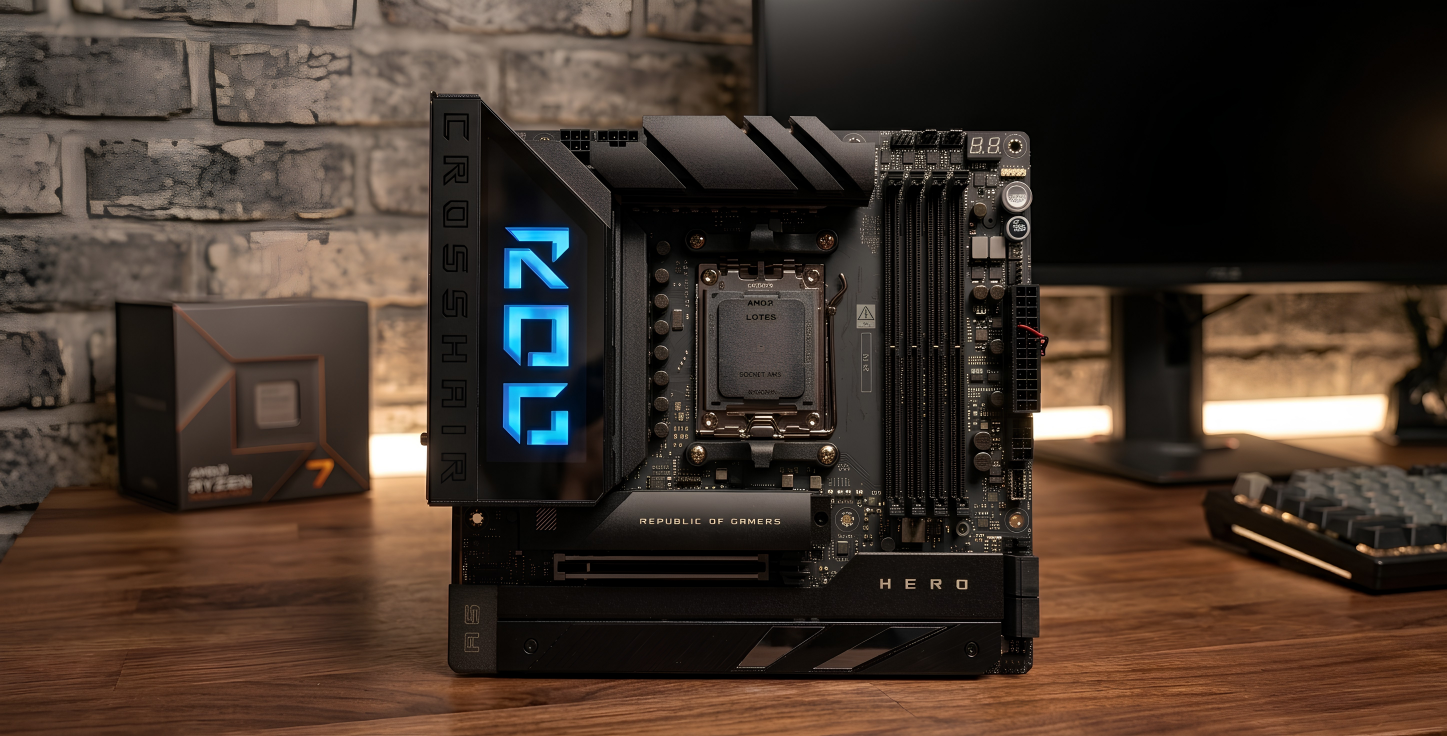
Motherboard VRM area with heatsink, capacitors and chokes near the CPU socket
The VRM heatsinks and chokes around the socket. A board rated for your CPU keeps clocks steady under load.

Form factor: ATX vs Micro-ATX vs Mini-ITX

Form factor is simply the size of the board, and it has to match your case. It also decides how many expansion slots and M.2 drives you get.

Form factorSizeExpansion slotsBest for
ATXFull sizeMost PCIe and M.2Best value per feature, easy cooling
Micro-ATXSmaller squareFewer slotsBudget and compact builds
Mini-ITXTinyOne PCIe slotSmall form factor, single GPU

ATX is the default for a reason: the most slots, the easiest airflow and the best price for the features. Micro-ATX is the value pick for a tidy build that still takes a graphics card. Mini-ITX looks fantastic in a small case, but you pay a premium, you get one expansion slot, and cooling needs more thought. Decide on the case and the board size together.

The features that actually matter in 2026

Spec sheets are long on purpose. These are the points worth checking before you buy, and the ones you can safely ignore.

  • M.2 slots: count them. Two is the practical minimum, three is comfortable if you keep games and work on separate drives.
  • PCIe 5.0: useful for the fastest SSDs, but today’s graphics cards barely stretch PCIe 4.0, so do not overpay for it on the GPU slot. Our graphics card guide has more on that.
  • Wi-Fi 7 and 2.5GbE: get Wi-Fi if you will not run an Ethernet cable. Wired is still faster and cheaper, but a Wi-Fi 7 board keeps a desk tidy.
  • USB4 or USB-C: handy for docks, fast external drives and a single-cable monitor.
  • BIOS Flashback: updates the firmware with no CPU installed. On a brand-new platform this one feature can save a build.
  • Memory support: check the board’s QVL for the kit you want. DDR5-6000 CL30 is the AM5 sweet spot, and our RAM guide explains why.

What you can skip: RGB you will hide under a desk, a second high-speed network port you will never plug in, and “AI” overclocking buttons that rarely beat a five-minute manual tune.

Our top motherboard picks for 2026

Three boards that cover most builds: a tidy budget option, a do-it-all mainstream board and a current Intel pick. All three are in stock with live pricing below.

Want more choice on AM5? Here are the Ryzen boards in stock right now, sorted by price.

Best Intel motherboards

If you are building on Intel Core Ultra, an LGA1851 board is what you need. B860 covers mainstream gaming and work, while Z890 adds overclocking and extra lanes for heavier setups. The current LGA1851 boards in stock are below.

How much should you spend?

Match the board to the rest of the build rather than the other way round. A sensible rule is to spend roughly what you would on a good cooler, then put the rest into the CPU, GPU and storage.

BudgetTypical boardWhat you get
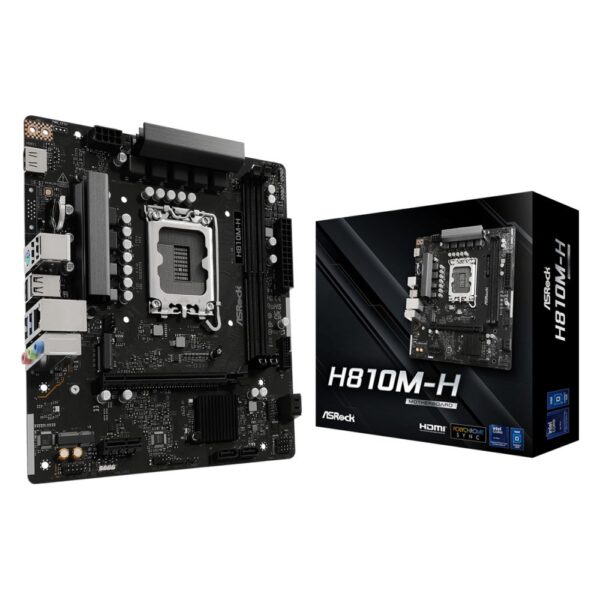
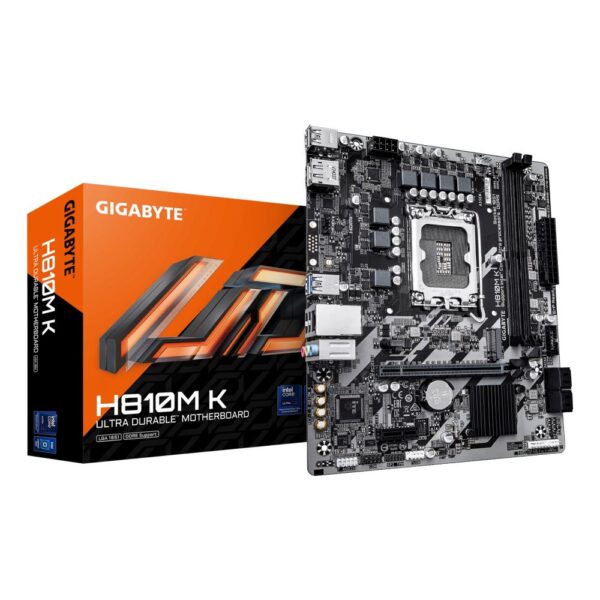
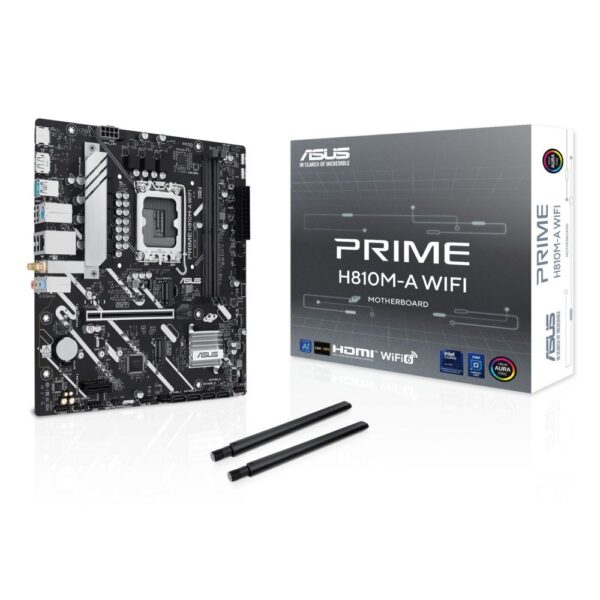
£80–120A620 or H810Solid foundation, DDR5, one or two M.2, no frills
£130–190B650, B850 or B860The sweet spot: memory tuning, PCIe 5.0 storage, Wi-Fi
£200–350X670E or Z890Full PCIe 5.0, more lanes, strong VRM, overclocking

Pro tip: before you buy, check the board’s memory QVL and the CPU support list on the maker’s website. An older board often just needs a quick BIOS update for a newer chip, and BIOS Flashback lets you do it with no processor installed.

Frequently asked questions

Before you buy a motherboard

  • Socket first. Match the board to your CPU: AM5 for current Ryzen, LGA 1851 for current Core.
  • Chipset sets features. It decides ports, lanes, and whether you can overclock.
  • Count the M.2 slots and check whether Wi-Fi is included if you need it.
  • Power delivery matters more on a high-core-count chip than on a mainstream one.
  • BIOS. A board bought early in a platform may need a BIOS update for the newest CPUs.
Do I need an X670E board for a Ryzen X3D CPU?

No. A good B650 or B850 board runs a 7800X3D or 9800X3D perfectly. The X3D chips are not heavy power users, so a mid-range board has all the VRM headroom they need. Put the saved money into the GPU or a faster SSD.

Will any DDR5 work, or does it need to match the board?

Any DDR5 module will physically fit an AM5 or LGA1851 board, but check the board's QVL for the speed you want. DDR5-6000 CL30 is the sweet spot on AM5, and a quick EXPO or XMP toggle in the BIOS sets it running.

ATX or Micro-ATX?

Micro-ATX saves money and fits smaller cases, and it still takes a full-size graphics card. Choose ATX if you want more M.2 and PCIe slots, stronger VRMs or easier airflow.

Is PCIe 5.0 worth paying for?

For storage, slightly, if you want the fastest SSDs. For graphics, not yet, since current cards barely use PCIe 4.0 bandwidth. Do not let a PCIe 5.0 graphics slot alone justify a much pricier board.

Can I reuse my AM4 board with a new CPU?

If the board is AM4 and its BIOS supports the chip, yes. AM4 still takes the excellent 5700X3D for cheap gaming upgrades. For any current Ryzen you need an AM5 board.

Do I really need Wi-Fi on the motherboard?

Only if you will not plug in an Ethernet cable. Wired is faster and cheaper, but a Wi-Fi 7 board is well worth it for a tidy desk or a room with no nearby socket.

How we know: Hardvance is a UK PC parts retailer. We handle, sell, and support these components every day, and stand behind them with our returns and warranty service. Our picks come from that hands-on familiarity and from tracking which parts prove reliable and good value for our customers. We update this guide as new hardware and prices land.

Leave a Reply

Your email address will not be published. Required fields are marked *