Logitech 960 | USB Stereo Headset for Calls & Music
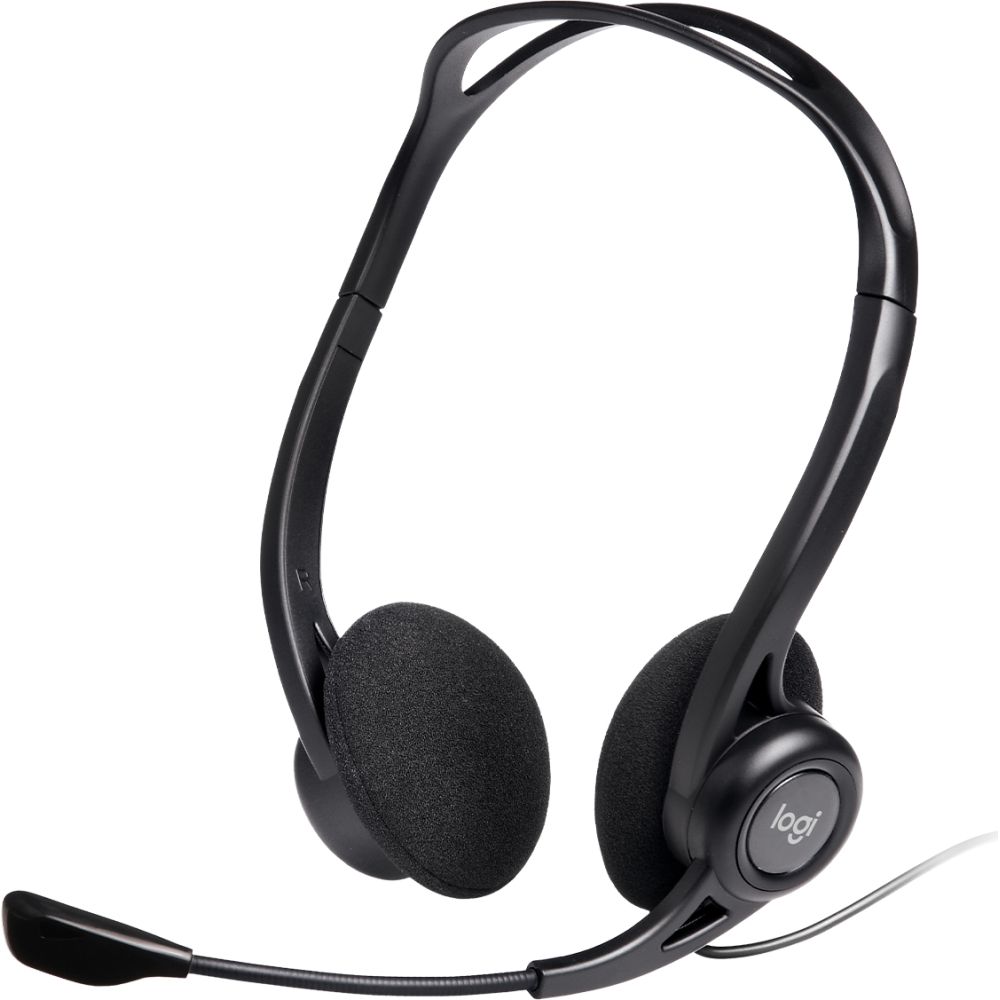
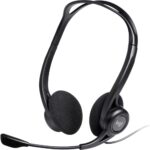
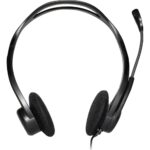
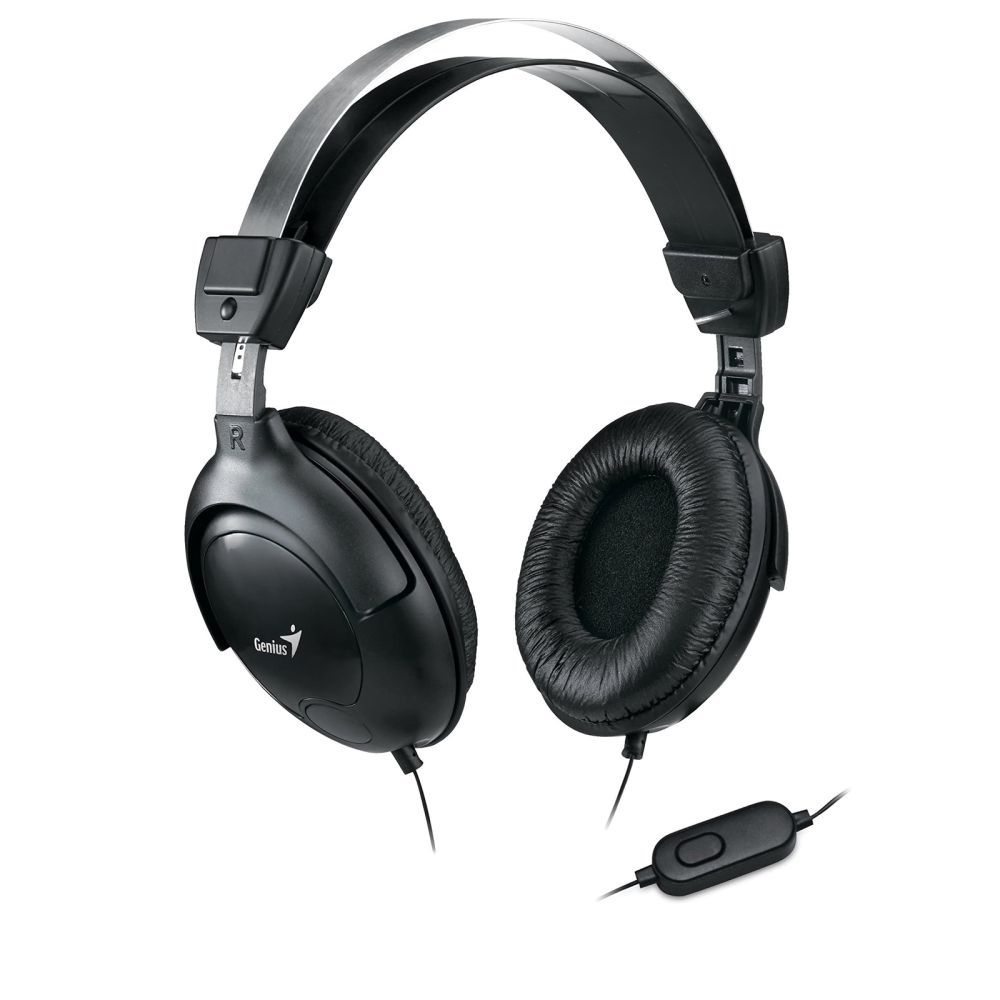
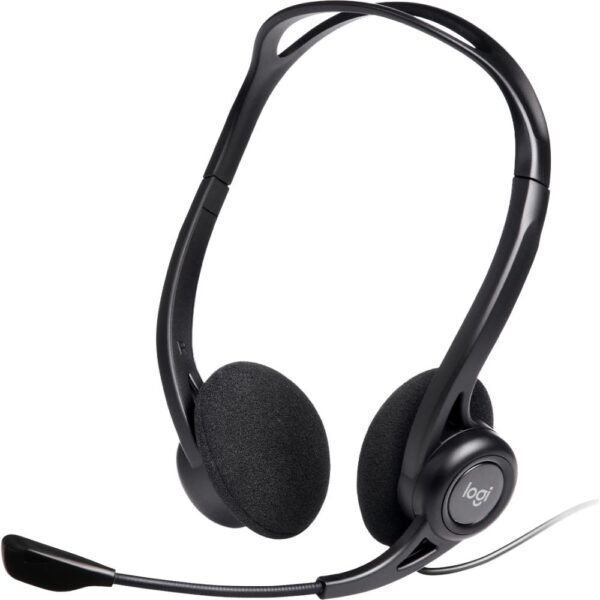
The Logitech 960 USB Computer Headset delivers reliable audio for calls and music with its noise-cancelling boom mic and comfortable over-the-head design. Ideal for home office users, remote workers, and anyone needing clear voice communication, it offers plug-and-play USB connectivity and intuitive in-line controls for quick volume and mute adjustments.
Key Specifications
| Metric |
Spec |
| Connectivity |
USB Wired |
| Frequency Response |
100 – 1000 Hz |
| Weight |
120 g |
| Cable Length |
2.4 m |
| Microphone Type |
Boom with Noise-Cancelling |
Clear Calls with Noise-Cancelling Mic
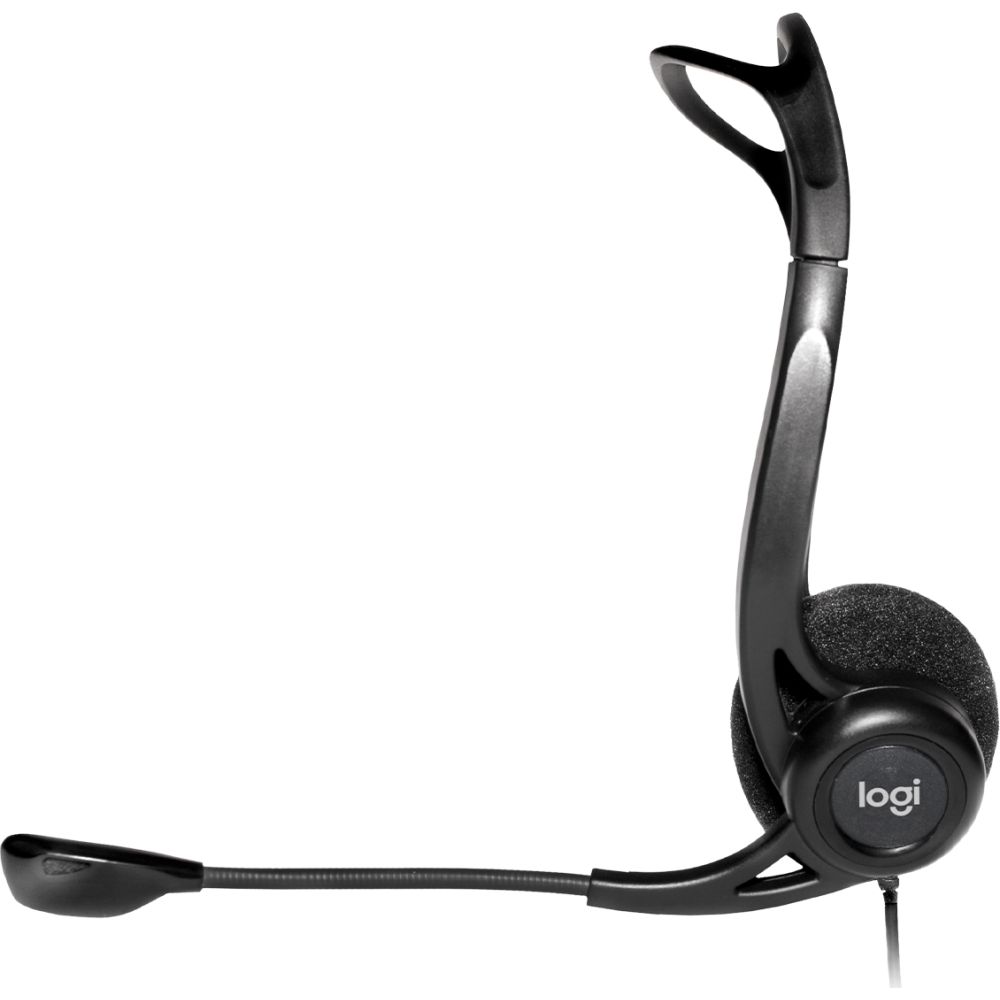
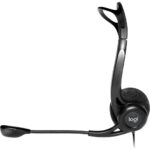
The Logitech 960 features a noise-cancelling boom microphone that filters out background sounds for clearer conversations. Whether you’re on conference calls or team meetings, the mic ensures your voice comes through crisp and professional. The microphone also rotates out of the way when you want to listen to music or take a break.
All-Day Comfort for Extended Use
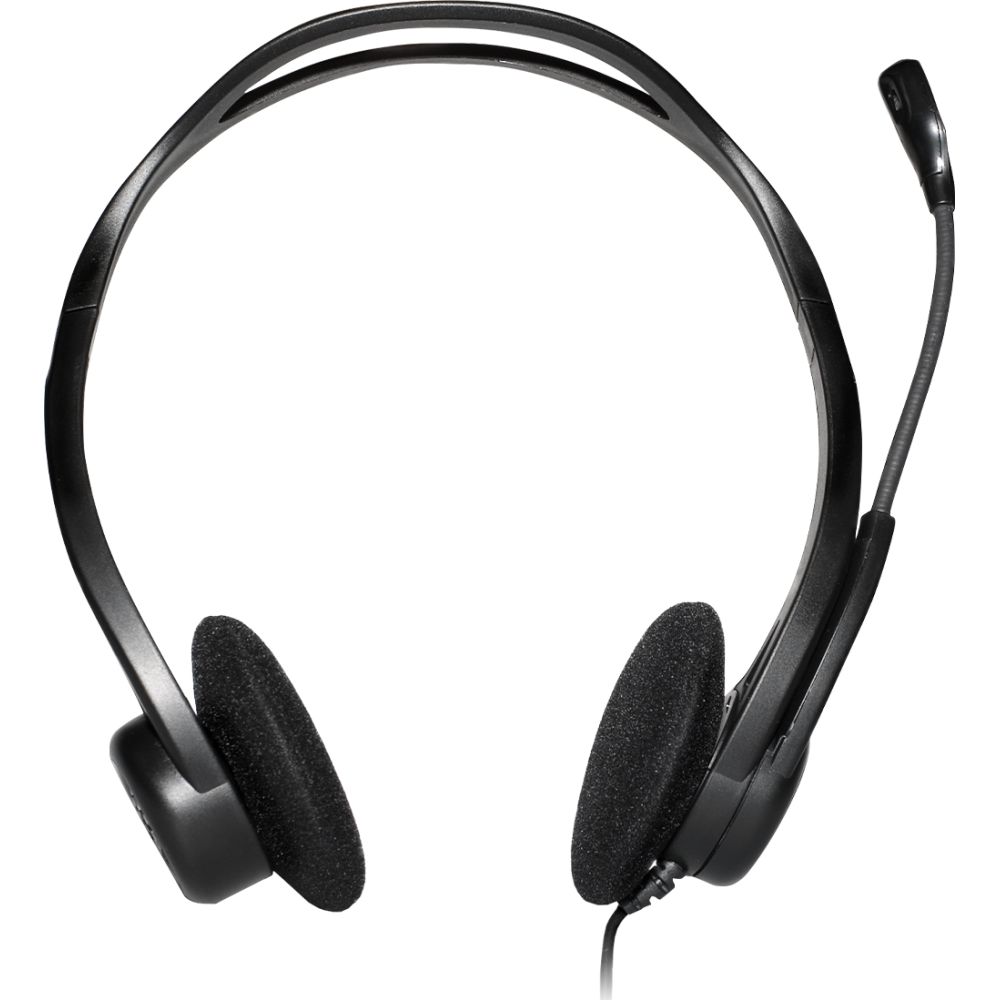
With its adjustable headband and ultra-soft earpads, this headset is designed for all-day wear without discomfort. The lightweight build (just 120 g) and supraaural ear coupling provide a secure yet gentle fit that won’t slip during long work sessions. The flexible design accommodates different head sizes comfortably.
Simple USB Plug-and-Play Setup
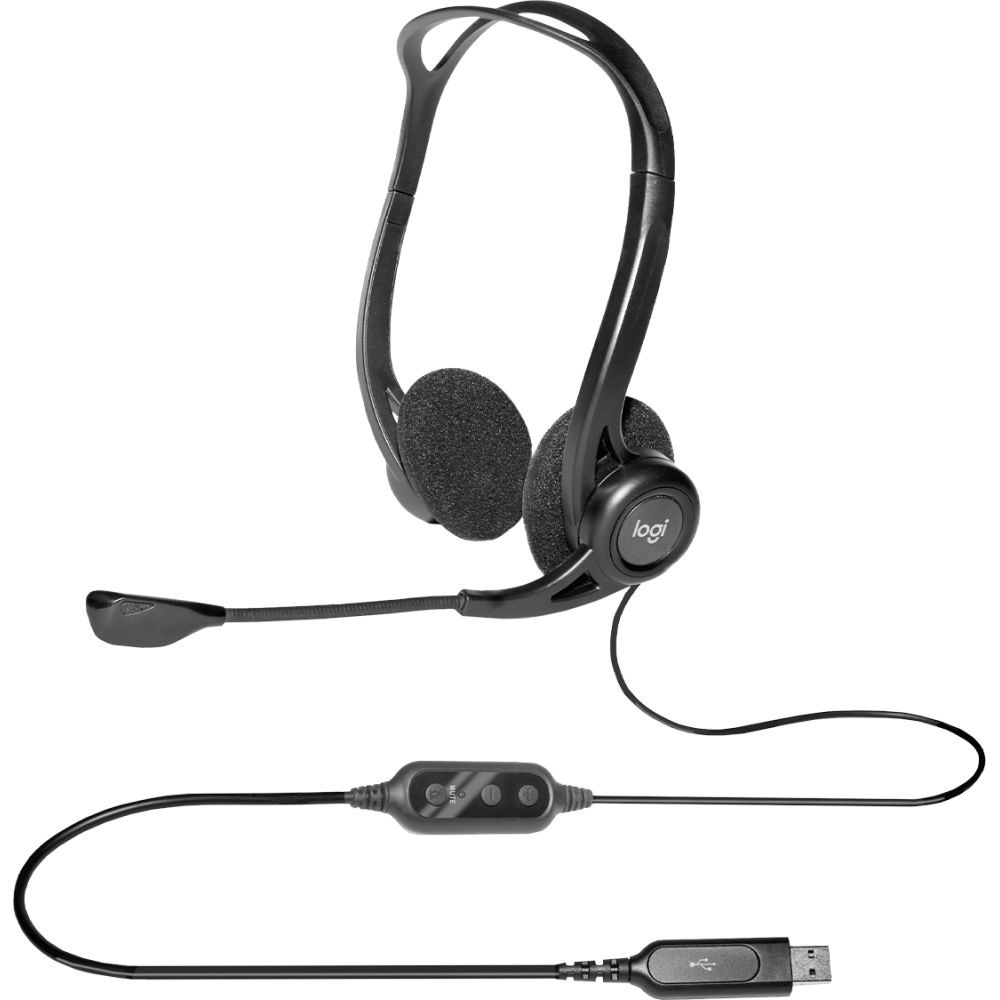
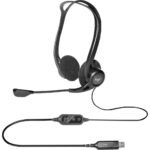
Connect the Logitech 960 via USB Type-A for instant audio without drivers or complicated setup. The 2.4 m cable gives you freedom to move at your desk while maintaining a stable connection. Advanced digital USB technology delivers superior sound quality for both calls and stereo music playback.
Box Contents
- USB headset
- User documentation
Before You Order
- Confirm USB Type-A port compatibility with your device
- Verify Windows operating system support (Windows 10/11/7/8.1/Vista/XP)
- Check if supraaural (on-ear) design suits your comfort preferences
- Confirm the 100-1000 Hz frequency range meets your audio needs
Questions and answers
Is the Logitech 960 USB Computer Headset compatible with Mac computers?
The headset is designed for Windows operating systems. Mac compatibility is not specified in the product details.
Does this headset have volume control?
Yes, it features in-line buttons for volume adjustment and microphone mute control.
Can I use this headset for gaming?
While suitable for calls and music, the 100-1000 Hz frequency range is optimised for voice rather than gaming audio.
Is the microphone detachable?
No, the boom microphone is built-in and rotates for positioning but is not detachable.
What is the warranty coverage?
This product is covered by the applicable manufacturer warranty.
Final thoughts
The Logitech 960 USB Computer Headset is an excellent choice for professionals who need reliable audio for calls and basic music listening. Its noise-cancelling microphone, comfortable design, and simple USB connectivity make it ideal for remote workers, call centre staff, and anyone prioritising clear voice communication. The headset delivers dependable performance without unnecessary complexity, backed by the applicable manufacturer warranty.




 Buy now, pay later with Klarna at checkout
 Pay in 3 interest-free payments with PayPal at checkout








Reviews
Clear filtersThere are no reviews yet.