


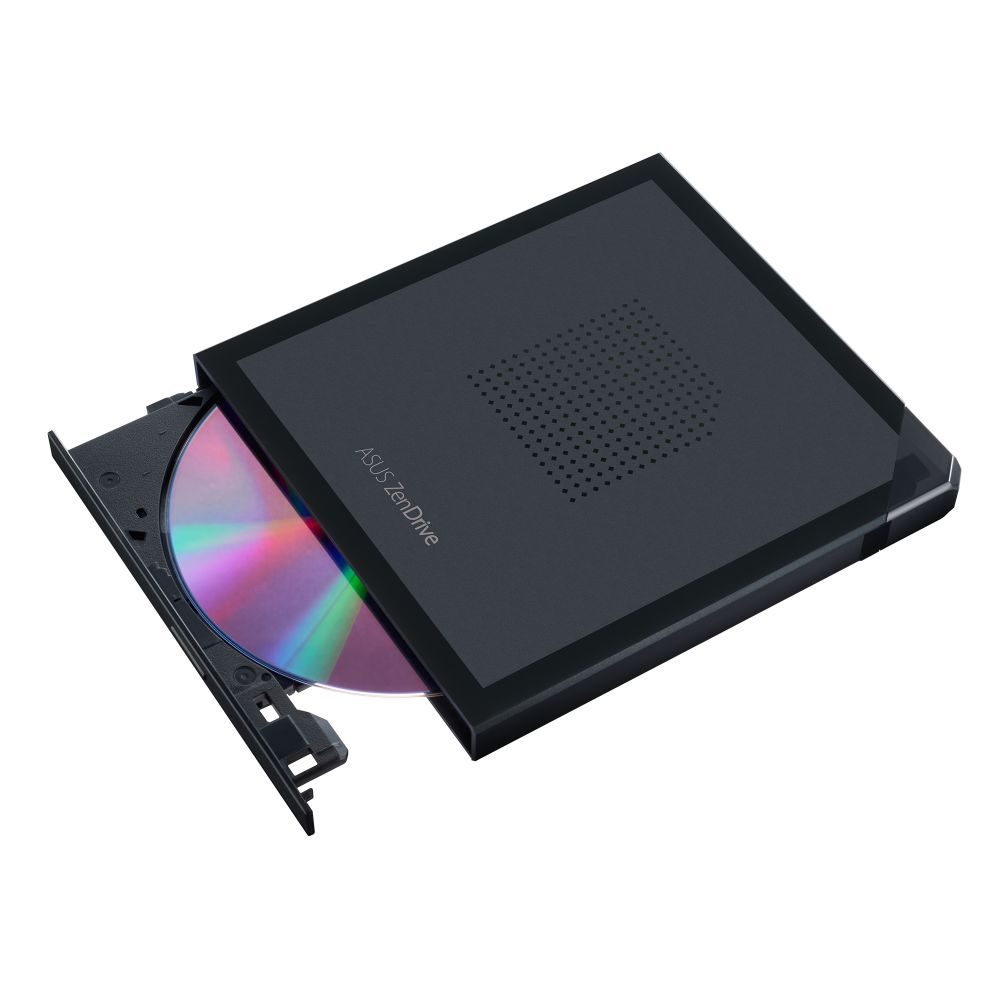


ASUS ZenDrive V1M External DVD±RW Drive
£39.55 inc VAT
In stock
In stock
More Ways to Pay
-
 Buy now, pay later with Klarna at checkout
-
 Pay in 3 interest-free payments with PayPal at checkout
About This Item
- External DVD±RW drive with front-loading design for desktop and laptop use
- USB Type-C interface with any-way-up connection for latest-generation laptops
- Supports CD-R, DVD+R, DVD-R, and M-DISC for archival-quality data storage up to 1,000 years
- High-speed writing: 24x CD-R, 8x DVD+R/RW, 6x DVD-RW with bundled CyberLink and Nero software
- Sleek black design with self-storing USB-C cable and corner cover for portability


Payment Methods:

You may also like
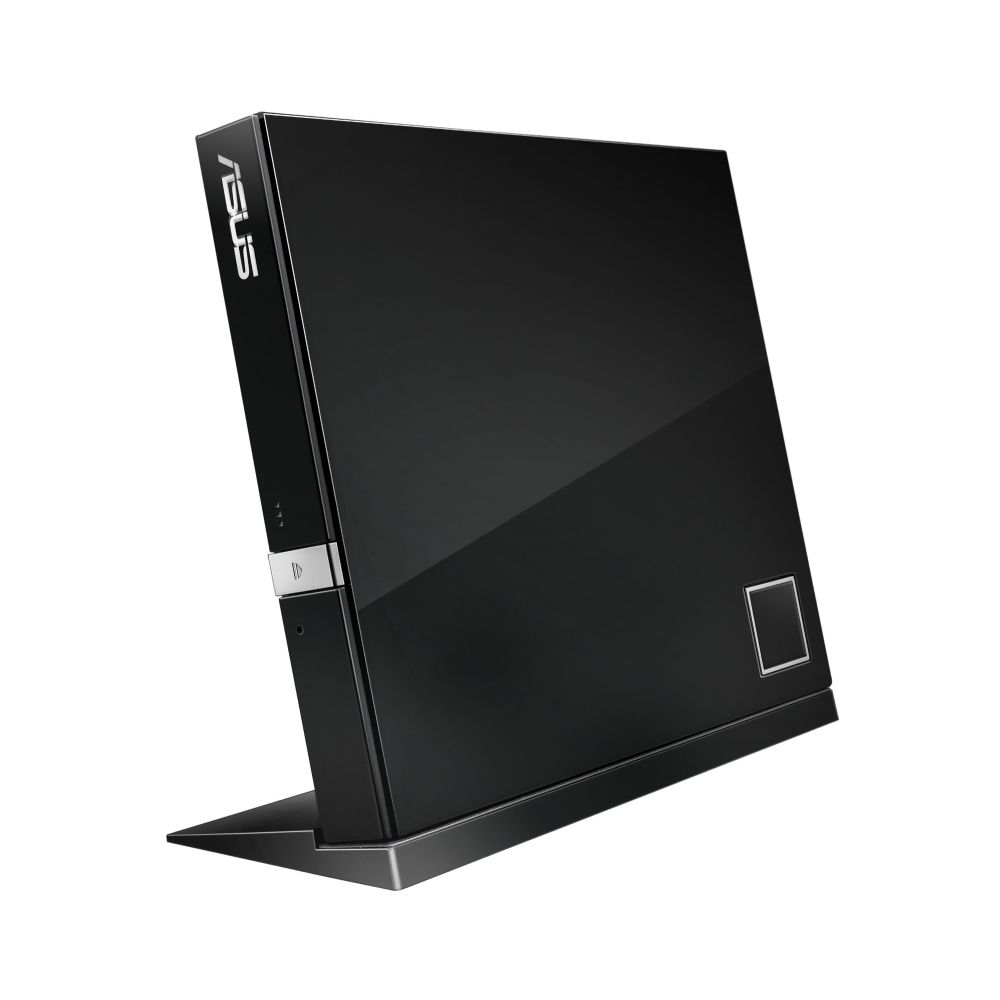


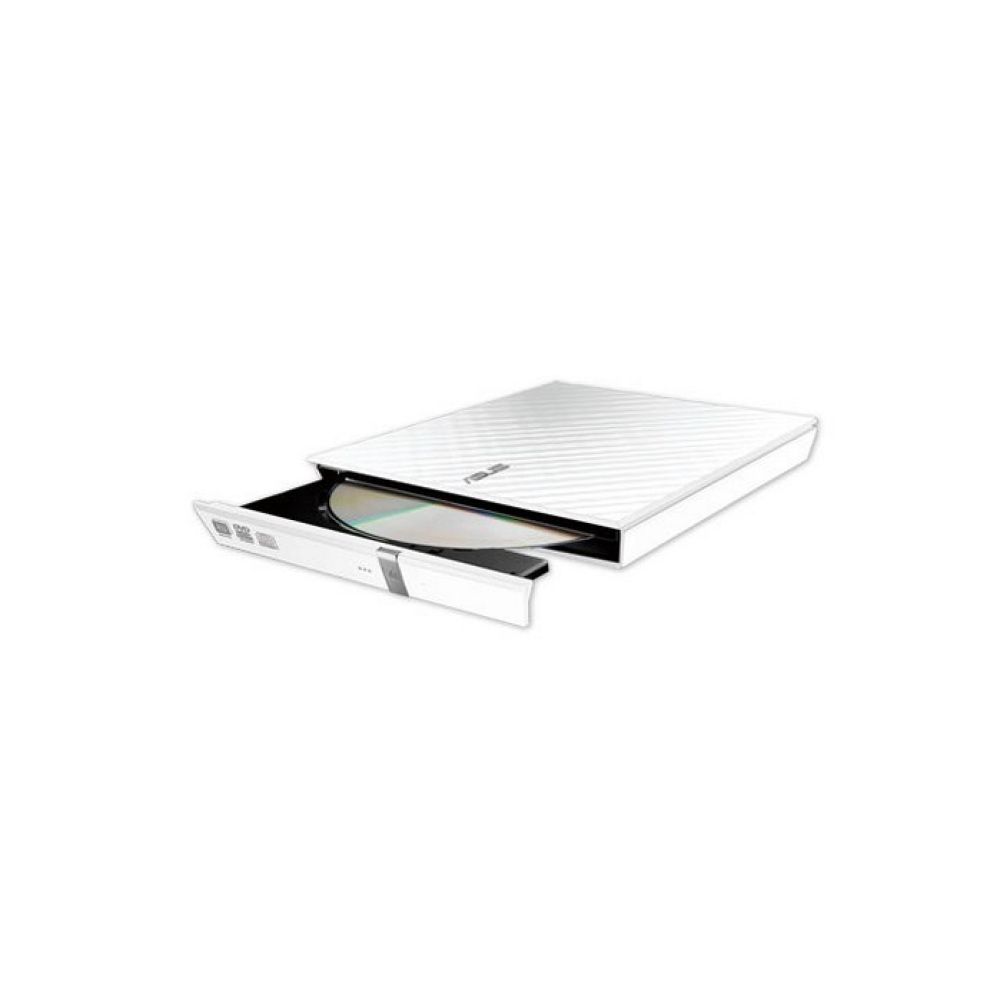
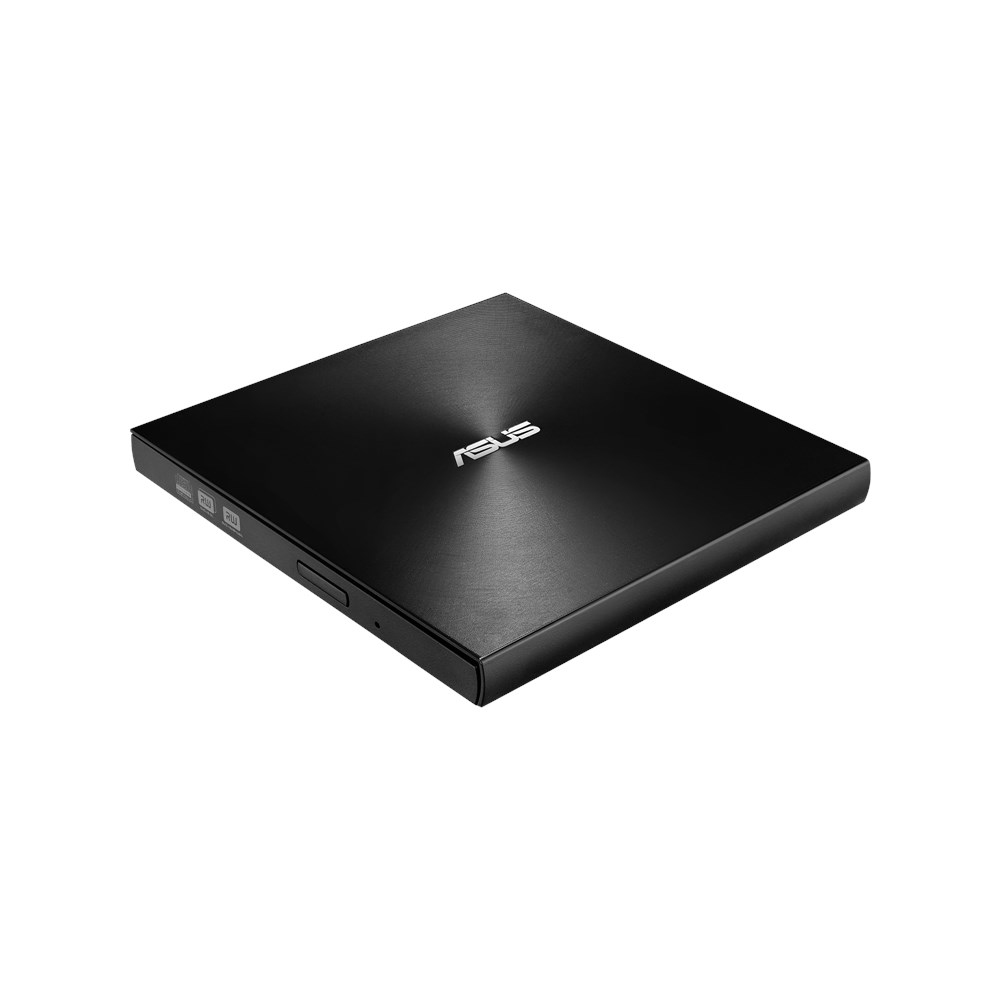
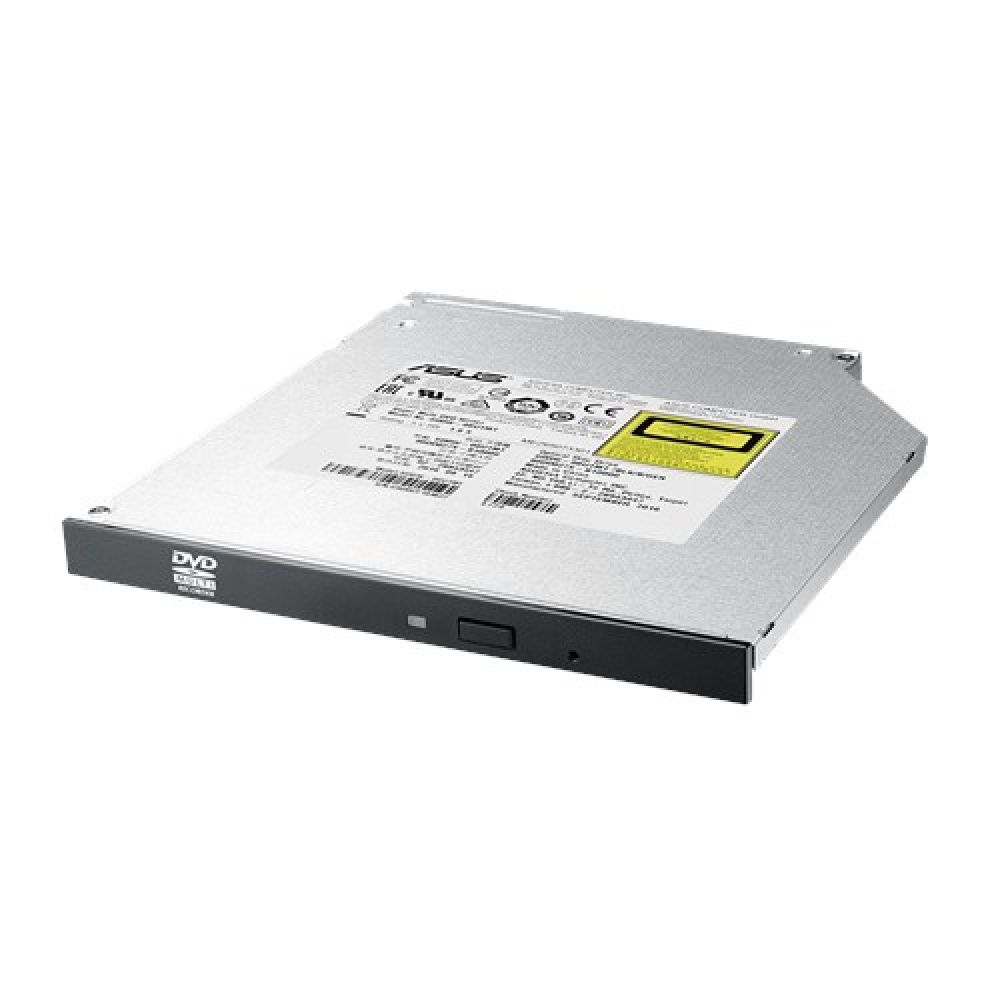

ASUS ZenDrive V1M | External DVD Writer for Modern Laptops
The ASUS ZenDrive V1M (SDRW-08V1M-U) optical disc drive DVD±RW Black delivers reliable disc reading and burning for users who need physical media support alongside their latest-generation laptops. Its USB-C connection and sleek portable design make it ideal for both Windows and macOS users who occasionally need to install software, play DVDs, or create backups.
Product Specifications
| Metric | Spec |
|---|---|
| Interface | USB Type-C |
| Write Speed (DVD±R) | 8x |
| Write Speed (CD-R) | 24x |
| Dimensions | 142 x 14.6 x 150 mm |
| Weight | 255 g |
Design That Travels with You
The ZenDrive V1M features a corner cover that stores its 24cm USB-C cable, eliminating the frustration of lost cables. Its cut-crystal style design complements modern ultra-slim laptops while remaining robust enough for daily transport. The integrated cable storage means you’re always ready to connect without hunting for missing accessories.
Cross-Platform Compatibility
This external drive works seamlessly with both Windows (10, 11, 8, 8.1) and macOS (from Snow Leopard 10.6 through Catalina 10.15.3). The reversible USB-C connector plugs in either way, making it perfect for the latest laptops that have eliminated built-in optical drives. Simply connect and start reading or burning discs immediately.
M-DISC Support for Long-Term Archiving
For users who need permanent data storage, the ZenDrive V1M supports M-DISC technology. This archival-quality format engraves data onto a rock-like layer that resists extreme conditions, offering up to 1,000 years of data preservation. It’s ideal for safeguarding family photos, home videos, and important documents that you want to keep for generations.
Complete Software Package
Windows users receive a comprehensive software bundle including CyberLink Power2Go 8 for disc burning, CyberLink PowerBackup 2.6 for data protection, and Nero BackItUp for additional backup options. These tools provide everything needed for creating, managing, and protecting your optical media content.
Box contents
- ASUS ZenDrive V1M external DVD writer
- USB Type-C cable (integrated storage)
- Quick start guide
- Software installation disc (Windows)
Key points to check
- Confirm your laptop has a USB-C port or appropriate adapter
- Verify your operating system is supported (Windows 10/11 or macOS 10.6+)
- Check you have available space for bundled software installation
- Confirm you need DVD±RW functionality for your specific use case
Common questions
Does this drive require external power?
Can I use this with older USB-A laptops?
What disc formats can I burn?
Is the software compatible with macOS?
How fast can it read DVDs?
The short version
The ASUS ZenDrive V1M offers an excellent solution for users who need occasional optical drive access without compromising laptop portability. Its M-DISC support makes it particularly valuable for long-term data archiving, while the integrated cable storage and USB-C connectivity ensure it travels well with modern devices. Covered by the applicable manufacturer warranty.
| Bundled software | CyberLink Power2Go 8 CyberLink PowerBackup 2.6 Nero BackItUp E-Green |
|---|---|
| DVD-RW write speed | 6x |
| DVD-R write speed | 8x |
| DVD+RW write speed | 8x |
| DVD+R write speed | 8x |
| CD-RW write speed | 24x |
| CD-R write speed | 24x |
| CD write speed | 24x |
| DVD-RW read speed | 8x |
| DVD-ROM read speed | 8x |
| DVD-R read speed | 8x |
| DVD+RW read speed | 8x |
| DVD+R read speed | 8x |
| CD-ROM read speed | 24x |
| CD-R read speed | 24x |
| CD read speed | 24x |
| Disc loading type | Front |
| Optical drive type | DVD±RW |
| Interface | USB Type-C |
| Disc types supported | CD-R, CD-ROM, DVD+R, DVD+R DL, DVD+RW, DVD-R, DVD-R DL, DVD-ROM, DVD-RW |
| Internal | No |
| Windows operating systems supported | Windows 10, Windows 11, Windows 8, Windows 8.1 |
| Mac operating systems supported | Mac OS X 10.10 Yosemite, Mac OS X 10.11 El Capitan, Mac OS X 10.12 Sierra, Mac OS X 10.13 High Sierra, Mac OS X 10.14 Mojave, Mac OS X 10.15 Catalina, Mac OS X 10.15.3 Catalina, Mac OS X 10.6 Snow Leopard, Mac OS X 10.7 Lion, Mac OS X 10.8 Mountain Lion, Mac OS X 10.9 Mavericks |
| Width | 142 mm |
| Weight | 255 g |
| Height | 14.6 mm |
| Depth | 150 mm |
| Purpose | Desktop/Laptop |
| Product colour | Black |
| Harmonized System HS code | 84717030 |
| Distributor SKUs | 7739551, 12153602, W128270540, SDRW-08V1M-U/BLK/G/AS/P2G, 356035, DVDEXT-90DD02L0-M29000, 1825929 |
Reviews
Clear filtersThere are no reviews yet.