Dell WD25 | Professional USB-C Docking Station
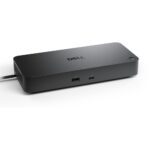
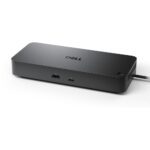
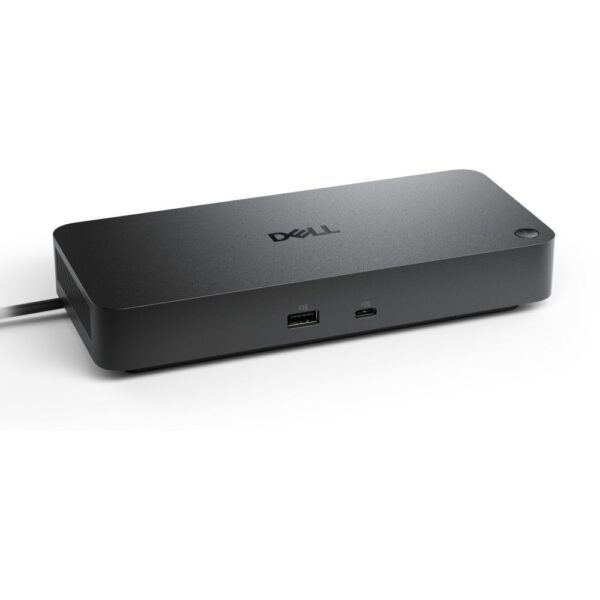
Boost your productivity with the DELL WD25 Wired USB 3.2 Gen 2 (3.1 Gen 2) Type-C Black docking station. This unit is built for professionals using modern laptops who need a single-cable solution. It delivers up to 100W power and supports dual 4K displays. The robust connectivity options suit a busy UK office or home workspace. It offers wired Ethernet and high-speed data transfer.
DELL WD25 Wired USB 3.2 Gen 2 (3.1 Gen 2) Type-C Black
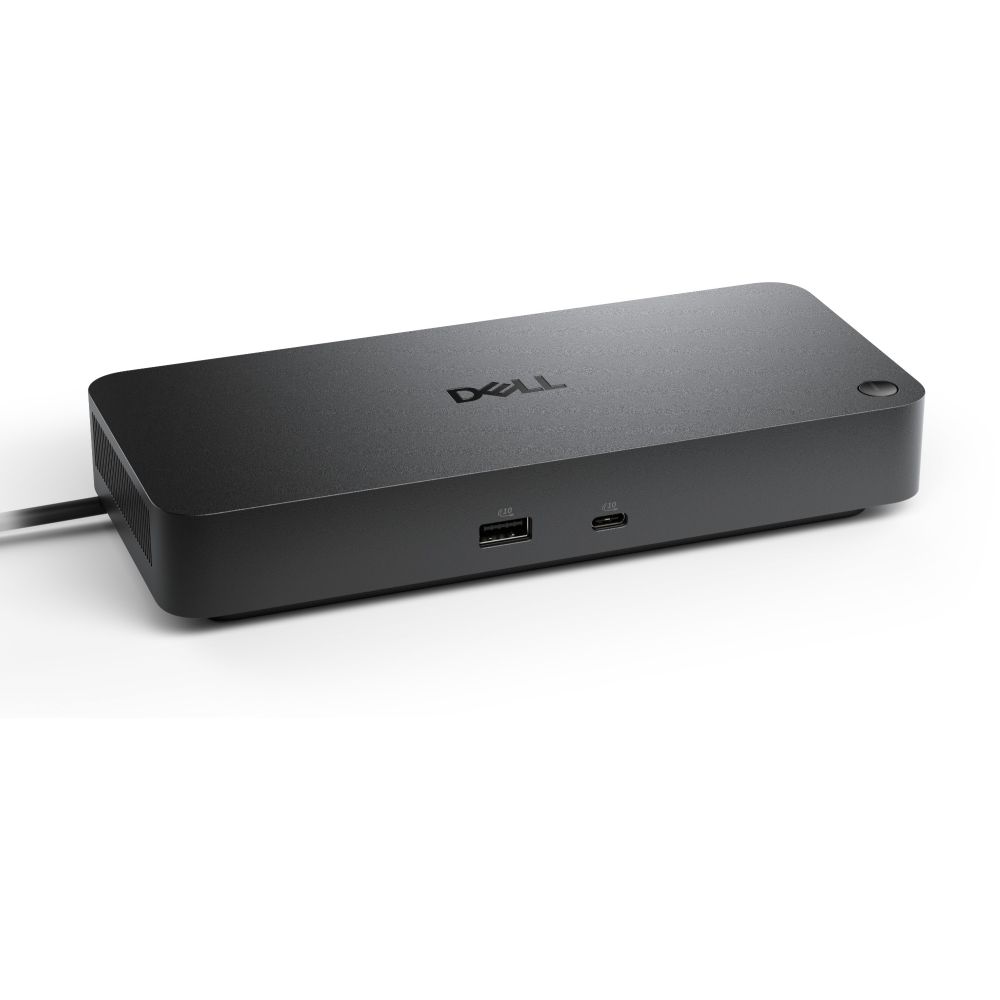
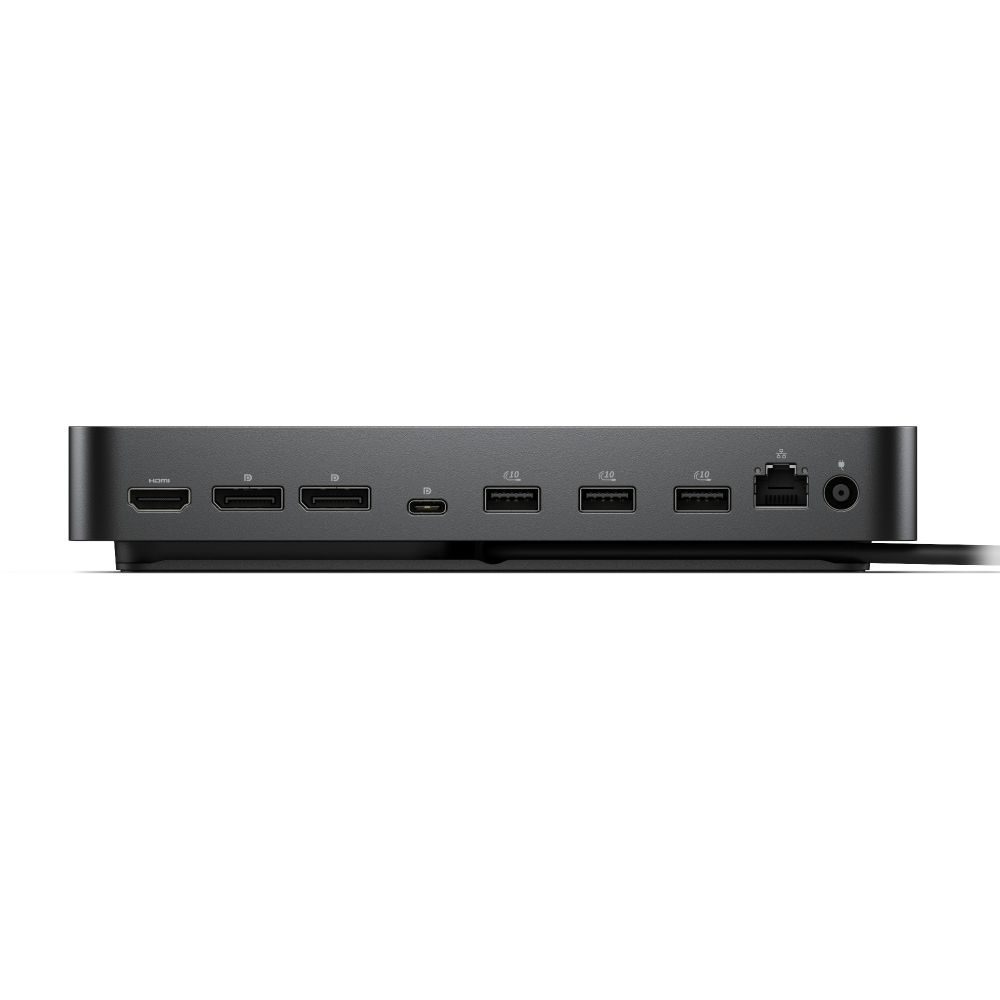
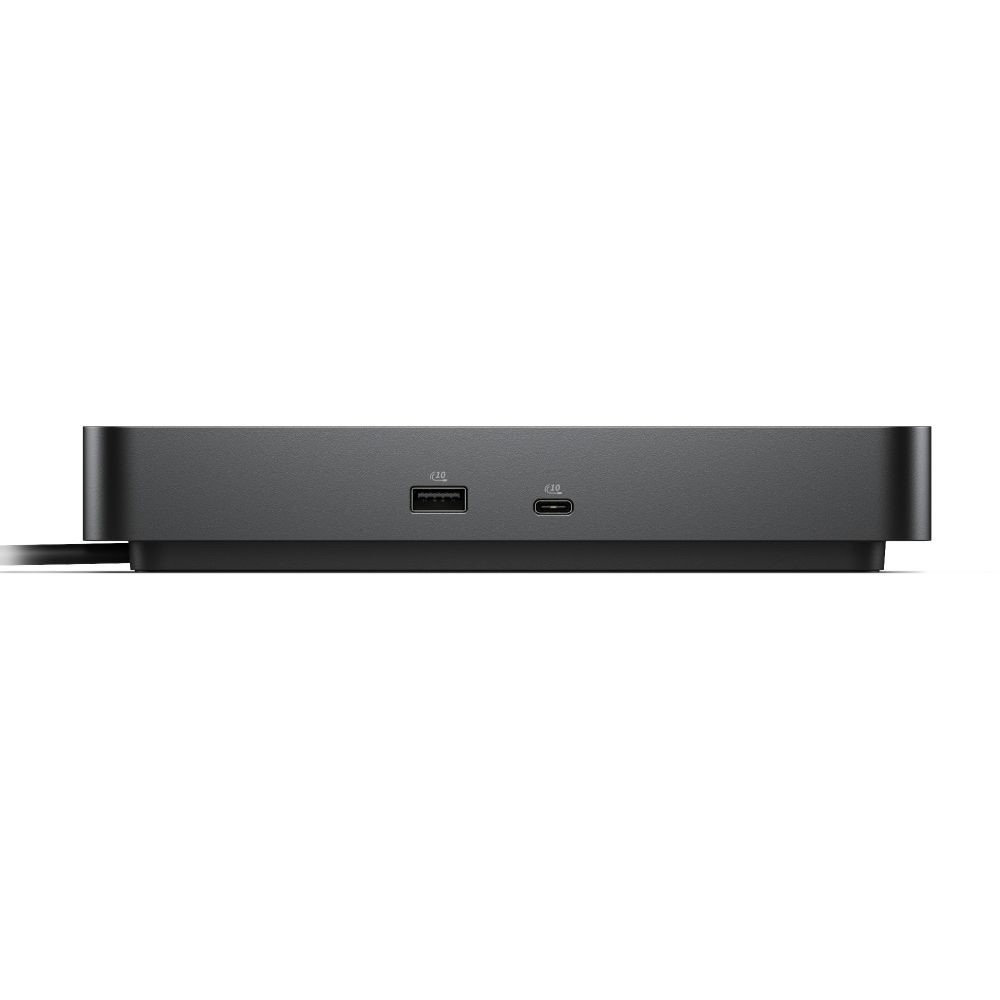
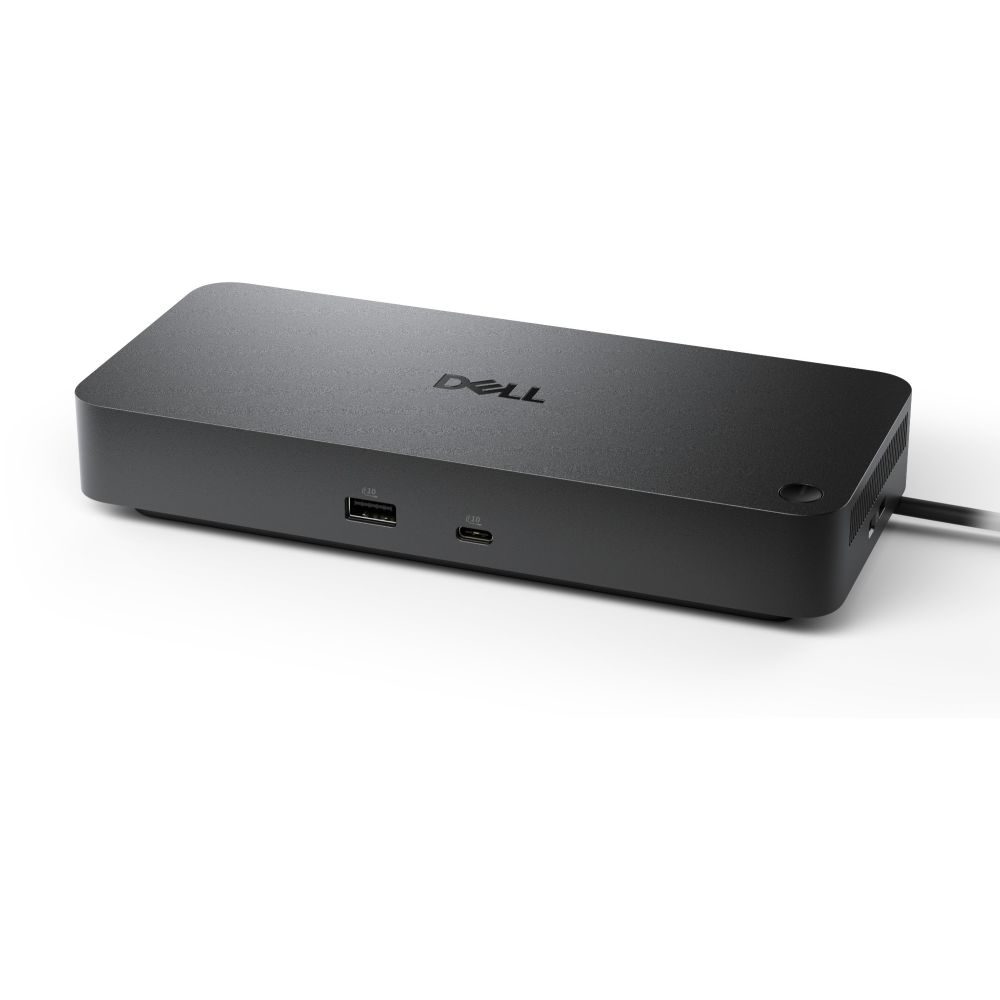
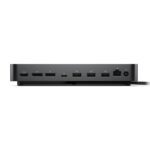
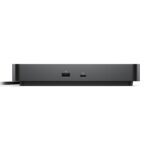
This docking station focuses on reliable performance. It connects via a USB 3.2 Gen 2 Type-C host interface. You get four USB Type-A ports and two Type-C ports. The unit includes one HDMI and two DisplayPorts. This setup drives up to four displays at 60 Hz. The 2.5 Gbit/s Ethernet ensures a stable network connection. It supports Windows, Mac, Linux, and ChromeOS.
| Metric |
Spec. |
| Host Interface |
USB 3.2 Gen 2 Type-C |
| USB Ports |
4x Type-A, 2x Type-C |
| Video Outputs |
1x HDMI 2.1, 2x DisplayPort 1.4 |
| Ethernet |
1x RJ-45 (2.5 Gbit/s) |
| Power Delivery |
Up to 100 W |
| Max Displays |
4 (6144 x 3456 resolution) |
Streamline Your Workspace
This dock reduces cable clutter effectively. You connect your laptop with one USB-C cable. It handles power, data, and video simultaneously. The 100W power delivery keeps your laptop charged. You avoid carrying multiple power bricks. This is ideal for hot-desking or a tidy home office.
High-Resolution Multi-Display Support
Boost your screen real estate with ease. The dock supports up to four displays. It handles a maximum digital resolution of 6144 x 3456 pixels. You get one HDMI 2.1 port and two DisplayPort 1.4 ports. This is suitable for financial traders or creative professionals. Note the maximum refresh rate is 60 Hz. Check your monitor specs for gaming suitability.
Reliable Wired Connectivity
Wi-Fi is not always stable for heavy tasks. This dock includes a Gigabit Ethernet port. It supports data rates up to 2500 Mbit/s. This ensures fast file transfers and stable video calls. The wired connection is essential for UK business environments. It provides security and consistency that wireless cannot match.
Robust Security and Build
Physical security is vital in shared offices. The dock features a Kensington cable lock slot. You can secure the device to your desk. The unit is compact with a black finish. It weighs 550 g and fits easily on a desk. The build quality is typical of Dell’s professional range.
Broad OS Compatibility
The dock works across major operating systems. It supports Windows 10 and 11. It is also compatible with Mac and Linux systems. ChromeOS is supported too. This flexibility is great for mixed IT environments. You do not need driver issues to worry about. However, always check for the latest firmware on the Dell support site.
Package contents
- Dell WD25 Docking Station
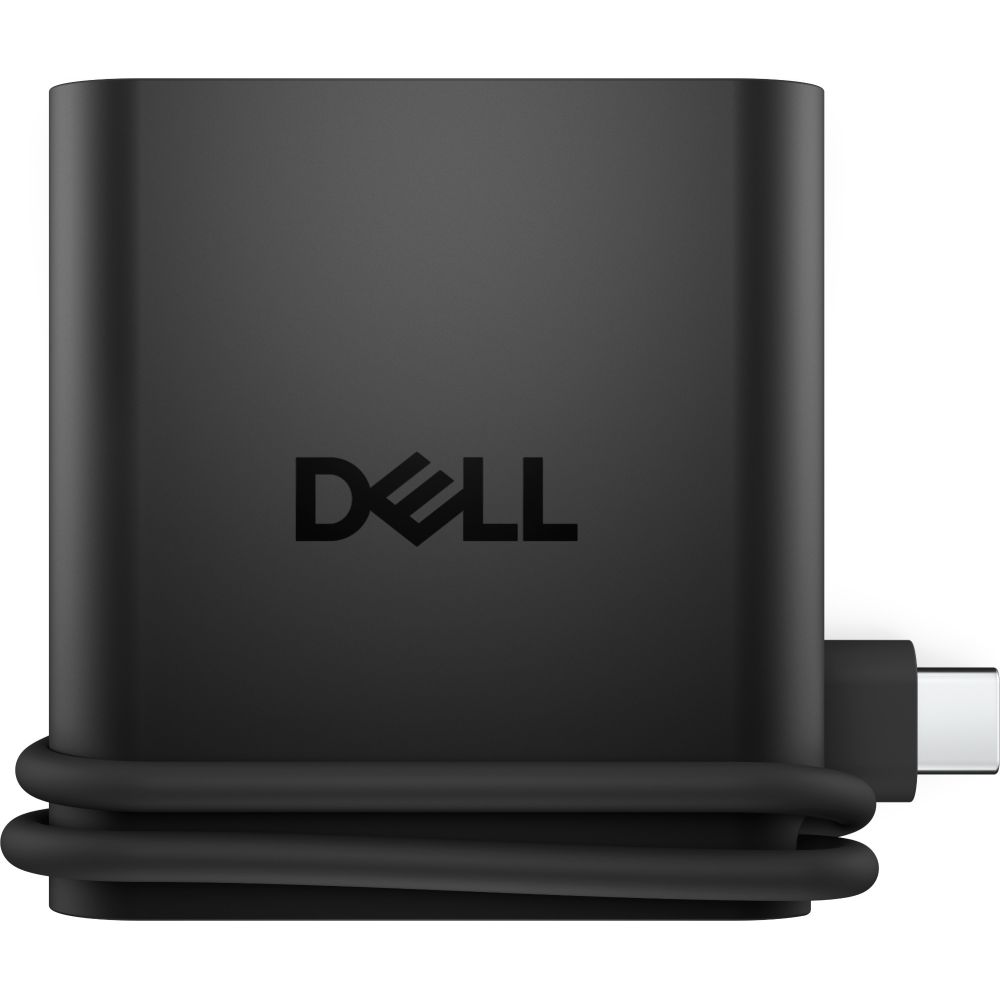
- 130 W AC adapter
- Power cable
- Quick start guide
Things to check first
- Confirm your laptop has a USB-C port with DisplayPort Alt Mode and Power Delivery support.
- Verify the included power cable has a UK 3-pin plug (or purchase a compatible kettle lead).
- Check your monitor inputs match the dock’s HDMI 2.1 and DisplayPort 1.4 outputs.
- Ensure your IT policy allows wired Ethernet connectivity if using in an office.
Frequently Asked Questions
Does the DELL WD25 support dual monitors?
Yes, it supports dual 4K displays via HDMI and DisplayPort outputs. You can extend your desktop across multiple screens.
Can I charge my laptop through this dock?
Yes, it delivers up to 100W power via the USB-C host connection. This is sufficient for most business laptops.
Is the Ethernet port fast enough for large files?
Yes, it supports 2.5 Gbit/s data rates. This is faster than standard gigabit for quicker network transfers.
Does it work with Mac computers?
Yes, it is compatible with Mac operating systems. Check Dell’s site for specific Mac driver requirements.
Is there a security slot on the device?
Yes, it has a Kensington cable lock slot. You can secure it to your desk easily.
The short version
This dock is best for professionals needing a reliable single-cable setup. It suits users with USB-C laptops requiring multiple monitors and wired networking. The 100W power delivery and broad OS support add versatility. It is a solid choice for UK offices and remote workers.
Covered by the applicable manufacturer warranty.




 Buy now, pay later with Klarna at checkout
 Pay in 3 interest-free payments with PayPal at checkout




Reviews
Clear filtersThere are no reviews yet.