



-
 Buy now, pay later with Klarna at checkout
-
 Pay in 3 interest-free payments with PayPal at checkout



You may also like
£136.77 inc VAT
In stock
In stock
Buy now, pay later with Klarna at checkout
Pay in 3 interest-free payments with PayPal at checkout Payment Methods:
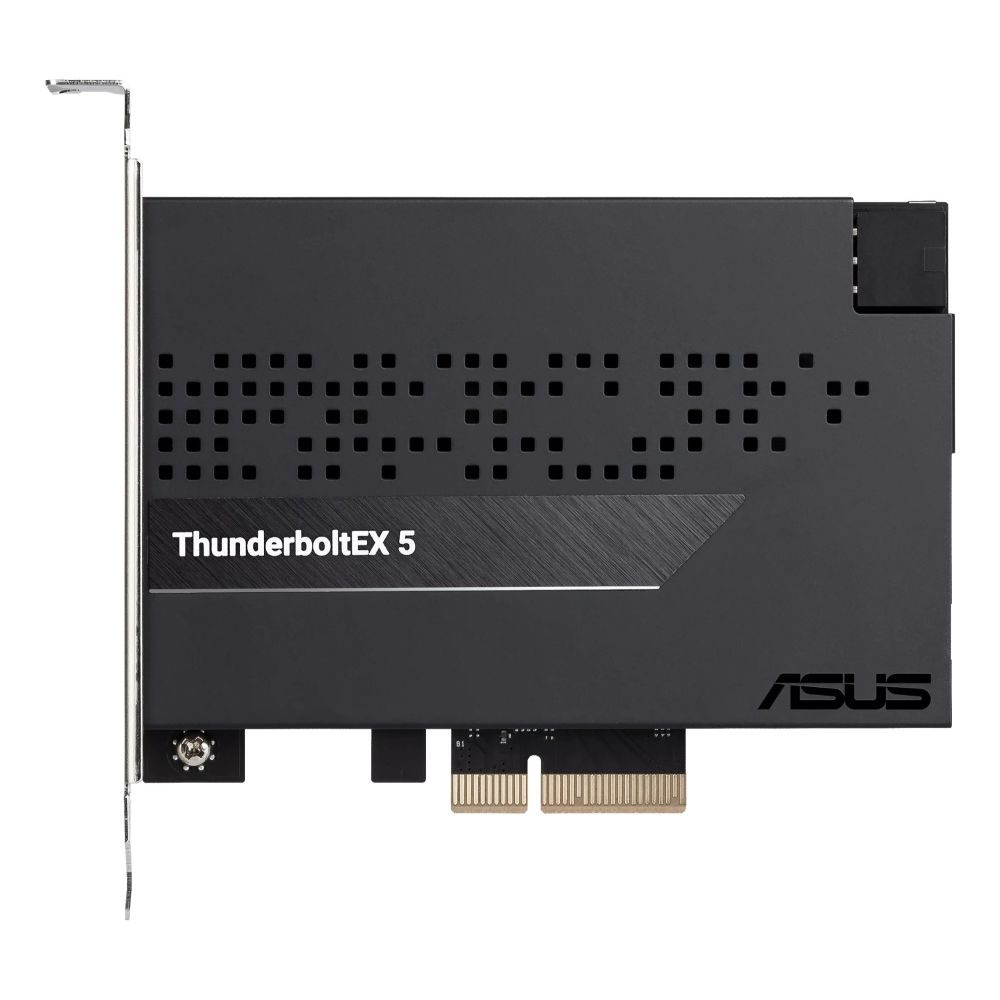
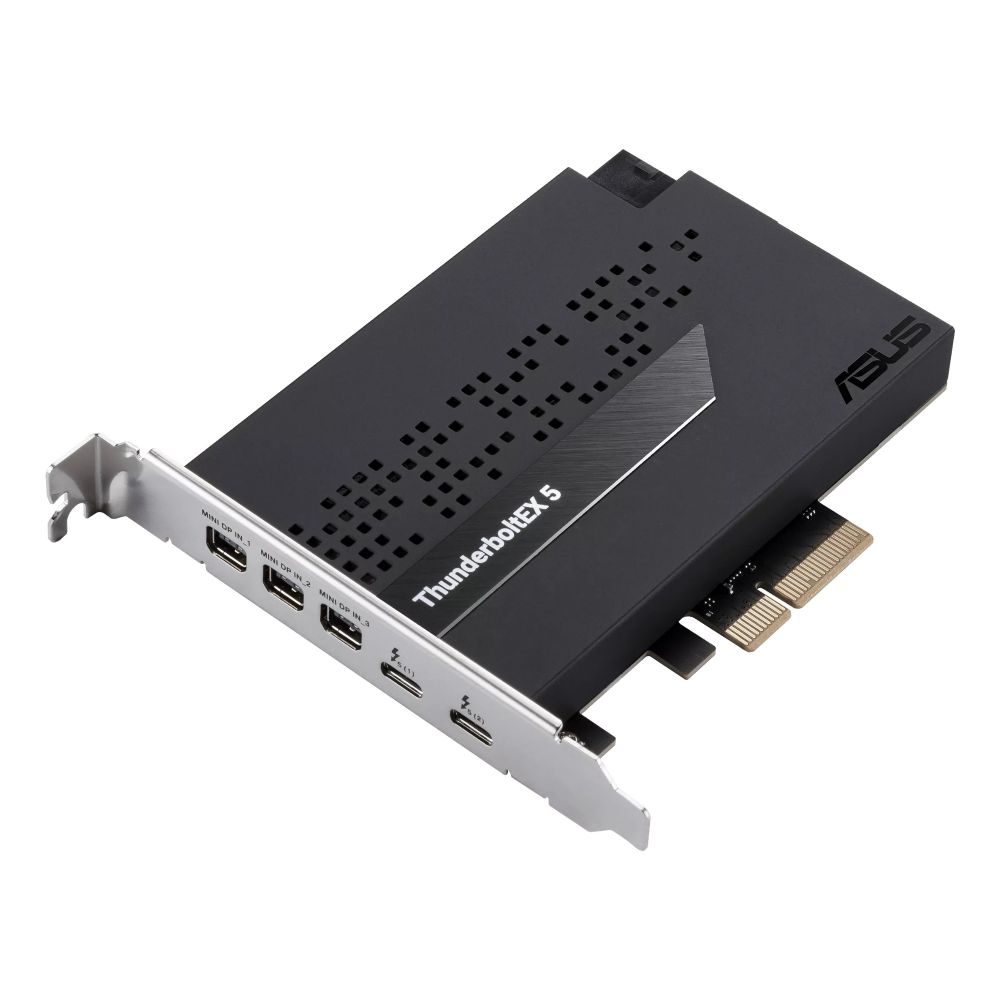
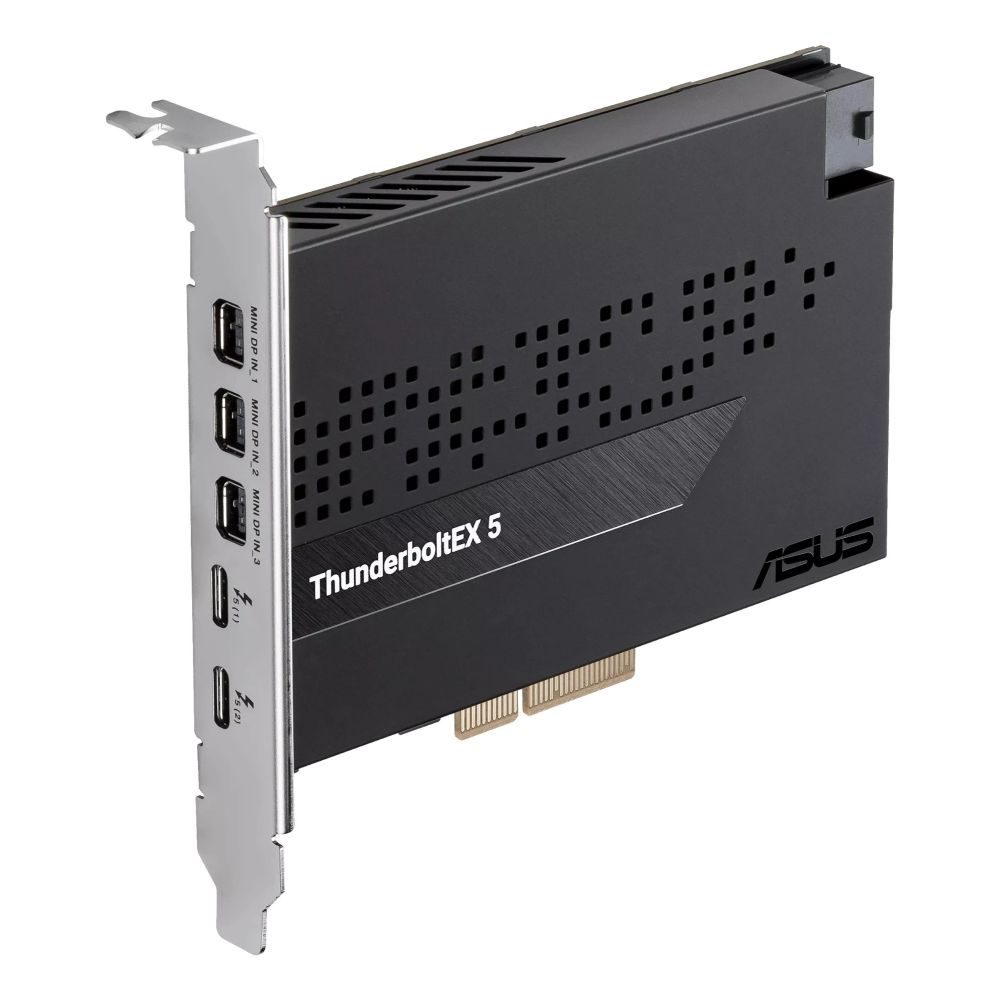
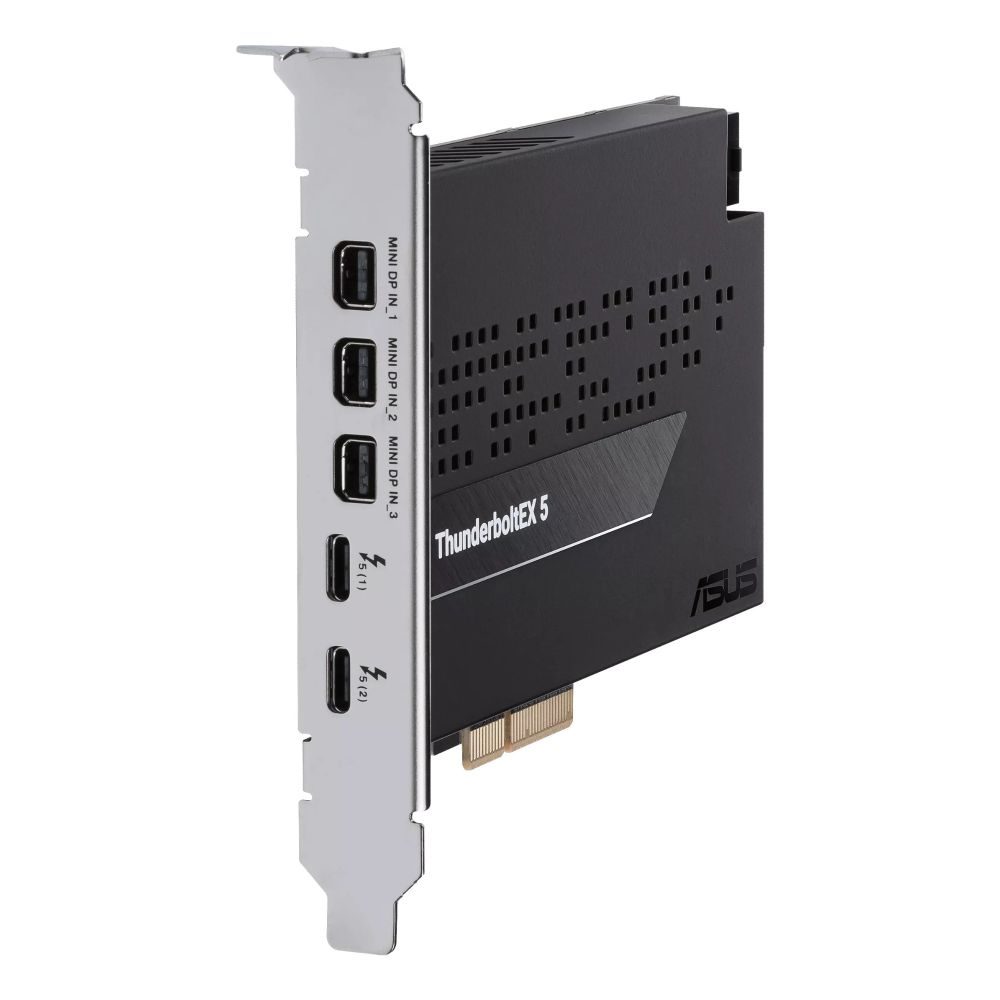
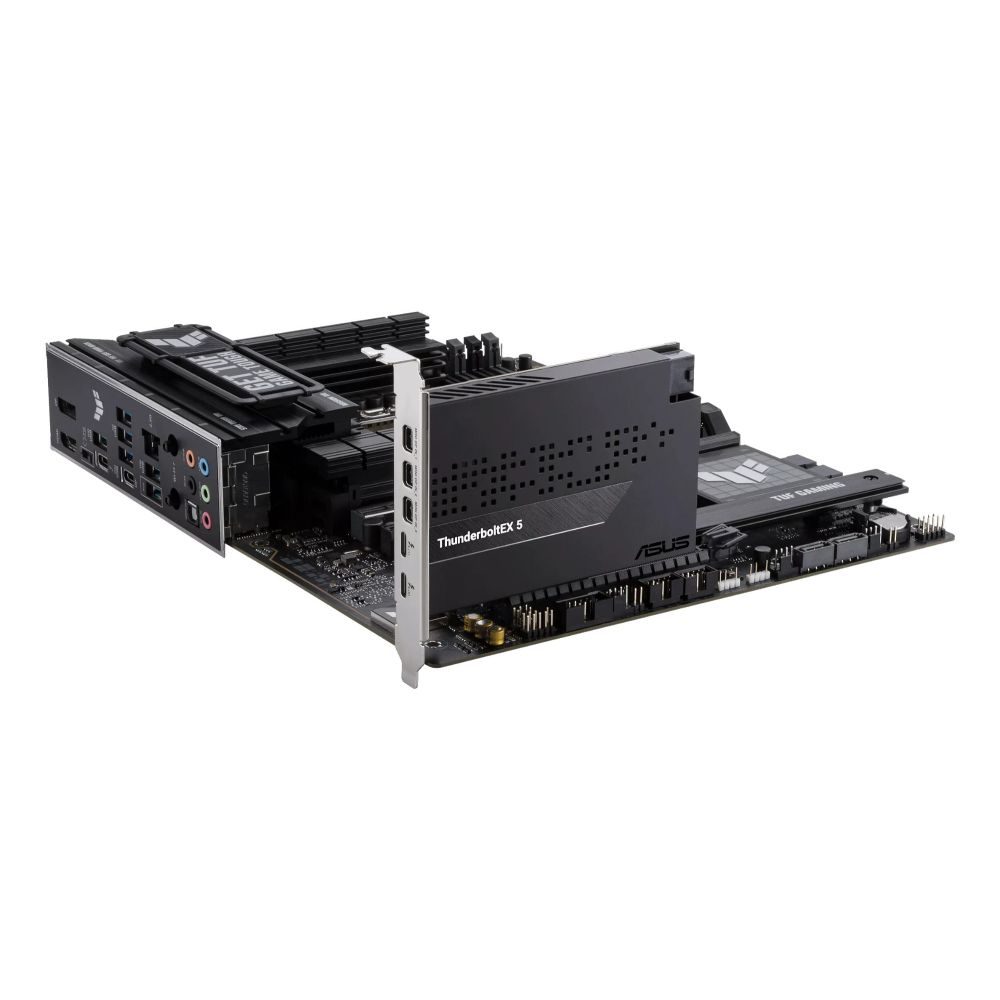
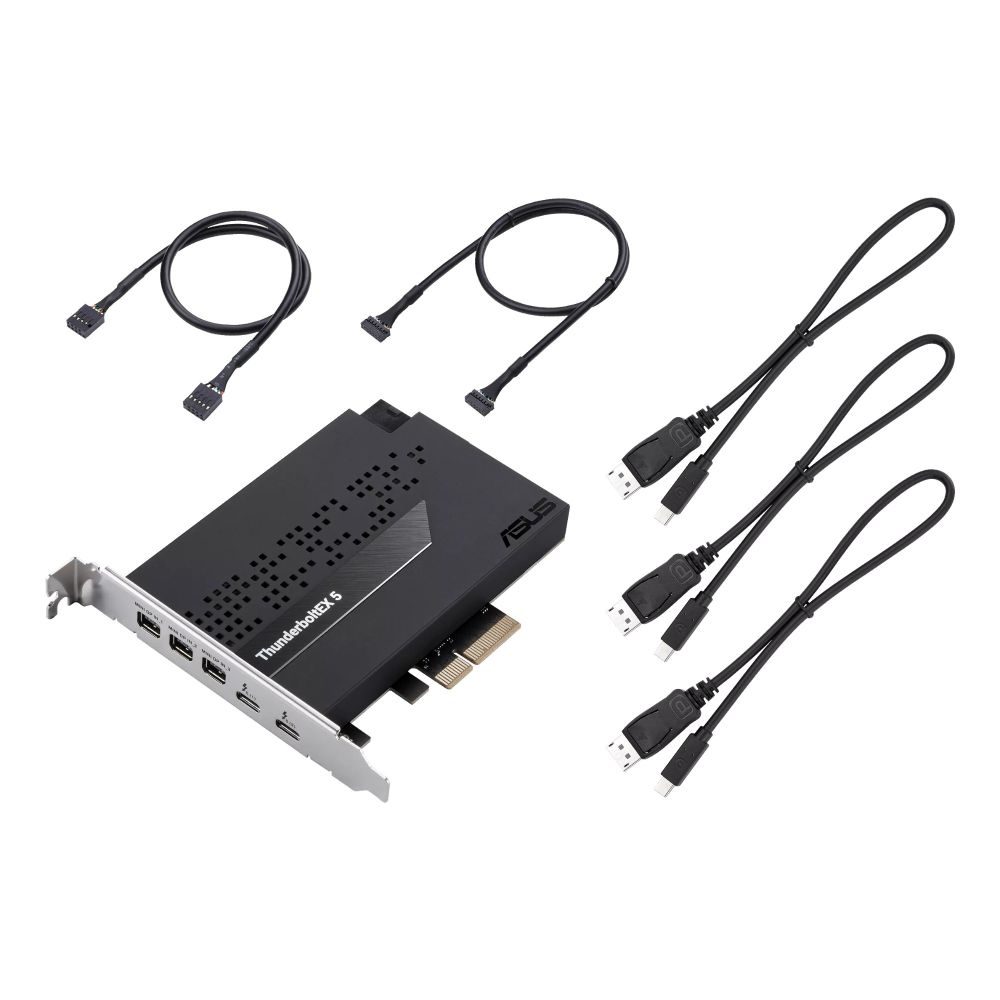
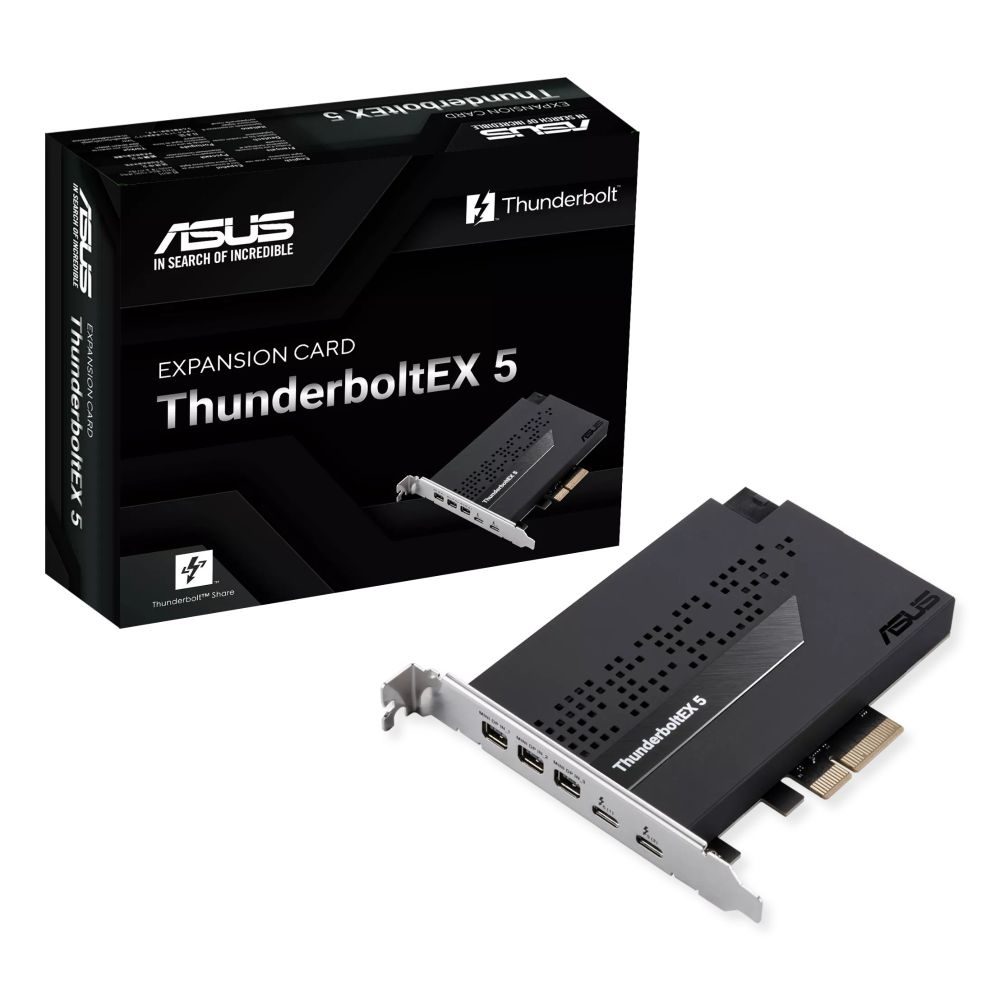
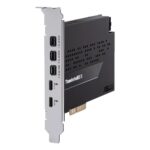
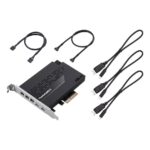
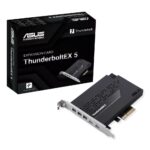
This ASUS ThunderboltEX 5 interface cards/adapter Internal Mini DisplayPort, PCIe, USB 2.0, Thunderbolt 5 brings next‑gen connectivity to a desktop PC. It uses the Intel JHL9580 controller and a PCIe 4.0 x4 interface to deliver up to 120 Gbit/s bandwidth. You can attach high‑resolution displays and fast storage. It is designed for creators and power users who need versatile ports.
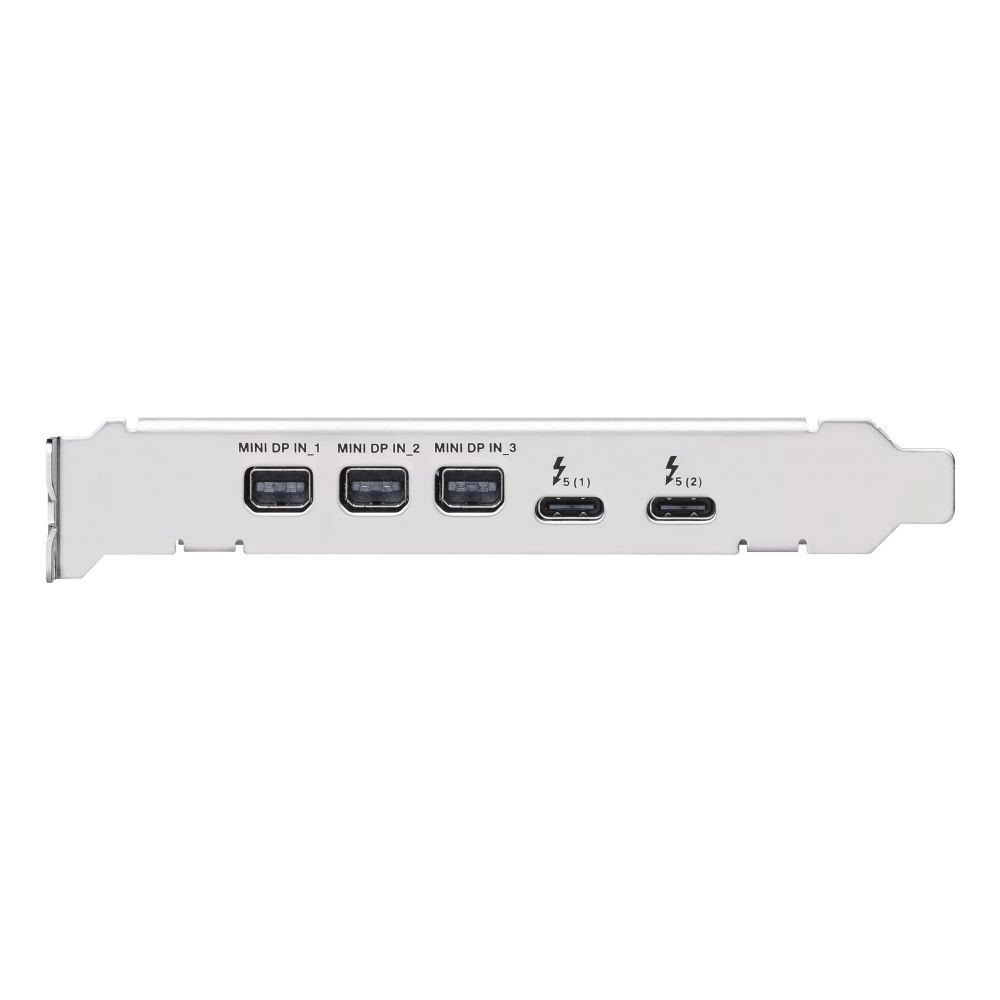
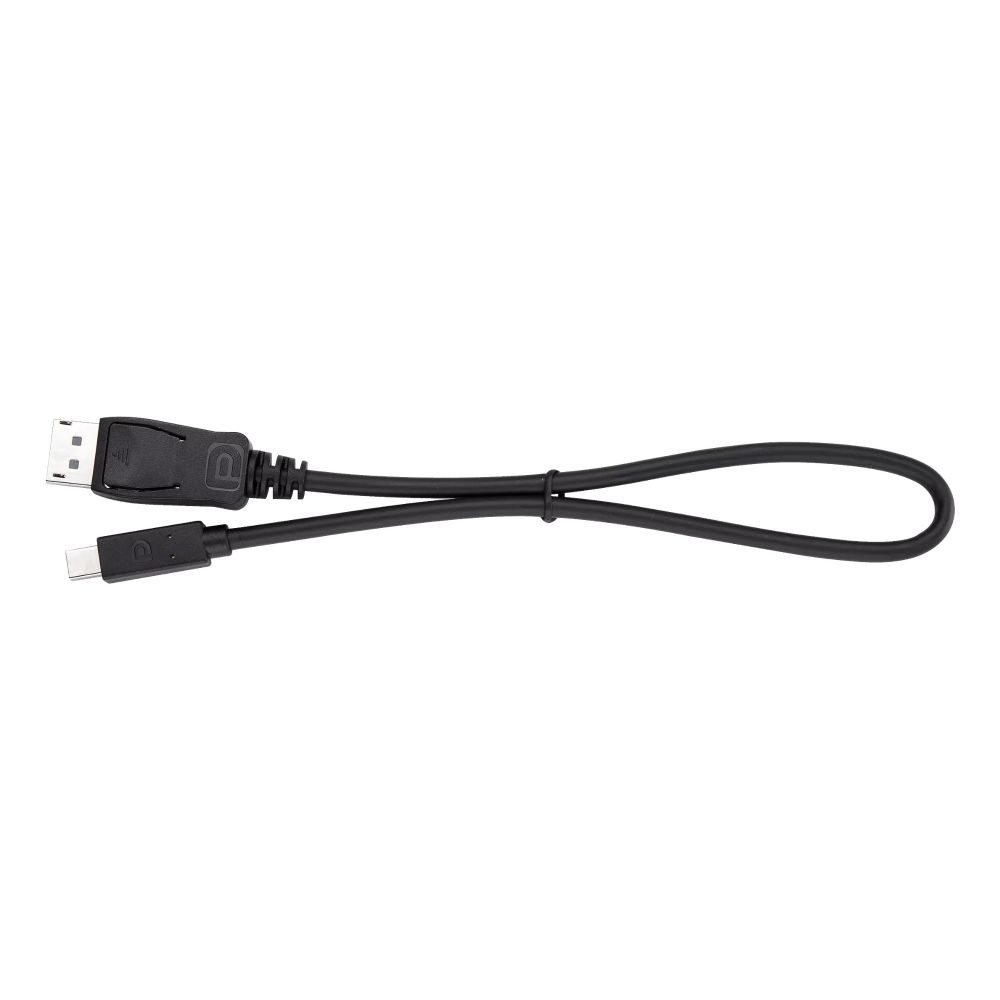
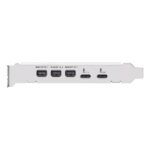
This card is a purpose-built internal adapter for PC builds. It adds dual Thunderbolt 5 USB‑C ports and DisplayPort 2.1 pass‑through. The PCIe 4.0 x4 host interface ensures low latency and high throughput. It supports Windows 11 x64 systems.
| Metric | Spec. |
|---|---|
| Chipset | Intel JHL9580 Thunderbolt 5 Controller |
| Host interface | PCIe 4.0 x4 |
| Max data rate | 120 Gbit/s |
| Max display resolution | 7680 x 4320 pixels |
| Operating system | Windows 11 x64 |
| Card dimensions | 88.9 mm × 119.5 mm |
The card provides two Thunderbolt 5 USB‑C ports for modern peripherals. You can connect high‑speed NVMe enclosures, audio interfaces, and docks. Because bandwidth reaches 120 Gbit/s, large file transfers and 8K video pipelines are feasible. In practice, this reduces bottlenecks in demanding workflows.
With DisplayPort 2.1 support via a compatible GPU, you can drive very high resolutions. The card supports up to 7680 x 4320 pixels for crisp detail. This is useful for video editing, CAD, and colour‑critical work. However, a GPU with DisplayPort 2.1 output is required to use this feature.
One Thunderbolt 5 port can connect to multiple devices in a chain. You can link storage, displays, and docks without extra hubs. This simplifies cable management and keeps your desk tidy. So you can expand your setup while using fewer ports on the PC.
Thunderbolt Share enables fast screen, keyboard, mouse, and file sharing between two PCs. It uses the Thunderbolt connection for low‑latency, high‑speed transfers. This is ideal for editors, developers, and testers who switch between machines. Note that Thunderbolt Share requires compatible PCs and software.
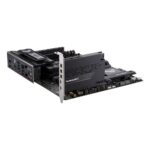
The card uses a PCIe 4.0 x4 slot for consistent performance. This interface matches the bandwidth needs of Thunderbolt 5. It helps maintain stable speeds during sustained transfers. Please confirm your motherboard has an available PCIe 4.0 x4 slot or better.
Buy this card if you need Thunderbolt 5 connectivity in a desktop PC for high‑speed storage, 8K video, or dual‑PC workflows. It suits creators, engineers, and power users with PCIe 4.0 motherboards. Confirm your slot, OS, and cable requirements before purchase. Covered by the applicable manufacturer warranty.
| Internal | Yes |
|---|---|
| Output interface | Mini DisplayPort, PCIe, USB 2.0, Thunderbolt 5 |
| Host interface | PCIe |
| Expansion card standard | PCIe 4.0 |
| Chipset | Intel JHL9580 Thunderbolt 5 Controller |
| Purpose | PC |
| Data transfer rate max | 120 Gbit/s |
| Quantity per pack | 1 pc(s) |
| Product colour | Multicolour |
| Windows operating systems supported | Windows 11 x64 |
| Width | 88.9 mm |
| Depth | 119.5 mm |
| Package type | Box |
| Maximum resolution | 7680 x 4320 pixels |
| Distributor SKUs | 11924823, 556294, STD10225192, CL90MC0E50-M0EAY0 |
Welcome to Hardvance
Enter your email and we will send your discount code straight to your inbox. Valid across the whole store.
Something went wrong, please try again.
You are in
Paste this code at checkout. A copy is on its way to your inbox.
WELCOME5No account yet?
Create an Account
Reviews
Clear filtersThere are no reviews yet.