Apple Magic Keyboard with Touch ID and Numeric Keypad – Biometric Security and Extended Layout for Mac
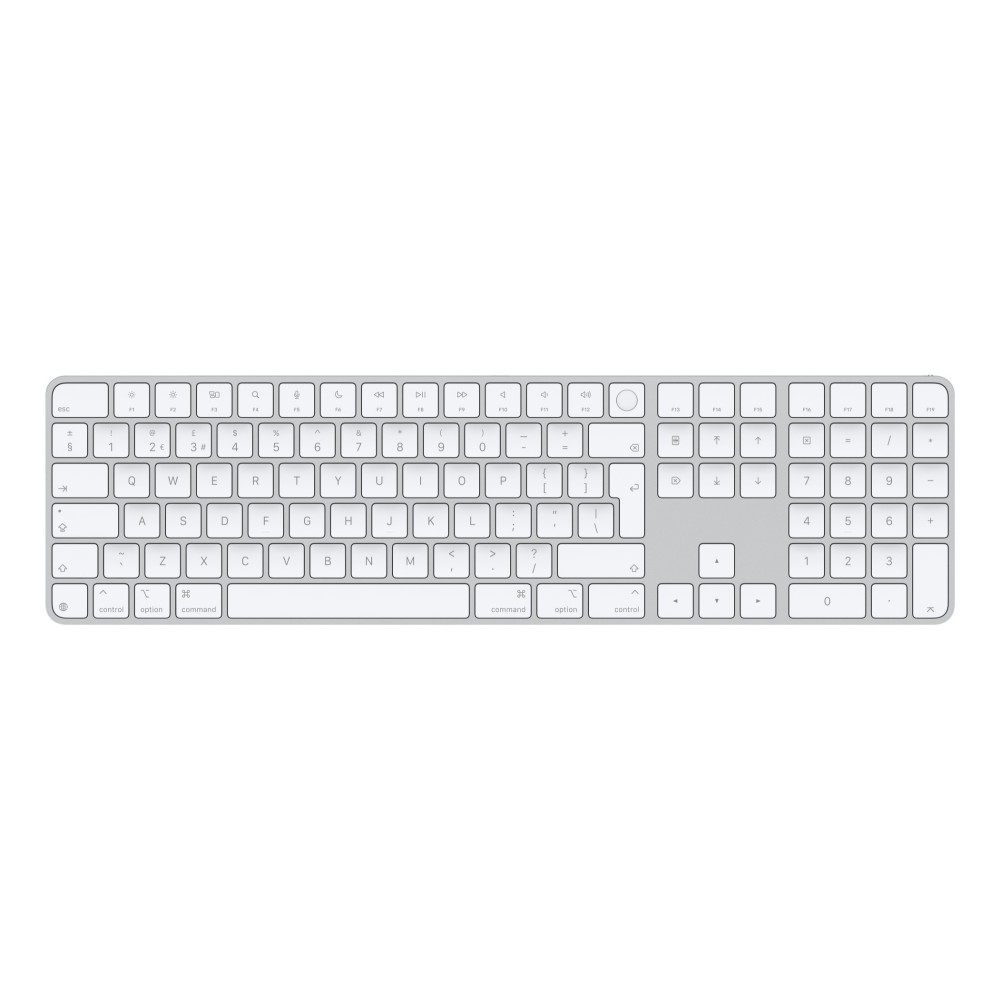
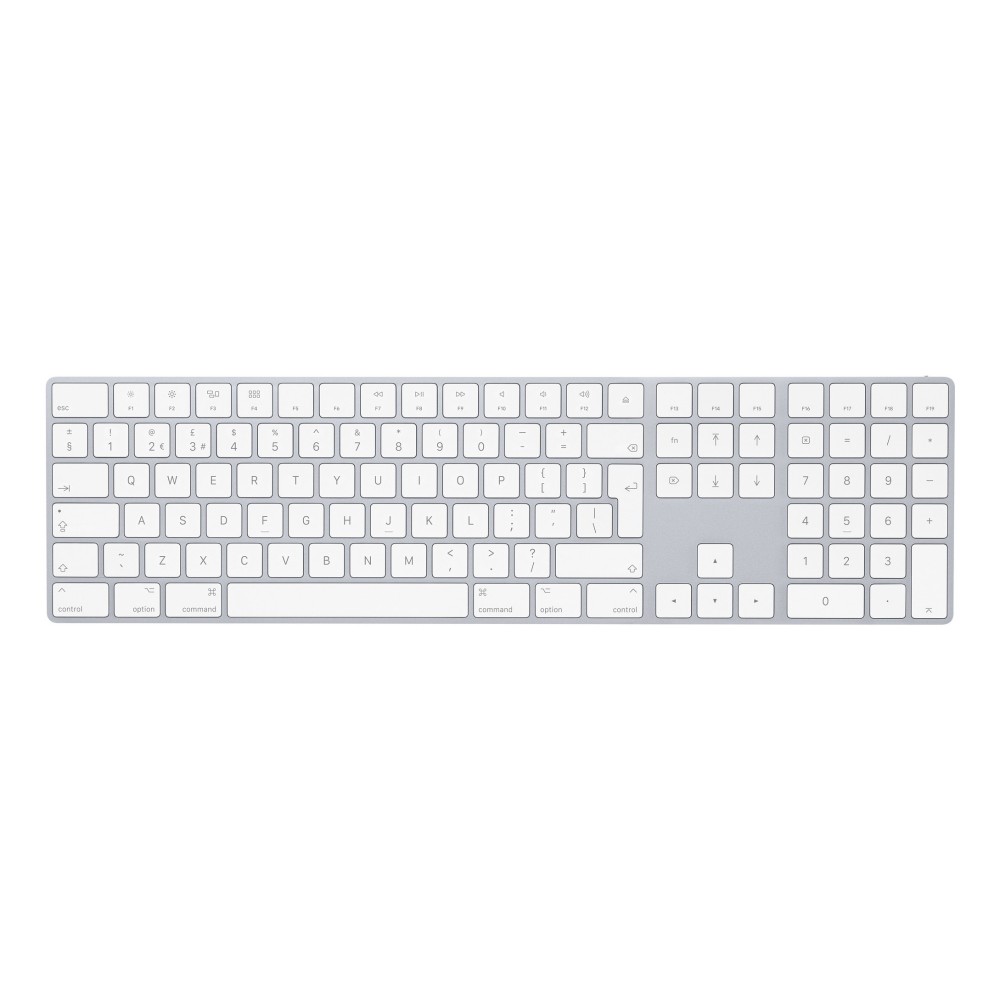
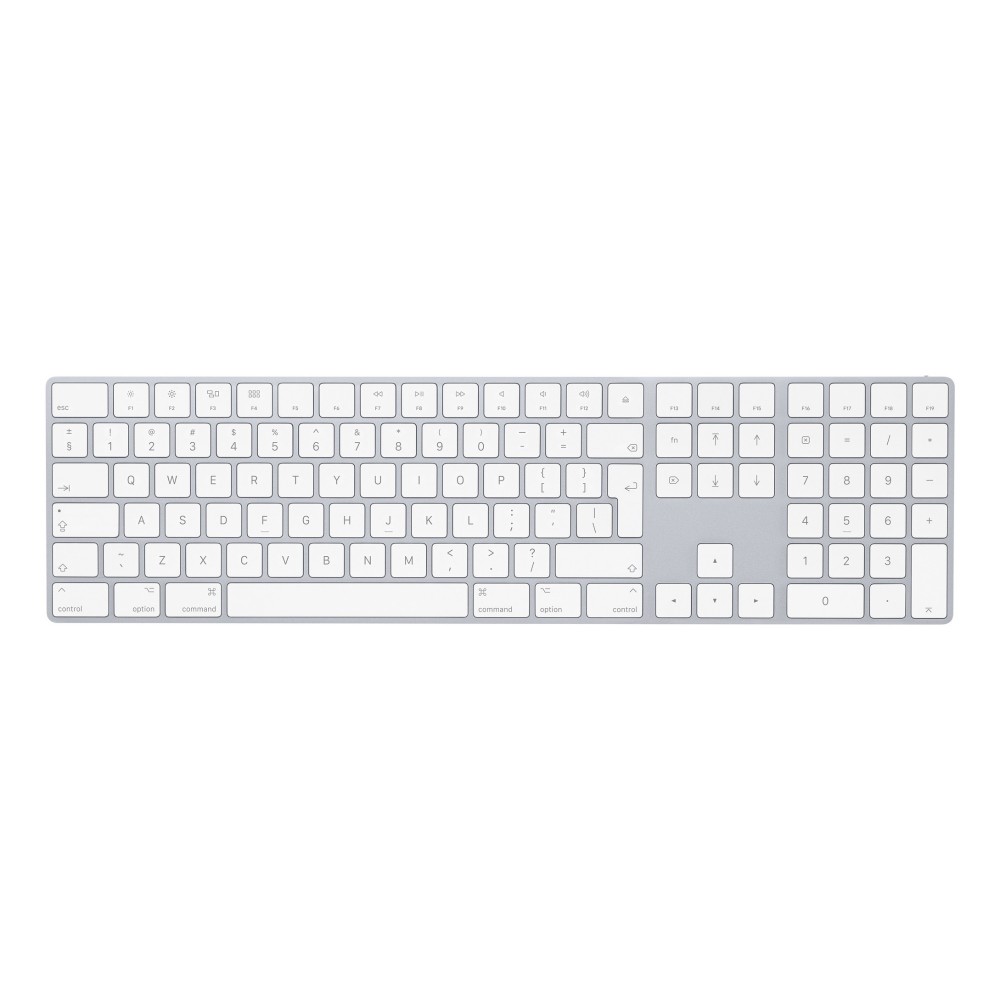
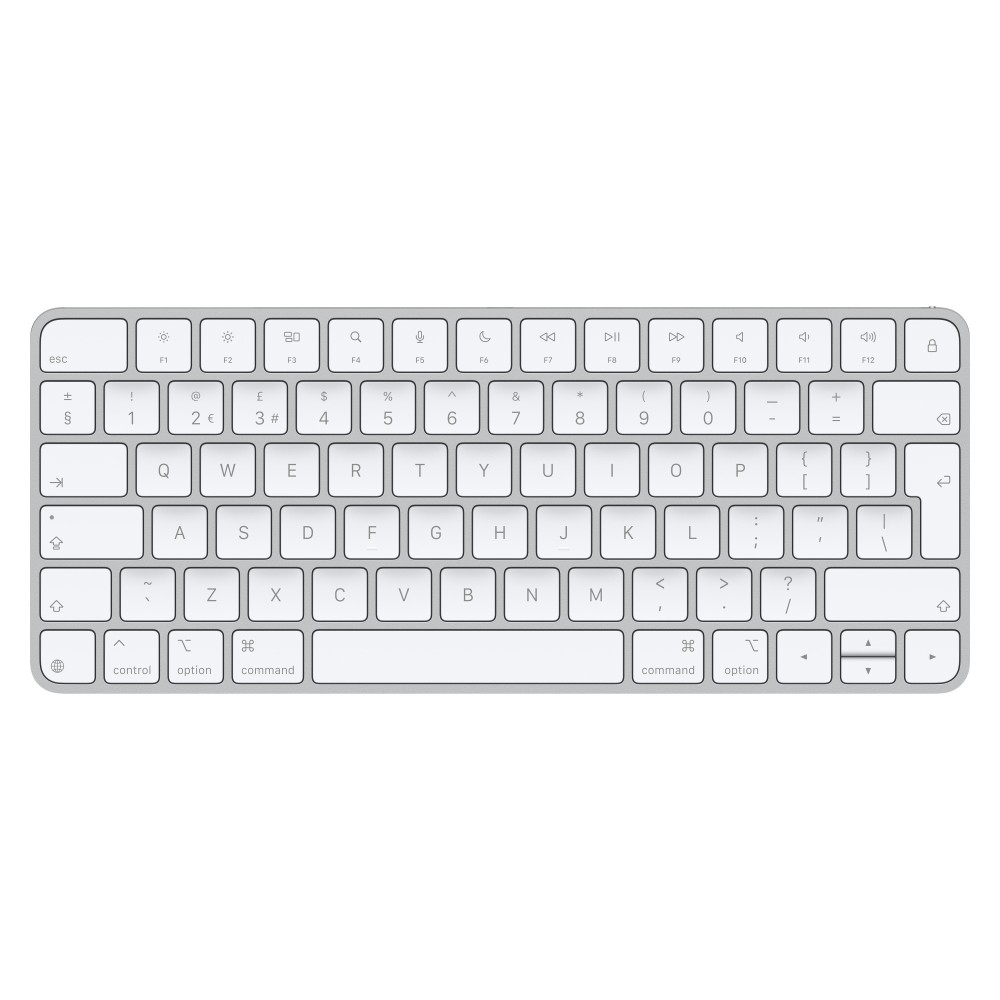
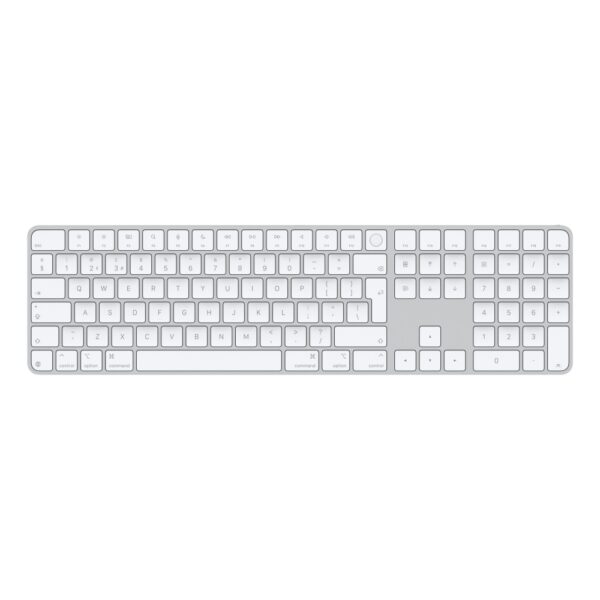
Upgrading your desktop setup with the Apple Magic Keyboard with Touch ID and Numeric Keypad Wired and Wireless UK English QWERTY White brings secure authentication and precise typing to your workspace. This model suits professionals, developers, and spreadsheet users who demand a reliable UK English QWERTY layout alongside rapid biometric logins. Because it bridges wireless convenience with wired stability, you can adapt your workflow to any environment without missing a keystroke.
Technical parameters
| Metric |
Spec. |
| Connectivity |
Wired & Wireless (USB + Bluetooth) |
| Layout |
UK English QWERTY |
| Security |
Fingerprint reader (Touch ID) |
| Dimensions |
418.7 x 114.9 x 10.9 mm |
| Weight |
369 g |
Streamlined security with integrated Touch ID
Authentication becomes instantaneous when you use the built-in fingerprint sensor. You can log into your workstation or unlock documents securely without typing a password. This sensor pairs directly with your Apple ecosystem to keep your personal data protected. In practice, it saves time on every single login.
Extended layout for data-heavy workflows
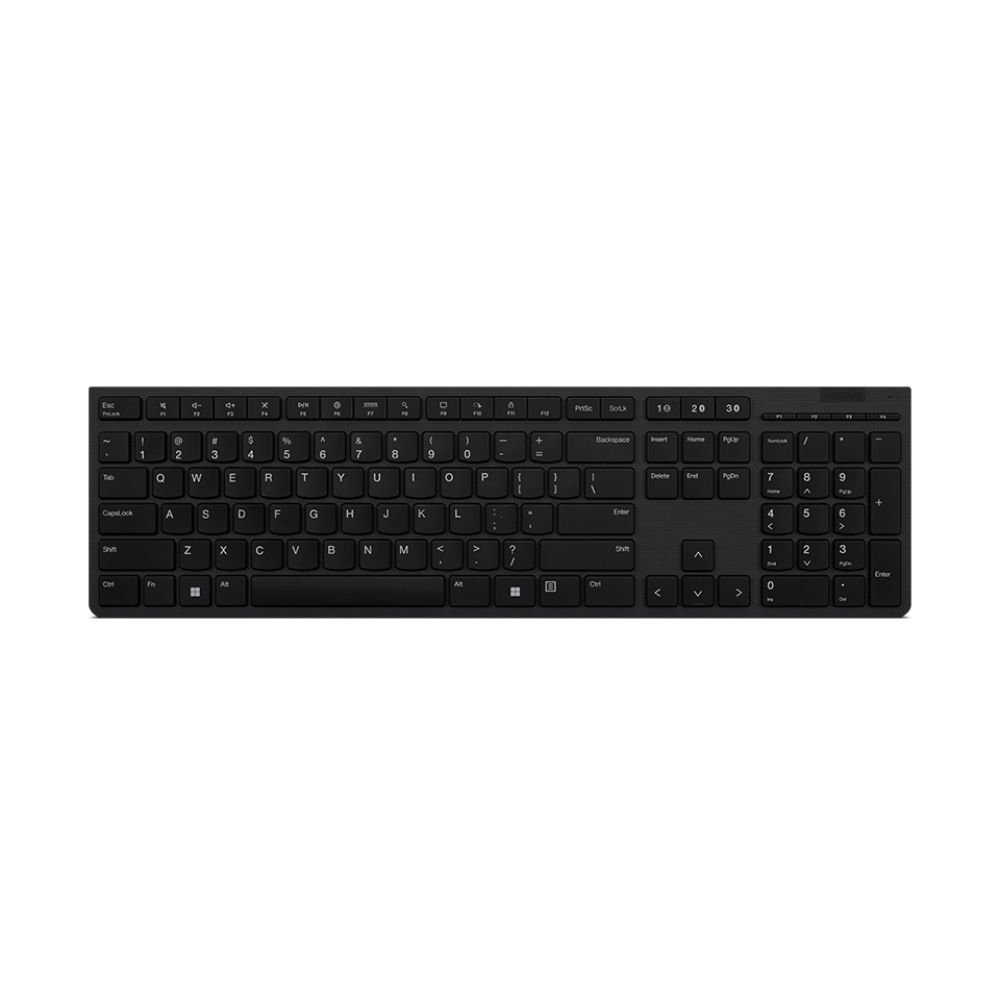
The dedicated numeric keypad allows for rapid data entry in financial spreadsheets and accounting software. Also, full-size arrow keys and document navigation controls make scrolling through extensive code or long texts effortless. Gamers and editors will appreciate the extra key spacing for precise commands. Every key switch delivers a stable, low-profile tactile response.
Flexible connectivity options
You can operate this peripheral wirelessly via Bluetooth or connect directly using the included woven cable. The dual connectivity ensures a stable link during critical tasks or firmware updates. When you plug it in, the device charges automatically while maintaining zero-latency transmission. It adapts smoothly to your preferred desk arrangement.
Built-in power and efficient charging
A rechargeable internal battery delivers about a month of standalone use between charges. When power runs low, you can connect the USB-C cable to replenish the battery while you continue working. This efficient power management minimises downtime at your desk. You also eliminate the hassle of swapping out disposable alkaline cells.
In the box
- Apple Magic Keyboard with Touch ID and Numeric Keypad
- Woven USB-C Charge Cable
Things to check before you buy
- Confirm your desktop or notebook runs a supported macOS or Mac OS X version.
- Confirm your workspace setup accommodates the extended 418.7 mm chassis width.
- Confirm your machine supports Bluetooth or has an available USB-C port for wired operation.
Frequently Asked Questions
Q: Does this keyboard support Windows PCs?
A: It is designed specifically for Mac systems and macOS environments.
Q: How do I charge the internal battery?
A: Connect the included woven USB-C cable to your Mac or a compatible power source.
Q: Can I use it without a wireless connection?
A: Yes, plugging in the USB-C cable allows for wired data transmission and simultaneous charging.
Q: Is the UK English layout standard?
A: Yes, it features the standard UK QWERTY key arrangement with the traditional return key format.
Q: Does the Touch ID feature work with all computers?
A: Touch ID requires a compatible Mac equipped with a compatible Apple silicon chip or secure enclave.
The final verdict on this Apple desktop upgrade
Choosing this peripheral improves both your daily security and productivity levels. It suits users who spend hours handling numbers or writing code on supported macOS hardware. Warranty cover varies by product, so please contact us to confirm.





 Buy now, pay later with Klarna at checkout
 Pay in 3 interest-free payments with PayPal at checkout





Reviews
Clear filtersThere are no reviews yet.