


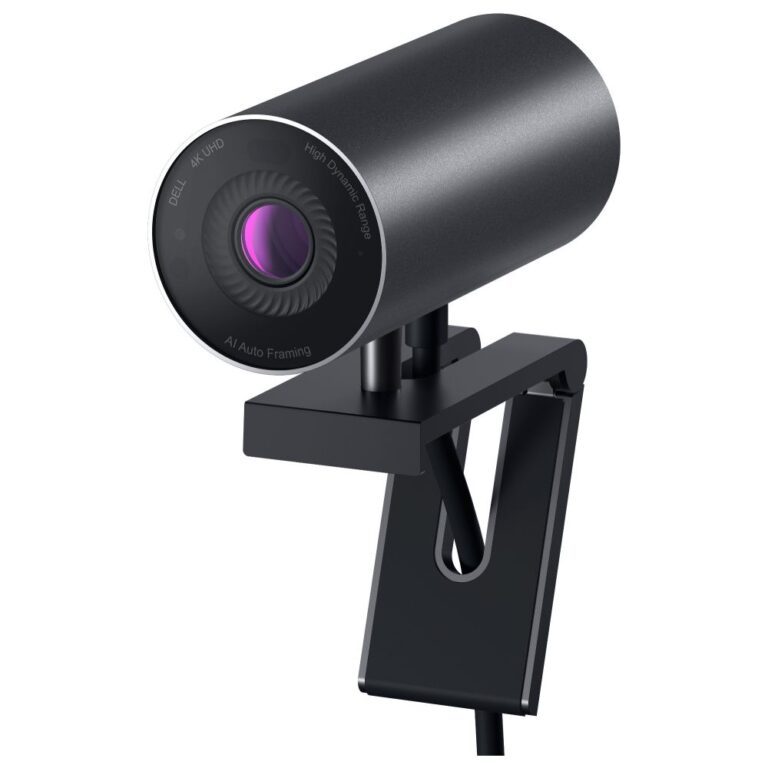
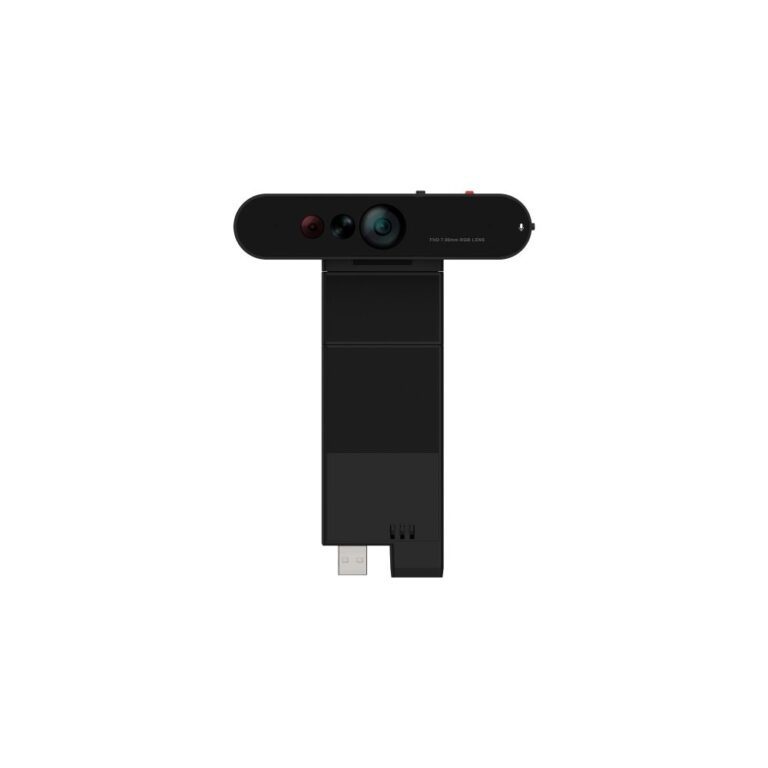
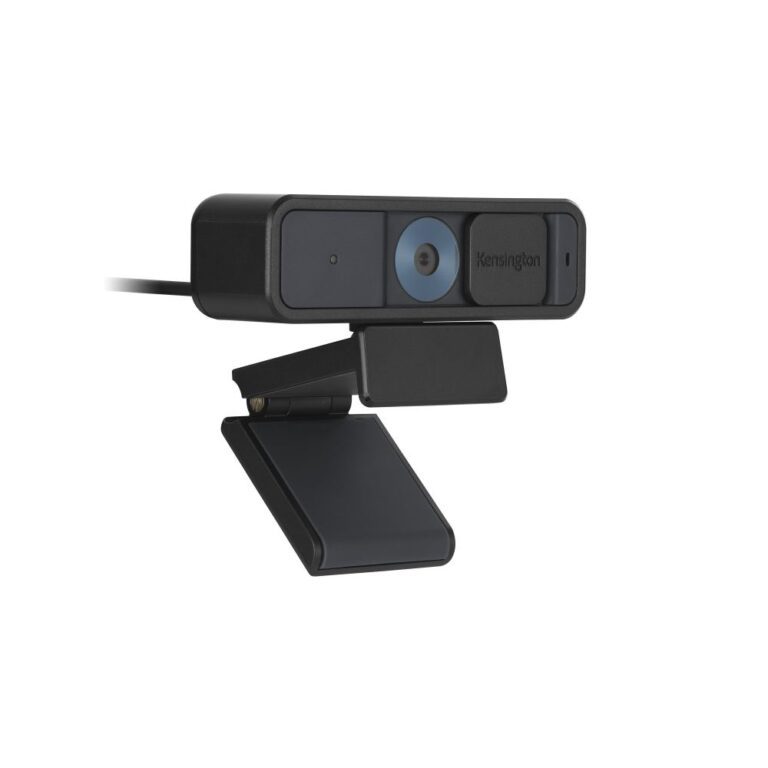
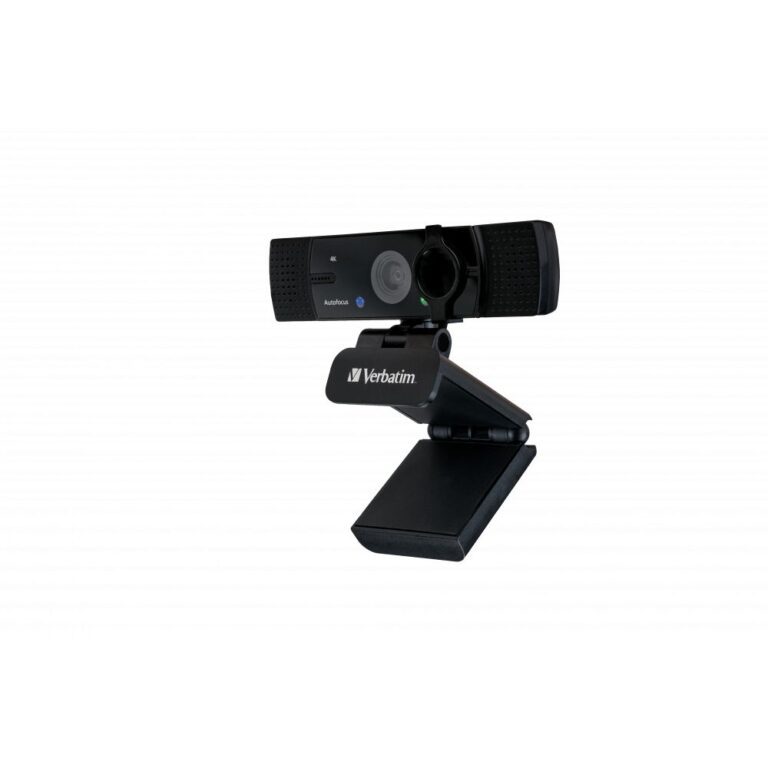
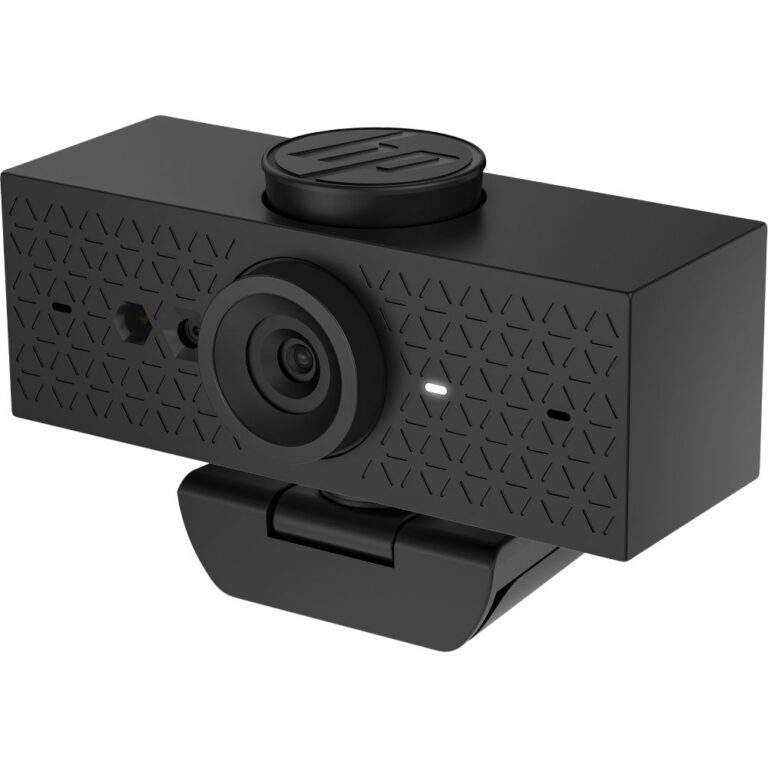
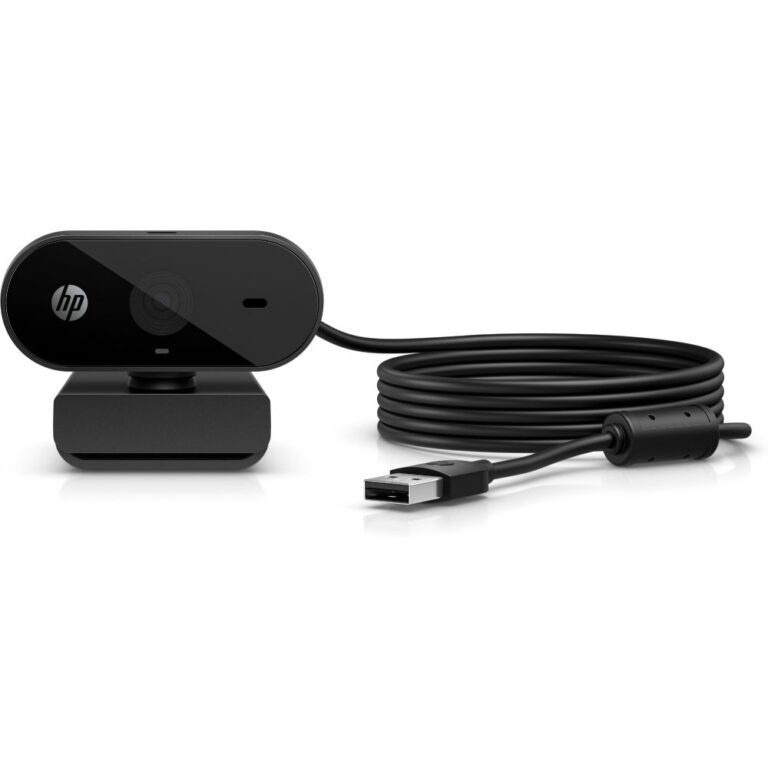
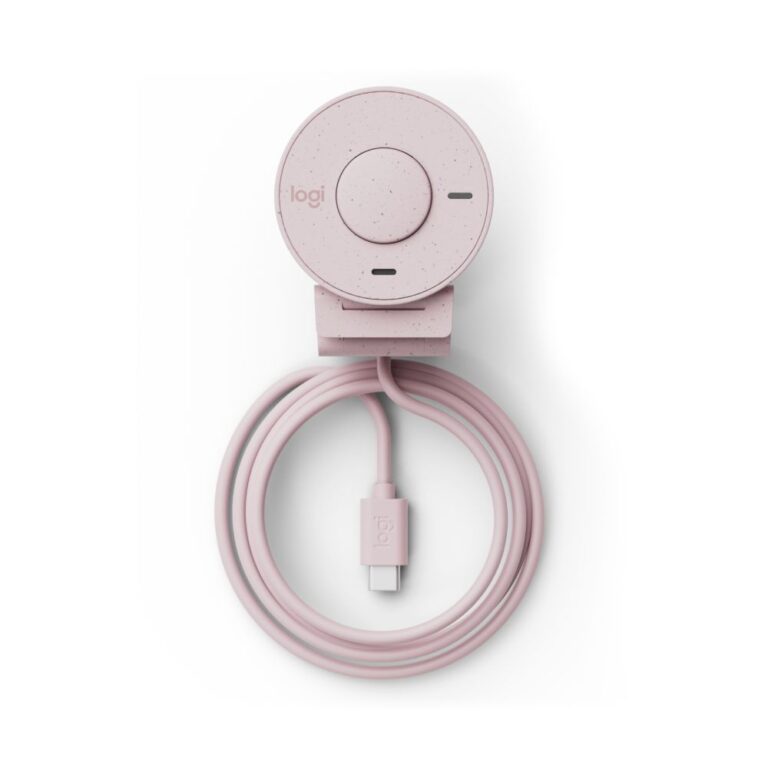
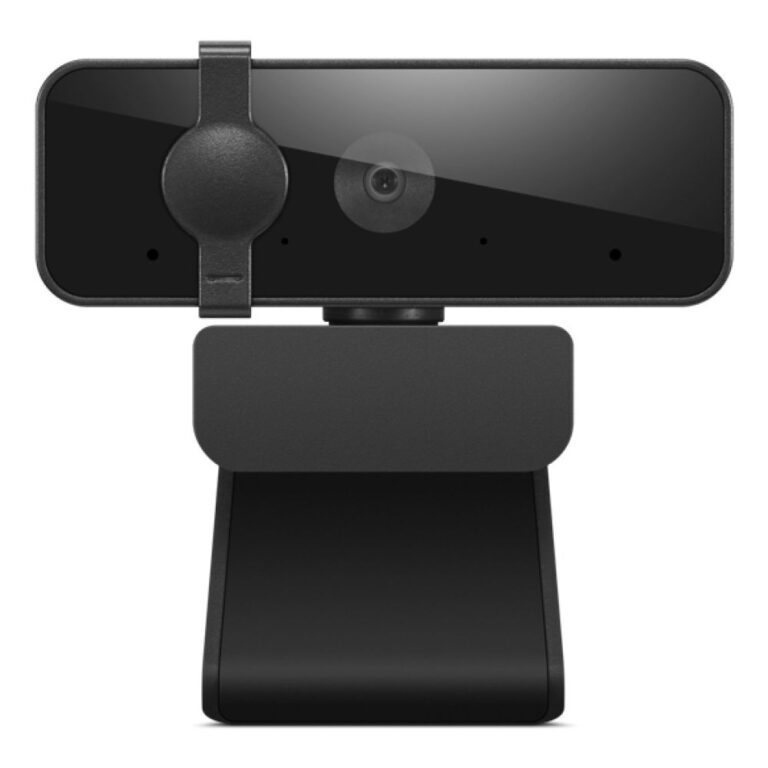
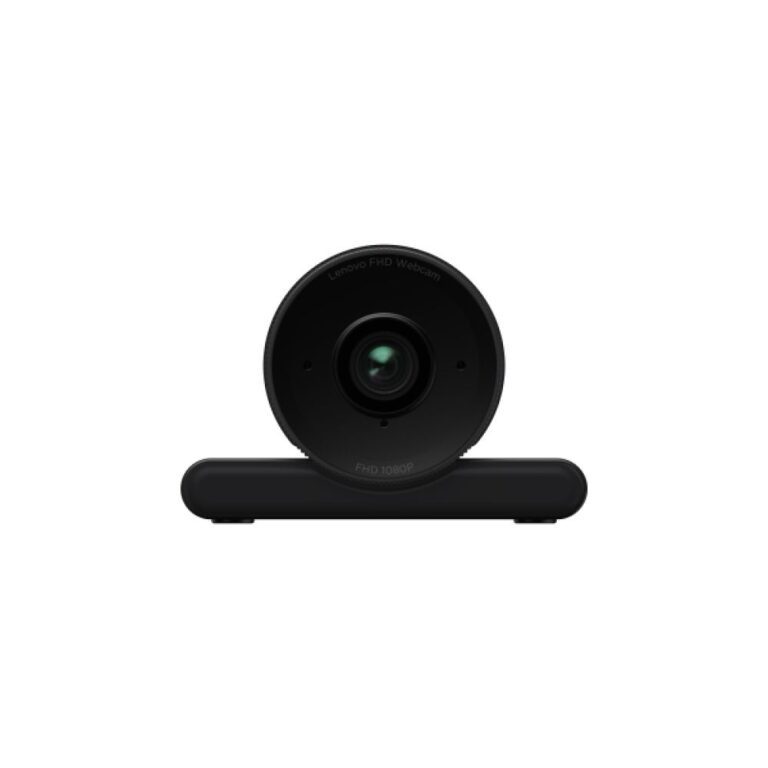
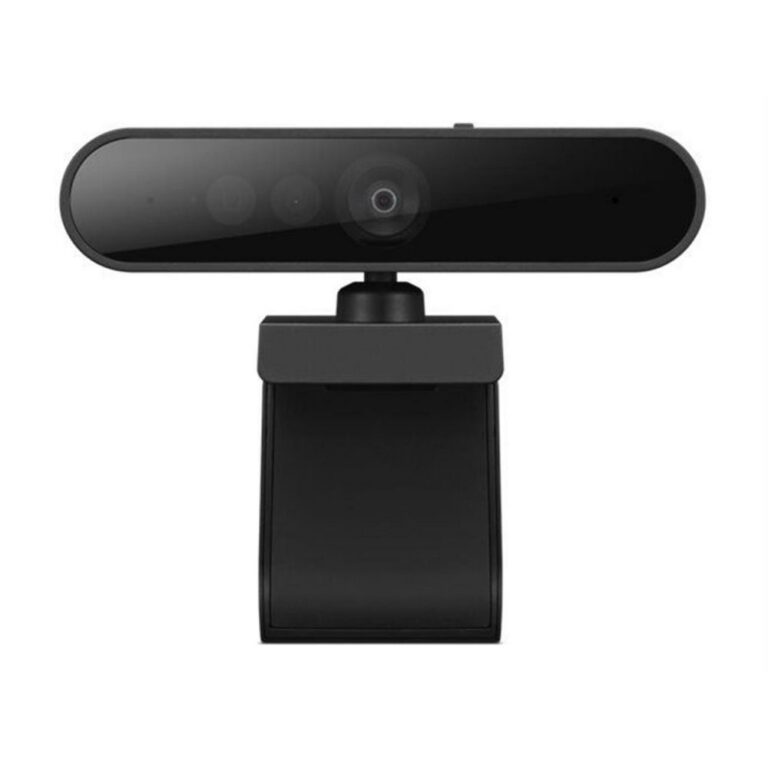
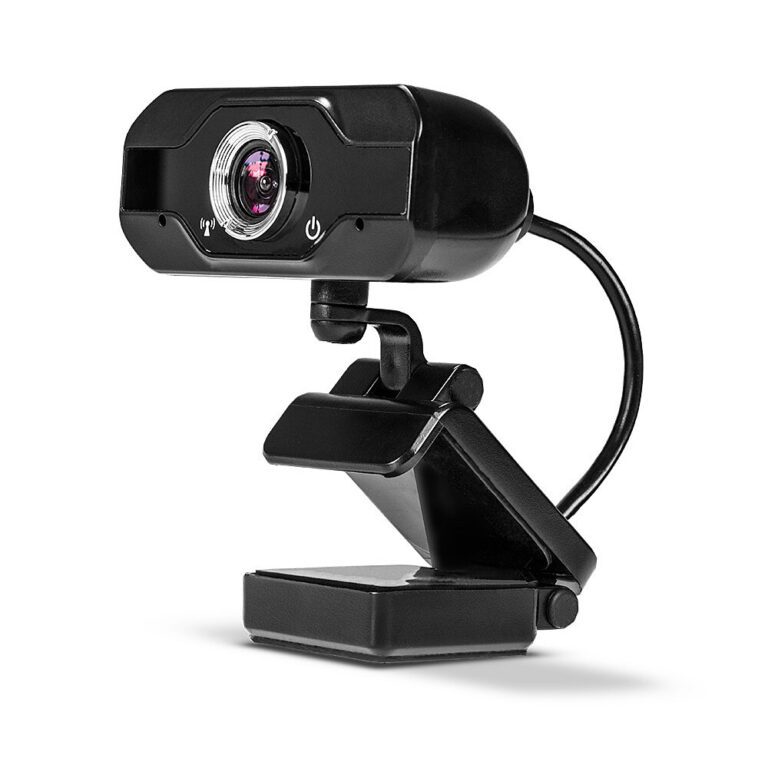
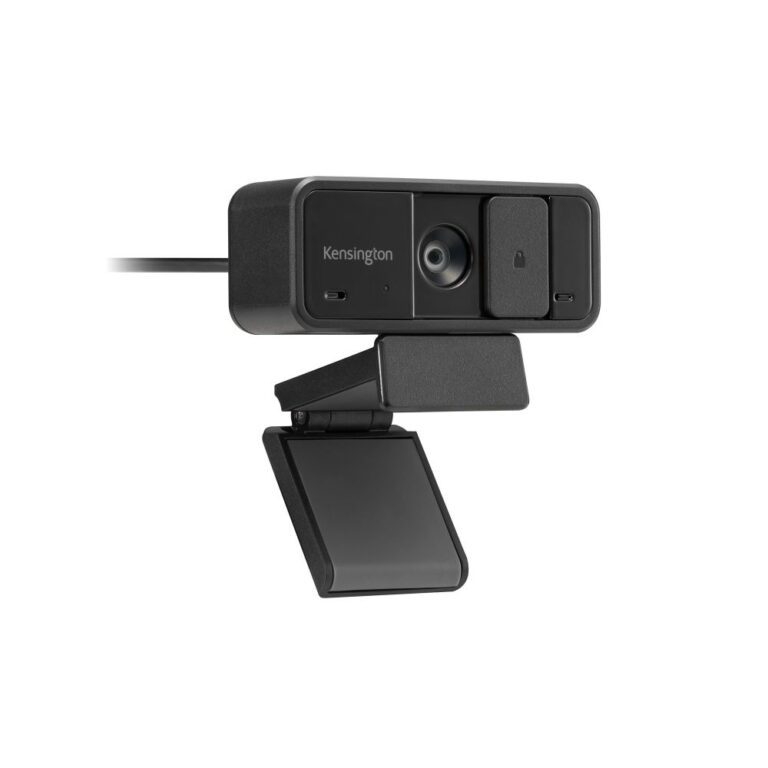
Shop Webcam at Hardvance and shop audio and communication gear for calls, streaming, content creation and everyday listening. Compare headsets, microphones, speakers and accessories to improve clarity, convenience and day-to-day usability. Shop trusted brands such as Logitech, Lenovo and Kensington and more.
A good webcam makes you look sharp on calls and streams. Below are clear answers to the questions we are asked most about webcams in the UK, covering resolution, streaming and the features that matter.
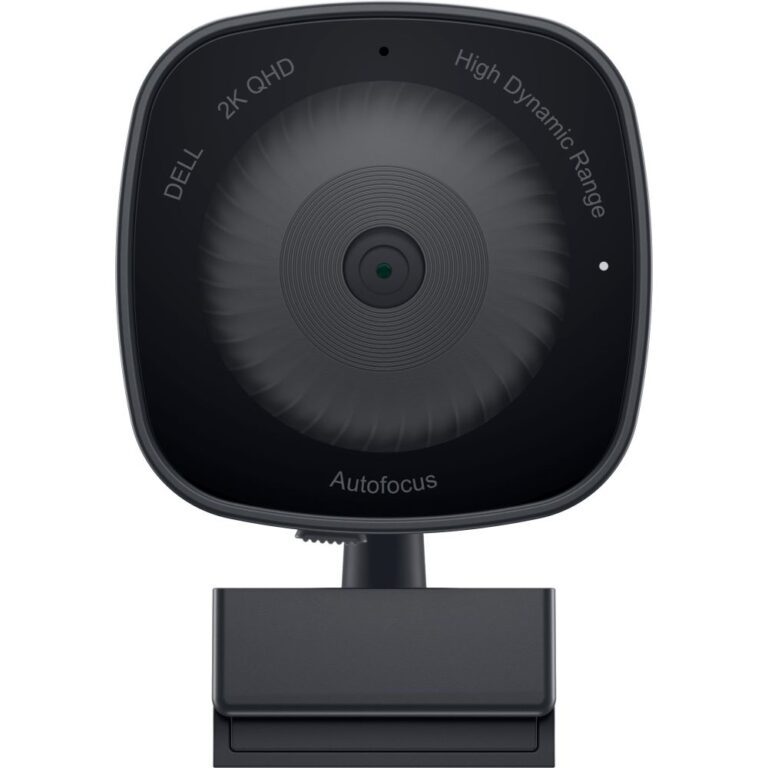
A 1080p webcam is plenty for video calls, meetings and most streaming, and it is easy on your PC and internet connection. A 4K webcam gives extra sharpness and lets you crop in, which suits professional streamers and content creators. For Zoom, Teams and everyday use, 1080p is the sensible, good-value choice.
For streaming, look for a smooth 1080p at 60fps, good autofocus and strong low-light handling so you look sharp on camera. For Zoom and Teams, a reliable 1080p webcam with a wide enough view and a decent built-in microphone covers it. Decide based on how much you stream versus simply needing to be seen clearly.
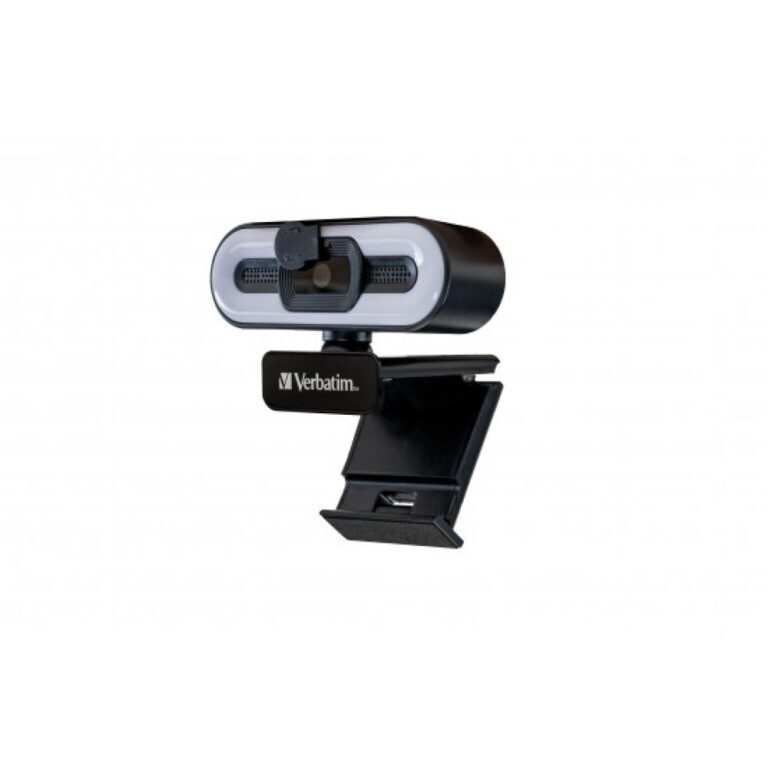
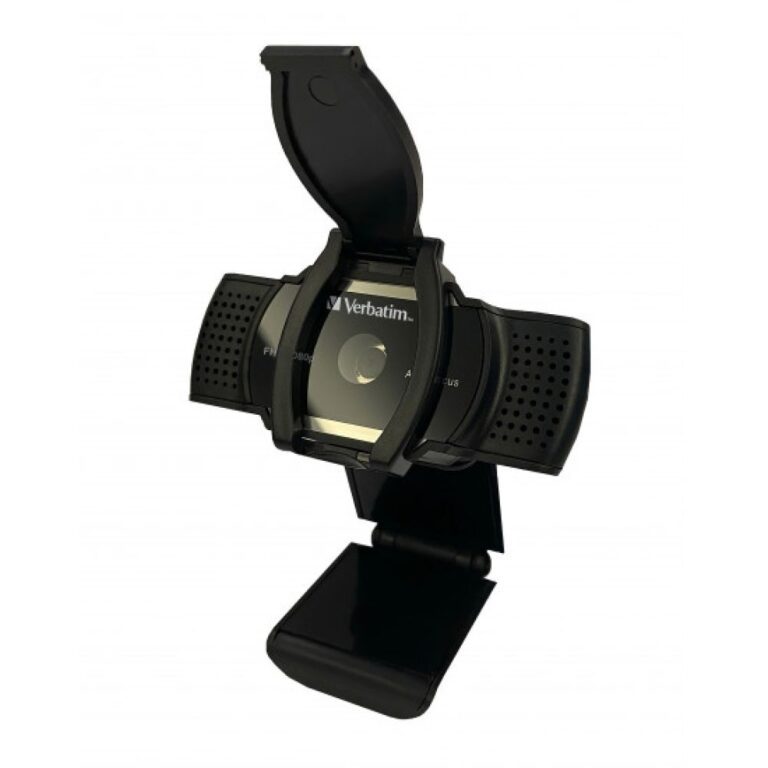
The ones that make a visible difference are autofocus to keep you sharp, good low-light performance for evening calls, and a sensible field of view so you are framed well. A privacy shutter is a nice touch. Resolution helps, but a 1080p webcam with good autofocus and low-light handling often beats a cheaper 4K one.
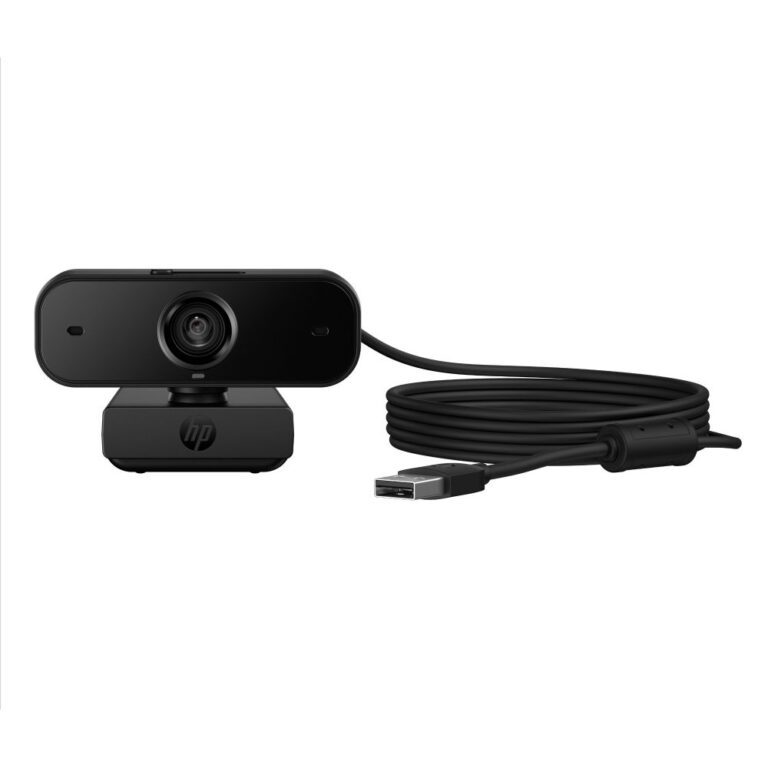
Most webcams include a microphone that is fine for casual calls. If you stream or record, a separate USB or XLR microphone will sound much clearer than any built-in one. For meetings and family chats the webcam mic is usually enough, so add a dedicated mic only if audio quality matters for your content.
No account yet?
Create an Account