ChatGPT Images 2.0: The Generator That Thinks Before It Draws

0
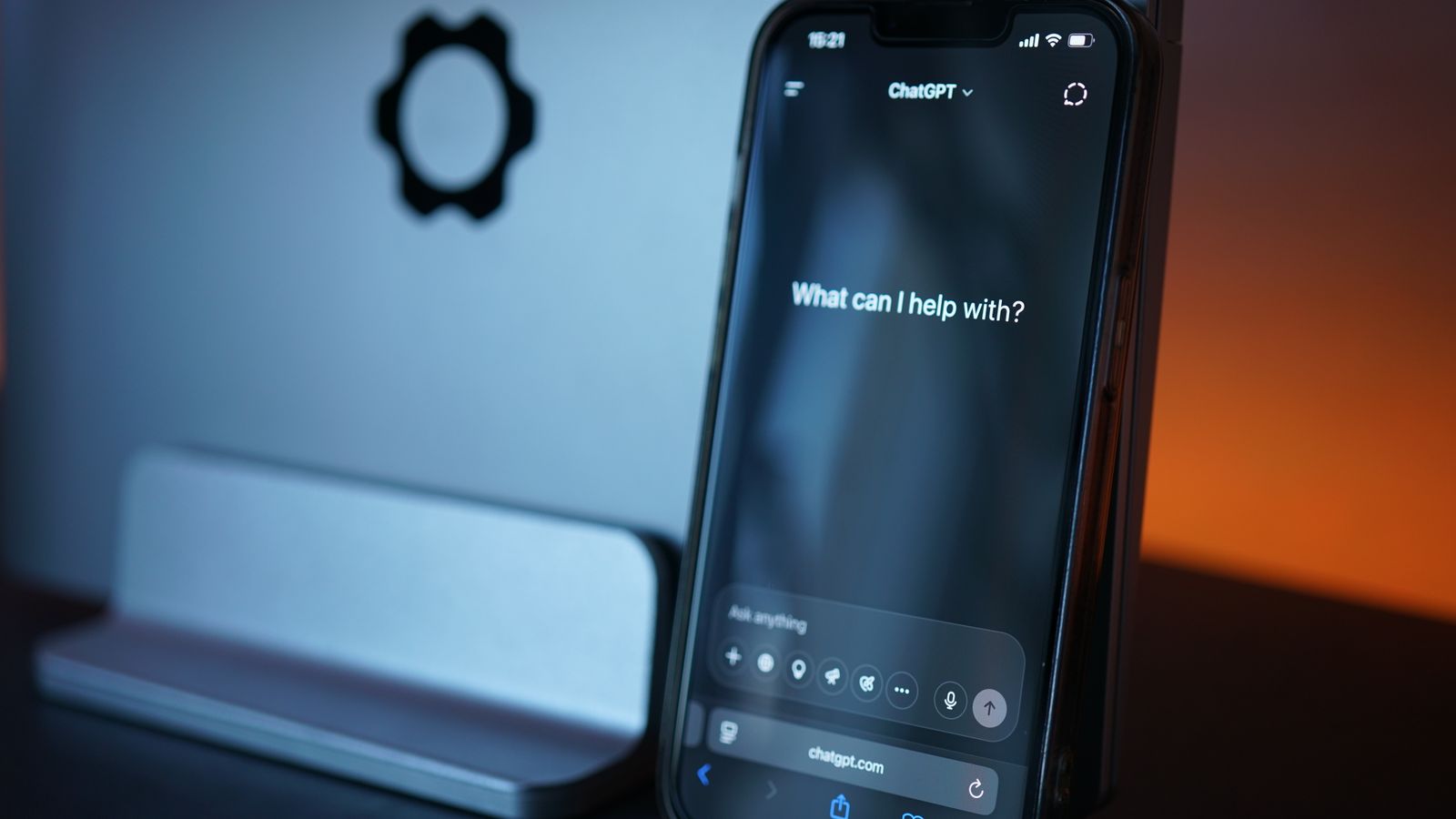
ChatGPT app open on a smartphone propped against a laptop

ChatGPT's image generator was rebuilt around a reasoning model on 21 April 2026, and the practical difference is simple: Images 2.0 plans the picture, can search the web for reference before it draws, and reviews its own output before you see it. Text inside images finally comes out spelled correctly, a single prompt can return a whole set of matching pictures, and the way you write prompts has to change to keep up. It is on every ChatGPT account, including free ones.

Pick your question:

  • What changedIt thinks first. Web search, up to 2K output, real small text, and self-checking, all new since April. The details.
  • Is it freeYes, on every account. Free tiers get tighter daily caps, paid tiers get more and better. Limits and pricing.
  • Better resultsStop describing, start briefing. Five lines, one of them in quote marks. The brief method.
  • Why so slowComplex jobs take minutes because it is doing four jobs, not one. What is happening.
  • Weak spotsDistant textures and some photorealism still wobble. Users have receipts. Where it fails.
  • Your photosUploading a selfie is fine with two settings checked first. The privacy bit.
  • Vs MidjourneyImages 2.0 wins on following instructions. Midjourney V8 still wins on beauty. The comparison.

One more thing before you scroll: the single most useful trick in this whole article is putting the words you want drawn inside quote marks. That alone fixes half of everyone's bad results.

What Images 2.0 actually changes

Every image generator before this one worked like a very talented person painting with their eyes shut. You described the picture, it produced something in one continuous pass, and if a detail came out wrong your only move was to roll again. OpenAI’s announcement on 21 April 2026 changed the architecture, not just the quality: Images 2.0 runs on a reasoning model, which means there is now a planning step between your prompt and the pixels.

That planning step is where all the new capabilities come from. The model can search the web while it works, so a prompt about a real product, a real place or a recent event can be grounded in what those things actually look like rather than a year-old memory (its built-in knowledge stops at December 2025). It can produce several images from one prompt that genuinely belong together, which is why multi-panel comics and matching marketing sets went from party trick to routine. And it checks its own work before showing you, which is the quiet reason the spelling problem finally died.

About that spelling problem. In 2024, DALL-E 3 was still garnishing menus with “enchuita” and “churiros”. Images 2.0 renders small text, icons, interface mockups and dense layouts correctly, and not only in English: OpenAI specifically improved Japanese, Korean, Hindi and Bengali text. Output resolution goes up to 2K. Testers on Reddit found the thinking mode will hold a single character or style consistent across as many as eight images from one prompt, something the community had been faking with elaborate workarounds for years.

The lineage, for anyone keeping score: the March 2025 GPT-4o generator (the one behind the Ghibli-style wave) begat GPT Image 1, then 1.5, and Images 2.0 is the version where OpenAI stopped polishing the painter and gave it a brain.

Free vs paid, and the real limits

Short version: everyone gets it. Images 2.0 rolled out to all ChatGPT accounts, free included, from the day after the announcement. What differs by tier is how much and how fancy: OpenAI’s wording is that paid users “can generate more advanced outputs”, which in practice means free accounts hit daily caps sooner and queue behind subscribers when demand spikes.

OpenAI has deliberately not published a fixed number for the free cap this time, and history explains why. When the 2025 generator went viral, Sam Altman famously posted that OpenAI’s “GPUs are melting” and clamped free accounts to roughly three images a day while the servers recovered. The caps have been elastic ever since: generous in quiet weeks, tight when a trend takes off. If you hit a wall mid-trend, that is not a bug, it is load management.

For developers, the same model ships in the API as gpt-image-2, priced by the quality and resolution of what you generate rather than a flat per-image fee. If you are only making a handful of images a week, the free ChatGPT tier is honestly all you need.

ChatGPT wordmark on a phone screen against an orange background
Images 2.0 is on every ChatGPT account, free ones included. The daily caps are the moving part, and they tighten whenever a new prompt trend goes viral.

How to prompt it: write a brief, not a wish

Here is the mental shift that separates people getting magazine-grade results from people still re-rolling: the old models rewarded descriptions, this one rewards briefs. You are no longer buying a lottery ticket, you are handing work to a junior designer who reads carefully, follows instructions to the letter, and takes everything you say literally. Write accordingly.

A brief that works has five parts, in any order:

  • Subject and scene. Who or what, doing what, where. One sentence.
  • Layout. Where things sit: “logo top-left”, “three panels side by side”, “space for a headline across the top”. Images 2.0 actually obeys this now.
  • The exact text, in quote marks. If words appear in the image, spell them out: the sign says “OPEN UNTIL LATE”. Quote marks tell the model the words are content to render, not instructions to interpret. This is the single highest-value habit in this article.
  • Style. Name it: editorial photo, flat vector, 1970s film still, watercolour. Vague vibes get vague results.
  • Format and count. Aspect ratio, and how many images. Ask for a set in one prompt when you need consistency, because that is when the model keeps characters and style locked across outputs.
THE BRIEF, LINE BY LINE A weathered fishmonger's stall at dawn, north English market. SUBJECT + SCENE Chalkboard centred above the ice display. LAYOUT The chalkboard reads "FRESH TODAY: MACKEREL 3 FOR 2". EXACT TEXT, QUOTED Documentary photo style, overcast light, 35mm. STYLE Landscape 16:9, one image. FORMAT + COUNT The red line does the heavy lifting: quoted words get rendered, not reinterpreted.

And yes, the trends work in it too. The caricature wave from February, the trading-card prompts, the childhood-photo collages doing the rounds on Instagram: all of them are just briefs someone else wrote. Steal the structure, swap the subject, and skip the part where you upload a photo of someone who has not agreed to it. More on that below.

Why your image takes minutes now

The most common complaint about Images 2.0 is speed, and the complaint misunderstands what was ordered. When the thinking mode takes on a complex job, it is doing up to four things: planning the composition, searching the web for reference, generating several images, and reviewing them against your brief before showing you. OpenAI is upfront that complex generations take minutes, not seconds. A multi-panel comic with consistent characters and legible dialogue was simply impossible eighteen months ago at any speed; a few minutes is not a bad deal.

The practical advice is to match the tool to the job. A quick concept sketch or a single simple image does not need the full production pipeline, and simple prompts come back much faster. Save the big thinking jobs for when layout, text or consistency actually matter, and batch them: one well-written brief that returns six matching images beats six impatient prompts every time, both for speed and for coherence.

Where it still falls short

Spend an hour in the Reddit threads and a pattern emerges. The launch-week reaction on r/ChatGPT was genuine astonishment, particularly at collages, brochures and anything dense with text, with one much-upvoted thread calling the text rendering a step change after making a restaurant menu and a set of social assets in an afternoon. But the same communities logged the misses, and they are consistent enough to plan around.

Distant natural textures. Grass, foliage and tree canopies at range can come back oddly low-resolution and blocky, a strange contrast with how well the model handles a printed page. If your image leans on landscape detail, keep the vegetation close to camera or pick a style where painterly texture is a feature.

Photorealism is brilliant until it is not. Prompt adherence is the model’s superpower, but several testers found pure photorealistic shots occasionally land in an uncanny middle ground that older, dumber models sailed past. When realism is the whole point, generate a set and expect to pick one, not use all.

It is still not an editor. Reviewers keep reaching the same verdict: creative generation is world-class, but the surrounding toolkit, the masks, layers and precise local edits a designer expects, remains thin. It replaces the ideas stage, not the software your designer finishes in.

Your photos: what to check before uploading

The caricature and collage trends run on people uploading their own faces, so this question stopped being theoretical months ago. My honest position: uploading your own photo is a reasonable trade if you make one settings change and respect one rule.

The settings change: in ChatGPT, open Settings, then Data controls, and turn off the option that lets your content be used to improve OpenAI’s models if that bothers you. With it on, what you upload can feed training; with it off, your uploads stay out of the training pool. Thirty seconds, done once.

The rule: only upload faces that are yours to upload. Your own selfie is your call. Your mate, your kids, your ex: not your call, and half the viral prompt formats quietly assume otherwise. And documents with your address, your ID or your payment details have no business in any image tool, ever. None of this is specific to OpenAI; it is simply where the photo trends meet reality.

Against Midjourney V8, FLUX.2 and Gemini

The July 2026 picture is unusually easy to summarise, because the three leaders have specialised rather than converged. Industry trackers put GPT Image 2 first for prompt adherence, following complex, multi-part instructions and rendering text. Midjourney V8 still takes the aesthetics crown: when the goal is a beautiful image rather than a correct one, its output wins blind taste tests. FLUX.2 leads the open-weight tier for teams that need to run models on their own hardware. Within a day of launch, Images 2.0 had reportedly taken the top spot on the community Image Arena leaderboard by a wide margin, which tells you how the adherence-versus-beauty vote breaks when ordinary users do the voting.

The wildcard is Google’s Gemini, whose photo-editing prompts have their own enormous trend cycle. Gemini’s strength is living inside the assistant and the phone: quick, conversational photo remixes rather than production work. If you mostly want to restyle photos of yourself, try both free tiers and see which fits your habits; if you want layouts, sets and rendered text, Images 2.0 is currently the one to beat, and it is not close.

One purchase note, since people ask: none of this needs new hardware. The generation happens on OpenAI’s servers, so a modest machine is fine; if you are shopping anyway, our laptop guide explains where the money actually goes.

Common questions

Can ChatGPT generate images?

Yes. Every ChatGPT account, including free ones, can generate images with the Images 2.0 model that OpenAI released in April 2026. You just describe what you want in the chat, and the more precise your description, the better the result.

Is ChatGPT image generation free?

Yes, with caps. Free accounts get Images 2.0 with daily limits that tighten when demand spikes; OpenAI no longer publishes a fixed number. Paid tiers get higher limits and more advanced outputs. For occasional use, free is genuinely enough.

How long does ChatGPT take to make an image?

Simple images come back in well under a minute. Complex jobs that use the thinking mode, such as multi-panel layouts, image sets with consistent characters, or anything with lots of rendered text, take several minutes because the model plans, searches, generates and checks its work before showing you.

How do I get ChatGPT to create an image exactly how I want?

Write a brief, not a description: state the subject and scene, the layout, the exact words to render inside quote marks, the style by name, and the aspect ratio. Quoted text is the big one, it tells the model those words are content to draw, not instructions to interpret.

What is the ChatGPT photo trend?

A rolling series of viral prompt formats. In 2026 the big ones have been the caricature trend, where ChatGPT draws a personalised cartoon of you, trading-card versions of yourself or your pets, childhood-and-present photo collages, and forecast images like asking it to draw how your year will go.

Can I upload my own photo to ChatGPT and edit it?

Yes. You can upload a photo and ask for edits, restyles or remixes in plain language. For precise, professional retouching a dedicated editor is still better, but for caricatures, style transfers and quick composites it works well.

Is it safe to put personal photos in ChatGPT?

Your own photos, reasonably, if you check Settings and then Data controls and switch off model training on your content, assuming that matters to you. Never upload other people's faces without asking, and never upload documents that show your ID, address or payment details.

What resolution can ChatGPT Images 2.0 produce?

Up to 2K. That covers social media, presentations, web use and decent-quality prints at moderate sizes. For very large print work you would still upscale the output with a separate tool.

What is gpt-image-2 in the API?

The same Images 2.0 model, offered to developers through OpenAI's API under the name gpt-image-2. Pricing depends on the quality and resolution of the outputs you request rather than a flat per-image rate.

Does ChatGPT Plus have image limits too?

Yes, though far higher than free accounts. Every tier has rate limits that flex with overall demand; Plus users mainly notice them during viral trend spikes. If you generate at scale every day, the API with gpt-image-2 is the more predictable route.

Leave a Reply

Your email address will not be published. Required fields are marked *