Mechanical vs Membrane Keyboards: The Switch Type Matters More Than the Label

0
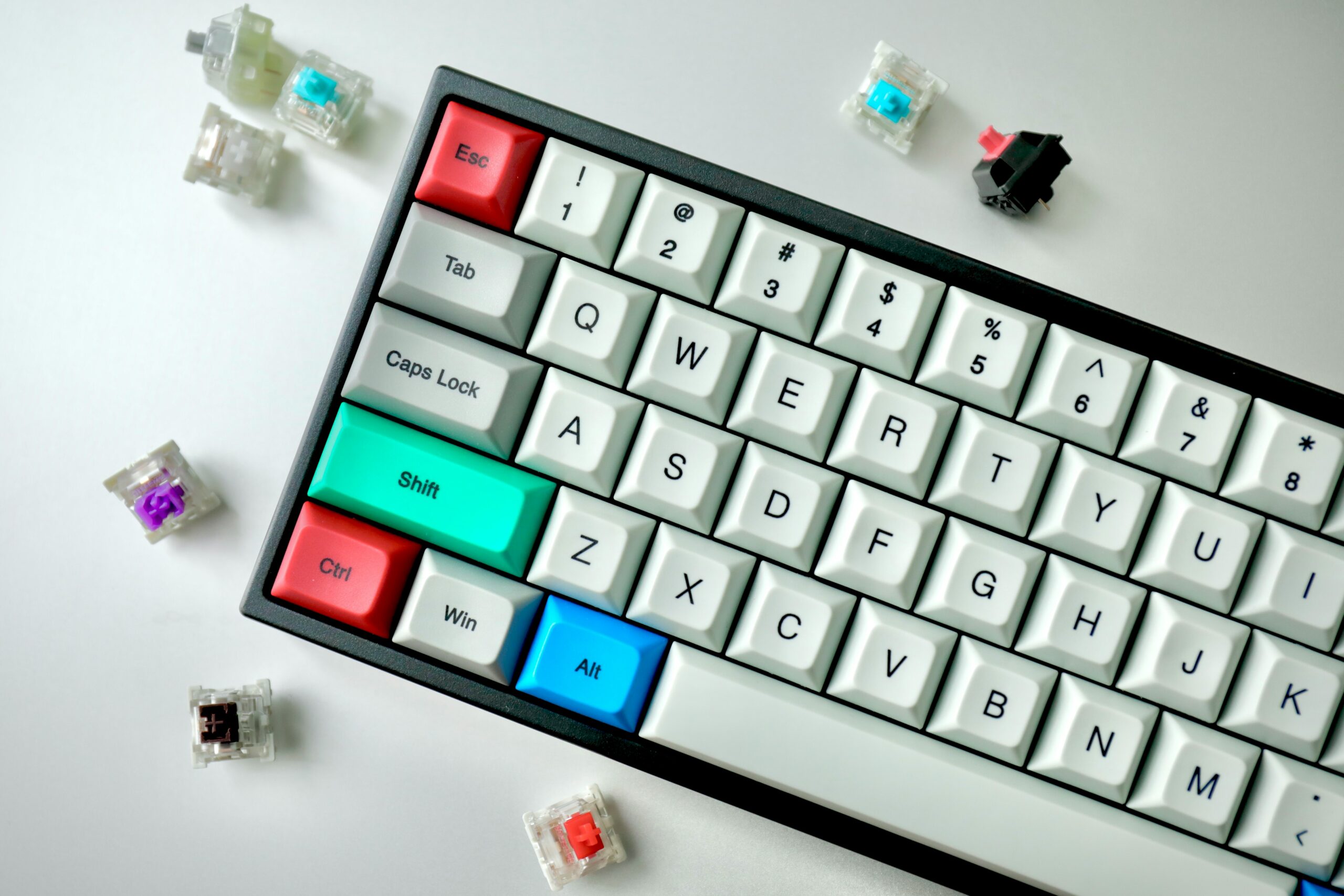
A mechanical keyboard surrounded by loose switches in various colours

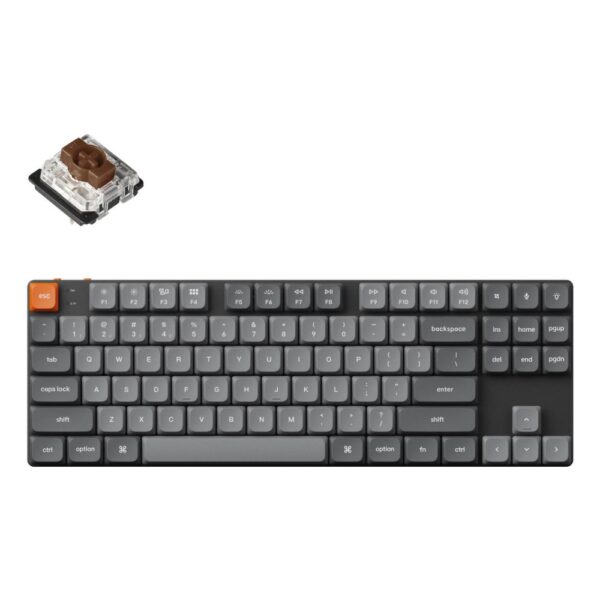
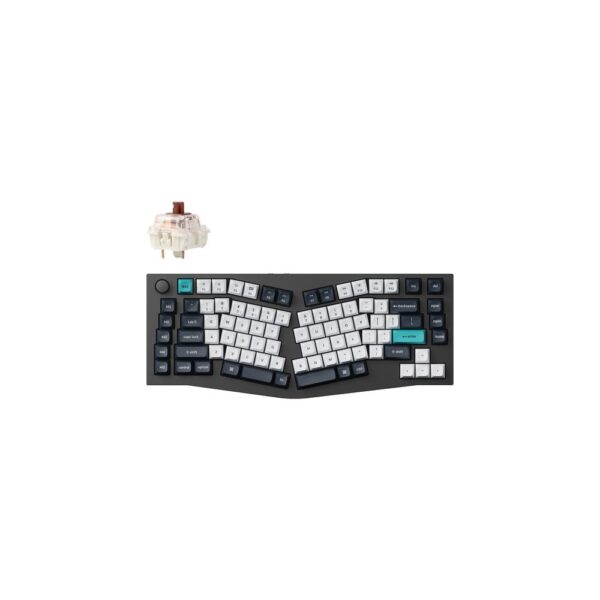
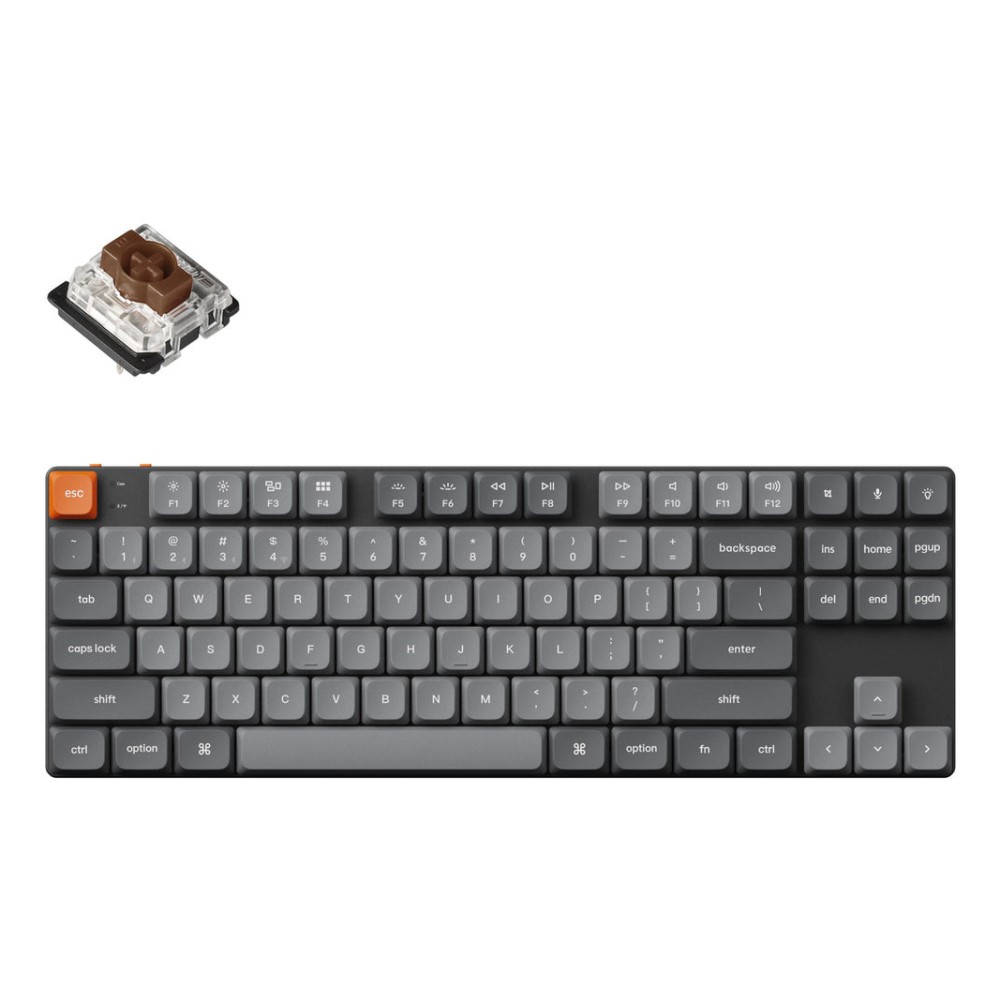
The word “mechanical” on the box tells you almost nothing. The switch inside does. A Keychron K1 Max, £107, with hot-swappable Gateron switches is where we send most people: change the switch later if you do not like it, without buying a new keyboard.

Came here with one question? Short answers:

  • Just want good all-rounderKeychron K1 Max, £107. Hot-swappable, wireless, no wrong switch to commit to
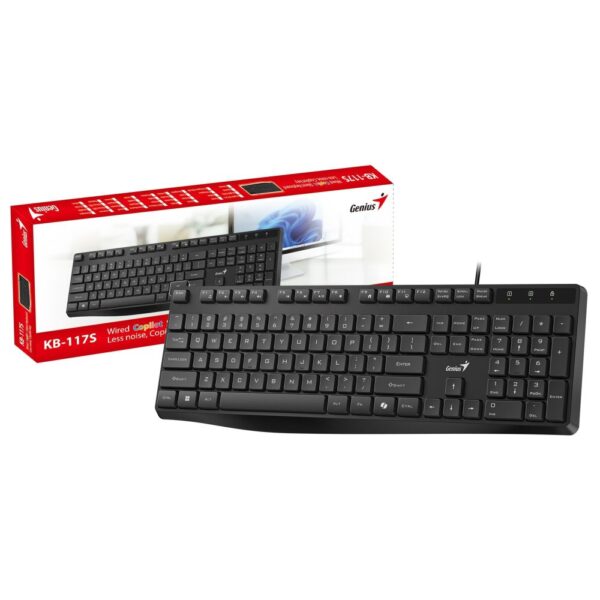
  • Cheapest real mechanicalThe VIDA Mecha, about £23. Real switches, real durability, no wireless
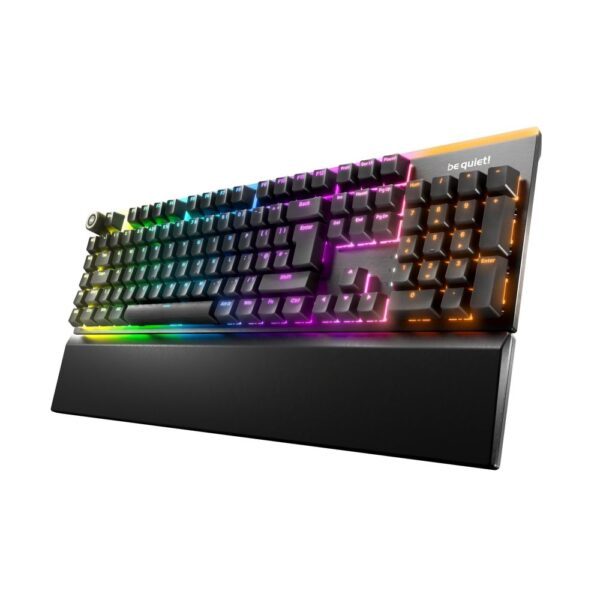
  • Quiet office usebe quiet!’s own Light Mount Silent Linear, £139. Built specifically to not annoy anyone nearby
  • Competitive gamingKeychron K2 HE, £127, magnetic switches with adjustable actuation. See why that matters
  • Do not care, just cheapA membrane keyboard is genuinely fine. Read why here before you feel bad about it

Everything below is written to be read in order, or jumped into from the list above.

Keychron K1 Max TKL 80% Mechanical Keyboard Universal USB 2.4GHz RF Wireless & Bluetooth 5.1 QWERTY UK English RGB Black

In stock

£107.14 inc VAT
  • Mechanical keyboard with 87 keys and UK English QWERTY layout
  • Tri-mode connectivity: USB (Type-C), 2.4 GHz RF Wireless (USB Type-A receiver included), and Bluetooth 5.1
  • RGB LED backlighting with adjustable settings and multicolour options
  • Hot-swappable low-profile Gateron switches and double-shot PBT keycaps
  • Long-lasting 2000 mAh LiPo battery offering up to 95 hours of use
  • Universal compatibility with Windows, Mac, and Linux operating systems
  • Compact 80% TKL form factor with an ultra-slim design of ABS and aluminium
What actually separates mechanical from membrane

A membrane keyboard has one continuous rubber sheet sitting under every key. Press a key and you push a rubber dome down onto a contact layer below it; the dome itself provides the spring-back. It is cheap to make, quiet by default, and works fine for years of normal typing.

A mechanical keyboard replaces that single shared sheet with an individual switch under every single key: its own metal spring, its own moving stem, its own electrical contact. Nothing is shared between keys. That is the entire difference, and it is why almost everything else people say about mechanical keyboards, good or bad, actually comes down to which specific switch was used, not the word “mechanical” itself.

A cheap mechanical keyboard with the wrong switch for you can feel worse than a good membrane keyboard. The individual-switch design is what makes a mechanical keyboard consistent, durable and often hot-swappable, but it does not automatically make it better to type on for you personally.

Linear, tactile or clicky: the three feels

Every mechanical switch falls into one of three families, regardless of brand:

TypeWhat you feelWhat you hearBest for
LinearSmooth, straight down, no bumpQuietest of the threeGaming, open offices
TactileA small bump right at actuationQuiet, no clickTyping feedback without noise
ClickyThe same bump as tactileAn audible click on topTyping satisfaction, not shared spaces

Cherry’s own MX Red, Brown and Blue switches are the industry’s reference points for these three feels, and most other switch makers, including Gateron and Outemu used in several keyboards we stock, describe their own switches against the same three categories. Actuation force on most switches sits around 45 to 60 centinewtons, roughly the weight of a small apple, regardless of which of the three types you pick.

Durability: the number that is actually real

Most keyboard marketing numbers are not independently checked. This one is: switch makers rate their own mechanical switches for lifespan, and the industry figure has stood for years because it keeps getting confirmed independently. A typical membrane rubber dome is rated for around 5 to 10 million keystrokes per key. A mechanical switch is rated for 50 to 100 million.

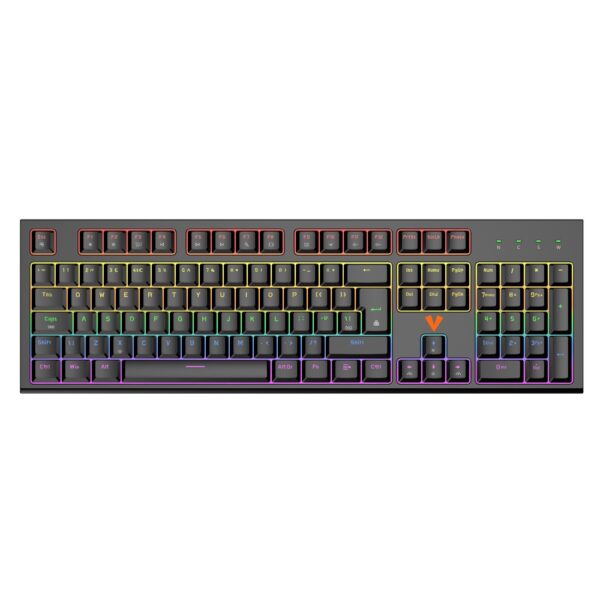
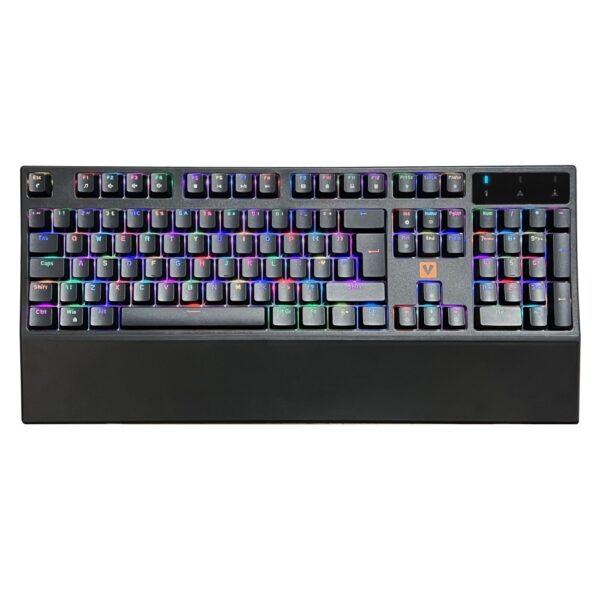
That is not a marginal difference, it is roughly a 6 to 14 times longer working life, and it is the reason a mechanical keyboard can realistically last a decade of daily use while a membrane keyboard is more of a one to two year proposition before keys start feeling mushy or stop registering reliably. The VIDA Mecha, one of the cheapest real mechanical keyboards we sell at about £23, states a 50 million keystroke rating on its own Outemu switches: proof this durability jump does not require a premium price.

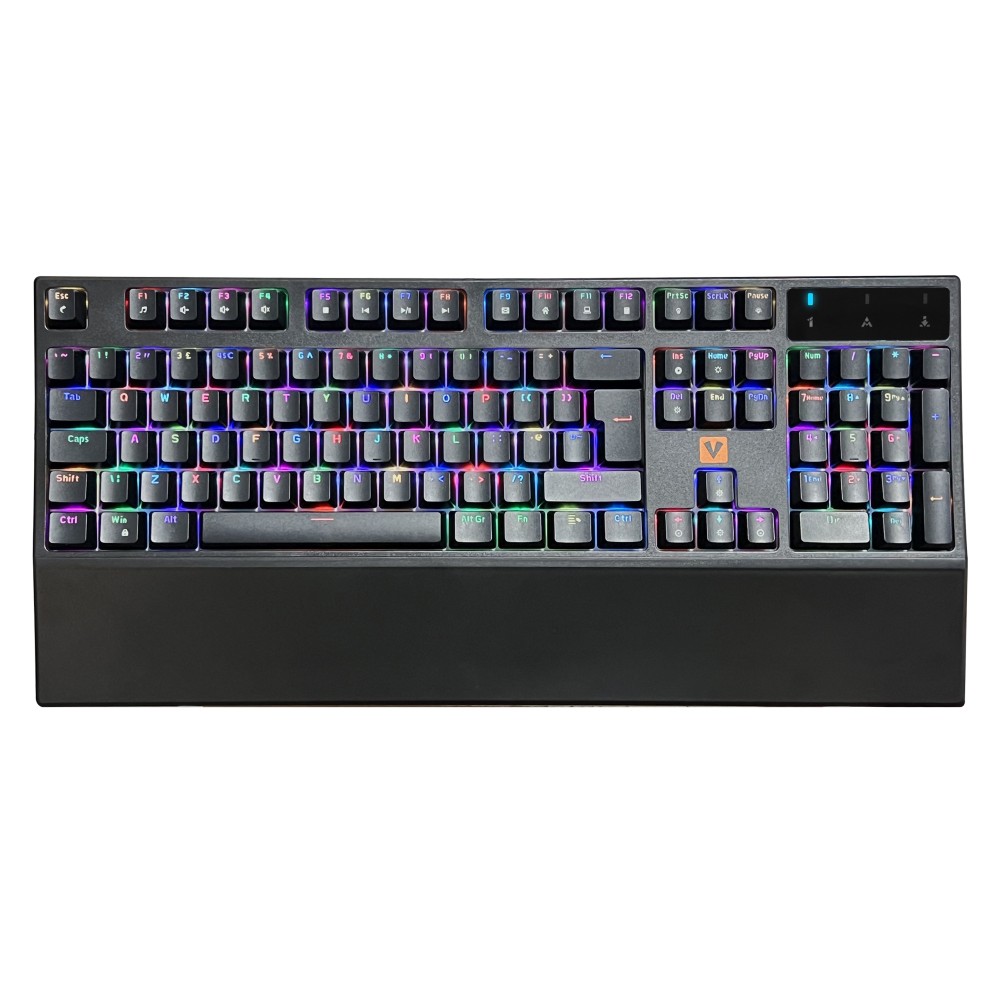
VIDA Mecha Mechanical RGB Gaming Keyboard, Wired USB, Full-Size 105 Keys, UK English QWERTY, Outemu Red Switches, Black

In stock

£22.60 inc VAT
  • Mechanical Outemu RGB Red switches with 50 million key operating life
  • Full-size 105-key UK English QWERTY layout with numeric keypad and wrist rest
  • Wired USB connectivity with 1.8m cable and Plug and Play functionality
  • Adjustable RGB LED backlight with multicolour options and anti-ghosting
  • Multimedia keys and Windows keys for enhanced control
  • Compatible with Windows, Mac, and Linux operating systems
  • Dimensions: 446 x 42 x 140 mm, weight: 1.28 kg
Loud is not guaranteed, and quiet is not free

The idea that mechanical always means loud comes entirely from clicky switches, the one type of the three built to make an audible sound on purpose. Linear and tactile switches make no such click, and several brands go further and sell switches specifically engineered to be quiet: internal dampening on the stem and housing to soften both the initial press and the bottom-out.

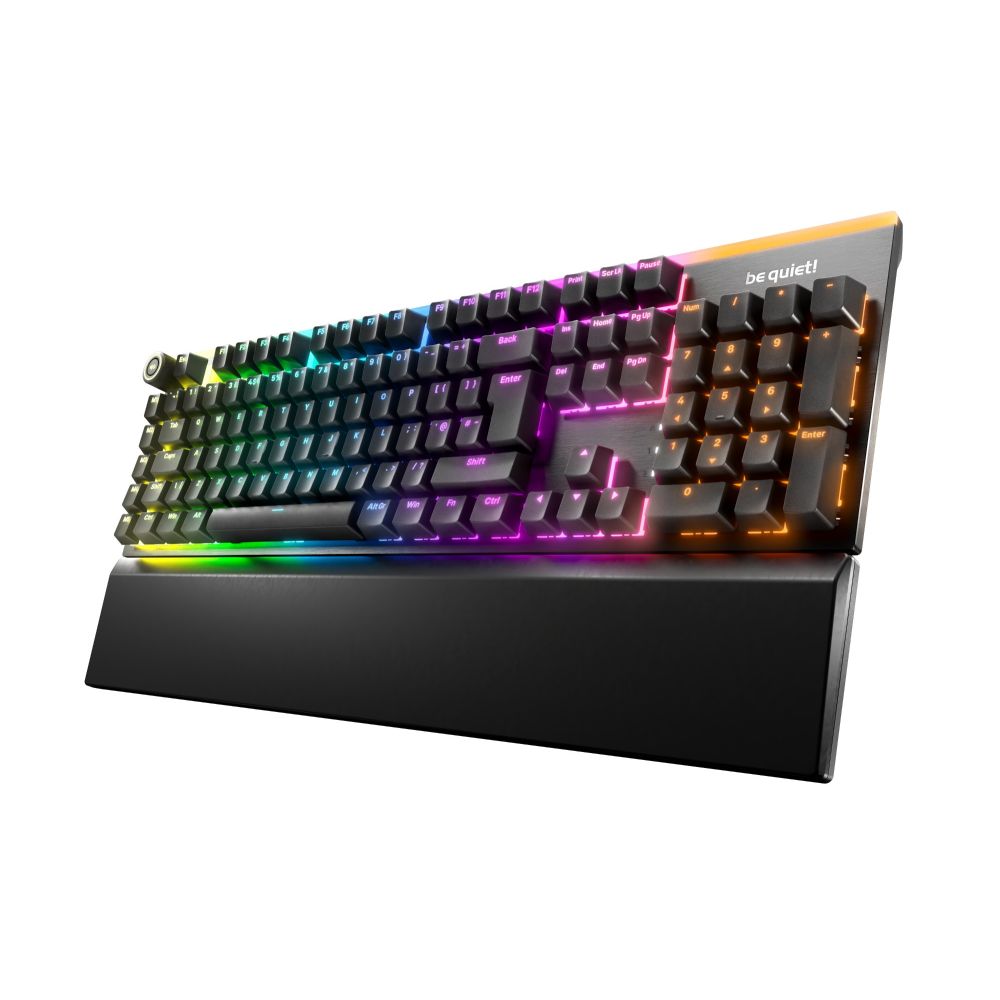
be quiet!, a brand better known for quiet PC fans and power supplies, applies the same philosophy to keyboards. Its Light Mount Silent Linear, £139, uses its own silent linear switches plus sound-dampening foam layers under the plate, aimed specifically at open-plan offices and shared rooms where a clicky board would not be welcome.

A well-dampened silent mechanical keyboard and a mid-range membrane keyboard can end up in the same ballpark for noise. What decides it is the specific switch and whether the keyboard has any sound-dampening at all, not whether the box says “mechanical.” A cheap clicky mechanical is still louder than almost any membrane keyboard on the market.

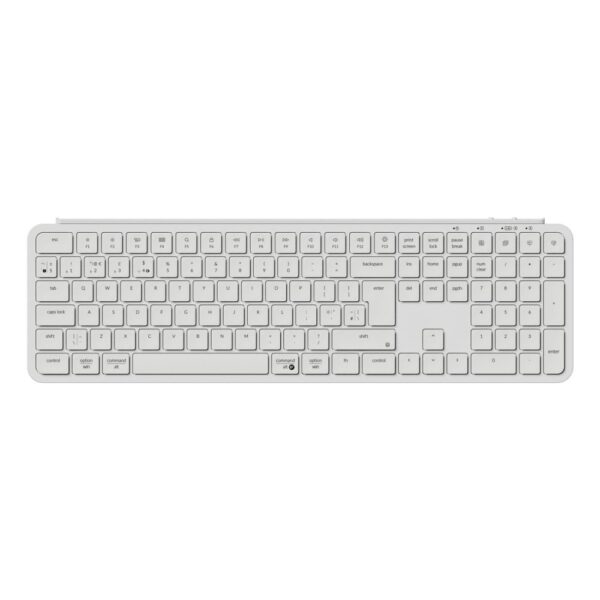
be quiet! Light Mount Silent Linear Keyboard

In stock

£138.53 inc VAT
  • be quiet! Silent Linear mechanical switches with linear actuation
  • Full-size ISO layout with 5 hot keys and N-key rollover
  • RGB LED backlighting with 1000 Hz polling rate
  • Sound-dampening foam layers for ultra-quiet operation
  • Wired USB Type-C connectivity with detachable cable
  • PBT double-shot keycaps with high-profile design
  • 2-year warranty with CE, FCC, RoHS, and WEEE compliance
Hall-effect and optical: the switches built for esports

Two newer switch technologies exist specifically to shave milliseconds off competitive games, and both work by removing the physical metal contact a traditional mechanical switch relies on.

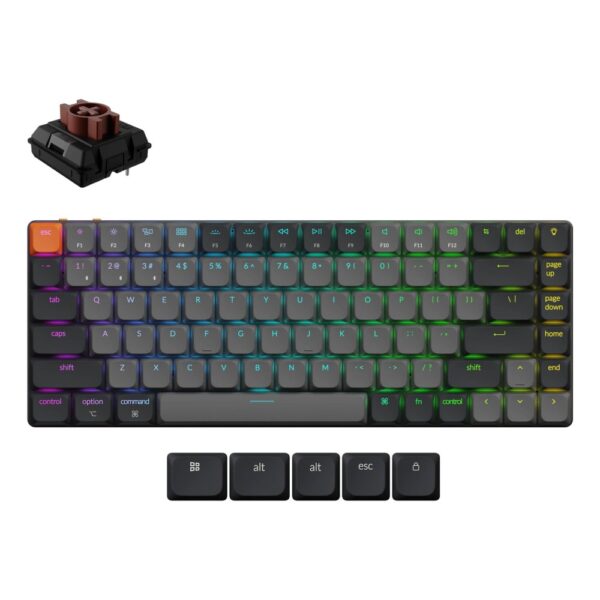
Hall-effect, or magnetic, switches use a magnet and a sensor to detect exactly how far down a key has travelled, with no physical contact at all. Because the keyboard knows the precise position of the key at every moment, its actuation point, how far you need to press before the keystroke registers, can be adjusted in software, often in steps as small as 0.1mm. The Keychron K2 HE, £127, uses this and is rated for 150 million keystrokes, higher again than a standard mechanical switch, since there is no physical contact to wear out.

The genuine competitive feature this unlocks is called rapid trigger: instead of waiting for a key to be released all the way back up before it can be pressed again, the keystroke resets the moment the key starts rising, from whatever depth it happens to be at. In a fast-repeating input, like strafing side to side in a shooter, this removes a real, measurable delay that exists on every traditional switch, mechanical or membrane.

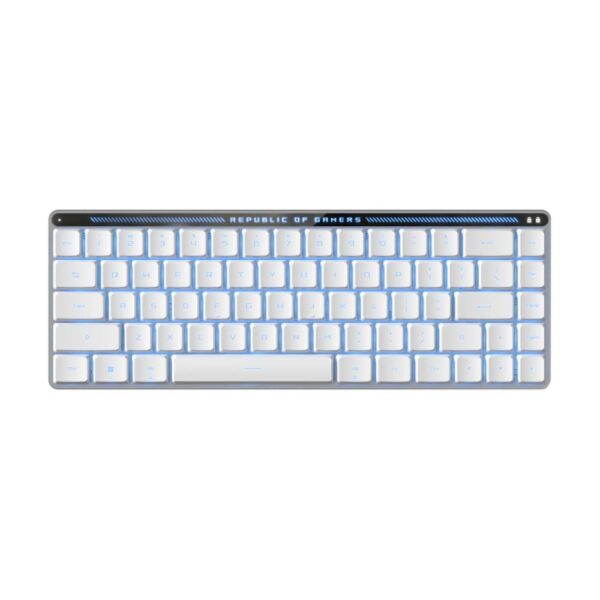
Optical switches solve a related problem differently: a beam of light is interrupted by the moving stem instead of a physical metal contact touching down. The ASUS ROG Falchion RX, £172, offers a choice of two fixed actuation points, 1.0mm or 1.5mm, on its own low-profile optical switches, and skips physical contact wear entirely. Like the look of that one? The rest of our ASUS keyboards are here.

Neither technology matters much for typing, browsing or work. Both matter measurably for fast, repeated inputs in competitive shooters, and neither is worth paying extra for if that is not what the keyboard is for.

ASUS ROG Falchion RX Gaming Keyboard

In stock

£171.78 inc VAT
  • 65% compact form factor with 306 x 110 x 26.5 mm slim profile
  • ROG RX Low-Profile optical switches with 1.0 mm actuation point (Red) or 1.5 mm (Blue)
  • Tri-mode connectivity: wired USB, 2.4 GHz RF wireless, and Bluetooth
  • ROG Omni Receiver for simultaneous keyboard and mouse wireless connection
  • 1000 Hz polling rate with N-key rollover for gaming precision
  • RGB LED backlighting with UV-coated ABS keycaps for durability
  • Up to 430+ hours battery life in RF mode (RGB off)
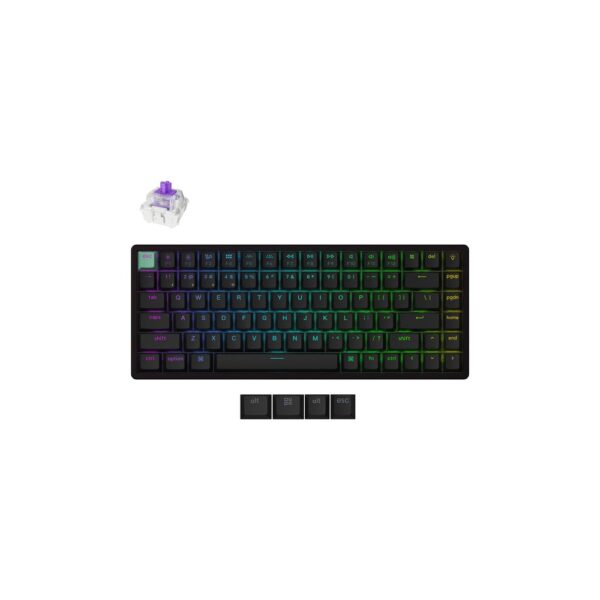
Keychron K2 HE 75% Wireless Gaming Keyboard RGB, Magnetic Switches, UK English, Black

In stock

£126.60 inc VAT
  • Magnetic key switches with 150 million character operating life
  • 75% form factor, QWERTY UK English layout, N-key rollover
  • Wired, RF Wireless (1000 Hz polling rate), and Bluetooth 5.2 connectivity
  • RGB LED adjustable backlight and double-shot PBT keycaps
  • 4000 mAh LiPo battery with up to 110 hours of life
  • Hot-swappable switches and 256 KB built-in memory
  • Compatible with Windows, Mac, and Linux operating systems
Buying mistakes to avoid

Buying “mechanical” without checking which switch. The word alone tells you nothing about noise, feel or actuation force. Always check whether it is linear, tactile or clicky before buying, especially for an office.

Assuming a full-size layout is necessary. 75% and TKL (tenkeyless) layouts drop the number pad and rarely used keys, and most people who buy full-size never touch the number pad they paid for.

Ignoring hot-swap sockets. A hot-swappable keyboard lets you change switches later, without soldering, if the feel is not quite right. Given the price difference is usually small, it removes almost all the risk of picking the wrong switch the first time.

Paying for rapid trigger you will never use. Adjustable actuation and rapid trigger genuinely help in fast competitive shooters. They do nothing for typing, browsing, or slower-paced games, so do not pay the premium for them if that is not your use case.

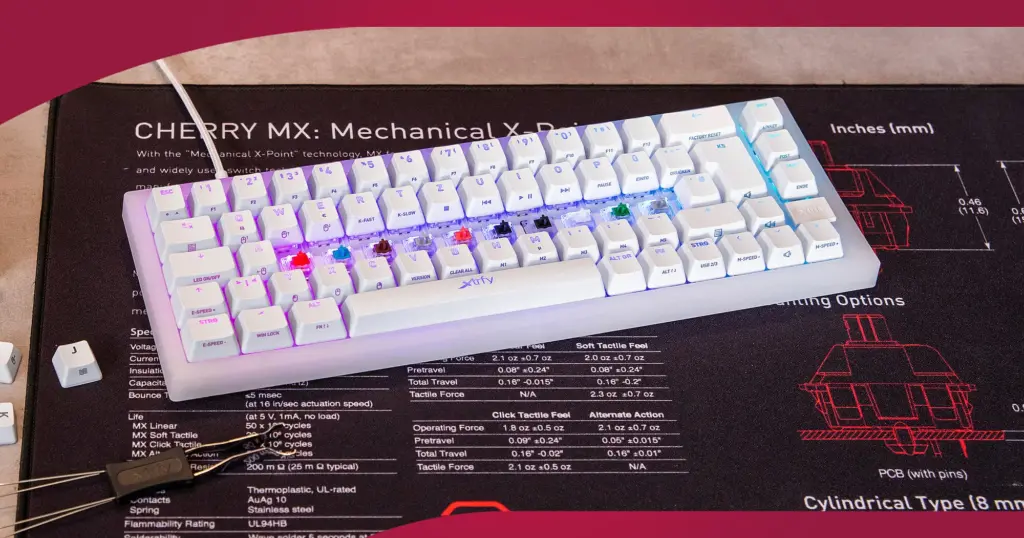
A mechanical keyboard with switches removed, resting on a Cherry MX switch specification mat showing durability ratings
Individual Cherry MX switches, keycaps removed: this is the entire mechanical vs membrane difference, one spring and contact per key instead of a single shared rubber sheet.

Every keyboard we have in stock

Budget membrane to premium mechanical, cheapest first.

Quick answers

Do I need a mechanical keyboard?

Not necessarily. A membrane keyboard is genuinely fine for light, everyday use. Mechanical pays off if you type or game for long stretches, want to customise the feel later with hot-swappable switches, or want something that will still work properly in ten years. See what actually separates the two.

What is the actual difference between mechanical and membrane keyboards?

Membrane keyboards share one rubber sheet under every key. Mechanical keyboards give every single key its own individual switch, spring and contact. That is the whole difference; everything else follows from it.

Are mechanical keyboards always loud?

No. Only clicky switches are built to make an audible click. Linear and tactile switches do not, and some, like be quiet!’s Silent Linear switches, add internal dampening specifically to reduce noise further. See the full noise section.

What is a hot-swappable keyboard?

A keyboard where the switches sit in a socket rather than being soldered in place, so you can pull them out and replace them with a different switch, or a broken one, without any tools beyond a small switch puller.

What is rapid trigger and do I need it?

A feature of Hall-effect (magnetic) switches that resets a keystroke the instant a key starts rising, instead of waiting for it to fully release. It gives a real, measurable edge in fast-repeating inputs in competitive shooters. It does nothing for typing or casual use, so only pay for it if that is genuinely how you play. See the full explanation.

Linear, tactile or clicky: which should I buy?

Linear if you want the smoothest, quietest feel and mainly game. Tactile if you want to feel each keystroke register without an audible click, a good middle ground for offices. Clicky if you want the most satisfying typing feel and do not share a room with anyone else. See the full comparison.

How we know

We sell every keyboard mentioned on this page, across mechanical, membrane and Hall-effect switches. The durability and actuation-force figures are not our own lab results: they are the switch makers’ own published ratings, cross-checked against independent reporting linked below, and the switch specifications quoted for each keyboard come directly from that product’s own listing.

Leave a Reply

Your email address will not be published. Required fields are marked *