What Is a Chromebook, and Is It Worth It in 2026?

0
What Is a Chromebook, and Is It Worth It in 2026?

Chromebooks are everywhere now: in classrooms, on kitchen tables and in the bags of people who just want a laptop that turns on, works and stays out of the way. They are also widely misunderstood. Plenty of shoppers are not sure what a Chromebook actually is, whether it can replace a normal laptop, or whether it is worth buying at all in 2026.

This guide answers all of that in plain English: what a Chromebook is, what it can and cannot do, how it compares to a Windows laptop, what is changing in 2026 with Google’s move to merge ChromeOS and Android, and which one to buy if it is right for you.

Last updated: June 2026 · Hardvance hardware team

The short version: a Chromebook is a laptop that runs Google’s ChromeOS instead of Windows or macOS. If your day is mostly web browsing, email, Google or Microsoft 365 online, YouTube and video calls, a Chromebook is fast, cheap, secure and really worth it, especially for students, kids and as a second laptop. If you need specific Windows software or you want serious PC gaming, it is not the right tool.

What is a Chromebook?

A Chromebook is a laptop that runs ChromeOS, Google’s own operating system, instead of Microsoft Windows or Apple macOS. So yes, a Chromebook is a real laptop. It has a screen, a keyboard, a touchpad, ports and a battery like any other. The difference is the software inside.

ChromeOS is built around the Chrome web browser and Google’s apps. It is light, boots in seconds, updates itself quietly in the background and is hard to clog up. Most modern Chromebooks also run Android apps from the Google Play Store, so it is not just a browser. It is closer to a blend of a laptop and an Android tablet. It is not Windows, it is not a Mac, and while it shares roots with Android, it is its own thing.

Because the heavy lifting happens in the browser and the cloud, Chromebooks do not need powerful, expensive hardware to feel fast. That is the whole idea, and it is why they tend to cost less than a comparable Windows laptop.

What can a Chromebook do?

More than most people expect. A Chromebook handles everything that lives in a web browser, which in 2026 is a huge amount of daily computing:

  • Browsing, email, YouTube, streaming and social media.
  • Google Docs, Sheets and Slides, plus Microsoft 365 in the browser.
  • Video calls on Google Meet, Zoom and Teams.
  • Android apps from the Play Store, including Netflix, Spotify, WhatsApp and many games.
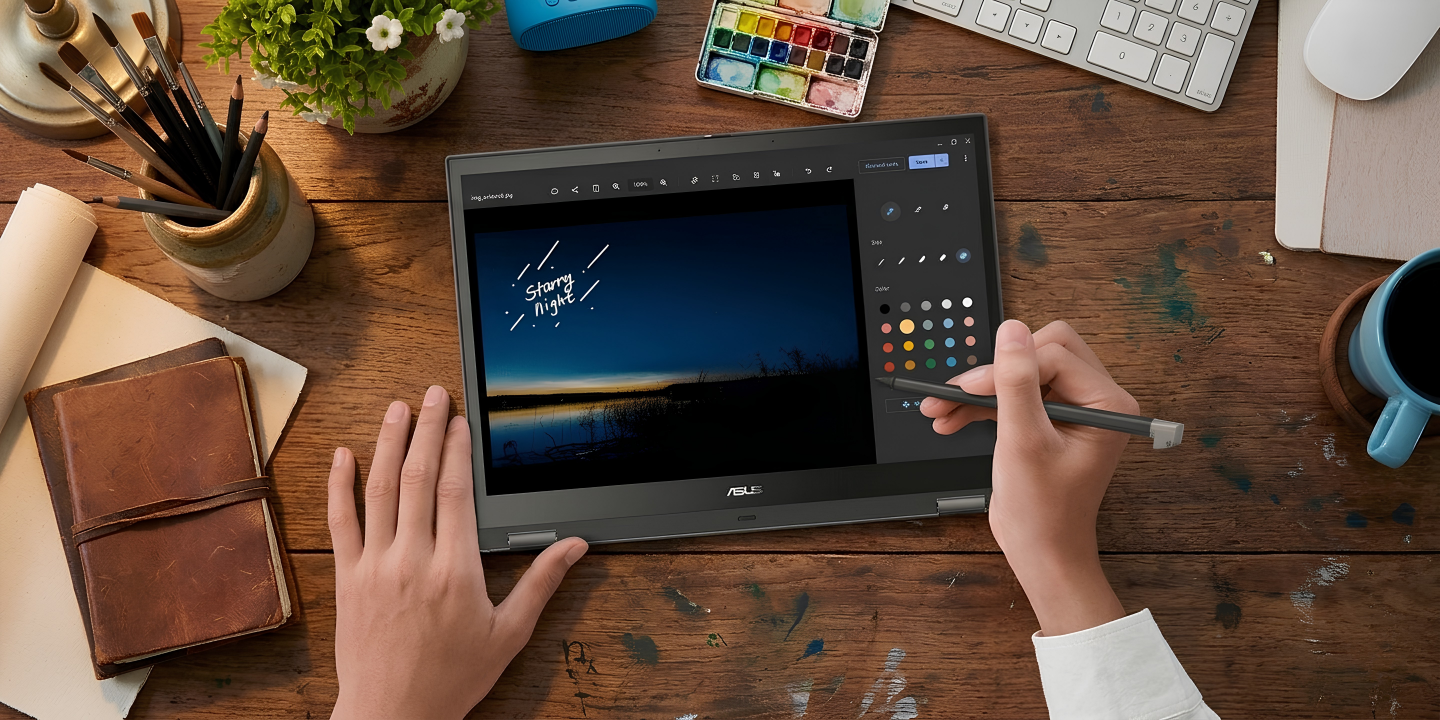
  • Light photo editing, note taking and schoolwork.
  • A built-in Linux environment for coding, if you want it.

The newer Chromebook Plus models add Google’s Gemini AI tools directly into the experience, for writing help, image editing and quick answers. What a Chromebook cannot do is install traditional desktop software such as the full versions of Adobe Premiere or AutoCAD, or run Windows-only programs. If your work does not depend on a specific desktop app, you may never hit that wall.

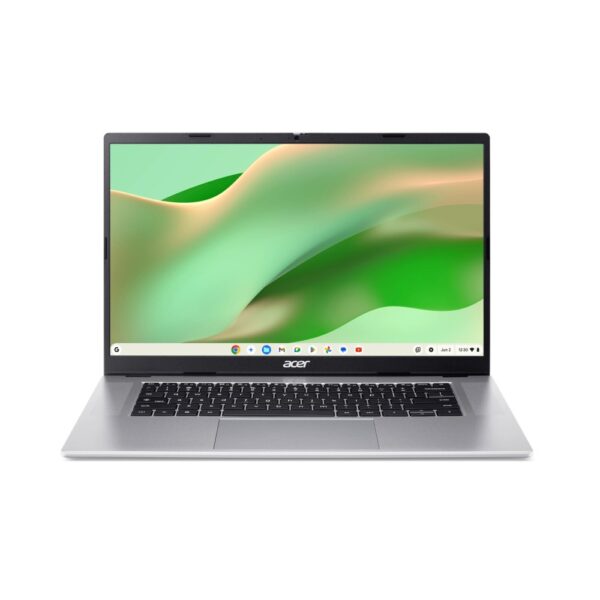
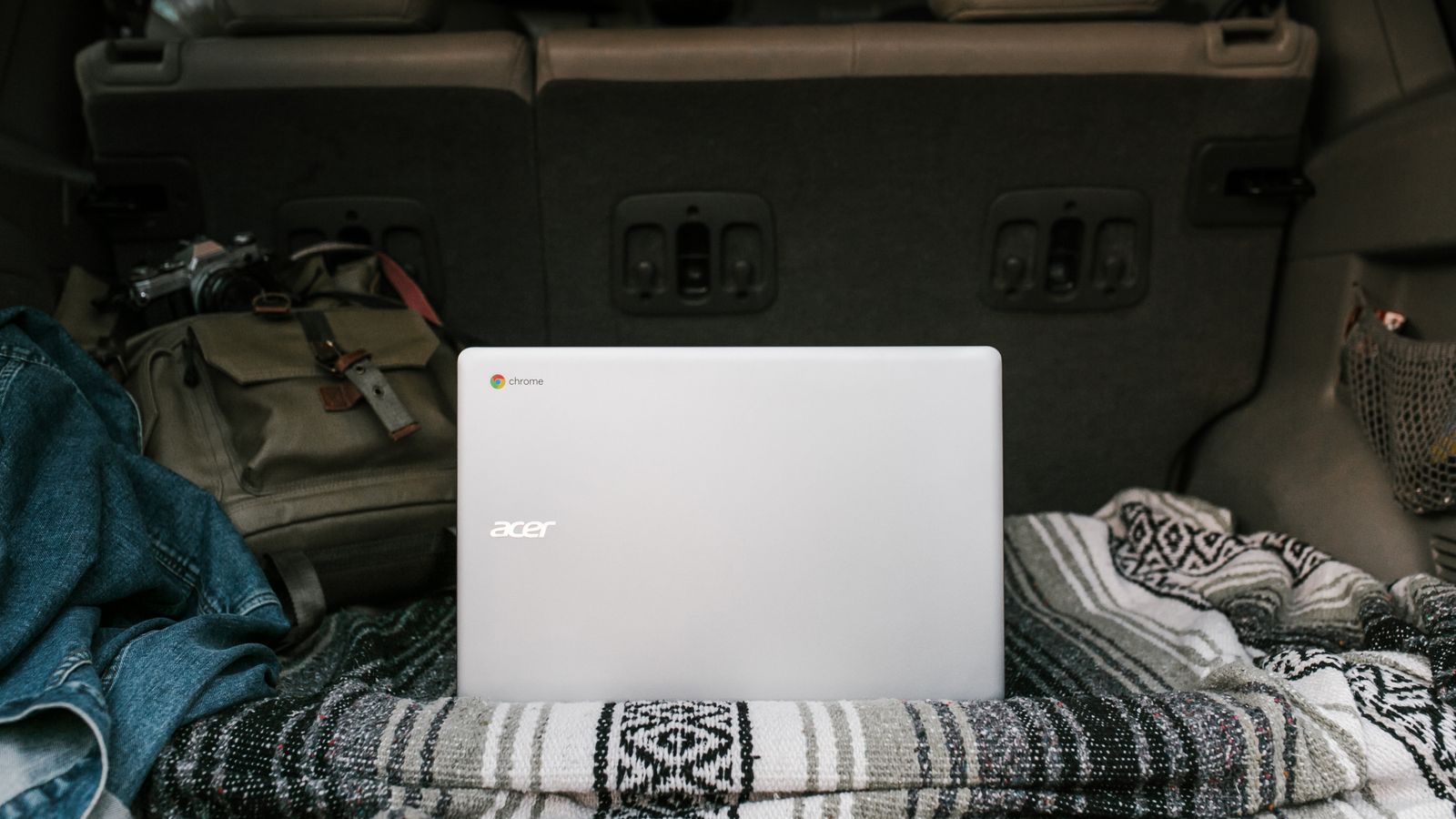
A portable Acer Chromebook packed for travel
Light, cheap and long-lasting on battery, Chromebooks make excellent travel and second laptops.

Are Chromebooks worth it in 2026?

For the right person, absolutely. A good Chromebook gives you a fast, simple, secure laptop for a fraction of the price of a Windows or Apple machine, with battery life that often lasts all day and almost no maintenance. For students, children, older users and anyone whose computing lives in a browser, that is excellent value.

It is not worth it if you need it to be a full PC. If you rely on specific Windows or Mac software, edit large video projects, or want to play the latest AAA games installed locally, a Chromebook will frustrate you. The honest test is simple: write down the five things you do most on a computer. If they all happen in a browser or a phone app, a Chromebook will serve you well. If even one of them needs desktop software, look at a Windows laptop instead.

Chromebook vs laptop, MacBook and iPad

The most common question we hear is “what is the difference between a Chromebook and a laptop?” A Chromebook is a laptop. The real comparison is between the operating systems and what each is best at.

ChromebookWindows laptopMacBookiPad
SystemChromeOSWindowsmacOSiPadOS
Best forWeb, school, everydayEverything, gaming, softwareCreative work, Apple usersTouch, media, light tasks
Desktop softwareNoYesYesNo
GamingCloud + AndroidFull PC gamingLimitedMobile + cloud
UpkeepLowest, auto-updatesMoreLowLow
Typical priceLow to midLow to highHighLow to high

In short: a Chromebook wins on price, simplicity and security; a Windows laptop wins on flexibility and software; a MacBook wins for the Apple ecosystem and creative pros; an iPad wins on touch and portability but is the weakest at real laptop work.

Can a Chromebook run Windows, Steam, games and Linux?

This is where most of the confusion lives, so here are honest answers.

  • Windows and .exe software: no, not natively. A Chromebook cannot install Windows programs. The realistic workaround is to use the web or Android version of an app, or to remote into a Windows PC or cloud desktop for the rare must-have program.
  • Steam and PC games: a native Steam beta existed for a small number of high-end Chromebooks, but it was always limited and is being phased out. The realistic way to game on a Chromebook is cloud gaming through services like GeForce NOW and Xbox Cloud Gaming, which stream full games over the internet, plus Android games from the Play Store.
  • Minecraft and Roblox: Roblox runs through its Android app. Minecraft Bedrock runs via the Play Store version, and cloud gaming is an option. The Java edition is not officially supported.
  • Linux: yes. ChromeOS includes an optional built-in Linux environment, which is handy for coding and developer tools.

So a Chromebook can game and even code, just not the same way a Windows PC does. If gaming is your main reason for buying, a Chromebook is the wrong choice.

Do Chromebooks need antivirus, and can they get viruses?

Chromebooks do not need traditional antivirus software, and that is by design. ChromeOS keeps each app and tab in its own sandbox, checks itself with verified boot every time it starts, and updates automatically, so classic Windows-style viruses have almost nowhere to take hold. Can a Chromebook get a virus? It is extremely rare.

The real risks are not viruses but bad browser extensions and phishing. Install extensions only from trusted sources, stick to the Google Play Store for apps, and be careful with login pages and email links. Do that and a Chromebook is one of the safest everyday computers you can own, no paid antivirus required.

Why some Chromebooks feel slow, and what specs to aim for

The reason people sometimes call Chromebooks slow is almost always the same: the cheapest models ship with just 4GB of RAM and slow storage. Open a dozen browser tabs on 4GB and it will struggle. The fix is to buy a little smarter, not to avoid Chromebooks.

What to go for in 2026:

  • RAM: 8GB is the comfortable minimum. Every Chromebook Plus model includes at least 8GB, which is one of the reasons that range is worth the extra money.
  • Storage: 64GB is fine for cloud-first use, but 128GB or more gives breathing room for Android apps and offline files.
  • Auto-update date: every Chromebook now gets up to 10 years of automatic updates from its release. Check the model’s expiry date so it stays supported and secure for as long as you own it.
  • Screen and build: a Full HD IPS screen and a solid keyboard make a big difference for daily comfort.

They are cheaper than Windows laptops because the operating system is light, much of the work happens in the cloud, and they sell in huge numbers to schools. Cheap does not have to mean slow if you choose 8GB of RAM.

The big 2026 change: ChromeOS meets Android

The most important Chromebook news in 2026 is that Google is bringing ChromeOS and Android together. New laptops are being introduced under a Gemini-focused banner, built on Android foundations, with Google’s AI at the centre, as set out in Google’s own Googlebook announcement. You may see them described with a new platform name, and ChromeOS and the new system are expected to co-exist for a while during a gradual transition.

Two things matter for buyers. First, Gemini AI is rolling out across Chromebook Plus devices through ChromeOS updates, adding writing, search and image tools directly into the laptop. Second, and more reassuring: Chromebooks are not being discontinued. Existing models keep working and keep getting updates, new models keep launching, and the move simply makes the platform more capable and more AI-focused over time. If you buy a good Chromebook today, it will serve you for a long time.

Who should buy a Chromebook, and which one

A Chromebook is an easy recommendation for:

  • Students and children: affordable, tough, secure and simple to manage, which is exactly why schools use them.
  • Older users: very little to go wrong, no antivirus nagging, no confusing maintenance.
  • Second or travel laptops: light, cheap and long lasting on battery for the sofa, the commute or a trip.
  • Anyone web-first: if your computing lives in Chrome and Google or Microsoft 365 online, you lose almost nothing and save a lot.

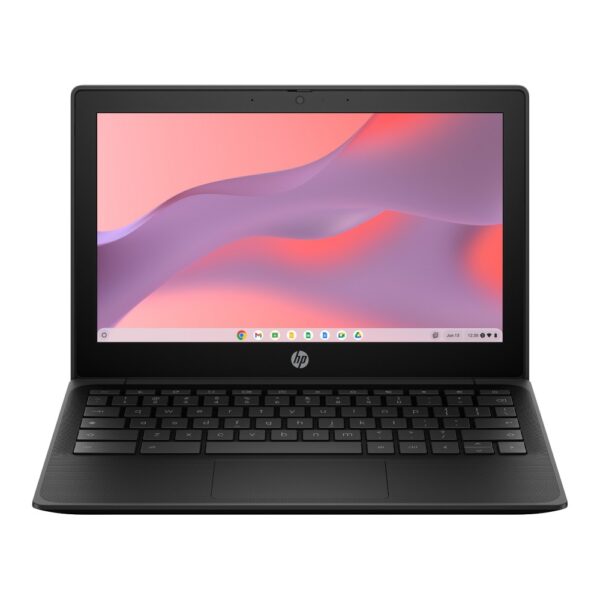
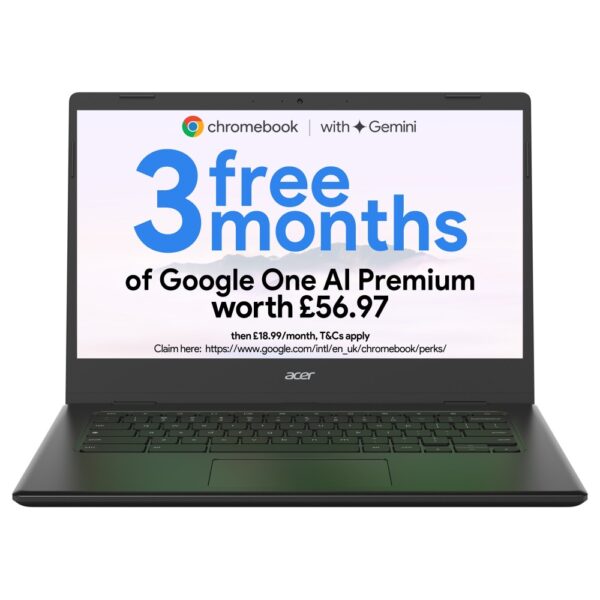
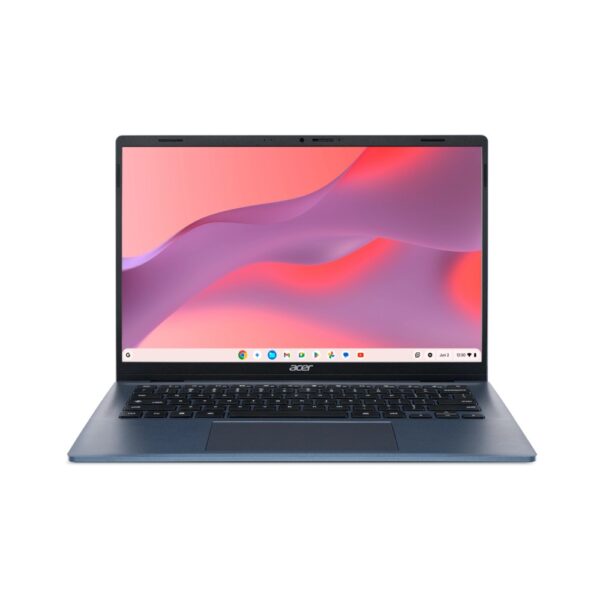
When choosing, a Chromebook Plus model is the go-to choice for most buyers: it guarantees at least 8GB of RAM, faster storage, a better screen and the new AI features, all for a sensible price. For a child or a pure browsing machine, a standard 8GB Chromebook is plenty. Browse our current range below.

Students using Chromebooks in a school classroom
Chromebooks dominate education for good reasons: low cost, strong security and almost no upkeep.

Quick Chromebook tips

A few things new owners always ask, with the exact keys to press:

  • 📸 Take a screenshot: Ctrl + Show windows for the full screen, or Ctrl + Shift + Show windows to drag and select an area.
  • 📋 Copy and paste: highlight the text, then Ctrl + C to copy and Ctrl + V to paste.
  • ↩️ Undo and redo: made a mistake? Ctrl + Z undoes it, and Ctrl + Shift + Z redoes it.
  • 🖱️ Right-click: tap the touchpad with two fingers, or hold Alt and click.
  • 🔒 Lock the screen: press Search + L (the Search key is where Caps Lock sits on other laptops).
  • 🧹 Clear the cache: open Chrome settings, then Privacy and security, then Clear browsing data.
  • 🔄 Force a restart: hold Power for a few seconds, or press Refresh + Power together.

Pro tip: before you buy, check the Chromebook’s auto-update expiry date on Google’s support site. A cheap model that is near the end of its update window is a false economy. A slightly newer one with years of updates left is the smarter buy, and it stays secure for the whole time you own it.

Is a Chromebook a laptop?

Yes. A Chromebook is a laptop that runs Google's ChromeOS instead of Windows or macOS. It has the same screen, keyboard, touchpad and ports as any other laptop.

Can a Chromebook run Windows programs?

No, not natively. A Chromebook cannot install Windows .exe software. Use the web or Android version of the app, or remote into a Windows PC or cloud desktop for a must-have program.

Do Chromebooks need antivirus?

No. ChromeOS is sandboxed, verified at boot and updated automatically, so traditional antivirus is unnecessary. Just install apps from the Play Store and avoid untrusted extensions and phishing links.

How do you take a screenshot on a Chromebook?

Press Ctrl + Show windows for a full-screen shot, or Ctrl + Shift + Show windows to select an area of the screen.

How do you copy and paste on a Chromebook?

Highlight the text, press Ctrl + C to copy and Ctrl + V to paste. To right-click, tap the touchpad with two fingers.

Are Chromebooks being discontinued in 2026?

No. Google is merging ChromeOS with Android into a new Gemini-focused platform, but existing Chromebooks keep working and receiving updates, and new models continue to launch.

What is the best Chromebook for students?

Choose a Chromebook Plus with at least 8GB of RAM and 128GB of storage, a comfortable keyboard and long battery life. Check the auto-update date so it stays supported for the whole course.

Can a Chromebook run Minecraft or Roblox?

Roblox runs through its Android app, and Minecraft Bedrock runs via the Play Store version. Cloud gaming is another option. The Java edition of Minecraft is not officially supported.

Leave a Reply

Your email address will not be published. Required fields are marked *