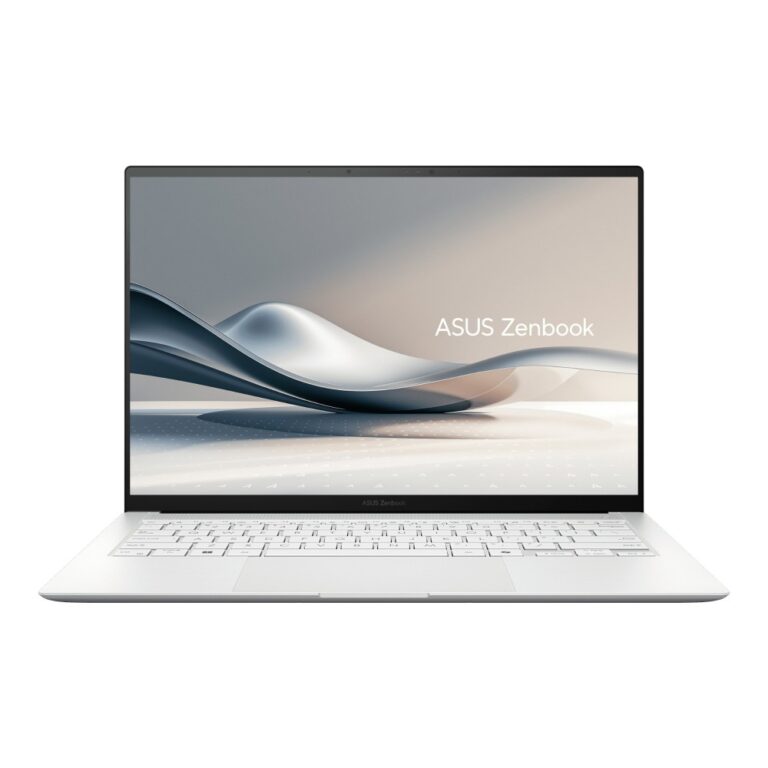
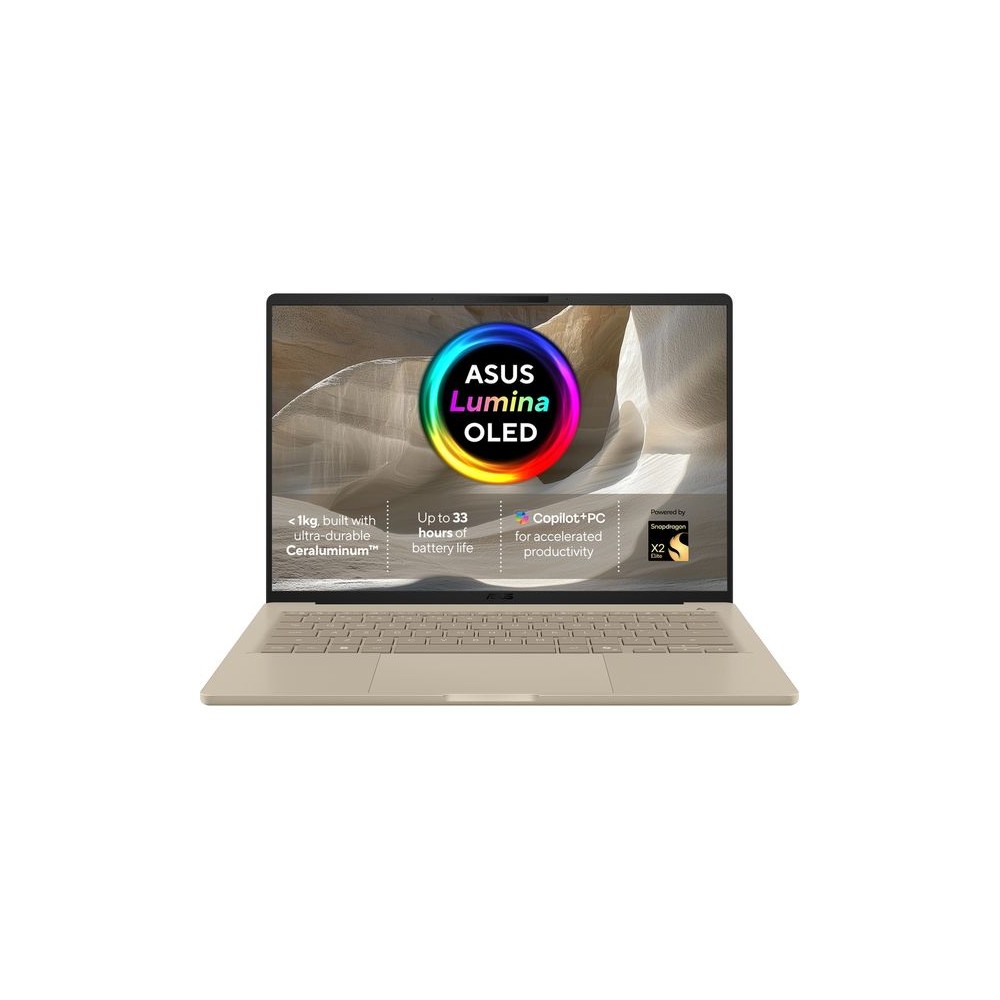
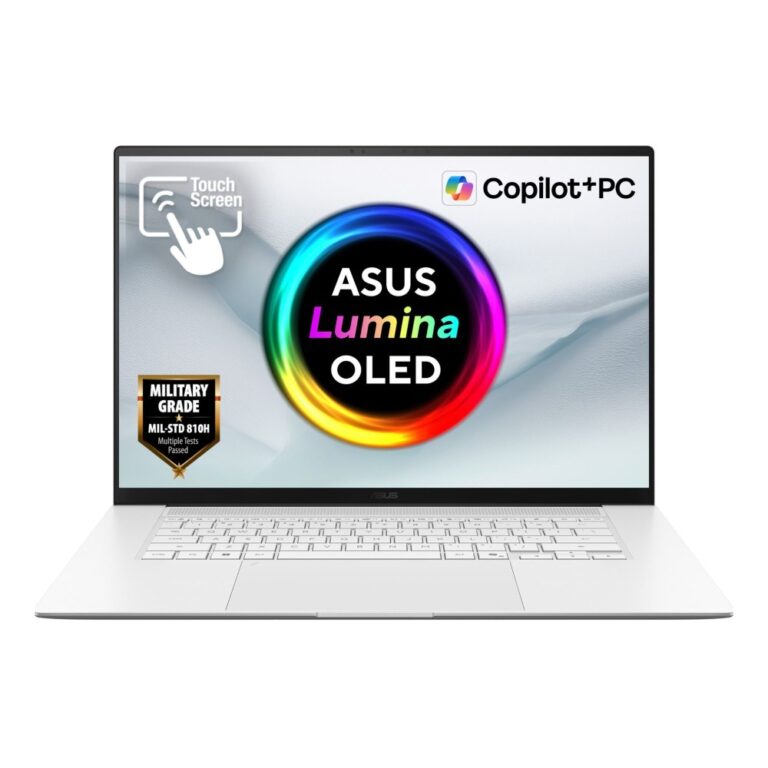
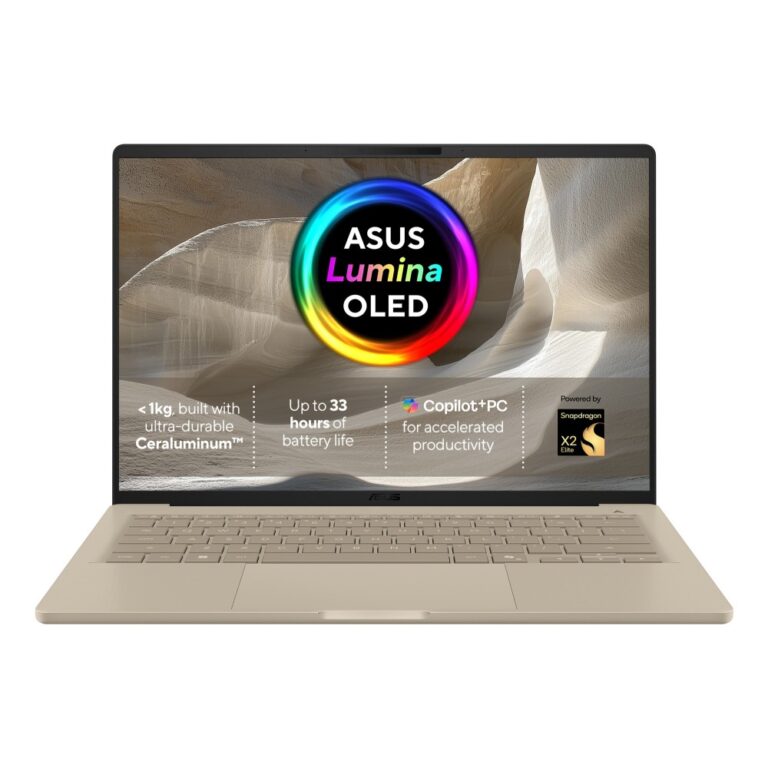
Zenbook is the ASUS premium ultraportable range, and its defining feature is the display — most models fit an OLED panel, which gives true black, very high contrast and full colour coverage. Once you have used one, a standard LCD laptop screen looks flat by comparison.
The naming is straightforward. A plain number is the size (Zenbook 14, Zenbook 16). S marks the thinnest models. A is the newer efficiency-focused line built on Snapdragon processors, where battery life is the headline. Duo models have two screens.
Processors span three families: Intel Core Ultra, AMD Ryzen AI, and Snapdragon X for the longest battery life — the Snapdragon machines run most software through emulation, which suits mainstream applications well but is worth checking if you rely on specialist Windows tools.
What you give up for the thinness is ports and upgradability; memory is soldered on most models, so buy the capacity you will need.
See also ultrabook laptops.
This ASUS Zenbook range covers Zenbook laptops. Below are the common questions.
Zenbook is a well-known laptop maker with models spanning everyday, business and gaming use. The right one depends on your needs, so look at the processor, memory, storage and screen rather than the badge alone.
Decide what you need first: a light everyday laptop, a business machine, or a gaming laptop with RTX graphics. Then pick the Zenbook model with a modern CPU, at least 16GB of RAM and a fast SSD that fits your budget.
Check the processor and graphics for the work you do, the RAM and storage (16GB and a 512GB or larger SSD is a good baseline), the screen size and quality, and the battery life. For gaming, focus on the RTX graphics and cooling.
No account yet?
Create an Account