
Brand
 MSIMSI 1
Save £53
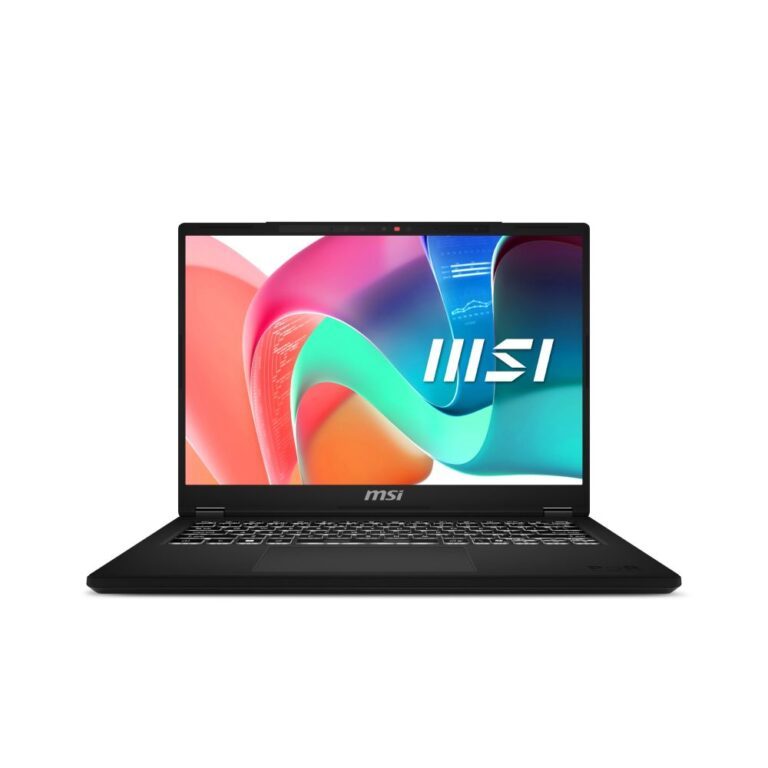
MSI Modern 14 Laptop: Core 5, 14″ FHD+, 16GB RAM, 512GB SSD, WiFi 6E, Windows 11
In stock
Original price was: £767.99.£715.19Current price is: £715.19.
Modern is the MSI range aimed at ordinary work and study rather than gaming — plain aluminium chassis, no lighting, no dragon logo, and a specification chosen for battery life and portability.
It sits below the Prestige line, which adds better displays and creator-focused features, and it competes with the mainstream consumer laptops from ASUS, Acer, HP and Lenovo.
What to look at when comparing models at this level, because these matter more than the processor name:
Memory. 16GB rather than 8GB, and check whether it is soldered or on a slot, since that decides whether it can be upgraded later.
Storage. An SSD, 512GB for preference.
Screen. A Full HD IPS panel. The cheaper TN and low-resolution panels are the most common corner cut and the thing you look at all day. Several Modern models use a taller FHD+ display, which shows more of a document without scrolling.
Sizes here are 14in and 15.6in with Intel Core and AMD Ryzen processors.
See the wider laptop range.
In stock
This MSI Modern range covers MSI laptops. Below are the common questions.
MSI is a well-known laptop maker with models spanning everyday, business and gaming use. The right one depends on your needs, so look at the processor, memory, storage and screen rather than the badge alone.
Decide what you need first: a light everyday laptop, a business machine, or a gaming laptop with RTX graphics. Then pick the MSI model with a modern CPU, at least 16GB of RAM and a fast SSD that fits your budget.
Check the processor and graphics for the work you do, the RAM and storage (16GB and a 512GB or larger SSD is a good baseline), the screen size and quality, and the battery life. For gaming, focus on the RTX graphics and cooling.
No account yet?
Create an Account