Price
Brand
Availability
RAM
Storage capacity
Processor
Shop Categories

Apple Desktops

Apple’s desktops divide into three shapes, and the choice is usually straightforward.

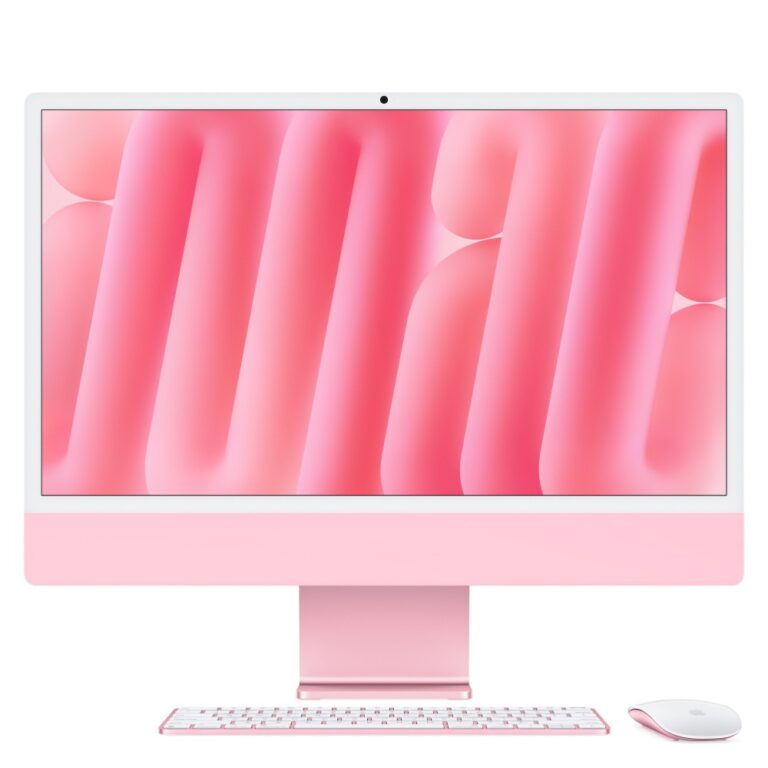
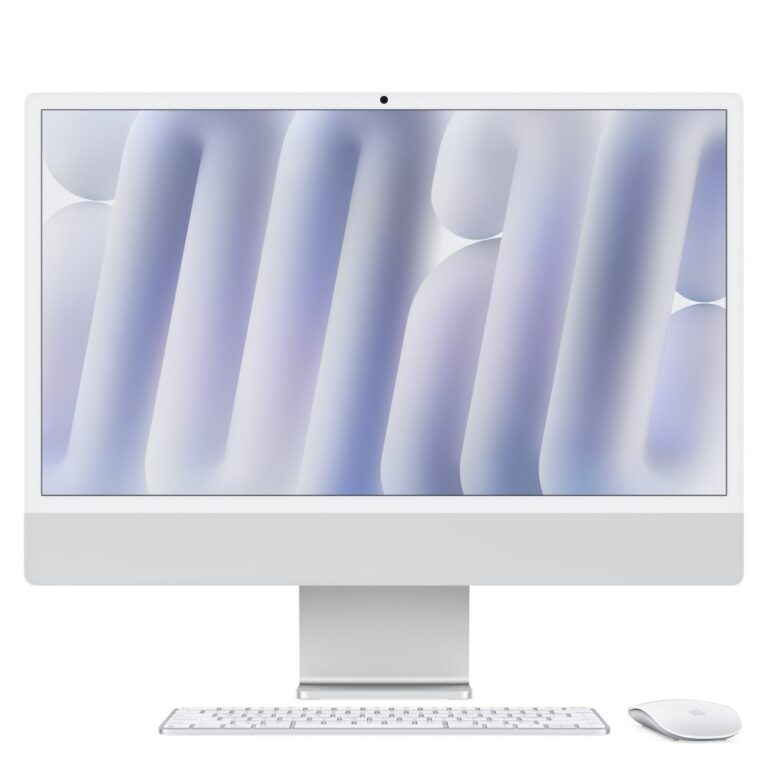
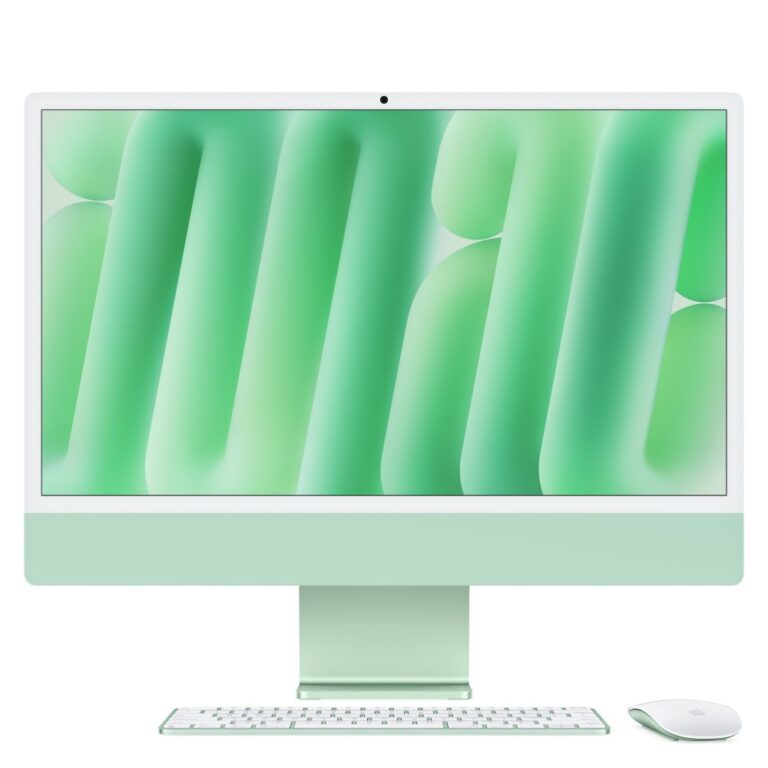
iMac is the all-in-one — the computer built into a 24in 4.5K display. One power cable, no tower, and a screen considerably better than most monitors sold at any price. It suits a home or family desk where appearance and simplicity matter.

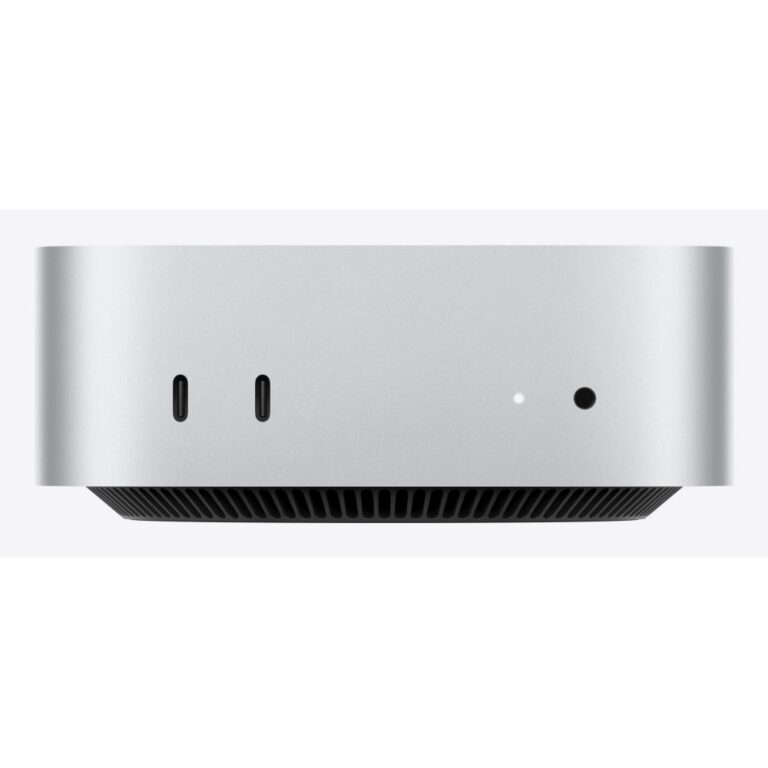
Mac mini is the small box you connect to your own monitor, keyboard and mouse. It is the value option by a distance, and the right answer if you already own a display.

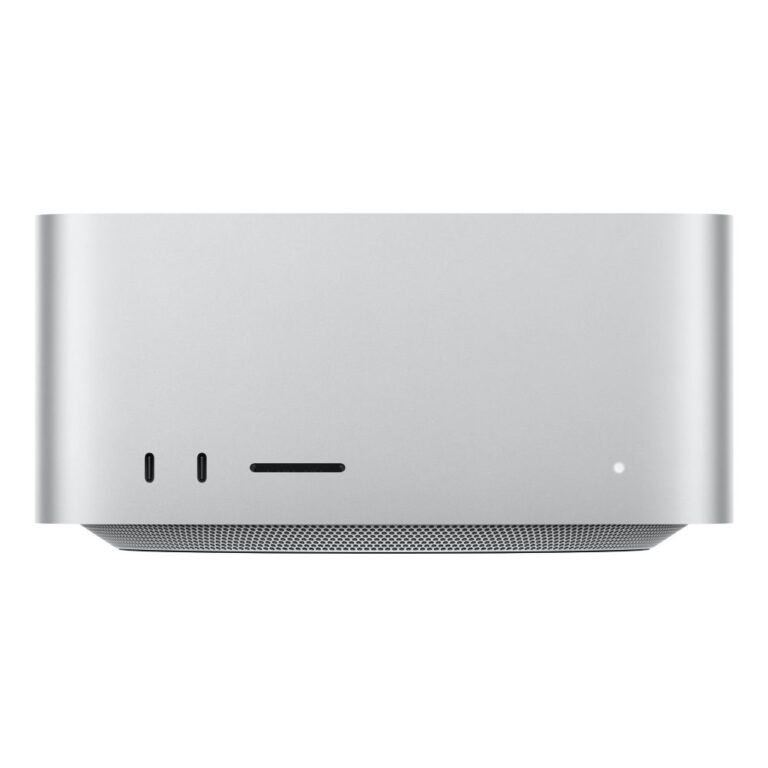
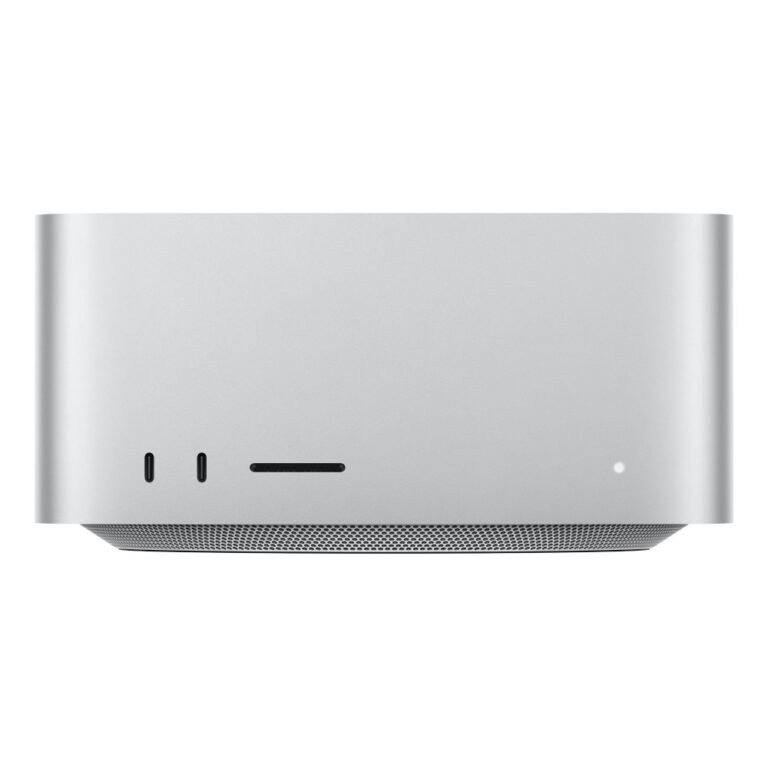
Mac Studio is the professional machine, with the highest-tier chips and the most ports, for video, 3D and heavy development work.

Two things cannot be changed after purchase on any of them: memory and storage are soldered. Buy what you will need for the life of the machine rather than planning to upgrade. Apple’s unified memory is shared between CPU and GPU, which is why creative applications benefit from more of it.

The M-series chip tier — plain, Pro, Max — decides sustained performance more than the clock speed does.

See also mini PCs.

Apple Desktops Buying Guide and FAQ

This Apple Desktops range covers desktop laptops. Below are the common questions.

What makes a good desktop laptop?

For desktop use, prioritise the right balance of performance, portability and battery life. A modern CPU, 16GB of RAM and a fast SSD suit most needs, with a good screen and a sturdy build for daily carrying.

What specs do I need for a desktop laptop?

Aim for at least 16GB of RAM and a 512GB SSD, with 32GB and a larger drive if you multitask heavily or do creative work. Battery life and weight matter if you are often on the move.

How do I pick the right one?

Start with how you will use it, then match the processor, memory, storage and screen to that. Compare battery life and build quality, and set a budget that covers the specs you actually need.