MSI Networking
MSI’s networking hardware is aimed at the same person as its motherboards and graphics cards — someone building or upgrading a desktop.
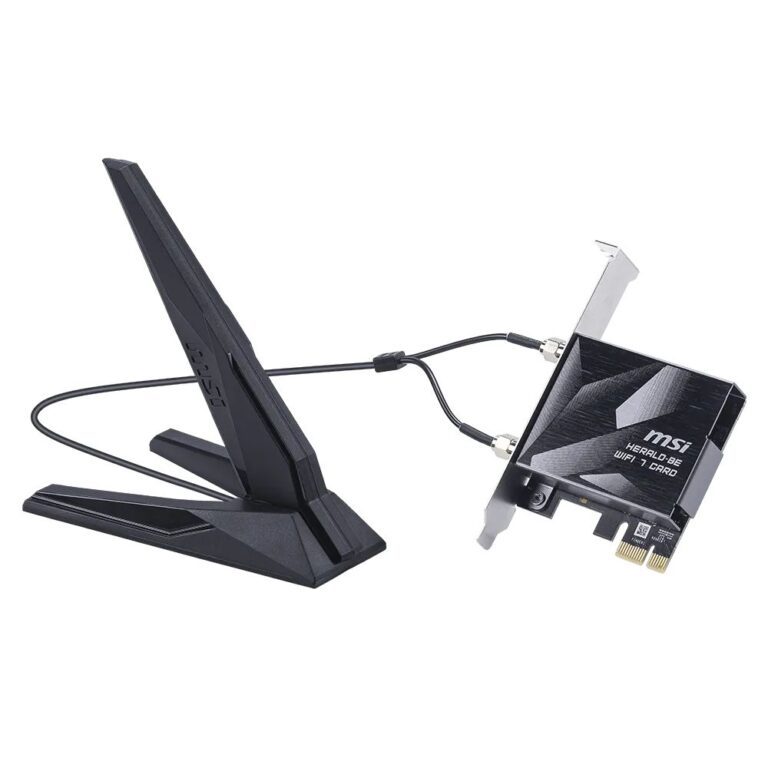
PCIe Wi-Fi cards are the main part of the range, and they are the better way to add wireless to a tower. A PCIe card uses external antennas that can be positioned away from the metal case, which makes a real difference to signal strength compared with a USB dongle sitting behind the machine. The range covers Wi-Fi 6E and Wi-Fi 7.
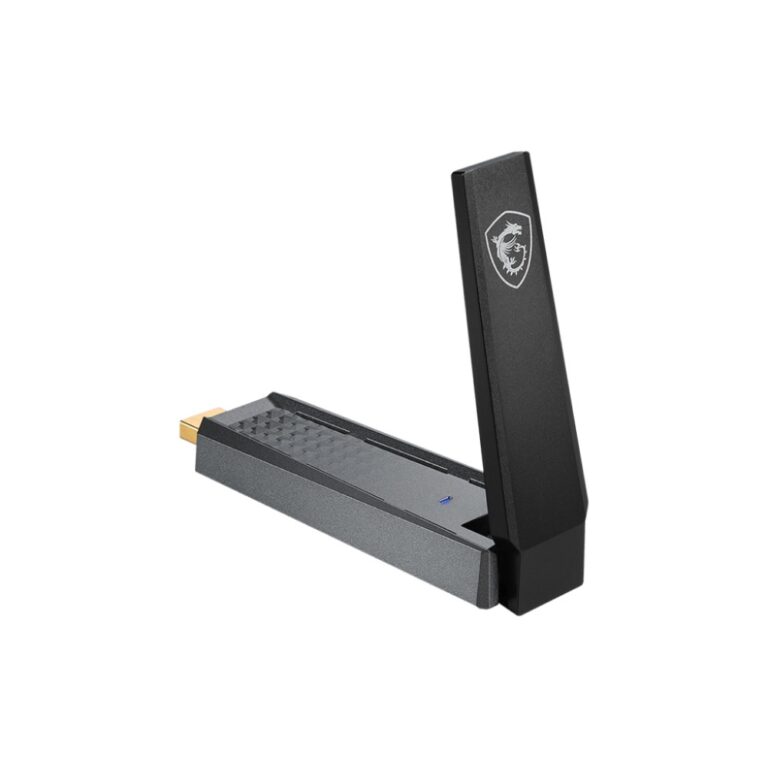
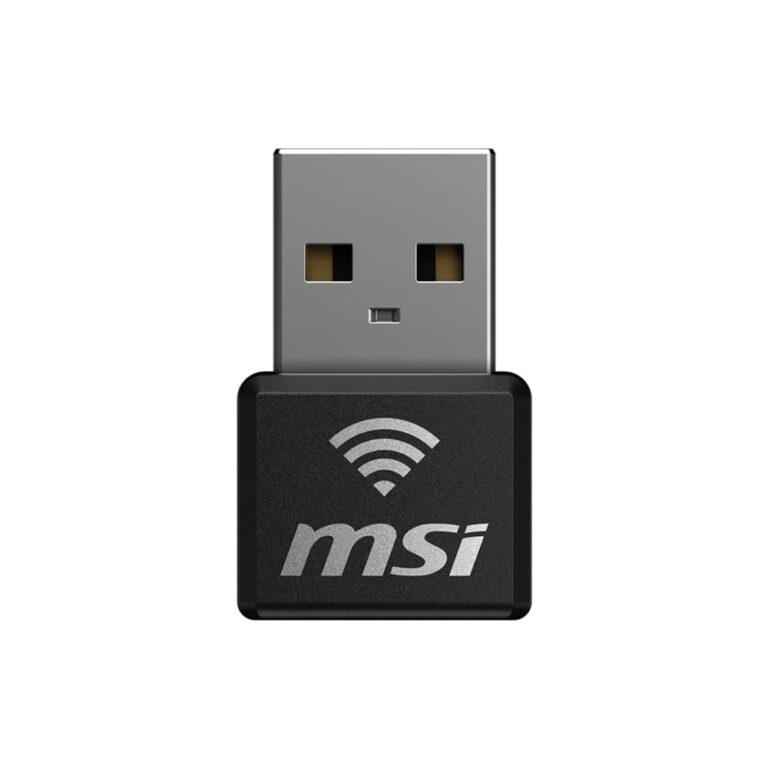
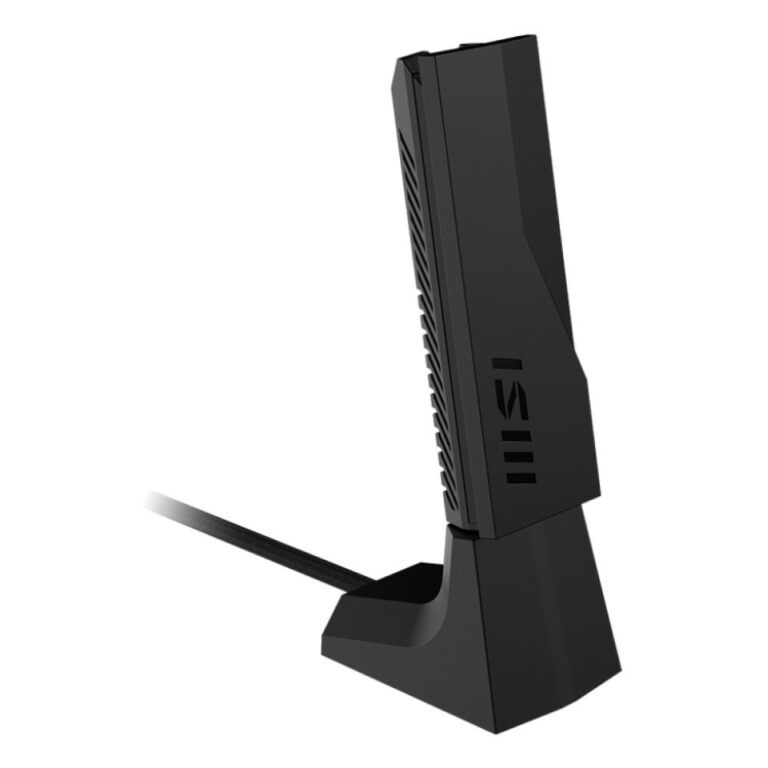
USB adapters are the simpler option for a laptop or a machine you would rather not open.
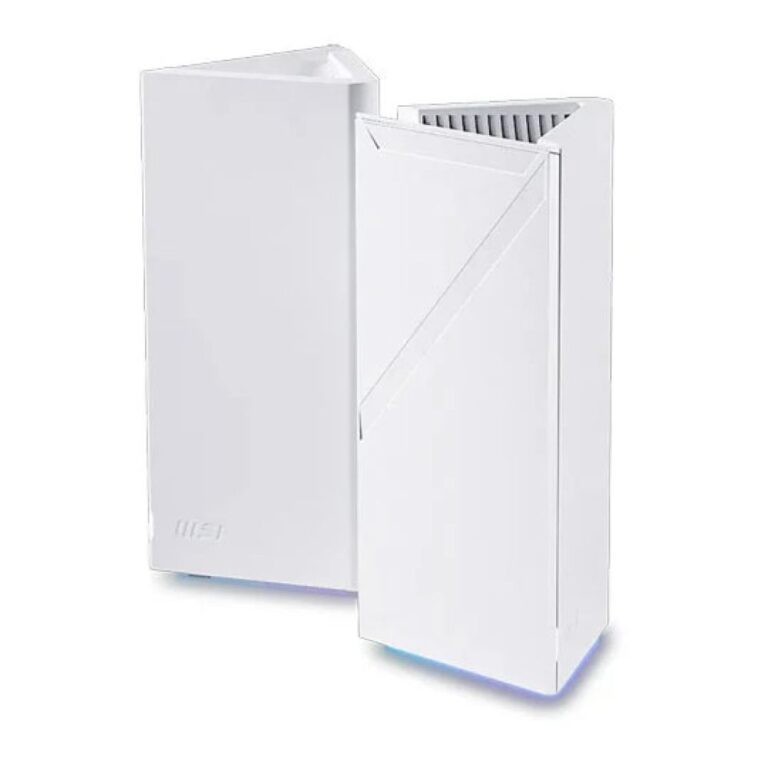
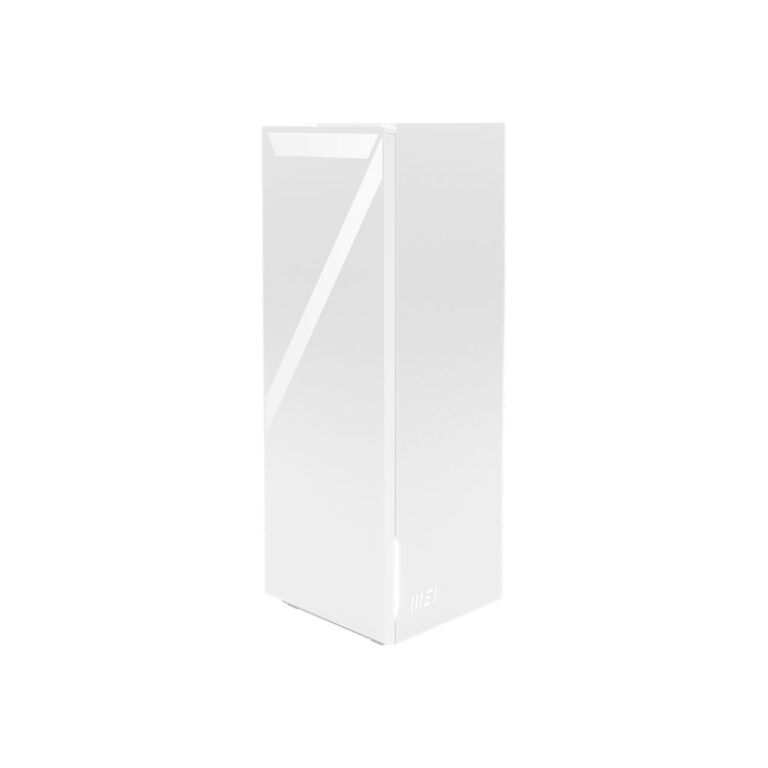
The Roamii mesh system covers whole-home Wi-Fi 7 with multiple units on a single network name.
When choosing, remember an adapter cannot be faster than the router it connects to — a Wi-Fi 7 card on a Wi-Fi 5 router runs at Wi-Fi 5 speeds. Match the two, or plan to upgrade both.
See also network adapters and mesh Wi-Fi.
MSI AXE5400 Wi-Fi 6E PCIe Network Card 2402 Mbit/s
In stock
MSI BE6500 WiFi7 USB Stick – 2880 Mbit/s Dongle
In stock
MSI Roamii BE Pro WiFi 7 Mesh System
In stock
MSI Herald BE9400 WiFi7 PCIe Card
In stock
MSI Roamii BE Lite Mesh Wi-Fi 7 System
In stock
MSI Networking Buying Guide and FAQ
This MSI Networking range covers networking gear. Below are the common questions.
What does this networking product do?
This category covers msi networking that help you build a faster, more reliable home or office network. The right choice depends on your setup, so match it to your broadband, the number of devices and the coverage you need.
Will it work with my existing network?
Most networking gear connects to a standard home network by cable or Wi-Fi. Check the standards and speeds it supports so it keeps up with your broadband and devices, and that it fits how your network is set up.
How do I get the best performance?
Wire your main devices where you can for speed and stability, use up-to-date Wi-Fi (Wi-Fi 6 or 7) for wireless, and place hardware to give even coverage. Gigabit ports are the sensible baseline.