



Price
Availability
Connectivity
Hand orientation
Number of buttons
Shop Categories

Vertical Mice

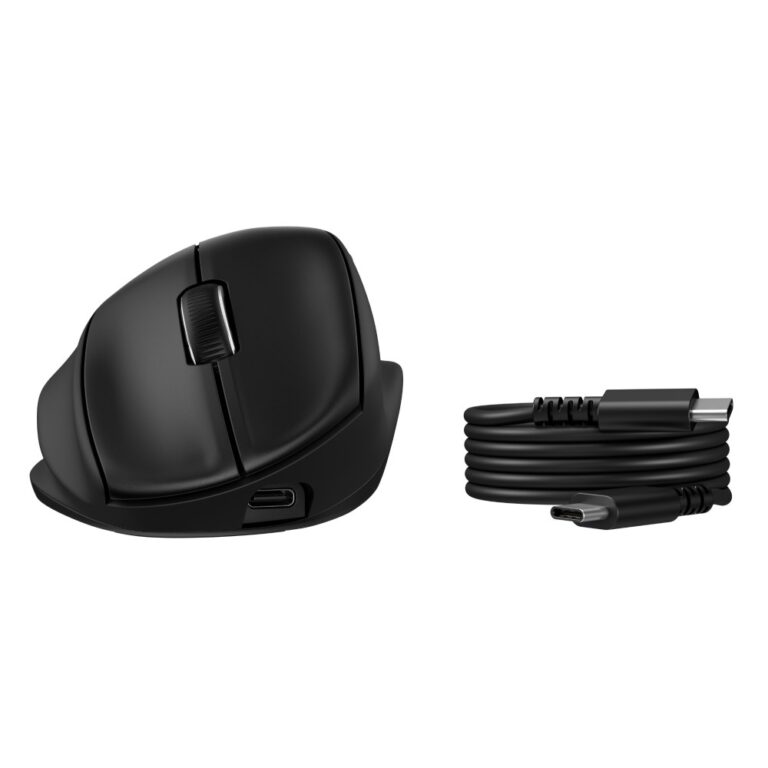
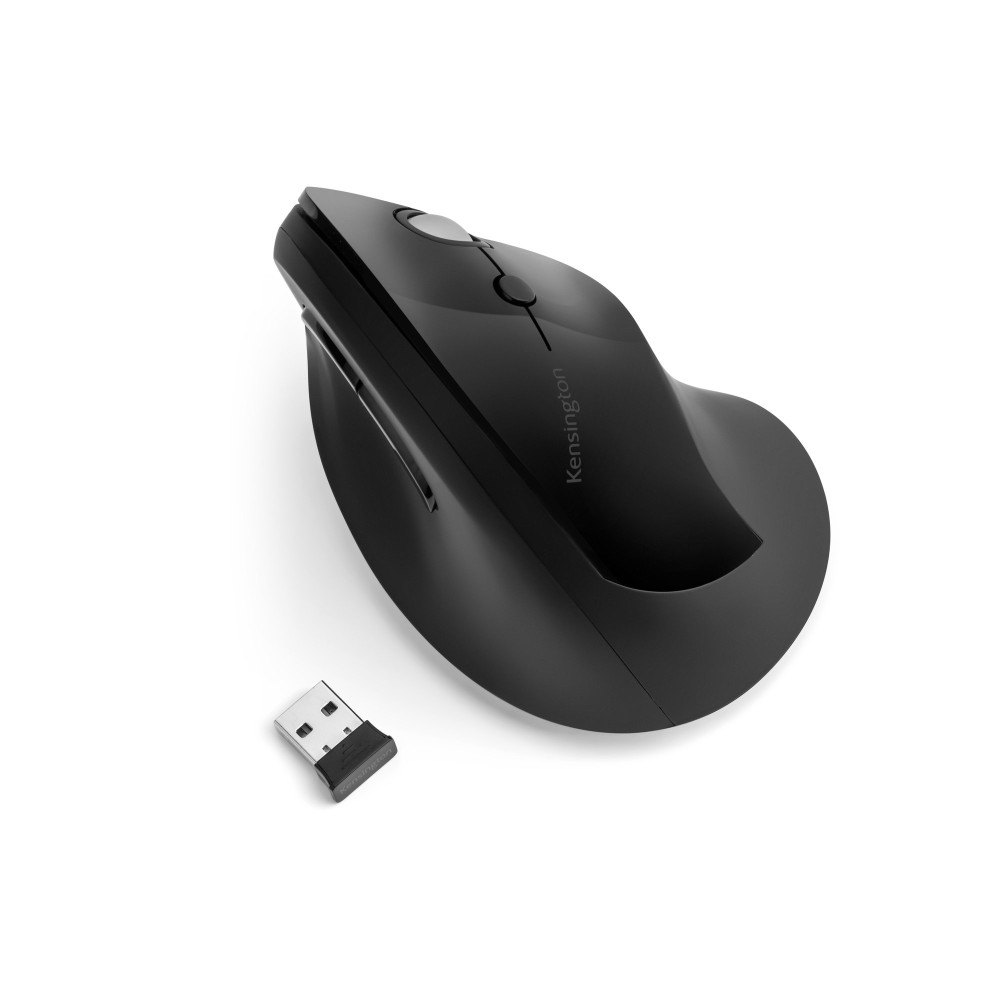
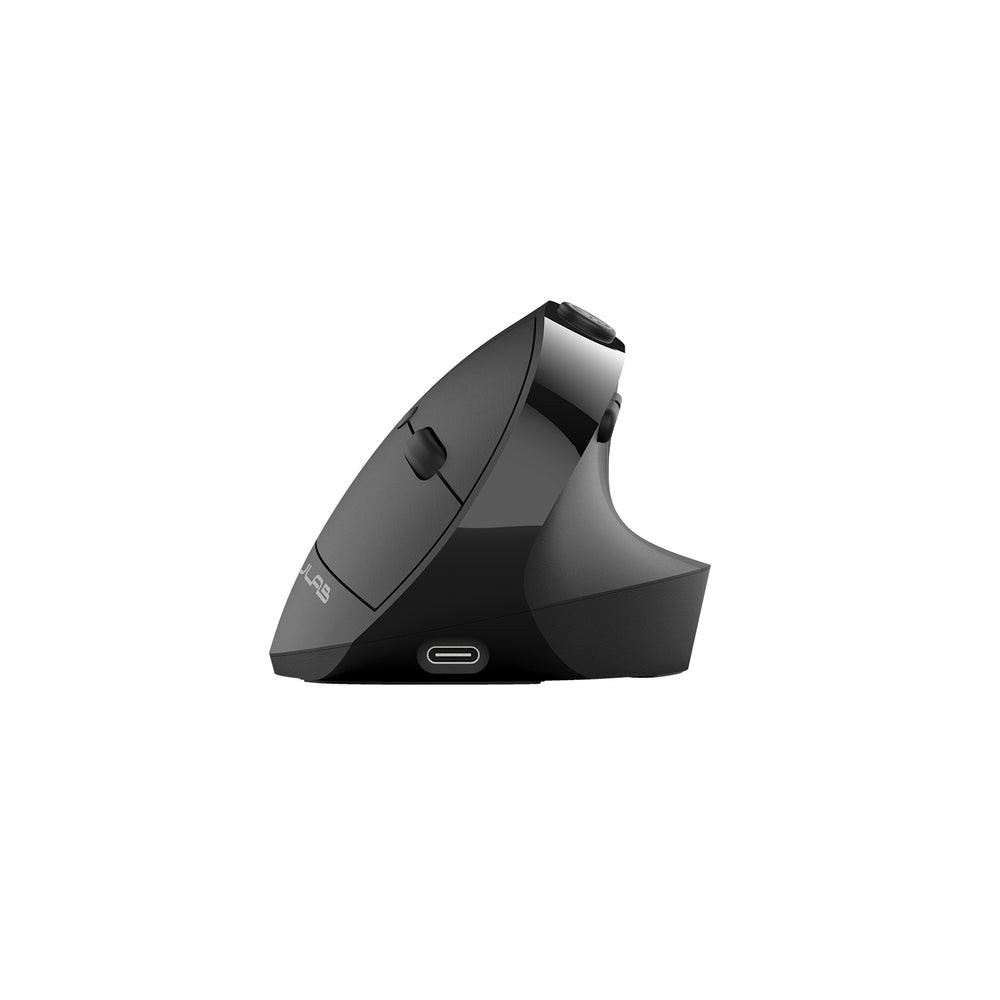
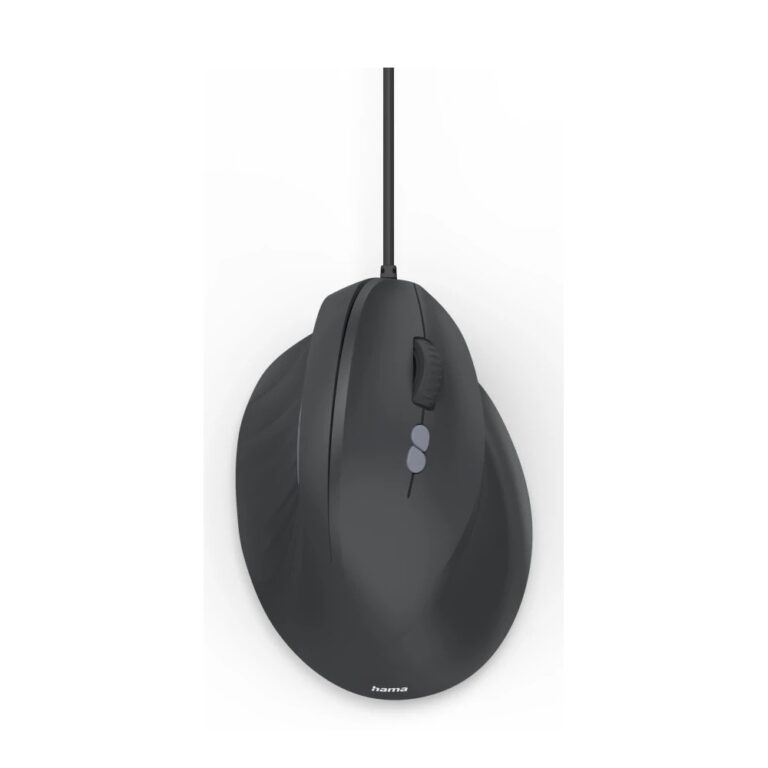
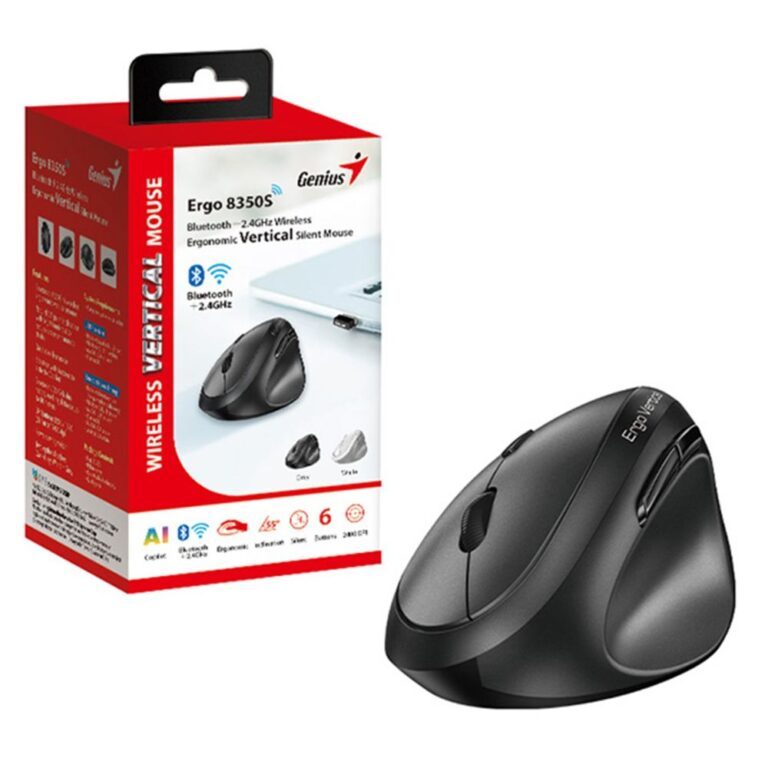
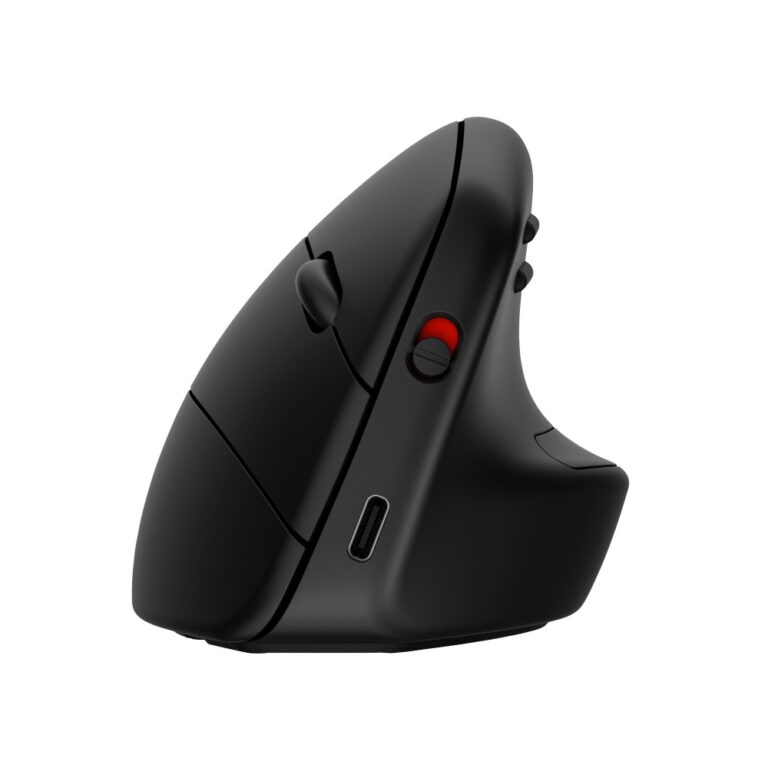
A vertical mouse turns your hand roughly 60 to 90 degrees so it sits in a handshake position instead of palm-down. That removes the forearm rotation a conventional mouse requires, which is the source of a lot of wrist and forearm strain.

Two honest things to expect. It takes a few days to adjust — the first session feels awkward and your accuracy drops. And it is not a gaming shape: fine aiming is slower, so if you play competitively keep a conventional mouse for that.

What to check when choosing: the angle (a steeper mouse is more corrective but takes longer to get used to), whether it is wired or wireless, and the hand it is built for — most vertical mice are shaped for the right hand only, so left-handed users need to check carefully.

The range here covers wired and rechargeable wireless models from Hama, Genius, JLab and Kensington.

If the shape looks like too big a change, a sculpted ergonomic mouse is a gentler step.

Vertical Mice Buying Guide and FAQ

This Vertical Mice range covers mice. Below are the common questions.

What should I look for in this mouse?

Ergonomic and vertical mice are shaped to keep your wrist in a more natural position for comfort.

Does DPI really matter?

Almost any modern mouse has a sensor far more accurate than you need, so do not chase the biggest DPI number. A shape that fits your hand and a weight you like matter more. Most people game at a few hundred to a couple of thousand DPI.

Wireless or wired, which is better?

Today's wireless mice are fast and low-latency with the freedom of no cable, while wired mice never need charging and cost less. For most people a good wireless mouse is worth it, and wired remains a solid value choice.