
Brand

Save £1.93
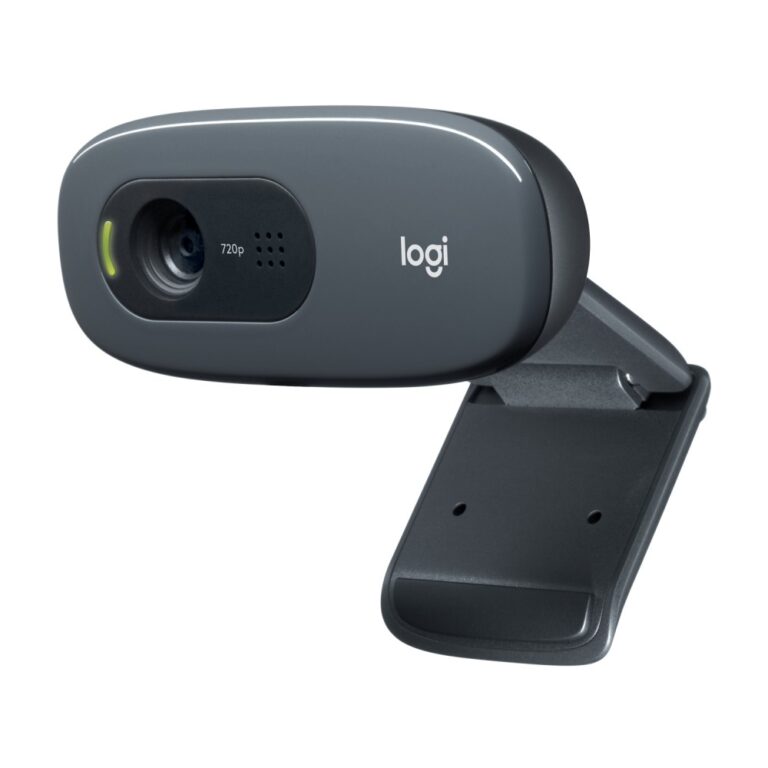
Logitech C270 HD Webcam 720p with Built-in Microphone USB Grey
In stock
Original price was: £27.59.£25.66Current price is: £25.66.
An HD webcam captures at 720p or 1080p, and for routine video calls that is genuinely enough. Most conferencing platforms compress the stream anyway, and on a normal call window the difference between 1080p and higher resolutions is largely invisible.
What does change how you look, in order of impact:
Lighting. A lamp facing you will improve a video call more than any camera upgrade. Cameras struggle in dim rooms and with a bright window behind you.
Sensor and lens quality. A well-made 1080p camera beats a cheap higher-resolution one in ordinary indoor light, because the sensor gathers more light per pixel.
Field of view. Narrow frames one person tightly; wide takes in a room. Choosing wrong is why some cameras cut people out or show more of the room than you want.
Placement. At eye level, not looking up at you from a desk.
Useful extras: a privacy shutter and autofocus.
The range covers Genius and Logitech. See also 2K webcams.
In stock
This HD Webcams range covers webcams. Below are the common questions.
A 1080p webcam is plenty for video calls, meetings and most streaming, and easy on your PC. For Zoom and Teams, 1080p is the sensible, good-value choice.
Autofocus to keep you sharp, good low-light performance for evening calls, and a sensible field of view make the biggest visible difference. A privacy shutter is a nice bonus.
Most webcams include a mic that is fine for casual calls. If you stream or record, a separate USB microphone will sound much clearer, so add one only if audio quality matters for your content.
No account yet?
Create an Account