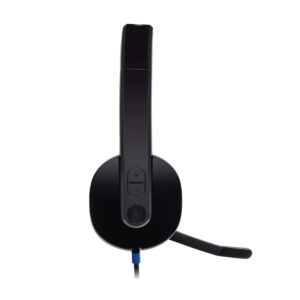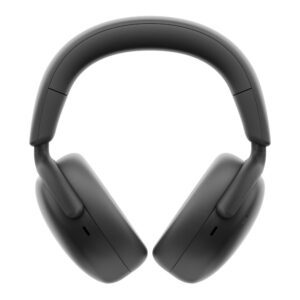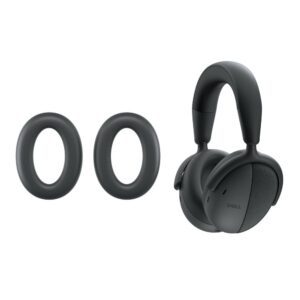


DELL Pro Wired Headset Cushions

£13.20 inc VAT

121 in stock

More Ways to Pay

  • Buy now, pay later with Klarna
  • Pay in 3 interest-free payments with PayPal

About This Item

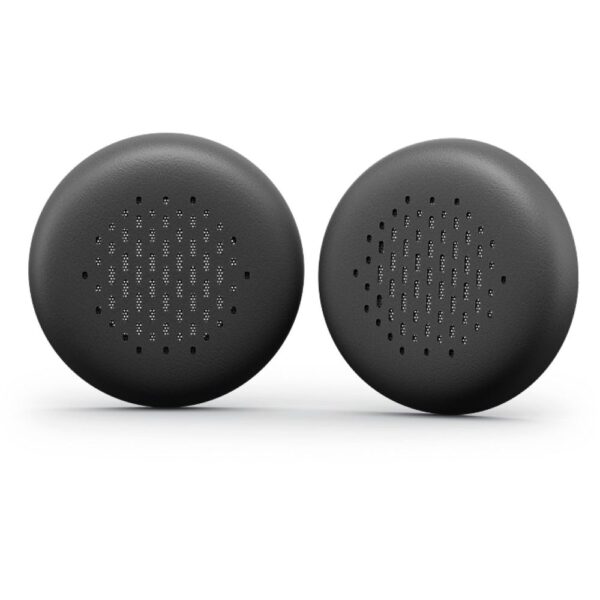
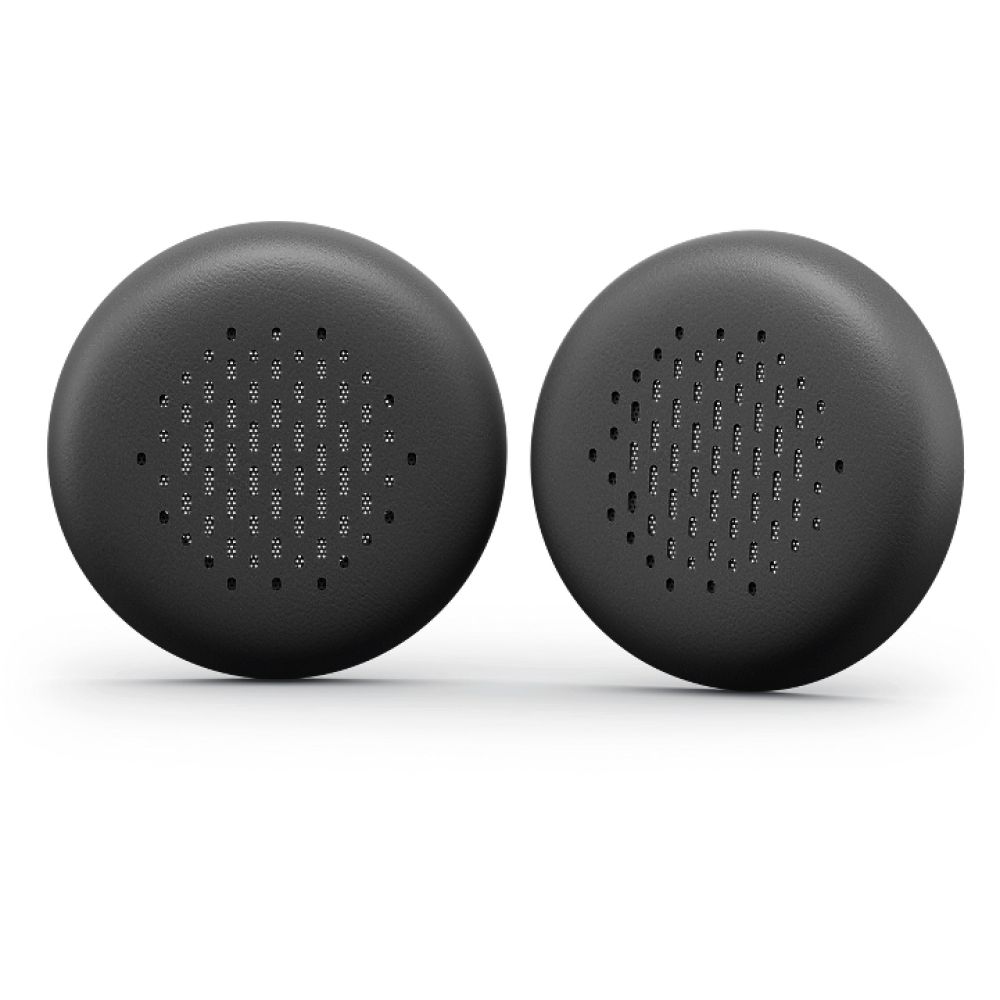
  • Leatherette memory-foam ear cushions for Dell WH3024 headset
  • Pack of 2 replacement cushions for extended comfort
  • 58 mm width and height for precise fit
  • Lightweight design at 5.51 g per cushion
  • Black colour to match original headset design

Payment Methods:

payments
Description

DELL HE324 Ear Cushions | Genuine Replacement for WH3024

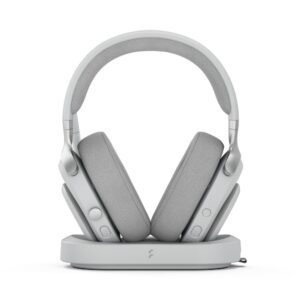
Refresh your Dell Wired Headset – WH3024 with these genuine DELL Pro Wired Headset Ear Cushions – HE324. Designed as a direct replacement, these leatherette memory-foam cushions restore comfort and hygiene for long listening sessions.

Key Specifications

Metric Spec
Material Leatherette memory foam
Compatibility Dell WH3024 headset
Colour Black
Quantity per pack 2 pairs
Weight 5.51 g
Dimensions 58 mm x 58 mm

Designed for Dell WH3024 Headsets

These ear cushions are engineered specifically for the Dell WH3024 wired headset. The precise fit ensures they snap securely into place without gaps or movement during use. The 58 mm diameter matches the original cushions exactly, maintaining the headset’s acoustic seal and comfort profile.

Leatherette Memory-Foam Construction

The combination of soft leatherette outer material and memory-foam core provides excellent passive noise isolation while remaining comfortable during extended wear. The breathable surface helps reduce heat build-up compared to standard foam cushions, making them ideal for all-day office use or call centre environments.

Quick Installation Process

Replacing worn ear cushions takes just minutes with no tools required. Simply remove the old cushions by gently pulling them away from the headset housing, then align and press the new HE324 cushions into place until they click securely. The process requires no technical knowledge and restores your headset to like-new condition.

Box Contents

  • 2 x DELL Pro Wired Headset Ear Cushions – HE324

Check before you buy

  • Confirm your headset model is Dell WH3024
  • Verify the ear cushion diameter is approximately 58 mm
  • Check your current cushions are removable and replaceable
  • Ensure you need leatherette material (not fabric alternatives)

Frequently Asked Questions

Q: Are these cushions compatible with other Dell headset models?

A: These are designed specifically for the WH3024 model. Other Dell headsets may have different sizing.

Q: How long do replacement ear cushions typically last?

A: With regular use, expect 6-12 months before considering replacement due to wear and hygiene factors.

Q: Can I clean these ear cushions?

A: Wipe gently with a slightly damp cloth. Avoid harsh chemicals that could damage the leatherette surface.

Q: What’s the weight of the entire pack?

A: The total weight for both cushions is 5.51 grams.

Q: Are these genuine Dell parts?

A: Yes, these are genuine Dell replacement parts with the HE324 model number.

The Consultant’s Verdict & Warranty

The DELL HE324 ear cushions offer a practical, cost-effective solution for extending the life of your Dell WH3024 headset. They restore comfort and hygiene without the expense of replacing the entire headset. Covered by the standard Manufacturer Warranty.

Specifications
Features
Product typeCushion/ring set
Brand compatibilityDell
MaterialLeatherette
Product colourBlack
CompatibilityWH3024
Technical details
Product typeCushion/ring set
Brand compatibilityDell
MaterialLeatherette
Product colourBlack
CompatibilityWH3024
Weight & dimensions
Width58 mm
Height58 mm
Weight5.51 g
Packaging content
Quantity per pack2 pc(s)
Logistics data
Quantity per pack2 pc(s)
Identifiers
Distributor SKUsCJ50545, 9851446, W128609952, 520-BBDN, JTW66, HE324 - DWW, 515320, 17434001000
Additional EANs5715063801666

Customer Reviews

0 reviews
0
0
0
0
0

There are no reviews yet.

Be the first to review “DELL Pro Wired Headset Cushions”

Your email address will not be published. Required fields are marked *

You have to be logged in to be able to add photos to your review.