What Is a Proxy Server? A Plain-English Guide From a Team That Runs One

Dark server racks with glowing status lights and cables in a data center

A proxy server is a computer that sits between you and the internet and makes requests on your behalf. Instead of your device talking to a website directly, it hands the request to the proxy, the proxy fetches the page, and passes it back to you. The website sees the proxy, not you.
That is the whole idea, and it is worth getting right, because you almost certainly used a proxy today without noticing. This page reached you through one: our site sits behind a reverse proxy, and we will show you what that means from the side of the people running it. Proxies also hide inside offices, schools, game consoles asking strange setup questions, and, less happily, inside malware we regularly clean off customers’ machines in the workshop.

So here is the working guide: what a proxy actually does, the types that matter, the console question that confuses everyone, and the two situations where a proxy in your settings is a red flag rather than a feature.

The one-minute picture

Think of a receptionist in a big office. Nobody from outside walks straight to an employee’s desk. They talk to the receptionist, who passes the message inside, collects the answer and hands it back. Everyone outside deals only with the receptionist; the employees stay invisible.

A proxy server is that receptionist for network traffic, and both directions exist:

  • A forward proxy stands in front of people. Your office or school routes everyone’s browsing through it, so websites see one address for the whole building, and the building gets one place to filter, log and cache traffic.
  • A reverse proxy stands in front of websites. Visitors think they are talking to the site, but a middleman answers first, absorbing attacks, caching pages and hiding the real server. Most of the modern web works this way.
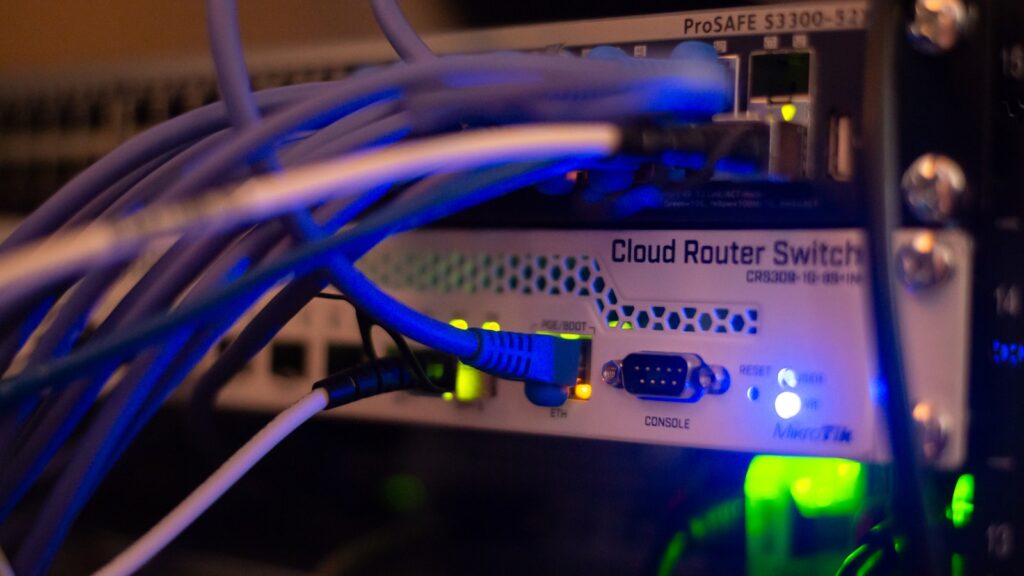
Close-up of a network router switch with glowing blue cables in a rack
Somewhere between you and every website: hardware whose whole job is passing your requests along.

How it works: the address and the port

Every proxy is just two facts: an address and a port. The address says which machine to hand your traffic to, either an IP address like 192.168.5.20 or a name like proxy.company.com. The port is the numbered door on that machine, and proxies traditionally listen on 8080, 3128 or 1080. Written together, a proxy setting looks like proxy.company.com:8080.

When those two values are filled in on your device, every web request takes a detour: instead of connecting to the website’s address, your device connects to the proxy’s address and says “fetch this for me”. That detour is the entire mechanism. Everything else about proxies, the caching, the filtering, the anonymity, the abuse, is just a question of what the machine at that address chooses to do with your request.

And that sentence cuts both ways, so we will say it early: whoever runs the proxy can read whatever you send through it. Keep that in mind for the free-proxy section below.

The types that actually matter

TypeWhat it means in practice
HTTP proxyHandles web traffic only. The classic office and school workhorse
HTTPS / SSL proxyPasses encrypted web traffic through without reading it (or, in strict companies, decrypts and inspects it, which your IT department can legally do on their kit)
SOCKS5 proxySpeaks any kind of traffic, not just web: games, torrents, email. Slower, more flexible, loved by tinkerers
Transparent proxyYou never configured it and cannot see it; the network quietly routes you through it. Hotels, campuses and some ISPs do this
Reverse proxyGuards websites instead of people. Cloudflare, and the front door of most big sites, including this one
Residential vs datacenterA label for where the proxy’s address comes from: a home connection (hard to detect, ethically murky business) or a server farm (cheap, easily spotted)

One more you already own: a DNS proxy only forwards the “what is this site’s address?” lookups, not the traffic itself. If you have ever run a Pi-hole ad blocker at home, congratulations, you have operated a DNS proxy.

What proxies are actually used for

Four real jobs cover nearly all of it:

  • Filtering and rules. Schools block games, offices block file-sharing, parents block the worst of the web. The proxy is the checkpoint where the rules live, and it also keeps logs, which is worth remembering on a work laptop.
  • Caching. If two hundred people in one building open the same page, fetching it once and serving the copy is faster and cheaper. The open-source Squid proxy has been doing exactly this since the mid-nineties, and it is still the name you will meet first if you ever build one yourself.
  • Appearing to be somewhere (or someone) else. Websites see the proxy’s address, not yours. Businesses use this to check prices and ads in other countries and to scrape data at scale; individuals use it to dodge simple blocks. It is the feature and the controversy in one.
  • Protecting websites. The reverse-proxy job: soak up attack traffic, cache pages close to visitors, hide the origin server. This is now so standard that a website without one is the exception.

From our own rackThis is not theory for us. hardvance.co.uk sits behind a reverse proxy: every visit you make lands on Cloudflare’s edge first, which serves cached copies of our pages from a city near you and forwards the rest to our origin server through an encrypted tunnel. From our side of the counter, that one design choice absorbs attack traffic before it reaches us, cut our page delivery times from seconds to milliseconds for cached pages, and means the true address of our server appears nowhere in public. When we say most of the web lives behind a proxy, we are describing our own infrastructure.

“Proxy server” on your PS4, PS5 or Xbox: the question that panics everyone

This deserves its own section, because the search numbers tell us thousands of people hit it every month. You choose manual network setup on a PlayStation, and near the end the console asks: Proxy Server: Use / Do Not Use. No explanation, no default hint, and it feels like a test you did not revise for.

The answer for a home connection is simply Do Not Use. Your PlayStation talks to your router directly; there is no proxy in a normal home network, and choosing Use with made-up values (people genuinely type 8080 into the address box and hope) is why the console then refuses to connect. Select Do Not Use, and if the internet still fails afterwards, the problem lives elsewhere in the setup, usually a mistyped WiFi password or DNS screen.

The only time a console genuinely needs a proxy filled in is on a network that forces one, which in practice means some university halls, boarding schools and workplaces. In that case the values are not guessable: ask whoever runs the network for the address and port, type them in exactly, and you are done. The same logic applies to the proxy question inside phone WiFi settings and smart TVs.

Where proxy settings live (and the red flag to check right now)

Every device has a page for this, and knowing where it is doubles as a security check:

  • Windows 10 and 11: Settings > Network & Internet > Proxy. Home machines should show “Automatically detect settings” on, and everything else off or empty.
  • iPhone and Android: per WiFi network. Tap the network’s details and look for HTTP Proxy (iPhone) or Advanced > Proxy (Android); on a home network it should say Off.
  • Browsers generally follow the system setting; Firefox has its own page under Settings > Network Settings.

Now the workshop lesson, and it is one of the most common infections we clean: if a proxy is filled in on your personal machine and you did not put it there, treat it as malware until proven otherwise. Redirecting all of a victim’s traffic through an attacker’s server is a classic move; the browser feels a little slower, adverts get stranger, and bank logins pass through a stranger’s box. If you find a mystery entry: clear it, run a full antivirus scan, then change any passwords you used recently. A surprise proxy setting on a computer you own is not a feature, it is a symptom, and our slow computer guide covers the wider cleanup.

Whoever runs the proxy can read what you send through it. That sentence explains every good use of a proxy, every corporate policy, and every reason to never touch a free proxy list.

Free proxies: why the price is you

Search for “free proxy list” and you will find thousands of open servers, ready in seconds. Ask yourself the only question that matters: who pays for that machine, and why would they route strangers’ traffic for free?

Security researchers have measured the answers for years and they are ugly: a large share of free proxies inject adverts into pages, strip the encryption upgrade from websites when they can, harvest logins and cookies, or simply log everything for resale. The honest ones are merely slow and gone by Thursday. There is no version of this where routing your banking, email or work accounts through an anonymous stranger’s computer ends well; it is the digital equivalent of handing your post to a man in an alley because he promised to deliver it discreetly.

If what you actually want is privacy on public WiFi or a different country on Netflix, the grown-up tool is a paid VPN, which brings us to the comparison everyone asks for.

Proxy vs VPN, in one honest table

ProxyVPN
What it coversUsually one app or browserThe whole device, every app
EncryptionNone by itself; it just relaysEverything inside an encrypted tunnel
SpeedCan be faster (less work) or dire (free lists)Slight overhead, consistent on good providers
Best forFiltering, caching, scraping, quick geo-checksPrivacy on hostile networks, whole-home location shifting
Trust requiredTotal: the operator sees your trafficTotal, but paid providers stake their business on it

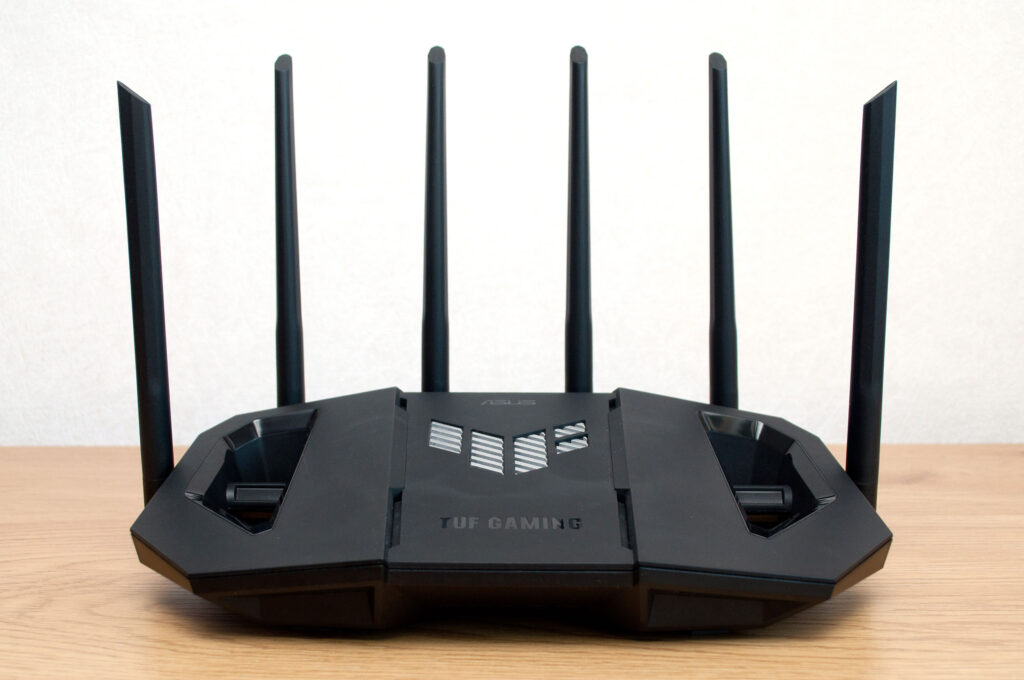
Rule of thumb: a proxy redirects, a VPN protects. For personal privacy, VPN wins almost every time. And if the whole household should go through one, the tidy answer is a router that speaks VPN natively, which is a settings page, not a science project; our router guide covers the hardware side, and we stock VPN-ready routers that do this out of the box.

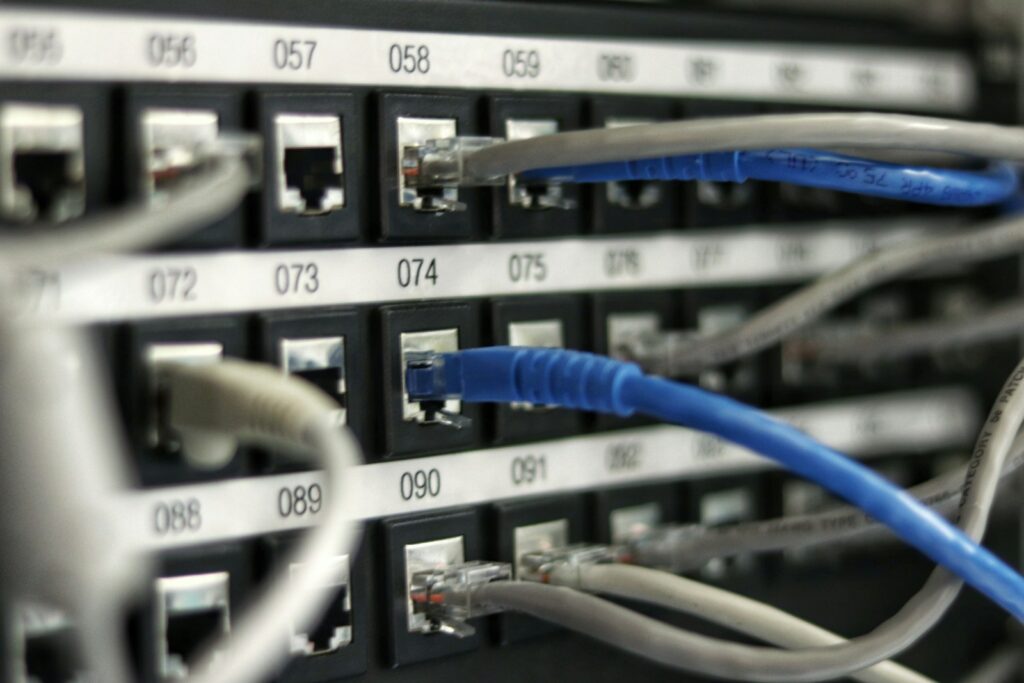
Numbered ports on a network patch panel with cables plugged in
The unglamorous truth of networking: every clever service comes down to a cable in a numbered port.

Run one yourself: the weekend version

Reading about proxies is one thing; running one teaches you more about networking than a year of articles. The classic starter projects, in rising order of ambition:

  • Pi-hole: a DNS proxy that eats adverts for every device in the house. An afternoon, and the family notices the difference.
  • Squid: the veteran caching proxy. Point your browser at it, watch the logs, and the abstract idea of “requests passing through” becomes something you can read line by line.
  • Nginx Proxy Manager: your own reverse proxy with a friendly interface, the standard front door for people self-hosting photo libraries, media servers and smart-home dashboards.

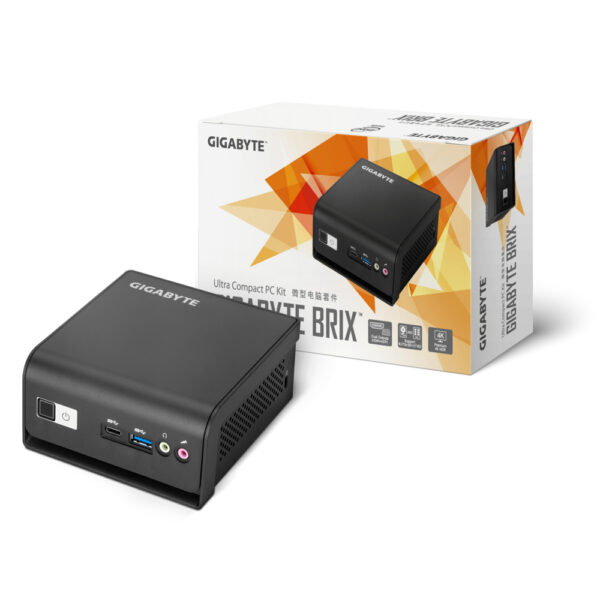
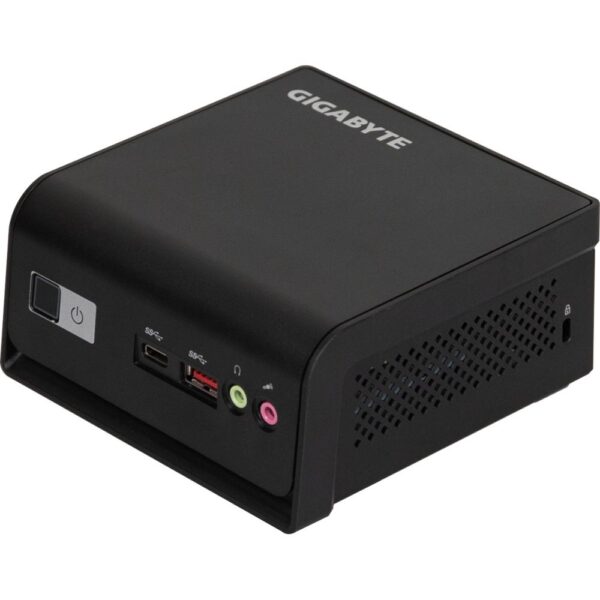
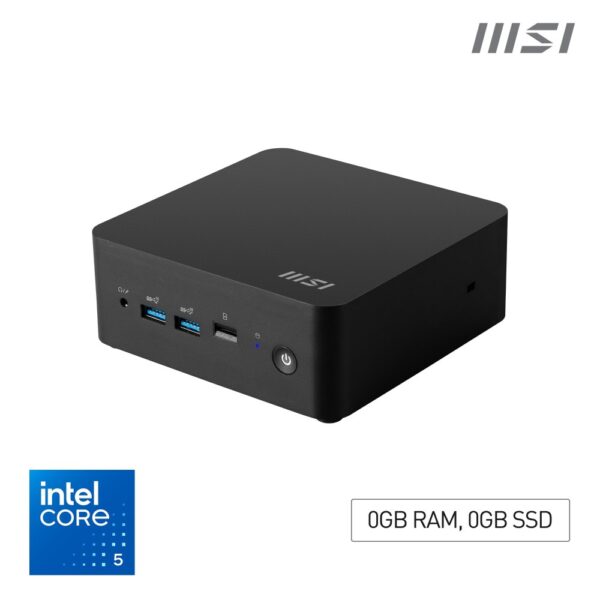
All three run happily on a small always-on box: any mini PC with 8GB of RAM idles at a few watts and hosts the lot. These are the ones on our shelves right now:

Proxy questions we actually get asked

What is a proxy server in simple terms?

A middleman computer. Your device asks it for a web page, it fetches the page and hands it back. The website sees the middleman’s address instead of yours, and whoever runs the middleman decides what to allow, block, cache or record.

What is a proxy address and port?

The two values that identify a proxy: the address is which machine to send traffic to (an IP like 192.168.5.20 or a name like proxy.company.com) and the port is the numbered service door on it, commonly 8080, 3128 or 1080. Together they are written like proxy.company.com:8080.

What should I choose for proxy server on PS4 or PS5?

On a home network: Do Not Use. A normal home has no proxy, and entering invented values is exactly why the connection test then fails. Only fill it in on networks that force a proxy, such as some university halls, and then only with the address and port the network administrator gives you.

Is a proxy server safe?

A proxy run by someone you trust (your company, your school, your own home lab) is safe and useful. A random free proxy from a list is the opposite: the operator can read, alter and record everything you send. Judge the operator, not the technology.

What is the difference between a proxy and a VPN?

A proxy relays traffic, usually for one app, and adds no encryption of its own. A VPN wraps the whole device’s traffic in an encrypted tunnel. For filtering and caching, proxies; for privacy, a reputable VPN wins nearly every time.

What is a transparent proxy?

One the network puts in your path without asking or telling you; there is nothing to configure and usually nothing visible. Hotels, campuses and some internet providers use them for filtering and caching. The name means transparent to you, not transparent about what it does.

What is a SOCKS5 proxy?

A proxy that relays any type of connection rather than just web pages, so it works for games, torrents and email as well. It does not encrypt anything by itself. The 5 is simply the protocol version, and it is the type tinkerers reach for when HTTP proxies are too narrow.

What is a Squid proxy server?

Squid is the best-known open-source proxy program, born in the mid-1990s and still everywhere. It made its name as a caching forward proxy for schools, ISPs and offices, and it remains the classic first proxy to build at home if you want to learn how this all works.

What is a proxy in Minecraft servers?

Server networks use proxy software such as BungeeCord or Velocity as a front door: players connect to the proxy, which then moves them between the lobby, survival and minigame servers behind it without anyone reconnecting. Same reverse-proxy idea as big websites, applied to game servers.

What does a 502 proxy error mean?

A 502 Bad Gateway means the proxy or gateway in front of a website asked the real server behind it for the page and got no usable answer. The middleman is working; the kitchen behind it is not responding. It is the website’s problem to fix, and refreshing in a minute is genuinely the correct move.

How we know, and sourcesWe operate a reverse proxy in production: this site runs behind Cloudflare’s edge with an encrypted tunnel to our origin, and the caching and attack-absorption behaviour described above is what we observe in our own logs. The workshop guidance on hijacked proxy settings comes from machines we clean for customers. For the protocol-level detail, the reference we point people at is MDN’s documentation on proxy servers and tunneling.

Leave a Reply

Your email address will not be published. Required fields are marked *