Best Mouse for Work in 2026: Two of the Best Cost Under £20

Last updated July 2026 · Written by the Hardvance hardware team
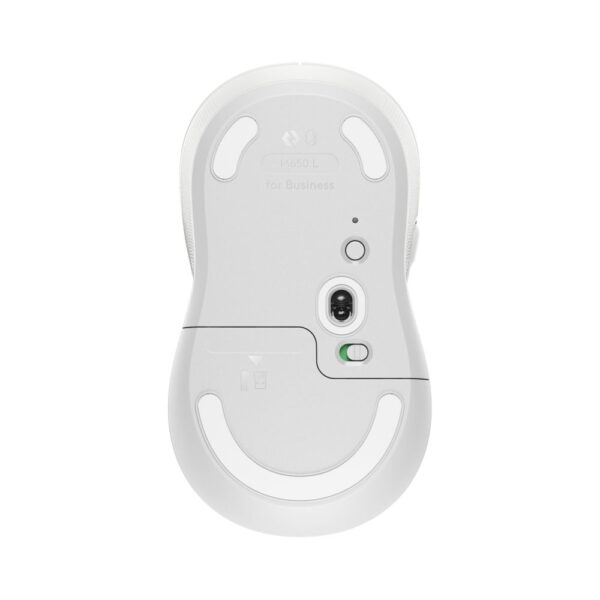
Buy the Logitech M650, around £41. Quiet clicks, a shape that suits most hands, and it connects to any laptop or PC by Bluetooth or its own USB receiver. For normal office work, that is the whole answer. You can stop reading here and be fine.
Came for something more specific? Yours is here:
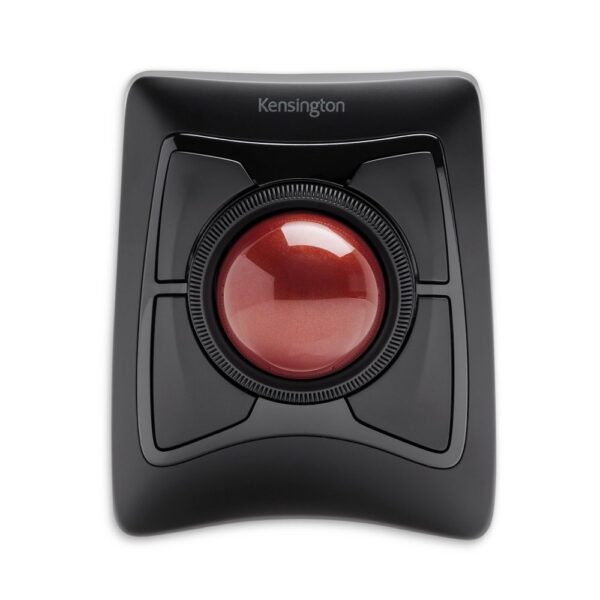
- Wrist or shoulder painGenius Ergo 8350S vertical, about £17. Shoulder rather than wrist: the Kensington Expert trackball
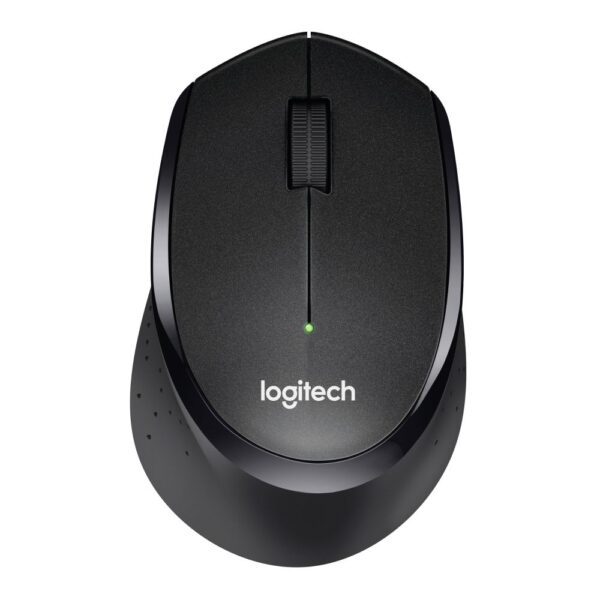
- Loud office, night workLogitech B330 Silent Plus, clicks you can barely hear
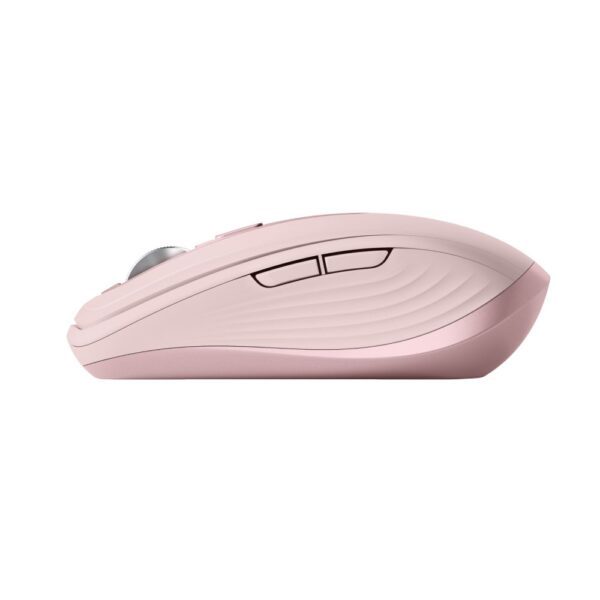
- Laptop and travelLogitech MX Anywhere 3S, and it covers three computers too
- Under £15Genius Ergo 8230S, silent and sculpted, genuinely good
The why behind each pick, the traps, and the specs that do not matter: all below.
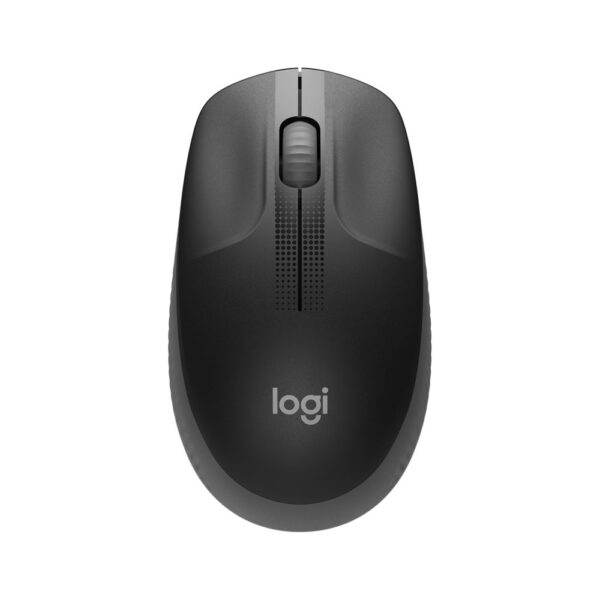
Logitech M650 Business Mouse
In stock
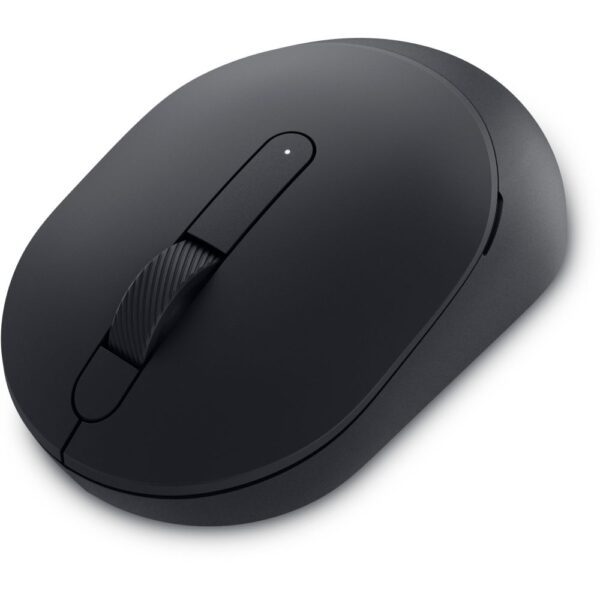
£40.69 inc VAT- 10 million click durability for long-lasting office use
- 4000 DPI optical tracking for precise cursor control
- Bluetooth and USB receiver connectivity with 10 m wireless range
- 5-button ergonomic design with forward button and vertical scroll wheel
- 24-month battery life with included AA battery
- Just show me all six picks
- I sit at a desk all day and want comfort
- My wrist or shoulder already hurts
- I share an office, or work while others sleep
- I work from a laptop, at home and away
- I switch between two or three computers
- I just need something cheap that works
- Translate the spec sheet for me
- Tell me what reviews leave out
- Quick answers
The six picks, matched to you
| Your situation | Our pick | Why this one |
|---|---|---|
| Most people, most desks | Logitech M650 | Quiet clicks, comfortable shape in two sizes, connects by Bluetooth or its own USB receiver |
| Laptop life, travel, several machines | Logitech MX Anywhere 3S | Small, beautifully made, pairs with three devices, tracks on glass tables, charges over USB-C |
| Open office or night shifts | Logitech B330 Silent Plus | Familiar shape with clicks you can barely hear across a quiet room |
| Smallest sensible budget | Genius Ergo 8230S | Silent, gently sculpted and under £15. The sleeper pick of this guide |
| Wrist already aching | Genius Ergo 8350S | A true vertical shape that angles your hand 55 degrees, for about £17 |
| Serious wrist or shoulder trouble | Kensington Expert Trackball | Your arm stops moving altogether. The ball does the work |
One note before the detail. Most best-mouse lists are gaming reviews wearing a tie, ranked by sensor numbers nobody at a desk will ever notice. This guide is organised by why you are buying, every pick is in UK stock right now, and we are the ones who process the returns when a recommendation gets it wrong, which keeps the advice honest.
If you sit at a desk all day
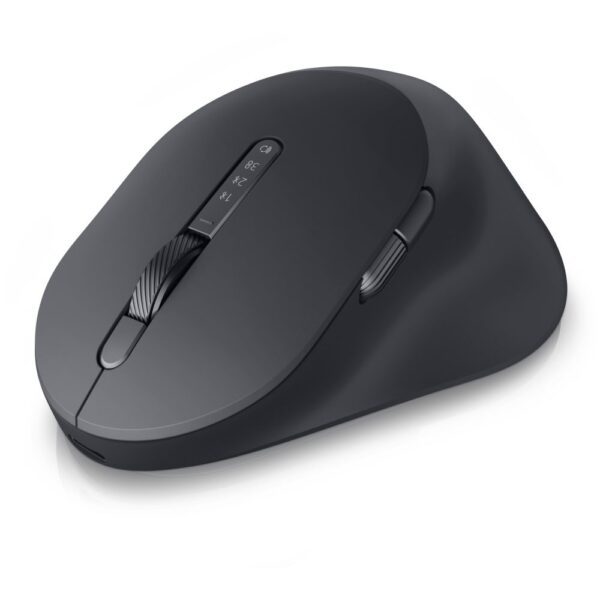
The pick: the Logitech M650. Big hands, buy the M650 L instead. Fancy something plusher, the be quiet! Dark Perk Ergo is the wildcard.
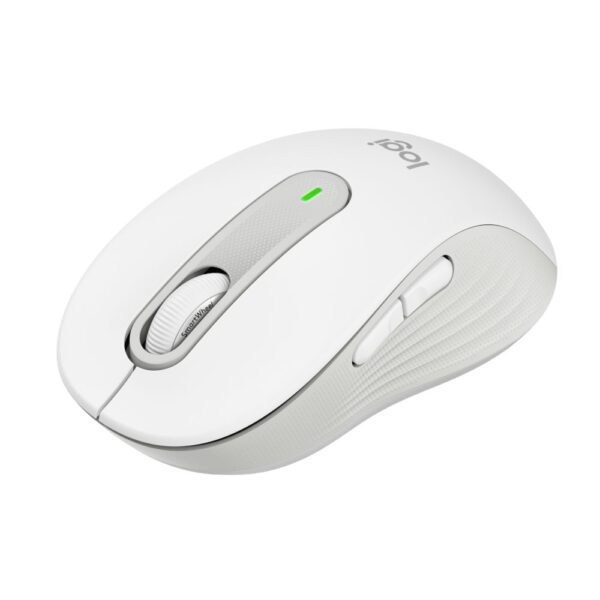
The M650 gets the boring things right. The clicks are quiet without feeling dead, the shape carries your palm so your fingers stop gripping, it runs for months on one AA battery, it has the two thumb buttons that quietly speed up office work, and it connects two ways, so it will work with whatever laptop your job hands you next year. It is the mouse we suggest when someone says I do not want to think about this.
The part reviews skim is size, and it decides more comfort than any feature. Measure your hand from the base of your palm to the tip of your middle finger. Under 17cm, you will be happier on a compact mouse. Between 17 and 19cm, standard sizes fit fine. Over 19cm, buy the L, and almost nobody tells buyers the L exists. If your hand is big and every mouse feels like a pebble, that is the fix, not a more expensive mouse.
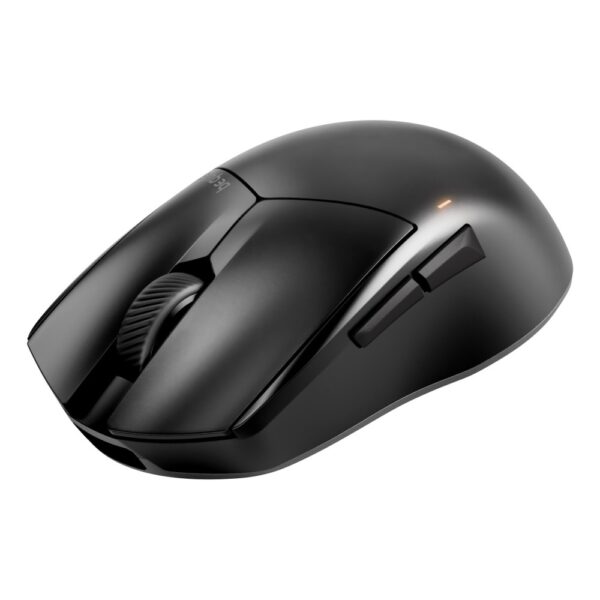
As for the be quiet! option: it is built as a lightweight gaming mouse, recharges over USB-C, and is honestly more mouse than office work needs. If the extra build quality is worth £80 of your own money for a desk you sit at ten hours a day, that is a sane trade. Browse the full mice range if none of these shapes appeals.
If your wrist or shoulder already hurts
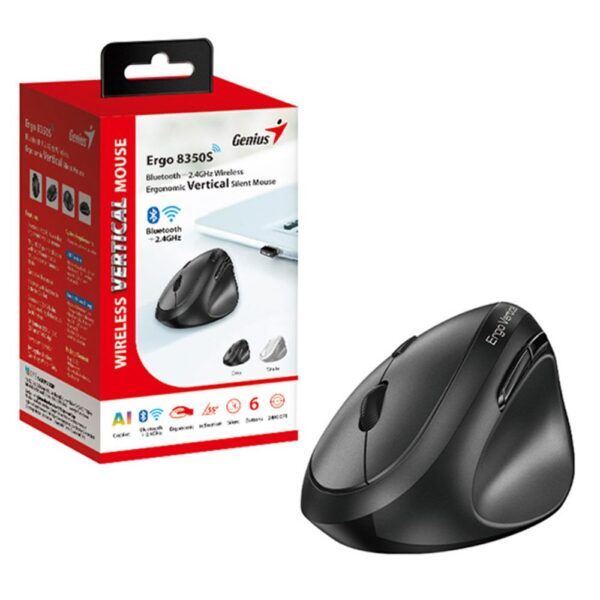
The pick: start with the £17 Genius Ergo 8350S, a true vertical shape. If the ache sits in your shoulder or upper arm rather than the wrist, go straight to the Kensington Expert trackball.
Genius Ergo 8350S Wireless Ergonomic Mouse
In stock
£17.20 inc VAT- 55° palm inclination with thumb rest reduces stress and muscle strain
- Bluetooth 5.3 + 2.4GHz dual mode with up to 10m working distance
- Adjustable DPI: 1200 / 1600 (default) / 2400 for high sensitivity
- 6-button design with Copilot AI activation and quiet click
- Power saving switch for extended battery life
Kensington Expert Wireless Trackball
In stock
£116.53 inc VAT- Wireless trackball with Bluetooth 4.0 and USB nano receiver
- 400 DPI optical tracking with programmable buttons and vertical scroll ring
- Ambidextrous design with SmartFit technology for ergonomic comfort
- Compatible with Windows, macOS, and ChromeOS operating systems
- Surface device compatibility including Surface Pro and Surface Laptop series
Why a shape change works: a flat mouse holds your palm face down, and to do that the two bones in your forearm have to cross over each other, and they stay crossed for every hour your hand is on the mouse. Plenty of people never notice. If you are reading this section, you probably have.
There is a ladder of fixes, from mild to committed.
Step one: a sculpted shape
An ergonomic mouse raises your hand a few degrees and gives your thumb somewhere to rest. No learning curve at all. The Genius Ergo 8230S does this for under £15, throws in silent clicks, and is the cheapest genuine comfort upgrade we sell.
Step two: a vertical mouse
A vertical mouse rotates your hand towards a handshake position, which uncrosses those forearm bones. The research is thinner than the marketing suggests, but a lot of people with wrist ache swear by the change, and the price of finding out has fallen a long way. The Genius Ergo 8350S holds your hand at 55 degrees with a proper thumb rest, connects by Bluetooth or its own receiver, and costs about £17. Give any vertical a full week before judging it. The first two days feel wrong for everyone, and that is normal.
Step three: a trackball
With a trackball, the device never moves. You roll a ball with your fingers, and your arm and shoulder retire from the job. In our experience this is the option that helps most when the pain sits in the shoulder or upper arm rather than the wrist. The Kensington Expert is the classic: a large ball driven with your fingertips, a scroll ring around it, and a symmetric shape that suits left and right hands equally. It costs real money and takes most people about a week to stop cursing at. After that week, some of them never touch a mouse again.
Match the fix to the ache
| Where it aches | What usually helps |
|---|---|
| Wrist | A sculpted or vertical shape, plus a wrist rest so the joint stops grinding on the desk edge |
| Forearm | A vertical shape, and check the mouse sits close to your body rather than out wide |
| Shoulder or upper arm | A trackball, or simply bringing the mouse nearer so your elbow stays by your side |
| Clicking finger | Lighter, dampened switches. See the silent mice below |
| Numbness or tingling | Not a shopping problem. See a doctor |
One thing we say to every customer who asks: we build PCs, we are not physiotherapists. Aches caused by a bad setup usually ease within days of changing the setup. Pain that carries on regardless deserves a professional, not a checkout. The HSE guidance on desk setups is free and better than most paid ergonomics advice.
A £17 mouse that fits your hand will treat you better than a £100 mouse that does not. Shape first, features second, brand last.
If you share an office, or work while others sleep
The pick: the Logitech B330 Silent Plus, the business edition of the familiar M330. The Dell Pro Compact Silent does the same job for about £24, and the Genius Ergo 8230S for even less.
A silent mouse replaces the clicky switch with a dampened one. Logitech rates its silent models at roughly 90 percent less click noise, and in a quiet room the difference is startling. The person at the next desk simply stops hearing you.
The honest trade-off: dampened clicks feel softer. You still feel a clear bump when the click lands, but the crisp snap is gone, and a minority of people miss it badly. Most stop noticing within a day. Try one before you buy ten for a whole team.
Our take: in a shared room, quiet clicks are basic courtesy, like taking calls with headphones on. Working alone at home, you do not need this and can pick purely on comfort.
If you work from a laptop, at home and away
The pick: the Logitech MX Anywhere 3S. On a tighter budget, the Dell MS700 or the compact silent Bluetooth mouse under £20.
The MX Anywhere 3S is the one mouse in this guide we would call a small luxury, and the one we would personally pack. Compact without feeling cramped, USB-C recharging like everything else in your bag, near-silent clicks, and a laser sensor that tracks on surfaces that defeat ordinary mice, including glass tables and glossy hotel desks. If you have ever chased a cursor across a hotel desk with a magazine wedged under your mouse, that feature alone sells it. One honesty note: our current stock is the pale rose finish. If that bothers you at a client meeting, it should not, but now you know.
Worth understanding before you buy anything for a laptop: wireless mice connect in two ways. A USB receiver, the little dongle that lives in a USB port, connects instantly and never stutters, but modern laptops are losing their old rectangular ports. Bluetooth needs no dongle at all, but can take a moment to wake after sitting idle. Our advice is to buy a mouse that does both, receiver at the desk, Bluetooth on the train. The M650, the MS700 and the MX Anywhere 3S all do. More options on the Bluetooth and travel shelves.
If you switch between two or three computers
The pick: the MX Anywhere 3S for true three-device switching. On a budget, the Genius Ergo 8350S covers two computers for £17, and the trick is below.
This is the intent the mainstream lists serve worst, because the answer is a feature, not a flagship. The proper version is multi-device pairing: the mouse remembers up to three machines and hops between them with a button press. The MX Anywhere 3S does this with a switch on its base, and with Logitech’s software installed the cursor can even drift off the edge of one computer’s screen onto another, carrying copied text and files with it. Genuinely magic if you live between a laptop and a desktop. One warning, covered properly further down: locked-down company laptops often refuse that software, and then you are paying for tricks you cannot run. The base switch works with nothing installed.
The budget version is a trick almost nobody mentions. Any dual-mode mouse, meaning one that offers Bluetooth and a USB receiver at the same time, can serve two computers: leave the receiver in the desktop, pair Bluetooth to the laptop, and switch with the connection button. The £17 Genius Ergo 8350S and the sub-£15 8230S both do this. Twenty pounds solves what people assume needs an eighty-pound mouse.
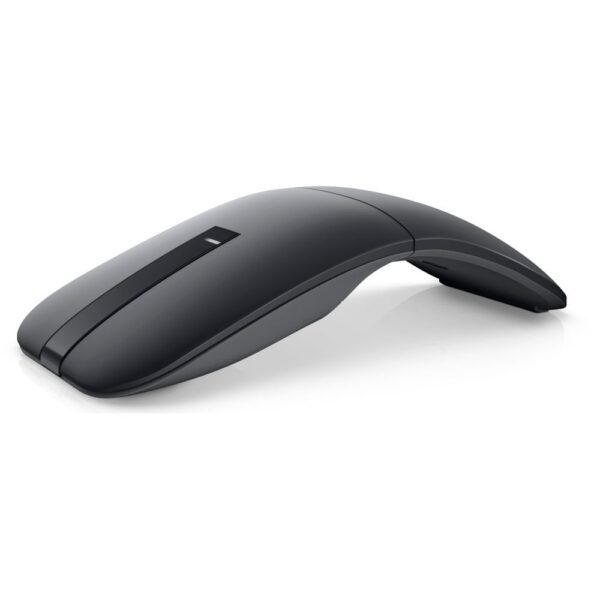
Managing a Dell fleet? The Dell MS900 Pro is the corporate take on the same idea: rechargeable, understated, and it matches the rest of the estate, which IT departments care about more than they admit.
If you just need something cheap that works
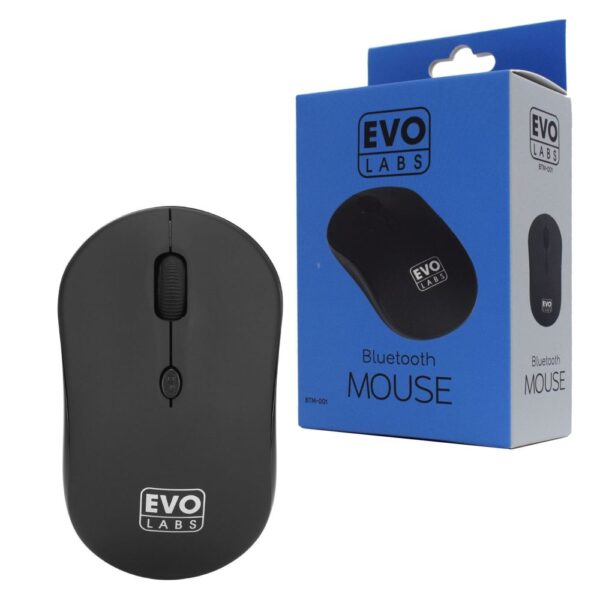
The pick: the Genius Ergo 8230S, under £15, silent and gently sculpted. Emergency money, the £3 Evo Labs exists and works. If it never leaves the desk, go wired from about £6.
Evo Labs BTM-001 Bluetooth Mouse, 800 DPI, Matte Black
In stock
£3.15 inc VAT- EVO LABS Bluetooth mouse with 800 DPI optical tracking
- Matte black finish with ambidextrous design
- Full-size 3-button layout plus scroll wheel
- Bluetooth wireless connection for Windows 7, 8, 8.1, 10
- Plug-and-play operation, no drivers required
- Weighs just 0.067 kg for easy portability
- Requires 1 AA battery (not included)
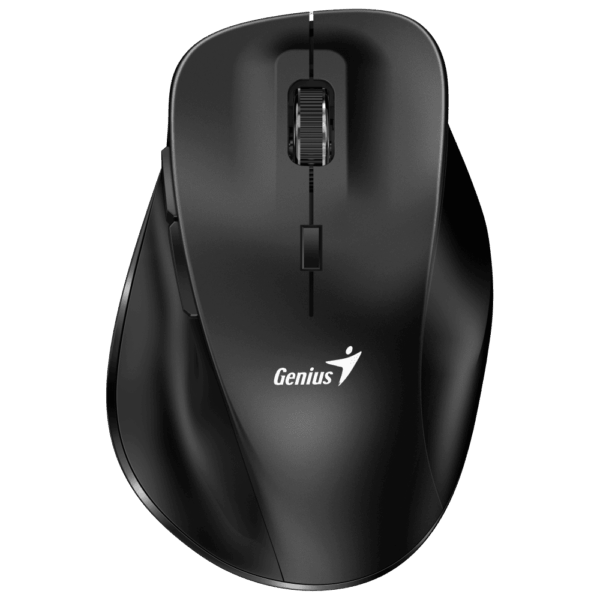
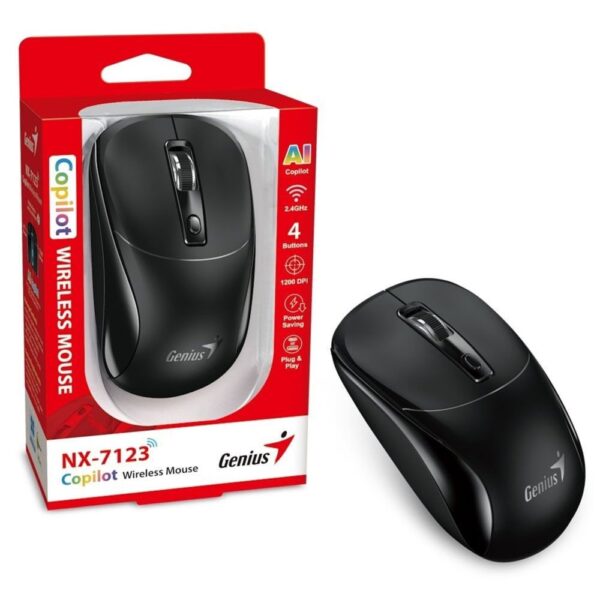
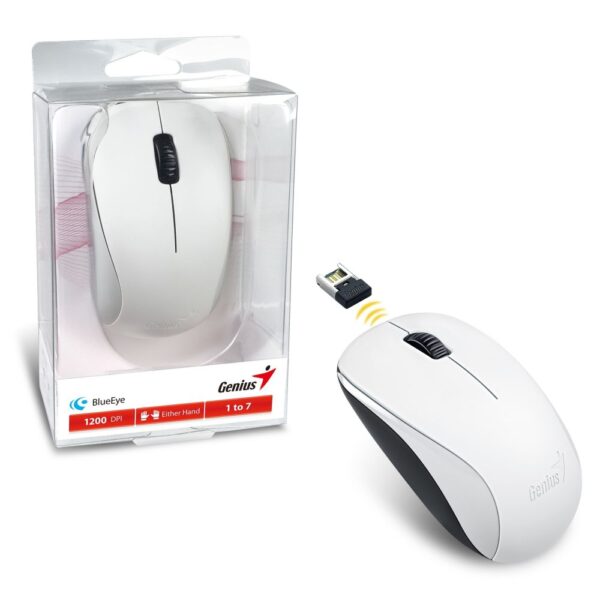
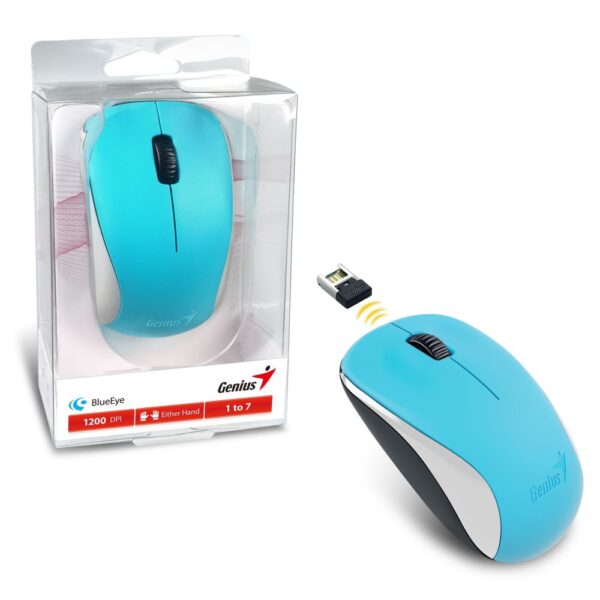
Genius Ergo 8230S Wireless Silent Mouse, 2.4 GHz, 6 Buttons, 800/1200/1600 DPI
In stock
£14.94 inc VAT- Genius Ergo 8230S wireless silent mouse with ergonomic contoured design and thumb rests
- 2.4 GHz wireless connectivity via USB-A or USB-C receiver with up to 10 m working distance
- Six-button layout including AI Copilot shortcut, forward/back navigation and DPI switch
- Quiet click technology for low-noise operation in shared or quiet environments
- Optical sensor with 800/1200/1600 DPI settings (default 1600) for precise tracking
- Power saving ON/OFF switch; Windows 8/10/11 compatibility; includes two AAA batteries
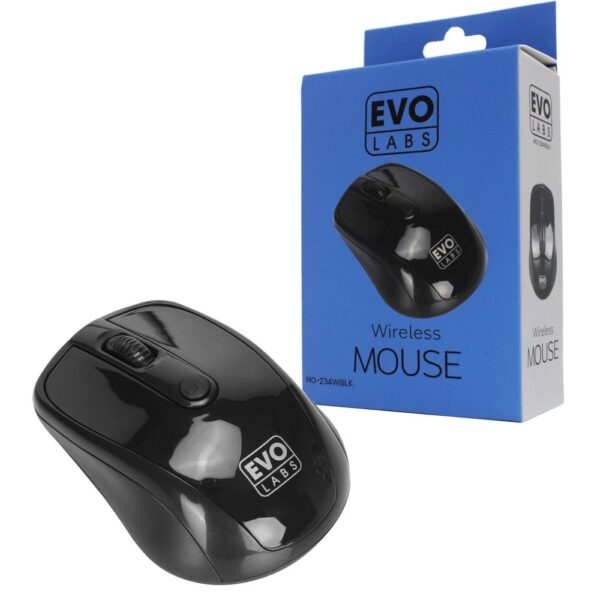
Real talk about the bottom of the market. The £3 mouse is fine as a drawer spare, a glovebox mouse or the thing you hand a visitor. What it cannot do is feel good on hour six of a working day. The plastics are hollow, the clicks are scratchy and the shape was designed by nobody.
The step that actually changes your day is from £3 to about £15, and it is enormous. That is where mice stop feeling disposable, and it is exactly where the 8230S sits, with the vertical 8350S two pounds above it. The next step, from £40 to £100, buys refinement and travel tricks, not comfort. Our rule: anyone using a mouse five days a week should be £15 or more into it. Nobody needs to be £100 into it.
And do not dismiss the cable. A wired mouse never needs a battery, cannot be left in a laptop bag and cannot be stolen without scissors. For hot desks and shared PCs it is quietly the right answer, and IT departments know it.
The spec sheet, translated
Mouse marketing is written for gamers and copied onto office mice unchanged. Here is what the boxes actually mean for work.
| The spec | What it means | Should you care? |
|---|---|---|
| DPI | How far the cursor travels when your hand moves an inch. 800 to 1600 covers office work perfectly | No. Every mouse made in the last decade clears this. A 30,000 DPI number on the box is gaming marketing, nothing more |
| Polling rate | How many times per second the mouse reports its position | No. It decides esports matches, not spreadsheets |
| Optical vs laser | Two kinds of sensor. Both track flawlessly on a desk or pad. Laser types also handle glass and gloss | Only if you work on glass tables. Then yes, very much |
| "Ergonomic" | Legally, nothing. Any shape can print it on the box | Ignore the word. Look at the shape, and at where your hand will actually sit |
| Extra buttons | Usually two thumb buttons mapped to back and forward | Yes. This is the one spec that genuinely speeds up office work. Browser-back on your thumb saves hundreds of small trips a day |
That last row is our favourite piece of advice in this guide. People pay for sensors they will never stress and ignore the two thumb buttons that would save them more time than every other spec combined.
Six things the big reviews barely mention
These are the things that decide how a mouse feels in year two, which is roughly when the review sites have stopped caring.
Switches wear out, and it looks like a software bug
The most common way a mouse dies is not dramatic. One day a single click starts registering as a double click, files open when you meant to select them, and you blame Windows. It is the switch wearing out. Heavy clickers can get there in two or three years. This is why warranty length is a more useful number than DPI, and why business versions of a mouse, which often carry longer cover for a pound or two more, are frequently the smarter buy.
AA batteries are a feature, not a flaw
Reviews treat built-in rechargeable batteries as the premium option and AA cells as old-fashioned. For a desk mouse we quietly prefer the AA. The M650 and B330 run for one to two years on a single cell, and when it dies you swap it in ten seconds and carry on. A rechargeable mouse is one more thing to charge, dies mid-meeting with a cable dance to follow, and its battery ages the way a phone battery does. Rechargeable earns its place in a travel mouse you top up from a laptop. On a desk, the AA mouse simply never bothers you.
Some features need an app your IT department will refuse
Button remapping, cursor tricks, profile syncing: on most premium mice these live in a companion app, and locked-down company laptops frequently will not allow it to be installed. We hear this from corporate customers weekly. The rule: a good work mouse must be excellent with zero software, straight out of the box. Every pick in this guide is. Treat app-only features as a bonus you might get, never as the reason you buy.
The surface matters as much as the sensor
Half of all tracking complaints we hear are really surface complaints. Bare glass defeats ordinary sensors, high-gloss lacquer confuses them, and rough desks chew through the glide feet, which is why an ageing mouse starts to feel like it is dragging. A cloth mouse pad costs about £10 and fixes all three at once. It is the cheapest upgrade in this entire article.
Showroom feel lies to you
Every mouse feels fine for thirty seconds in a shop. The verdict that matters arrives in hour three of a working day, when a slightly wrong shape has become a pressure point. And any big change of shape, vertical or trackball especially, feels genuinely awkward for the first two days while your hand relearns. Give a new shape a full week before you judge it, and keep the box while you do.
Coatings age, and rubber ages worst
A mouse is handled for more hours a day than your phone. Soft-touch rubber coatings feel lovely in month one and turn sticky and grimy after a year or two of daily handling, and no amount of cleaning fully brings them back. Hard matte plastic looks less glamorous on day one, looks identical on day seven hundred, and wipes clean in seconds, which matters double on shared desks. Check what the mouse is actually made of before you buy. Almost no review will tell you.
Quick answers
For most office work we recommend the Logitech M650: quiet clicks, a comfortable shape in two sizes, and both Bluetooth and a USB receiver in the box. The honest answer depends on why you are shopping, though. Wrist pain, travel, shared offices and multi-computer setups each have a better specific answer, covered in the sections above.
Wireless is completely fine for work. The lag worries you read about belong to competitive gaming, not documents and browsers. Wired still earns its place on hot desks and shared PCs: it costs from £6, never needs a battery and cannot wander off in a laptop bag.
A vertical mouse holds your hand closer to a handshake position, which stops your forearm bones staying crossed all day. The scientific evidence is thinner than the marketing implies, but many people with wrist ache genuinely do better on one, and entry prices have dropped to under £20. Give it a full week before judging. The first two days feel strange for everyone.
It helps a different problem. Because a trackball never moves, your arm and shoulder stop working, so it tends to help most when the ache is in the shoulder, upper arm or forearm rather than the wrist itself. Expect a few days to a week of learning curve, and a lifetime of it never sliding off a small desk.
Between 800 and 1600, and every mouse sold in the last decade covers that. DPI describes how far the cursor moves relative to your hand. The giant numbers on boxes are gaming marketing and change nothing about spreadsheets, email or browsing.
The receiver is more dependable: it connects instantly and never hesitates after the mouse has been idle. Bluetooth frees up a USB port, which matters on modern laptops that only have USB-C. The best answer is a mouse that offers both, like the M650 or the MX Anywhere 3S, so you never have to choose. As a bonus, a dual-mode mouse can serve two computers at once.
The £15 to £45 range covers almost everyone. Below £10 the shape and clicks feel disposable within weeks of daily use. Above £80 you are paying for travel and multi-computer refinements, which are worth it only if you will actually use them.
They feel different: the sharp snap becomes a soft, damped bump. You still feel exactly when the click lands. Most people stop noticing within a day, a few never take to it, so try one before you equip a whole office. The noise reduction is dramatic, roughly 90 percent on Logitech’s silent models.
How we know
Hardvance is a UK hardware retailer. We spend our own working days on the same mice we sell, and we process the returns when a mouse gets it wrong, which teaches you more than any spec sheet ever will. Every pick in this guide was in stock when it was written, the product cards above show live prices, and no brand paid to appear.
About Hardvance Team
The Hardvance hardware team builds, upgrades and troubleshoots custom PCs every day. Our buying guides are practical and free of hype, drawn from hands-on experience across AMD and Intel platforms, and focused on the parts that genuinely matter for your build and your budget.
View all posts by Hardvance Team