How to Choose a Laptop in 2026: RAM Decides More Than the Processor

0
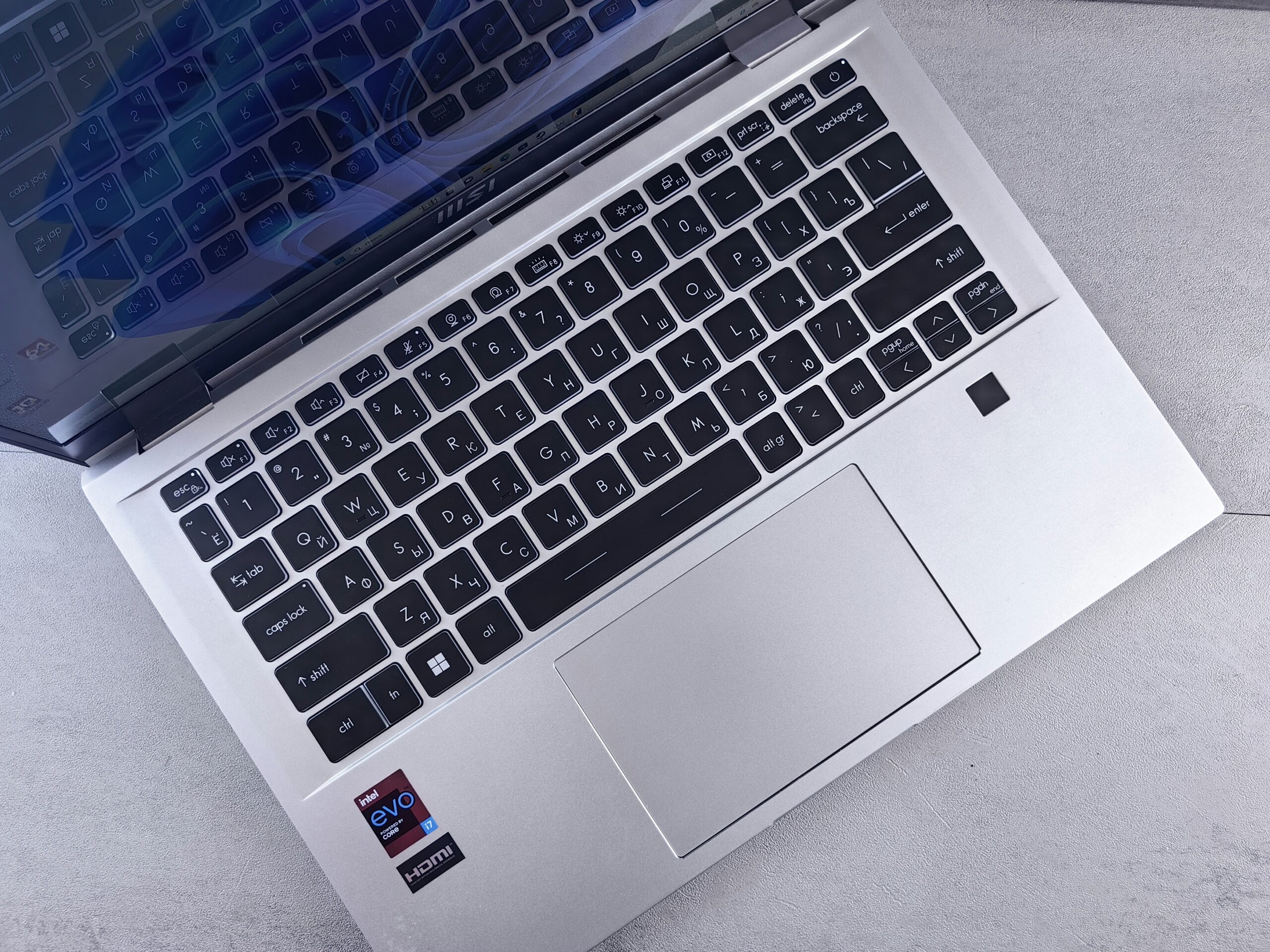
Close-up of an MSI laptop keyboard and trackpad with an Intel Evo i7 badge

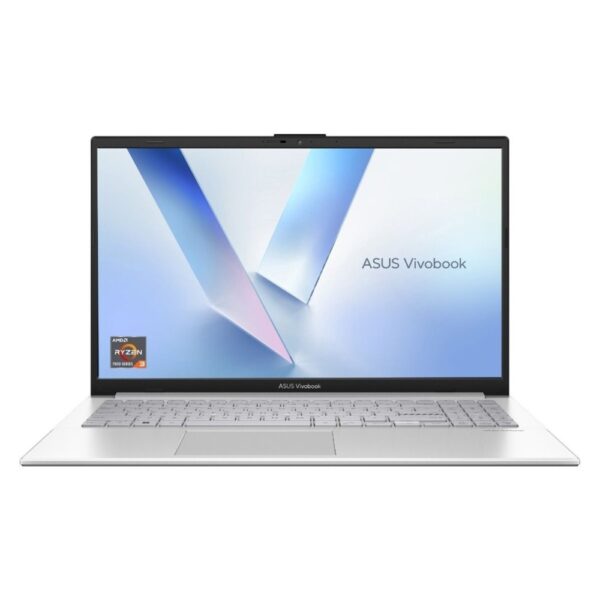
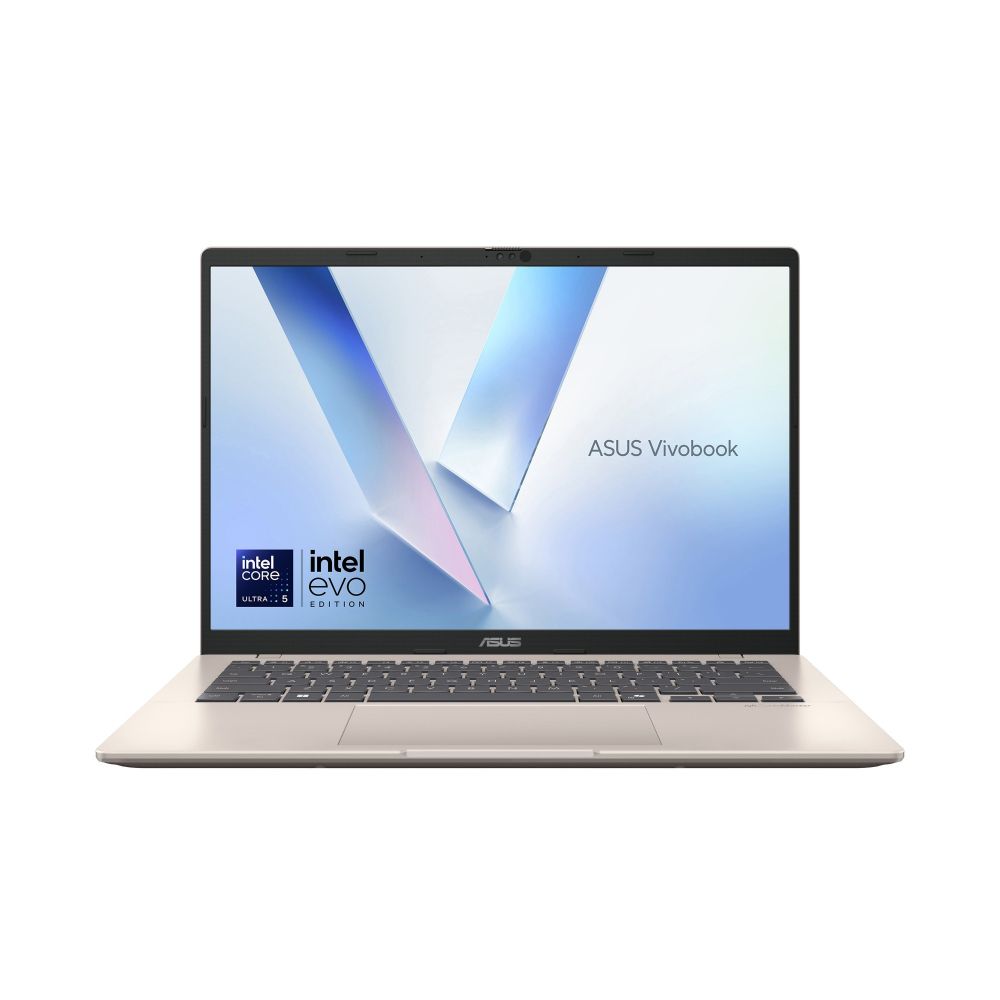
Buy a current-generation processor, 16GB of RAM and a 512GB SSD, and spend £650 to £900 if you can. The ASUS Vivobook 14 at around £797.12 inc VAT is that sentence turned into a product: Core Ultra 5, 16GB, 512GB, and light enough to carry every day. Most of what else is printed on the shelf ticket, the word "AI", the "up to 12 hours" battery claim, an i7 badge on a three-year-old chip, matters far less than those three numbers.

Came here for something specific? Straight answers:

The rest of this page teaches you to make that call yourself, in plain English, with no spec-sheet worship.

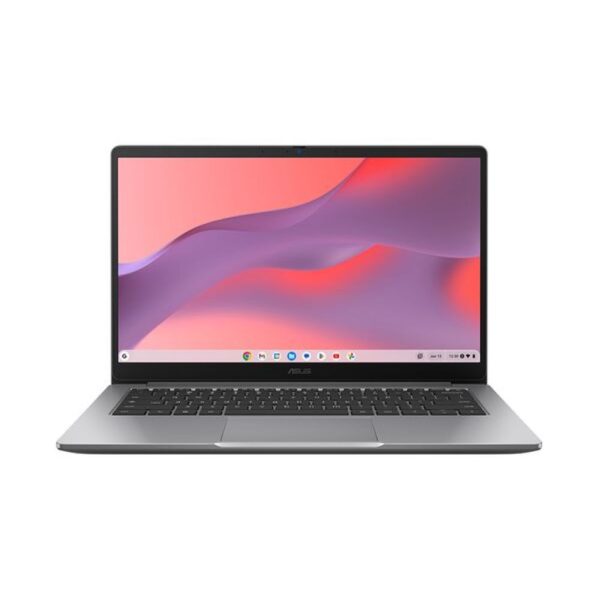
ASUS Vivobook 14 X1407CA Intel Core Ultra 5 225H Laptop 35.6 cm (14″) WUXGA 16 GB DDR5-SDRAM 512 GB SSD Wi-Fi 6 (802.11ax) Windows 11 Home Gold

Out of stock

£797.12 inc VAT
  • Platinum Gold ASUS Vivobook 14 laptop with 14-inch WUXGA display
  • Intel Core Ultra 5 225H processor with 14 cores and 18 MB cache
  • 16 GB DDR5-SDRAM and 512 GB PCI Express 4.0 SSD storage
  • Intel Arc 130T integrated graphics with AI acceleration support
  • Wi-Fi 6 and Bluetooth 5.2 connectivity with USB-C charging
Just show me the laptop

Seven machines cover almost everyone. The Vivobook 14 is the buy-once all-rounder. The Acer Aspire Go 15 is the budget pick that skips the usual budget compromises. The HP 250 G10 is the student workhorse. The ASUS V16 plays real games at 1080p without a silly price. The MacBook Air M5 is the best thin laptop money currently buys. The ThinkPad T14s survives years of office life. And the Zenbook 14 OLED has the nicest screen under £798.77 inc VAT. Prices are pulled live from our stock, so they move a little.

The five specs that decide it

A laptop listing is twenty lines of numbers. Five of them decide how the machine feels every single day, and the other fifteen mostly exist to justify the price. Here is the whole guide in one table. The sections after it explain each row in plain English, with the traps.

SpecWhat it really controlsWhat to buy in 2026
Processor (CPU)How fast everything happens: opening apps, browser tabs, video callsA current-generation Intel Core Ultra 5, AMD Ryzen 5 or Apple M-series. Generation first, badge second
RAM (memory)How many things it can juggle at once before it starts to stutter16GB. Accept 8GB only on a tight budget. Never 4GB as a main machine
Storage (SSD)How much it holds, and how quickly files and apps open512GB SSD is comfortable. 256GB works if you live in the cloud. Avoid eMMC
ScreenThe thing you stare at for thousands of hours1080p IPS minimum, 300 nits if you work near windows. 14in to carry, 15.6in for a desk
Battery and weightWhether you actually take it anywhereUnder 1.5kg for daily carry. Treat every “up to X hours” claim as a lab number

The four things on a laptop shelf ticket that tell you the least: the word "AI", the terabytes of storage, "up to" battery hours, and an i7 badge with no year attached.

The processor, decoded

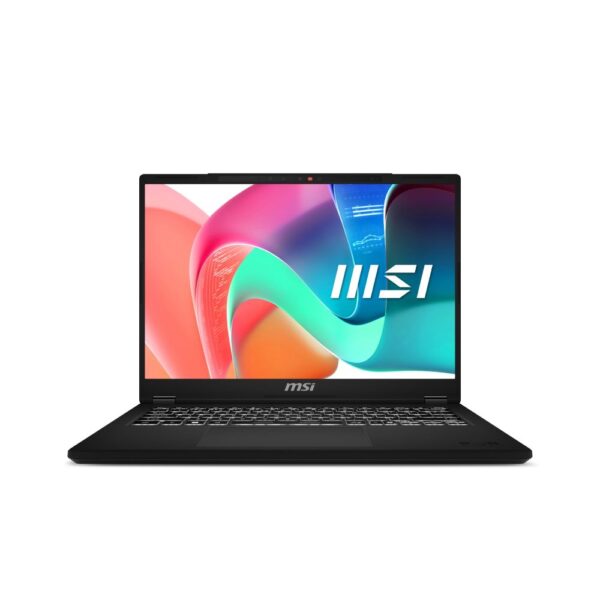
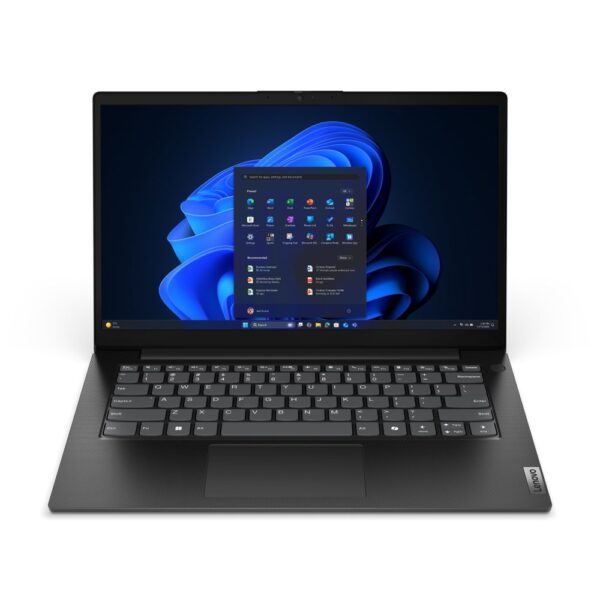
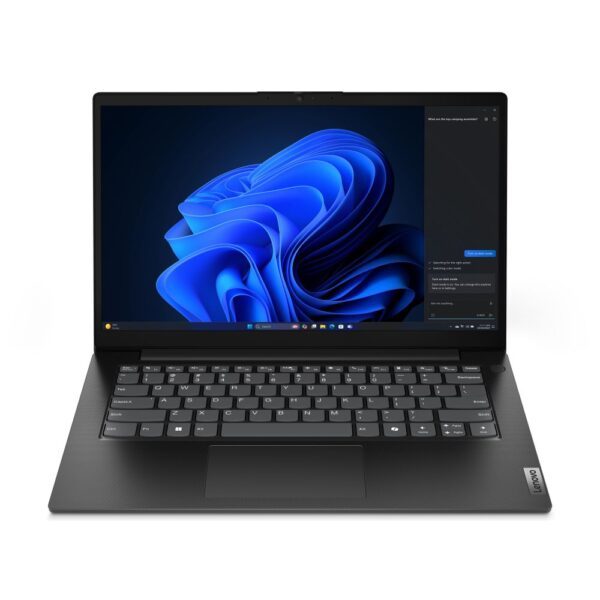
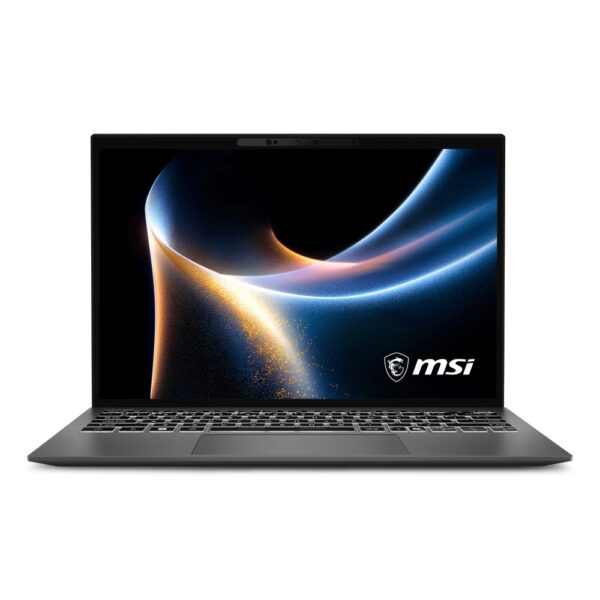
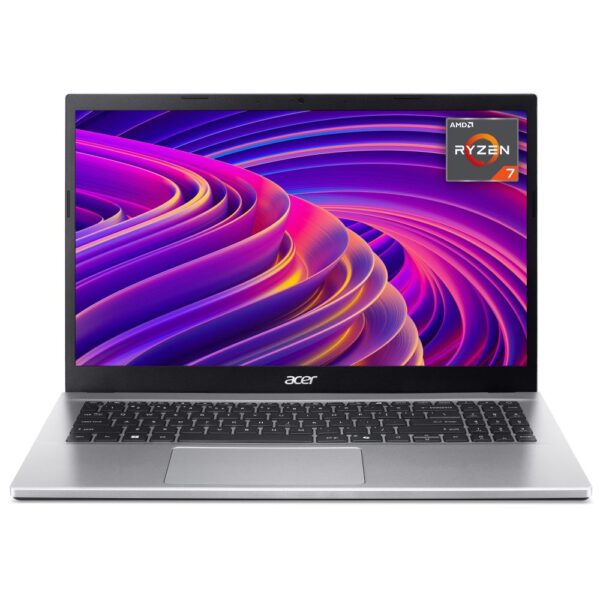
The pick: a current-generation Intel Core Ultra 5 or AMD Ryzen 5 is enough for most people. The MSI Modern 14 at around £682.50 inc VAT and the Lenovo V14 with a Ryzen 7 at around £813.65 inc VAT both prove the point: mainstream chips, quick machines.

The processor, also called the CPU, is the part that does the thinking. Every click, every tab, every video call runs through it. It is also the component hiding behind the most confusing names in tech, so here is the decoder.

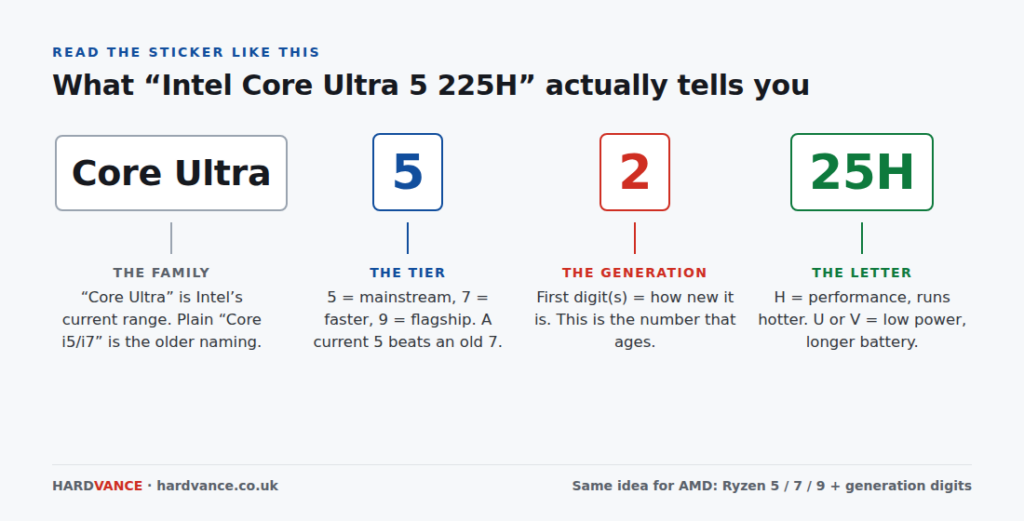
Diagram decoding the Intel Core Ultra 5 225H processor name into family, tier, generation and power letter
Four parts, one useful number. The generation digit is the one that ages, and the one discount stickers hope you will not check.

Intel now sells “Core Ultra” chips, and the older “Core i5 / i7” naming still floats around on clearance stock. Both are fine to buy. Just know which era you are looking at, because a shop can legally sell you a 2021 processor in a 2026 laptop. AMD mirrors the same ladder with Ryzen 5, 7 and 9. At the same tier and generation, Intel against AMD is a coin toss for ordinary use. Buy the better whole laptop, not the logo.

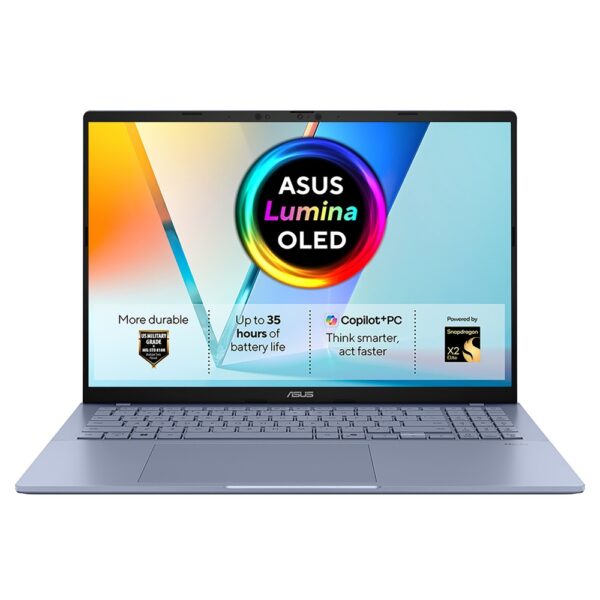
Apple’s M-series chips live only in MacBooks. They are fast, silent, and their battery life is still the measure everyone else chases. Snapdragon chips, like the one in the Vivobook S16 above, grew out of phone processors: superb battery, instant wake, and the occasional older program that refuses to run. Fine for browsers and Office. Check first if you depend on one specific niche app.

The one rule that saves real money: a new mainstream chip beats an old premium one. A Core i7 from 2021 loses to a 2026 Core Ultra 5 and drains its battery faster while losing. When a deal looks too good, the generation digit is usually why.

RAM and storage: where cheap laptops cheat

The pick: 16GB of RAM and a 512GB SSD. That combination has fallen to around £517 with the Acer Aspire Go 15, so there is very little reason to accept less on a main computer.

RAM is the desk your laptop works on. Every open tab, every app, every spreadsheet sits on that desk. When it fills up, the machine starts shuffling work to the much slower storage drive, and that shuffling is the half-second freeze you feel when switching windows. 8GB fills up with a browser, Spotify and a video call open together. 16GB is the 2026 answer, and as the Acer shows, it is no longer a premium spec.

The catch nobody prints on the ticket: in most thin laptops the RAM is soldered to the board. Soldered means fixed forever. There is no adding more next year. Buy the right amount on day one.

Storage is simpler. An SSD is the fast chip-based drive every decent laptop now uses, and 512GB is the comfortable size: Windows, your files, a few games, years of photos. 256GB works if your life sits in Google Drive or OneDrive. The trap lives at the very bottom of the market: eMMC storage, a slower phone-style memory sold in 64GB and 128GB sizes. Windows and its updates barely fit in 64GB, and the machine spends its life asking you to delete things.

We will be blunt about our own shelf. The cheapest laptop we sell is a £245 HP with 4GB of RAM and 64GB of eMMC. As a kiosk machine, a backup, or an email-only laptop for a relative, it earns its keep. As somebody’s main computer it is the purchase they regret by Christmas. We would rather point you at the £435 IdeaPad 1 and keep you as a customer.

Screen size and quality: the number nobody reads

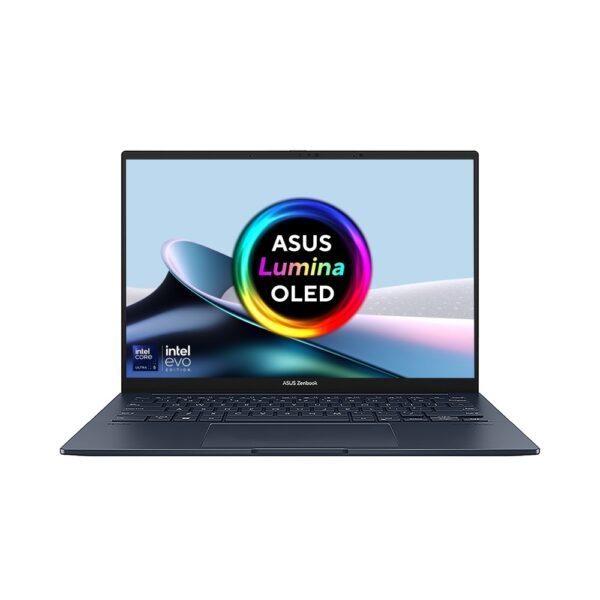
The pick: the ASUS Zenbook 14 OLED at around £798.77 inc VAT is the cheapest genuinely lovely screen we stock. If OLED is outside the budget, any 1080p IPS panel at 300 nits does the job well.

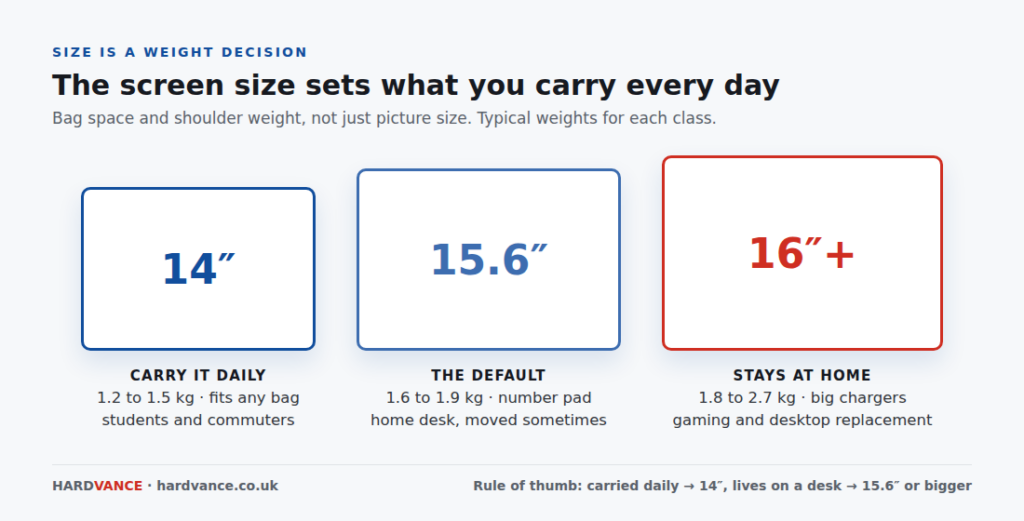
Size first, because size is really a weight decision. A laptop that gets carried every day should be a 14-inch machine. A laptop that lives on a desk earns a 15.6 or 16-inch screen and a number pad. Nobody enjoys discovering the difference on a train. If you carry it every day, start with our ultrabook laptops. That is the thin and light shelf: 13-inch MacBook Airs, 14-inch Zenbooks, ThinkPad X1 Carbons. Your shoulder will thank you on the walk home.

Diagram comparing 14 inch, 15.6 inch and 16 inch laptop sizes and typical weights
Buy the size for the bag, not the showroom shelf. A 16-inch gaming machine can weigh more than double a 14-inch ultrabook once the charger comes too.

Resolution is the sharpness number. Full HD, meaning 1920 by 1080 pixels (or the slightly taller 1920 by 1200, sold as WUXGA), is sharp enough at any size up to 16 inches. 2K and 2.8K panels render cleaner text and cost more battery. OLED is the real picture upgrade: each pixel makes its own light, so blacks are truly black and colours have a depth normal panels cannot fake.

The number nobody reads is brightness, measured in nits. A 250-nit panel is an indoors-with-the-curtains-drawn panel. 300 nits and up stays readable near a window. Cheap laptops also quietly cut colour: a panel listed as “45% NTSC” shows washed-out approximations of every colour on it. If photos or design matter to you, look for 100% sRGB in the spec sheet.

One habit worth stealing from monitor buyers: if the laptop will spend most of its life on a desk, spend less on its screen and add an external one. Our monitor guide covers that side.

How much to spend

The honest bands, from a shop that sells at every one of them. The £650 to £900 stretch is where a laptop stops being a set of compromises and starts being a machine you forget about for five years. Below that, you are choosing which compromise you can live with. Above roughly £1,000, you are paying for build, battery and screen rather than speed you would notice in a browser.

BandWhat you actually getExample from our stock
Under £450Web, email, Office, one task at a time. Expect an 8GB compromise, or go Chromebook on purposeASUS Vivobook Go 15 at around £376.04 inc VAT Lenovo IdeaPad 1 at around £423.05 inc VAT
£450 to £650The value zone. 16GB machines start here, and so do refurbished business laptopsAcer Aspire Go 15 at around £502.64 inc VAT HP 250 G10 at around £565.94 inc VAT
£650 to £1,000The buy-once zone. Current-generation chips, better screens, lighter buildsASUS Vivobook 14 at around £797.12 inc VAT ASUS Zenbook 14 OLED at around £798.77 inc VAT
£1,000 to £1,500Premium build and battery: MacBook Air, ThinkPads, OLED 2-in-1sMacBook Air M5 at around £1,220.75 inc VAT MSI Prestige 13 AI+ at around £1,219.32 inc VAT
£1,500 and upGaming graphics chips and workstation power. Worth it only if your software uses itAcer Nitro V 16 with RTX 5060 at around £1,606.50 inc VAT sits at the doorstep

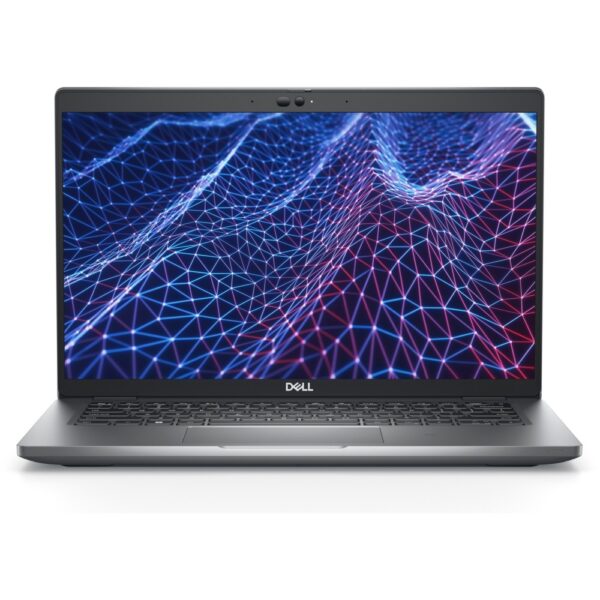
Two ways to beat the bands. First, refurbished business laptops, the trick every IT department knows: the Dell Latitude 5430, an i5 with 16GB for around £432.18 inc VAT cost over £1,000 on a corporate lease three years ago and was built to be serviced, not thrown away. Browse the refurbished shelf before writing off the budget bands. Second, last-generation stock on clearance, which is a genuine bargain exactly as long as the RAM is 16GB and the generation gap is one, not three.

Match the laptop to the job

School and university

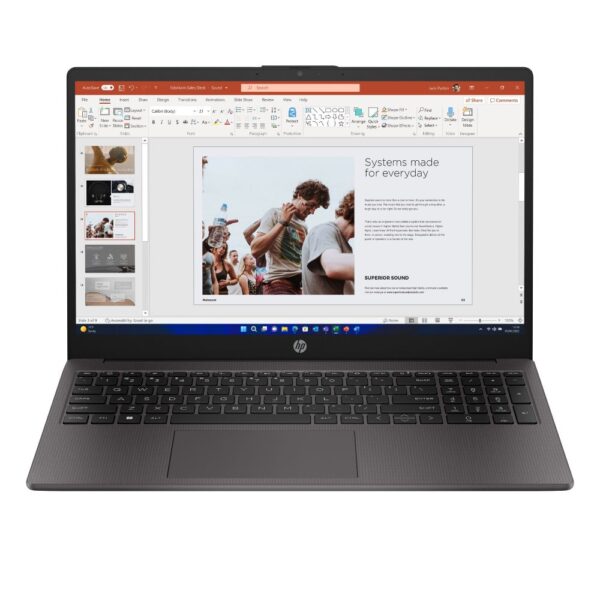
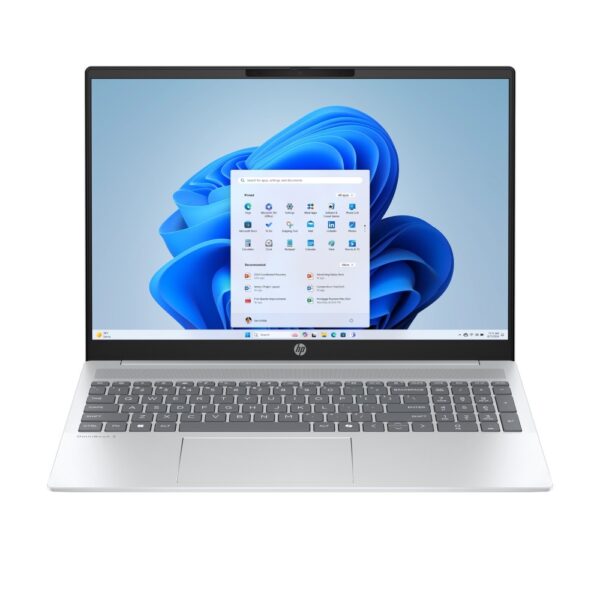
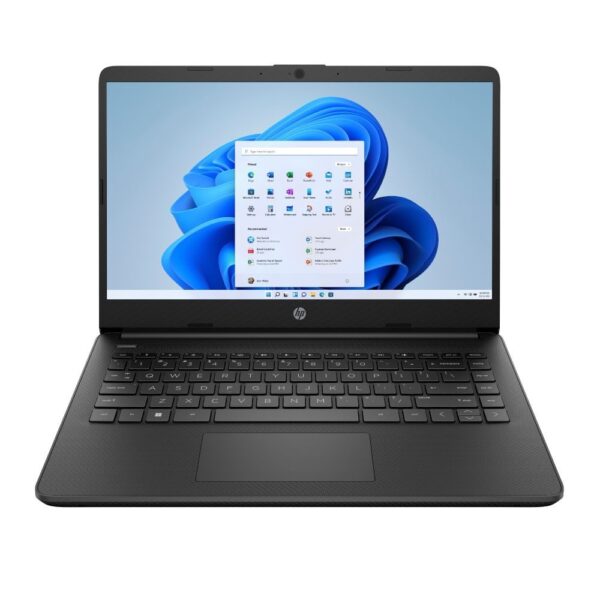
The pick: the HP 250 G10, an i5 with 16GB and 512GB for around £565.94 inc VAT. It covers essays, lectures, thirty browser tabs and a Netflix window without complaint. Engineering, architecture and media students are the exception: CAD and editing software wants the graphics chips from the gaming section below. The full breakdown by course and budget is in our student laptop guide.

Office work and business

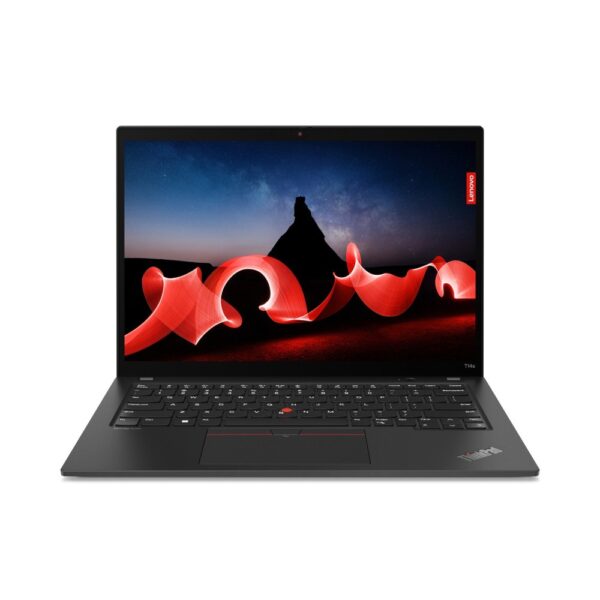
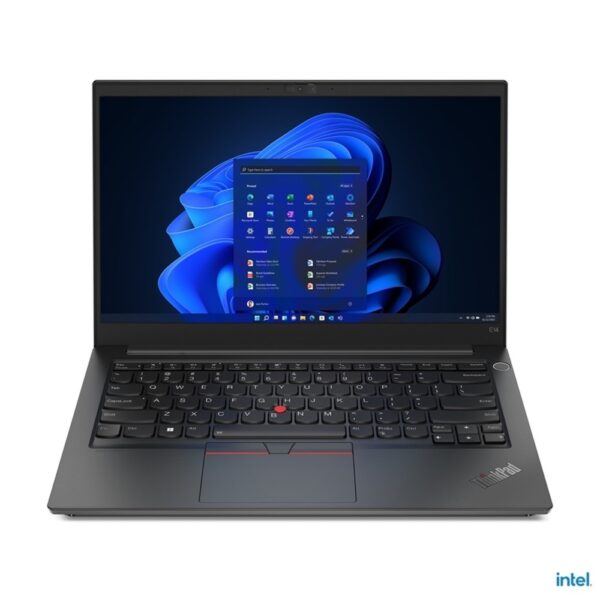
The pick: the Lenovo ThinkPad T14s at around £885.17 inc VAT or the newer ThinkPad E14 Gen 7 at around £1,076.38 inc VAT. Business laptops are a different species rather than a different price tag: keyboards built for eight-hour days, hinges tested in the tens of thousands of cycles, Windows 11 Pro, and spare parts that exist. The business shelf is where “boring” is a compliment.

Gaming

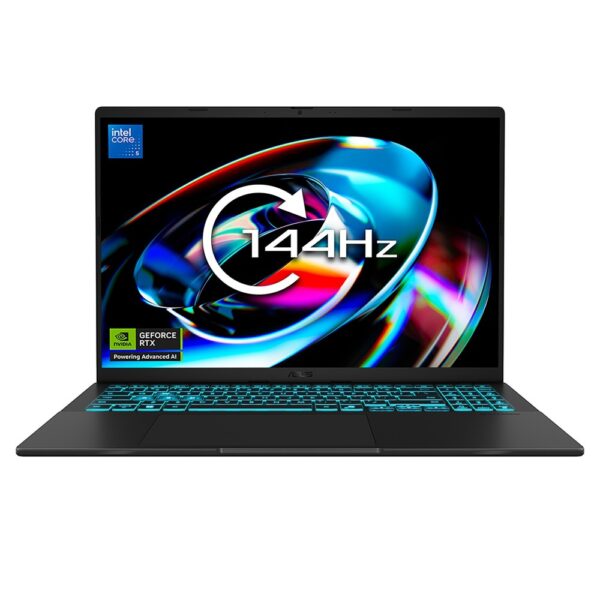
The pick: the ASUS V16 with RTX 5050 at around £867.85 inc VAT to get in the door, or the Acer Nitro V 16 with RTX 5060 at around £1,606.50 inc VAT for high settings. Games need a separate graphics chip, a GPU, which ordinary laptops do not carry, and it is the single reason gaming laptops cost more, weigh more and run louder. Battery drops to two or three hours under load, every brand, no exceptions. The complete picture, including the traps, is in our gaming laptop guide.

Video editing and creative work

The pick: the MacBook Pro 14 M5 at around £2,066.54 inc VAT is the default answer for a reason: the screen is colour-accurate out of the box and the M5 chip eats 4K timelines. On the Windows side, the ASUS ProArt PX13 pairs a 3K touchscreen with workstation-class silicon. Editing wants three things in order: a GPU, 32GB of RAM for 4K work, and a screen that tells the truth about colour.

Travel and battery-first

The pick: the MSI Prestige 13 AI+ at around £1,219.32 inc VAT weighs under a kilogram, which changes what “portable” means. The Zenbook 14 OLED does the budget version of the same idea. For the longest real battery life on sale, it is Apple M-series and Snapdragon machines, in that conversation, nobody else.

Windows, Mac or Chromebook: the honest version

The best thin laptop you can buy is the MacBook Air M5, and we say that as a shop that mostly sells Windows machines. The battery genuinely lasts a working day, the trackpad has no equal, and it holds resale value like nothing else on this page. The catches are real too: entry has historically meant £1,000 or more (the new MacBook Neo 13 at around £750.88 inc VAT finally changes that), the games catalogue is thin, and there is no touchscreen at any price. Our MacBook guide compares Air, Pro and Neo properly.

Windows is the default for a reason: every shape and price from £245 to £5,000, every game, every piece of business and niche software, touchscreens, and machines that fold into tablets. Everything else in this guide assumes Windows unless it says otherwise.

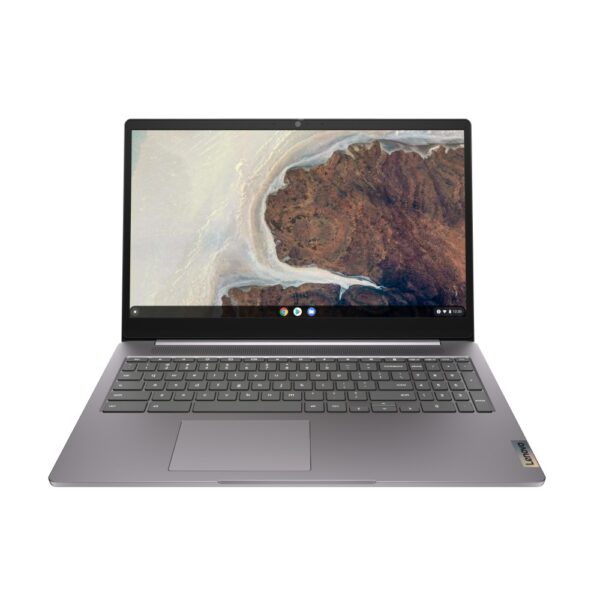
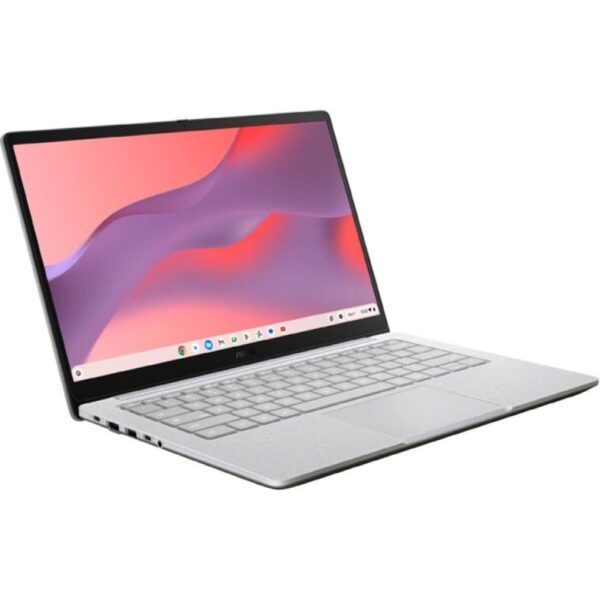
ChromeOS is the honest choice when life happens entirely in a browser. The Lenovo IdeaPad 3 Chromebook at around £344.48 inc VAT boots in seconds, cannot really catch the viruses Windows can, and needs almost no looking after. Check the auto-update expiry date before buying any Chromebook, because each model stops receiving updates on a published date. The full picture is in our Chromebook explainer.

One more name belongs here for fairness: Framework builds laptops designed to be opened, upgraded and repaired like Lego. We do not sell them, but if repairability sits at the top of your list, they are the reference point the rest of the industry is judged against.

Six mistakes we see every week

Buying the badge instead of the generation

An “i7” sticker sells laptops, and some of those laptops carry chips from 2021. A current Core Ultra 5 beats an old i7 while using half the power. Find the generation digit before you find your card.

Taking 8GB and planning to “upgrade later”

In most modern thin laptops the RAM is soldered down, so later never comes. If the listing does not say the RAM is upgradeable, assume it is not, and buy 16GB on day one.

Believing the battery number

“Up to 14 hours” means fourteen hours of looping a video at low brightness in a lab. Real mixed work is roughly 60% of the printed figure. The exceptions that actually last a day are Apple M-series and Snapdragon machines.

Buying a 17-inch screen for a rucksack

Big screens are wonderful until they commute: 2.5kg plus a brick of a charger, every day. The better split for most people is a 14-inch laptop and an external monitor at home. Our monitor guide makes that cheap.

Ignoring the ports

Count what you plug in, then count the holes. An HDMI port and a couple of USB ports save a lifetime of dongles, and USB-C charging means one charger for laptop and phone. Thirty seconds of checking, years of convenience.

Paying new-laptop money for old stock

Clearance is only a deal when the gap is one generation and the RAM is right. The reverse trick works better: a refurbished business machine gives you £432.18 inc VAT of build quality for £445, with the same statutory rights as any new purchase.

Quick answers

How much RAM do I need in a laptop in 2026?

16GB for a main computer. 8GB is acceptable on a tight budget or a Chromebook, and it fills up with a browser, music and a video call running together. 4GB is not enough for Windows any more. Creative work with 4K video is happier at 32GB. Most thin laptops cannot be upgraded later, so buy the right amount up front.

Is 256GB of storage enough?

Yes, if your files live in the cloud and you do not install games. Windows takes around 60GB before you start. 512GB is the comfortable size for most people, and the price gap has become small. Avoid 64GB and 128GB eMMC machines as a main computer: the operating system alone nearly fills them.

What is the difference between Core i5 and Core Ultra 5?

Mostly age. “Core Ultra” is Intel’s current naming, introduced alongside newer chips with better efficiency and an onboard AI processor. Plain “Core i5” machines still on sale carry older generations. Both work fine. Just compare generation against generation instead of assuming a 7 beats a 5, because a current Ultra 5 outruns an i7 from three years ago.

Should I buy an Intel or AMD laptop?

At the same tier and generation it is a coin toss for everyday use. AMD Ryzen chips often win slightly on battery and built-in graphics, Intel has the wider model choice. Decide on the whole machine: RAM, screen quality and price matter more than the processor logo.

Should I get a MacBook or a Windows laptop?

A MacBook if battery life, build and resale value top your list and your software runs on a Mac. Windows if you game, need specific business or niche software, want a touchscreen, or want a budget under £700. If you already live in an iPhone and iPad household, the MacBook integration is a genuine daily benefit rather than marketing.

How long should a laptop last?

Five to seven years for a well-specced machine, three to four at the budget end. The spec that ages first is RAM, which is the strongest argument for 16GB today. Batteries are consumables rated for roughly 500 to 1,000 charge cycles, and most can be replaced for far less than a new laptop.

Can I use a gaming laptop for university or work?

Yes, and one machine doing both jobs is often the sensible buy. The costs are weight, two to three hours of battery under load, and fan noise in quiet rooms. The same RTX graphics chip that runs games also accelerates video editing, 3D and CAD software, which is exactly what some courses need.

When is the best time to buy a laptop?

Sales events move real money on laptops: Black Friday, back-to-school season and Prime Day. New processor generations also push last year’s stock down in price, which is a genuine bargain when the gap is one generation. That said, a needed laptop today beats a theoretical discount in three months.

Every laptop we stock, cheapest first, live prices. Or jump straight to gaming, business, Apple or refurbished.

How we know

Hardvance is a UK hardware retailer, and every price on this page is pulled live from our own stock, which cuts both ways: we profit when you buy, and this guide still tells you that the cheapest laptop on our shelf is the one most buyers regret, that "up to" battery figures are laboratory numbers, and that a refurbished ThinkPad or Latitude can beat a new machine at the same price. Processor naming, Windows requirements and platform claims are taken from Intel, AMD, Microsoft and Apple documentation, linked below. Prices move. The reasoning does not.

Leave a Reply

Your email address will not be published. Required fields are marked *