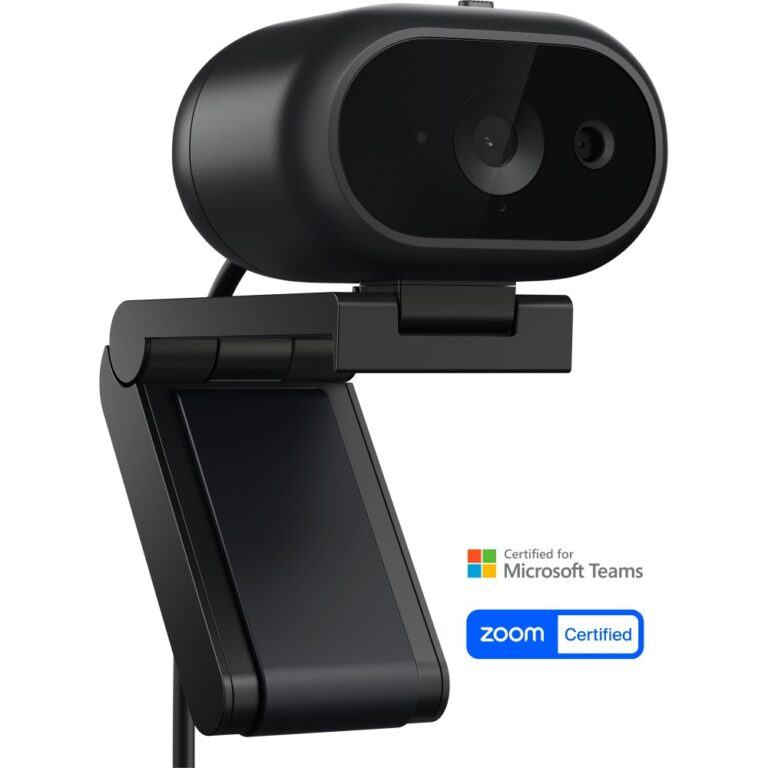
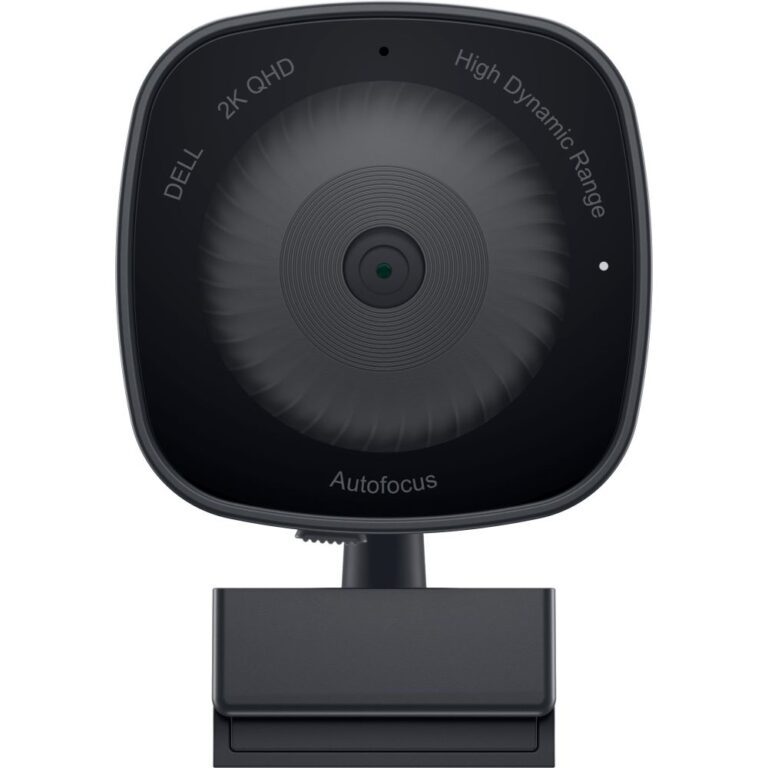
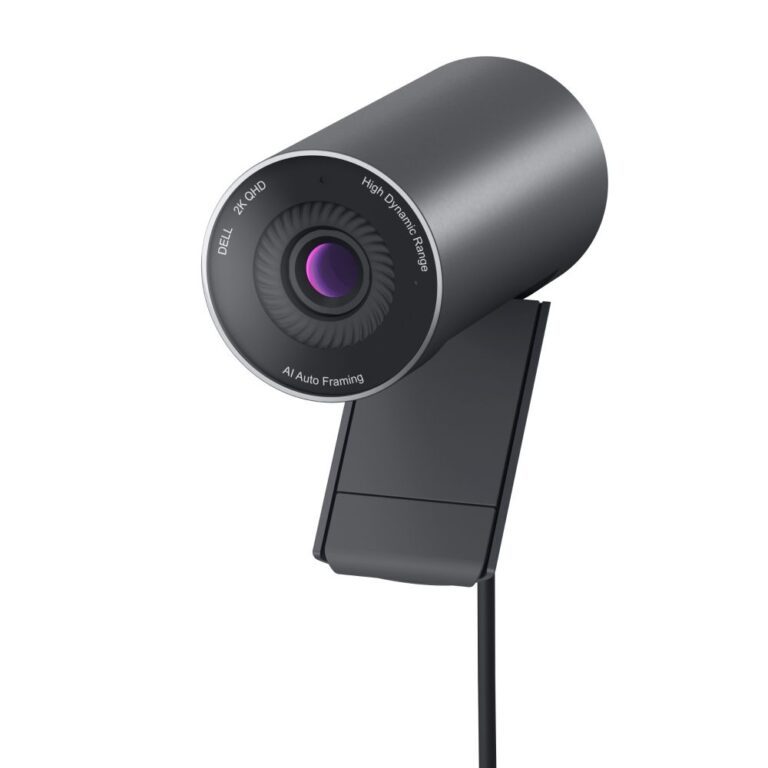
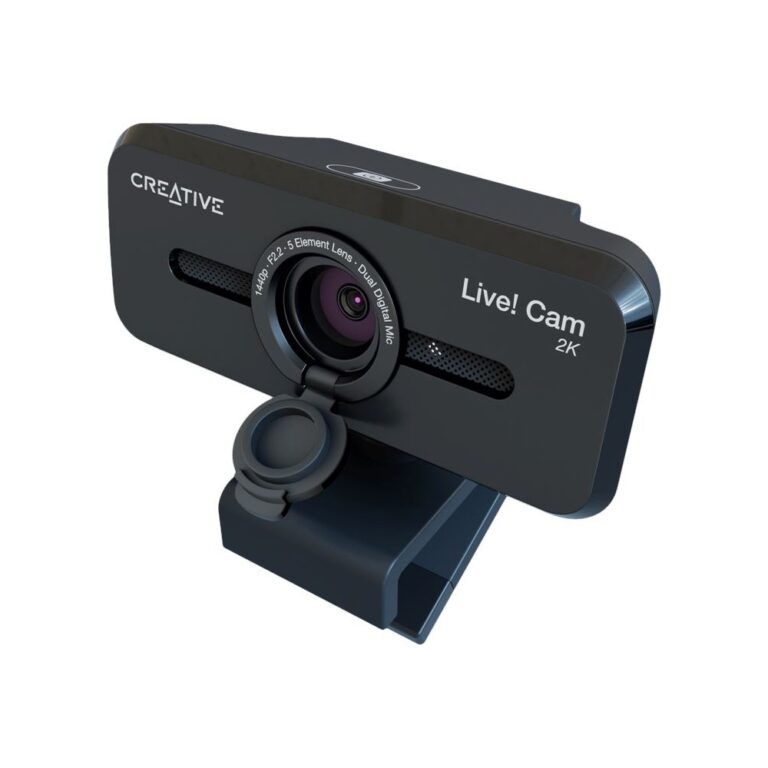
A 2K webcam captures at 2560×1440, roughly twice the pixels of 1080p. On a large monitor, or when someone is viewing you full-screen, the difference in sharpness is clearly visible.
Be aware of one thing before paying for it: most conferencing platforms compress the stream, and many cap what they transmit well below 2K depending on bandwidth. Where the extra resolution reliably pays off is in recording, streaming, and platforms that support higher-quality video.
Two specifications matter more than resolution for how you actually look. Sensor and lens quality decide performance in ordinary indoor light — a good 1080p camera beats a poor 2K one in a dim room. And field of view: narrow frames one person tightly, wide takes in a room, and choosing wrong is why some cameras crop people out.
Useful extras: a privacy shutter, autofocus, and Windows Hello support for face-recognition login on models with an infrared sensor.
See also 4K webcams and all webcams.