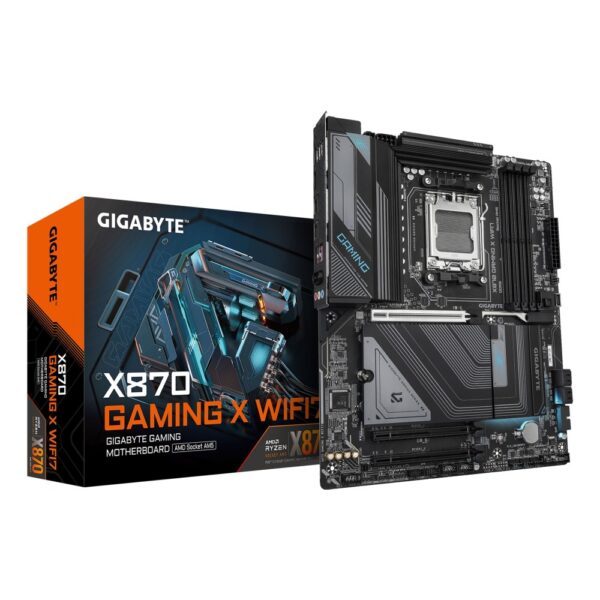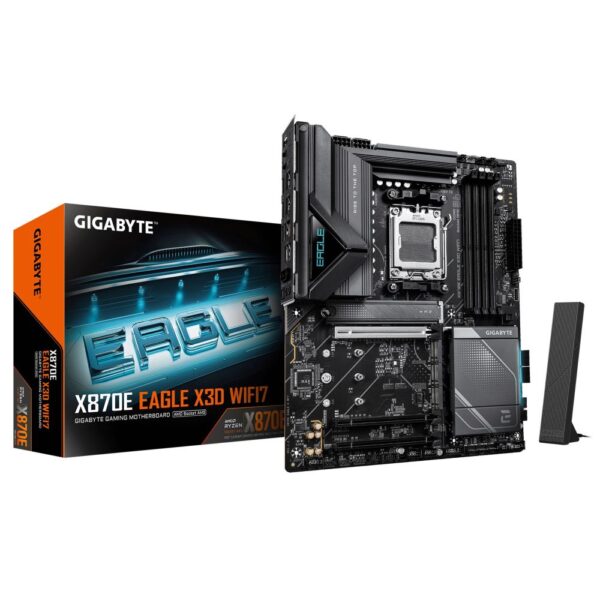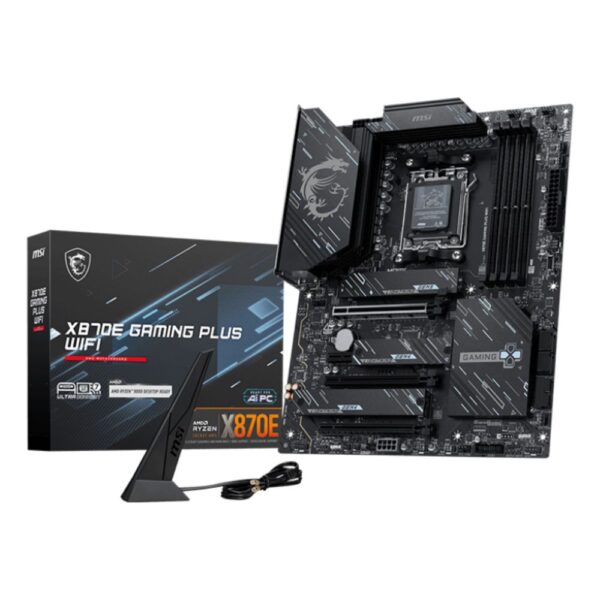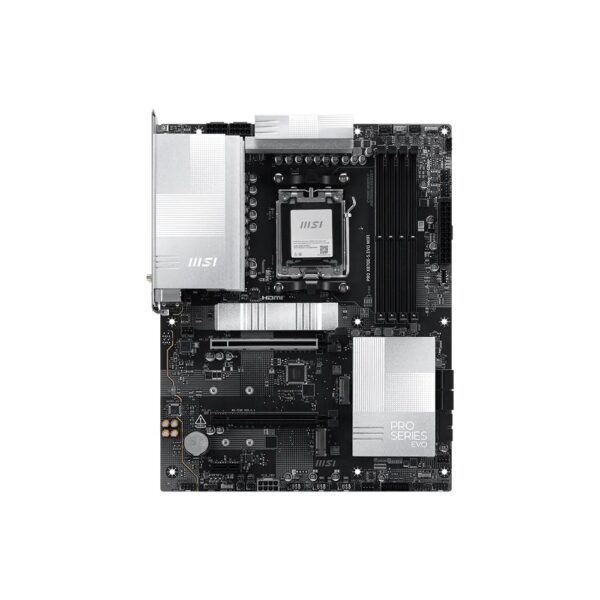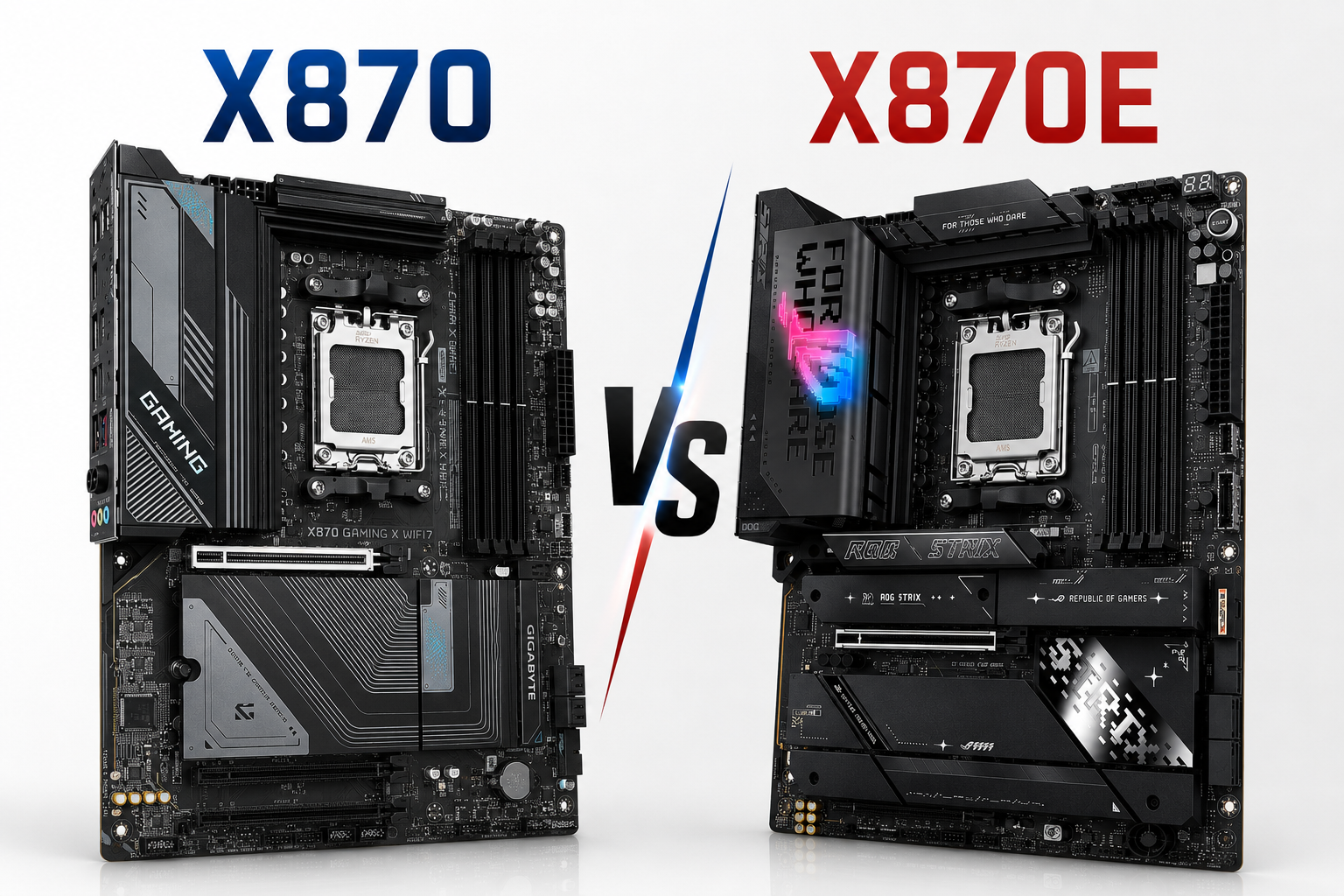
X870 vs X870E: The E Is a Second Chip, Not a Speed Boost
The E on the end of X870E means a second chipset chip on the board, and nothing else. It adds sockets and lanes, not speed. Your games run identically on both. For most builds the MSI MAG X870E Tomahawk WiFi at £257.69 inc VAT is the sweet spot anyway, because board makers put their best value in the E range. The cheapest way in is the ASRock X870 Pro RS at £165.95 inc VAT.
In a hurry? Row by row:
- Just tell me what to buyMSI MAG X870E Tomahawk WiFi, £257.69 inc VAT. The board the forums and our counter agree on
- Tightest budgetASRock X870 Pro RS, £165.95 inc VAT. Full X870 platform, no drama
- Gaming onlyX870 is already more than you need. Read the B850 section before you spend a penny more
- Lots of drives and gadgetsThat is what the E is for: who actually needs it
- Is the E faster?No. Same CPU, same graphics slot, same frames. The proof
- Small ITX buildGigabyte X870I Aorus Pro Ice, £266.96 inc VAT and ITX makes the E pointless anyway
- Pairing a 9800X3DEither chipset. The X3D does not care. Quick answers
Further down: what the second chip actually wires up, the lane budget in one picture, the USB4 small print board makers do not advertise, and the cheaper chipset that undercuts them both.
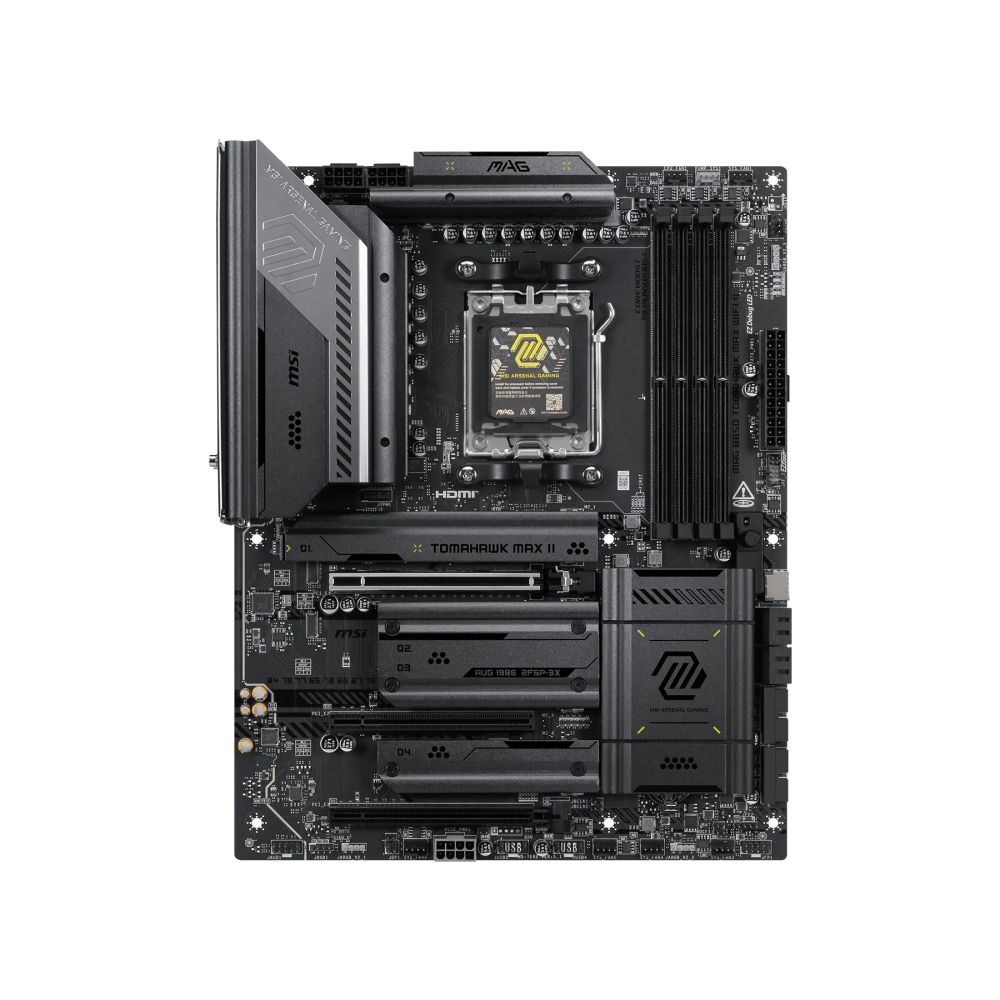
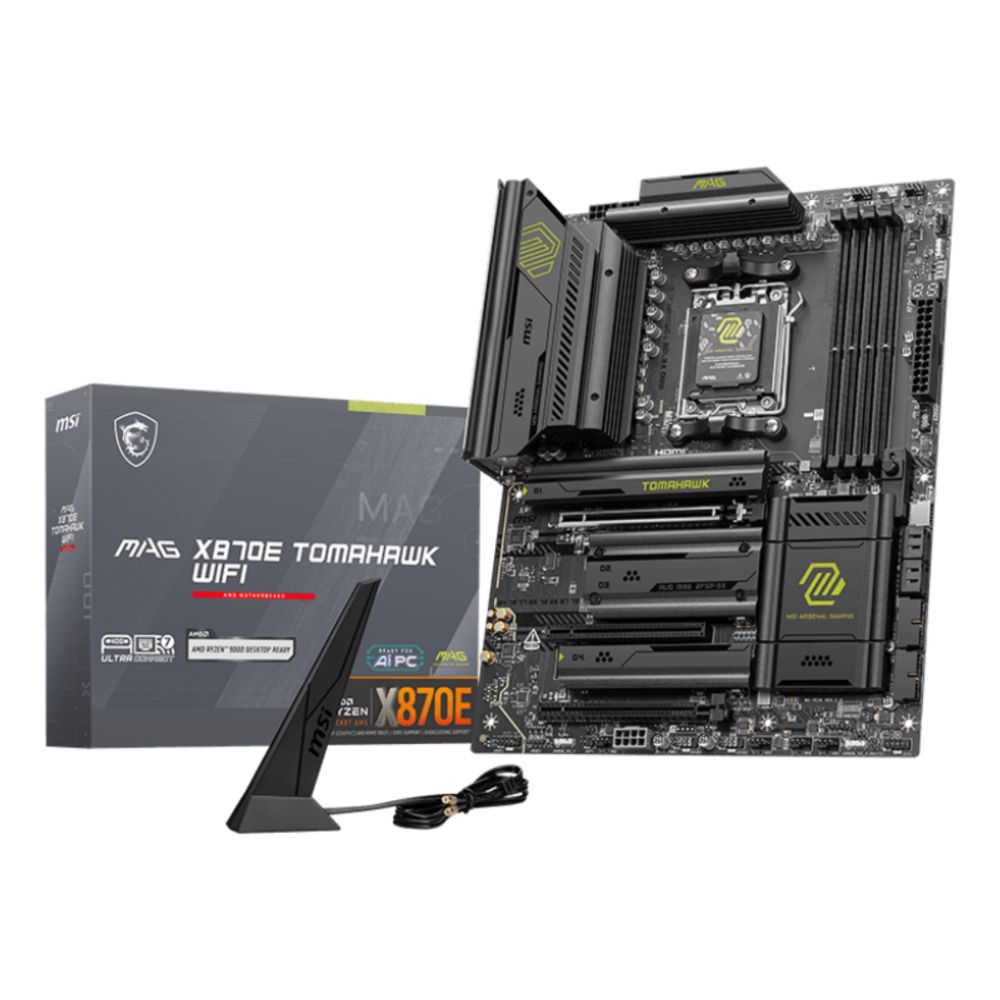
MSI MAG X870E TOMAHAWK WIFI AMD AM5 ATX Motherboard
In stock
£257.69 inc VAT- AMD X870E chipset for Socket AM5 processors including Ryzen 7000/8000/9000 Series
- Four M.2 slots with PCIe 5.0/4.0 support and four SATA III connectors for storage
- DDR5 memory support up to 256 GB across four DIMM slots with 8400 MHz max speed
- Connectivity includes Wi-Fi 7, 5 Gigabit Ethernet, and Bluetooth 5.4
- USB4 Gen 2×2, USB 3.2, and HDMI 2.1/DisplayPort 1.4 ports for high-speed interfaces
- ATX form factor with 7.1-channel audio and comprehensive PC health monitoring
What the E actually means
Every AM5 chipset, from B650 up to X870E, is built from the same small AMD chip called Promontory 21. An X870 board carries one of them. An X870E board carries two, wired in a chain. That is the entire difference. There is no faster silicon on the E, no better memory support, no hidden gaming mode.
The confusion is understandable, because on the older 600 series the E badge meant something different (PCIe 5.0 for the graphics slot). This generation both X870 and X870E give the graphics card and the main NVMe drive the same PCIe 5.0 connection straight to the CPU. The processor, the memory, the graphics slot: identical on both. Benchmarks bear this out; reviewers who test the two chipsets back to back measure a difference of roughly nothing in games.
What the second chip buys you is wiring. More USB sockets, more SATA ports, more spare lanes for extras. Whether that wiring is worth money is the real question of this article, and it depends on what you plug in, not how fast you want to go. We stock 50 of these boards, 22 X870 and 28 X870E, so we see daily which ones people actually need. Spoiler: the counter answer is usually the cheaper one.
The numbers side by side
Everything on the CPU row is shared. Everything below it is what the second Promontory 21 adds.
| Spec | X870 | X870E |
|---|---|---|
| Chipset chips | 1× Promontory 21 | 2× Promontory 21 |
| Graphics slot | PCIe 5.0 x16 from the CPU | PCIe 5.0 x16 from the CPU |
| Main NVMe slot | PCIe 5.0 x4 from the CPU | PCIe 5.0 x4 from the CPU |
| Extra chipset lanes | 12× PCIe 4.0 | 20× PCIe 4.0 |
| USB from the chipset | 1×5Gbps, 6×10Gbps, 1×20Gbps | 2×5Gbps, 12×10Gbps, 2×20Gbps |
| SATA ports | up to 4 | up to 8 |
| USB4 (40Gbps) | Required | Required |
| Gaming speed | Identical | |
| In our store today | from £173 | from £220 |
Note the last row. The entry gap between the chipsets is about £47, which is why we rarely argue anyone out of an E board on price alone. The gap grows at the top: our dearest X870E is £873 and no X870 gets near it, because flagship features chase the flagship chipset. These are the two cheapest tickets into each name:
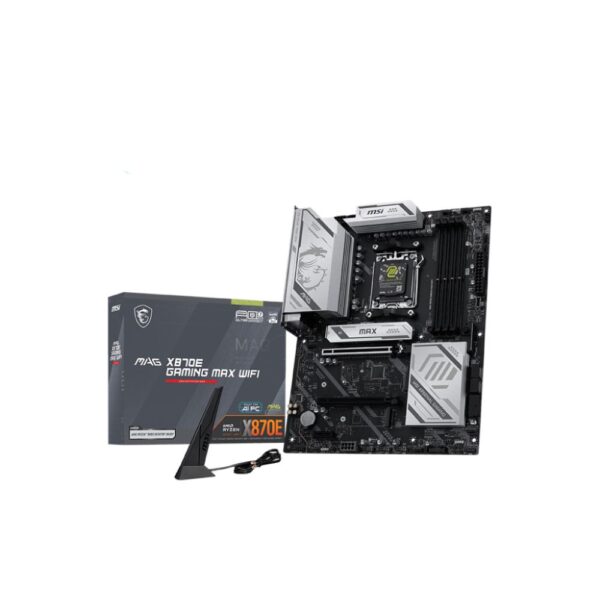
MSI MAG X870E GAMING MAX WIFI Motherboard
In stock
£211.31 inc VAT- AM5 socket ready for AMD Ryzen 7000/8000/9000 Series CPUs
- DDR5 support up to 8200 MHz, 256 GB max memory
- Three M.2 slots with PCIe 5.0/4.0, plus 4 SATA III connectors
- Wi-Fi 7, 5Gb LAN, and USB4 40Gbps connectivity
- ATX form factor with 7.1 audio and Mystic Light RGB
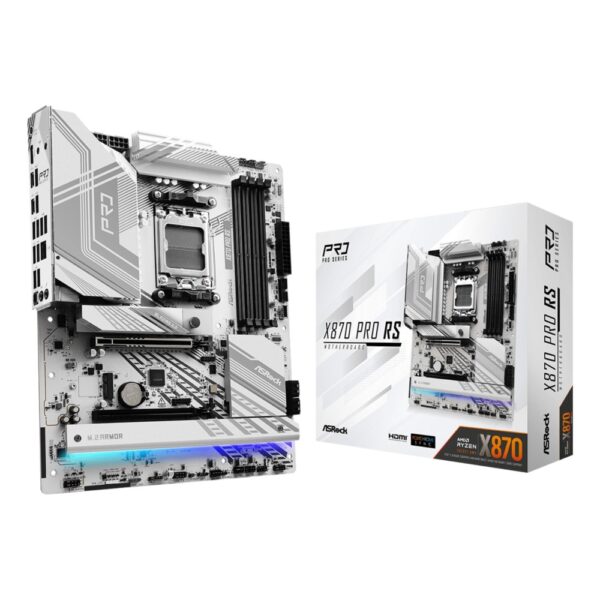
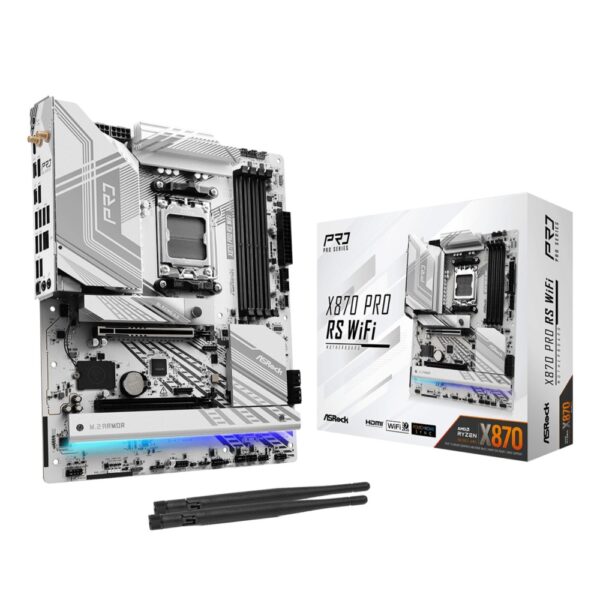
Asrock X870 Pro RS AM5 ATX Motherboard
In stock
£165.95 inc VAT- AMD X870 chipset supporting Ryzen 7000/8000/9000 series processors on Socket AM5
- 4 x DDR5 DIMM slots supporting up to 256 GB with 8000 MHz overclocking via XMP/EXPO
- 3 x M.2 slots (1 x PCIe 5.0, 1 x PCIe 4.0, 1 x PCIe 3.0) plus 4 x SATA III connectors
- 1 x PCIe 5.0 x16 and 1 x PCIe 4.0 x16 reinforced steel slots for graphics cards
- USB4 Gen 2×2 (40 Gbps), USB 3.2 Gen 2×2 (20 Gbps), and 2.5 Gigabit Ethernet LAN connectivity
- ATX form factor (305 x 244 mm) with 14+2+1 power phase design and 8-layer PCB for stability
- What to check: Wi-Fi support is not specified heres
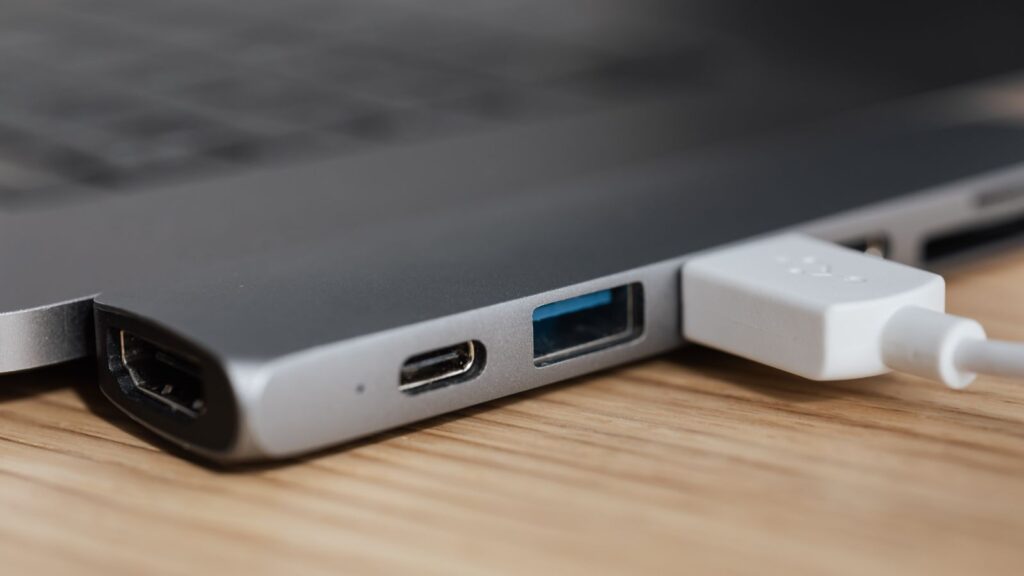
The lane budget in one picture
PCIe lanes are the wiring that carries data between your parts, and every device on the board rents some. A second NVMe drive takes four. A capture card takes four. Fast networking takes at least one. The chipset is the landlord for everything that is not the graphics card or the main SSD, and the two chipsets simply own different amounts of property:
CPU-provided lanes (graphics x16 plus the PCIe 5.0 NVMe slot) are identical on both and are not shown. The second chip only grows the spare room.
Board makers spend that spare room for you before you ever open the box: on extra M.2 slots, USB sockets, wired networking and the odd expansion slot. Which is why the practical difference shows up in the spec sheet of the board, not the feel of the PC. An X870 board typically lands with three M.2 slots and a normal rear panel. X870E boards stretch to four or five M.2 slots and rear panels that look like an airport departure board. If you have ever hit the annoying fine print that says fitting a drive in slot three switches off two SATA ports, that is a board running out of lanes. The E exists so you meet that fine print later, or never.
USB4: standard on both, with small print
USB4 is the one thing AMD forced onto this generation. Every X870 and X870E board must offer it, which was not true of any chipset before. It is the 40Gbps port, the one that runs Thunderbolt-class docks, external NVMe drives at real speed, and single-cable laptop-style desk setups.
The small print: the chipset rule says USB4 must exist, it does not say how many ports you get, and boards vary. Take two boards off our own shelf: the £173 ASRock X870 Pro RS gives you two USB4 ports, while the £165.95 inc VAT Gigabyte X870I Aorus Pro Ice, an ITX board with far less room, gives you one. The chipset badge tells you USB4 is present. Only the product page tells you how much of it. Check the port list, not the chipset name, before you buy for a dock-heavy desk.
Do most people use it? Honestly, not yet. It is the best kind of future-proofing because it costs you nothing extra here, it comes with the platform. But if your life runs on external NVMe scratch drives or a two-monitor dock, this port is the reason the whole 800 series exists, and the E doubling the general USB count starts earning its keep the same day.
Who actually needs the E
A quick test from the shop floor. Count yes answers.
Will this PC hold three or more NVMe drives? Do you keep a stack of SATA drives for media or backups? Is there a capture card, an audio interface, a 10Gb network card or any other add-in card beyond the GPU? Does a USB hub live on your desk because you ran out of sockets on the last machine? Do you plan to keep this board through two CPU upgrades?
Zero or one yes: buy X870, or honestly a B850, and put the change towards the graphics card. Two yes answers: the E is a reasonable comfort purchase, especially with the entry gap under £50. Three or more: buy the E and stop thinking about it. You are the person both Promontory chips were soldered for. Streamers with capture cards, video editors with scratch drives, and the guy migrating a decade of hard drives into one tower: this is your section of the shelf.
Gamers, for completeness: the answer is almost always zero or one. A gaming PC is a graphics card, one or two NVMe drives, and a keyboard. Our gaming CPU guide and GPU guides are where your money works; the chipset is where it sleeps.
The cheaper chipset that undercuts both
Here is the part a chipset comparison is supposed to skip, and we will not. Strip the mandatory USB4 out of an X870 and what remains is, functionally, last year’s B650E. AMD’s own B850 sits at £100 to £150 for a good board, gives your graphics card a full x16 slot (PCIe 4.0, which no current GPU saturates), usually offers a PCIe 5.0 NVMe slot, and skips USB4 unless the board maker adds it by choice.
So the honest ladder looks like this. B850 for almost every gaming build; the MSI MAG B850 Tomahawk Max at £257.69 inc VAT is the one we point at most. X870 when you specifically want USB4 and PCIe 5.0 graphics as standard rather than as luck. X870E when the port-counting section above said so. Our full AM5 motherboard guide walks the whole ladder, including the B840 trap at the bottom.
MSI MAG B850 TOMAHAWK MAX WIFI II motherboard
In stock
£257.69 inc VAT- ATX motherboard with AMD B850 chipset for AMD Ryzen 7000/8000/9000 series processors
- 4 M.2 slots supporting PCIe 5.0 and PCIe 4.0 for ultra-fast NVMe storage
- DDR5 memory support up to 256 GB with dual-channel configuration and 8400 MHz speeds
- Wi-Fi 7 and 5G LAN for high-speed wireless and wired connectivity
- Enhanced VRM with 14+2+1 power phases and 80A Smart Power Stage for stable performance
The boards worth your money
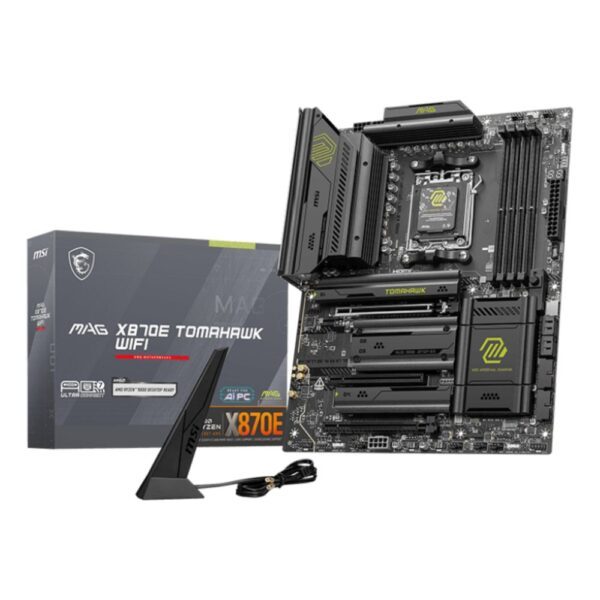
Fifty boards is a lot of shelf, so here is the short walk down it. At £173 the ASRock X870 Pro RS is the cheapest X870 in the building and gives up surprisingly little: three M.2 slots, 2.5G networking, two USB4 ports. The £194 Gigabyte X870 Eagle adds Wi-Fi 7 if you want wireless without a dongle.
In the E range, the £220 MSI X870E Gaming Max is the price surprise of the whole platform, an E board for X870 money. One step up sits the MAG X870E Tomahawk at £257.69 inc VAT the board we fit when someone says “just make it sensible”: strong power delivery, four M.2 slots, and the Tomahawk name has meant boring reliability for three generations now. Boring is a compliment in a motherboard.
Past £350 you are buying finish and flagship extras, not function. The ASUS TUF X870E-Plus at £377 is the last stop we would call value; the ROG Crosshair X870E Hero at £558 is a lovely thing for a money-no-object 9950X3D build, and we sell a few, but nobody needs it. Pair any of these with the chips in our Ryzen decoder.
Every X870 and X870E we stock
Live prices, cheapest first. The X870 shelf:
And the X870E shelf:
Quick answers
No. The CPU, memory, graphics slot and main NVMe slot are wired identically on both. Reviewers who benchmark the two chipsets side by side measure no meaningful difference in games. The E adds connectivity, not speed.
A second Promontory 21 chipset chip. That takes the spare PCIe 4.0 lanes from 12 to 20, the fast 10Gbps USB ports from 6 to 12, and possible SATA ports from 4 to 8. Boards use that extra wiring for more M.2 slots and busier rear panels.
Close to it. The X870 guarantees USB4 and PCIe 5.0 for the graphics slot, which B850 does not. Beyond those guarantees the connectivity budget is in the same class. That is why for a plain gaming build we often point people at a good B850 instead.
Not for speed today; no consumer card saturates PCIe 4.0 x16. The one real-world case where PCIe 5.0 helps is 8GB cards wired at x8, like the RTX 5060 family, which lean on the slot when their memory overflows. Our RTX 5060 guide covers that trap in detail.
At the entry point, about £47 in our store right now: £173 for the cheapest X870 against £220 for the cheapest X870E. At the top end the gap is hundreds, because flagship boards are almost all built on the E chipset.
Whichever the rest of your build needs; the CPU performs identically on both, and on a decent B850 for that matter. An X3D chip cares about its cache, not your chipset. Spend the difference on the graphics card or a better cooler.
Yes, USB4 is mandatory on both X870 and X870E. The number of ports is not mandated though: some boards give you two, some one. If USB4 matters to you, check the port list on the specific board.
X670E is the previous generation of the same dual-chip idea. It lacks the USB4 mandate and Wi-Fi 7 refresh but is otherwise very capable, and clearance prices can make it a bargain. If you find a good one cheap, it is a fine home for any AM5 CPU.
Most current X870 and X870E boards ship with Wi-Fi 7, but it comes from the board maker, not the chipset rulebook, and budget models sometimes carry Wi-Fi 6E or no wireless at all. Like USB4 ports, check the individual board listing.
We sell every board in this article, and the E boards carry the fatter margins, so notice what we just did: told most of you to buy the cheaper chipset, and quite often a B850 that is cheaper still. The stock counts and prices are live from our own shelf as of July 2026. The chipset lane and port figures come from AMD’s platform documentation as compiled by the independent sources below, not from board-box marketing.
- Best AM5 Motherboard in 2026: We Stock 148 of Them, Here Is the Map
- AMD Ryzen CPUs in 2026: The Letter After the Number Matters More Than the Number
- Best Gaming CPU in 2026: Why Ryzen X3D Still Wins
- RTX 5060 vs RTX 5060 Ti: The Memory Matters More Than the Ti
- Best AM4 Motherboard in 2026
- How to Choose PC Components in 2026: Where Your Money Actually Matters
About Hardvance Team
The Hardvance hardware team builds, upgrades and troubleshoots custom PCs every day. Our buying guides are practical and free of hype, drawn from hands-on experience across AMD and Intel platforms, and focused on the parts that genuinely matter for your build and your budget.
View all posts by Hardvance Team