By James Hartley, PC hardware specialist · Last updated June 2026
The best gaming CPU 2026 sets the pace of every game you play. It feeds frames to your graphics card, and when it cannot keep up you feel it as stutter, dropped frames and uneven pacing rather than a lower average number. Sites such as TechPowerUp list each chip’s full specifications. The good news for 2026 is that you do not need the most expensive chip to get the smoothest gaming experience. You need the right one.
For pure gaming, AMD’s 3D V-Cache parts still set the standard. This guide explains why, then helps you match a CPU to your budget, your screen and the rest of your build.
Why the best gaming CPU 2026 uses 3D V-Cache
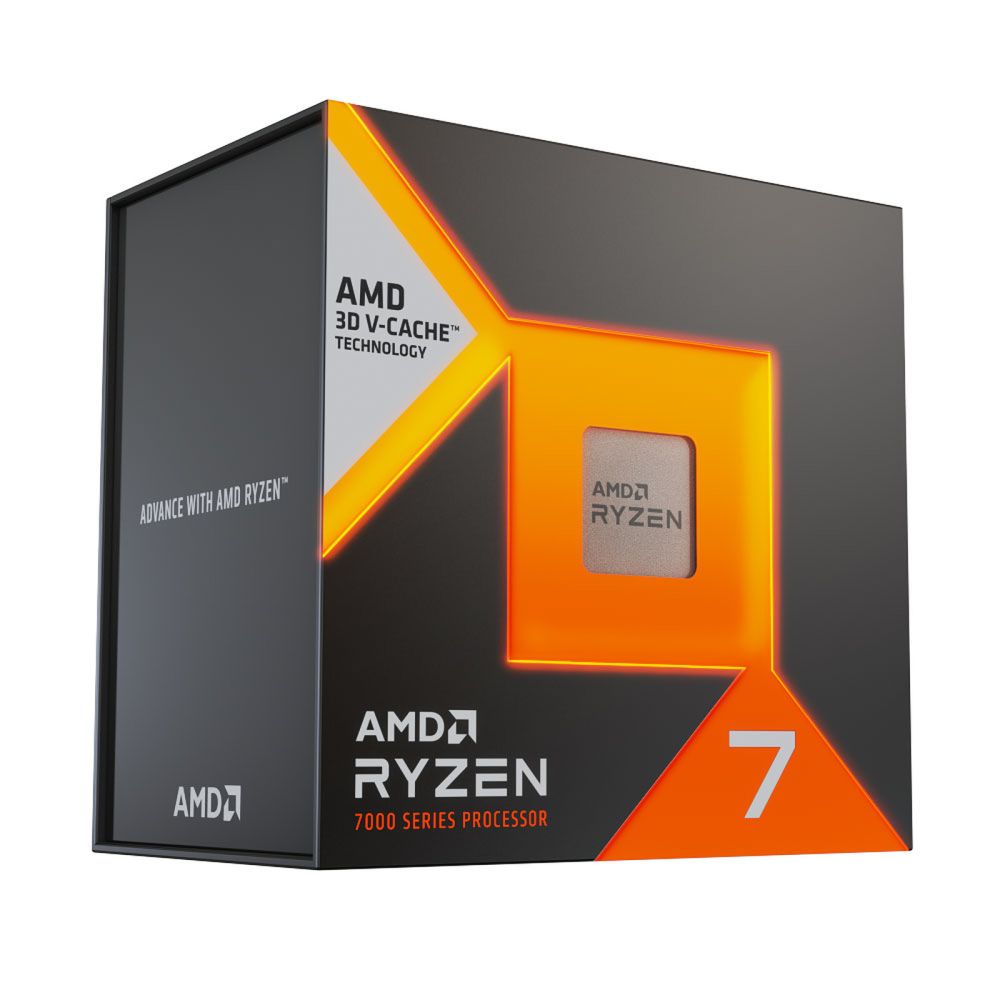
Games love cache. A processor’s L3 cache is a small pool of very fast memory that sits next to the cores, and when the data a game needs is already there the cores never wait on slower system memory. AMD’s X3D chips stack extra cache on top of the die, which is why a part like the 7800X3D carries 96MB of L3 against roughly 32MB on a standard Ryzen 7.
That larger pool is the reason X3D chips win so many gaming benchmarks despite modest clock speeds. The wins are biggest where the processor does the most work: 1080p and 1440p with a strong graphics card, simulation and strategy titles, and busy online games with large player counts. The cache also smooths out the lows, so the experience feels steadier even when the average frame rate looks similar on paper.
How much CPU you actually need
More cores do not automatically mean more frames. Most games lean on a handful of fast cores, so six to eight strong cores is the sweet spot for gaming in 2026. Extra cores help when you stream, edit video or run heavy background tasks, not when you simply want higher frame rates.
| What you do | Sensible core count | Example |
|---|---|---|
| 1080p and 1440p gaming | 6 to 8 cores | Ryzen 5 7600, Ryzen 7 7800X3D |
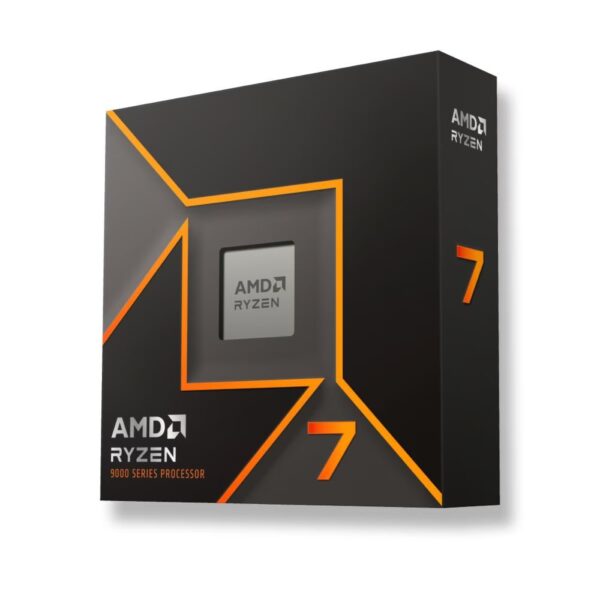
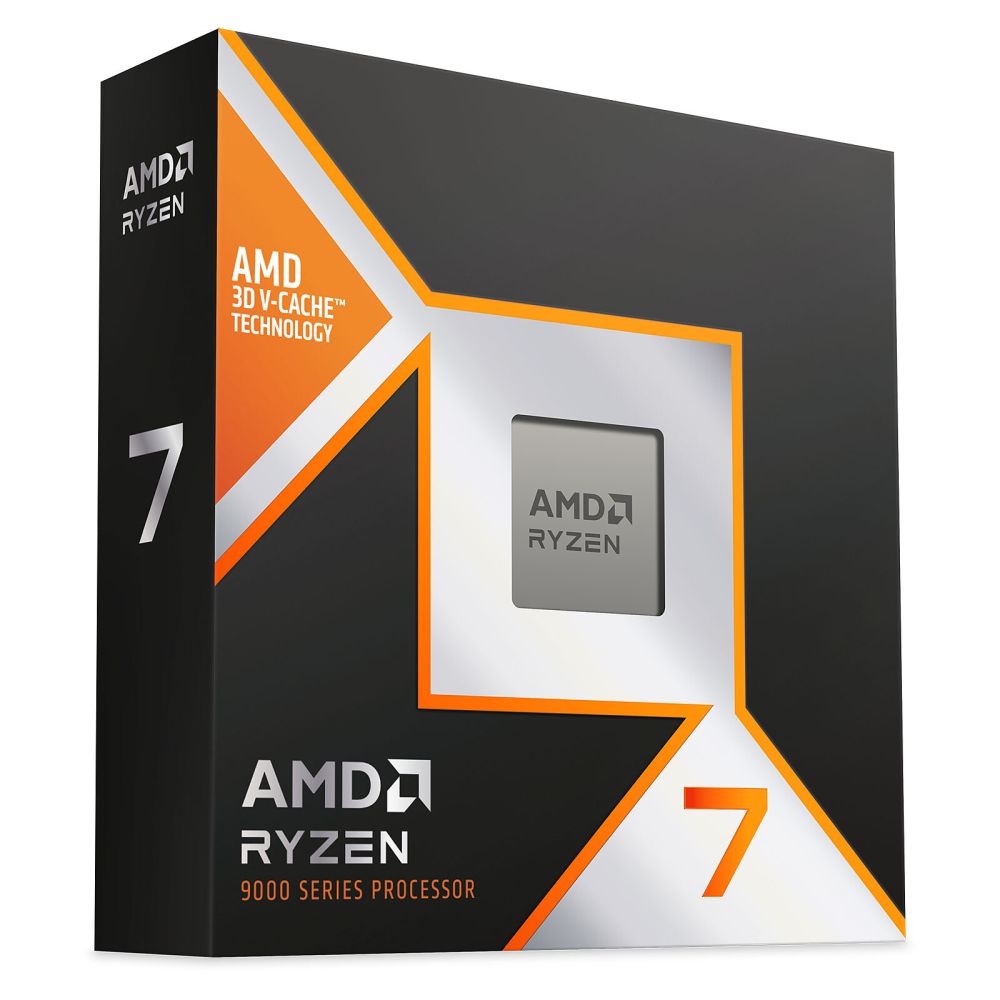
| Gaming plus streaming | 8 cores | Ryzen 7 9700X |
| Gaming plus content creation | 12 cores or more | Ryzen 9 9900X3D |
Resolution matters too. The higher you go, the more the graphics card decides your frame rate and the less the processor does. At 4K most modern gaming chips perform within a few frames of each other, so it makes sense to spend more on the GPU. Our graphics card guide walks through how much VRAM and GPU each resolution needs.
Editor’s choice: Ryzen 7 7800X3D
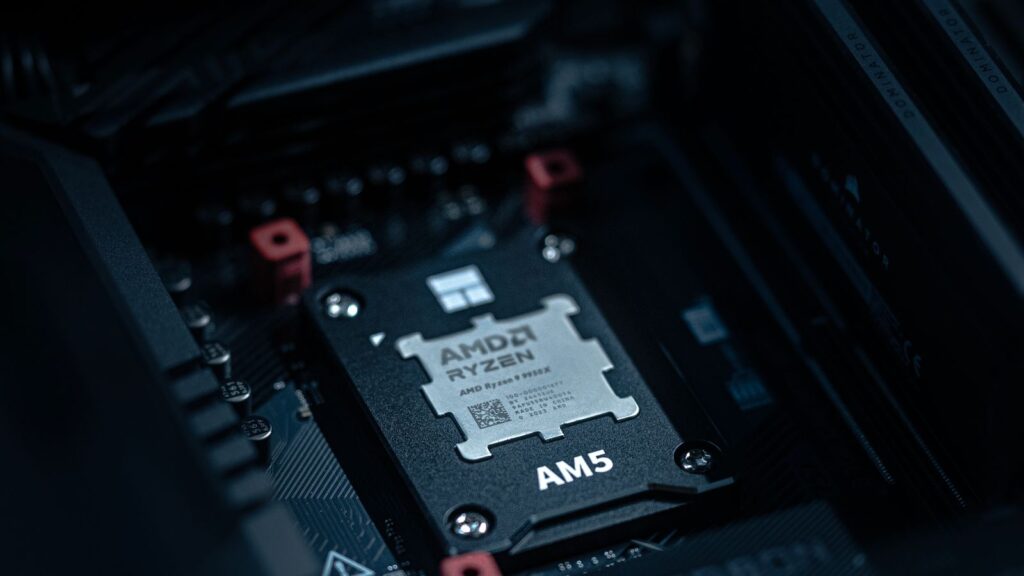
The 7800X3D remains the easiest gaming recommendation we can make. Eight cores, sixteen threads and 96MB of cache deliver chart-topping frame rates, it runs cool and efficient on a 120W budget, and it drops into the long-lived AM5 platform so an upgrade later is straightforward. You pay for gaming performance and very little else, which is exactly what most players want.
AMD Ryzen 7 7800X3D (AM5)
In stock
£356.98 inc VAT- AMD Ryzen 7 7800X3D processor with 8 cores and 16 threads
- Base frequency 4.2 GHz boosting to 5.0 GHz
- AMD Zen 4 architecture with 104 MB 3D V-Cache
- AM5 socket support for DDR5 Dual Channel memory
- Integrated AMD Radeon Graphics at 2200 MHz
- Compatible with AMD B650, X670 and X870 chipsets
Pure gaming or gaming plus work?
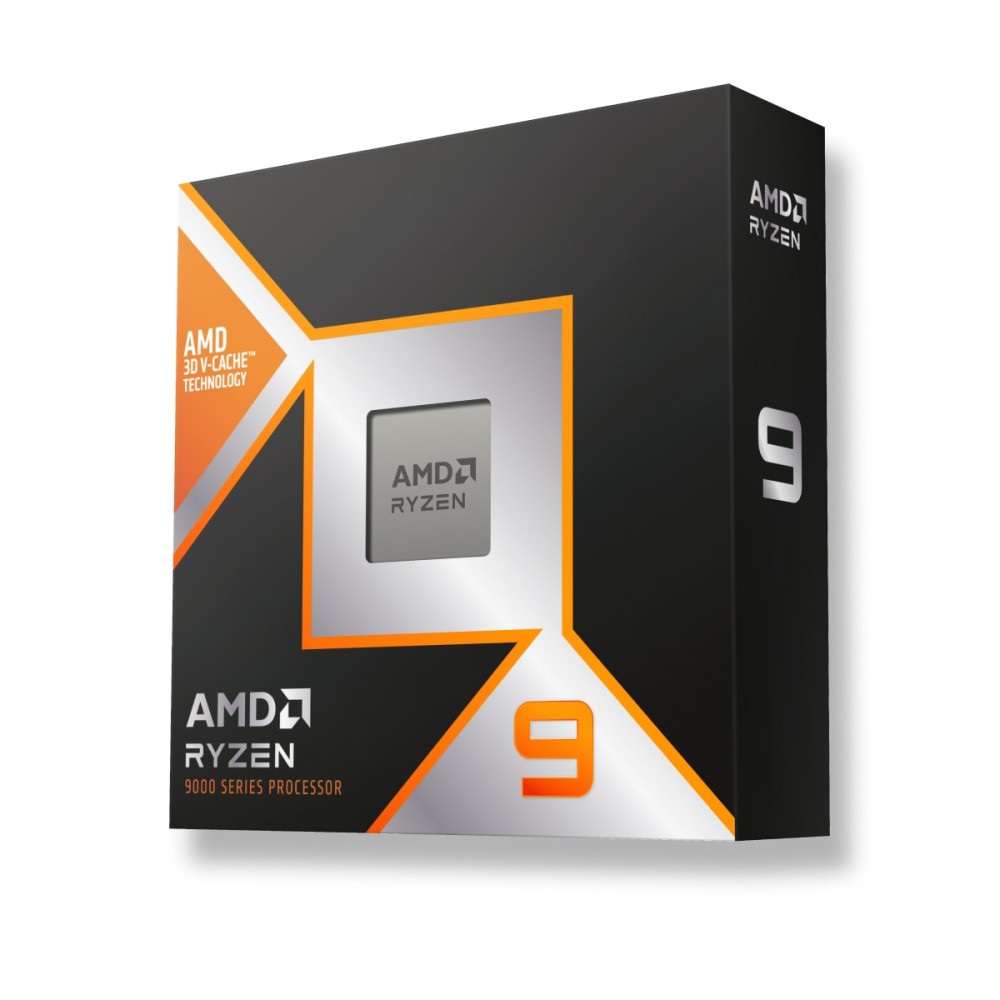
Be honest about what the machine does for most of its life. If it games and little else, an X3D chip gives you the most frames for your money and you can stop there. If you also edit, compile, render or stream for hours, the extra cores of a Ryzen 9 earn their keep, and the 9900X3D pairs that core count with the gaming cache so you do not have to choose.
Our top picks by budget
Three chips cover almost everyone. A budget option that still games beautifully, the value champion, and a do-everything part for gamers who also create.
AMD or Intel for gaming?
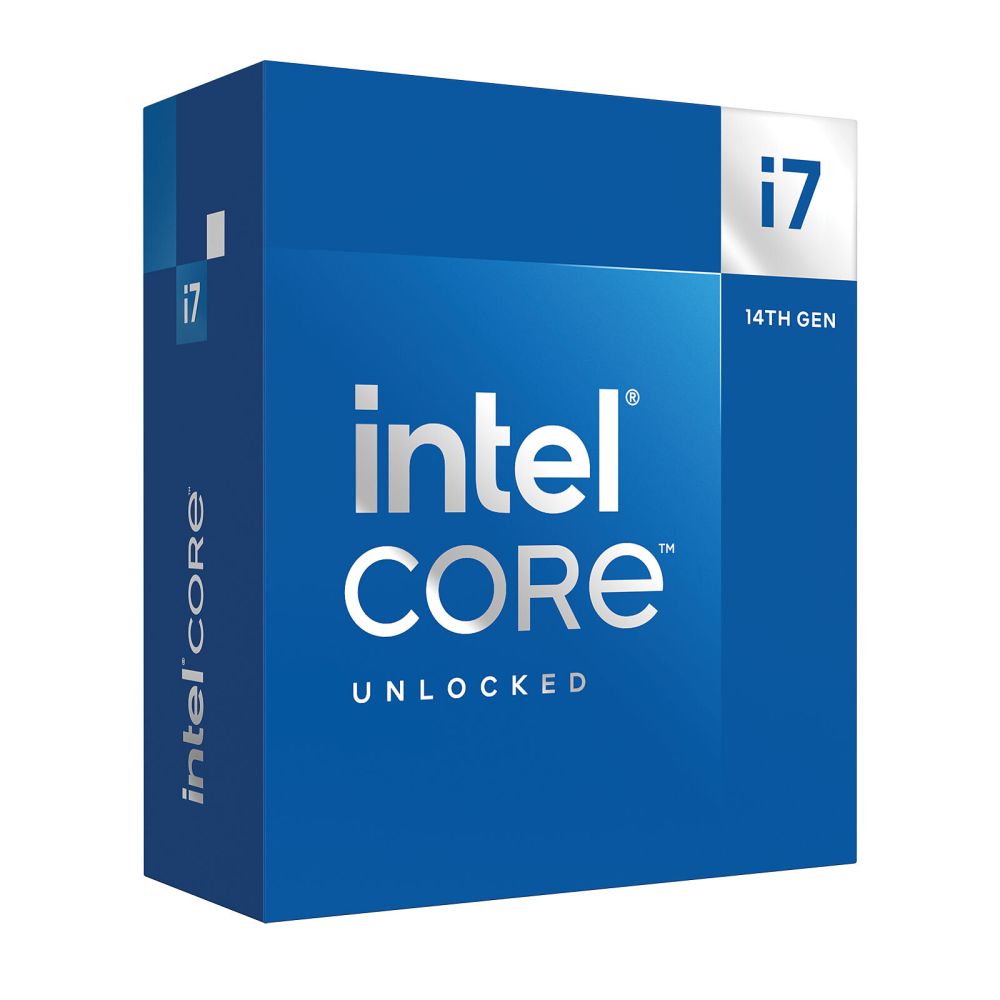
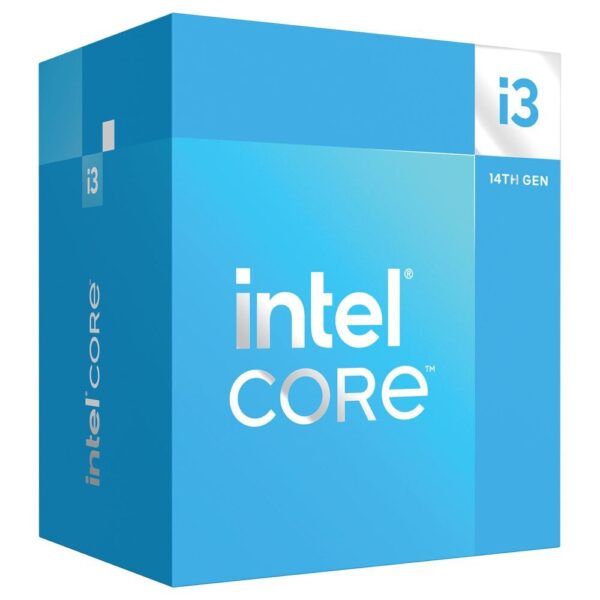
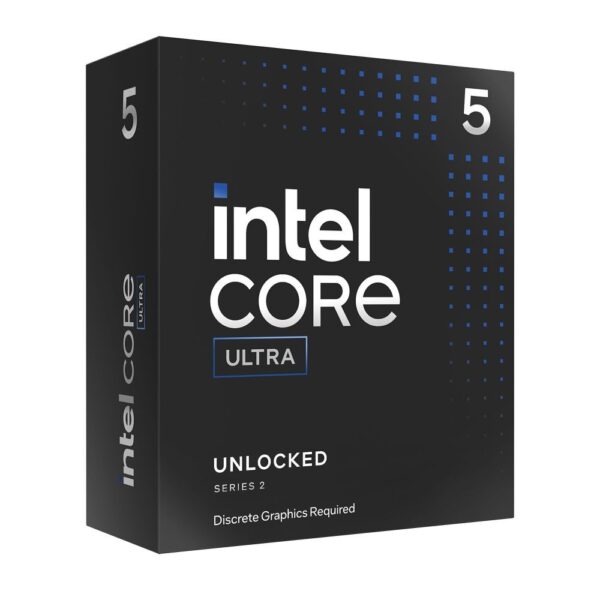
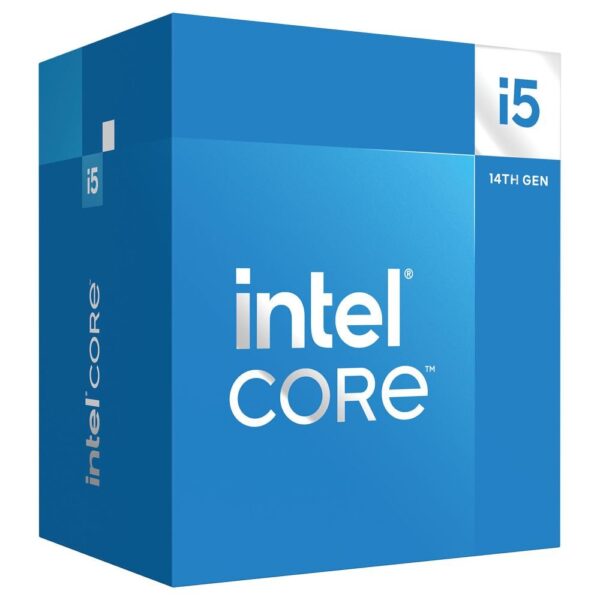
For pure gaming in 2026, AMD’s X3D parts hold the lead and the AM5 platform gives you a clear upgrade path on a single motherboard. Intel remains strong for heavy multitasking and mixed workloads, and a chip like the Core i7-14700K offers a large pile of cores for the money. If your priority is frames per pound, AMD is the simpler answer. If you live in productivity apps as much as games, the gap narrows and either side works.
The rest of the build matters
A gaming CPU only shines with sensible parts around it. On AM5 the processor is happiest with fast, low-latency memory, so 32GB of DDR5-6000 CL30 is the pairing to aim for. Our RAM guide explains why that kit is the sweet spot and why four sticks can slow you down. Cooling is easy: a good air cooler or a 240mm liquid cooler keeps an X3D chip in check.
Do not starve the system on power either. A quality unit with the right modern connectors protects the whole build, and our power supply guide covers the wattage and the ATX 3.1 details. Then match the processor to a graphics card that suits your screen, whether that is a fast 1440p panel or a high-refresh OLED display.
Do not overpay, and do not bottleneck
Two mistakes cost gamers money. The first is buying a flagship 16-core chip for a machine that only games, where most of those cores sit idle. The second is the opposite: pairing a weak processor with a powerful graphics card at 1080p, where the CPU cannot feed frames fast enough and your expensive GPU coasts. Aim for balance. A 7800X3D with a strong mid-range or high-end card, sized to your graphics card needs, is hard to beat.
Gaming CPU specs at a glance
| CPU | Cores / threads | L3 cache | Socket | TDP | Best for |
|---|---|---|---|---|---|
| Ryzen 5 7600 | 6 / 12 | 32 MB | AM5 | 65 W | Budget 1080p gaming |
| Ryzen 7 7800X3D | 8 / 16 | 96 MB (3D V-Cache) | AM5 | 120 W | Best value gaming |
| Ryzen 7 9700X | 8 / 16 | 32 MB | AM5 | 65 W | Gaming and everyday work |
| Ryzen 9 9900X3D | 12 / 24 | 128 MB (3D V-Cache) | AM5 | 120 W | Gaming and content creation |
| Intel Core i7-14700K | 20 cores | 33 MB | LGA 1700 | 125 W | Heavy multitasking |
Quick recommendation
| What you want | Buy this |
|---|---|
| Cheapest chip that still games well at 1080p | Ryzen 5 7600 |
| The most frames for your money | Ryzen 7 7800X3D |
| Gaming and serious productivity in one | Ryzen 9 9900X3D |
| An Intel platform with lots of cores | Intel Core i7-14700K |
Yes. Its 3D V-Cache keeps it at or near the top of gaming charts, it runs efficiently, and it uses the current AM5 socket, so it remains one of the best value gaming processors you can buy.
Less than you might think. At 4K the graphics card sets your frame rate, so most modern gaming chips land within a few frames of each other. Spend the savings on a better GPU instead.
Aim for 32GB of DDR5-6000 CL30 on AM5. That capacity and speed is the sweet spot for gaming, as covered in our RAM guide.
No. A good air cooler or a 240mm liquid cooler is plenty. X3D parts run on a sensible power budget, so cooling them is straightforward.
At 1080p with a top-tier card it can, because the CPU has to work hardest at low resolutions. At 1440p and 4K the balance shifts to the GPU and a Ryzen 5 holds up well.
About James Hartley
James Hartley is a PC hardware specialist at Hardvance with over twelve years of experience building, upgrading and troubleshooting custom desktops. He has assembled hundreds of gaming and workstation rigs across AMD and Intel platforms, and writes practical, no-hype buying guides focused on the parts that make a real difference to performance and value.
View all posts by James Hartley