MacBook Air M5 Review: Battery Life, Performance, M5 vs M4 and Air vs Pro, Seven Months On

0
Person taking a silver MacBook Air M5 out of a green backpack on a stairway

The MacBook Air M5 is the best everyday laptop most people can buy in 2026. It is silent, lasts a full working day and more, and its M5 chip is about 14% faster than the M4 Air in Notebookcheck’s tests. The catches: the screen is still 60Hz, it slows down under long heavy loads because it has no fan, and Apple’s UK store now starts it at £1,299, £200 more than at launch. If you already own an M4 Air, keep it.

Jump to your question:

We did not lab-test the MacBook Air M5. Performance, battery and temperature figures come from Notebookcheck’s reviews of the 13-inch and 15-inch models, and specifications and prices from Apple’s UK site, read on 8 October 2026. We sell the MacBook Air M5.

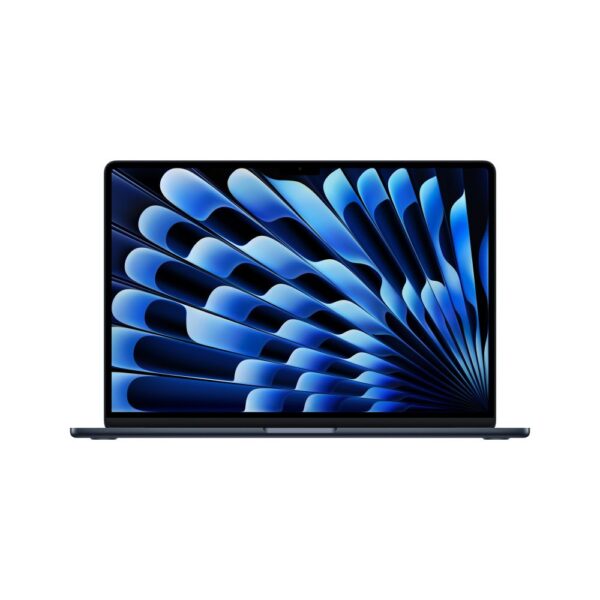
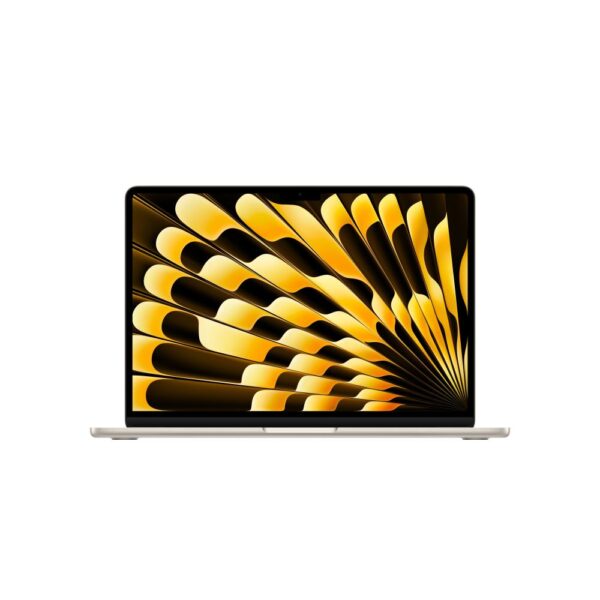
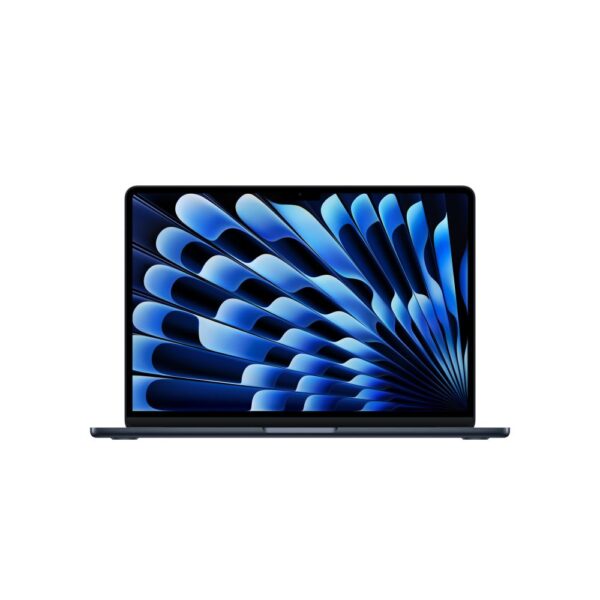
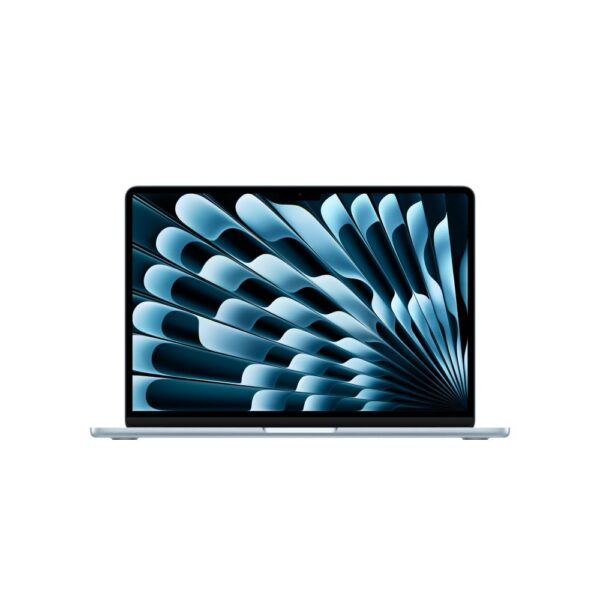
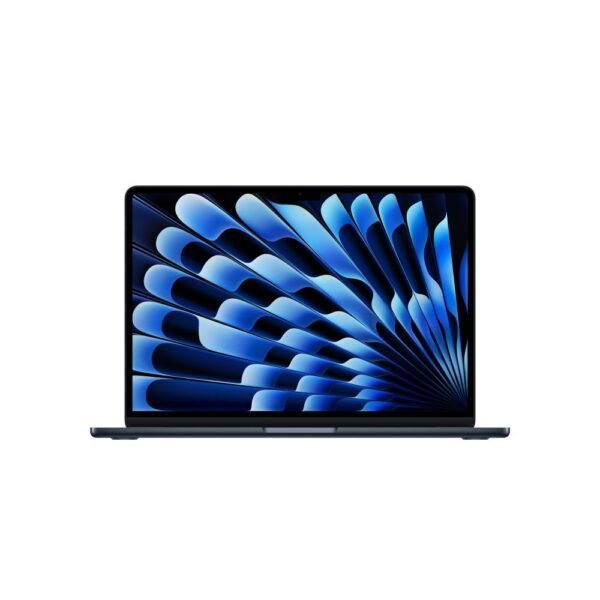
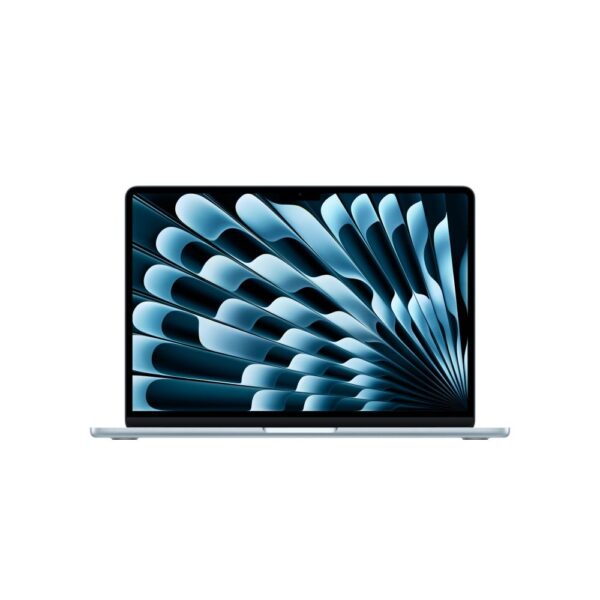
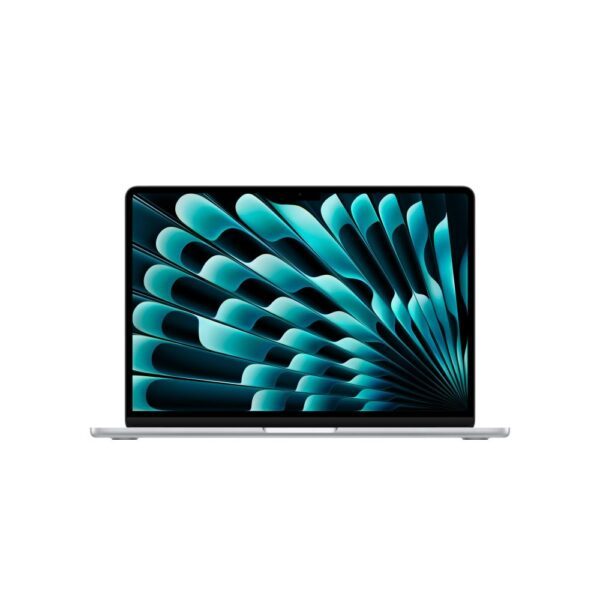
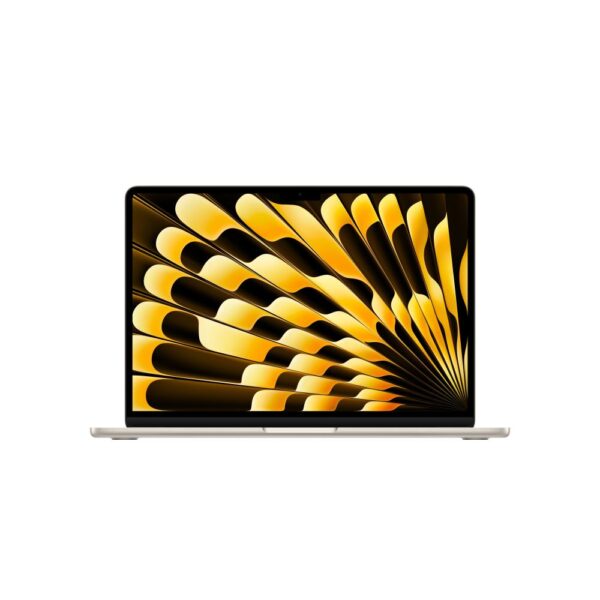
The MacBook Air M5 models we sellAll with the 10-core GPU and a 1TB SSD, in 16GB and 24GB, 13-inch and 15-inch. Each product page shows the current price.

MacBook Air M5 review: the verdict

Buy the MacBook Air M5 if you want one laptop for work, study and everyday life that stays quiet, cool and charged all day. Skip it if you edit long 4K videos, play demanding games or want a fast, bright screen.

Notebookcheck called the 15-inch model “very powerful, fanless and without competition”, and the 13-inch “an excellent notebook for a great many people”. Seven months after launch, nothing on the Windows side matches its mix of speed, silence and battery life at this size.

  • Good: the fastest single-core processor you can buy, according to Notebookcheck; no fan at all; about 16 hours of web browsing; Wi-Fi 7; 512GB base storage, double the M4’s.
  • Not so good: a 60Hz screen when rivals are 120Hz; performance drops under long heavy loads; memory and storage cannot be upgraded later; Apple’s UK price is now £200 higher than at launch.
 MacBook Air M5 13-inchMacBook Air M5 15-inch
ChipM5, 10-core CPU, 8- or 10-core GPUM5, 10-core CPU, 10-core GPU
Memory16GB, 24GB or 32GB16GB, 24GB or 32GB
Storage512GB to 4TB512GB to 4TB
Screen13.6-inch, 2560 x 1664, 60Hz, 500 nits15.3-inch, 2880 x 1864, 60Hz, 500 nits
Battery (Apple)53.8Wh; up to 18h video, 15h webUp to 18h video
Weight1.23kg1.51kg (Notebookcheck)
Ports2x Thunderbolt 4, MagSafe 3, headphone2x Thunderbolt 4, MagSafe 3, headphone
WirelessWi-Fi 7, Bluetooth 6Wi-Fi 7, Bluetooth 6
CoolingFanlessFanless

MacBook Air M5 performance: fastest single core, but it throttles

For browsing, office work, photo edits and coding, the M5 Air feels as fast as a MacBook Pro. Under heavy loads it slows down to stay cool, and the fan-cooled MacBook Pro M5 pulls ahead.

The M5 has 10 CPU cores, four fast “super” cores and six efficiency cores. Notebookcheck measured it as the fastest single-core processor you can buy “with quite a margin”. Single-core speed is what makes apps open and pages load quickly, so this is what you feel every day.

Across all of Notebookcheck’s CPU tests, the M5 Air was 14% faster than the M4 Air and 43% faster than the M3 Air. It does not slow down on battery power.

The limit is heat. With no fan, the chip can draw up to 28W at first, then settles at about 9W after around 20 minutes of combined CPU and graphics load. In Notebookcheck’s Cinebench multi-core test, which takes a couple of minutes, the Air finished 18% behind the MacBook Pro 14 M5. In a 30-minute run the gap was about 10%. You only feel this in long renders and exports. The surface still only reaches about 44°C in that stress test, so it never gets uncomfortable on your lap.

Gaming. Notebookcheck found game performance completely stable, because the chip uses only about 8W in games such as Cyberpunk 2077 and Baldur’s Gate 3. At lower settings those games run without throttling. It is a laptop that can game, not a gaming laptop. For that, see our gaming laptop guide.

MacBook Air M5 battery life in real tests

In Notebookcheck’s Wi-Fi browsing test at 150 nits, the 13-inch MacBook Air M5 lasted just over 16 hours, the same as the M4. At full brightness it lasted 6 hours 39 minutes.

Apple quotes up to 18 hours of video streaming and 15 hours of web browsing for the 13-inch, from a 53.8Wh battery. Notebookcheck’s result sits above Apple’s web figure; its test runs the screen at 150 nits.

In practice that means a full working day plus the evening, without the charger. The brightness result is the one to remember if you work outdoors or by a sunny window: at maximum brightness, plan on less than seven hours.

The 15-inch did slightly better in Notebookcheck’s same test: 17.2 hours, against 16.5 hours for the 15-inch M4.

Notebookcheck noted that the Dell XPS 13 9350, with Intel’s Lunar Lake chip, lasts about four hours longer in the same test, though with a lower-resolution screen.

MacBook Air M5 display, speakers and build

The screen is sharp and bright but still runs at 60Hz, the speakers are very good, and the aluminium body is unchanged from the M4 model.

  • Screen: Notebookcheck measured over 500 nits and a contrast ratio of about 1300:1. There is no PWM flicker, which matters if you get headaches from some screens. Notebookcheck found “a distinct blue cast” out of the box, which True Tone hides; photo editors may want to calibrate it. The 60Hz refresh rate is the biggest weakness at this price, because scrolling looks less smooth than on 120Hz rivals.
  • Speakers: Notebookcheck rates the 15-inch speakers as excellent and a bit better than the 13-inch, whose sound it calls good enough that you will rarely miss external speakers.
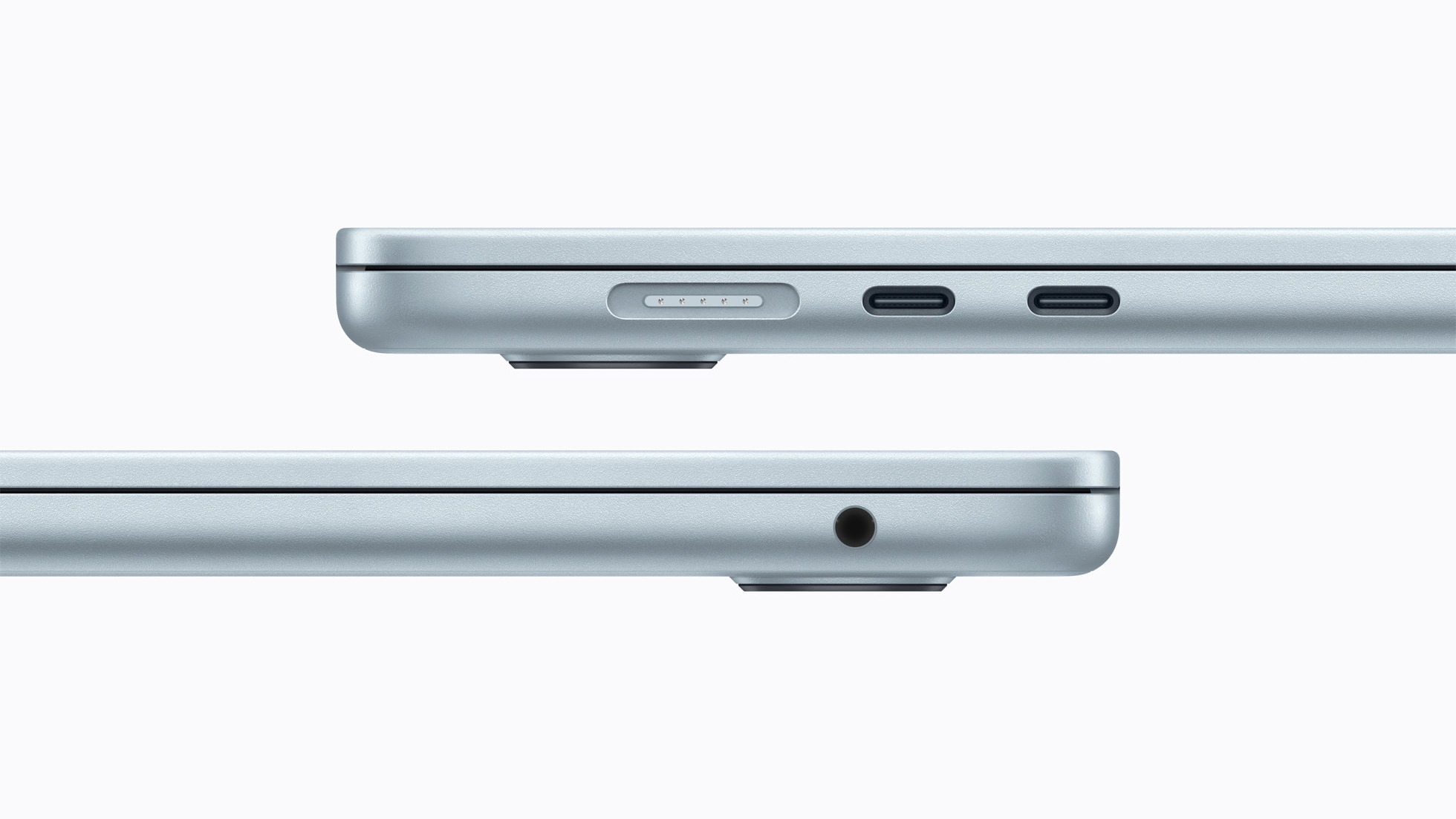
  • Build and ports: the same thin aluminium design as before, two Thunderbolt 4 ports, MagSafe 3 for charging and a headphone jack. It can drive two external displays.
  • Camera: a 12MP Center Stage camera that keeps you in frame on video calls, with Desk View.
Side edges of the MacBook Air M5 showing the MagSafe port, two Thunderbolt ports and the headphone jack
MagSafe 3, two Thunderbolt 4 ports and a headphone jack, unchanged from the M4 model. Image: Apple.

MacBook Air M5 vs M4: is it worth upgrading?

No, not from an M4 Air. The M5 is about 14% faster, has a faster SSD, Wi-Fi 7 and double the base storage, but the screen, battery life, body and ports are the same. Upgrade from an M1 or M2 Air, or from an Intel MacBook.

  • What changed: the M5 chip, 28% more memory bandwidth (153GB/s), a faster SSD that Notebookcheck measured at around 7GB/s, 512GB base storage instead of 256GB, up to 4TB, and Apple’s N1 chip with Wi-Fi 7 and Bluetooth 6.
  • What did not: the 60Hz screen, the battery life in testing, the design and the ports.

Apple says the M5 Air brings six more hours of battery life than an Intel-based MacBook Air, and its CPU is 43% faster than the M3 Air in Notebookcheck’s tests. The older your Mac, the bigger the jump.

MacBook Air M5 vs MacBook Pro M5

Buy the Air unless you do sustained heavy work. The MacBook Pro 14 M5 costs £1,999 on Apple’s UK store, has a fan that keeps the M5 at full speed, a 120Hz mini-LED screen with up to 1,600 nits in HDR, and a bigger battery.

  • Screen: the Pro’s Liquid Retina XDR display reaches 1,000 nits for SDR and has ProMotion up to 120Hz. The Air’s is 500 nits and 60Hz. This is the difference you will notice most.
  • Speed: in short tasks they are almost identical. In long ones, the Pro was about 18% faster in Notebookcheck’s Cinebench multi-core test, because the Air throttles.
  • Battery: the Pro has a 72.4Wh battery and Apple quotes up to 24 hours of video.
  • Weight and noise: the Air is lighter and always silent.

Our which MacBook to buy guide compares every current Mac, including what the coming M6 models mean for you.

MacBook Air M5 13-inch vs 15-inch

Choose the 13-inch if you carry it every day. Choose the 15-inch if it mostly lives on a desk and you want more screen without paying for a Pro. Performance is the same.

The 13-inch weighs 1.23kg; Notebookcheck weighed the 15-inch at 1.51kg. The 15-inch has a 2880 x 1864 screen and slightly better speakers. Apple’s base 13-inch has an 8-core GPU, while the 15-inch always has the 10-core GPU. All the 13-inch models we sell, like the 13-inch with 16GB and 1TB, also have the 10-core GPU. The 15-inch we sell is the 15-inch with 16GB and 1TB.

MacBook Air M5 16GB vs 24GB: which to buy

16GB is enough for most people. Choose 24GB if you keep dozens of browser tabs open while editing photos, run local AI models, or plan to keep the laptop for five years or more.

The memory is part of the M5 chip, so you cannot add more later. That is the main reason to buy a little more than you need today. Apple’s own pitch for the M5 is faster local AI, and AI models use a lot of memory. If that matters to you, the 13-inch with 24GB and 1TB is the safer choice. Storage is also fixed. Notebookcheck noted the SSD chips are soldered, so pick the size you will need, or use an external drive. Our external SSD guide covers cheap ways to add space.

MacBook Air M5 price in the UK

Apple launched the MacBook Air M5 in March 2026 at £1,099 for the 13-inch and £1,299 for the 15-inch. Apple’s UK store now lists it from £1,299 for the 13-inch and £1,499 for the 15-inch, £200 more on both.

Apple UK base modelLaunch, March 2026Apple UK store, 8 October 2026
13-inch, 8-core GPU, 16GB, 512GB£1,099£1,299
13-inch, 10-core GPUNot in Apple’s release£1,399
15-inch, 10-core GPU, 16GB, 512GB£1,299£1,499

That rise changes the maths. The MacBook Pro 14 M5 is £1,999 on the same store, so the 13-inch Air now saves you £700. If you were on the fence about the Pro’s screen, it is a smaller step than it looked in March.

Education pricing at launch was £999 for the 13-inch and £1,199 for the 15-inch. The models we sell are all 10-core GPU, 1TB configurations, which cost more than Apple’s 512GB base model, so compare like for like. Each product page shows the current price.

For other budgets, our student laptop guide and work laptop guide compare Windows alternatives.

Quick answers

Is the MacBook Air M5 worth it?

Yes, for most people. It is silent, lasts about 16 hours of browsing in Notebookcheck’s test and is the fastest single-core laptop chip available. It is not worth upgrading to from an M4 Air.

How long does the MacBook Air M5 battery last?

Just over 16 hours of Wi-Fi browsing at 150 nits in Notebookcheck’s test, and 6 hours 39 minutes at full brightness. Apple quotes up to 18 hours of video streaming.

What is the difference between the MacBook Air M5 and M4?

The M5 is about 14% faster, has 28% more memory bandwidth, a faster SSD, Wi-Fi 7 and 512GB base storage instead of 256GB. The screen, battery life and design are the same.

Should I get the MacBook Air M5 or the MacBook Pro M5?

The Air for everyday work and portability. The Pro if you do long video exports or 3D work, or want its 120Hz, 1,000-nit screen. The Pro starts at £1,999 on Apple’s UK store.

Does the MacBook Air M5 have a fan?

No. It is completely silent. Under long heavy loads it slows down to stay cool, settling at about 9W after 20 minutes in Notebookcheck’s stress test.

Is 16GB enough on the MacBook Air M5?

For most people, yes. Choose 24GB for heavy multitasking, local AI or keeping it five years or more, because the memory cannot be upgraded later.

Can the MacBook Air M5 run games?

Yes, at lower settings. Notebookcheck found games such as Cyberpunk 2077 and Baldur’s Gate 3 run with stable performance, because the chip uses only about 8W while gaming.

Does the MacBook Air M5 support two monitors?

Yes. It supports up to two external displays alongside its own screen, through its two Thunderbolt 4 ports.

How we know

We are a UK technology retailer and we sell the MacBook Air M5. We did not lab-test it. Performance, battery, temperature, screen and speaker results come from Notebookcheck’s reviews of the 13-inch and 15-inch models, quoted and linked. Specifications, launch dates and launch prices come from Apple’s UK press release and support specification pages, and current prices from Apple’s UK store, all read on 8 October 2026.

Leave a Reply

Your email address will not be published. Required fields are marked *