


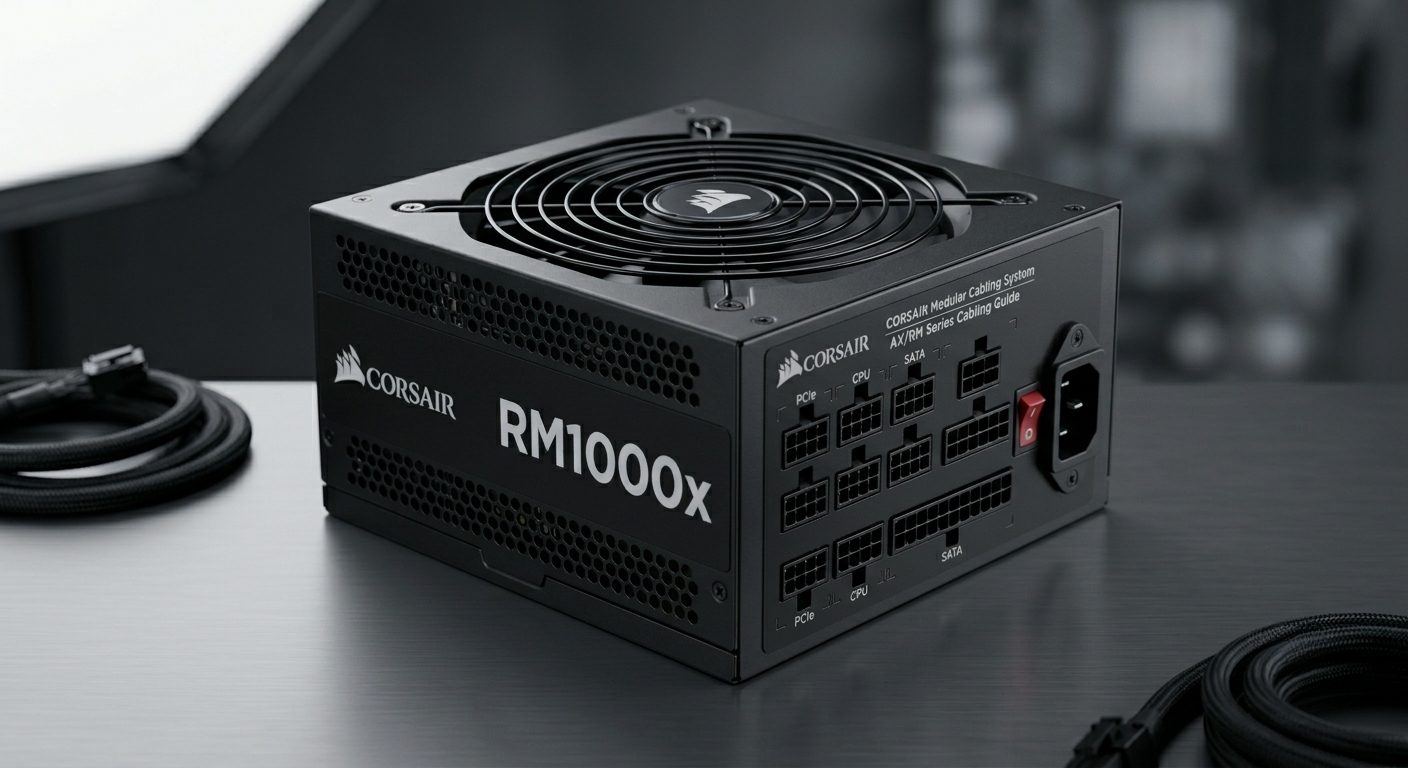
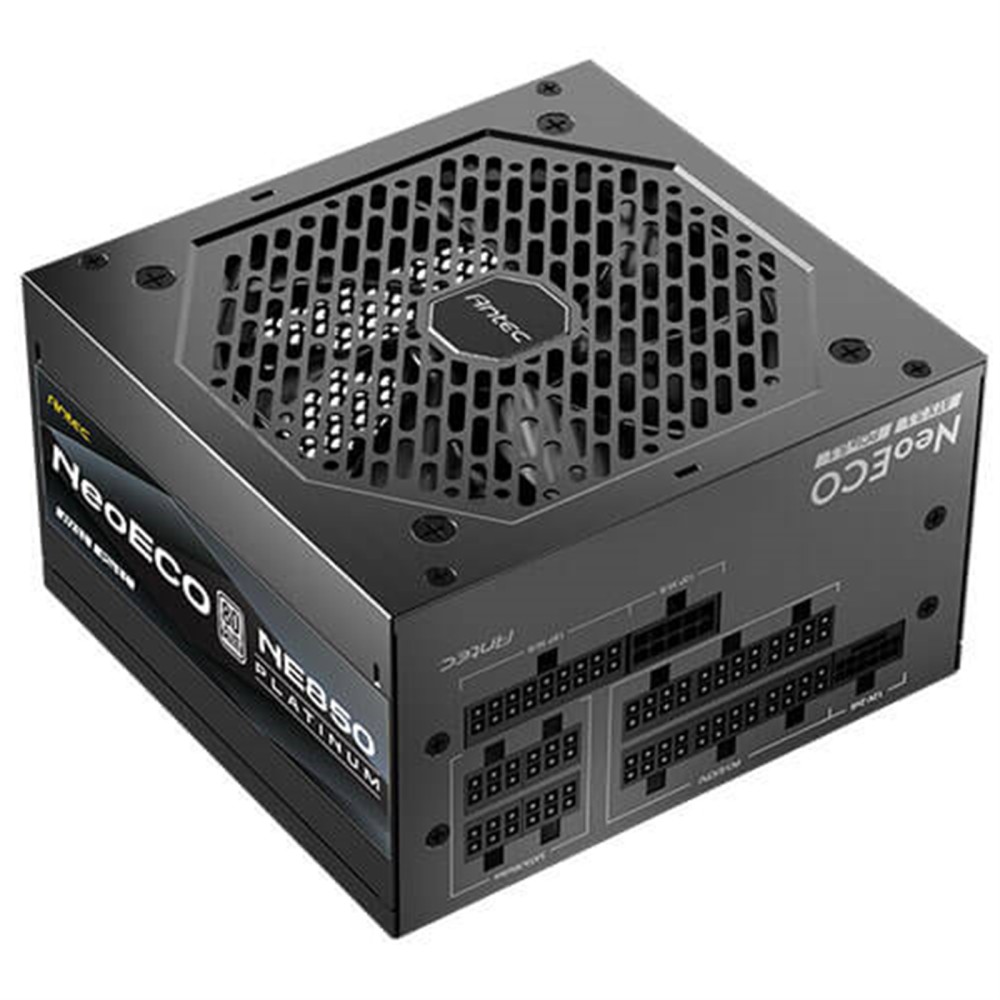
Antec NeoEco 850W Platinum Modular ATX 3.1 PSU, PCIe 5.1, 12V-2×6

In stock
£92.42 inc VAT- 850W ATX 3.1 Power Supply
- 80 PLUS Platinum certified efficiency
- PCIe 5.1 ready with 12V-2×6 connector
- Fully modular design for clean cable management
- 120mm FDB silent fan with Zero RPM mode
- High-
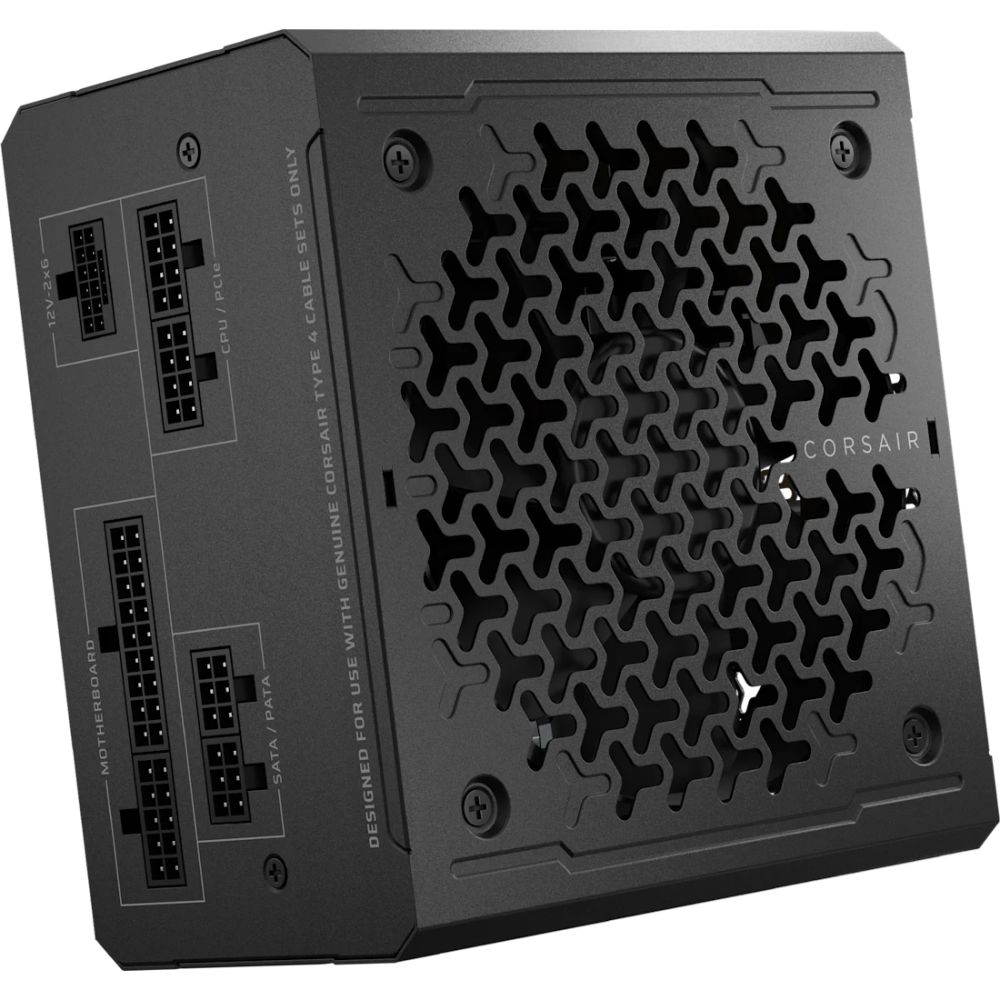
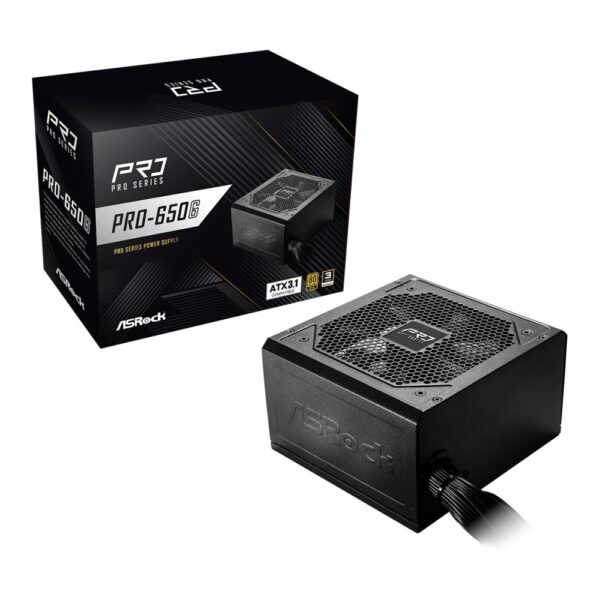
Corsair RM650e 650W Power Supply Unit

In stock
£69.67 inc VAT- 650W ATX 3.1 Gold-certified PSU with PCIe 5.1 support
- Fully modular cabling for tidy builds
- 12cm rifle bearing fan with low-noise operation
- 140mm compact form factor for easy case fit
- Native 600W 12V-2×6 GPU connector for modern graphics cards
- Cybenetics Gold efficiency for lower power consumption
- 100,000-hour MTBF for long-term reliability
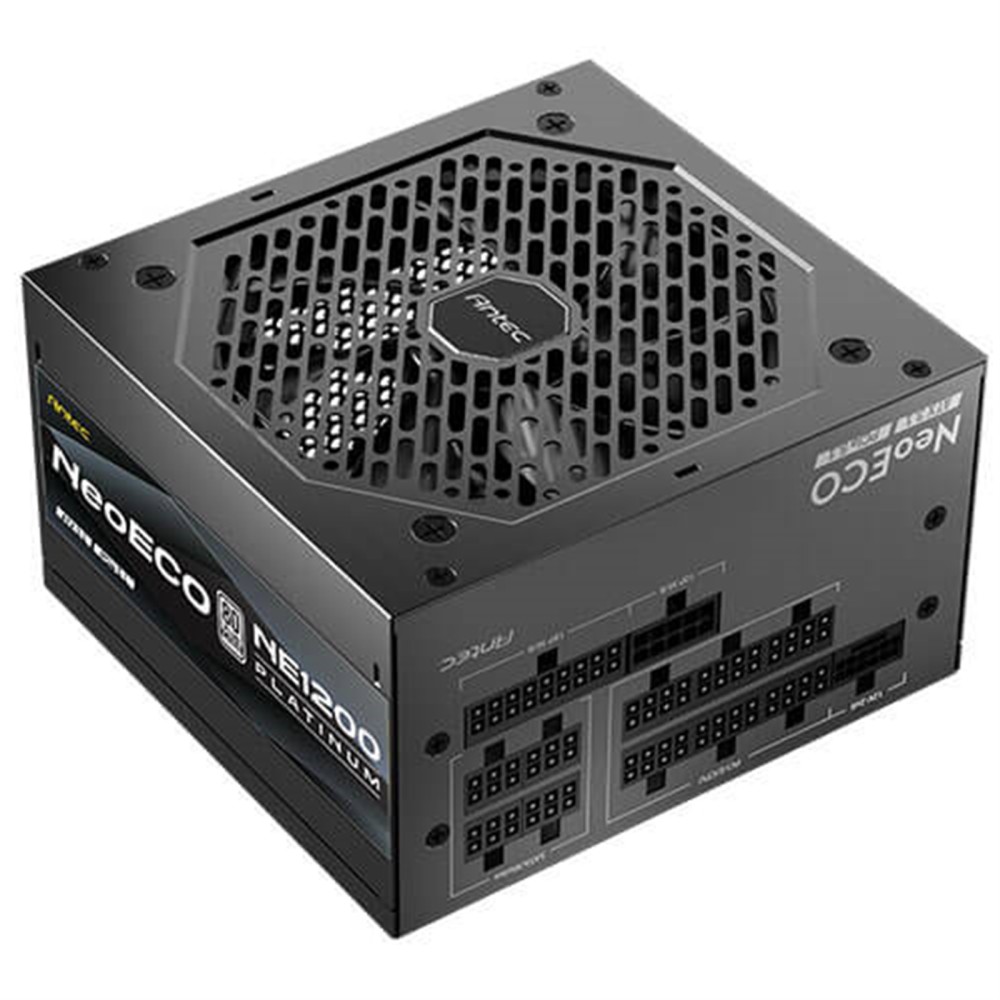
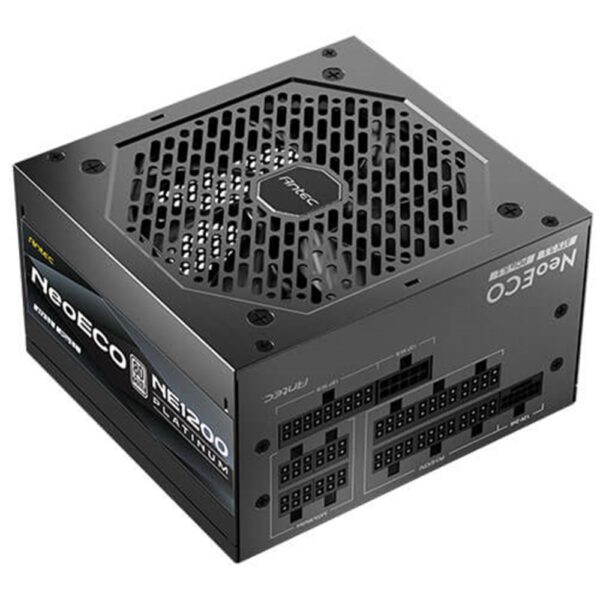
Antec NE1200 Platinum NeoEco 1200W ATX 3.1 PSU, PCIe 5.1, 80 Plus Platinum, 10-Year Warranty
In stock
£123.24 inc VAT- 1200W ATX 3.1 & PCIe 5.1 compatibility with 12V-2×6 connector
- 80 PLUS Platinum efficiency with high-quality Japanese capacitors
- PhaseWave server-class DC-DC design for stable power delivery
- Full modular cable management for improved airflow
- 120mm FDB silent fan with Zero RPM Manager for quiet cooling
- 10-year warranty with comprehensive industrial-grade protection suite
- Compact 140mm x 150mm x 86mm size fits wider case compatibility
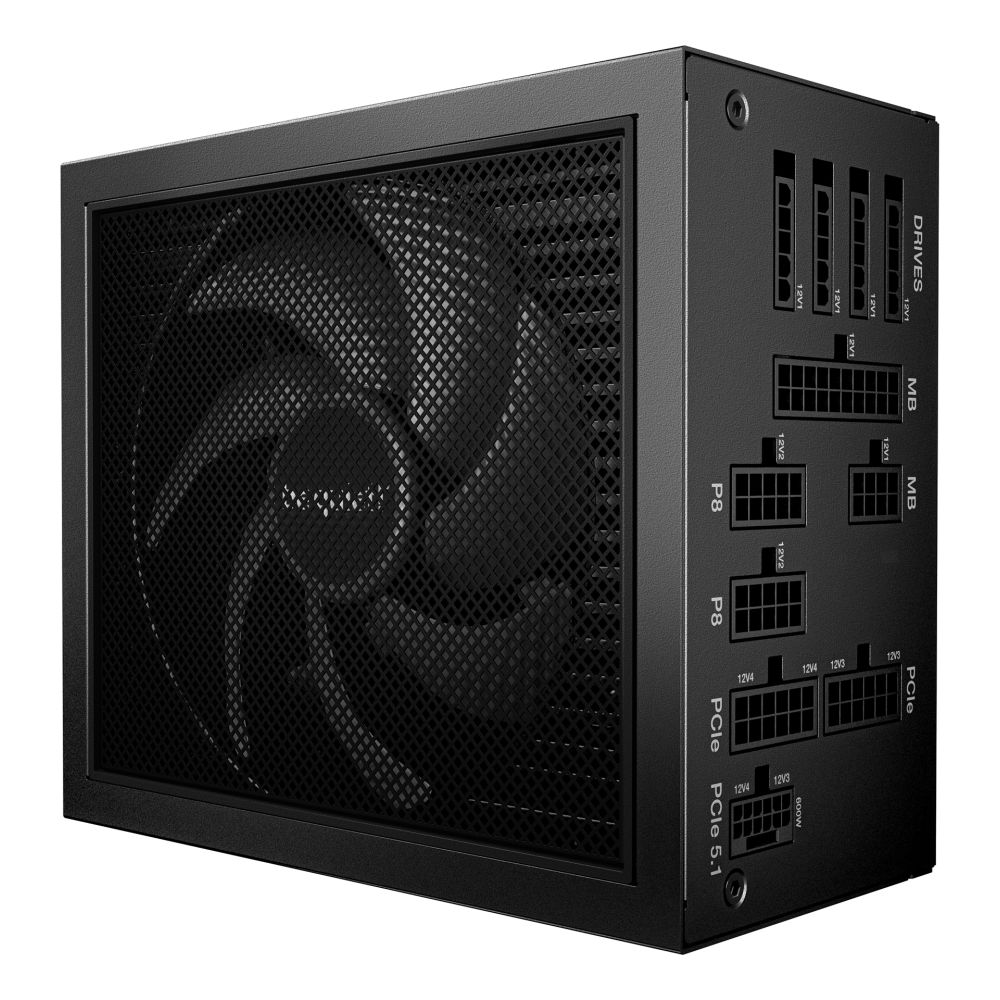
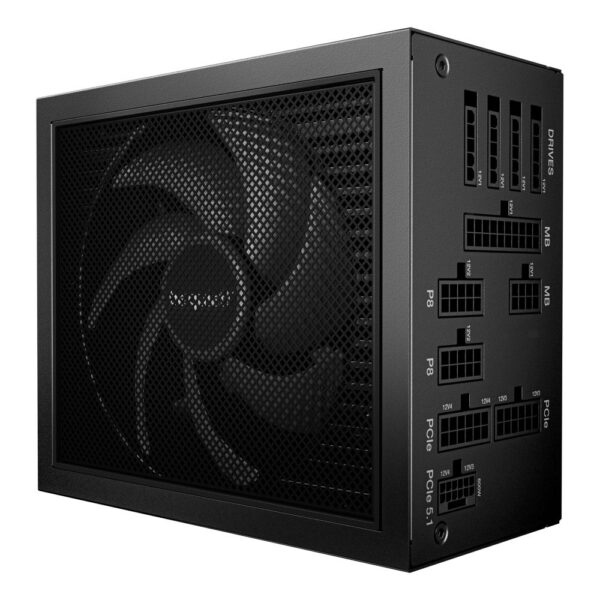
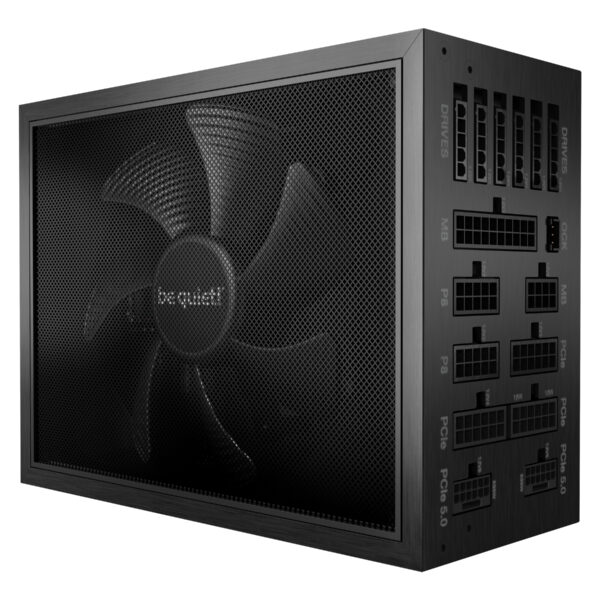
be quiet! Dark Power 14 1000W 80 Plus Titanium ATX PSU

In stock
£186.83 inc VAT- 1000 W ATX 3.1 power supply with 1100 W peak for high-end PCs
- 80 PLUS Titanium efficiency at 93.8% with 0.98 power factor
- 13.5 cm FDB fan, 0–2100 RPM, 18.2 dB noise, semi-passive mode
- Fully-modular cabling with 4 × 6+2-pin PCIe, 12-pin, and dual 4+4-pin EPS
- Four +12V rails (996 W combined) with comprehensive power protection
- 100–240 V AC input, 20.1 ms hold time, 100,000 h MTBF
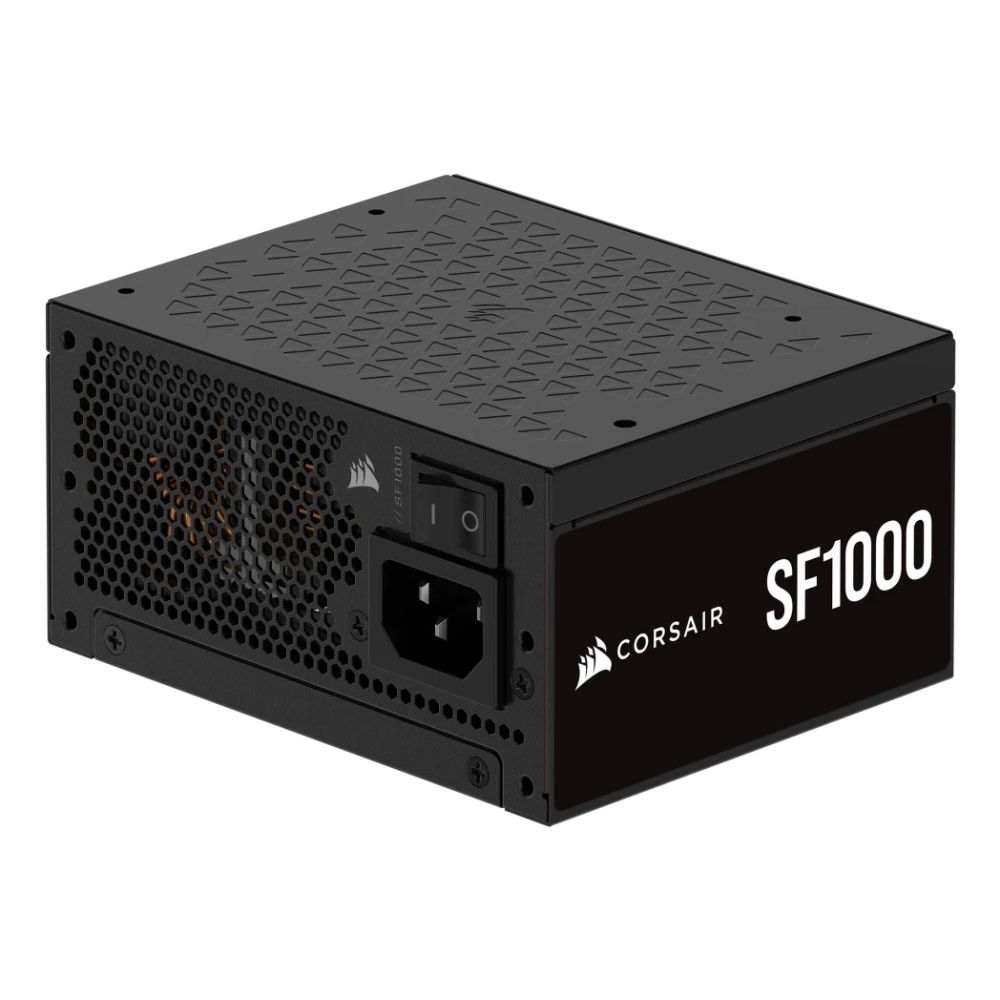
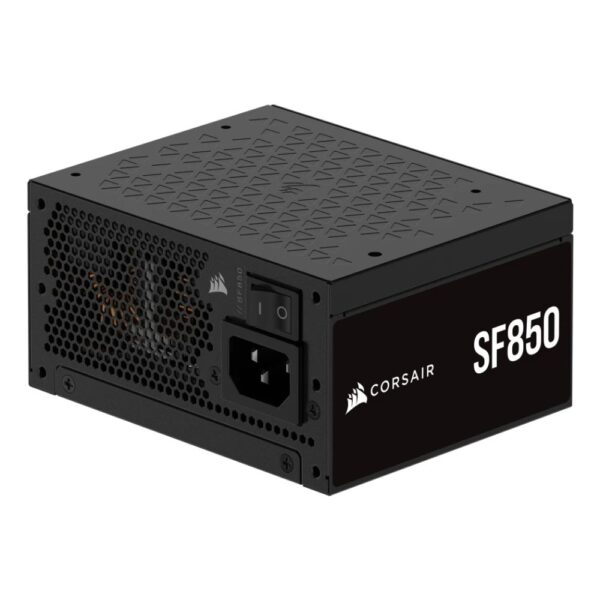
Corsair SF1000 1000W Power Supply
In stock
£180.06 inc VAT- 1000W SFX power supply for SFF PC builds
- 80 PLUS Platinum certification for high efficiency
- ATX 3.1 compliant with fully modular cabling
- 9.2 cm top-mounted fan with FDB bearing technology
- Compact dimensions: 125 x 100 x 63.5 mm
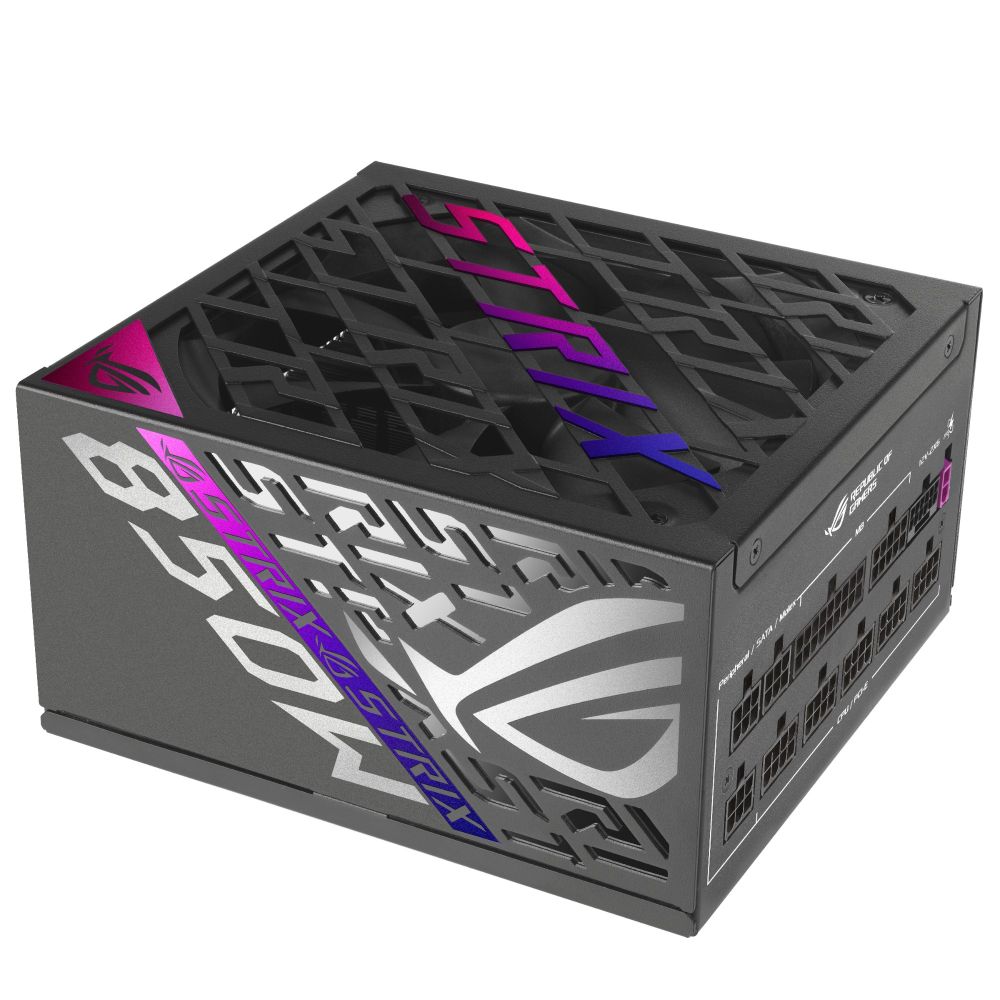
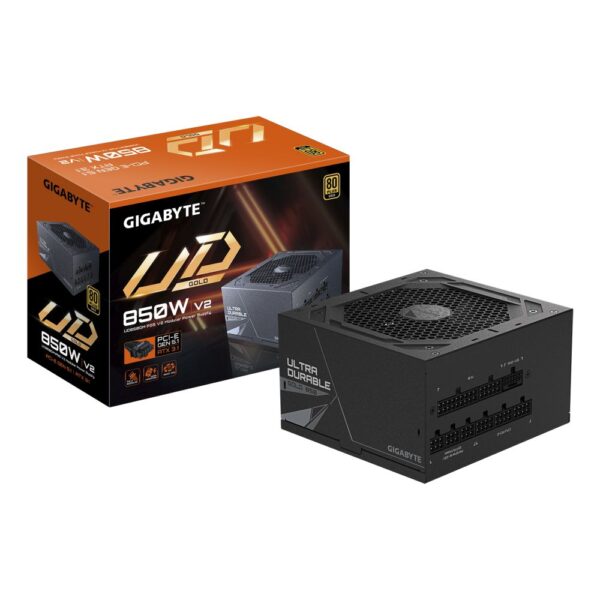
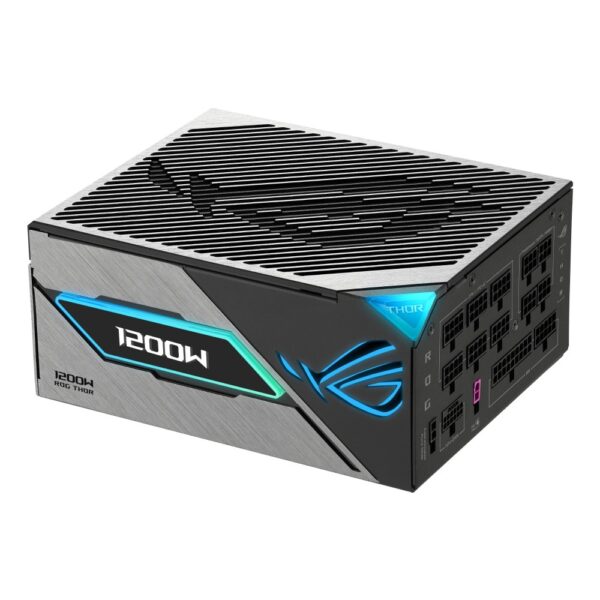
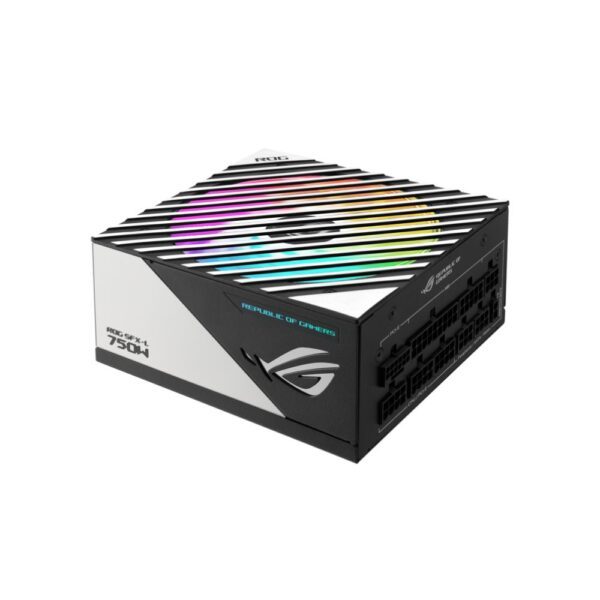
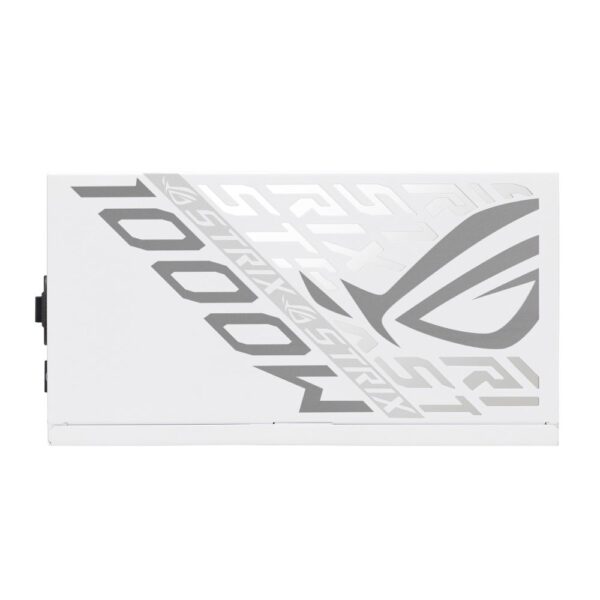
ASUS ROG Strix 850W Gaming PSU

In stock
£158.78 inc VAT- 850 W ATX 3.1 power supply with GaN MOSFET technology
- 80 PLUS Platinum certification for superior energy efficiency
- Fully-modular design with etched cables for easy installation
- 1x 120mm top-mounted semi-passive cooling fan
- 6x SATA, 3x Molex, 3x PCIe, and 1x 12V-2×6 connectors
- Active PFC and comprehensive protection features
- Compact 160x150x86 mm form factor, 1.78 kg weight
Best-Value Power Supplies
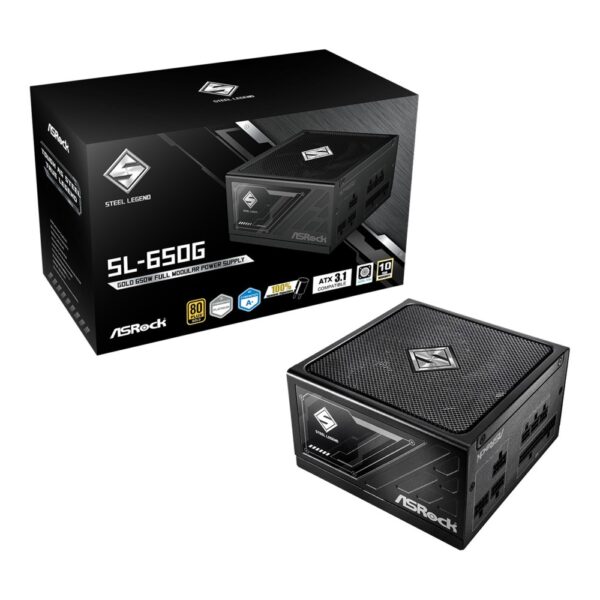



Premium Platinum & Titanium PSUs
-6%
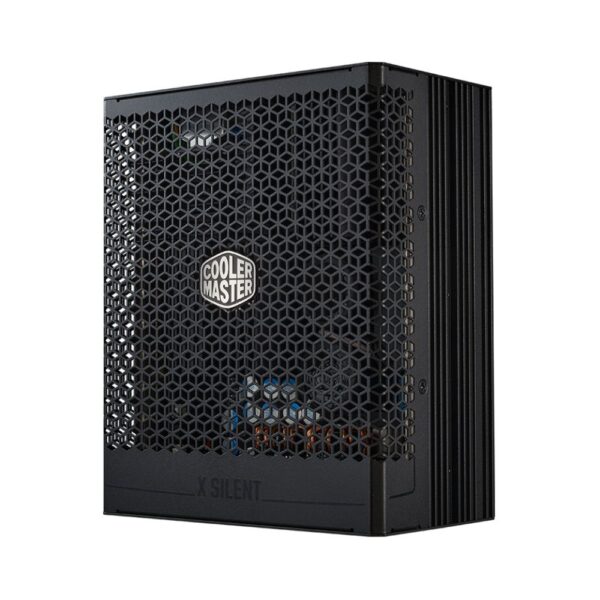
Cooler Master X Silent Edge 1100W PSU

In stock
Original price was: £208.45.£195.95Current price is: £195.95. inc VAT
Related posts
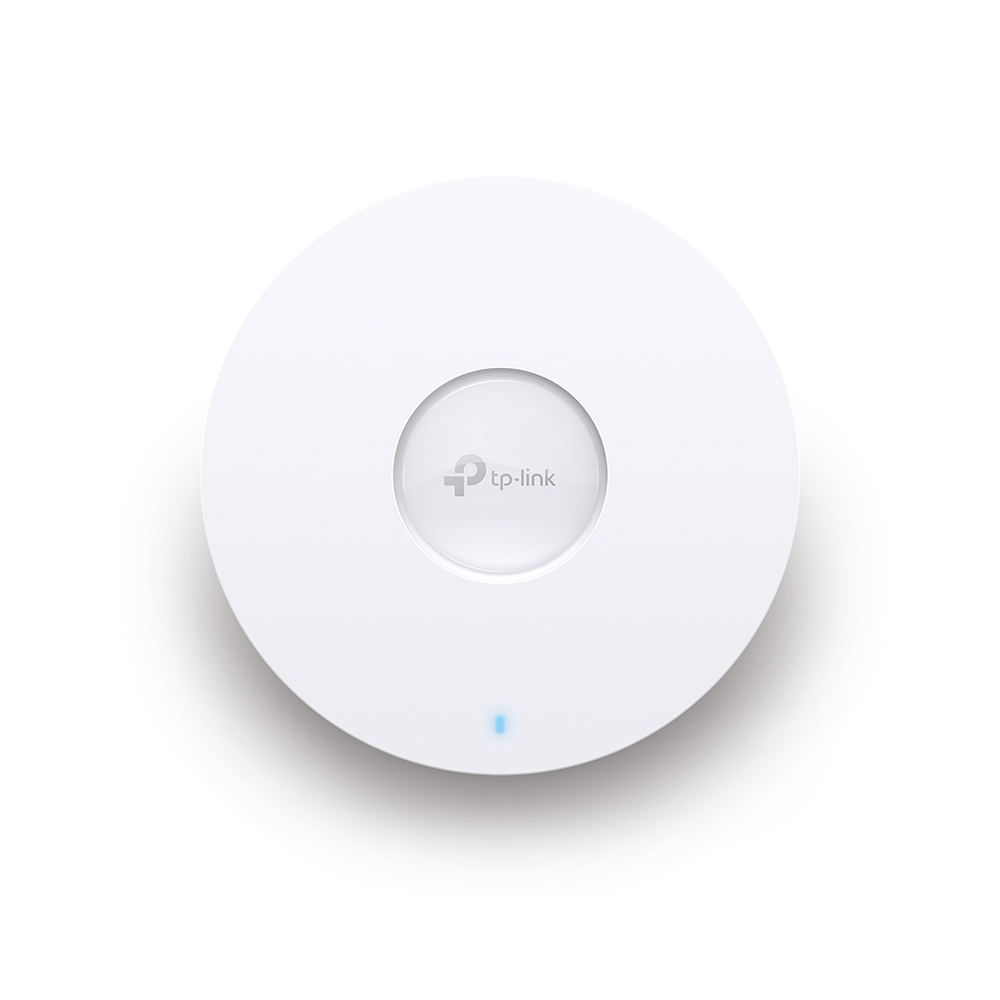
Wireless Access Points: What a WiFi Access Point Actually Needs Before It Works
An access point is the Wi-Fi radio out of a router, sold on its own so you can put it where the signal is needed. Most have no plug at all. Here is how they get power, what else you must buy, and whether you need a controller.
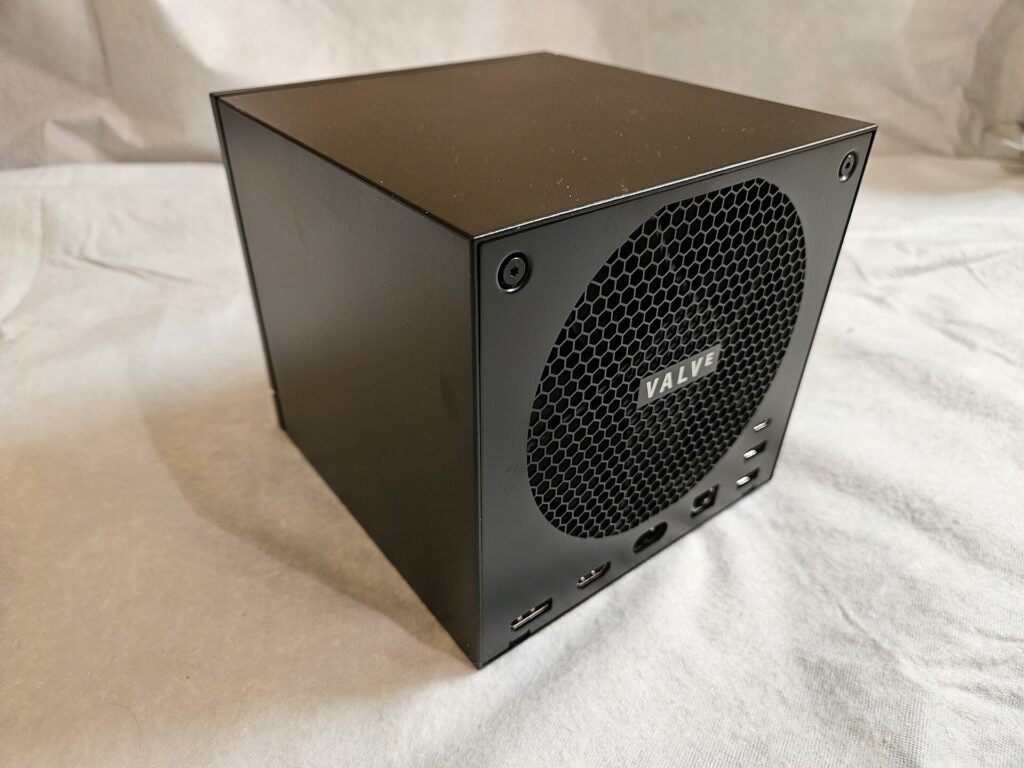
Steam Machine Price vs Building a PC: The Parts Are Cheaper, the Finished PC Is Not
We costed the same machine from our own shelves: 850.49 pounds in parts, 964.81 with a Windows licence, against 879 for a finished Steam Machine. The memory shortage is why, and anti-cheat is why the price may not matter.

White Spots, Lines and Dead Pixels: Which Monitor and Laptop Screen Marks Are Faults
Pale patches are usually normal. A sharp bright dot is not. A symptom by symptom decoder for screen marks, the warranty numbers that decide whether you get a replacement, and the 30 day UK right most people miss.

Galaxy Z Flip8: What Flip Owners Warn You About After a Year
The Galaxy Z Flip8 is a one-chip update at 1,149 pounds. UK units get Exynos rather than Snapdragon, the battery is unchanged, and Flip owners have a warning about year two.
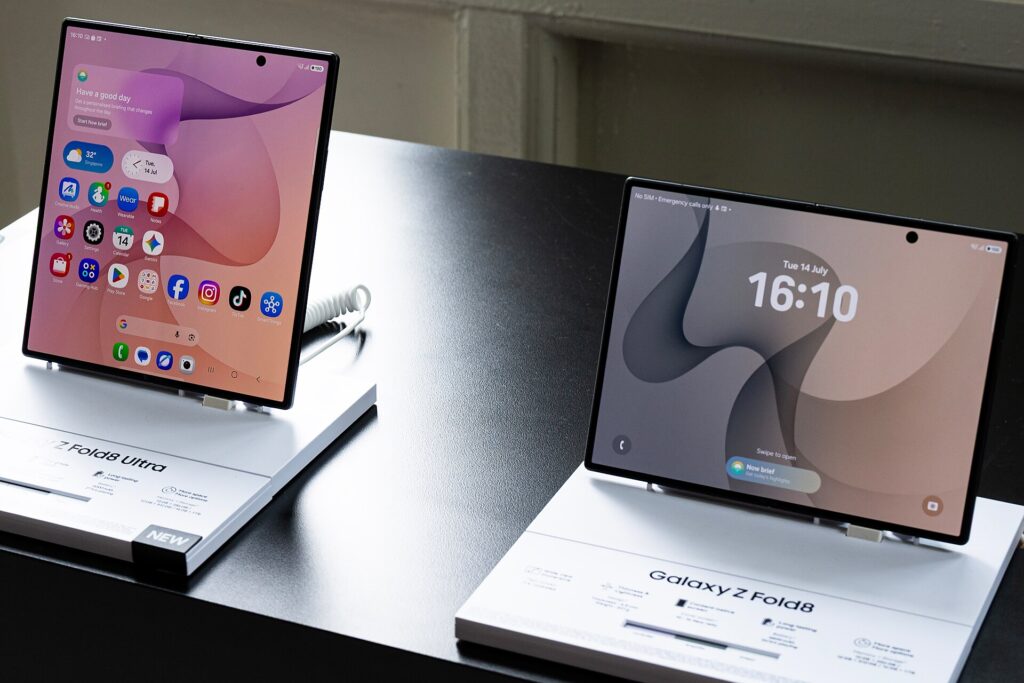
Galaxy Z Fold8 or Fold8 Ultra: Samsung Sold Two Different Phones Under One Name
Samsung split the Fold into two different body shapes at 1,699 and 1,899 pounds. Only one of them keeps the 200MP camera and a zoom lens. Here is which to buy.


