Starlink UK residential plans start at £40 a month, and new customers now pay a further £10 a month as a kit rental fee, so the real entry price is about £50. The faster residential tiers are £60 and £80. If you have full fibre at your address, Starlink is almost certainly not for you. Ofcom says 82% of UK homes already do.
Which one are you here for?
We sell networking hardware, so here is our position: we do not sell Starlink, we earn nothing if you buy it, and there is no product on this page. Every price below is dated and attributed, because the reason you are reading this is that the other pages are not.
If you have searched for what Starlink costs in the UK, you have probably found four different answers in the first four results. One page says £25 a month, one says £35, one says £40, one says £75. None of them is lying. Starlink has changed its UK pricing repeatedly through 2026, and each of those pages was written at a moment when its number was correct.
This page does the boring thing instead. Every figure is dated, and we say exactly where it came from and how we read it. We checked on 11 August 2026.
Two numbers matter: the monthly plan, and the hardware. Since June 2026 there is a third, and it is the one that catches people out.
| Plan | Monthly price | What you get |
|---|---|---|
| Residential 100 Mbps | from £40 | Unlimited data, the entry tier |
| Residential 200 Mbps | from £60 | Unlimited data, faster tier |
| Residential Max | from £80 | Unlimited data, the top residential tier |
| Roam 100GB | £55 | Portable use, capped data |
| Roam Unlimited | £100 | Portable use, no cap |
Then add the kit fee. In June 2026 Starlink introduced a Monthly Kit Fee of £10 for new UK customers, charged on top of the plan as hardware rental. ISPreview, which reported it on 10 June 2026, put the effect plainly: Residential 100 Mbps becomes £50 a month rather than the £40 advertised on the front page.
So if you are signing up today, budget about £50 a month for the entry plan, not £40. That is the single most useful sentence on this page, and it is the one missing from most of the results above it.
How we read Starlink’s own prices. Starlink builds its price table in JavaScript, so the figures do not appear in the page source and they are not in the Internet Archive copy either. We checked the 9 August 2026 archived snapshot and it holds no prices at all. The £40, £60 and £80 above are what Google had indexed from Starlink’s own /gb/service-plans and /gb/residential pages when we searched on 11 August 2026, and they agree with the £40 entry price ISPreview reported in June. Treat them as correct to that date and check the live page before you order.
This is worth understanding, because it tells you something about the product.
Here is what the UK pages currently ranking for Starlink pricing say, with the date each one carries.
| Source | Dated | Monthly figure quoted |
|---|---|---|
| Space Internet Solutions | 29 March 2026 | £25 for six months, then £35 |
| South West WiFi | 27 April 2026 | £35, with installation at £75 |
| ISPreview | 10 June 2026 | from £40, plus a new £10 kit fee |
| AAV Smart Homes | 13 January 2026 | around £75 |
| GoCompare | 25 March 2025 | £75 |
| Starlink, as indexed | read 11 August 2026 | £40 / £60 / £80 |
Nobody here is making things up. The £75 figures are from pages written when £75 was the price. The £25 offer was a six-month promotion. What the table actually shows is that Starlink changed its UK pricing at least four times between January and June 2026, and page authors mostly did not go back and update.
Two practical conclusions. First, treat any undated Starlink price you find, including ours, as a snapshot rather than a fact. Second, factor the volatility into the decision: this is not a service where you sign up at one price and forget about it. ISPreview’s own verdict in June was that Starlink is “rapidly becoming far too much of a variable and unpredictably priced service”, and that is a fair description of the last six months.
Normal broadband arrives through a cable in the ground. Starlink arrives from space.
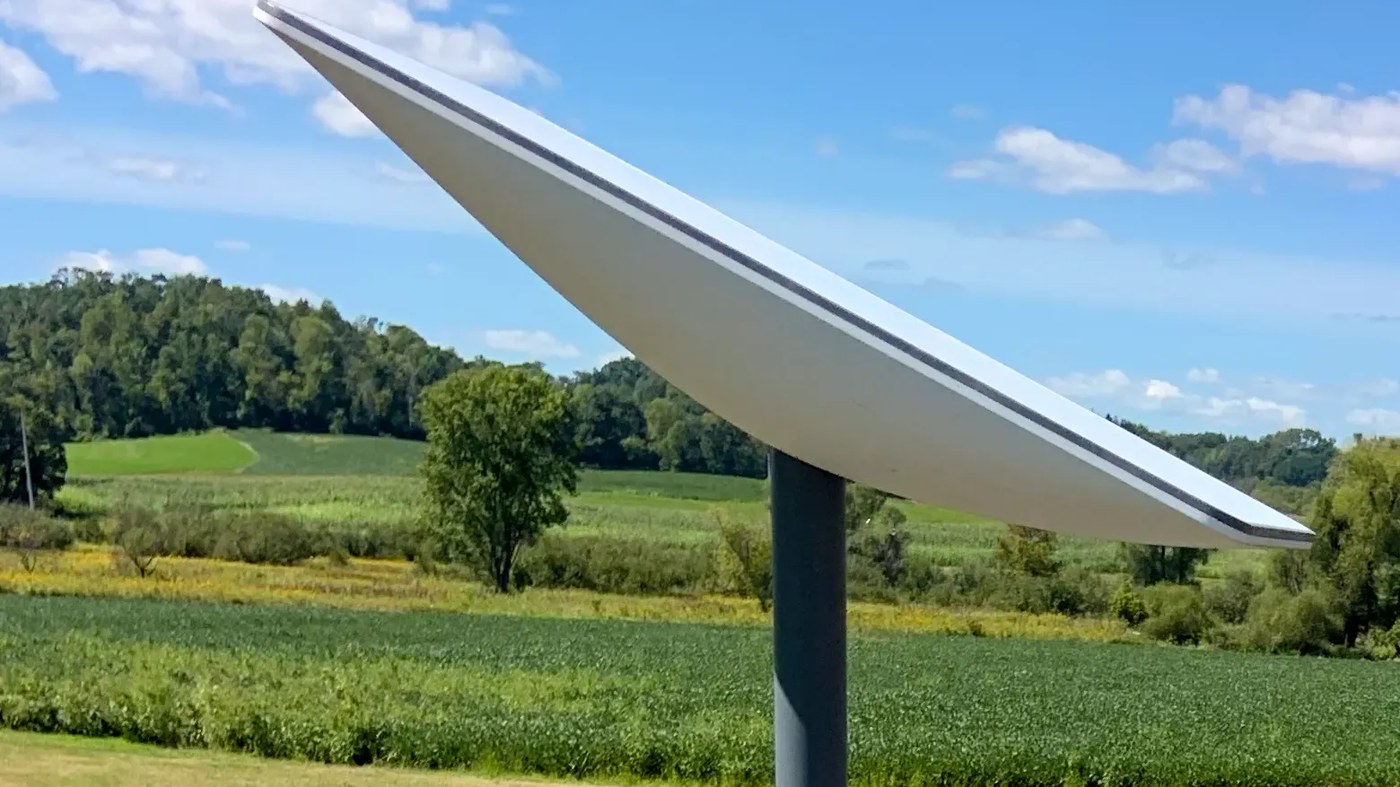
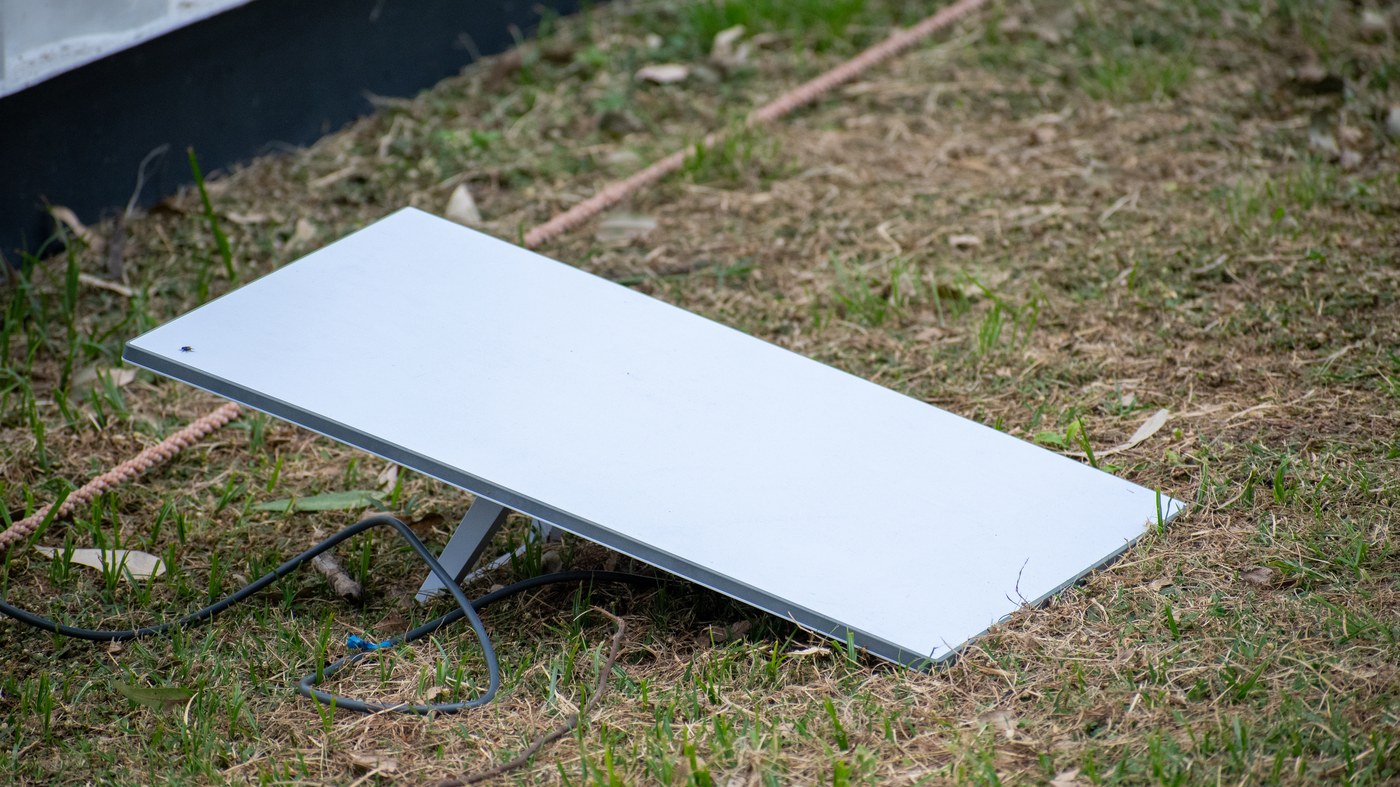
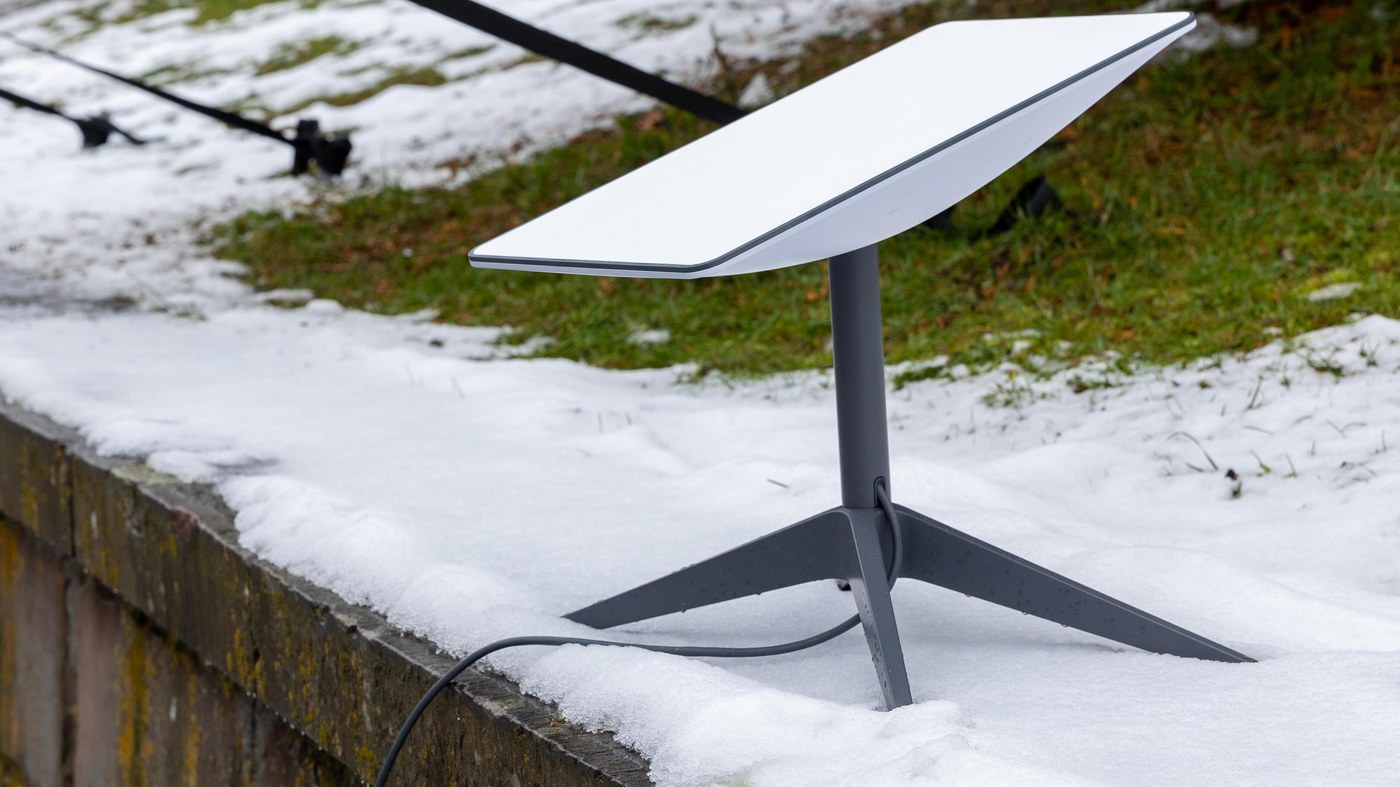
You get a flat dish, which SpaceX calls a Starlink kit and everyone else calls Dishy. You put it somewhere with a clear view of the sky, plug it in, and it talks to satellites passing overhead. Those satellites relay your traffic back down to a ground station connected to the internet.
The part that makes it usable is the orbit. Old satellite internet used a handful of satellites parked 35,000 km up, which meant a delay long enough to ruin a video call. Starlink’s satellites sit in low Earth orbit a few hundred kilometres up, so the round trip is short. ISPreview counted nearly 10,600 Starlink satellites in low Earth orbit as of June 2026. The trade-off is that each one is only overhead for a few minutes, so you need thousands of them, constantly handing you off from one to the next.
Starlink broadband, Starlink internet and Starlink WiFi all describe the same service. The dish provides the connection; the router in the box provides the WiFi in your house.
This is a different product from the satellite feature in your phone. That one uses a separate SpaceX service called direct to cell, needs no dish, and only carries messages. We covered what your handset can already do without a signal separately.
For most UK homes, no, and one number settles it.
Ofcom’s Connected Nations update for spring 2026, published on 13 May 2026, reports that full fibre is available to 24.9 million UK residential premises, which is 82% of the country’s 30.5 million homes. Gigabit-capable broadband reaches 89%. The number of premises without access to affordable decent broadband has fallen to about 4,000.
If you are in the 82%, full fibre will be faster, cheaper, more consistent and unaffected by weather. Starlink is not competing for you.
Starlink makes sense in a narrower set of cases:
The honest version is that Starlink solved a real problem for a small number of UK homes, and its UK customer base reflects that: ISPreview put it at 110,000 UK customers as of July 2025, up from 87,000 the year before, and describes them as mostly rural. Against 30.5 million homes, that is a niche, and it is meant to be.
Starlink Mini is a smaller, flatter dish with the WiFi router built into it, meant to be carried rather than installed. It is roughly the size of a laptop.
UK price comparison sites list the Starlink Mini kit at around £179, with PriceRunner and PriceSpy both showing that as the lowest price across about ten UK retailers when we checked on 11 August 2026. Currys stocks it. The hardware price is separate from whatever monthly plan you put on it.
Who it is for:
Watch the plan, not just the kit. A Mini on a Roam 100GB plan at £55 a month is a very different monthly cost from a residential connection, and 100GB does not go far if anyone in the vehicle streams video.
Every Starlink kit includes a WiFi router. It is competent and it is simple, and for a small house it is fine.
Where people run into trouble is a big or awkward building. A single router in the corner of a stone farmhouse will not cover the whole property, and that is not a Starlink fault. It is the same problem any single router has.
You have two sensible options.
One thing to plan for before you order: the cable from the dish has to get into the house, and where it enters decides where the router lives. Think about that before someone drills a hole in a wall you care about.
Four, in the order they actually bite.
1. It needs sky. This is the one that comes up over and over in public Starlink discussion threads, and the recurring worry is trees. The dish needs a clear view of a wide patch of sky, not just a gap. A branch that is bare in February and full of leaves in June can turn a working connection into a dropping one, which is a genuinely annoying way to discover the problem. Starlink’s app has an obstruction check that uses your phone camera. Run it, in summer, from the exact spot you plan to mount the dish.
2. The price moves. See the table above. Four changes in five months, plus a new £10 monthly fee introduced in June 2026 and applied to new customers only.
3. Weather has an effect. Heavy rain and wet snow degrade the signal, because the dish is transmitting through the weather rather than under it. It is not a reason to avoid Starlink in the UK, but it is a real difference from a cable in the ground, and it is worth knowing before you decide.
4. It is shared capacity. The satellites over your area are shared by everyone under them, so speeds vary with how many neighbours are on it and what time of day it is. A fibre line does not behave that way.
Before you order, do this one thing. Stand where the dish would go, open Starlink’s availability checker for your postcode, and run the obstruction check. The two most common regrets are a garden that turned out to be too enclosed, and a price that is not what the page said.
It depends entirely on your 5G signal, which is the unsatisfying but correct answer.
Where 5G is strong, 5G home broadband will usually beat Starlink on raw speed and cost you less. Where 5G is a bar and a half on a good day, Starlink is more consistent, because it is not fighting for a distant mast.
The useful test is not which technology wins in general. It is which one works at your address. Both are worth checking before you commit:
One structural difference is worth knowing. 5G home broadband is usually cheaper per month and needs no dish, no roof work and no hole in a wall. Starlink asks more of you up front and gives you something 5G cannot: a connection that does not care whether there is a mast nearby at all.
Residential plans start at £40 a month, with faster tiers at £60 and £80, according to Starlink's own service-plans page as indexed on 11 August 2026. New customers also pay a £10 monthly kit fee introduced in June 2026, so the realistic entry cost is about £50 a month. Roam plans are £55 for 100GB or £100 unlimited.
Because Starlink changed its UK pricing at least four times between January and June 2026 and most pages were never updated. A page quoting £75 was written when £75 was the price; a page quoting £25 was written during a six-month promotion. Check the date on any Starlink price you read.
Not for most homes. Ofcom's spring 2026 figures show full fibre is available to 82% of UK homes and gigabit-capable broadband to 89%, and only about 4,000 premises lack access to affordable decent broadband. Starlink is worth it if you are genuinely stuck on a slow rural line, if you need a connection that moves, or if you want a backup that does not share the same cable.
It needs a clear view of a wide patch of sky, so trees are the most common problem and summer leaves can break a connection that worked in winter. The price has been unstable. Heavy rain and wet snow degrade the signal. And capacity is shared with everyone else under the same satellites, so speeds vary by time of day.
Where 5G signal is strong, 5G home broadband is usually faster and cheaper. Where 5G is weak, Starlink is more consistent because it does not depend on a nearby mast. Check both at your exact postcode rather than comparing the technologies in the abstract.
UK price comparison sites listed the Starlink Mini kit at around £179 as the lowest price across roughly ten retailers when we checked on 11 August 2026. That is the hardware only; the monthly plan is separate.
Mostly yes, with degradation. Heavy rain and wet snow reduce the signal, because the dish transmits through the weather rather than under it. Settled snow on the face of the dish is worth clearing, and the dish needs the same clear view of the sky in winter that it needs in summer.
Yes. Starlink's router has a bypass mode that disables its WiFi and lets it work as a plain modem, so your own router runs the network. That is the right choice if you already own a decent router or a mesh system.
ISPreview counted nearly 10,600 Starlink satellites in low Earth orbit as of June 2026, serving about 12 million customers worldwide, up from 6 million in July 2025.
We are a UK technology retailer. We do not sell Starlink, we are not an installer or a reseller, and we earn nothing whichever way you decide. That is worth saying because several pages competing for these searches are installers quoting their own bundle price.
Every price here is dated. The coverage figures are Ofcom's own Connected Nations update for spring 2026. The £10 kit fee, the £40 entry price, the satellite count and the UK customer numbers come from ISPreview, a UK broadband trade publication, in a report dated 10 June 2026 that we read in full. Starlink's £40, £60 and £80 tiers could not be read from Starlink's own page, because that page renders its prices in JavaScript and the archived copies contain none, so we have said exactly how we obtained them and when.
The comparison table exists because we checked what the other ranking pages actually say rather than assuming they were wrong. They were not wrong. They were dated.
Photographs. The pole-mounted dish is “Starlink pole mounted antenna” by Wikideas1, released under CC0. The dish in snow is “Starlink antenna on the ground” by Odapresste and the dish on grass is “Starlink antenna at St. Albans” by BugWarp, both under CC BY-SA 4.0. All three were cropped to 16:9 by us.
The Hardvance Team is the editorial team at Hardvance, a UK computer and electronics retailer based in Mildenhall, Suffolk. We build and upgrade PCs and sell laptops, phones, networking gear, monitors and printers, and our guides cover the same ground. Every guide names its sources and explains how we checked the figures, and we say plainly when something is our opinion rather than a tested result.
View all posts by Hardvance Team


No account yet?
Create an Account