
Best Gaming Laptop in 2026: What Each RTX Tier Actually Buys You, and the Traps to Avoid

0
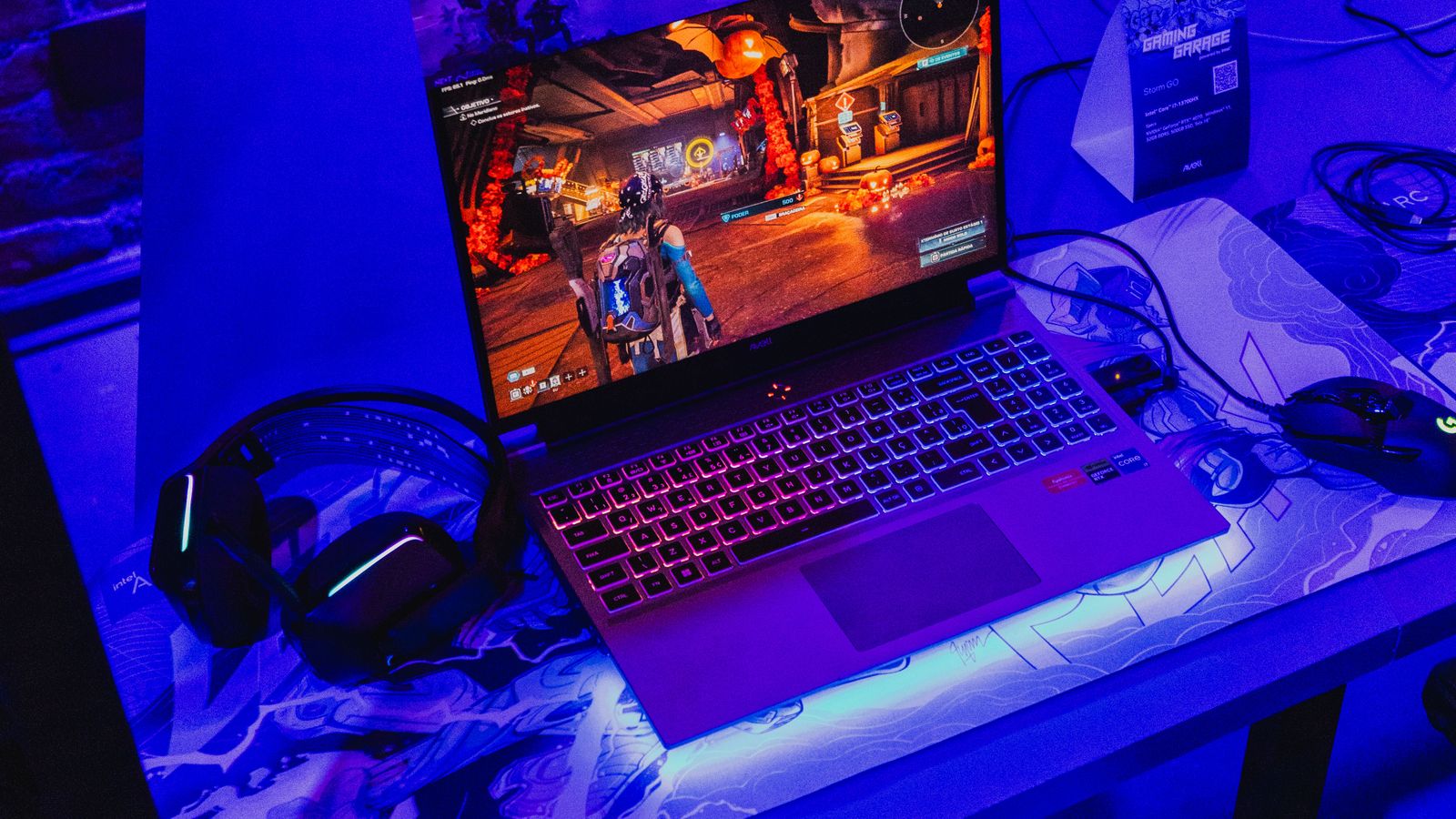
Gaming laptop with RGB keyboard running a game beside a headset and mouse

Buy the graphics chip, not the badge. An RTX 5060 is the sensible floor for 1080p gaming today, an RTX 5070 or 5070 Ti is the 1440p choice, and an RTX 5080 is for people who want a desktop replacement. Everything else on the spec sheet matters far less than that one line. Below: what each tier really buys you, the four traps that catch most buyers, and which machines in our range fit each one.

Start where you are:

The wattage small print, the brand tiers decoded, and what each trap costs you: below.

Gaming laptops are better than they have ever been, and easier to get wrong than they have ever been. Two machines can sit side by side at the same price, with what looks like the same graphics card on the label, and one will run your games far better than the other. The difference hides in details the shop listing rarely explains: the screen’s refresh rate, how the memory is fitted, and how much power the laptop actually feeds its graphics chip.

We sell and set up gaming laptops every week, so this guide is the advice we give across the counter. It covers how much to spend for the games you play, the traps in the spec sheets, and our actual picks at every budget, from the cheapest machine we are happy to recommend up to the heavy hitters. Every pick is a laptop we sell.

How much should you spend on a gaming laptop?

Match the money to the games you actually play, not to the biggest number you can afford. These are realistic UK prices in 2026:

BudgetWhat you getWho it suits
£800 to £1,200RTX 4050 or 5050, 1080p gaming at high settingsEsports players, students, most single-player games
£1,400 to £1,700RTX 5060, fast 144Hz to 180Hz screen, 16GB RAMThe best value for most gamers. Runs everything well
£1,700 to £2,500RTX 5070, better cooling, sharper QHD screensHigh-refresh competitive play and heavy modern titles
£2,500 and upRTX 5070 Ti or 5080, top screens, desktop-class speedPeople who want one machine to replace a desktop

Under £800, be careful. Machines at that price usually carry an old graphics chip, a slow 60Hz screen, or both, and the saving stops feeling clever the first evening you play on it. If the budget is tight, a clean previous-generation model with an RTX 4050 beats a brand-new machine that cut corners everywhere else.

The graphics chip decides everything

One part sets a gaming laptop’s speed above all others: the graphics chip, the GPU. The processor matters, the RAM matters, but the GPU decides which games run smoothly and at what settings. Here is the current NVIDIA laptop range in plain terms:

GPUWhat it handles
RTX 4050 / 50501080p at high settings in most games. The sensible entry point
RTX 50601080p maxed, 1440p at high. The sweet spot for the money
RTX 50701440p at high refresh rates, comfortable with heavy modern titles
RTX 5070 Ti / 5080Everything, at speed. Desktop-class gaming in a bag

One thing the table cannot show: the same GPU name comes at different power levels in different laptops. Makers can run an RTX 5060 anywhere from a modest wattage in a thin chassis to nearly double that in a thick one, and the fast version can be dramatically quicker in games. Thin and quiet costs performance; thick and ventilated delivers it. If a listing shows the TGP (the graphics power in watts), higher is faster. If it does not, the laptop’s thickness is an honest clue.

The spec-sheet traps to avoid

These four catch more buyers than anything else, and every one of them comes up week after week in the machines we see:

  • The 60Hz screen. Some budget gaming laptops pair a decent GPU with a basic 60Hz display, which caps the smoothness you paid for. For gaming you want 144Hz or more; our mid-range picks below all have fast screens.
  • One stick of RAM. A laptop with a single 16GB stick runs its memory in single-channel mode, and that quietly costs you anywhere from 10 to 40 percent of your frame rate depending on the game. Two sticks of 8GB beat one stick of 16GB. If you do buy a single-stick machine, adding a matching second stick is the cheapest big upgrade in all of gaming.
  • 512GB of storage. Modern games are enormous (Gears of War: E-Day alone takes 115GB), and a 512GB drive holds four or five big titles alongside Windows. It is workable, but 1TB saves you from constantly uninstalling things, and on most gaming laptops you can add a second SSD later.
  • Battery-life dreams. Every gaming laptop lasts roughly one to two hours in a game on battery, whatever the box promises. The advertised figures are for browsing with the screen dimmed. Plan to play plugged in; that is also when the laptop runs at full speed.
  • Gaming on the move needs quiet too: the best noise cancelling headphones
Row of gaming laptops on a desk under purple lighting
Same shelf, same money, very different gaming machines once you read the details.

Our pick for most people

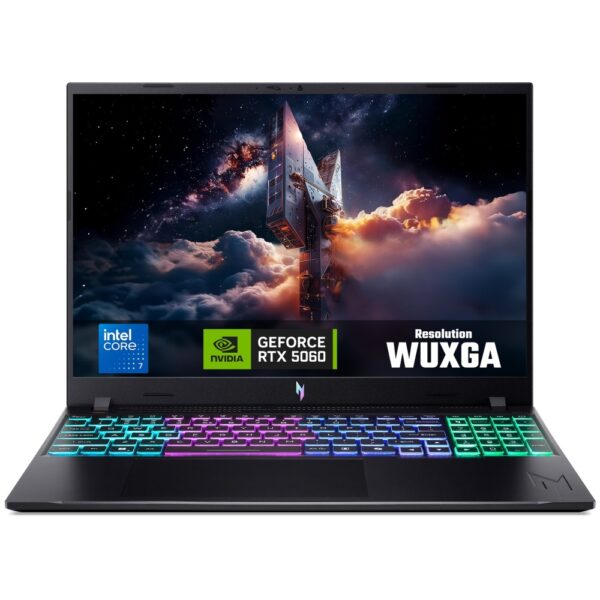
If you want one recommendation without reading another word: a current RTX 5060 machine with a fast screen and 16GB of RAM. That combination runs every modern game well at 1080p, keeps its value, and avoids every trap above. In our range that is the Acer Nitro V15, which puts the money into the graphics chip and the screen rather than into being thin.

Buy that, play at 1080p with settings on high rather than ultra, and you will not think about your hardware again for years. The rest of this guide is for people who want to know why, or who need something cheaper, smaller or faster.

Cheap gaming laptops: what you give up

Worth knowing before you scroll: our own range is built around the mid and upper tiers rather than the entry one, so if your budget is firmly at the bottom of the market the list at the end of this page may not have what you need. Widening the budget or buying elsewhere are both better outcomes than the wrong machine.

What you need to know if you are shopping at that level anywhere: the entry tier means an RTX 5050 or an older RTX 4050. Both play modern games at 1080p perfectly well with settings at high rather than ultra. What you give up is ray tracing at playable frame rates, and headroom: a 5050 machine bought today will be asking you to drop settings sooner than a 5060 one will.

Two things are worth paying for even at the bottom of the market. 16GB of RAM in two sticks, not one, because a single stick halves memory bandwidth and costs real frame rates in exactly the games you bought the laptop for. And a screen above 60Hz, because a 60Hz panel throws away most of the advantage you just paid for. A cheap laptop that gets those two right beats a slightly faster one that gets them wrong.

Best mid-range gaming laptops

This is where we point most buyers, and it is where our range starts in earnest. The mid-range is defined by one thing: an RTX 5060, paired with a high-refresh screen and cooling that holds its speed after an hour rather than for the first ten minutes.

At this level the machines stop asking you to compromise. You are playing at 1080p with everything turned up, or at 1440p with sensible settings, and the laptop still has something left in four years. The trade you are making is weight: these are not thin machines, because the cooling is what keeps the speed. A 16-inch chassis will usually run faster and quieter than a 14-inch one with the same chip in it.

Our current mid-range choices sit in the gaming laptop range, and the picks change as stock moves. The rule to buy by does not: RTX 5060, 16GB in two sticks, a screen at 144Hz or better, and a chassis that has somewhere to put the heat.

Best high-end gaming laptops

At the top end you are buying three things: an RTX 5070 Ti or RTX 5080, a screen good enough to do it justice, and a cooling system that lets the hardware stretch. These are the machines that genuinely replace a desktop, and they are priced like it.

Two shapes exist up here and they suit different people. The 18-inch desktop replacements give you the most sustained performance for the money because there is room for the heat to go somewhere, and they are a two-handed job to carry. The 14 and 16-inch machines give up some of that speed under a long load in exchange for actually fitting in a bag. Neither is wrong, but buy the one that matches where the laptop will live.

The thing worth knowing before you spend this much: the gap between an RTX 5070 Ti and an RTX 5080 in a laptop is much smaller than the gap between the same two cards in a desktop, because both are limited by the power and cooling the chassis can give them. Read the wattage, not just the model number. That is the trap that costs the most money on this page.

The two machines at this level in our own range are the Acer Predator Helios Neo 16, which is the all-rounder, and the ASUS ROG Strix G18, which is the desktop-replacement shape with the room for airflow that goes with it. Specifications for each are on its own product page.

Gaming laptop or desktop?

Pound for pound, a desktop is faster. The same money buys more graphics power in a tower, it cools itself better, and you can upgrade the graphics card later, which no gaming laptop allows. If your machine will live on one desk forever, build or buy a desktop and enjoy the extra speed; our guides on how much to spend on a gaming PC and how to build one yourself cover that path.

The laptop wins on the thing a desktop can never do: it moves. University, the sofa, a friend’s place, work trips. If your gaming has to travel, or space is tight, a gaming laptop is not a compromise, it is the correct tool. Just buy it with the checklist above so the machine you carry is the good kind.

What the brand names actually mean

Every maker runs two tiers, and knowing them decodes the whole market:

  • ASUS: TUF Gaming is the tough, sensible line; ROG (Zephyrus, Strix) is the premium one, and the Zephyrus G14 is the best small gaming laptop being made.
  • Acer: Nitro is the value line and often the best pound-for-pound deal in the shop; Predator is the performance line with the serious cooling.
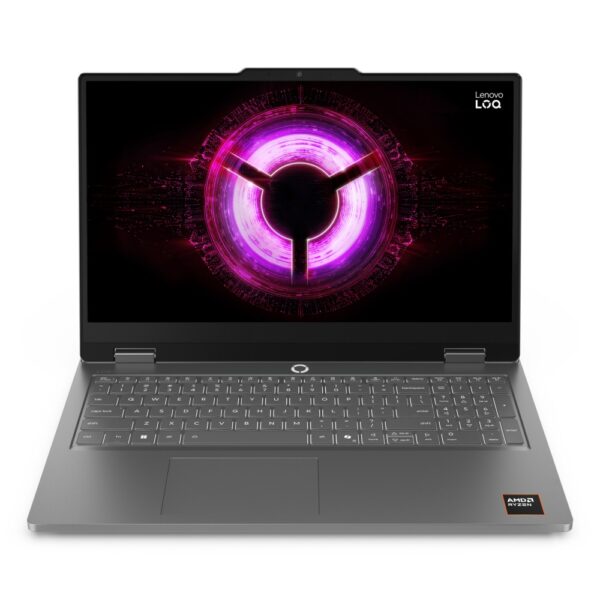
  • Lenovo: LOQ is the budget line, Legion the premium one. Legion keyboards are a quiet highlight.
  • MSI: Cyborg and Katana cover value, Vector and Raider bring the power.
  • Alienware: distinctive design and strong engineering at premium prices.
  • Razer: the MacBook of gaming laptops, beautiful and priced like it.

What matters more than any of it: at the same GPU, wattage and screen spec, the brands are closer than their marketing suggests. Buy the spec first and the badge second.

Questions we get asked about gaming laptops

How much should I spend on a gaming laptop?

For 1080p gaming, £800 to £1,200 buys a genuinely good machine with an RTX 4050 or 5050. The sweet spot for most people is £1,400 to £1,700 for an RTX 5060 with a fast screen. Spending more than £2,500 is for people who want desktop-class speed in a bag.

What is the best cheap gaming laptop?

The best cheap gaming laptop is one that keeps the GPU and screen honest and saves money elsewhere. Look for an RTX 4050 or 5050, 16GB of RAM and at least a 144Hz screen, ideally under £1,000. Our current budget picks are listed above.

Which spec matters most in a gaming laptop?

The graphics chip, by a distance. Choose the GPU tier for the games and resolution you want first, then check three supporting details: a 144Hz or faster screen, two sticks of RAM rather than one, and a chassis thick enough to cool itself. Those four things decide almost everything you will feel in play.

Is a gaming laptop worth it over a desktop?

If it needs to move, yes. A desktop gives more speed per pound and can be upgraded for years, so it wins for a machine that never leaves a desk. For students, renters and anyone whose gaming travels, the laptop is the right call, and modern ones are far better than their old reputation.

Can I upgrade a gaming laptop later?

Partly. On most models you can add or replace RAM and fit a second SSD, and both are cheap, worthwhile upgrades. The graphics chip and processor are soldered in and can never be changed, which is exactly why this guide says to buy the right GPU tier on day one.

How long does a gaming laptop battery last while gaming?

One to two hours, on almost every model, whatever the advert says. The big battery figures are measured while browsing with the screen dimmed. Gaming laptops are meant to be played plugged in, and they also run at full speed only on mains power.

Do gaming laptops overheat?

They run hot by design, and that is normal. Problems start when the vents are blocked: playing on a bed or sofa smothers the intakes. Use it on a hard surface, clean the vents with compressed air once or twice a year, and a good machine will hold its speed for years.

Is a 60Hz screen good enough for gaming?

It works, but it wastes the point of a gaming laptop. A fast GPU pushing 120 frames per second shows you only half of them on a 60Hz panel. For anything competitive, 144Hz or more is the noticeable, worthwhile upgrade, and it is why we do not recommend 60Hz gaming laptops at any price.

What is the best gaming laptop brand?

There is no single winner. At the same GPU, wattage and screen, ASUS, Acer, Lenovo, MSI and the rest are closer than their adverts admit. Acer Nitro and Lenovo LOQ tend to win on value, ASUS ROG and Acer Predator on high-end cooling, Razer and Alienware on design. Buy the spec first, the badge second.

Every gaming laptop in our range

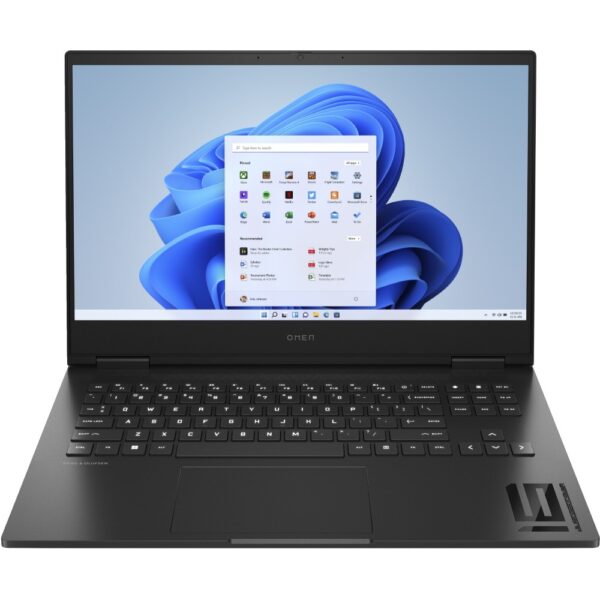
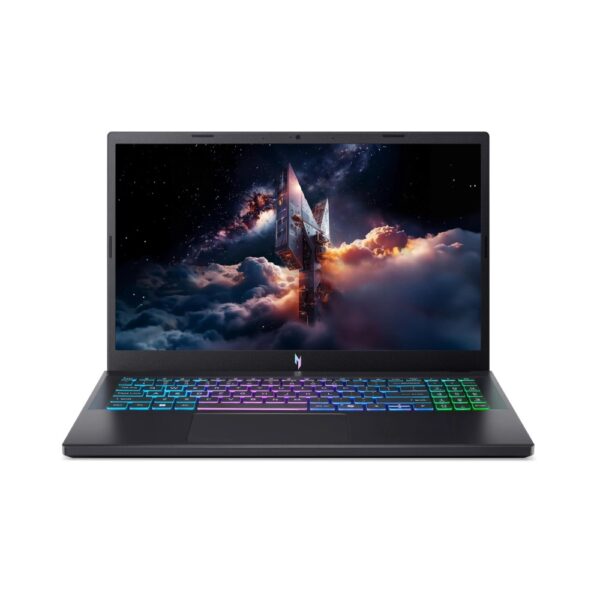
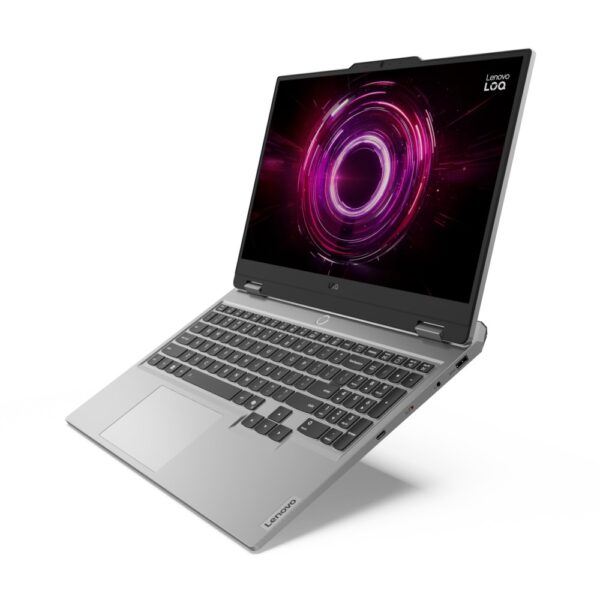
Cheapest first. This list is generated from the range itself, so it only ever shows machines you can actually order today.

How we choose, and sourcesThe picks on this page are machines from our own range that we set up and hear customer feedback on; nothing is listed because a brand asked. The buying advice matches the consensus you will find in communities like Reddit’s r/buildapc wiki, where the same traps come up daily: 60Hz panels, single-channel RAM, and quiet GPU wattage cuts. The list at the end is generated from the range itself rather than hand-written, so it does not go stale. Specifications and figures on each machine are on its own product page, which is the only place that is always current.

Leave a Reply

Your email address will not be published. Required fields are marked *