

Best Laptops for Students (2026): Real Picks for Every Course and Budget
For most students: 16GB of RAM, a 512GB SSD and a Core i5 or Ryzen 5, around £450 to £600. Essay-heavy courses can pay less. Only a handful of courses truly need more.
Your course, your laptop:
- Match it to your courseThe course-by-course table
- Computer scienceDo you really need a gaming GPU?
- The picksThe picks in full
- Windows, Chromebook or MacSettled honestly
- Stretching the budgetSave without buying junk
The 16GB rule nobody explains, and the specs that actually matter: below.
Buying a laptop for university or college should be one of the easier decisions of the year. Instead it has become one of the most confusing, because most shops are happy to sell you either too little laptop or far too much.
This guide cuts through that. We sell laptops to UK students every term, so the models below are the ones we would genuinely recommend to a friend starting a course, grouped by what you study and what you can spend. We have also flagged the single 2026 change that quietly affects every purchase this year: what is happening to memory prices, and why it should change the way you buy.
No jargon and no padding. Just the laptops worth your money, and the few specs that actually matter.
The 2026 reality check: why 16GB now matters more than ever
Here is something most student laptop guides will not tell you. Memory and storage prices climbed sharply through 2026, as demand for AI hardware squeezed the supply of RAM and SSD chips. In plain terms, 16GB models cost a little more than they did last year, which makes the cheap 8GB laptops on the shelf look more tempting than they really are.
There is a trap in that. Almost every slim student laptop now has its RAM soldered to the board, so you cannot add more later. The 16GB you choose today is the 16GB you keep for your entire degree. Paying a little extra now is far cheaper than wishing you had it during your dissertation year.
The same price pressure is why refurbished business laptops have quietly become the best value on the market. A three-year-old HP EliteBook or Dell Latitude already ships with 16GB and a metal chassis for around £500. If you want the wider picture on why memory got expensive, our guide to RAM in 2026 explains the squeeze in detail.
How to choose a student laptop: the specs that matter
Forget the spec sheets buried in numbers. For a student laptop, only a handful of things decide whether you will still be happy with it in three years.
| Spec | What to get in 2026 | Why it matters |
|---|---|---|
| RAM | 16GB | 8GB stutters with 20 browser tabs, Teams and a PDF open at once. 16GB is the new baseline. |
| Storage | 512GB SSD (NVMe) | 256GB fills fast with OneDrive, software and downloads. Never buy a hard-drive-only laptop. |
| Processor | Intel Core i5 / Ryzen 5 or newer | Plenty for essays, research, coding and light creative work. |
| Screen | 14 to 15.6in Full HD IPS | Sharp and comfortable for long sessions. Skip 4K on a laptop this size. |
| Battery | 8 to 10+ hours real-world | Gets you through a day on campus without hunting for a plug. |
| Weight | Under 1.6kg | You will carry it everywhere, every day. |
| Build | Metal or a reinforced hinge | Has to survive three years living in a backpack. |
What you can safely ignore: a dedicated gaming graphics card (unless you game or your course needs it), a 4K screen (it drains battery for no real benefit on a 14in panel), and chasing the very latest processor. Last year’s Core i5 is still excellent and often much cheaper.
Match the laptop to your course
Not every student needs the same machine. Matching the laptop to your course is the quickest way to avoid overspending, or worse, buying something that cannot run the software you need.
| Course type | What to prioritise | Sensible spec |
|---|---|---|
| Humanities, law, essays | Battery, keyboard, light weight | Chromebook, or 8 to 16GB Windows |
| Business, economics, general | A reliable all-rounder | i5 / Ryzen 5, 16GB, 512GB |
| Computer science, coding | RAM, fast SSD, Linux-friendly | Ryzen 7 / i7, 16GB+, NVMe |
| Engineering, architecture, CAD | CPU power, maybe a dGPU | Ryzen 7 / Core Ultra, 16 to 32GB |
| Design, film, media | Colour-accurate screen, storage | Ryzen 7, 16GB+, 512GB to 1TB |
| Medicine, sciences | Reliability, battery, portability | i5 / Ryzen 5, 16GB, lightweight |
If your course publishes a recommended specification, follow it. Engineering, architecture, data science and design courses often list minimum requirements for a reason, usually a specific amount of RAM or a particular graphics standard.
Computer science and coding: do you really need a gaming GPU?
This is the question we are asked more than any other, usually by someone starting a computer science degree who has been told they need a powerful gaming laptop. For most CS students, you do not. Here is the honest version.
Coding, web development and college projects barely touch the graphics card. They lean on the processor, memory and storage. A strong CPU, 16GB of RAM (32GB if you run a lot of virtual machines) and a fast NVMe SSD will do far more for you than a gaming GPU sitting idle while you write code.
What about AI and machine learning later? The basics run fine on a normal laptop, and almost everyone trains larger models in the cloud, on Google Colab or on the university servers, not on a laptop GPU. Do not buy a heavy gaming laptop on day one for an AI module you might take in your third year.
So gaming laptop or thin and light? For a four-year degree, a thin and light with a good processor usually wins. It is lighter to carry between lectures, runs cooler and quieter, and lasts far longer on battery. A gaming laptop only makes sense if you genuinely game, or your course involves serious 3D, game development or local model training. If that is you, look at our gaming laptops. If not, save the weight and the money.
What to target for CS: a Ryzen 7, Core Ultra 7 or Core i7, 16GB of RAM (more if you can stretch), a 512GB or larger NVMe SSD, sensible thermals and a build that survives daily carrying. Our pick for this is the ASUS Vivobook 14 with a Ryzen AI 7, 16GB and a 1TB SSD listed above. If you plan to run Linux, check the model has good driver support, which most mainstream Intel and AMD laptops do.
Models to avoid for a technical course: anything with 8GB of soldered RAM you cannot upgrade, 256GB of storage that fills within a term, or a mechanical hard drive instead of an SSD. Also check the RAM runs in dual channel, since a single 16GB stick is noticeably slower than two 8GB sticks.
MacBook or Windows for CS? Both work. Windows, with the option to dual-boot Linux, is the cheaper and most compatible default and runs every tool your course is likely to set. MacBooks are popular with developers for their battery life and Unix terminal, but they cost more and a few Windows-only or course-specific tools will not run natively. If you are torn, our MacBook guide lays out the trade-offs.
The best student laptops you can buy right now
Every laptop below is picked for a specific kind of student. They run from a brilliant essay machine to a proper workhorse for technical courses.
Best overall value: ASUS Vivobook 15 (Core i5, 16GB, 512GB)
This is the laptop we point most students towards. You get a 12th-gen Core i5, a full 16GB of RAM and a 512GB SSD in a 15.6in Full HD body. That specification handles a loaded browser, Office, Teams and light photo editing without slowing down, and the 16GB means it will still feel quick in your final year. The plastic build is the obvious compromise, but for the money nothing else comes close. A safe pick for business, humanities and general study.
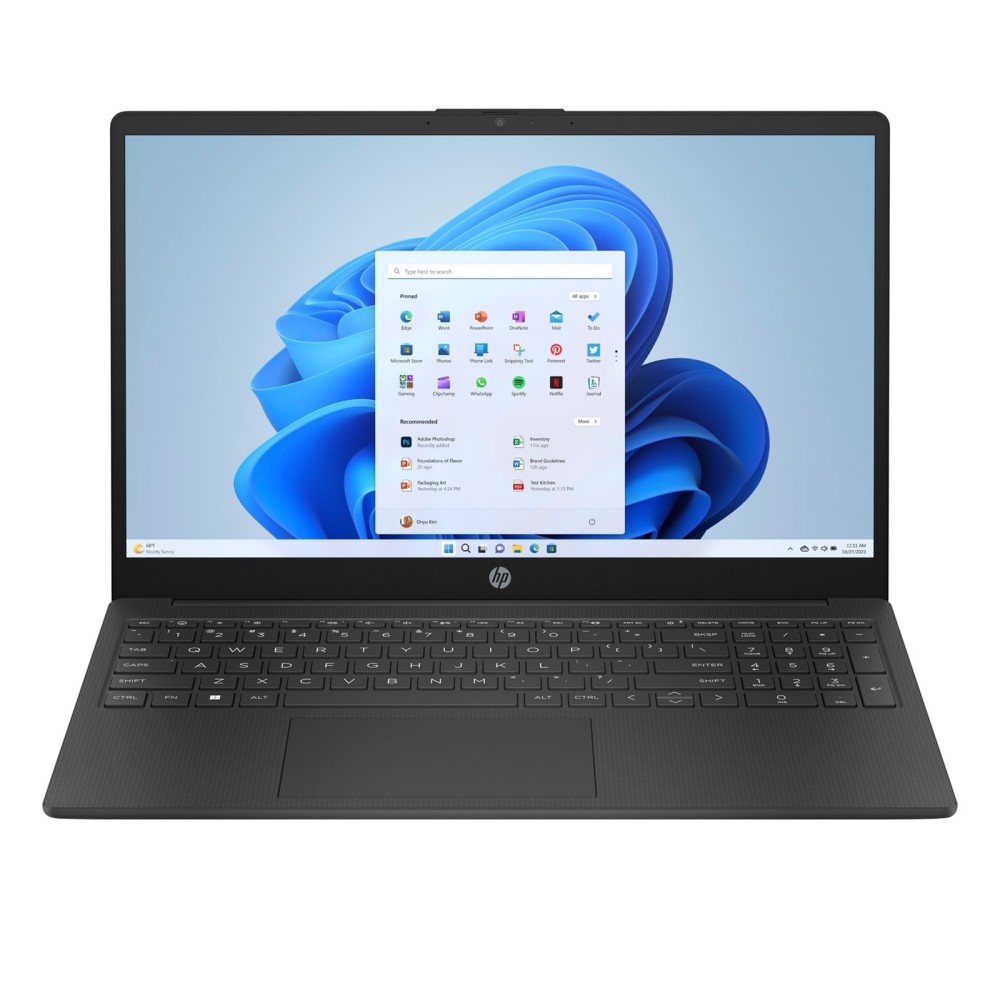
Best budget Windows laptop: HP 15-fc (Ryzen 3)
HP 15-fc0045na Laptop 15.6″ Full HD AMD Ryzen 3 7320U 8GB DDR4 256GB SSD Windows 11 Home Jet Black
In stock
- HP 15-fc0045na Laptop by Hewlett Packard
- AMD Ryzen 3 7320U processor with up to 4.1 GHz boost clock
- 8GB DDR4 RAM and 256GB PCIe NVMe SSD storage
- 15.6 inch Full HD anti-glare display with 85% screen-to-body ratio
- Windows 11 Home operating system with Wi-Fi 6 and Bluetooth 5.4 connectivity
- Up to 10 hours and 30 minutes battery life weighing 1.59 kg
- EPEAT Gold registered design with camera privacy shutter and TPM support
If your budget is tight and your work is mostly essays, research and video calls, the HP 15-fc does the job. The Ryzen 3 chip and SSD keep Windows 11 responsive for everyday tasks. It ships with 8GB, so it suits lighter courses rather than heavy multitasking, but it is a genuine, reliable Windows laptop at a price that often only buys you a tablet.
Best Chromebook for essay-heavy courses: ASUS Chromebook CX1405
For law, English, history or any degree that lives in Google Docs, a browser and Office online, a Chromebook is the smart money. The ASUS CX1405 pairs a comfortable 14in Full HD screen with all-day battery and ChromeOS, which stays fast and almost never catches viruses. The one catch: it cannot run full Windows software such as SPSS, AutoCAD or some lab tools, so check your course requirements first. Our full Chromebook guide explains exactly who should and should not buy one, and if you have seen the Googlebook launch, here is the Googlebook price next to the Chromebooks students actually buy.
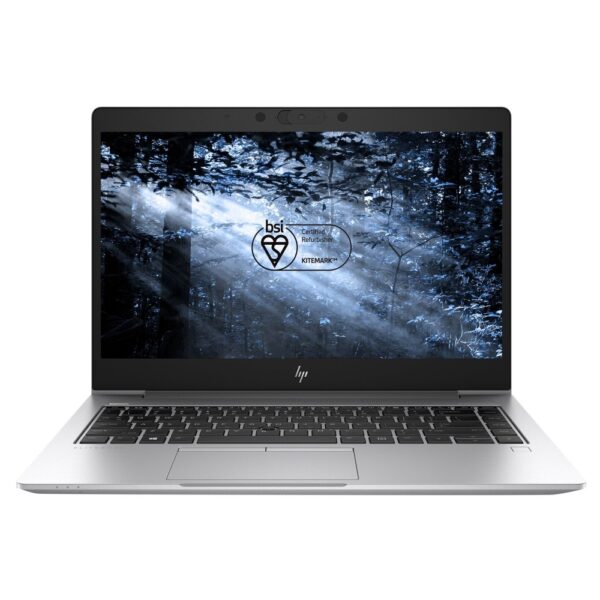
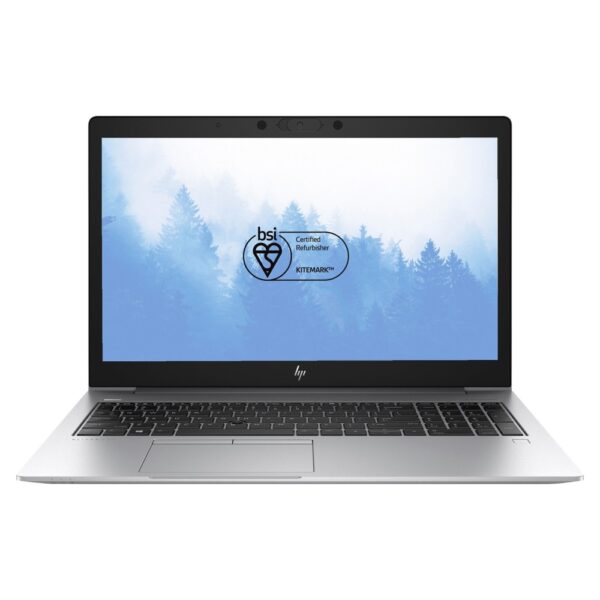
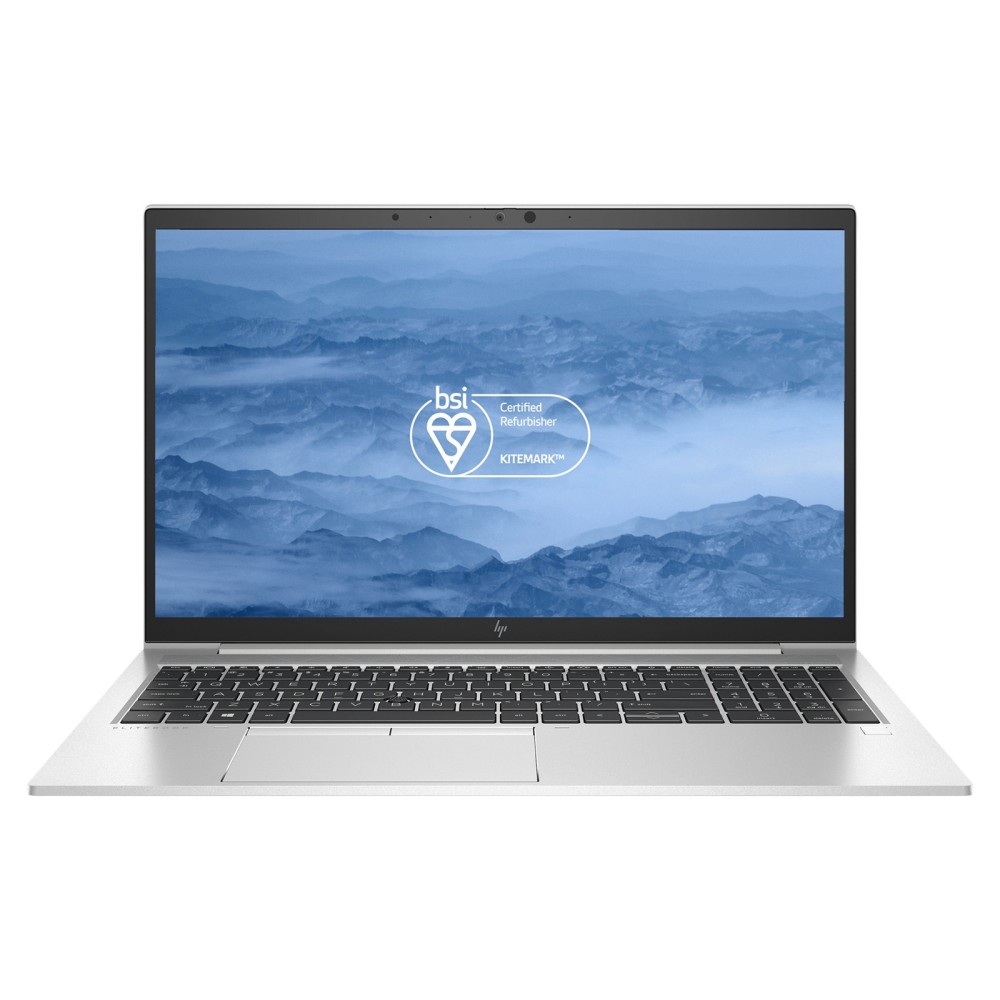
Best refurbished value: HP EliteBook 850 G7 (Core i5, 16GB)
PREMIUM REFURBISHED HP EliteBook 850 G7 15.6″ Intel Core i7 10th Gen 16GB RAM 256GB SSD Windows 11 Pro
In stock
- Intel Core i7 10th Gen processor for robust multitasking
- 16GB RAM and 256GB SSD for fast boot times and responsiveness
- 15.6 Inch Full HD 1080p screen with Grade A quality
- Premium Refurbished unit with BSI Kitemark approved and BS8887-240 certified
- Windows 11 Pro pre-installed with all hardware and software keys included
- Multiple ports including 2x USB 3.1 Type-C with Thunderbolt support and HDMI
- 1 year Return to Base warranty with carbon-neutral certification
Refurbished business laptops are the value secret of 2026. For this professionally refurbished EliteBook gives you a 15.6in Full HD screen, a Core i5, 16GB of RAM and a proper aluminium chassis built to survive years of daily commuting, the kind of build you simply do not get on a new £500 plastic laptop. It comes with Windows 11 Pro and a warranty. If you want the most laptop for your money and do not mind last-generation, start here.
Best for demanding courses: ASUS Vivobook 14 (Ryzen AI 7, 16GB, 1TB)
Computer science, engineering, architecture and media students need more headroom. This Vivobook pairs a fast Ryzen AI 7 processor with 16GB of RAM and a roomy 1TB SSD in a portable 14in body. That is enough for coding in heavier IDEs, running virtual machines, compiling and light 3D or video work, while staying easy to carry. If your course lists serious CAD or 3D rendering you may still want a dedicated graphics card, but for most technical degrees this is the sensible choice.
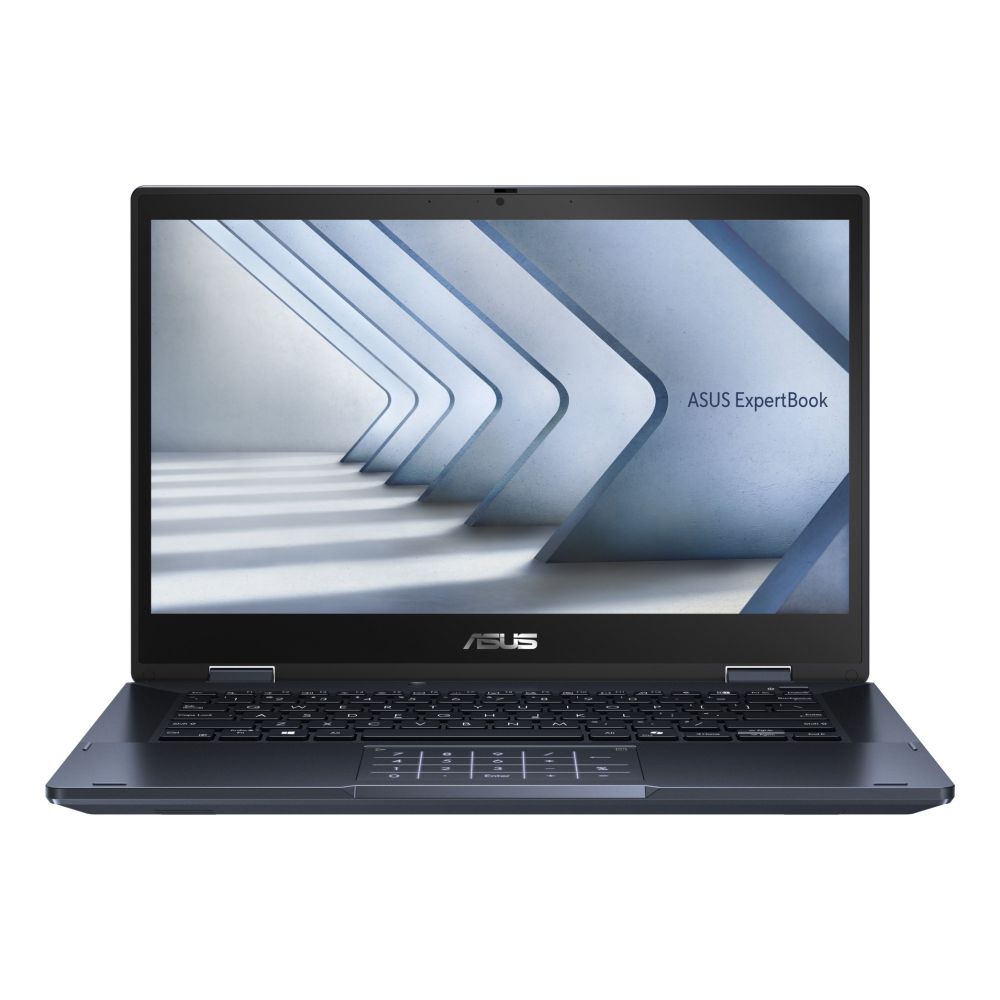
Best 2-in-1 for note-taking: ASUS ExpertBook B3 Flip
ASUS ExpertBook B3 Flip 2-in-1 Laptop
In stock
- Star Black 14″ 2-in-1 laptop with Full HD touchscreen and 360° flippable design
- Intel Core i5-120U hybrid processor with 10 cores, 12 threads and 5 GHz boost
- 8 GB DDR4 RAM, 256 GB PCIe 4.0 SSD, expandable to 40 GB
- Wi-Fi 6E, Bluetooth 5.4, 2x Thunderbolt 4 ports and HDMI 2.1
- Windows 11 Pro Education, 50 Wh battery, 1.61 kg weight, Star Black aluminium body
If you take handwritten notes, annotate PDFs or sketch diagrams, a convertible earns its place. The ExpertBook B3 Flip folds back into a tablet and takes a stylus, so you can write straight onto lecture slides. It is built to a business standard rather than a flashy consumer one, which means it should shrug off a few knocks. Worth it for medics, designers and anyone who thinks better with a pen in hand.
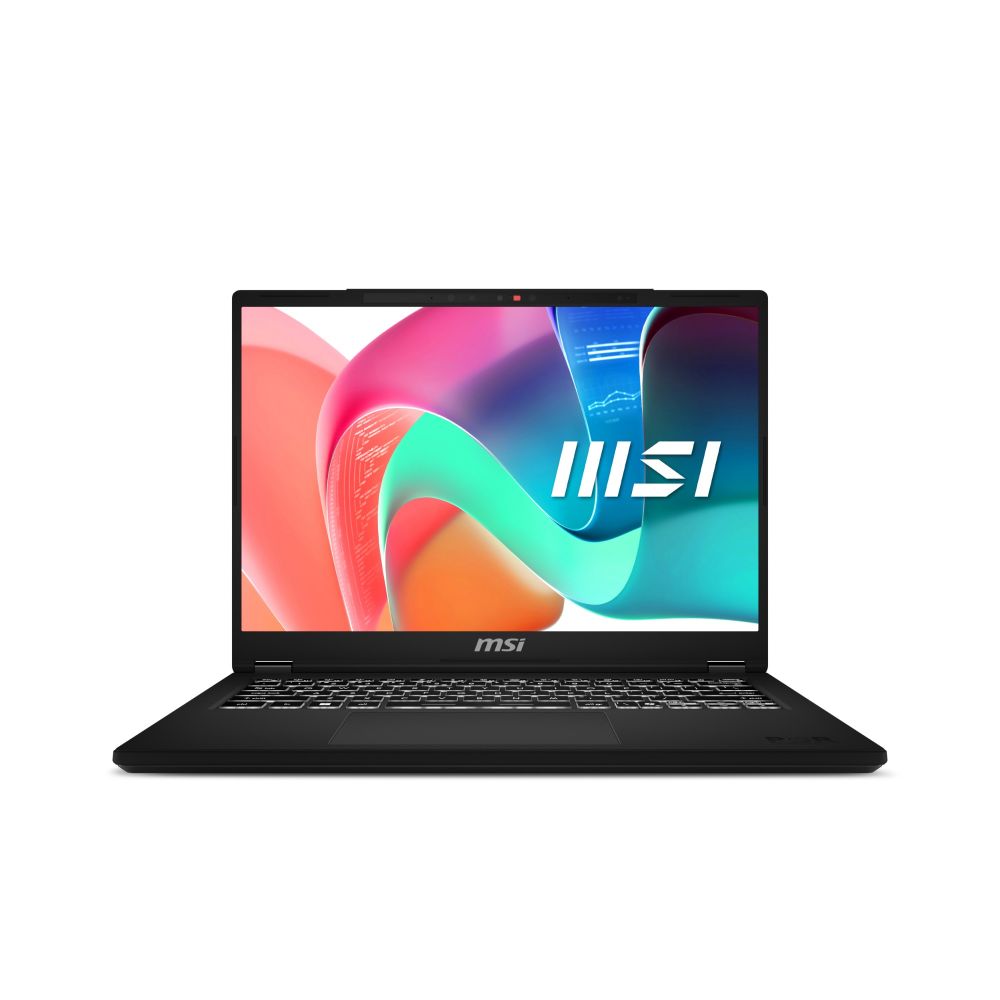
Best lightweight laptop for commuting: MSI Modern 14 (Core i5, 16GB)
MSI Modern 14 Laptop: Core 5, 14″ FHD+, 16GB RAM, 512GB SSD, WiFi 6E, Windows 11
In stock
- Intel Core 5 210H processor with 8 cores, 12 threads, and 4.8 GHz boost frequency
- 14″ Full HD+ IPS-Level display with 1920 x 1200 resolution and 60 Hz refresh rate
- 16 GB DDR4-SDRAM memory (2×8 GB) at 3200 MHz, expandable to 64 GB
- 512 GB NVMe PCIe 4.0 SSD with Intel Wi-Fi 6E AX211 and Bluetooth 5.3 connectivity
- Classic Black chassis weighing 1.6 kg with Windows 11 Home, backlit keyboard, and 3-year warranty
When you carry your laptop between halls, library and lectures all day, weight matters as much as power. The MSI Modern 14 keeps a Core i5 and 16GB of RAM in a slim, light 14in shell. This is the one to pick if portability and a clean design sit near the top of your list and you still want a full Windows machine rather than a Chromebook.
Windows vs Chromebook vs MacBook for students
Windows runs everything and gives you the widest, cheapest choice, which is why most of our picks are Windows laptops. It is the safe default if you are unsure what your course will throw at you.
ChromeOS (Chromebooks) is brilliant for writing, research and anything that lives in a browser. It is cheaper, lighter to maintain and very secure, but it cannot run full Windows or Mac software, so it suits essay-led courses rather than technical ones.
macOS (MacBooks) is superb for battery life, build quality and resale value, but you pay a clear premium and we do not stock Apple laptops. If you are weighing it up, read our honest take on which MacBook actually makes sense, then compare it against whether a Chromebook is enough for your course.
Browse more student laptops
Want to compare for yourself? These are from our catalogue, sorted by price. The first row is our full laptop range; the second is refurbished, where the value is strongest right now.
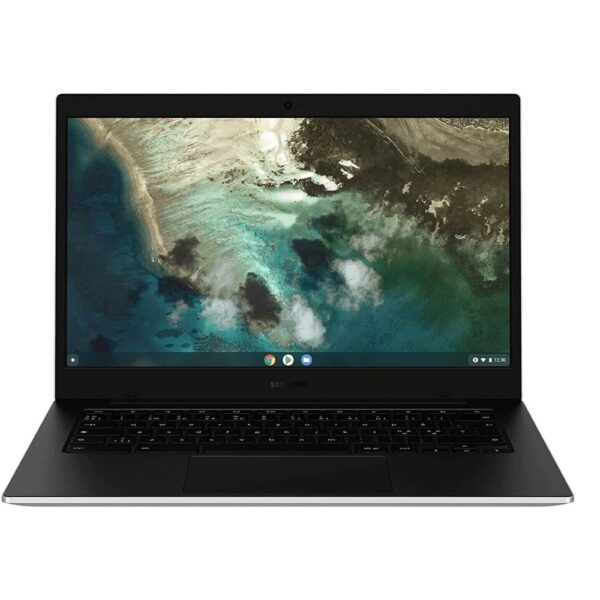
Samsung Galaxy Chromebook Go Laptop 14″ HD Touchscreen Intel Celeron N4500 4GB RAM 64GB eMMC Chrome OS Silver
In stock
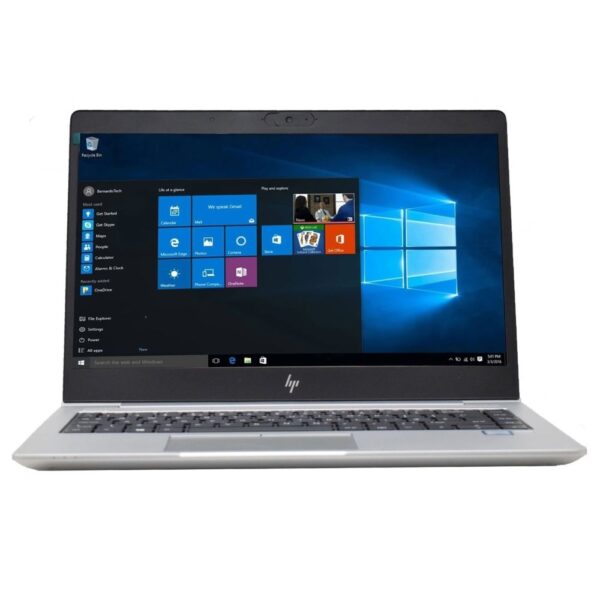
PREMIUM REFURBISHED HP EliteBook 840 G6 Laptop, i5, 8GB RAM, 256GB SSD
In stock
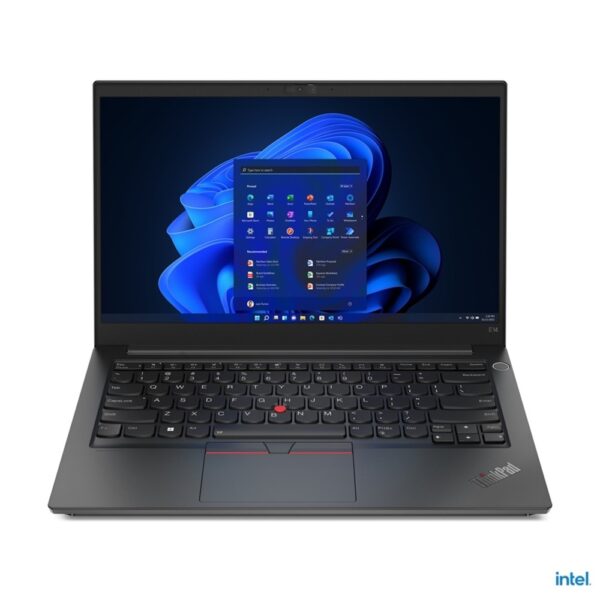
PREMIUM REFURBISHED Lenovo ThinkPad E14 Laptop 14 Inch Full HD Intel Core i3-10110U 16GB RAM 256GB SSD Windows 11 Pro Black
In stock
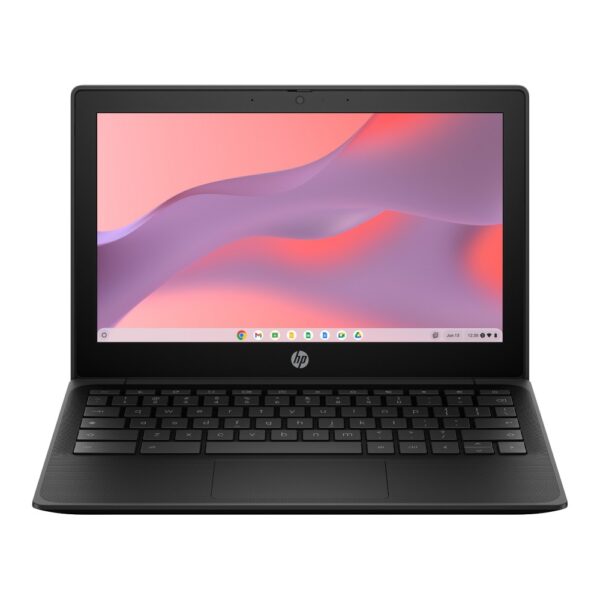
HP Fortis G1m 11.6″ HD Chromebook MediaTek 520 4GB RAM 32GB eMMC ChromeOS Black
In stock
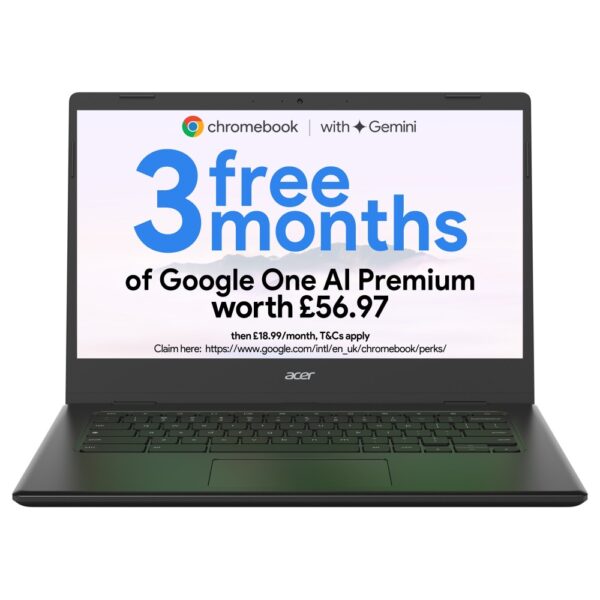
Acer Chromebook 314 14″ Full HD Intel Celeron 4GB RAM 64GB eMMC Black Chrome OS
In stock
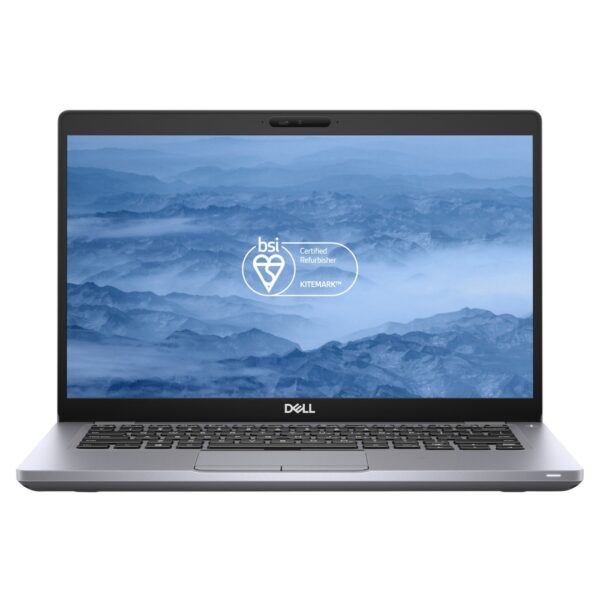
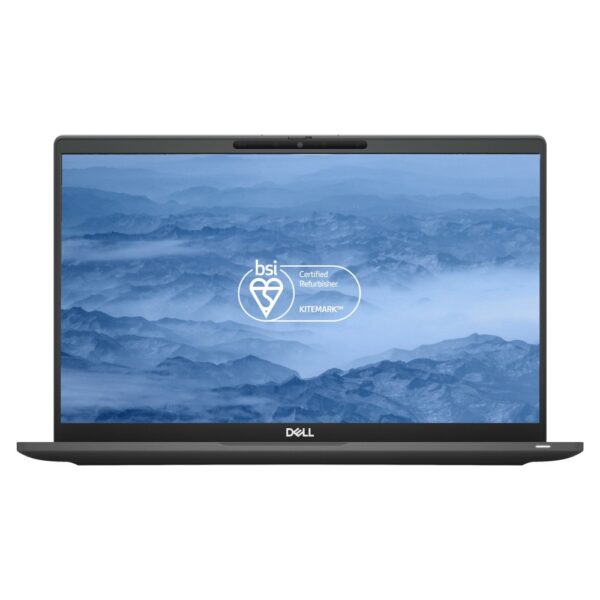
PREMIUM REFURBISHED Dell Latitude 5410 Laptop 14″ Full HD Intel Core i5-10310U 16GB RAM 256GB SSD Windows 11 Pro
In stock
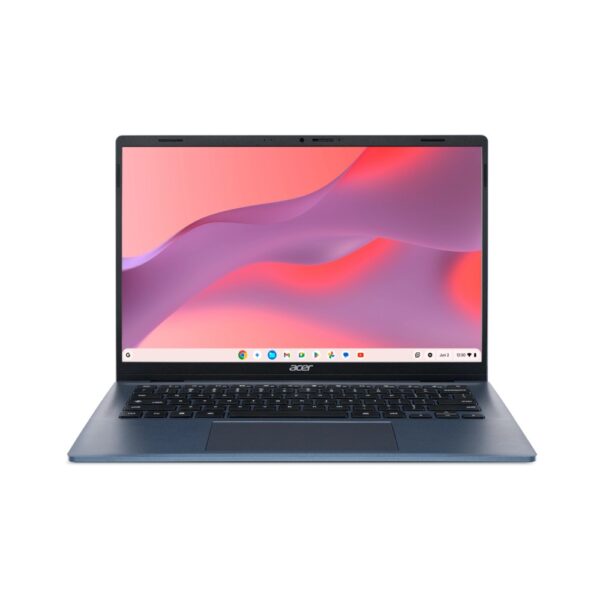
Acer Chromebook 314 14″ WUXGA IPS Laptop, MediaTek Kompanio 540, 4GB RAM, 64GB eMMC, ChromeOS, Blue
In stock
Refurbished laptops (premium build, student prices):
PREMIUM REFURBISHED HP EliteBook 840 G6 Laptop, i5, 8GB RAM, 256GB SSD
In stock
PREMIUM REFURBISHED Lenovo ThinkPad E14 Laptop 14 Inch Full HD Intel Core i3-10110U 16GB RAM 256GB SSD Windows 11 Pro Black
In stock
PREMIUM REFURBISHED Dell Latitude 5410 Laptop 14″ Full HD Intel Core i5-10310U 16GB RAM 256GB SSD Windows 11 Pro
In stock
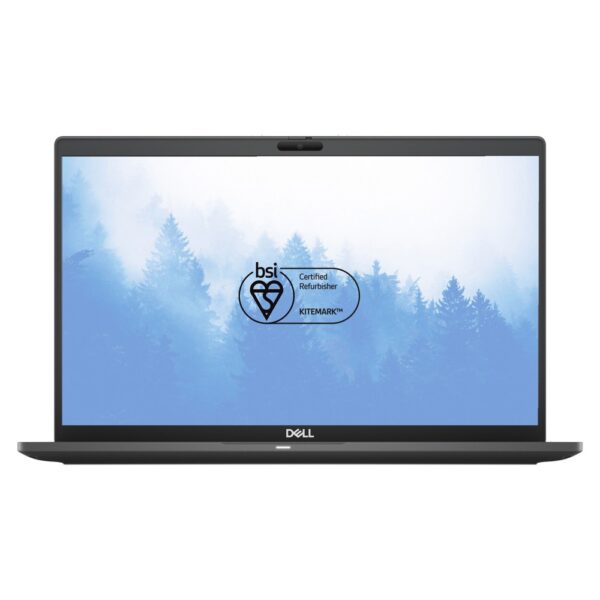
PREMIUM REFURBISHED Dell Latitude 7420 Laptop 14″ Full HD Intel Core i5-1135G7 16GB DDR4 256GB SSD Windows 11 Pro
In stock
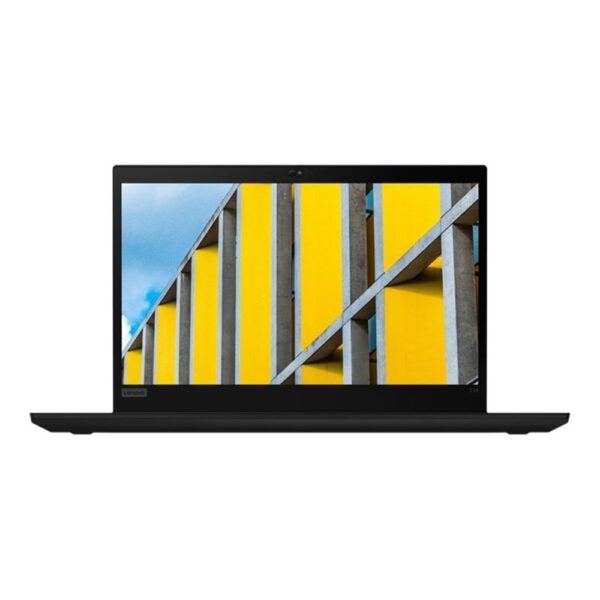
PREMIUM REFURBISHED Lenovo ThinkPad T14 Laptop 14″ Full HD Intel Core i5 10210U 16GB RAM 256GB SSD Windows 11 Pro
In stock
How to save money without buying junk
Buy refurbished. A professionally refurbished business laptop gives you a metal build and 16GB of RAM for the price of a new plastic one. Browse our refurbished laptops if you want the most machine per pound.
Use your student status. UNiDAYS, Student Beans and TOTUM unlock discounts at many retailers, and most software you need has a cheaper student plan, including Microsoft 365 and Adobe. Always check before paying full price.
Time it right. Back-to-school and Black Friday are the best windows for laptop deals. But with memory prices high in 2026, do not hold out for a cheaper 16GB model that may never arrive. Buy the right specification now rather than the wrong one cheaply. If you will be printing assignments at home too, our home printer guide shows which type costs least to run.
Pro tip: before you buy, check whether the RAM is soldered. On most slim laptops it is, which means 8GB stays 8GB for the life of the machine. With memory prices high in 2026, spending a little more on 16GB today is the single best future-proofing decision you can make.
Student laptop FAQs
Most students are well served between £400 and £600. Essay-heavy courses can spend far less on a Chromebook (around £250 to £430), while computer science, engineering and design courses are worth £600 to £800 for the extra processing power and storage.
It is borderline. 8GB is fine for browsing, essays and a Chromebook, but it struggles once you have many tabs, Teams and an app or two open together. Because RAM is usually soldered and cannot be upgraded, 16GB is the safer baseline for a laptop you need to last a three-year degree.
For essay-led courses that run on Google Docs, a browser and Office online, yes, easily, and it saves you money. It is not suitable if your course needs Windows-only software such as SPSS, AutoCAD or specialist lab tools. Check your course's software list first, and read our full Chromebook guide if you are unsure.
No. A MacBook is excellent for battery life, build and resale value, but a £450 to £600 Windows laptop does everything most courses require. Choose a Mac because you want macOS and have the budget, not because you feel you have to.
Our top pick is the ASUS Vivobook 15 with a Core i5, 16GB of RAM and a 512GB SSD. A refurbished HP EliteBook with 16GB is the value alternative if you want a premium metal build, and a Chromebook is best if your work is mostly writing and research.
A laptop with 16GB of RAM and a 512GB SSD should comfortably last a full three or four-year degree. The headroom in RAM and storage is what keeps it feeling quick, which is exactly why we steer students away from 8GB and 256GB models.
Yes. A professionally refurbished business laptop, such as an EliteBook, Latitude or ThinkPad, gives you a metal chassis and 16GB of RAM for around £500, which is better value and better built than a new budget plastic laptop at the same price. Look for one that is graded, tested and sold with a warranty.
For coding, web development and most college projects, no. Those tasks rely on the processor, RAM and SSD, not the graphics card. A dedicated GPU only helps if you game, do serious 3D or game development, or train machine learning models locally, and even then most students use the cloud or university servers. Put your money into a strong CPU and 16GB of RAM instead.
For a four-year degree, a thin and light with a good processor usually wins. It is lighter, cooler, quieter and lasts much longer on battery, which matters when you carry it everywhere. Choose a gaming laptop only if you actually game or need the GPU for 3D or local AI work.
Do not overthink it. A laptop with a Core i5 or Ryzen 5, 16GB of RAM and a 512GB SSD, like the ASUS Vivobook 15, handles documents, research and everything else with room to spare. If your work is almost entirely writing and browsing, a Chromebook is cheaper and just as capable. A touchscreen or 2-in-1 is a nice extra, not a necessity.
Avoid 8GB of soldered RAM you cannot upgrade, 256GB-only storage that fills within a term, and any laptop still using a mechanical hard drive instead of an SSD. Be wary of very cheap, heavy plastic laptops if you carry yours daily, and check the RAM runs in dual channel for the best speed.
How we know: Hardvance is a UK laptop and computer retailer. We sell, ship and support these laptops for students every term, and we handle the returns and warranty claims when something is not right. That gives us a clear view of which models hold up, which specifications people end up regretting, and where the genuine value sits. We cross-check our picks against independent reviews, and we only recommend laptops we actually stock and stand behind.
Related reading and shopping
- How to Choose a Laptop in 2026: The Five Specs That Matter
- What is a Chromebook, and is it worth it in 2026?
- Which MacBook should you buy in 2026?
- Browse all student laptops
- Business laptops
- Refurbished laptops
- Chromebooks
- Best laptops under £500 (2026)
- The best gaming laptops for every budget (student-friendly picks included)
- The best webcams from £20: look sharper on every seminar call
- Study in silence: the best noise cancelling headphones at every budget
About Hardvance Team
The Hardvance Team is the editorial team at Hardvance, a UK computer and electronics retailer based in Mildenhall, Suffolk. We build and upgrade PCs and sell laptops, phones, networking gear, monitors and printers, and our guides cover the same ground. Every guide names its sources and explains how we checked the figures, and we say plainly when something is our opinion rather than a tested result.
View all posts by Hardvance Team