How to Choose PC Components in 2026: Where Your Money Actually Matters

0
How To Choose PC Components In 2026 The Complete Build Guide

Decide what the PC is for, then split the budget to match. In a gaming build the graphics card takes the biggest share, around a current six-or-eight-core CPU, 32GB of DDR5, a fast NVMe SSD and a quality Gold power supply.

Start where it matters for you:

Every component in buying order, with the mistakes priced: below.

Building or upgrading a PC in 2026 comes down to a series of linked decisions. Choose the right parts and they work together quietly well into the future. Get one wrong and you are left with a bottleneck, a compatibility headache, or money spent in the wrong place.

This guide walks through every core component in the order that actually matters, explains what to look for, and links to our in-depth guide for each part. Whether you are after a 1440p gaming rig, a creator workstation, or a quiet everyday machine, the same logic applies: decide what the PC is for, set a budget, then spend it where it counts.

Start with the build, not the parts

The most common mistake is shopping for components before deciding what the machine is for. A 4K gaming PC, a video-editing workstation, and a home-office box share the same parts list, but the money is split very differently. Work out the job first, then the budget, then the split.

As a rough starting point, a gaming build leans hardest on the graphics card, while a creator or workstation build moves more of the budget onto the processor, memory, and storage. The table below is a sensible split to aim for before you fine-tune it.

ComponentGamingCreator / workstationBudget / office
Graphics card35-45%25-35%20-30%
Processor15-20%25-30%18-22%
Motherboard8-12%10-12%10%
Memory8-10%12-15%8-10%
Storage8-10%10-12%10%
Power supply6-8%6-8%8%
Cooling4-6%5-7%4%
Case5-8%5-7%6-8%
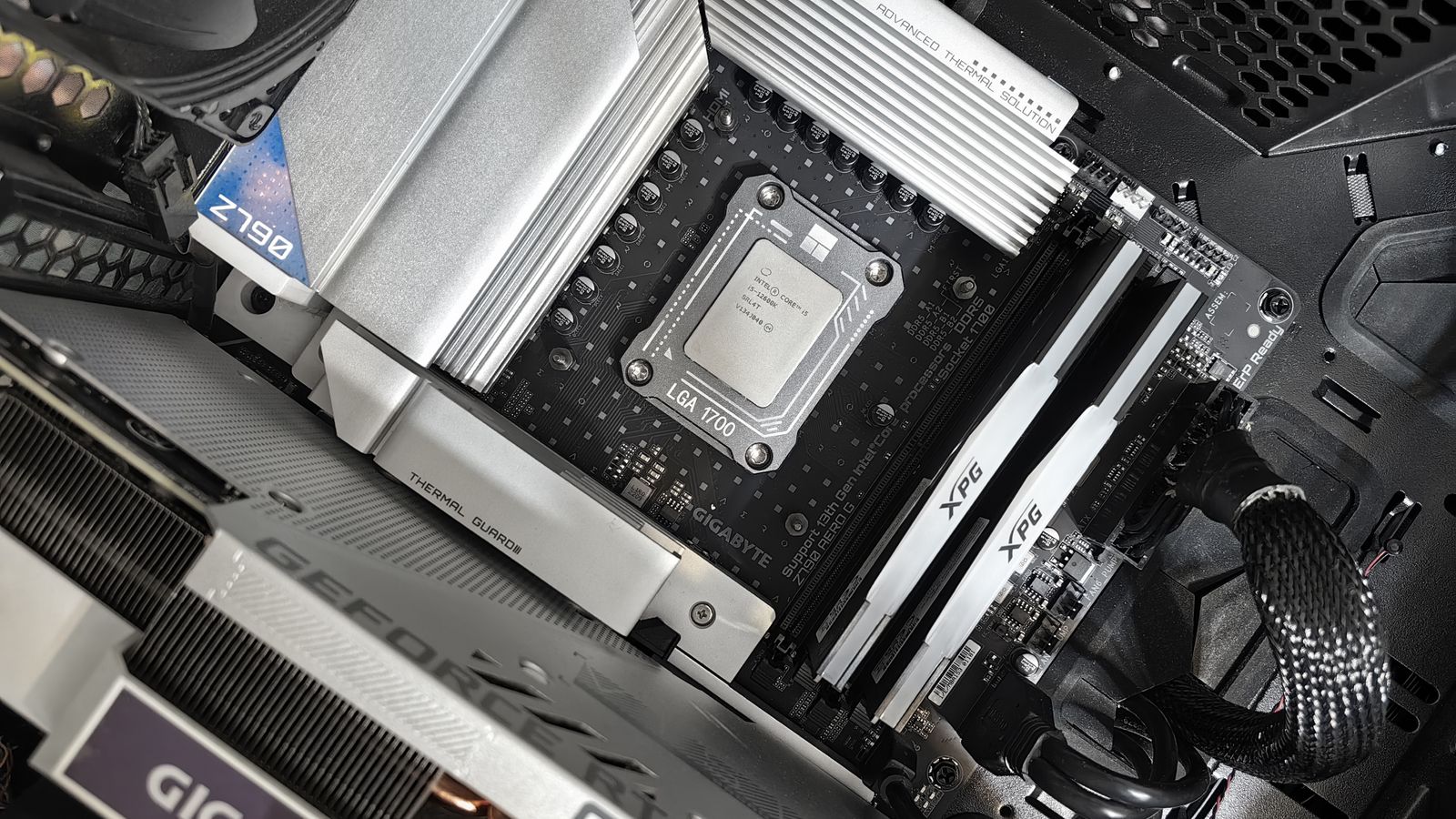
Close-up of a PC motherboard CPU socket with memory and a graphics card installed
Match the socket and chipset first: the motherboard decides what fits.

The processor

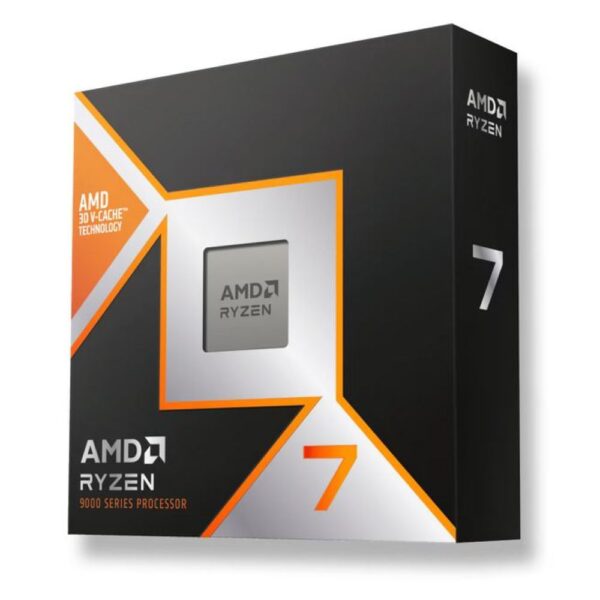
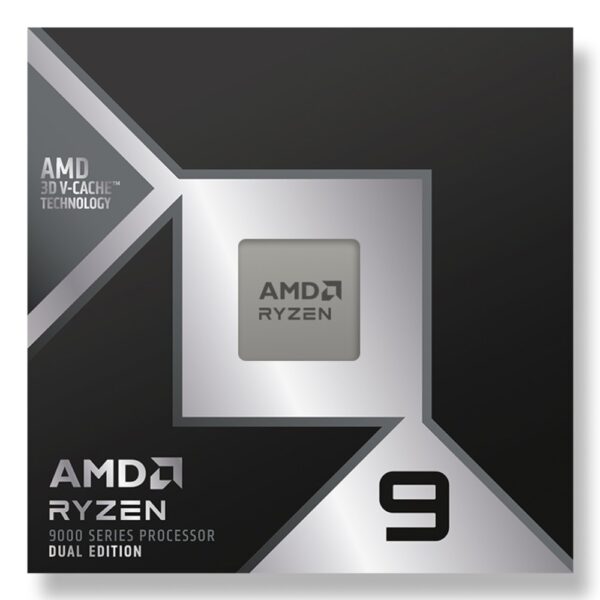
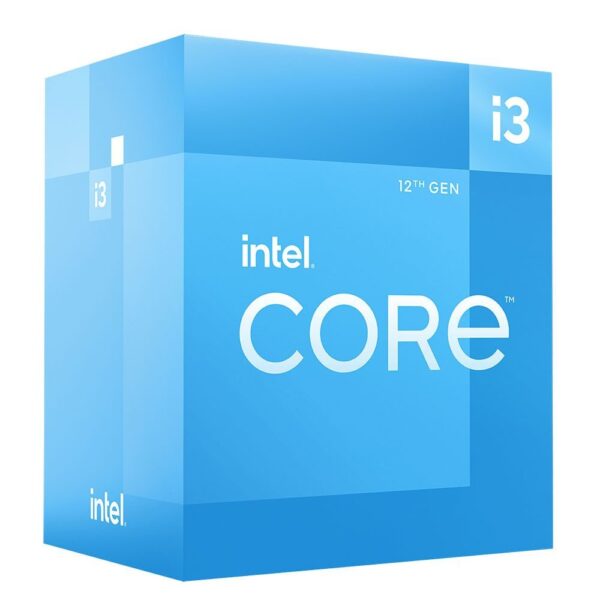
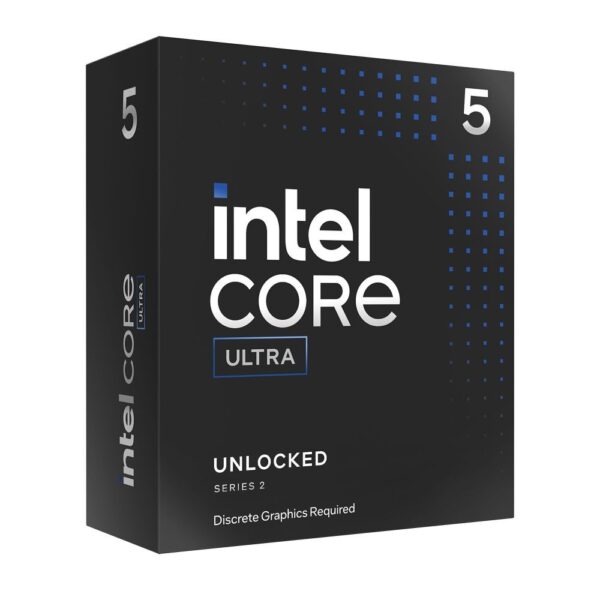
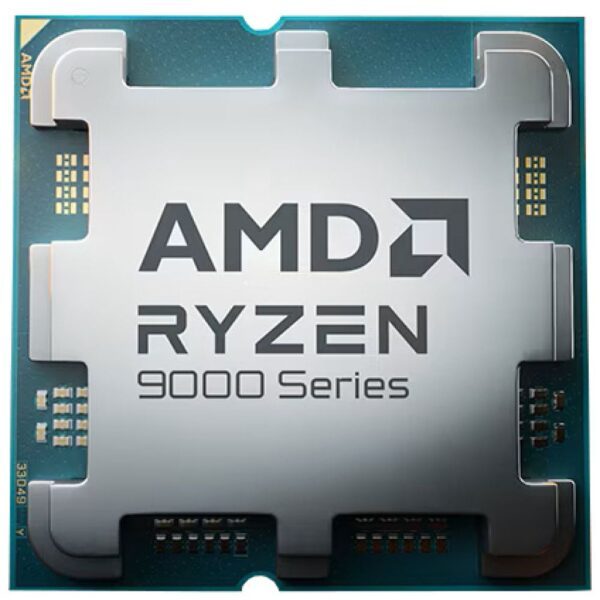
The processor sets the pace for everything else, and it decides your socket and motherboard. For gaming, AMD’s X3D chips with 3D V-Cache still lead, because games care more about cache and per-core speed than raw core count. For editing, rendering, and heavy multitasking, a higher core count earns its keep. Most people are well served by a current six- or eight-core part, and only step up to twelve or sixteen cores if the workload truly uses them.

Check the cooler that comes in the box, if any, and budget for a separate cooler on the higher-power chips.

Read the full guide: Best Gaming CPU in 2026 →

The motherboard

The motherboard does not make your PC faster, but it decides what fits and how far you can upgrade later. Match it to your processor’s socket first, then pick the chipset that gives you the features you need: enough M.2 slots, the right USB ports, and solid power delivery if you plan to run a high-core-count chip. Form factor matters too, since it sets how many memory and expansion slots you get and which cases will take it.

Read the full guide: Best Motherboard in 2026 →

Memory (RAM)

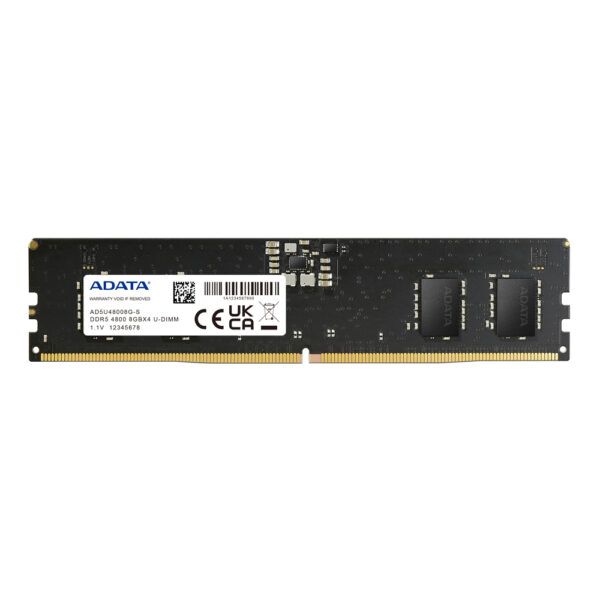
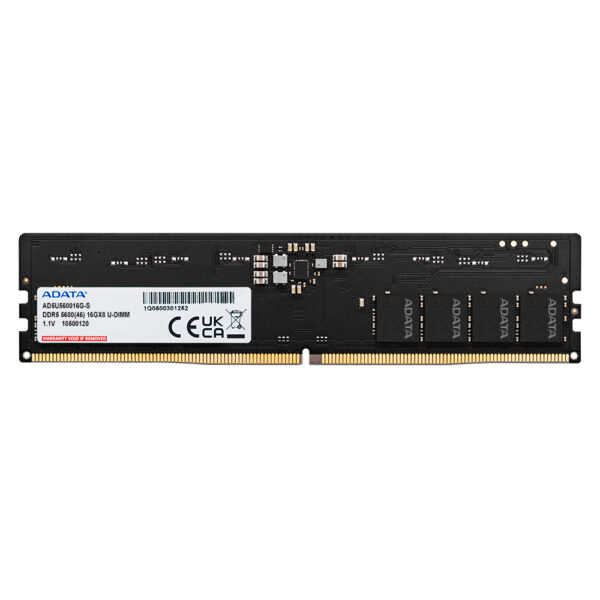
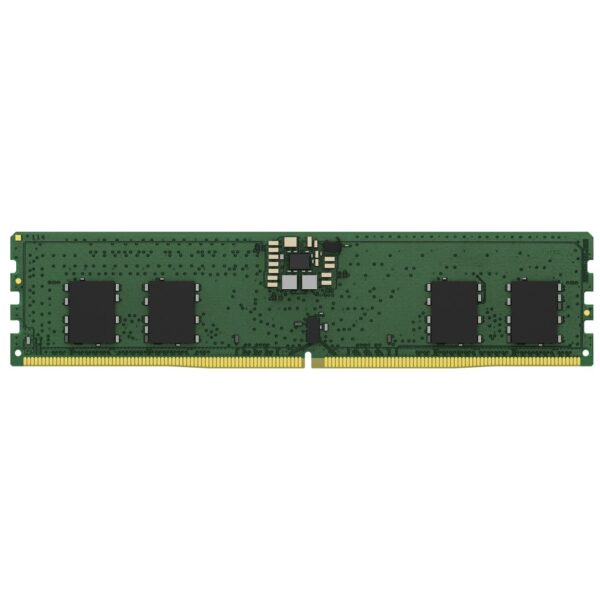
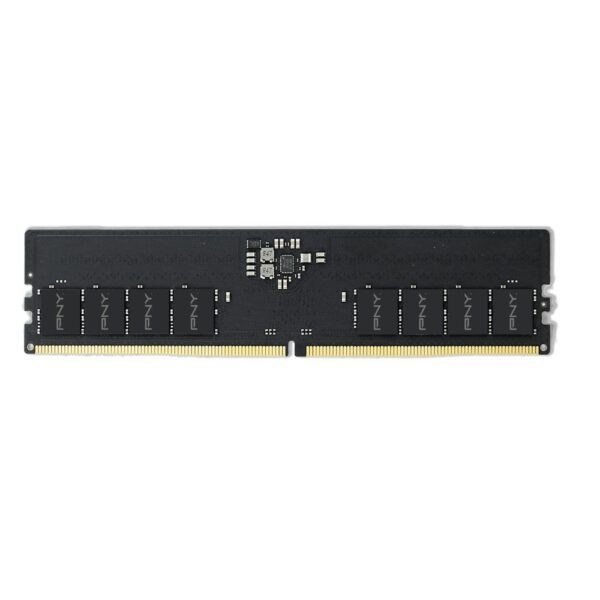
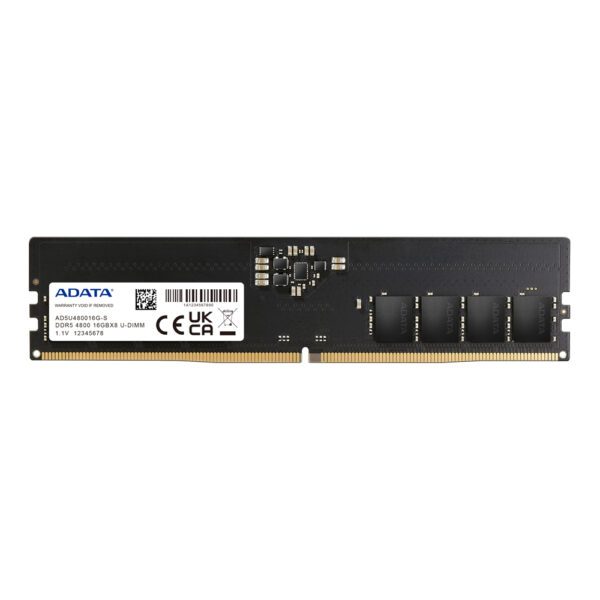
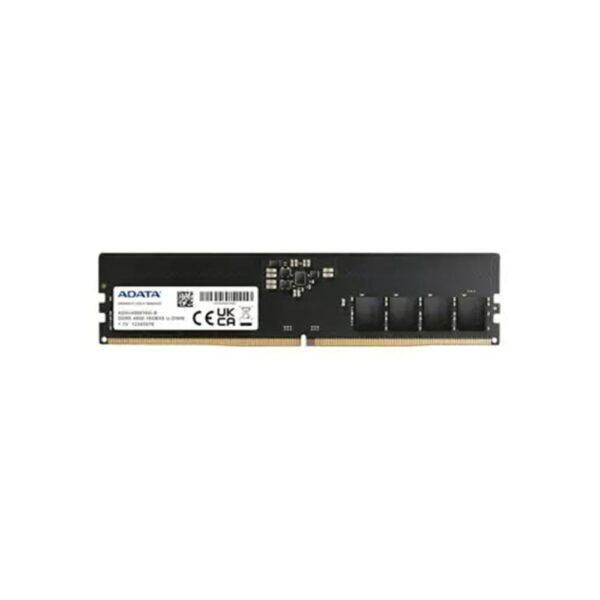
For 2026, 32GB of DDR5 is the comfortable value choice for gaming and general use, with 16GB now the bare minimum and 64GB worth it only for heavy creative work or virtual machines. On AMD’s AM5 platform, a DDR5-6000 kit with CL30 timings hits the balance most builders want, since it keeps the memory and fabric in step without paying for diminishing returns. Buy a single matched kit rather than mixing sticks later.

Read the full guide: Best RAM for Ryzen X3D in 2026 →

The graphics card

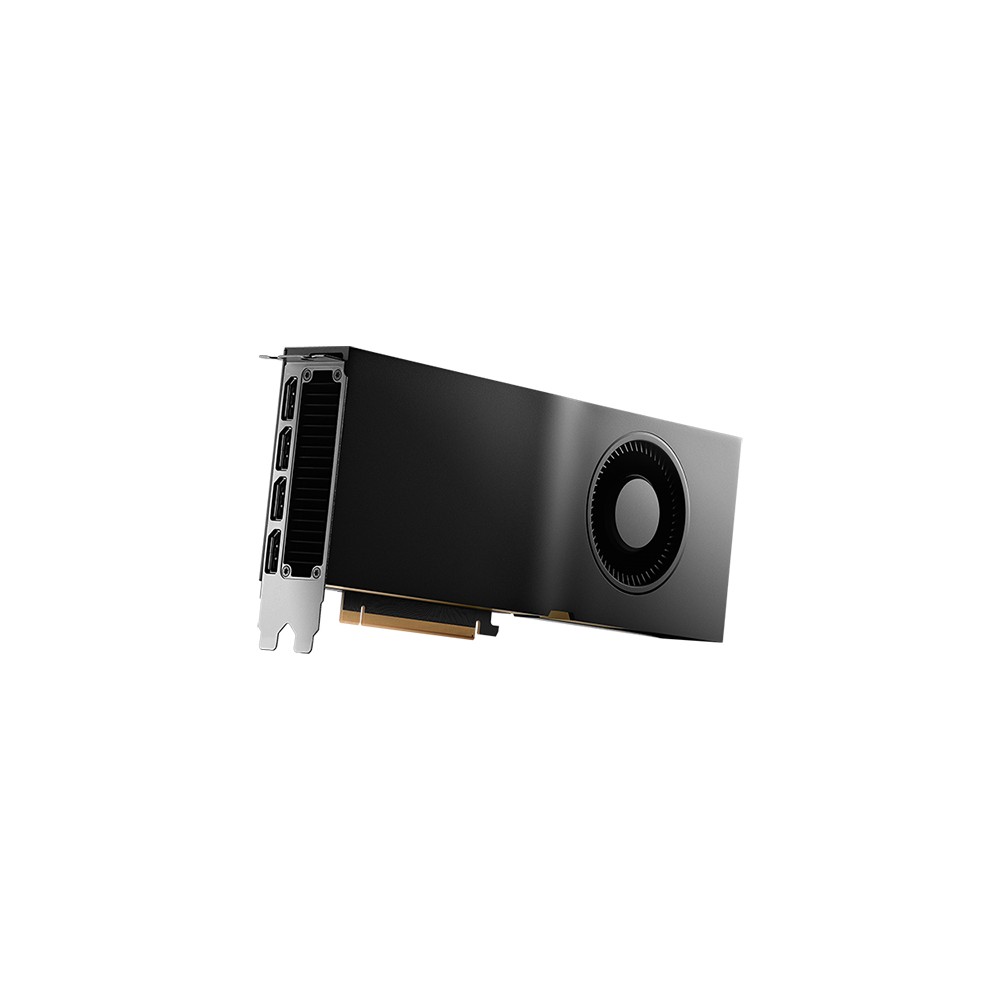
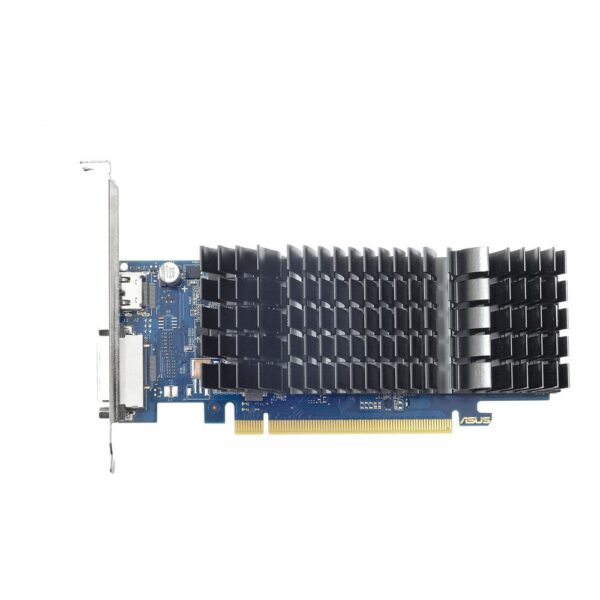
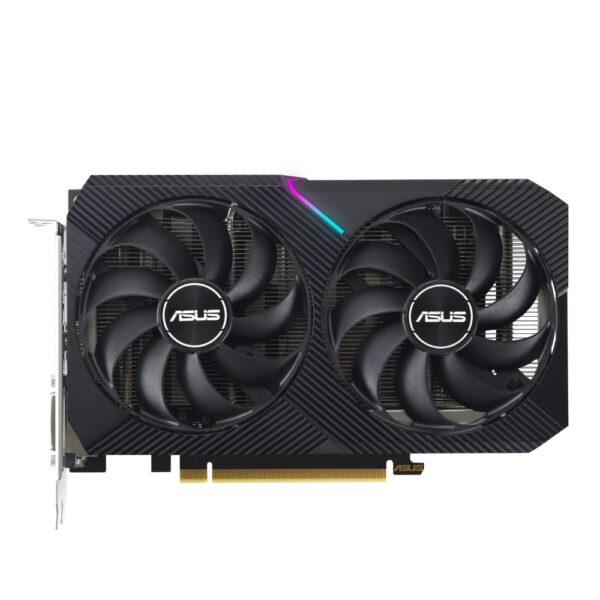
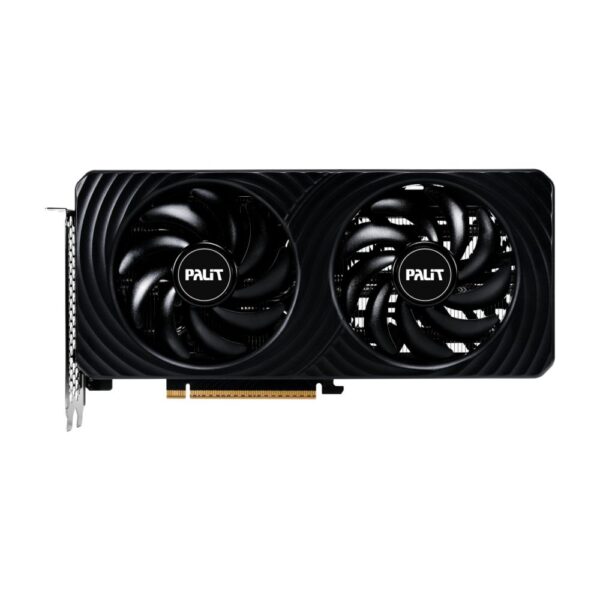
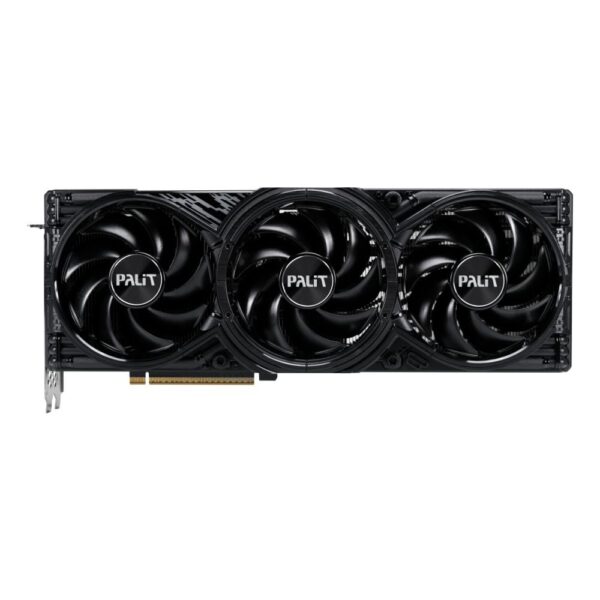
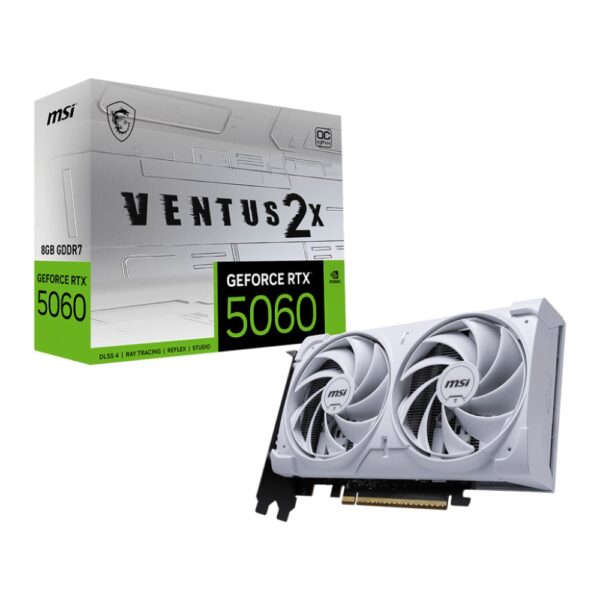
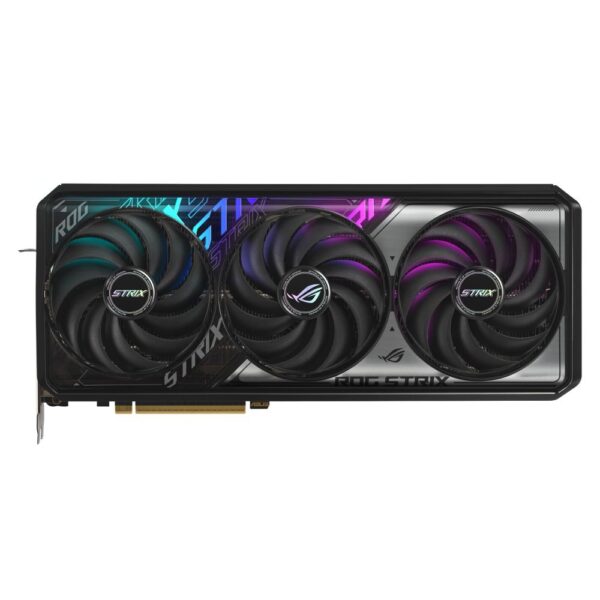
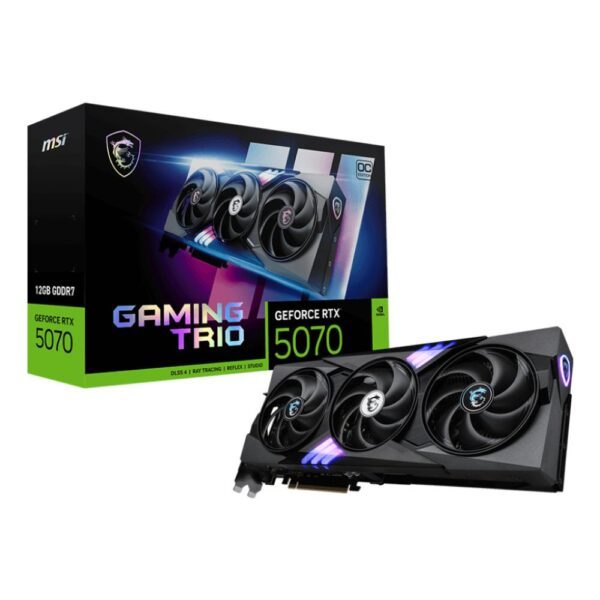
For a gaming build the graphics card is usually the single most important purchase, and the right one depends on your monitor. Aim a card at the resolution and refresh rate you actually play at: a strong 1080p or 1440p card for most people, and a top-tier card only if you game at 4K or chase very high frame rates. Pay attention to VRAM as well, because 8GB now limits some new titles at higher settings, and 12GB to 16GB is the safer buy for the next few years.

Read the full guide: Best Graphics Card in 2026 →

Storage and SSDs

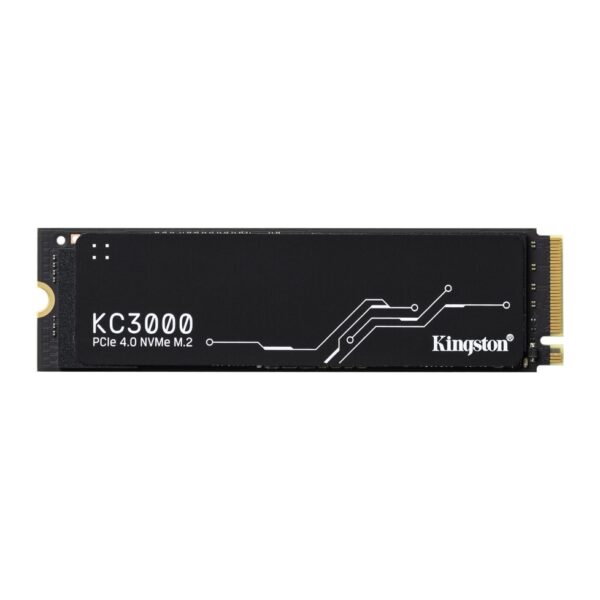
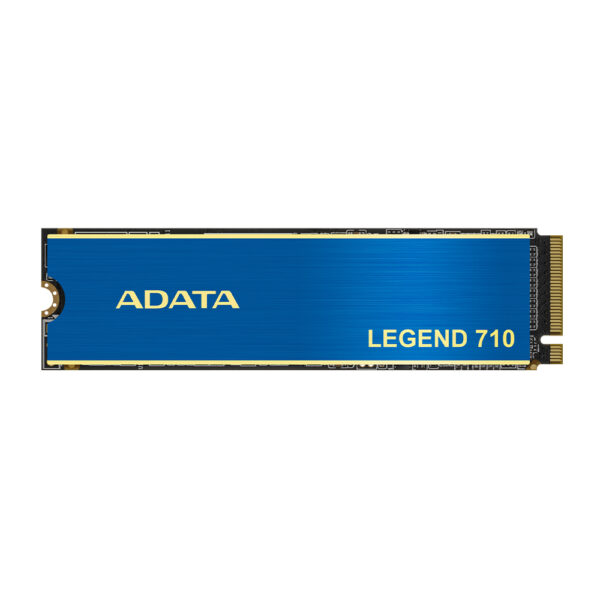
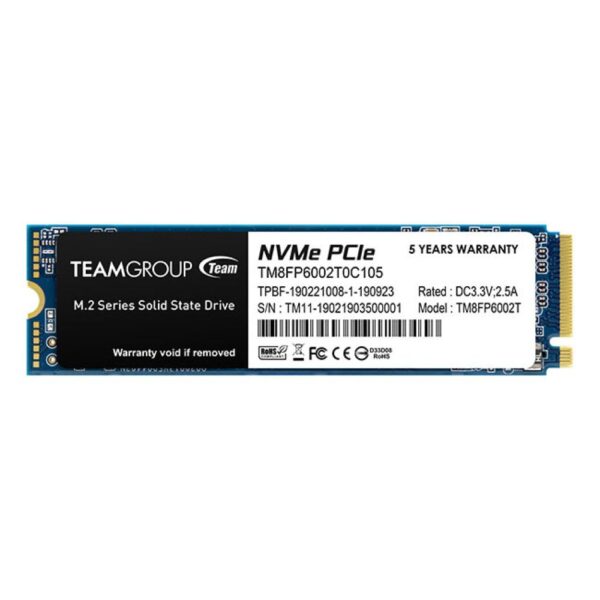
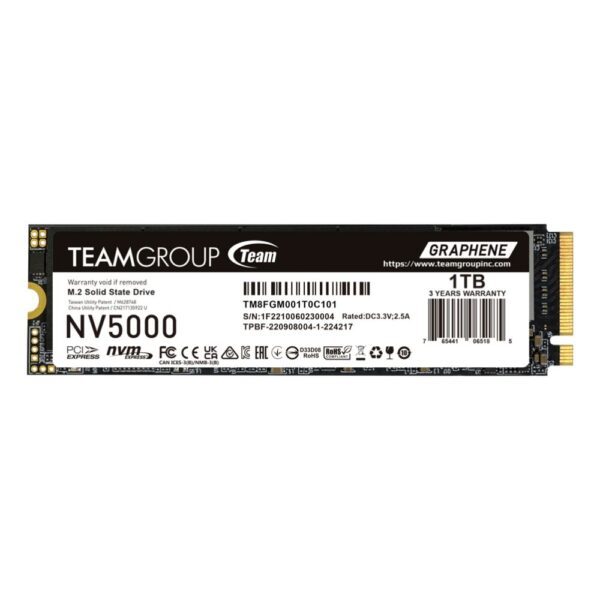
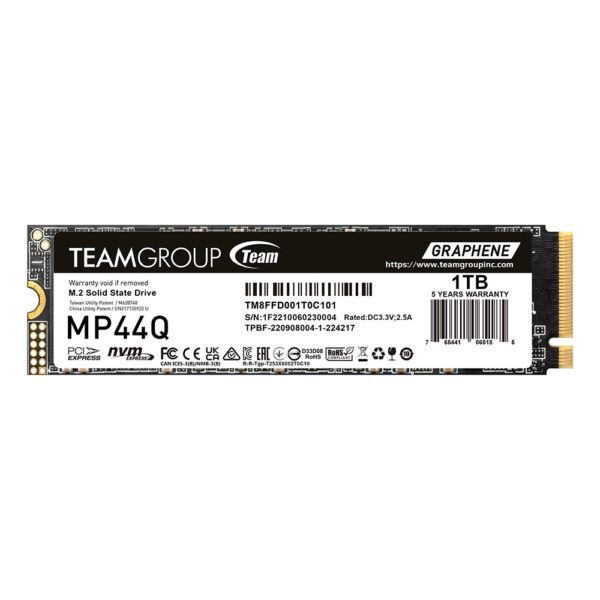
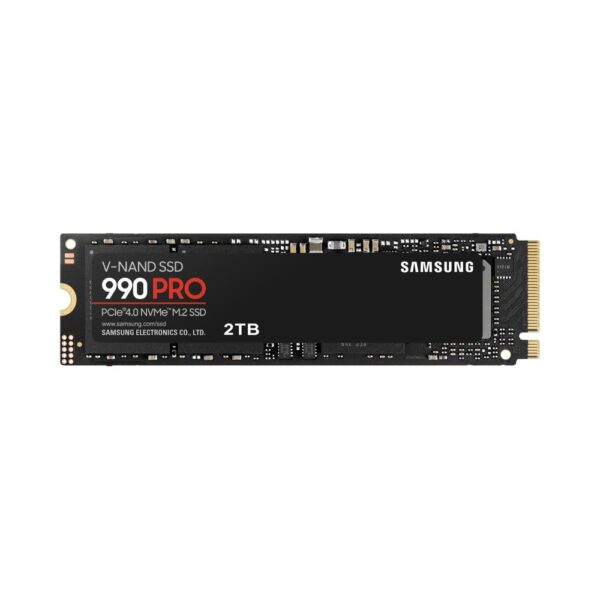
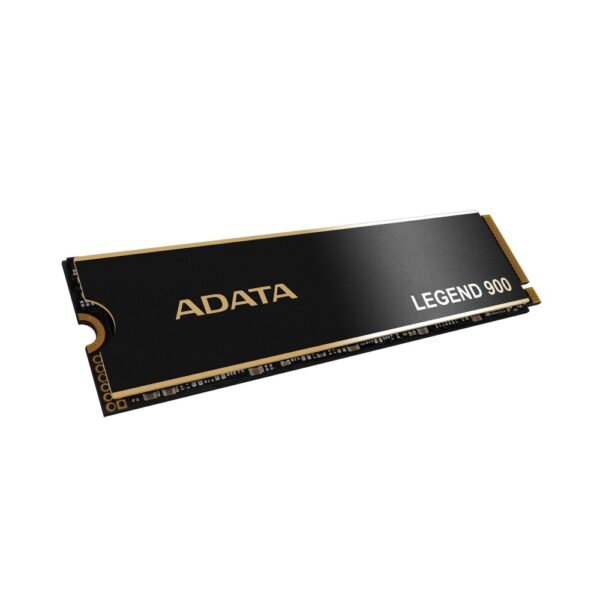
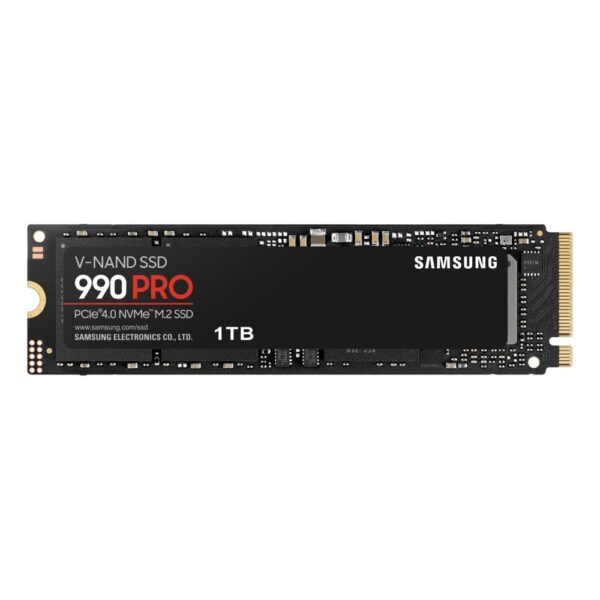
An NVMe SSD is no longer optional. It is the upgrade that makes the whole machine feel quick, from boot to game loads. A PCIe 4.0 NVMe drive is the value pick for 2026 and is plenty fast for almost everyone, while PCIe 5.0 drives cost more for gains you will rarely notice outside of large file transfers. A 1TB drive is a sensible starting size, and 2TB is worth it if you keep a large game library. Add a second drive later rather than filling the boot drive to the brim.

Browse SSDs and NVMe drives → · read our full SSD guide

The power supply

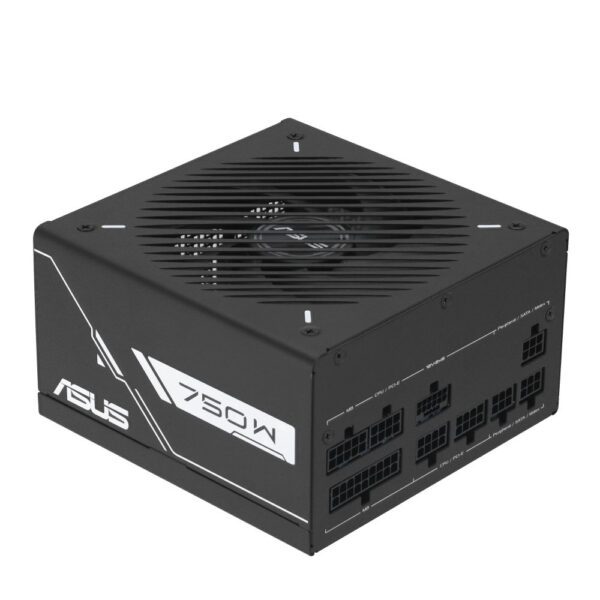
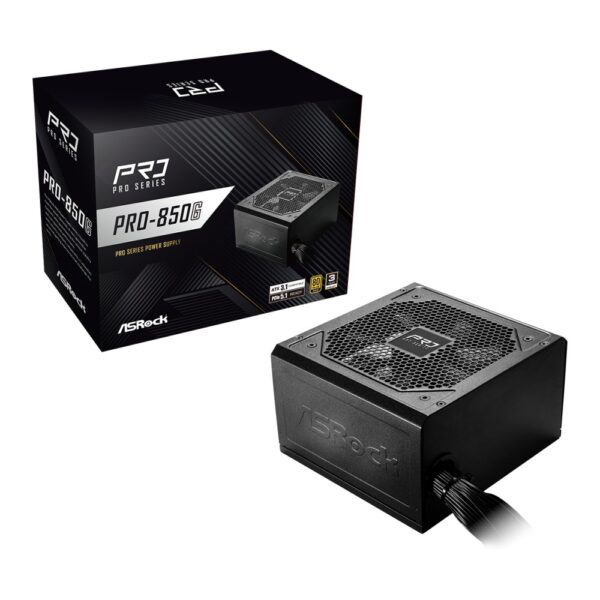
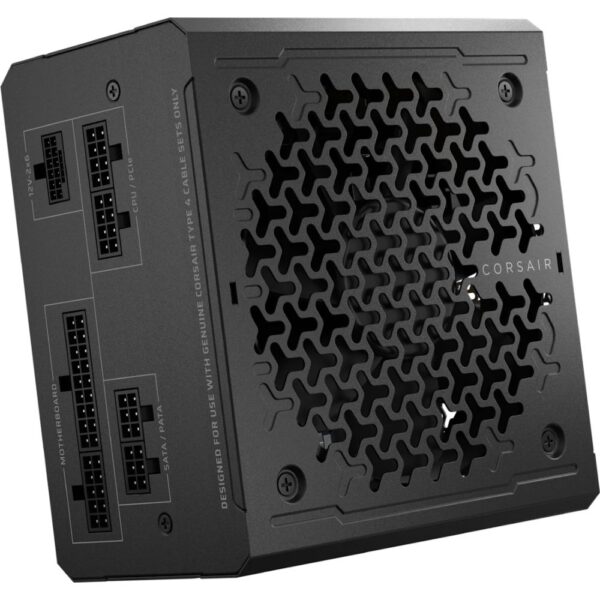
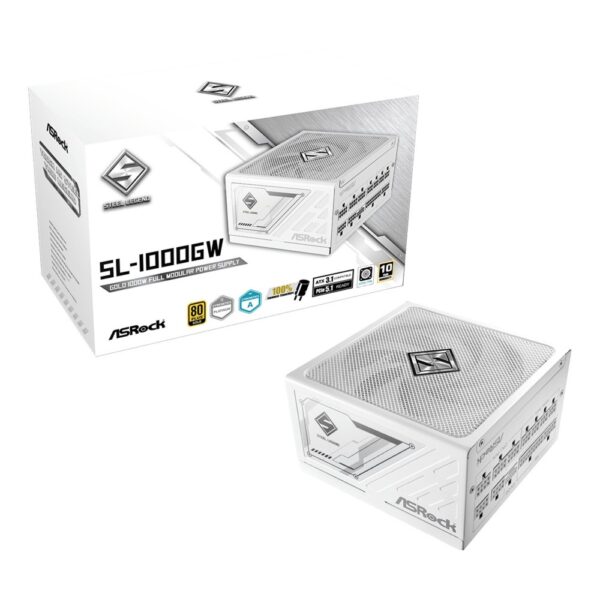
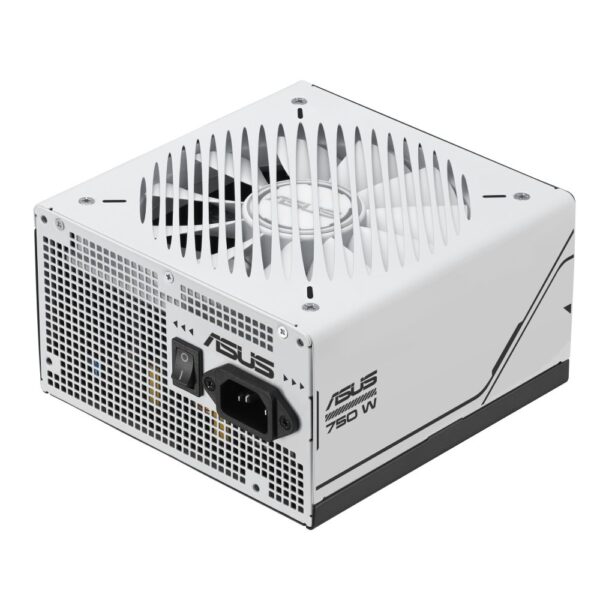
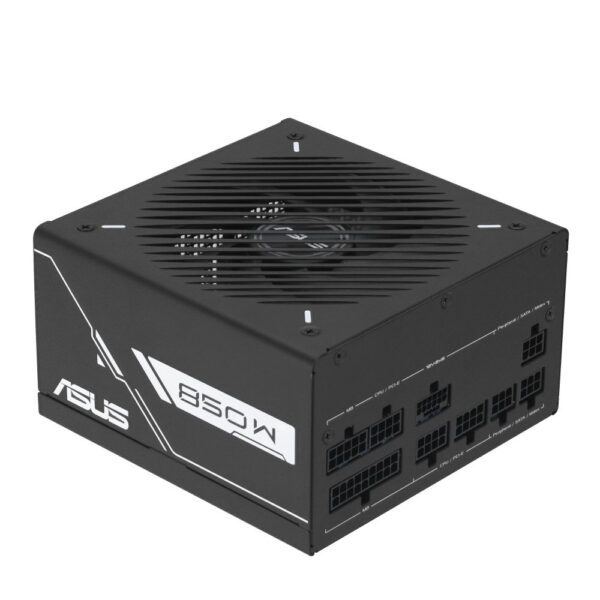
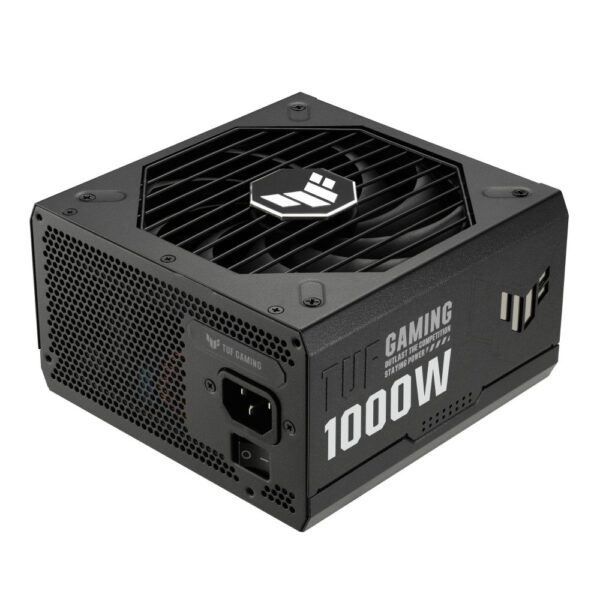
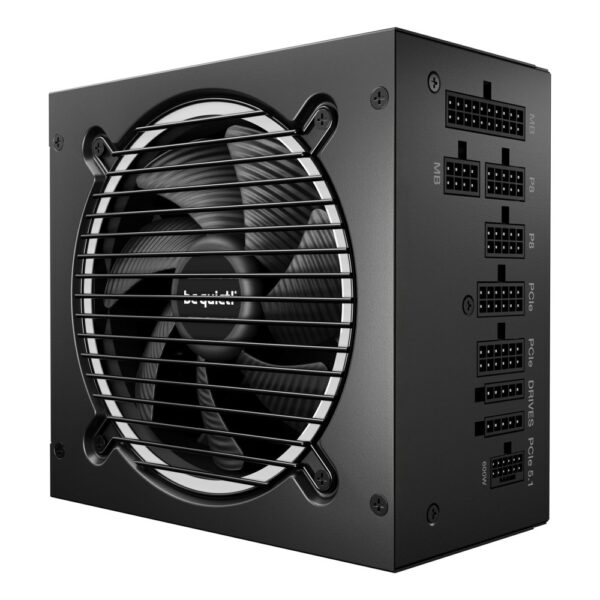
The power supply is not the place to save a few pounds. A quality unit protects every other part and runs quietly for years. Size it to your components with some headroom, usually 650W to 850W for a mainstream gaming build, and more if you run a high-end graphics card. Look for an 80 Plus Gold rating, a modern ATX 3.1 unit with a native 12V-2×6 connector for current GPUs, and full modular cables to keep the build tidy.

Read the full guide: Best Power Supply in 2026 →

Cooling

Your cooler needs to match the heat your processor puts out, not just fit the socket. A good air cooler handles most mainstream chips quietly and cheaply, while a 240mm or 360mm all-in-one liquid cooler suits higher-power processors and small cases where a tall air cooler will not fit. Check the cooler’s height against your case and make sure it clears tall memory. Often a set of case fans arranged for steady airflow matters more than an exotic cooler.

Browse air coolers or AIO liquid coolers.

The case

The case ties the build together and quietly affects temperatures and noise. Start with the form factor your motherboard needs, then check the boring but vital clearances: graphics card length, cooler height, and power supply size. A mid-tower with good airflow and a mesh front suits most builds, while a Mini-ITX case makes a neat small machine but asks for more careful part choices. Tool-free panels and decent cable routing make the build and any future upgrade far less painful.

Browse PC cases → · read our full PC case guide

The monitor

The monitor is half of how your PC feels, yet it is the part people leave to last. Match it to your graphics card: a 1440p high-refresh panel is the current smart middle ground for gaming, while 4K asks a lot more from the GPU. The panel type matters as much as the numbers, with OLED offering the best contrast and motion clarity and fast IPS giving a brighter, lower-cost all-rounder. We compare both in detail.

QHD vs 4K monitors → · Why own an OLED monitor →

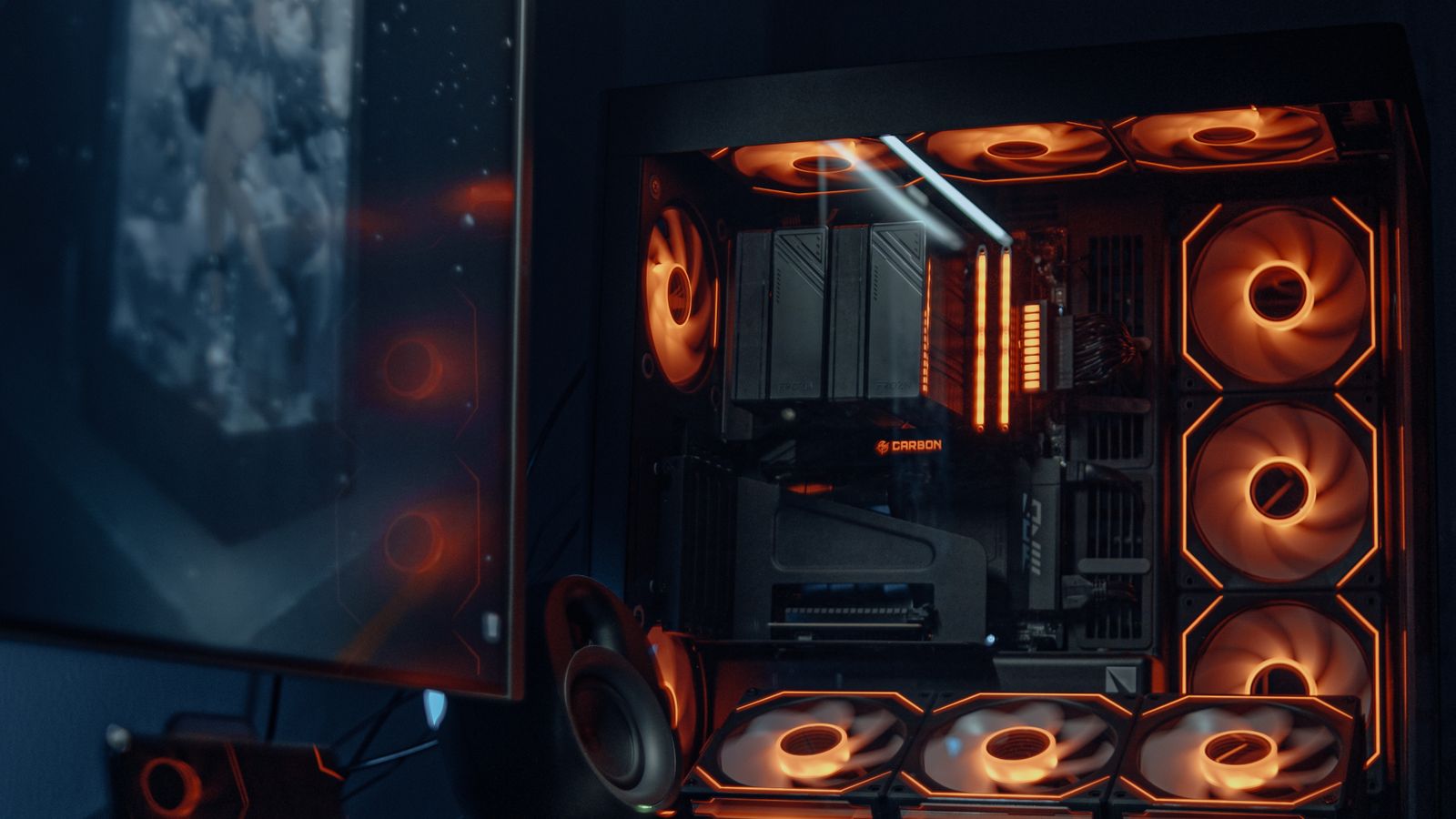
A finished RGB gaming PC build next to a desktop monitor
Match the monitor to the graphics card, not the other way round.

Make sure it all fits together

Most build problems are compatibility problems, and they are easy to avoid with a quick checklist before you buy. Run through these and you will rarely be caught out:

  • Socket and chipset: the processor and motherboard must share a socket, and the chipset should support the chip and the features you want.
  • Memory type: match DDR5 or DDR4 to the board, and check the supported speeds on the board’s memory list.
  • Power: add up your parts and give the power supply some headroom, with the right connectors for your graphics card.
  • Clearances: graphics card length, cooler height, and radiator size all need to fit the case.
  • Storage slots: confirm the board has enough M.2 and SATA connections for your drives.
  • Form factor: the motherboard size must match the case.
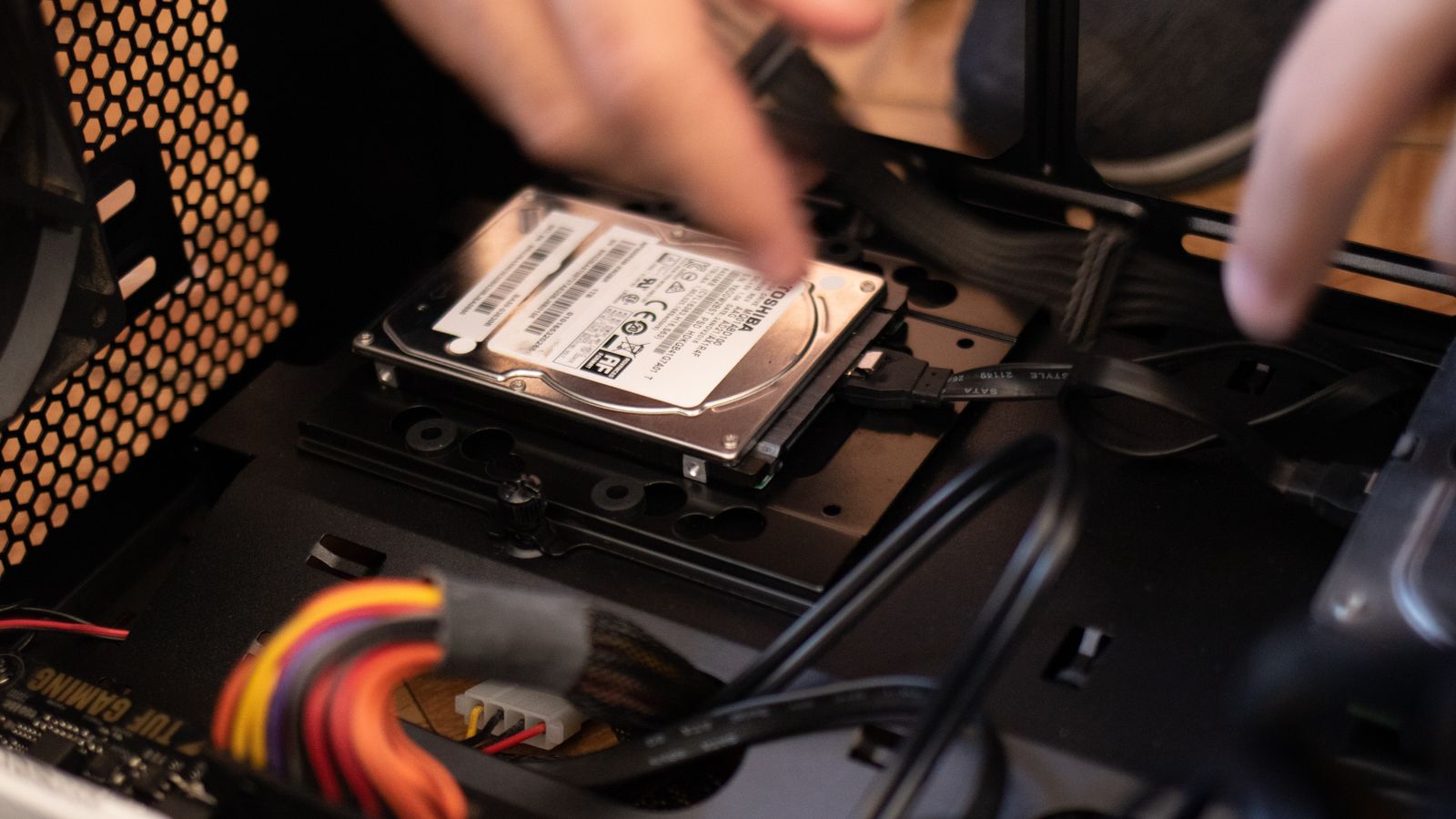
Hands installing a storage drive into a PC case during a build
Most build problems are compatibility problems, and a quick checklist avoids them.

Build by use case

1440p gaming: put the budget into a strong graphics card and a current six- or eight-core processor, with 32GB of DDR5 and a fast 1TB NVMe drive. This is the build most people should aim for.

4K and high refresh: step up to a top-tier graphics card with plenty of VRAM, a capable processor so it is not held back, and a higher-wattage 80 Plus Gold power supply.

Creator and workstation: favour core count, 32GB to 64GB of memory, and extra fast storage, with a graphics card chosen for the software you use.

Budget and everyday: a modern six-core chip with integrated or entry graphics, 16GB of memory, and a single NVMe drive covers office work, browsing, and light gaming without fuss.

Small form factor: a Mini-ITX board and case make a tidy machine, but plan cooling and clearances carefully and pick an SFX power supply.

Pro tip: buy the platform with a little headroom. A motherboard with a spare M.2 slot, a power supply with 100W to 150W of spare capacity, and a case with room for a larger cooler all turn your next upgrade into a five-minute job instead of a full rebuild.

Frequently asked questions

Which PC component should I choose first?

Decide what the PC is for, then pick the part that matters most for that job. For gaming that is usually the graphics card, which then guides your processor, power supply, and monitor. For creative work, start with the processor and memory.

How much should I spend on each part?

As a rough split for a gaming build, the graphics card takes the largest share, followed by the processor, then the motherboard, memory, storage, power supply, cooling, and case. Shift more towards the processor, memory, and storage for a creator or workstation build.

Do the CPU and motherboard have to match?

Yes. The processor and motherboard must use the same socket, and the chipset needs to support the chip. Always check the board's support list, since a BIOS update is sometimes needed for the newest processors.

How much RAM do I need in 2026?

32GB of DDR5 is the comfortable choice for gaming and general use. 16GB is the minimum, and 64GB only pays off for heavy creative work, large projects, or virtual machines.

What wattage power supply should I buy?

Add up your components and leave some headroom. A mainstream gaming build is usually happy with 650W to 850W, while a high-end graphics card may want more. Choose an 80 Plus Gold, ATX 3.1 unit with the right GPU connector.

Do I need to buy a CPU cooler separately?

Some processors include a cooler, many higher-power ones do not. Check the box, and budget for a good air or liquid cooler if there is none or if you want lower temperatures and noise.

Why you can trust this guide: Hardvance sells and supports the full range of PC parts every day, and standing behind them with returns and warranty service teaches us which components are genuinely reliable and good value. We are a retailer rather than a benchmarking lab, so we combine that day-to-day familiarity with manufacturer specs and independent reviews. We keep this guide current as hardware and prices change.

Leave a Reply

Your email address will not be published. Required fields are marked *