Best Motherboard in 2026: Stop Overpaying, a B-Series Board Is All Most Builds Need

0
Best motherboard 2026

Buy the ASUS TUF Gaming B650-Plus WiFi. Socket first, always: AM5 for current Ryzen, LGA1851 for Intel. A B-series board covers almost every gaming and work build; X-series money is better spent elsewhere.

Your build, your board:

Chipsets decoded, the VRM nobody photographs, and the features that earn their money: below.

Choosing the best motherboard is mostly about matching the right board to your CPU and your case. It pays to cross-check a board’s VRM and features against independent reviews such as TechPowerUp before you buy. Choosing a motherboard is the part of a PC build where a lot of people stall. It will not add frames per second the way a graphics card does, so it feels like the dull decision, but it quietly sets the rules for everything else. It decides which processor you can fit, how much memory you can run, how many drives you bolt on, and whether the board still has room for an upgrade in two years. Get it right and the rest of the build slots into place. Get it wrong and you are shopping for a second board.

This guide skips the model-number soup and gives you a simple order to think in: socket first, then chipset, then power delivery, form factor and the handful of features that matter in 2026.

The best motherboard for every build in 2026

Choosing a motherboard is mostly about getting four things right in order: the right socket for your CPU, a chipset with the features you need, a VRM strong enough to feed the chip, and the right size for your case. Here are the boards we fit for each kind of build, sold and supported by us with a full UK warranty, and checked against the maker specs and independent reviews.

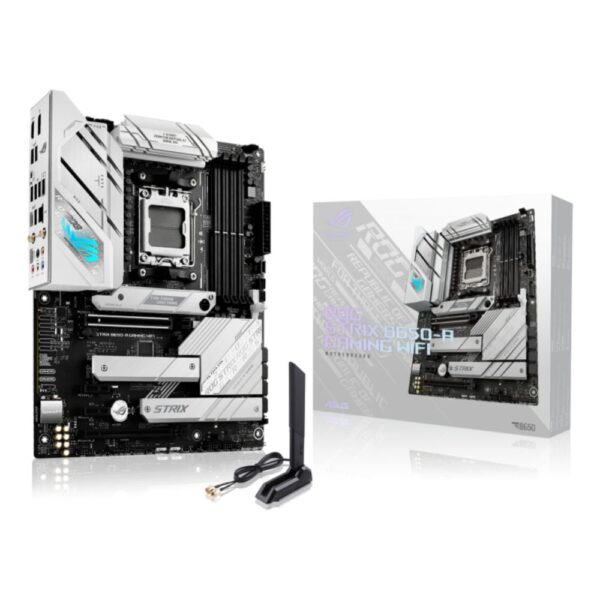
Best AM5 motherboard: ASUS TUF Gaming B650-Plus WiFi

For most AM5 gaming builds a solid B650 board is all you need, and the TUF Gaming B650-Plus WiFi is our go-to. It has a strong VRM that will happily feed a Ryzen 7, built-in Wi-Fi, and durable TUF components. You only need to step up to X870E if you want the latest connectivity or heavy overclocking.

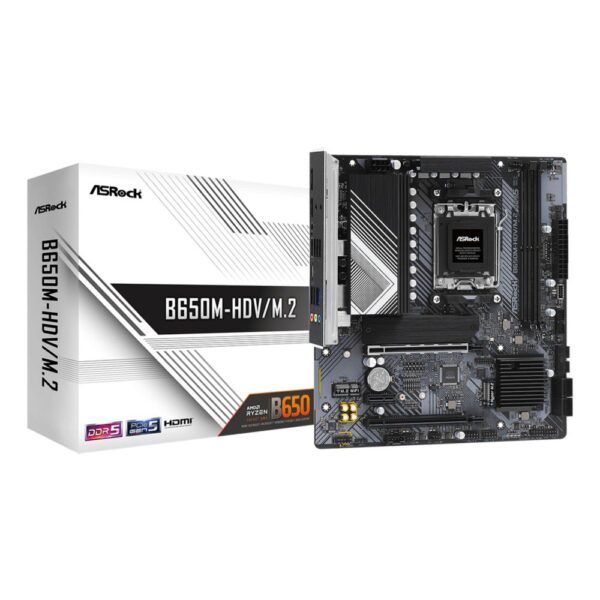
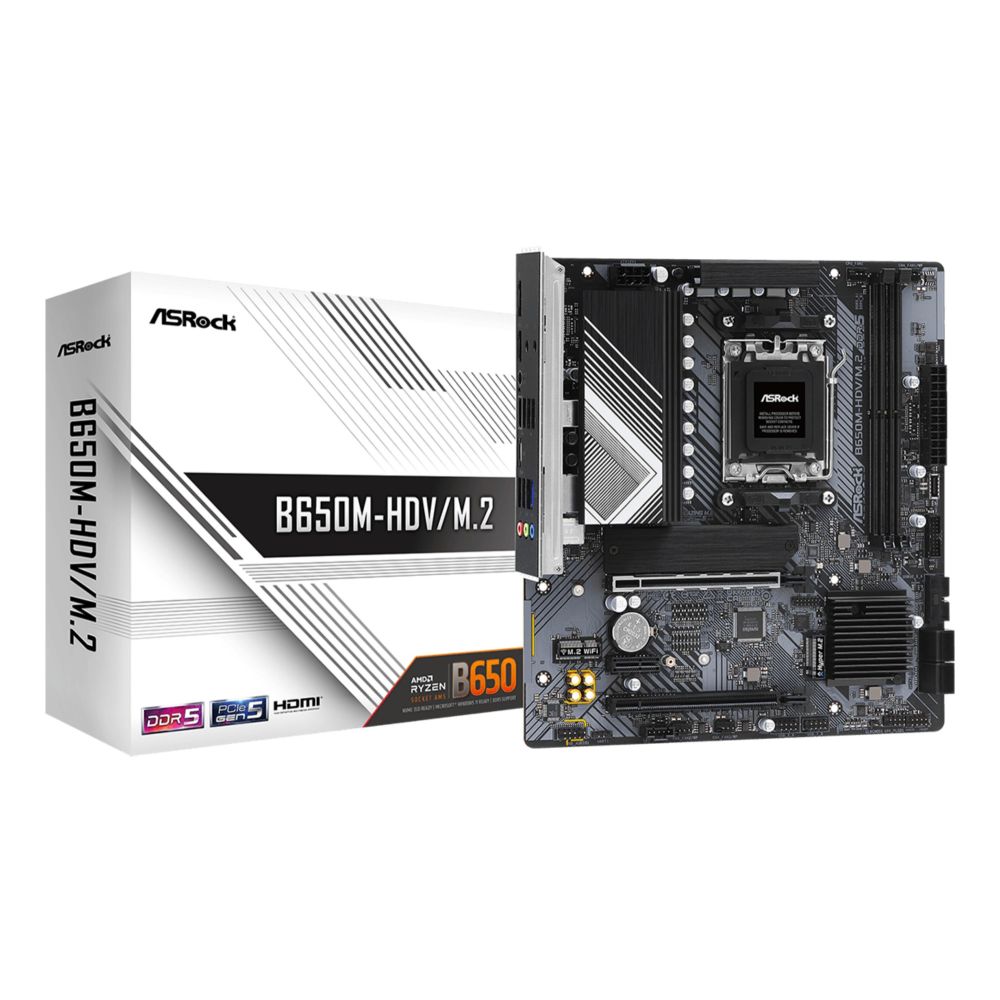
Best budget AM5 board: ASRock B650M-HDV

Asrock B650M-HDV AMD B650 AM5 micro ATX

In stock

£72.99 ex VAT
  • AMD B650 micro ATX motherboard for AMD Ryzenâ„¢ 7 processors
  • DDR5-SDRAM support with 64 GB maximum memory
  • PCIe 4.0 x16 slot and M.2 slot for high-speed storage
  • 2.5 Gb/s LAN and Realtek ALC897 7.1-channel audio
  • Front USB 3.2 Gen2 Type-C and multiple USB ports
If the budget is tight, the ASRock B650M-HDV gets you onto the modern AM5 platform with DDR5 and an M.2 slot for very little. It is a micro-ATX board without Wi-Fi or fancy heatsinks, but it runs a Ryzen 5 or non-X Ryzen 7 reliably. Spend the savings on your GPU.

Best high-end AM5 board: MSI MAG X870E Tomahawk WiFi

The MSI MAG X870E Tomahawk is the board to get if you want it all: a beefy VRM for the top Ryzen chips, the newest X870E connectivity with USB4 and Wi-Fi 7, and plenty of fast M.2 slots. It is overkill for a basic PC, but for a no-compromise AM5 rig it is the natural choice of the high end.

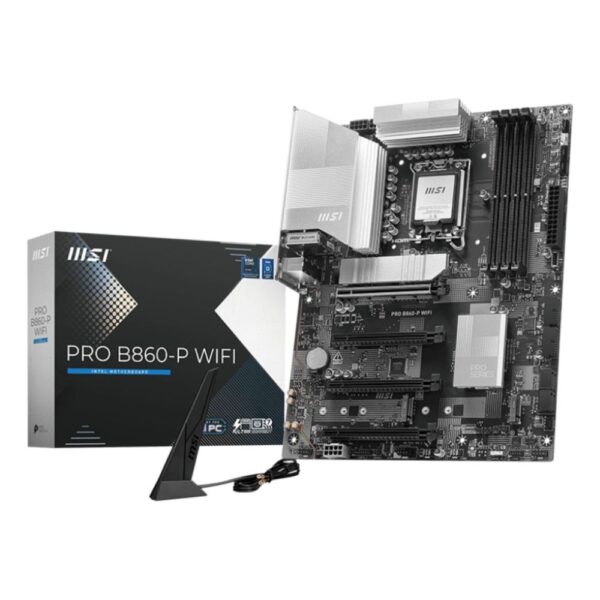
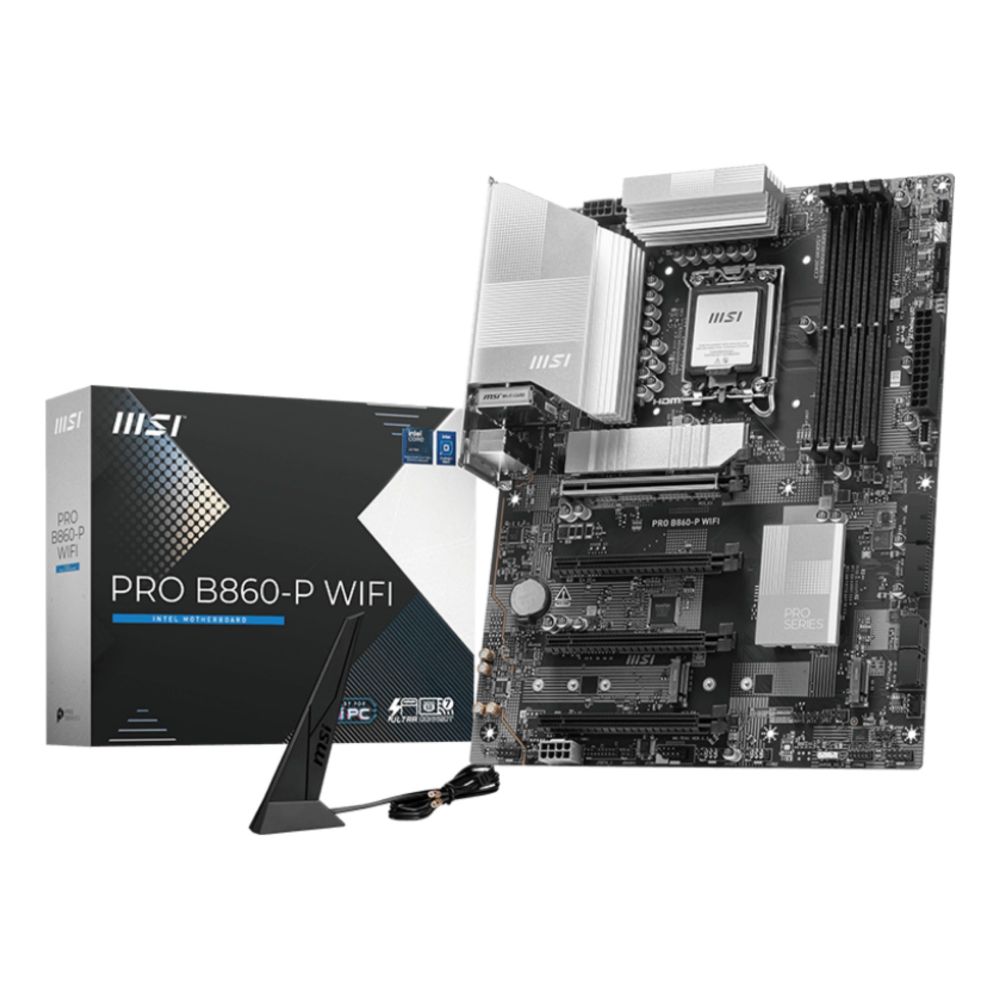
Best Intel motherboard: MSI PRO B860-P WiFi

MSI PRO B860-P WIFI Intel B860 LGA 1851 ATX Motherboard

In stock

Original price was: £148.99.Current price is: £139.99. ex VAT
  • Supports Intel Core Ultra processors
  • Wi-Fi 7 with EZ Antenna
  • 5G LAN and Thunderbolt 4
  • PCIe 5.0 M.2 and Supplemental PCIe Power
  • ATX form factor for PC builds
  • 256 GB maximum memory with DDR5 support
Going Intel? The MSI PRO B860-P WiFi is the sensible LGA 1851 pick for a Core Ultra build. It is a clean ATX board with DDR5, PCIe 5.0, Wi-Fi and a capable VRM, without paying for a flagship Z890. For gaming, B860 gives you everything that matters.

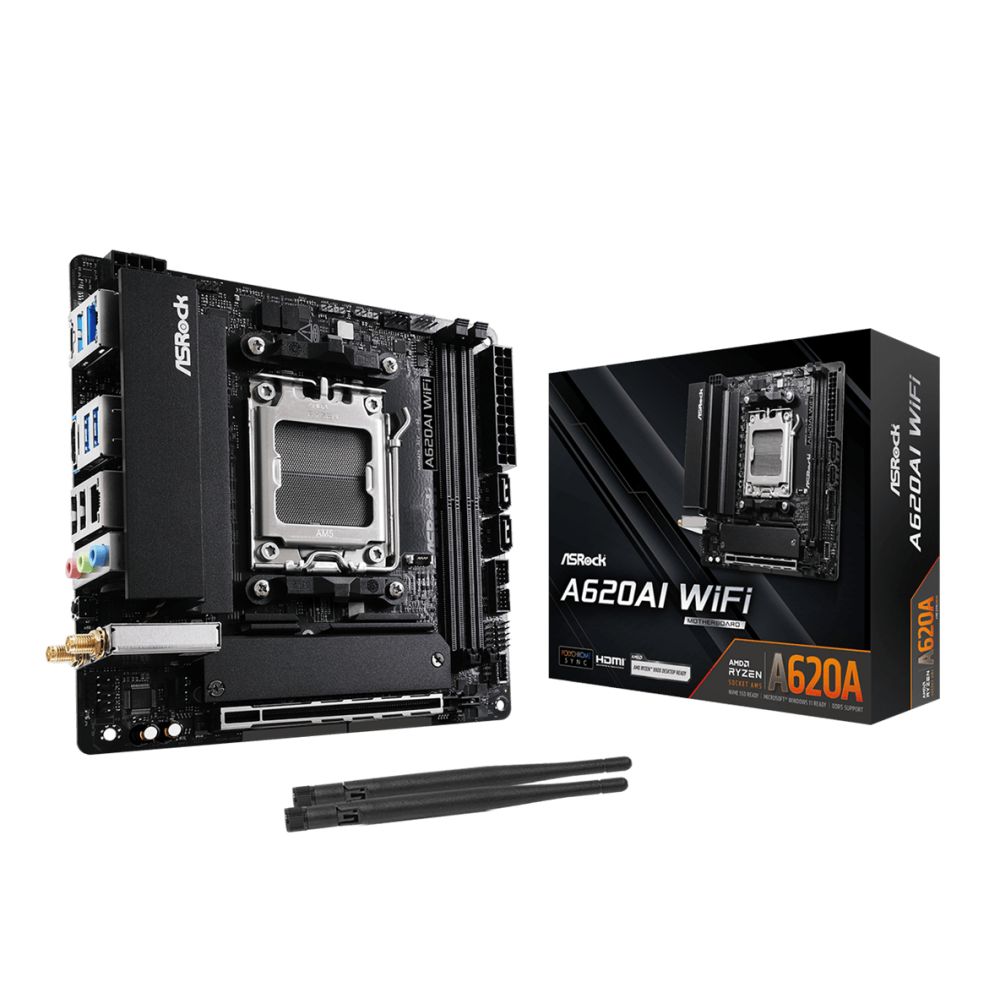
Best Mini-ITX board: ASRock A620AI WiFi

Asrock A620AI WiFi Mini ITX Motherboard

In stock

Original price was: £117.99.Current price is: £111.99. ex VAT
  • AMD A620A chipset mini ITX motherboard for AM5 socket
  • DDR5 memory support up to 128GB dual-channel
  • Wi-Fi 6E and 2.5G Ethernet for fast connectivity
  • 1x M.2 slot with PCIe 4.0 support for NVMe SSDs
  • Polychrome RGB and SignalRGB for customizable lighting
Building small? The ASRock A620AI is an affordable AM5 Mini-ITX board that fits a tiny case while taking a current Ryzen chip and DDR5. The A620 chipset keeps the cost down, so it suits a compact, non-overclocked gaming build rather than a top-end one. Check your case clearance before you buy.

Start with the socket, not the brand

The socket is the physical and electrical connection between the CPU and the board, and the two have to match. A board built for one socket will never take a chip from another, so the smart move is to choose your processor first and let it pick the socket for you. Have a look at our best gaming CPU guide if you have not settled on a chip yet.

Here is where the current chips land:

  • AMD AM5: every current Ryzen, including the 7800X3D and 9800X3D gaming favourites. DDR5 only, and AMD has promised support into 2027 and beyond, so it is the upgrade-friendly platform.
  • AMD AM4: the older socket, still brilliant value. The 5700X3D and 5800X3D remain superb budget gaming chips on cheaper DDR4.
  • Intel LGA1851: the home of current Core Ultra (Arrow Lake) processors, also DDR5.
  • Intel LGA1700: the previous 12th, 13th and 14th generation Core chips, still widely on sale.

If you are building around a Ryzen X3D chip for gaming, you want AM5. If you already have an AM4 system, a BIOS update and a 5700X3D can buy you a couple more years for very little money.

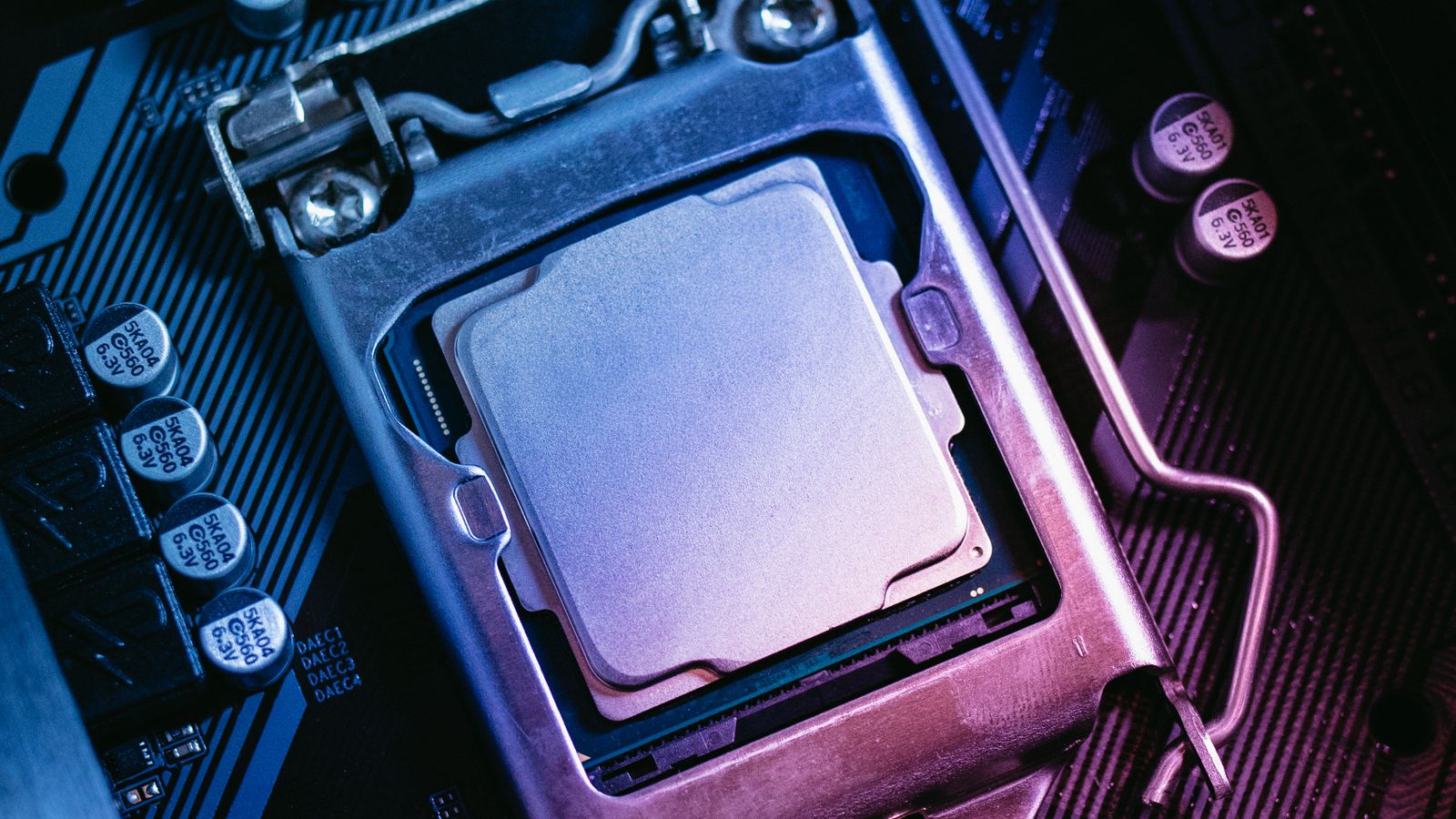
Processor seated in a motherboard CPU socket with the retention bracket closed
A processor seated in the CPU socket. Match the socket to your chip before you compare anything else.

Chipsets explained: A620 vs B650 vs X670E (and Intel B860 vs Z890)

Two boards with the same socket can be very different, and that difference is the chipset. It sets the feature ceiling: how many lanes you get, whether you can overclock, and how much fast storage and how many USB ports the board can offer.

ChipsetPlatformBest forCPU overclockTypical price
AMD A620AM5Budget buildsNo£80–110
AMD B650 / B850AM5Most gamers and creatorsYes£130–190
AMD B650E / X670EAM5Full PCIe 5.0, heavy storageYes£200–350
Intel B860LGA1851Mainstream Core UltraMemory only£140–200
Intel Z890LGA1851Overclocking, more lanesYes£220–400

For the vast majority of builds, the B tier is the answer. A B650 or B850 board gives you memory overclocking with EXPO, at least one PCIe 5.0 M.2 slot and a VRM that can feed a fast gaming CPU, without the X670E price tag. Save the difference for a better graphics card or a larger SSD. Only reach for B650E, X670E or Z890 if you really need full PCIe 5.0 on both the graphics slot and storage, or you plan to push an all-core overclock.

Editor’s Choice: ASUS TUF Gaming B650-Plus WiFi

If we had to point at one board for most people, it is this one. The ASUS TUF Gaming B650-Plus WiFi keeps turning up in our own builds because it gets the basics right and skips the fluff. The VRM feeds a Ryzen 7 9800X3D without breaking a sweat, you get DDR5 with EXPO, PCIe 5.0 storage, built-in Wi-Fi and BIOS Flashback so you can update the firmware with no CPU fitted. It is not the flashiest board on the shelf, and that is rather the point.

VRM and power delivery: the part nobody photographs

The VRM, short for voltage regulator module, is the cluster of chokes, capacitors and power stages around the socket that turns the messy power from your supply into the clean, steady voltage a CPU needs. A weak VRM on a cheap board runs hot and throttles a high-core or X3D chip under sustained load, which quietly robs you of the performance you paid for.

You do not need a twenty-phase monster. You need a board rated for your CPU. A mid-range B650 or B850 has plenty of headroom for a 7800X3D or 9800X3D. If you are running a 16-core 9950X or doing heavy all-core work like rendering, step up to a board with a stronger VRM and proper heatsinks. The motherboard is only one link in the power chain, so pair it with a quality unit from our best power supply guide.

Motherboard VRM area with heatsink, capacitors and chokes near the CPU socket
The VRM heatsinks and chokes around the socket. A board rated for your CPU keeps clocks steady under load.

Form factor: ATX vs Micro-ATX vs Mini-ITX

Form factor is simply the size of the board, and it has to match your case. It also decides how many expansion slots and M.2 drives you get.

Form factorSizeExpansion slotsBest for
ATXFull sizeMost PCIe and M.2Best value per feature, easy cooling
Micro-ATXSmaller squareFewer slotsBudget and compact builds
Mini-ITXTinyOne PCIe slotSmall form factor, single GPU

ATX is the default for a reason: the most slots, the easiest airflow and the best price for the features. Micro-ATX is the value pick for a tidy build that still takes a graphics card. Mini-ITX looks fantastic in a small case, but you pay a premium, you get one expansion slot, and cooling needs more thought. Decide on the case and the board size together.

The features that actually matter in 2026

Spec sheets are long on purpose. These are the points worth checking before you buy, and the ones you can safely ignore.

  • M.2 slots: count them. Two is the practical minimum, three is comfortable if you keep games and work on separate drives.
  • PCIe 5.0: useful for the fastest SSDs, but today’s graphics cards barely stretch PCIe 4.0, so do not overpay for it on the GPU slot. Our graphics card guide has more on that.
  • Wi-Fi 7 and 2.5GbE: get Wi-Fi if you will not run an Ethernet cable. Wired is still faster and cheaper, but a Wi-Fi 7 board keeps a desk neat.
  • USB4 or USB-C: handy for docks, fast external drives and a single-cable monitor.
  • BIOS Flashback: updates the firmware with no CPU installed. On a brand-new platform this one feature can save a build.
  • Memory support: check the board’s QVL for the kit you want. DDR5-6000 CL30 is the best match for AM5, and our RAM guide explains why.

What you can skip: RGB you will hide under a desk, a second high-speed network port you will never plug in, and “AI” overclocking buttons that rarely beat a five-minute manual tune.

Our top motherboard picks for 2026

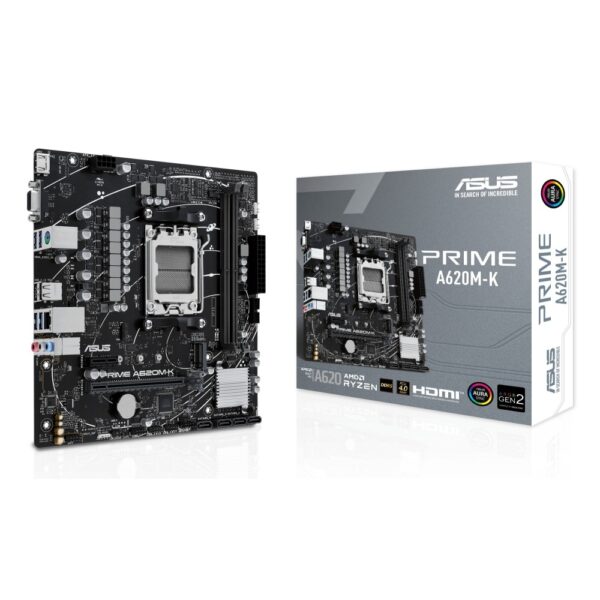
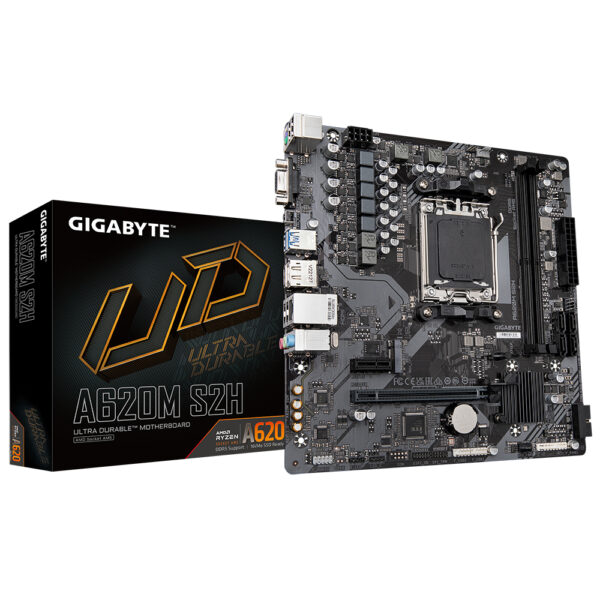
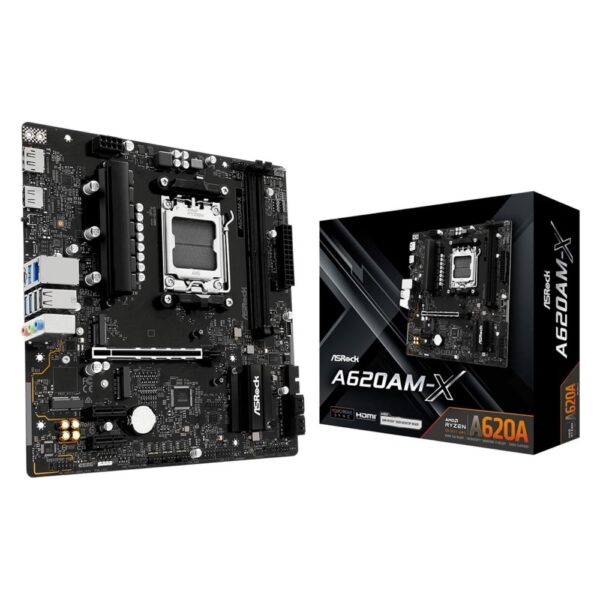
Three boards that cover most builds: a clean budget option, a do-it-all mainstream board and a current Intel pick. All three are shown below.

Want more choice on AM5? Here are the Ryzen boards we sell, sorted by price.

Best Intel motherboards

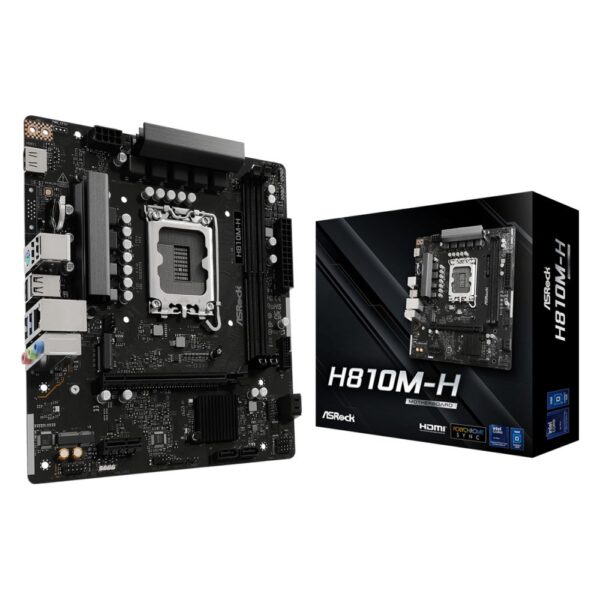
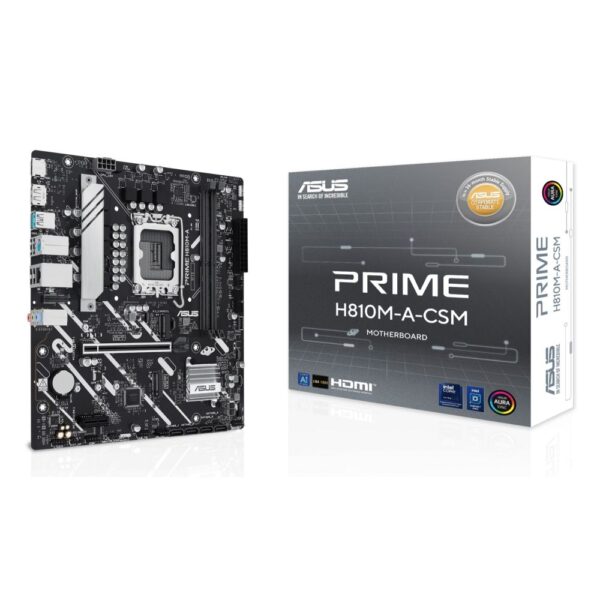
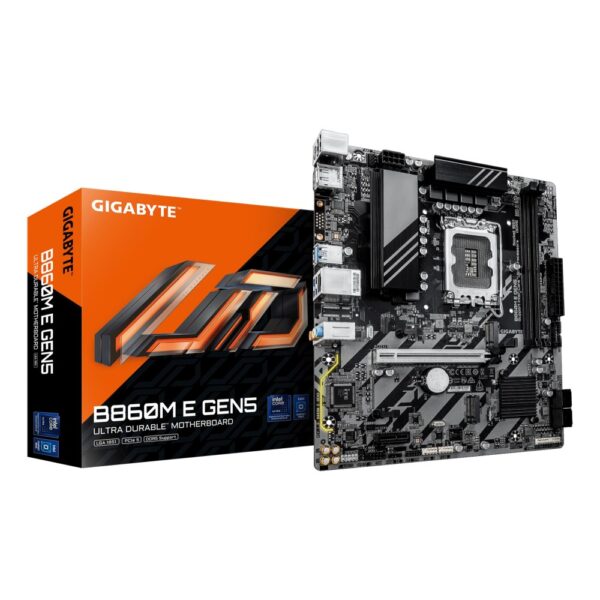
If you are building on Intel Core Ultra, an LGA1851 board is what you need. B860 covers mainstream gaming and work, while Z890 adds overclocking and extra lanes for heavier setups. The current LGA1851 boards we sell are below.

How much should you spend?

Match the board to the rest of the build rather than the other way round. A sensible rule is to spend roughly what you would on a good cooler, then put the rest into the CPU, GPU and storage.

BudgetTypical boardWhat you get
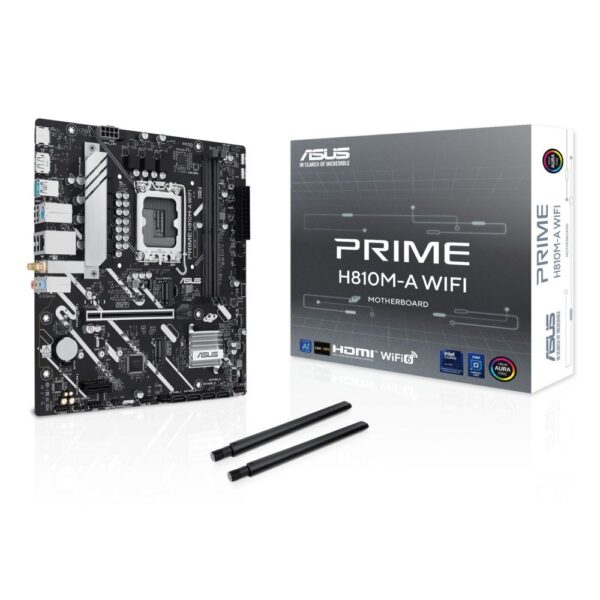
£80–120A620 or H810Solid foundation, DDR5, one or two M.2, no frills
£130–190B650, B850 or B860The practical pick: memory tuning, PCIe 5.0 storage, Wi-Fi
£200–350X670E or Z890Full PCIe 5.0, more lanes, strong VRM, overclocking

Pro tip: before you buy, check the board’s memory QVL and the CPU support list on the maker’s website. An older board often just needs a quick BIOS update for a newer chip, and BIOS Flashback lets you do it with no processor installed.

Frequently asked questions

Before you buy a motherboard

  • Socket first. Match the board to your CPU: AM5 for current Ryzen, LGA 1851 for current Core.
  • Chipset sets features. It decides ports, lanes, and whether you can overclock.
  • Count the M.2 slots and check whether Wi-Fi is included if you need it.
  • Power delivery matters more on a high-core-count chip than on a mainstream one.
  • BIOS. A board bought early in a platform may need a BIOS update for the newest CPUs.
Do I need an X670E board for a Ryzen X3D CPU?

No. A good B650 or B850 board runs a 7800X3D or 9800X3D perfectly. The X3D chips are not heavy power users, so a mid-range board has all the VRM headroom they need. Put the saved money into the GPU or a faster SSD.

Will any DDR5 work, or does it need to match the board?

Any DDR5 module will physically fit an AM5 or LGA1851 board, but check the board's QVL for the speed you want. DDR5-6000 CL30 is the obvious pick for most people on AM5, and a quick EXPO or XMP toggle in the BIOS sets it running.

ATX or Micro-ATX?

Micro-ATX saves money and fits smaller cases, and it still takes a full-size graphics card. Choose ATX if you want more M.2 and PCIe slots, stronger VRMs or easier airflow.

Is PCIe 5.0 worth paying for?

For storage, slightly, if you want the fastest SSDs. For graphics, not yet, since current cards barely use PCIe 4.0 bandwidth. Do not let a PCIe 5.0 graphics slot alone justify a much pricier board.

Can I reuse my AM4 board with a new CPU?

If the board is AM4 and its BIOS supports the chip, yes. AM4 still takes the excellent 5700X3D for cheap gaming upgrades. For any current Ryzen you need an AM5 board.

Do I really need Wi-Fi on the motherboard?

Only if you will not plug in an Ethernet cable. Wired is faster and cheaper, but a Wi-Fi 7 board is well worth it for a compact desk or a room with no nearby socket.

How we judge these boards: we stock, sell and support motherboards every day and handle the returns and compatibility questions that come with them, which shows us which boards are dependable and which cause headaches. We do not run a test lab, so we lean on that practical experience alongside manufacturer documentation and independent reviews. Refreshed as new chipsets and boards appear.

Leave a Reply

Your email address will not be published. Required fields are marked *